Productivity Best in category 1 results Robotic Process Automation AI Tool

Popular AI tools in the Robotic Process Automation field of Productivity include Pig, etc., helping you quickly improve efficiency.

Pig

Pig

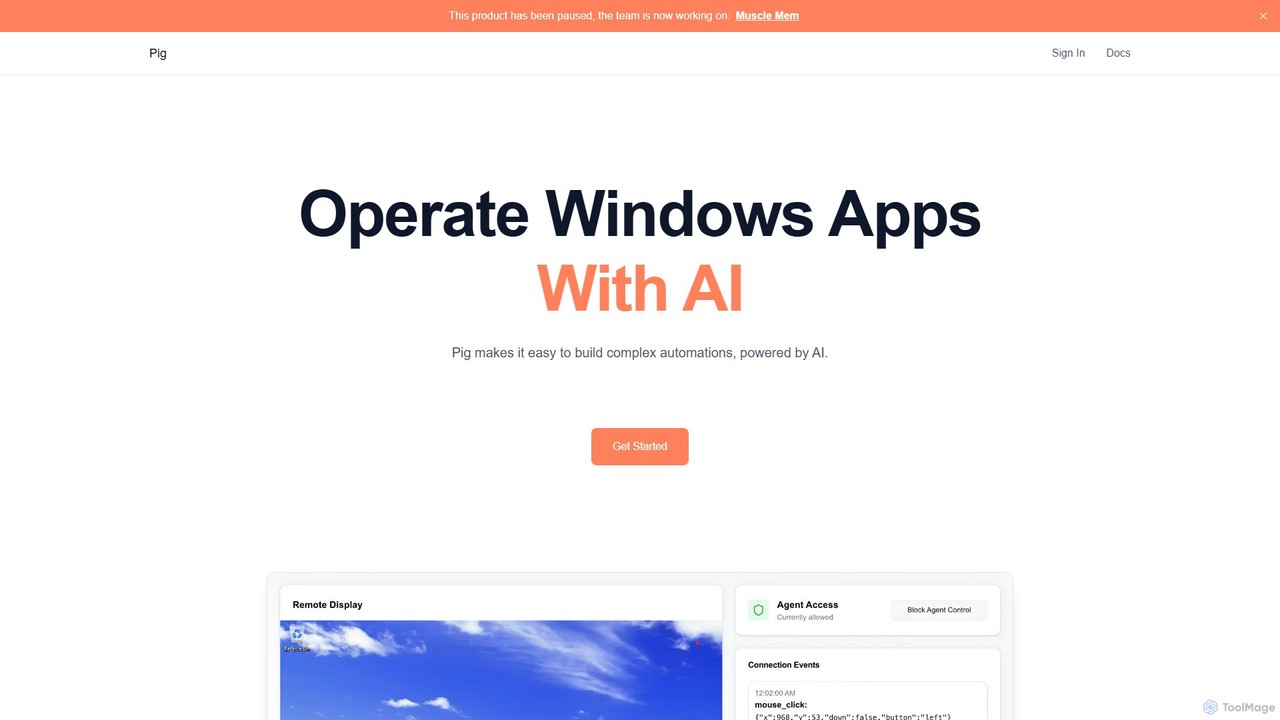
Pig is an advanced AI automation platform for developers, enabling the control of computer desktops through a chat …

3.3K

About Robotic Process Automation

Robotic Process Automation (RPA) tools are a class of software used to build, deploy, and manage software robots that emulate human actions interacting with digital systems. These 'bots' operate on the user interface (UI) level to capture data and manipulate applications just as a human does. As a key part of the Productivity category, RPA is designed to automate high-volume, repetitive, and rule-based tasks, significantly boosting operational efficiency. This approach allows for the automation of workflows across disparate systems without requiring complex API integrations.

Core Features

  • Visual Workflow Designer: Build automation scripts using drag-and-drop interfaces and visual flowcharts, minimizing the need for coding.
  • UI Interaction Automation: Enables bots to accurately mimic human actions such as clicking buttons, filling forms, and navigating menus in web and desktop applications.
  • Unattended & Attended Bots: Deploy bots that run autonomously on a schedule (unattended) or work alongside humans as digital assistants (attended).
  • Data Extraction and Processing: Scrape structured data from documents like PDFs, spreadsheets, and emails, and process it according to predefined rules.
  • System Integration: Connect to various enterprise applications, databases, and terminals to create seamless, end-to-end automated processes.

Use Cases

RPA is widely adopted in industries like finance for invoice processing and compliance reporting, in human resources for automating employee onboarding and payroll, and in customer service for updating customer records. It is particularly effective for bridging legacy systems with modern applications where APIs are not available.

How to Choose

When selecting an RPA tool, consider its scalability to handle increasing process volumes. Evaluate the ease of use of its design studio—whether it suits business users (low-code) or requires specialized developers. Assess its compatibility with your application stack, including web, desktop, and legacy systems. Finally, examine the tool's security features, governance capabilities, and the total cost of ownership, including licensing and maintenance.

Robotic Process AutomationUse Cases

1

Automate Accounts Payable Invoice Processing

Finance departments can use RPA to automate the entire invoice handling workflow. A software bot monitors an email inbox for new invoices, uses Optical Character Recognition (OCR) to extract key data like invoice number and amount from the PDF. The bot then validates this information against purchase orders in an ERP system, flags discrepancies for human review, and enters the approved data into the accounting software for payment. This significantly reduces manual data entry, minimizes errors, and accelerates the payment cycle.

2

Streamline New Employee Onboarding

HR teams can deploy RPA bots to manage repetitive onboarding tasks. Once a candidate accepts an offer, a bot can be triggered to perform a sequence of actions: create user accounts in Active Directory, email, and other business applications; assign appropriate access permissions based on the employee's role; and schedule introductory meetings. This ensures a consistent, error-free, and rapid onboarding process, allowing HR staff to focus on more strategic, human-centric aspects of welcoming new employees.

3

Automate Customer Information Updates

In customer service centers, agents often spend significant time on administrative tasks. An RPA bot can automate customer data management by monitoring a CRM or ticketing system for update requests. For instance, when a customer submits a change of address form, the bot can read the new information, log into multiple backend systems (billing, shipping, marketing), and update the address consistently across all platforms. This frees up agents to resolve complex customer issues and improves data accuracy.

4

Automate Daily Report Generation and Distribution

Business analysts and managers often need to compile data from various sources for daily reports. An RPA bot can automate this entire process. It can be scheduled to log into different systems like a CRM, a financial database, and a web analytics platform. The bot gathers the necessary data, consolidates it into a pre-designed Excel or Power BI template, generates charts, and then distributes the final report via email to a specified list of stakeholders. This ensures timely and consistent reporting without manual intervention.

5

Perform Automated IT System Health Checks

IT operations teams can leverage RPA to proactively monitor system health. A bot can be programmed to perform routine checks on critical servers and applications. This includes logging in, checking CPU and memory usage, verifying that essential services are running, and testing application response times. If any metric falls outside the normal range, the bot can automatically create a high-priority ticket in an IT Service Management (ITSM) tool like ServiceNow, attaching relevant logs and screenshots for faster troubleshooting.

6

Automate Data Migration Between Legacy and Modern Systems

During a digital transformation project, migrating data from a legacy system without an API to a new cloud application is a major challenge. RPA provides a practical solution. A bot can be configured to open the legacy application's user interface, navigate through screens, systematically copy data field by field, and then paste it into the corresponding fields in the new system's interface. This method, known as UI-based automation, de-risks migration projects by ensuring data integrity without costly and complex backend development.

Robotic Process AutomationFrequently Asked Questions