Productivity Best in category 1 results Testing Automation AI Tool

Popular AI tools in the Testing Automation field of Productivity include PlayerZero, etc., helping you quickly improve efficiency.

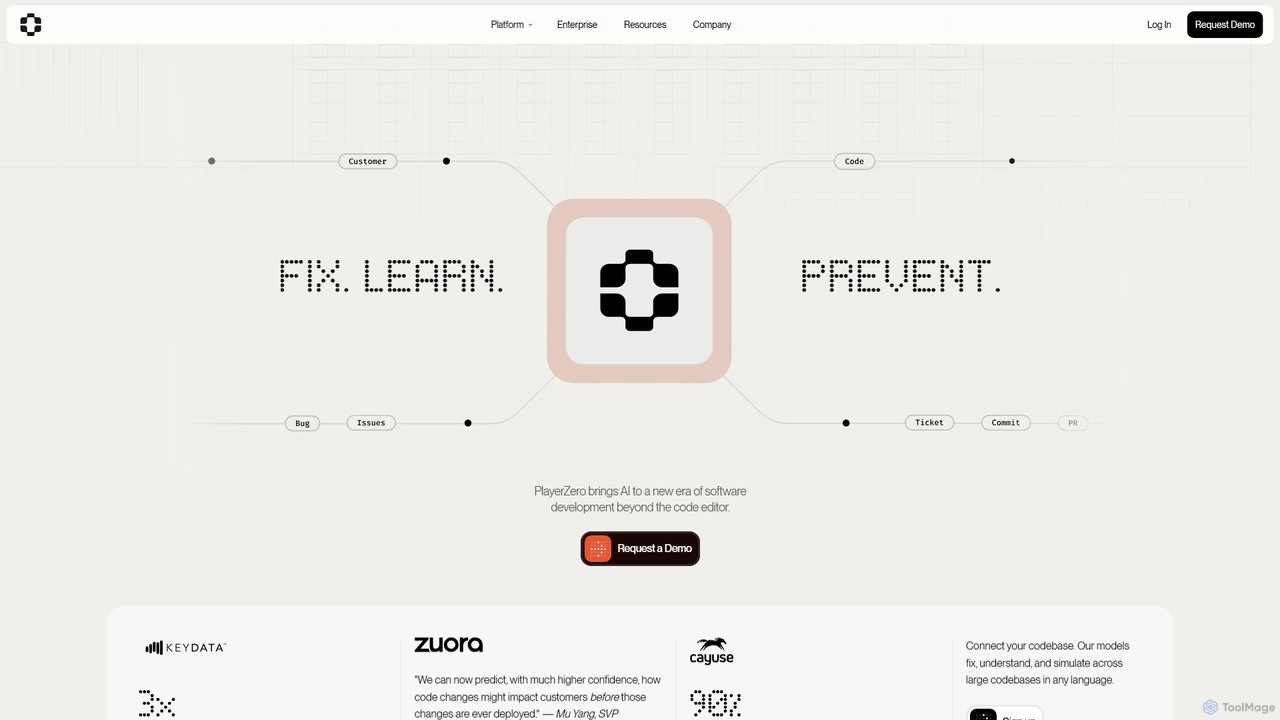
PlayerZero

PlayerZero

PlayerZero is an AI-powered platform for predictive software quality. It helps engineering teams ship flawless software faster by …

43.9K

About Testing Automation

Testing Automation tools are a class of AI-powered software designed to automate the creation, execution, and maintenance of software tests. These tools leverage machine learning and computer vision to analyze applications, generate relevant test scripts, and intelligently adapt to changes in the user interface. Their primary value lies in accelerating development cycles, improving test accuracy, and significantly reducing the manual effort required for quality assurance, thereby enhancing overall productivity. AI-driven features like self-healing tests and visual validation make the testing process more resilient and efficient than traditional methods.

Core Features

  • AI-Powered Test Generation: Automatically creates test cases and scripts by analyzing application UI, user flows, or code.
  • Self-Healing Tests: Intelligently identifies UI changes (e.g., renamed buttons) and automatically updates test scripts to prevent failures.
  • Visual Regression Testing: Uses computer vision to detect unintended visual changes, bugs, and inconsistencies that code-based tests miss.
  • Smart Test Execution: Prioritizes and runs the most relevant tests based on recent code changes, optimizing CI/CD pipeline time.
  • Root Cause Analysis: Provides intelligent insights and suggestions to help developers quickly identify the source of a test failure.

Use Cases

These tools are essential for modern software development teams, particularly QA engineers, developers, and DevOps professionals. They are widely used in Agile and DevOps environments for continuous integration and deployment (CI/CD), enabling teams to perform comprehensive regression testing on web, mobile, and API applications with each new build. They are also valuable for ensuring cross-browser and cross-device compatibility efficiently.

How to Choose

When selecting a Testing Automation tool, consider the platforms it supports (web, mobile, desktop, API). Evaluate its integration capabilities with your existing CI/CD pipeline and project management tools. Assess the sophistication of its AI features, such as the reliability of its self-healing mechanism. Finally, consider the team's technical skill level, choosing between no-code/low-code solutions for broader team access and code-based frameworks for greater customization.

Testing AutomationUse Cases

1

Automating UI Regression Testing for E-commerce

A QA team for an e-commerce platform needs to ensure the checkout process works flawlessly after every code update. They use an AI testing tool to record the checkout flow once. For subsequent tests, the AI automatically runs through the entire process—adding items to the cart, applying discounts, and completing payment—across multiple browsers. The tool's self-healing feature automatically adapts to minor UI changes, like a button's text changing from 'Buy Now' to 'Purchase', preventing test failures and saving the team hours of manual script maintenance each week.

2

Validating API Endpoints in a CI/CD Pipeline

A DevOps engineer integrates an AI-powered testing tool into their GitHub Actions pipeline. When a developer pushes new code for a microservice, the tool automatically discovers new API endpoints and generates tests to validate their responses, schemas, and performance. If a test fails—for example, an endpoint returns an incorrect status code or data format—the tool immediately fails the build and notifies the team via Slack. This prevents faulty APIs from being deployed to production and provides developers with instant, actionable feedback.

3

Cross-Browser Visual Consistency Checks

A front-end development team for a SaaS application uses an AI visual testing tool to ensure their product looks perfect on all major browsers. After deploying a new feature, the tool automatically captures screenshots of key pages on Chrome, Firefox, and Safari. Its AI then compares these screenshots against an approved baseline, highlighting any visual discrepancies like misaligned elements, font rendering issues, or color differences with pixel-level precision. This allows the team to catch and fix browser-specific bugs that would be tedious and error-prone to find manually.

4

Generating Test Cases from Plain Language Requirements

A business analyst on a project team writes user stories in a format like Gherkin ('Given-When-Then'). They use a no-code AI testing tool that reads these plain-language requirements and automatically generates executable test scripts. For a story like 'Given a user is logged in, When they add an item to their wishlist, Then the item should appear on the wishlist page,' the AI creates a corresponding automated test. This bridges the gap between business requirements and technical testing, ensuring features are tested exactly as specified and allowing non-technical team members to contribute directly to the automation effort.

5

Mobile App Functionality Testing Across Devices

A mobile development agency needs to test their new social media app on a wide range of Android and iOS devices. Instead of manually testing on each physical device, they use an AI automation tool connected to a device cloud. The AI intelligently explores the app, mimicking real user interactions like scrolling, swiping, and tapping, to discover crashes or functional bugs. It automatically captures performance data and logs errors, providing a consolidated report that highlights which features failed on specific device models or OS versions, drastically reducing the time and cost of compatibility testing.

6

Optimizing Test Execution with Predictive Analysis

In a large-scale enterprise application with thousands of test cases, running the full regression suite can take hours. A QA lead implements an AI testing platform that integrates with their source code repository. Before a CI/CD run, the AI analyzes the code changes and predicts which existing tests are most likely to be impacted. It then assembles and runs a smaller, targeted test suite instead of the full suite. This reduces test execution time from four hours to under 30 minutes, providing faster feedback to developers without compromising quality coverage for critical areas.

Testing AutomationFrequently Asked Questions