ToolMage
Sign in

Best 1 Visual Programming AI tools for Productivity

Popular Visual Programming AI tools in Productivity include Orca, helping you work more efficiently.

Orca
Freemium

Orca

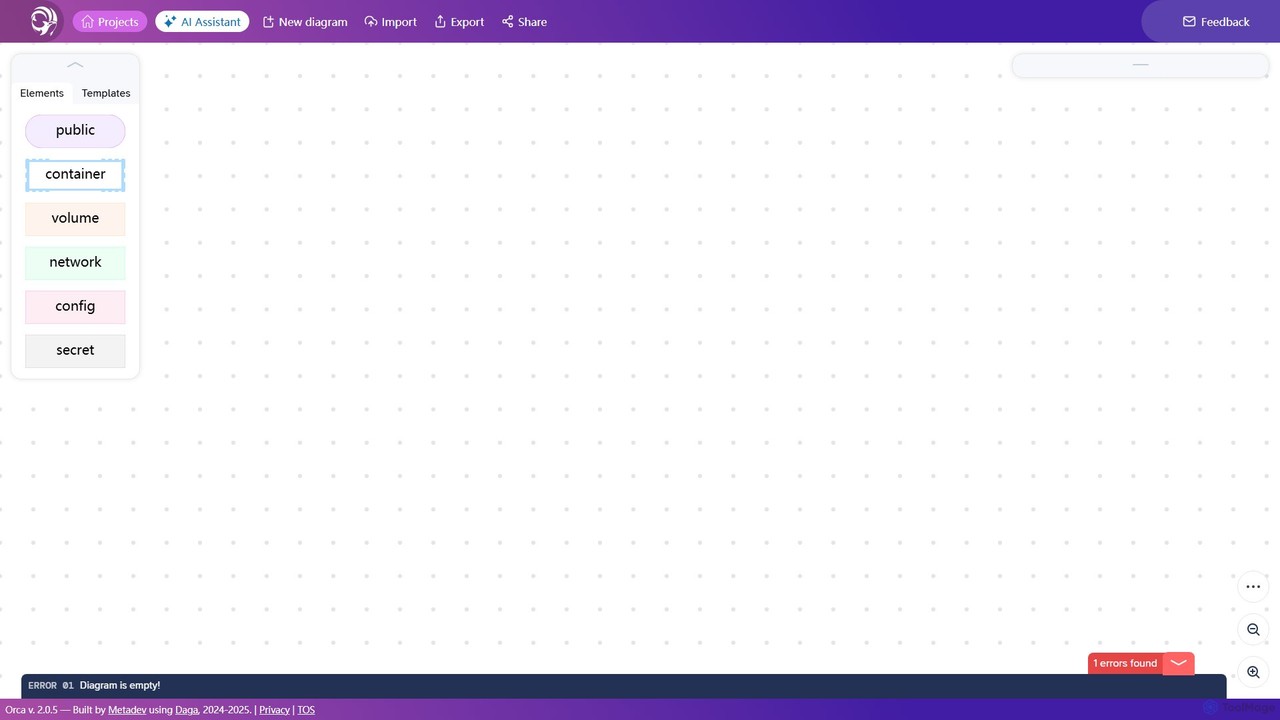
Orca is an intuitive visual tool for designing and managing containerized application architectures. It simplifies the complexity of Docker and Kubernetes by allowing users to create infrastructure diagrams that automatically generate valid configuration files like docker-compose.yml.

Containerization
Visits 7.6KFavorites 144Likes 136

About Visual Programming

Visual Programming is a method of creating software applications and systems by manipulating graphical elements rather than writing traditional text-based code. These tools utilize intuitive drag-and-drop interfaces, flowcharts, or block-based systems to represent program logic and data flow. It significantly lowers the barrier to entry for programming, enabling non-developers and domain experts within the broader productivity landscape to build complex automations and applications efficiently.

Core Features

  • Graphical Interface: Provides an intuitive visual environment for designing program logic.
  • Drag-and-Drop Components: Allows users to assemble programs by connecting pre-built blocks or nodes.
  • Real-time Feedback: Offers immediate visual cues and debugging capabilities during development.
  • Integration Capabilities: Connects with various APIs, databases, and external services to extend functionality.
  • Workflow Automation: Facilitates the creation of automated processes and data pipelines.

Applicable Scenarios

Visual Programming tools are ideal for individuals and teams looking to automate repetitive tasks, rapidly prototype applications, or teach programming concepts without deep coding knowledge. They are widely used in business process automation, data orchestration, and interactive content creation, empowering users to build solutions quickly and visually.

How to Choose

When selecting a Visual Programming tool, consider its ease of use and learning curve for your team, the breadth of its integration ecosystem with your existing tools, and its scalability to handle future project complexity. Evaluate the available components, community support, and whether it aligns with your specific project requirements for data processing, UI development, or workflow automation.

Visual Programming use cases

1

Automating Business Workflows

Business analysts or operations managers use visual programming to design and automate complex multi-step processes, such as customer onboarding, invoice processing, or data synchronization between different enterprise systems. This reduces manual effort and ensures consistency across operations, leading to significant time and cost savings.

2

Rapid Application Prototyping

Product designers and entrepreneurs leverage visual programming to quickly build functional prototypes of web or mobile applications. They can visually define user interfaces, backend logic, and data interactions, allowing for faster iteration and validation of ideas before committing to full-scale development, accelerating time-to-market.

3

Data Integration and Transformation

Data analysts or scientists utilize visual programming platforms to connect disparate data sources, extract relevant information, transform it into a usable format, and load it into analytical tools or databases. This simplifies complex ETL (Extract, Transform, Load) pipelines without writing extensive code, making data preparation more accessible.

4

Building Custom Chatbots

Marketing professionals or customer service teams employ visual programming to design interactive chatbot flows. They can visually map out conversation paths, integrate with CRM systems, and define responses based on user input, creating intelligent virtual assistants without needing a developer, enhancing customer engagement and support efficiency.

5

IoT Device Automation

Smart home enthusiasts or industrial engineers use visual programming to create custom automation rules for IoT devices. They can visually link sensor inputs to actuator outputs, define schedules, and integrate with cloud services, enabling sophisticated control over connected environments without complex coding, simplifying smart system management.

6

Educational Programming

Educators introduce programming concepts to students using visual programming environments. The block-based or flowchart interfaces make abstract concepts like loops, conditionals, and variables tangible and easier to grasp, fostering computational thinking skills in a fun and accessible way, preparing students for future technical roles.

Visual Programming FAQ

What is Visual Programming?

Visual Programming is a programming paradigm that allows users to create software by manipulating graphical elements, such as blocks, nodes, or flowcharts, instead of writing traditional text-based code. It focuses on representing program logic and data flow visually, making development more intuitive and accessible, especially for non-developers seeking to automate tasks or build applications.

How do I choose the right Visual Programming tool?

When selecting a Visual Programming tool, consider your project's complexity and specific needs, the tool's integration capabilities with other systems, and its learning curve for your team. Also, evaluate the available pre-built components, community support, and whether it offers the necessary scalability and deployment options for your applications to ensure it meets your long-term goals.

What's the difference between Visual Programming and traditional text-based coding?

Visual Programming uses graphical interfaces to define program logic, reducing syntax errors and making development more intuitive for beginners. Traditional text-based coding involves writing code line-by-line, offering greater flexibility, control, and performance for highly complex or custom applications, but requires deeper technical expertise and a steeper learning curve.

What are the main benefits of using Visual Programming?

The primary benefits of Visual Programming include faster development cycles due to its intuitive interface, a significantly reduced learning curve for non-programmers, improved collaboration among technical and non-technical team members, and easier debugging through visual representation of logic. It democratizes software creation, making it accessible to a wider audience and accelerating innovation.

Are there any limitations to Visual Programming?

While powerful, Visual Programming can have limitations. It may offer less flexibility for highly custom or complex logic compared to text-based coding, potentially leading to vendor lock-in with specific platforms. Performance might also be a concern for extremely demanding applications, and the visual interface can sometimes become cluttered with very large projects, impacting readability and maintainability.