

Orca Overview
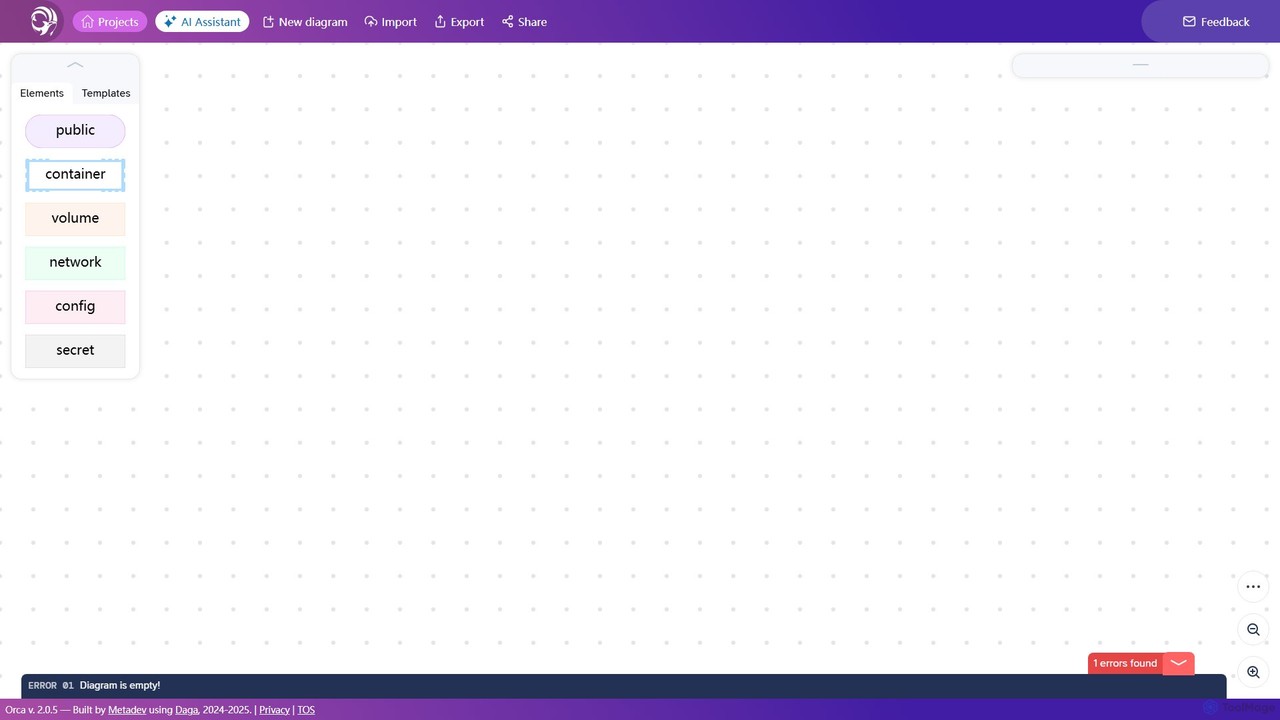
Orca is a powerful visual editor designed to streamline the workflow for developers and DevOps engineers working with container technologies. It provides a clean, intuitive interface where users can visually construct their application's infrastructure by dragging and dropping components like containers, volumes, networks, and secrets. This visual-first approach eliminates the steep learning curve and common syntax errors associated with writing complex YAML configuration files by hand.
The platform is built for both individual developers and collaborative teams, serving as a single source of truth for application architecture. By representing infrastructure as a clear, easy-to-understand diagram, Orca enhances communication, simplifies onboarding for new team members, and provides living documentation that is always in sync with the actual configuration.
How to use Orca
Using Orca is a straightforward process designed for maximum efficiency:
- Start a Project: Create a new project from a blank canvas or choose from a library of pre-built templates for common application stacks (e.g., WordPress, MEAN stack, microservices).
- Design Your Architecture: Use the drag-and-drop editor to add elements to your diagram. Add containers, define images, configure ports, set up networks for communication, and attach persistent storage volumes.
- Configure Elements: Click on any element to open its configuration panel. Here you can specify details such as environment variables, build contexts, health checks, and secrets management.
- Real-Time Validation: As you build, Orca continuously validates your diagram and configuration, highlighting any errors or inconsistencies in real-time. This ensures that the generated output will be valid and functional.
- Export Configuration: Once your diagram is complete and error-free, you can export the entire setup as a production-ready
docker-compose.ymlfile or other supported formats. - Deploy: Use the exported file with standard Docker or Kubernetes command-line tools to deploy your application stack.
Core Features of Orca
- Visual Diagram Editor: An intuitive drag-and-drop interface for building container infrastructure.
- Docker Compose Generation: Automatically converts visual diagrams into clean, well-structured
docker-compose.ymlfiles. - Real-Time Error Checking: Instantly validates your configuration to prevent common syntax and logical errors.
- Template Library: A collection of pre-configured templates for popular applications and services to get you started quickly.
- Component Management: Easily manage and configure all core Docker elements, including containers, networks, volumes, configs, and secrets.
- Collaborative Workspace: Share diagrams with your team to collaborate on architecture design and review.
- Version Control Friendly: The generated files are text-based, making them easy to integrate with Git and other version control systems.
Use Cases for Orca
Orca is versatile and can be used in various scenarios:
- Development Environments: Quickly spin up and tear down consistent development environments for different projects.
- Microservices Architecture: Visually map out and manage the complex dependencies and communication paths between multiple microservices.
- Onboarding & Training: Help new developers or students understand a project's architecture visually, reducing ramp-up time.
- Prototyping: Rapidly design and test different infrastructure configurations without writing extensive code.
- Infrastructure Documentation: Use the visual diagrams as living documentation that accurately reflects the current state of your application's setup.
Advantages of Orca
The primary advantage of Orca is its ability to abstract away complexity. It empowers users to focus on the architectural design rather than the intricacies of YAML syntax. This leads to increased productivity, fewer deployment errors, and better team alignment. The visual representation makes complex systems understandable at a glance, fostering better design decisions and simplifying maintenance.
Pricing and Plans
Orca operates on a freemium model, making it accessible for everyone from individual hobbyists to large enterprises.
- Free Plan: Ideal for individuals and small projects. Includes access to core features with limitations on the number of private projects and collaborators.
- Pro Plan: Designed for professional developers and small teams. Offers unlimited projects, advanced features, and priority support.
- Team/Enterprise Plan: Tailored for larger organizations requiring advanced collaboration features, security controls, and dedicated support.
Detailed pricing information is available on the official website.
Traffic
Latest traffic
Status
Monthly traffic trend
- 2025-9: 375
- 2026-1: 0
- 2026-2: 76
- 2026-3: 464
- 2026-4: 1.2K
- 2026-5: 1.2K
Geography
Top 5 countries / regions
- 🇮🇩Indonesia71.8%
- 🇮🇳India22.8%
- 🇬🇷Greece5.5%
Top keywords
| Keyword | Cost per click |
|---|---|
| orca maritime tools | $0.00 |
| orca tool | $0.00 |
Orca Alternatives
Devassistant.ai
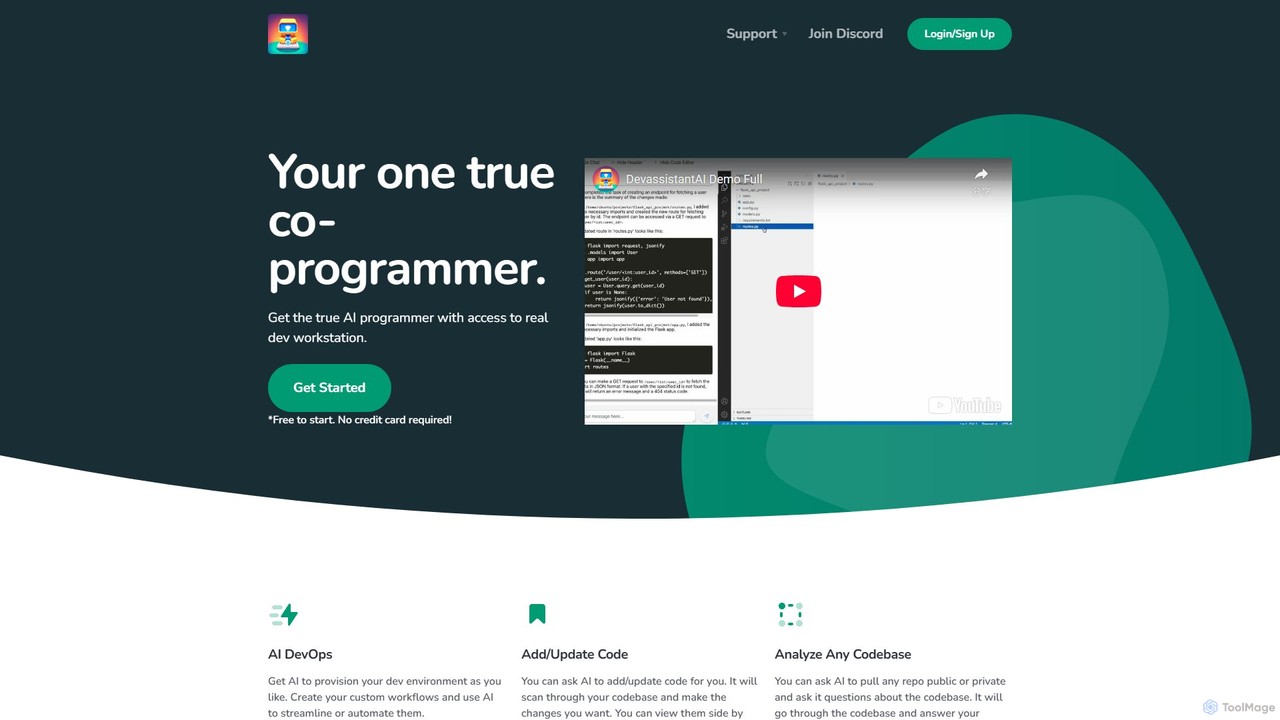
Devassistant.ai is an advanced AI co-programmer that automates DevOps, analyzes entire codebases, and intelligently adds or updates code. It streamlines development workflows by provisioning environments, answering complex questions about your code, and making changes within a cloud-based VS Code interface, boosting productivity and code quality.
Code Assistant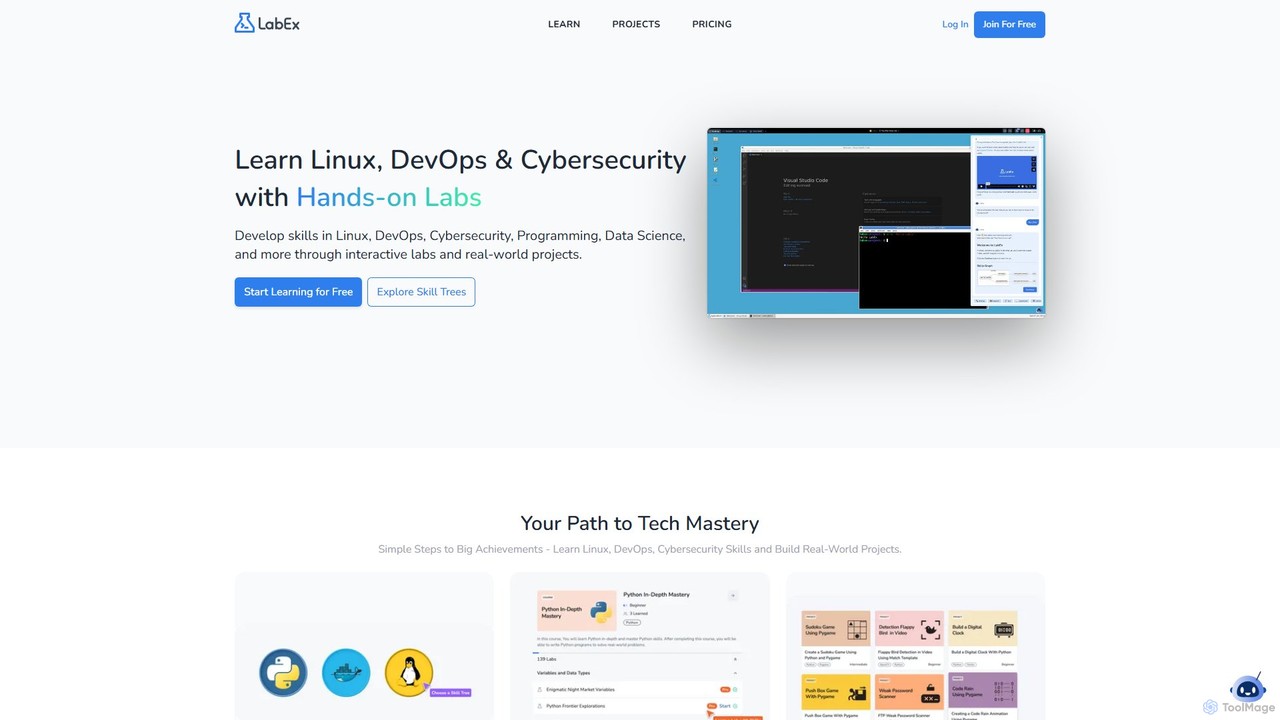
LabEx
LabEx is an interactive, hands-on learning platform for tech skills like Linux, DevOps, Cybersecurity, and Data Science. It offers over 6,000 labs in real-world environments, eliminating the need for complex local setups. The platform features structured "Skill Trees" for guided learning and an AI assistant, Labby, powered by ChatGPT, to provide real-time help with code debugging and technical questions. Learn by doing, build projects, and master in-demand tech skills effectively.
Cloud Computing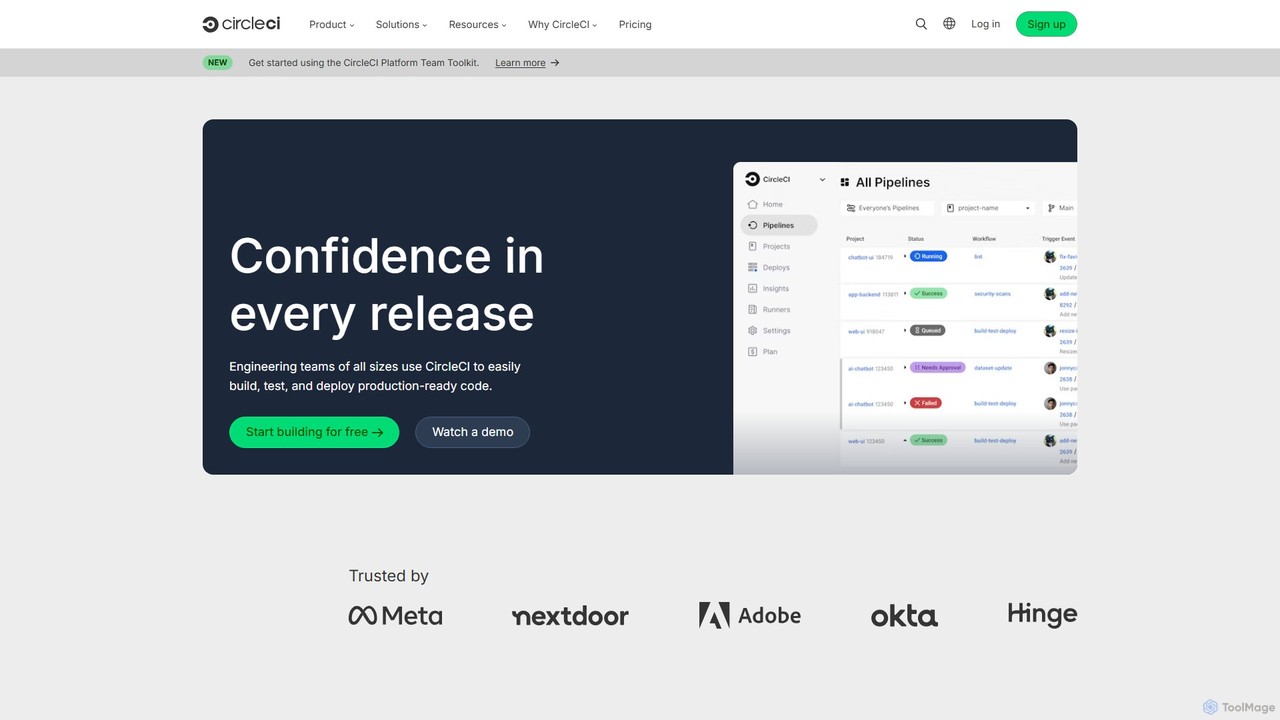
CircleCI
CircleCI is a leading continuous integration and continuous delivery (CI/CD) platform that automates the software development process. It enables engineering teams to build, test, and deploy code quickly, reliably, and at scale, increasing productivity and confidence in every release.
Infrastructure Management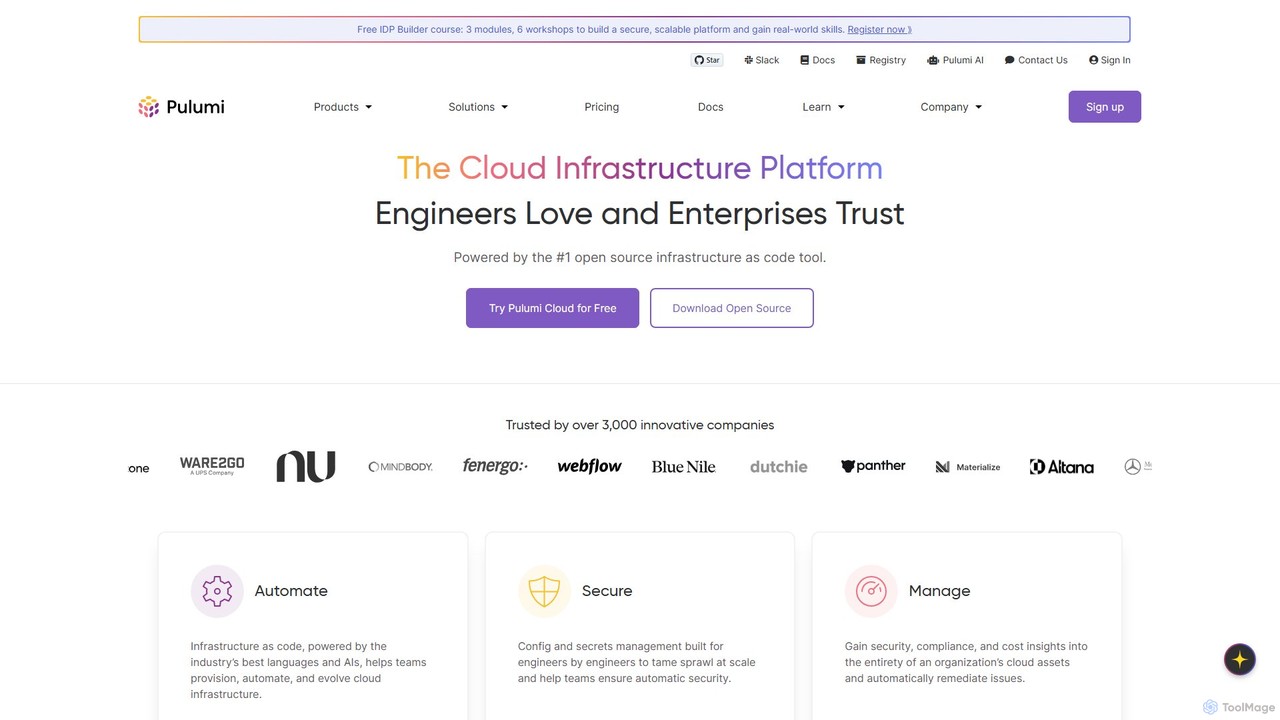
Pulumi
Pulumi is a universal Infrastructure as Code (IaC) platform that allows developers and infrastructure teams to build, deploy, and manage cloud infrastructure using familiar programming languages like Python, TypeScript, Go, and C#. It integrates AI to enhance security, compliance, and operational efficiency.
Management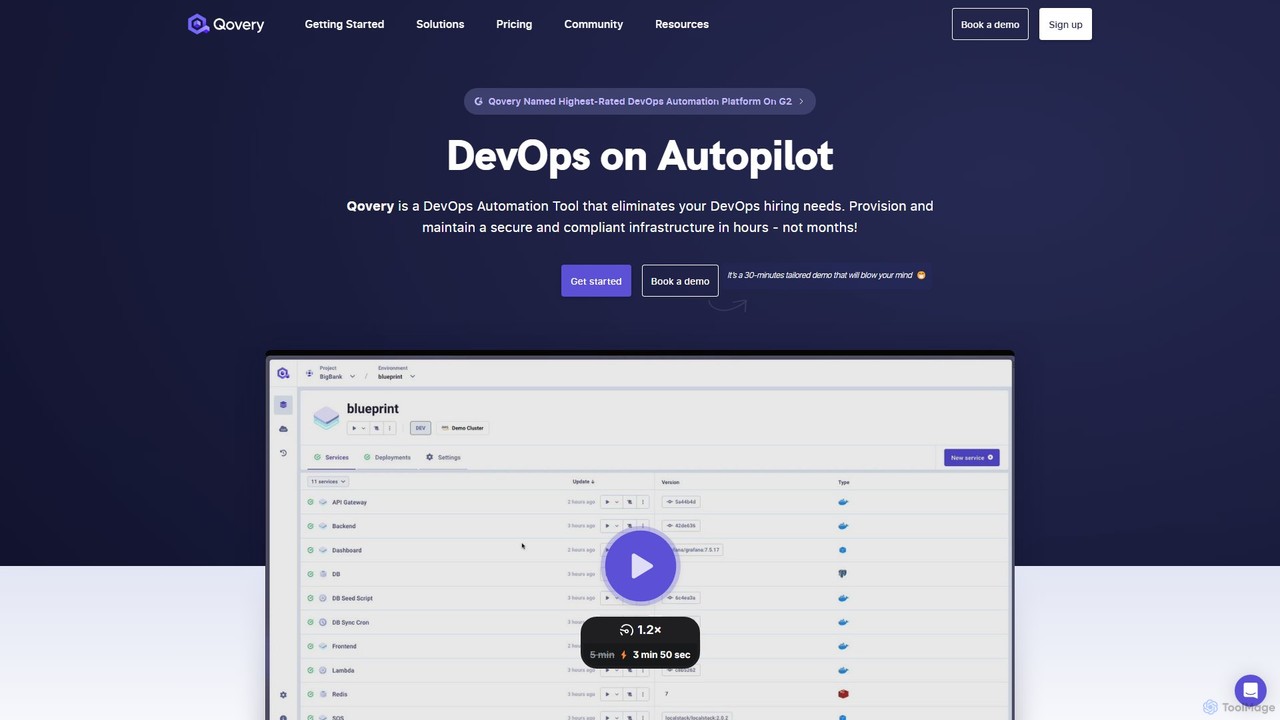
Qovery
Qovery is a DevOps Automation Platform that provides self-service infrastructure for developers. It automates environment provisioning, accelerates deployment cycles, and optimizes cloud costs on AWS, Azure, and GCP, eliminating the need for extensive DevOps hiring.
Infrastructure As CodeOrca Categories
Orca Embed Widget
Copy this embed code to place the badge on your blog, article, or product site and send readers directly to this ToolMage detail page.

Related AI tools
LabEx
LabEx is an interactive, hands-on learning platform for tech skills like Linux, DevOps, Cybersecurity, and Data Science. It offers over 6,000 labs in real-world environments, eliminating the need for complex local setups. The platform features structured "Skill Trees" for guided learning and an AI assistant, Labby, powered by ChatGPT, to provide real-time help with code debugging and technical questions. Learn by doing, build projects, and master in-demand tech skills effectively.
Cloud ComputingCircleCI
CircleCI is a leading continuous integration and continuous delivery (CI/CD) platform that automates the software development process. It enables engineering teams to build, test, and deploy code quickly, reliably, and at scale, increasing productivity and confidence in every release.
Infrastructure ManagementPulumi
Pulumi is a universal Infrastructure as Code (IaC) platform that allows developers and infrastructure teams to build, deploy, and manage cloud infrastructure using familiar programming languages like Python, TypeScript, Go, and C#. It integrates AI to enhance security, compliance, and operational efficiency.
ManagementQovery
Qovery is a DevOps Automation Platform that provides self-service infrastructure for developers. It automates environment provisioning, accelerates deployment cycles, and optimizes cloud costs on AWS, Azure, and GCP, eliminating the need for extensive DevOps hiring.
Infrastructure As Code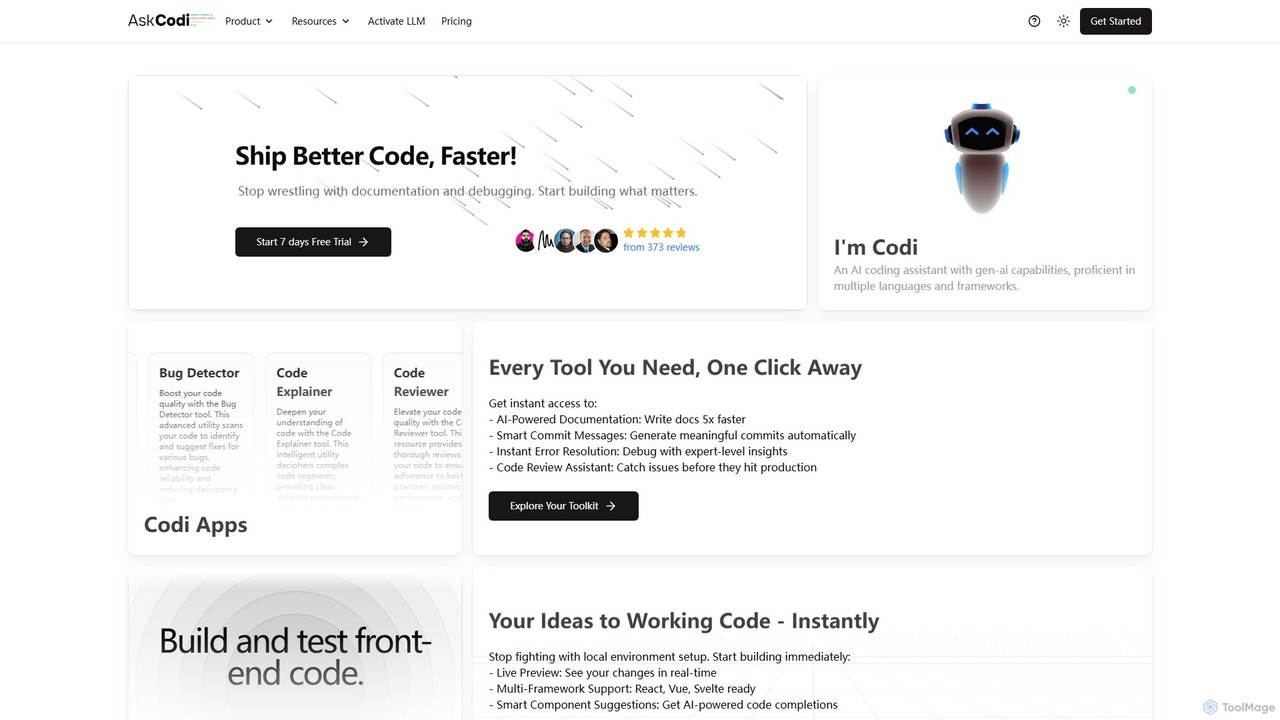
AskCodi
AskCodi is a comprehensive AI-powered code assistant designed to streamline the entire software development lifecycle. It offers a suite of over 20 tools for code generation, refactoring, debugging, testing, and documentation. With integrations for popular IDEs like VSCode and JetBrains, AskCodi helps developers of all skill levels to write better code, faster, and focus on building what matters.
Code Assistant
Jyek
Jyek is an AI agent platform that understands objectives, creates execution plans, uses tools, and delivers verifiable results for complex, multi-step tasks.
Automation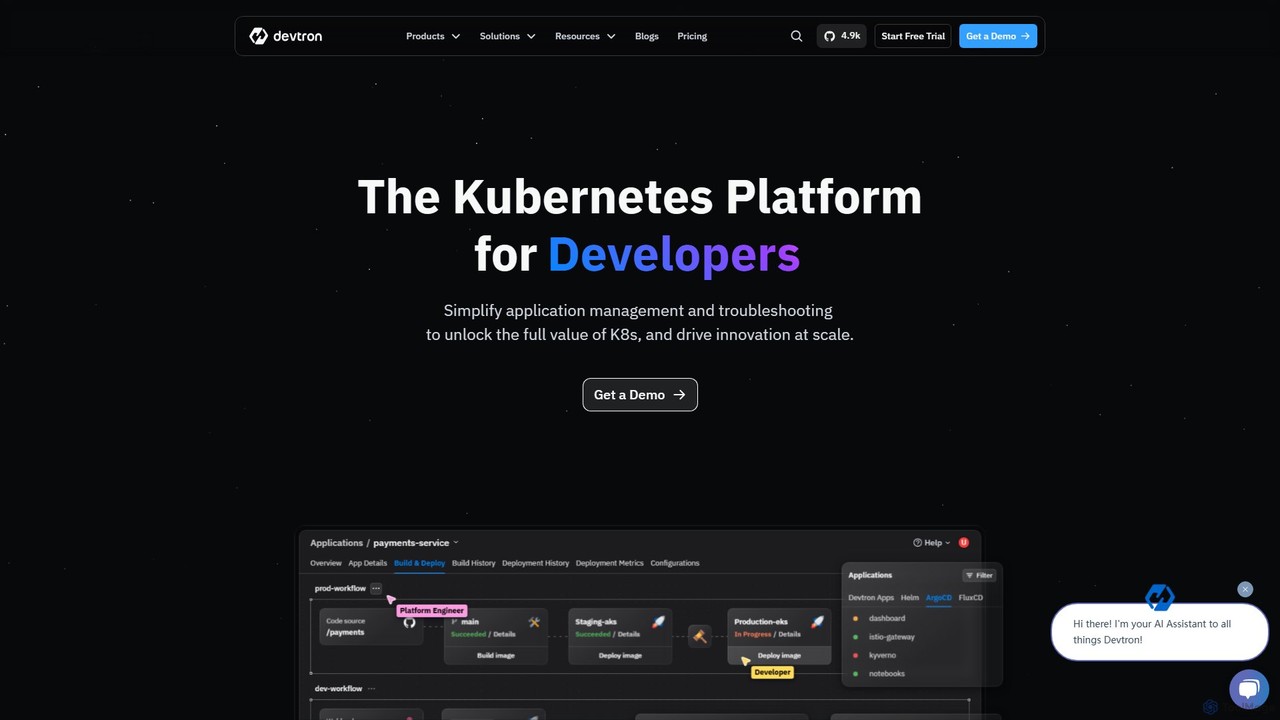
Devtron
Devtron is an open-source, Kubernetes-native software delivery platform that simplifies application management. It integrates CI/CD, GitOps, security, and observability into a unified dashboard, empowering developers and DevOps teams to manage complex Kubernetes environments with ease, accelerate release cycles, and improve productivity without a steep learning curve.
Cloud Computing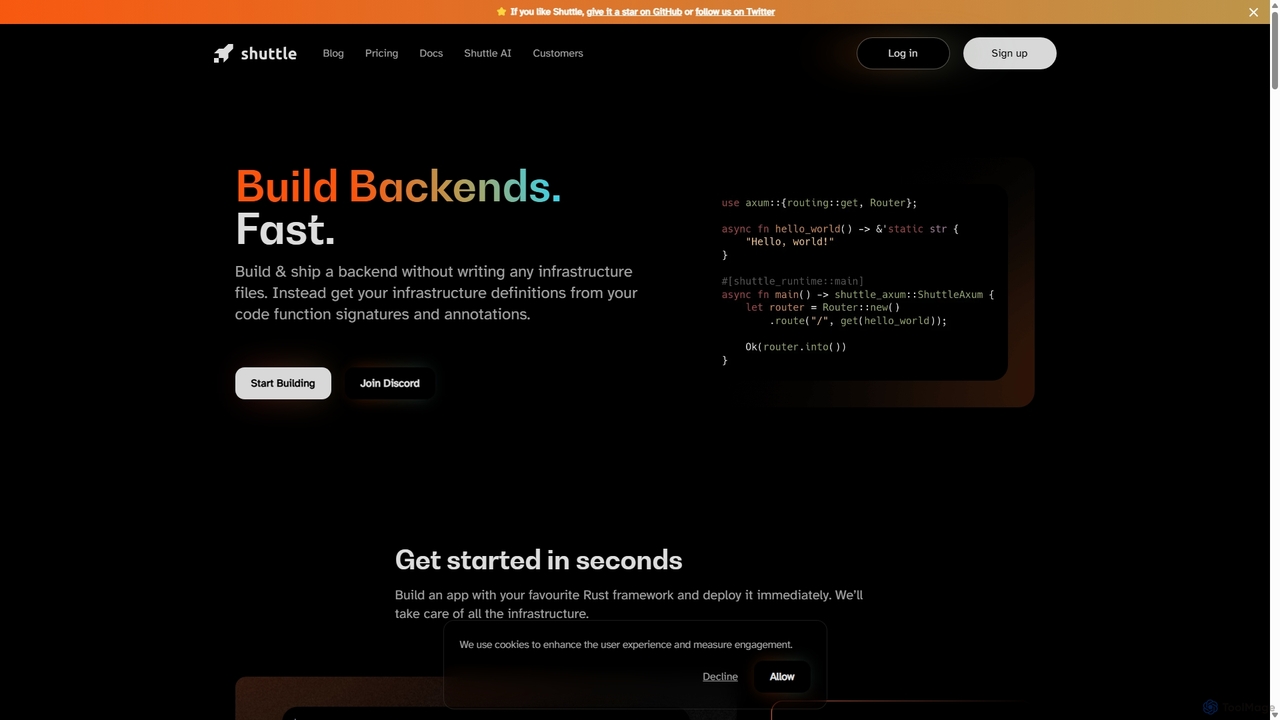
Shuttle
Shuttle is an open-source cloud platform designed to accelerate backend development in Rust. It eliminates infrastructure management by allowing developers to provision resources like databases and secrets directly within their code using simple annotations. Focus on building your application, and let Shuttle handle the deployment and scaling.
Backend Development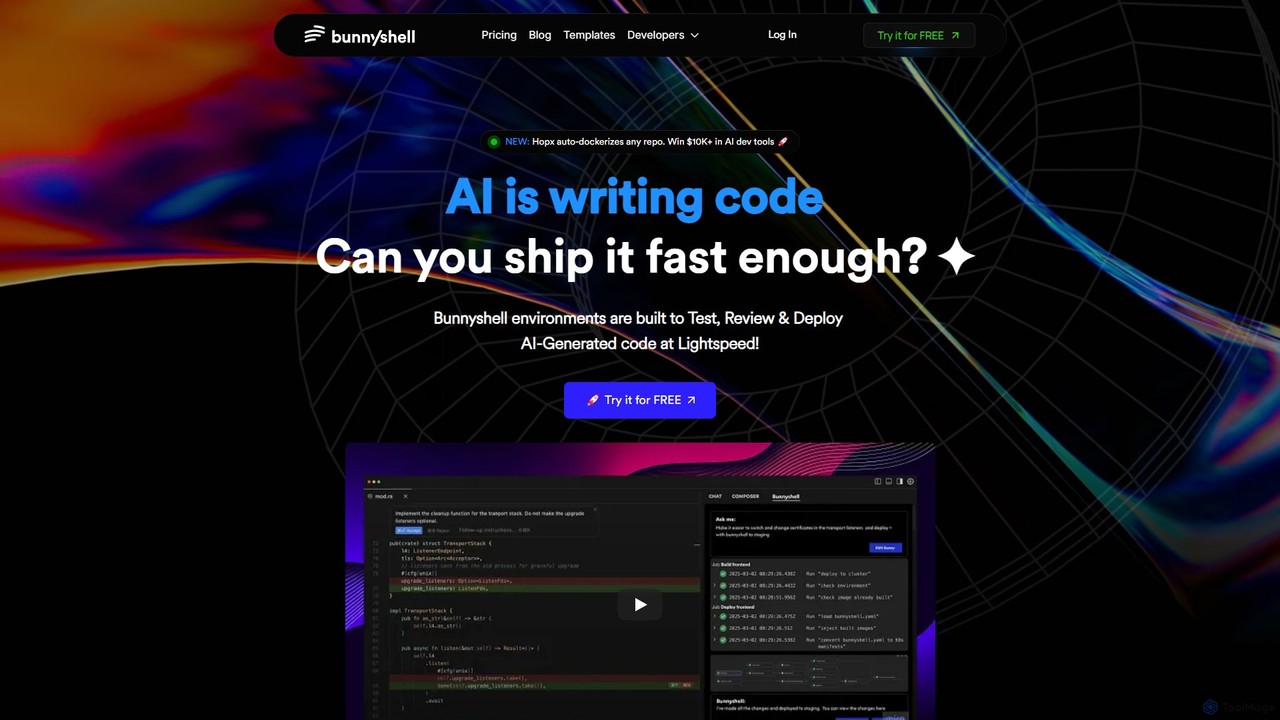
Bunnyshell
Bunnyshell is an AI-orchestrated Environments as a Service (EaaS) platform that automates the creation of ephemeral, production-like environments. It's designed to accelerate the testing, review, and deployment of code, especially AI-generated code, enabling teams to ship software up to 100x faster while reducing cloud costs by up to 70%.
Infrastructure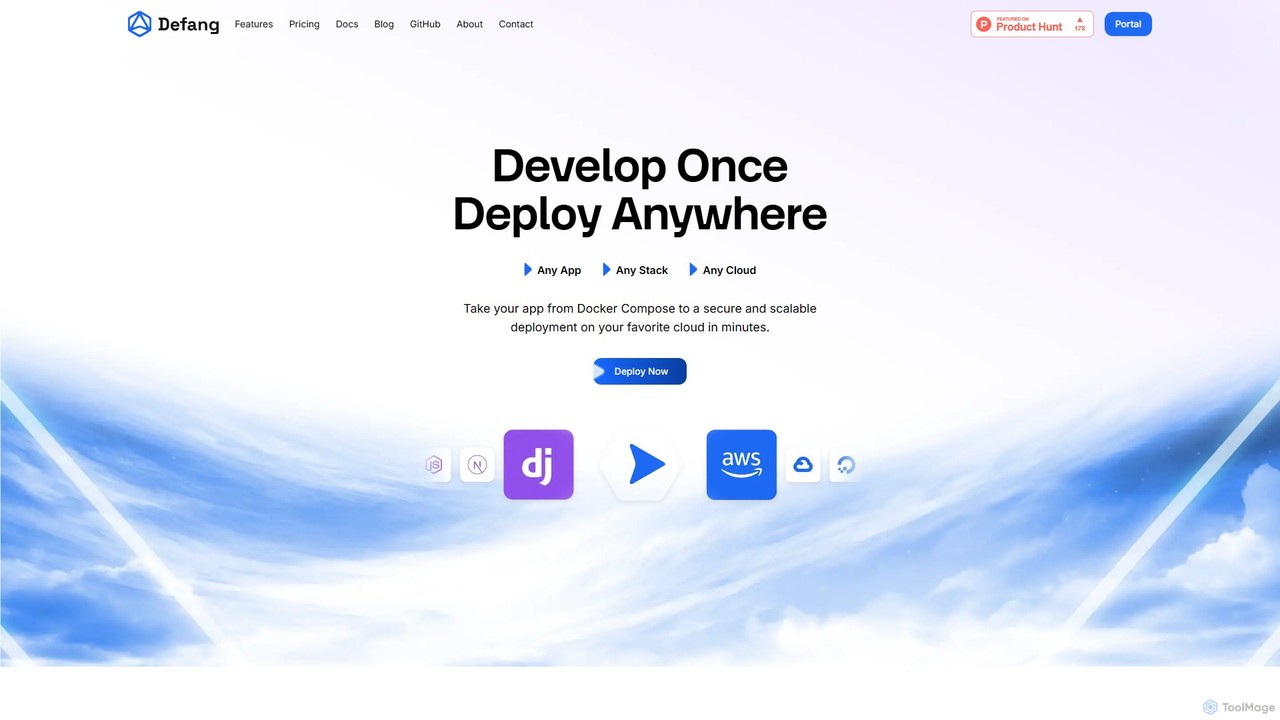
Defang
Defang is an AI-powered platform that simplifies cloud deployment. It enables developers to take any Docker Compose project and deploy it to major cloud providers like AWS and GCP with a single command, automating complex infrastructure setup, security, and scaling.
Platform As A Service (Paas)
Signadot
Signadot is a Kubernetes-native microservices testing platform designed for high-velocity engineering teams. It unifies local testing, preview environments, and AI-powered contract testing (SmartTests) into a single solution. By creating lightweight, isolated 'Sandboxes' in seconds, it helps teams accelerate development cycles, reduce infrastructure costs, and improve release quality without duplicating entire environments.
Kubernetes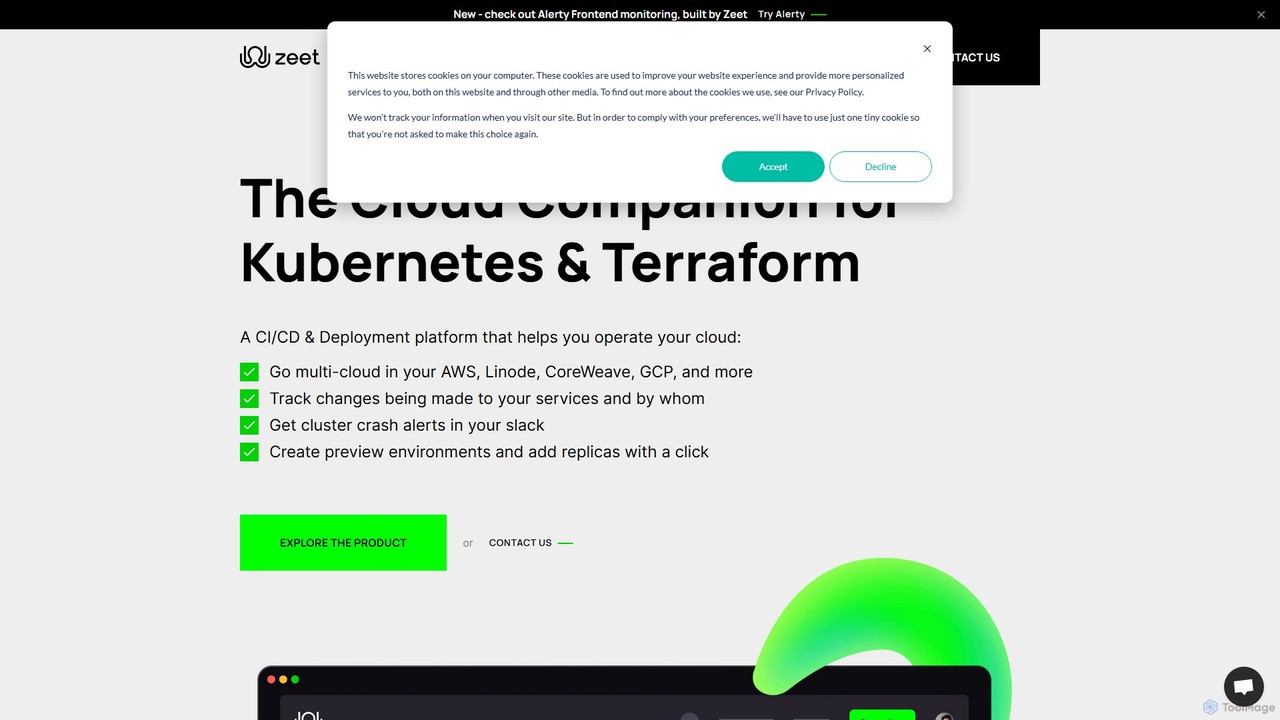
Zeet
Zeet is a comprehensive DevOps and cloud operations platform designed to simplify the deployment and management of cloud services and infrastructure. It empowers developers, SREs, and DevOps teams by automating CI/CD, Kubernetes management, and multi-cloud operations, allowing them to focus on building applications rather than managing complex infrastructure.
Deployment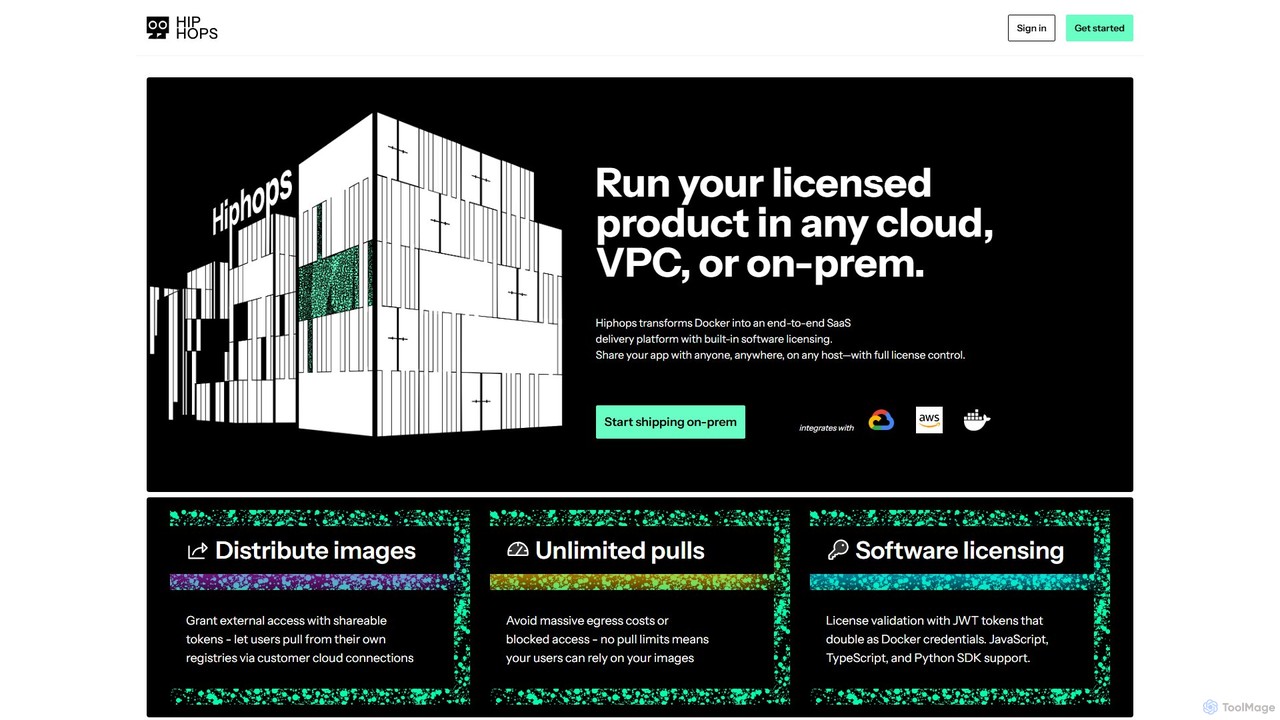
hiphops
Hiphops is a private container registry platform with built-in software licensing. It transforms Docker into an end-to-end SaaS delivery platform, enabling developers to securely distribute, manage, and license containerized applications to any customer, on any cloud or on-premise environment, without pull limits.
Registry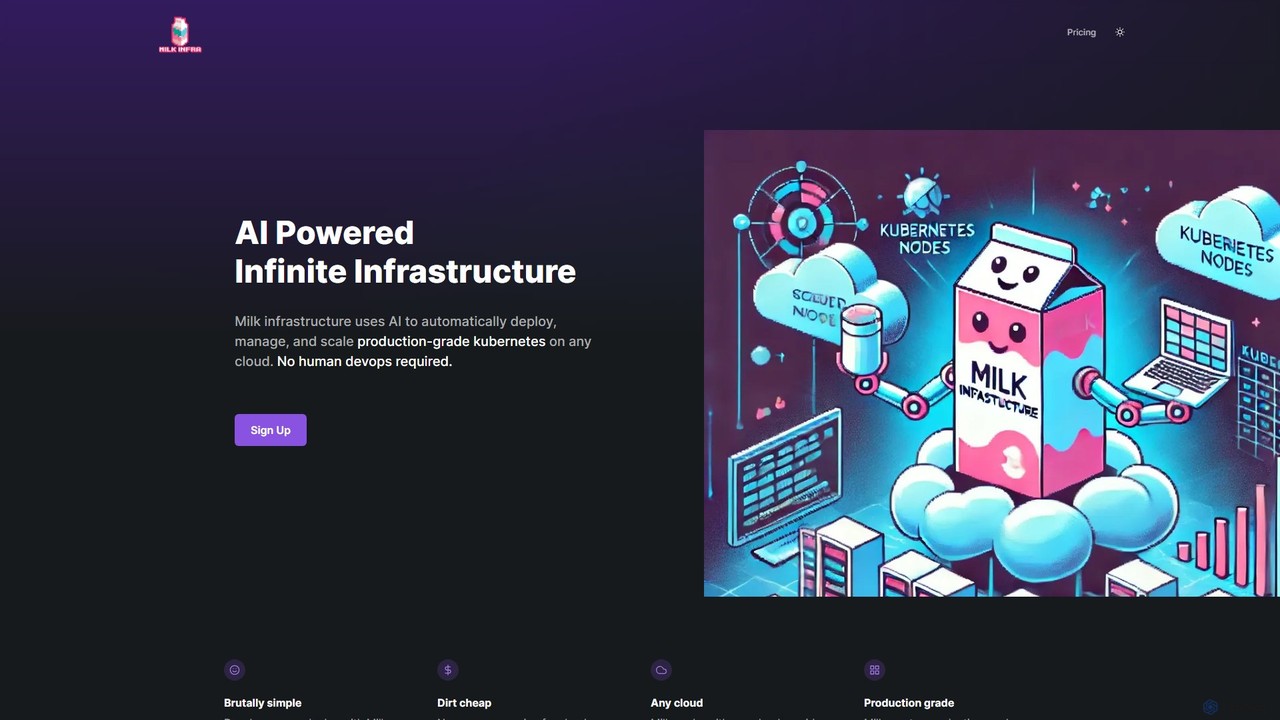
Milk Infrastructure
Milk Infrastructure is an AI-powered platform that automates the deployment, management, and scaling of production-grade Kubernetes clusters on any cloud. It eliminates the need for human DevOps, allowing developers to deploy applications effortlessly via GitHub. With features like dynamic scaling, built-in CI/CD, and an Infrastructure as Code approach, it offers a cost-effective and simple solution for modern application hosting.
Infrastructure Management
Orca Comments (0)
Sign in to comment.
Sign inNo comments yet.