ToolMage
Sign in

Best 1 Coding Assistance AI tools for Programming

Popular Coding Assistance AI tools in Programming include Question AI, helping you work more efficiently.

Freemium

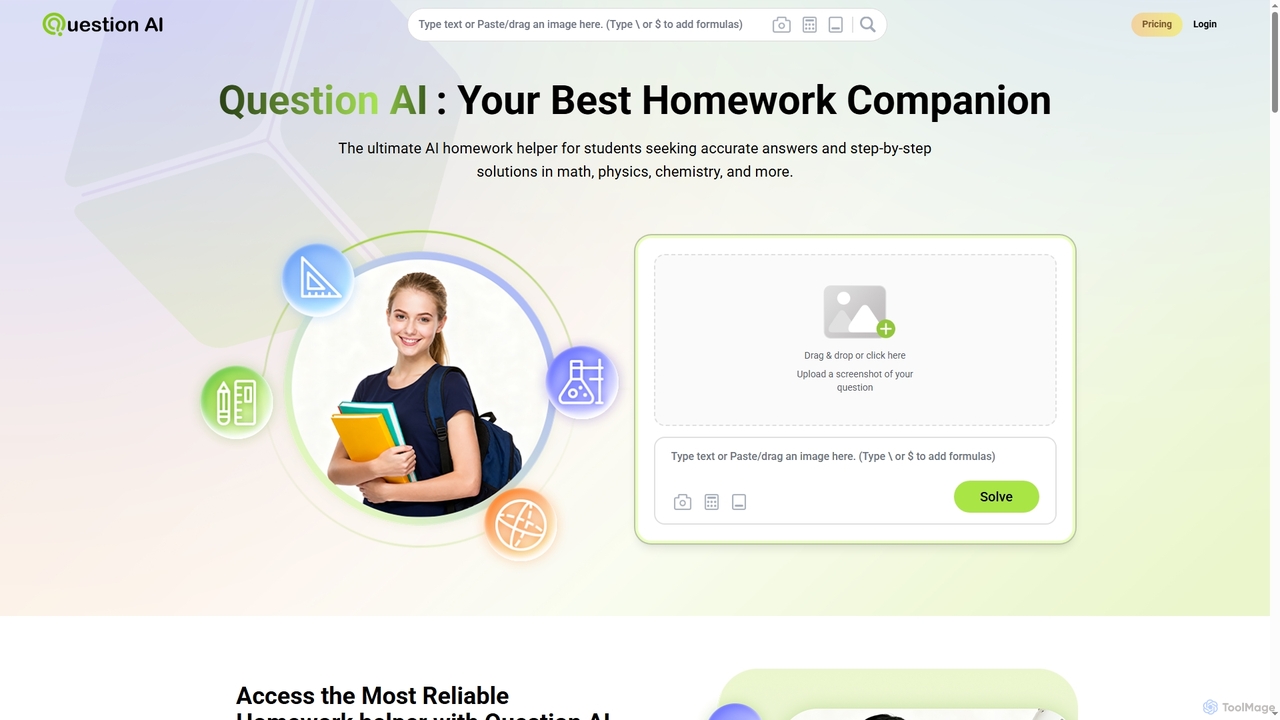
Question AI

Question AI is an advanced AI homework helper designed for students to get accurate, step-by-step solutions across a wide range of subjects. It covers math, physics, chemistry, literature, history, and programming, offering flexible input options and multilingual support. With reported accuracy up to 98%, it aims to simplify academic challenges and enhance understanding for learners worldwide.

Homework Assistance
Visits 3.3KFavorites 141Likes 129

About Coding Assistance

Coding Assistance tools are AI-powered co-pilots that integrate into your development environment to accelerate software creation. They leverage large language models (LLMs) trained on vast codebases to provide context-aware code completions, generate functions from natural language descriptions, and identify potential bugs in real-time. This intelligent support helps developers write cleaner, more efficient code faster, reducing repetitive tasks and cognitive load. These tools act as a pair programmer, offering suggestions and automating routine coding work.

Core Features

  • Intelligent Code Completion: Suggests entire lines or blocks of code based on the current context, not just single keywords.
  • Natural Language to Code: Generates functional code snippets, functions, or classes from a simple description written in plain English.
  • Automated Debugging & Error Detection: Identifies logical errors and potential bugs beyond simple syntax issues, often suggesting fixes.
  • Code Refactoring & Optimization: Recommends improvements to existing code for better readability, performance, or maintainability.
  • Automated Test Generation: Creates unit tests for functions or methods, helping to ensure code quality and robustness.

Use Cases

These tools are widely used by individual developers, agile teams, and large enterprises. They are particularly valuable for rapid prototyping, learning a new programming language or framework, and modernizing legacy codebases. Data scientists also use them to automate the generation of boilerplate code for data analysis and visualization.

How to Choose

When selecting a Coding Assistance tool, consider its integration with your preferred IDEs (e.g., VS Code, JetBrains). Evaluate the quality and relevance of its code suggestions for your primary programming languages. Also, assess its features for team collaboration, its security policies regarding your codebase, and whether its pricing model (subscription vs. pay-per-use) aligns with your budget.

Featured tool rankings

Coding Assistance use cases

1

Accelerate Backend API Development

A backend developer is tasked with creating a new REST API endpoint for a user profile service. Instead of writing all the boilerplate code manually, they use an AI coding assistant. They start by writing a comment like 'create a GET endpoint to fetch user by id'. The tool instantly generates the function signature, request handling logic, database query, and JSON response structure. This saves significant time on routine tasks, allowing the developer to focus on complex business logic and validation rules, ultimately delivering the feature in a fraction of the time.

2

Automate Unit Test Creation

A software developer has just finished writing a complex data processing function and needs to ensure its reliability. Manually writing comprehensive unit tests would be time-consuming. Using an AI coding assistant, they highlight the function and prompt the tool to 'generate unit tests for this function'. The AI analyzes the code, identifies edge cases (e.g., null inputs, empty arrays, large numbers), and generates a suite of tests covering these scenarios. The developer can then review, refine, and run these tests, achieving high test coverage quickly and improving code quality with minimal effort.

3

Learn a New Programming Language

A developer experienced in Python needs to start a new project in Rust, a language they are unfamiliar with. Instead of spending hours searching for syntax and idiomatic patterns online, they use an AI coding assistant. When they need to read a file, they can write a comment like '// read text from file in Rust' and the tool provides the correct, idiomatic Rust code. The assistant also explains the code, highlighting concepts like ownership and error handling specific to Rust. This interactive learning process within the IDE accelerates their proficiency and confidence in the new language.

4

Refactor and Modernize Legacy Code

A maintenance team is responsible for a large, aging codebase with inconsistent coding styles and outdated practices. Refactoring it manually is a daunting task. They use an AI coding assistant to streamline the process. By highlighting a large, complex function, they can ask the tool to 'refactor this for clarity and efficiency'. The AI suggests breaking it into smaller, more manageable functions, replacing old loops with modern functional programming equivalents, and improving variable names. This allows the team to incrementally improve the codebase's quality and maintainability without introducing breaking changes.

5

Debug Complex Logical Errors

A developer is facing a subtle bug that only appears under specific conditions and is difficult to trace with a standard debugger. They copy the problematic function into their AI coding assistant's chat interface and describe the unexpected behavior. The AI analyzes the code's logic flow, variable states, and potential race conditions. It then provides a step-by-step explanation of why the bug might be occurring and suggests several potential fixes, such as adding a null check or changing the order of operations. This expert-level analysis helps the developer pinpoint and resolve the issue much faster than traditional debugging methods.

6

Generate Documentation and Comments

A developer is preparing to merge a new feature into the main branch and needs to add clear documentation. Manually writing detailed docstrings for every function is tedious. They use an AI coding assistant to automate this. By selecting a function and using a 'generate documentation' command, the tool analyzes the function's parameters, return values, and logic to create a comprehensive docstring in a standard format (like JSDoc or Python's reST). This ensures the code is well-documented, making it easier for other team members to understand and maintain in the future, while saving the developer valuable time.

Coding Assistance FAQ

What is AI Coding Assistance?

AI Coding Assistance refers to tools that use artificial intelligence, specifically large language models, to help developers write code more effectively. They integrate directly into code editors and IDEs to provide real-time, context-aware suggestions. Unlike simple autocompletion, they can generate entire blocks of code, translate natural language into code, find complex bugs, and even write unit tests. Their primary goal is to augment the developer's workflow, reduce repetitive tasks, and accelerate the development lifecycle.

How to choose the right AI Coding Assistance tool?

Choosing the right tool depends on your specific needs. Consider the following factors:

  • Language & Framework Support: Ensure the tool excels in the programming languages and frameworks you use most frequently.
  • IDE Integration: Check for seamless integration with your preferred development environment (e.g., VS Code, JetBrains, Neovim). A smooth workflow is critical.
  • Feature Set: Do you need basic code completion, or more advanced features like test generation, debugging, and code refactoring?
  • Security & Privacy: Understand how the tool handles your code. Does it train on your private code? Does it offer on-premise or private cloud deployment options?
  • Performance: The tool should provide suggestions quickly without slowing down your editor.
What's the difference between AI Coding Assistance and traditional IDE autocompletion?

The primary difference lies in context and intelligence. Traditional IDE autocompletion is typically based on static analysis of your code, suggesting variable names, methods, and keywords that are syntactically valid in the current scope. AI Coding Assistance, powered by large language models, understands the deeper semantic context and intent of your code. It can suggest entire multi-line blocks of logic, generate code from a comment, and even infer complex patterns, acting more like a knowledgeable programming partner than a simple syntax helper.

Can AI Coding Assistance tools write complete applications?

Currently, AI coding assistants are not designed to write entire, complex applications from a single prompt. They excel at generating smaller, self-contained units of code like functions, classes, or configuration files. They can also help scaffold a project's structure. However, building a full application requires high-level architectural design, understanding of interconnected systems, and specific business logic that is beyond their current capabilities. They are best used as a powerful productivity tool to assist a human developer, not replace them.

Who can benefit from using AI Coding Assistance tools?

A wide range of individuals can benefit:

  • Senior Developers: Can automate repetitive tasks like writing boilerplate code and unit tests, allowing them to focus on complex architectural problems.
  • Junior Developers: Can learn best practices, understand new codebases faster, and get instant help for syntax or logical errors, accelerating their learning curve.
  • Students & Learners: Can use them as an interactive tutor to understand programming concepts and see idiomatic code examples.
  • Data Scientists & Analysts: Can quickly generate code for data manipulation, analysis, and visualization without needing to memorize library-specific syntax.
  • DevOps Engineers: Can get assistance with writing scripts, configuration files (e.g., Dockerfiles, YAML), and infrastructure-as-code templates.