Sales Best in category 1 results Crm Integration AI Tool

Popular AI tools in the Crm Integration field of Sales include Formstack, etc., helping you quickly improve efficiency.

Formstack

Formstack

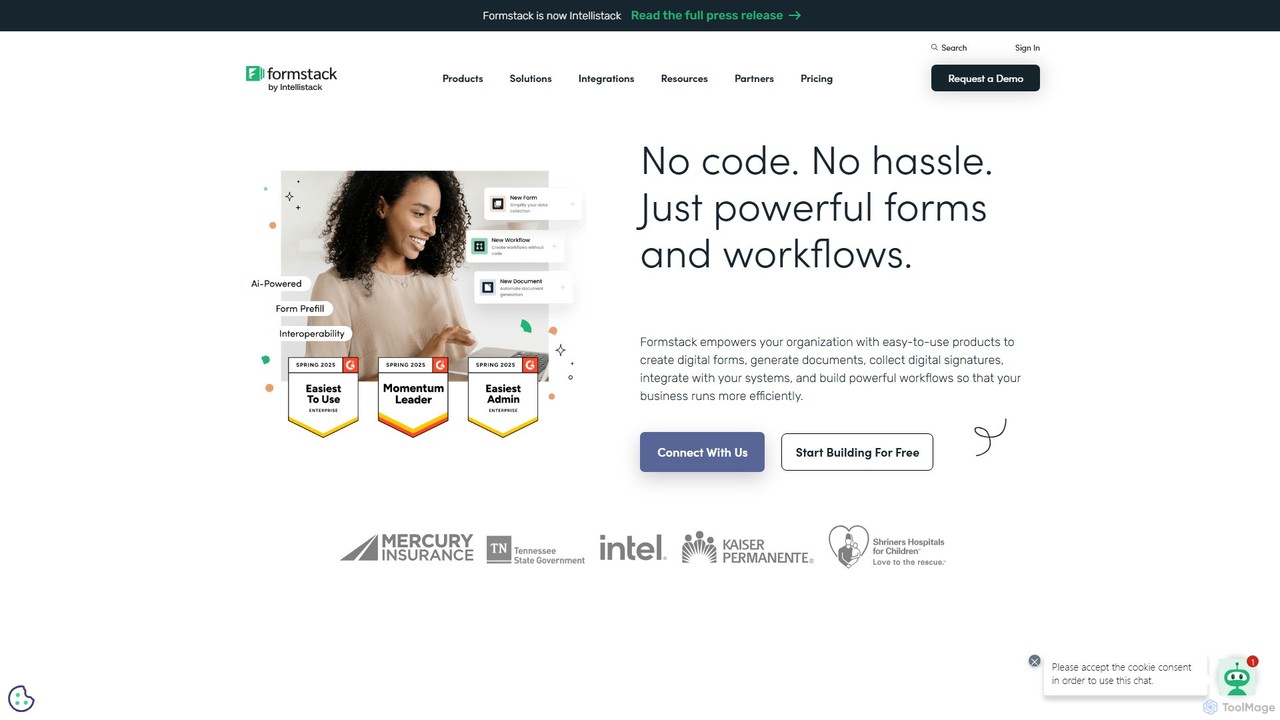
Formstack is a versatile no-code workplace productivity platform that automates data collection, document generation, and e-signatures. It empowers …

7.5M

About Crm Integration

CRM Integration tools are AI-powered solutions designed to seamlessly connect Customer Relationship Management (CRM) systems with other business applications. These tools leverage advanced APIs and data mapping capabilities to automate data synchronization, streamline workflows, and provide a unified view of customer interactions across various platforms. By breaking down data silos, CRM integration enhances operational efficiency, improves customer experience, and empowers sales, marketing, and support teams with comprehensive insights.

Core Features

  • Automated Data Synchronization: Real-time or scheduled transfer of customer data, sales activities, and communication logs between CRM and other systems.
  • Workflow Automation: Triggering actions in connected applications based on CRM events, such as lead assignment, task creation, or follow-up reminders.
  • Unified Customer View: Consolidating customer information from multiple sources (e.g., marketing automation, e-commerce, support) into a single CRM record.
  • Customizable Data Mapping: Flexible configuration to match data fields and ensure accurate information flow between disparate systems.
  • Reporting and Analytics Enhancement: Enriching CRM reports with data from integrated platforms for deeper insights into customer behavior and business performance.

Applicable Scenarios

Businesses across various sectors, particularly those with complex sales cycles, multi-channel customer engagement, or extensive tech stacks, benefit significantly. Sales teams use it to ensure lead data from marketing automation flows directly into CRM, while customer service departments integrate support tickets for a complete customer history. Marketing teams leverage it to personalize campaigns based on up-to-date CRM customer segments.

How to Choose

When selecting a CRM integration tool, prioritize compatibility with your existing CRM and other critical business applications. Evaluate its data mapping flexibility, real-time synchronization capabilities, and the level of workflow automation it offers. Consider security features for sensitive customer data, scalability for future growth, and the ease of setup and maintenance. Look for robust reporting features that leverage integrated data for actionable insights.

Crm IntegrationUse Cases

1

Automating Lead Routing from Marketing Platforms

Marketing teams often generate leads through various channels like social media, email campaigns, and landing pages. By integrating marketing automation platforms with CRM, new leads are automatically captured, qualified, and routed to the appropriate sales representative in real-time. This ensures no lead falls through the cracks, accelerates follow-up, and allows sales teams to focus on high-potential prospects immediately, significantly reducing manual data entry and improving lead conversion rates.

2

Synchronizing Customer Interaction Logs for Sales

Sales professionals engage with customers across multiple communication channels, including email, phone calls, and chat. Integrating these communication tools with the CRM ensures that every interaction, note, and meeting is automatically logged against the customer's record. This provides a comprehensive history for all team members, prevents redundant outreach, and enables personalized follow-ups, leading to stronger customer relationships and more informed sales strategies.

3

Integrating E-commerce Data for Personalized Customer Journeys

E-commerce businesses can integrate their online stores with CRM systems to centralize customer purchase history, browsing behavior, and order details. This unified data allows marketing teams to create highly personalized email campaigns, product recommendations, and loyalty programs based on individual customer preferences and past purchases. Sales and support teams also gain a complete view of the customer's buying journey, enabling more effective cross-selling, up-selling, and issue resolution.

4

Connecting Customer Support Systems for 360-Degree View

Customer support teams use ticketing systems to manage inquiries and resolve issues. Integrating these systems with CRM ensures that support tickets, resolution statuses, and customer feedback are linked directly to the customer's profile. This provides sales and account management teams with a 360-degree view of customer health, identifies potential churn risks, and informs proactive outreach, leading to improved customer satisfaction and retention.

5

Streamlining Sales Quoting and Invoicing Processes

For businesses that generate quotes and invoices, integrating CRM with accounting or ERP systems automates the transfer of sales opportunities and customer details. Once a deal is closed in CRM, the system can automatically generate a quote or invoice in the accounting software, reducing manual data entry errors and accelerating the billing cycle. This integration ensures consistency between sales and financial records, improving overall operational efficiency.

6

Enhancing Sales Forecasting with External Data Sources

Integrating CRM with external data sources like market intelligence platforms, competitor analysis tools, or even weather data (for specific industries) can significantly enhance sales forecasting accuracy. AI-powered CRM integration can analyze these combined datasets to identify trends, predict market shifts, and provide more precise sales projections. This allows sales leaders to make data-driven decisions, optimize resource allocation, and set more realistic targets.

Crm IntegrationFrequently Asked Questions