ToolMage
Sign in

Best 1 Voice Automation AI tools for Sales

Popular Voice Automation AI tools in Sales include Air.ai, helping you work more efficiently.

Air.ai
Freemium

Air.ai

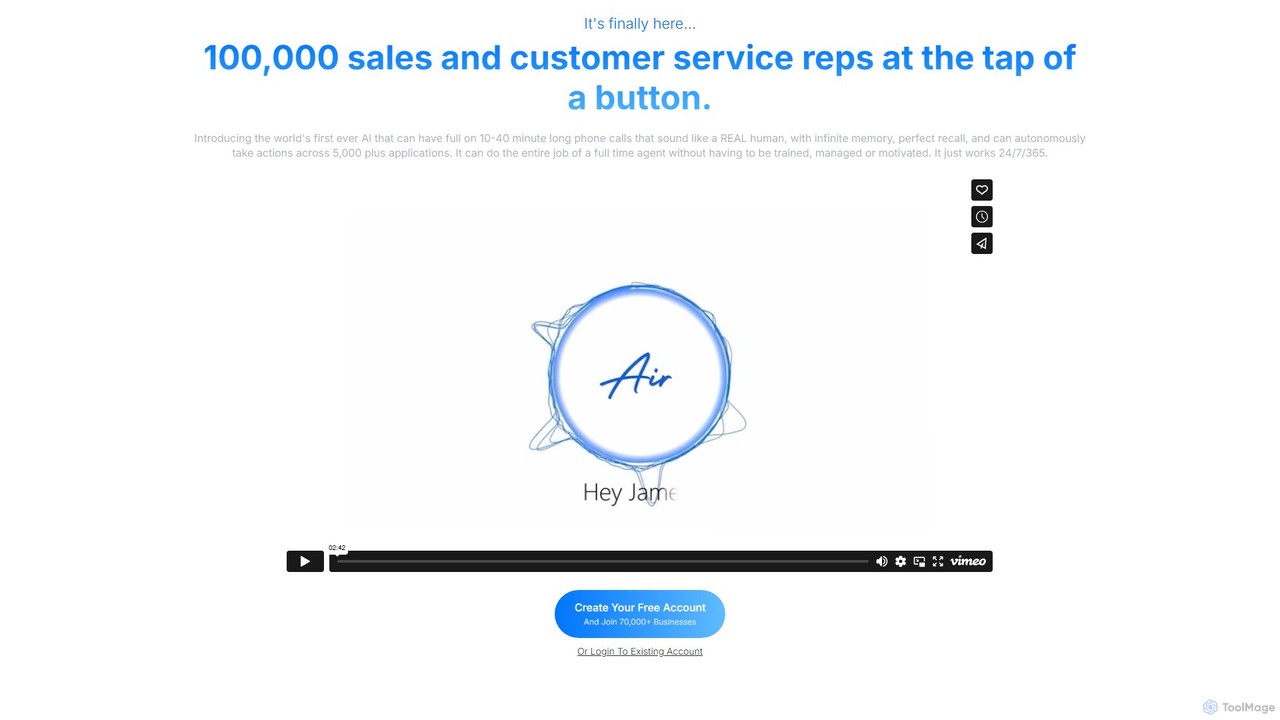
Air.ai is a revolutionary AI platform that deploys autonomous voice agents capable of handling 10-40 minute human-like phone conversations. Designed for sales and customer service, these AI reps can qualify leads, set appointments, and provide support 24/7. With perfect recall and integration with over 5,000 apps, Air.ai automates the entire role of a call agent, scaling your operations instantly without the need for training or management.

Call Center Automation
Visits 29.6KFavorites 132Likes 133

About Voice Automation

Voice Automation tools are AI-powered systems designed to automate voice-based interactions, particularly within sales and customer service workflows. Leveraging technologies like Natural Language Processing (NLP) and speech-to-text, these tools can understand spoken language, respond intelligently, and perform tasks without direct human intervention. They are primarily used to qualify leads, schedule appointments, conduct follow-up calls, and handle routine inquiries, freeing up sales teams to focus on high-value conversations. Unlike simple IVR systems, Voice Automation provides more natural, human-like conversational experiences.

Core Features

  • AI-Powered Calling: Automates outbound calls for tasks like lead qualification, surveys, or appointment reminders.
  • Natural Language Understanding (NLU): Interprets user intent, sentiment, and context from spoken language, not just keywords.
  • Real-time Transcription & Analysis: Converts live call audio into text and analyzes it for key information or sentiment.
  • CRM Integration: Automatically logs call details, outcomes, and notes into sales CRMs like Salesforce or HubSpot.
  • Dynamic Scripting: Adapts the conversation flow in real-time based on the prospect's responses.

Use Cases

Voice Automation is ideal for sales development teams looking to scale their outreach efforts, customer success teams automating onboarding or feedback calls, and marketing departments following up on event attendees or content downloads. For example, an SDR team can use it to make initial contact with thousands of leads, automatically filtering out the unqualified ones.

How to Choose

When selecting a Voice Automation tool, evaluate its CRM integration capabilities to ensure seamless data flow. Assess the quality of its conversational AI, including its ability to handle various accents and dialects. Consider the level of customization available for call scripts and workflows, and review the analytics features for tracking performance metrics like connection rates and lead conversion.

Voice Automation use cases

1

Automated Lead Qualification Calls

For sales development representatives (SDRs), these tools automate the initial outreach to a large list of leads. The AI agent calls each lead, asks a series of pre-defined qualifying questions (e.g., about budget, authority, need), and categorizes them based on their responses. Hot leads are automatically scheduled for a follow-up with a human agent, while others are nurtured or archived, saving SDRs hours of repetitive dialing and allowing them to focus only on conversation-ready prospects.

2

Proactive Appointment Scheduling

A marketing team can use Voice Automation to follow up on webinar attendees or content downloads. The AI calls the contact, confirms their interest in the topic, and offers to schedule a demo or consultation. It can access the sales team's calendar in real-time to find and book an available slot, then send confirmation emails to both parties instantly. This transforms a passive lead into a scheduled meeting without any manual effort.

3

Automated Payment Reminders

Finance or accounts receivable departments can deploy voice agents to handle routine payment reminders. The AI can call customers with overdue invoices, state the amount due and the due date in a professional tone, and offer options for making a payment. This automates a sensitive but necessary part of the sales cycle, ensuring consistent follow-up without consuming the time of sales or finance personnel, and helps improve cash flow.

4

Post-Sale Customer Feedback Surveys

After a purchase or service interaction, a voice automation tool can call customers to conduct a brief satisfaction survey (CSAT or NPS). The AI asks the questions, understands spoken responses (e.g., "I was very satisfied" or a number rating), and logs the data directly into a CRM or analytics platform. This provides a scalable way to gather valuable customer feedback, identify areas for improvement, and measure customer loyalty without manual intervention.

5

Event Invitation and RSVP Confirmation

Event marketers can use voice automation to personally invite a large list of VIPs or past attendees to an upcoming conference or webinar. The AI can deliver a personalized invitation message, ask if the person would like to attend, and record their RSVP directly. For those who confirm, it can follow up with a confirmation email containing event details. This adds a personal touch at scale and streamlines the registration process for high-touch events.

6

Customer Onboarding and Welcome Calls

For SaaS companies, a voice agent can automatically place a welcome call to new users shortly after they sign up. The agent can provide key information, answer initial questions about getting started, and direct them to help resources or tutorials. This creates a positive first impression and scales the onboarding process, ensuring every new customer receives a consistent and helpful welcome without requiring dedicated staff for every new sign-up.

Voice Automation FAQ

What is Voice Automation?

Voice Automation refers to AI-powered software that handles voice-based conversations without human agents. It uses technologies like speech recognition and natural language processing to understand what a person is saying and respond intelligently. In a sales context, it's used for tasks like making initial contact with leads, scheduling appointments, and conducting follow-up calls, allowing teams to scale their communication efforts efficiently.

How is Voice Automation different from a traditional IVR system?

The key difference is intelligence and flexibility. A traditional IVR (Interactive Voice Response) uses a rigid, menu-based structure ('Press 1 for sales...'). Voice Automation, however, engages in natural, two-way conversations. It uses Natural Language Understanding (NLU) to interpret intent and can adapt the conversation flow based on the user's responses, providing a much more human-like and effective interaction, especially for complex tasks like sales qualification.

What are the main benefits of using Voice Automation in sales?

The primary benefits for sales teams include:

  • Increased Productivity: Automates thousands of repetitive calls, allowing sales reps to focus only on qualified, high-intent leads.
  • 24/7 Operation: AI agents can work around the clock, contacting leads in different time zones at optimal times.
  • Data Consistency: Ensures every initial interaction follows a consistent script and all data is logged accurately in the CRM.
  • Scalability: Easily scales calling campaigns up or down to match marketing efforts without hiring more staff.
How do I choose the right Voice Automation tool for my sales team?

When selecting a tool, consider these key factors:

  • CRM Integration: Does it seamlessly connect with your existing CRM (e.g., Salesforce, HubSpot) to log data and trigger workflows?
  • Conversational AI Quality: How natural and human-like does the AI sound? Test its ability to handle accents and unexpected responses.
  • Customization & Control: Can you easily build and modify call scripts and conversation logic without needing a developer?
  • Analytics & Reporting: Does it provide detailed reports on call outcomes, connection rates, and conversation analysis to measure ROI?
Is Voice Automation difficult to set up?

Modern Voice Automation platforms are often designed to be user-friendly. Many offer no-code or low-code interfaces where you can build conversational flows using drag-and-drop editors. A typical setup involves connecting your CRM, uploading contact lists, creating a call script, and defining the goals of the campaign (e.g., book a meeting). While complex workflows may require some technical assistance, basic campaigns can often be launched within a few hours.