Lite Queen
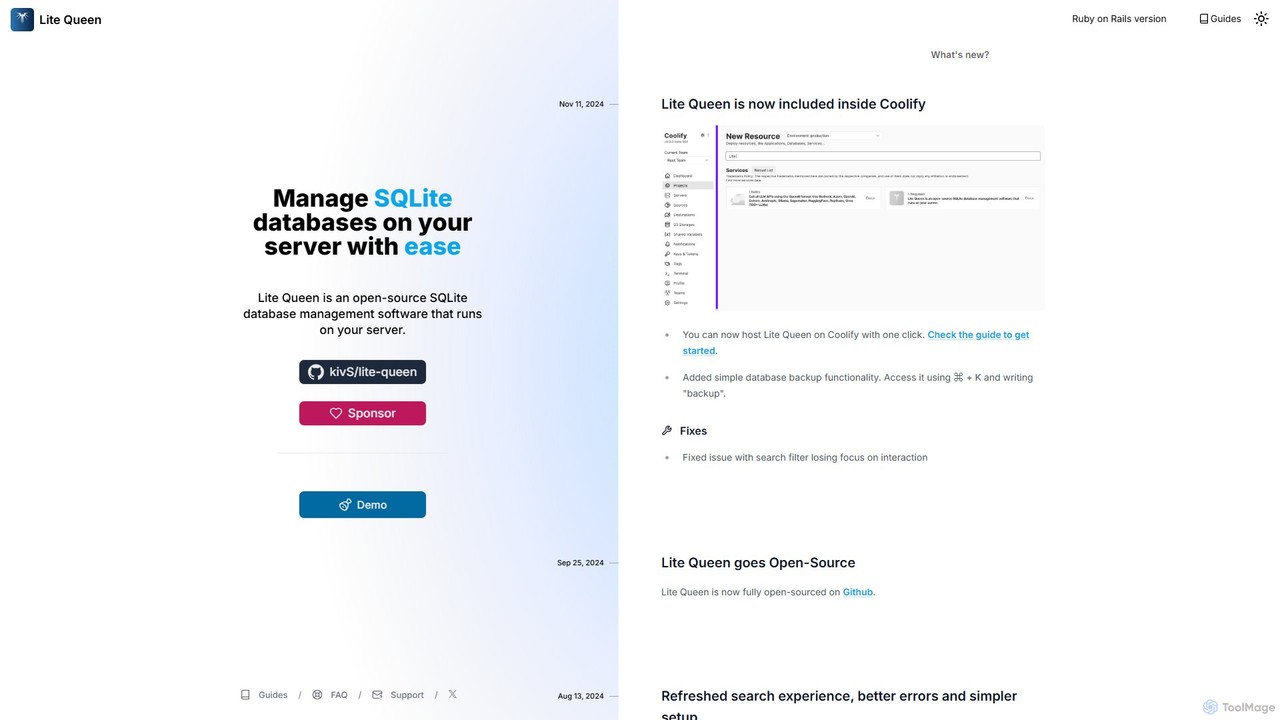
Lite Queen is a free, open-source, self-hosted tool for effortlessly managing SQLite databases. It features a modern, intuitive …
Lite Queen is a free, open-source, self-hosted tool for effortlessly managing SQLite databases. It features a modern, intuitive interface and a powerful AI "God Mode" that lets you query your database using natural language. Ideal for developers and administrators who prioritize data privacy and control.
About Analytics
Self-Hosted Analytics tools are software solutions that you install and manage on your own servers to track and analyze user behavior. Unlike cloud-based services, these tools give you complete ownership and control over your data, ensuring maximum privacy and compliance. They work by collecting interaction data directly from your website or application into your own database, allowing for unsampled, granular analysis. This approach is ideal for businesses that prioritize data sovereignty, customization, and avoiding third-party data sharing.
Core Features
- Data Ownership: Retain 100% control and ownership of all collected user data on your own infrastructure.
- Enhanced Privacy: Comply with strict data privacy regulations like GDPR and CCPA by not sending user data to third parties.
- Full Customization: Tailor tracking scripts, dashboards, and reports to your specific business needs without platform limitations.
- No Data Sampling: Analyze complete, raw datasets to get the most accurate insights, especially for high-traffic sites.
- Cost Predictability: Manage costs based on server resources rather than fluctuating traffic volumes or event-based pricing.
Use Cases
These tools are particularly valuable for organizations in data-sensitive industries like healthcare, finance, and government. They are also favored by privacy-conscious e-commerce businesses, SaaS companies wanting deep product insights without vendor lock-in, and publishers aiming to build first-party data assets without relying on external platforms.
How to Choose
When selecting a Self-Hosted Analytics tool, consider the technical expertise required for setup and maintenance. Evaluate the scalability of the solution to handle your traffic growth. Assess the richness of its feature set, including event tracking, funnel analysis, and reporting capabilities. Finally, consider the community and commercial support available for the tool.
AnalyticsUse Cases
Achieve GDPR Compliance for Website Analytics
A European e-commerce company needs to analyze website traffic without sending user data to third-party servers in the US. By deploying a self-hosted analytics tool on a server within the EU, their marketing team can track user journeys, conversion funnels, and campaign performance. This ensures full compliance with GDPR as all personally identifiable information (PII) remains within their own infrastructure, building trust with privacy-conscious customers while still gathering crucial business insights.
Analyze Internal Software Usage
A large corporation develops an internal CRM system for its sales team. To improve the tool, the development team needs to understand how it's being used, which features are popular, and where users encounter issues. By integrating a self-hosted analytics platform, they can collect detailed usage data without exposing sensitive company information to an external service. This allows them to build product roadmaps based on real, secure data, leading to better internal tools and increased productivity.
Product Analytics for a SaaS Startup
A SaaS startup needs to understand user engagement and retention deeply but has a limited budget. Instead of paying high fees for cloud-based product analytics, they install an open-source self-hosted solution. This gives their product managers access to unsampled data on feature adoption, user cohorts, and conversion funnels. They can build custom dashboards and run complex queries on their own database, gaining a competitive edge with deep insights while keeping operational costs low and maintaining full control over their valuable user data.
Unsampled E-commerce Funnel Optimization
A high-traffic e-commerce site experiences a significant drop-off in its checkout funnel, but sampled data from cloud tools doesn't provide a clear reason. By using a self-hosted analytics tool, they capture every single user session without sampling. Data analysts can then perform deep-dive analysis on the raw data to identify specific bugs, UX issues on certain devices, or payment gateway errors that affect a small but significant percentage of users. This granular insight allows them to fix the precise issues and recover millions in lost revenue.
Build a First-Party Data Marketing Model
With the decline of third-party cookies, a digital publisher wants to build a robust first-party data strategy. They implement a self-hosted analytics platform to collect detailed audience behavior data directly. This data is then integrated with their CRM and ad servers. This allows them to create rich audience segments for targeted advertising and content personalization, all based on data they own and control. This approach not only improves marketing effectiveness but also future-proofs their business against changes in browser privacy policies.
Custom BI Dashboards for Executive Reporting
A company's executive team requires highly specific KPIs that are not available in standard analytics tools. The data team uses a self-hosted analytics solution to collect raw data into a central data warehouse. From there, they use a BI tool to connect directly to this database and build completely custom dashboards. This setup allows them to blend website data with sales, finance, and operational data, providing a 360-degree view of the business for leadership without any limitations imposed by a third-party analytics vendor.