Social & Community Best in category 1 results Collaboration AI Tool

Popular AI tools in the Collaboration field of Social & Community include Riff, etc., helping you quickly improve efficiency.

Riff

Riff

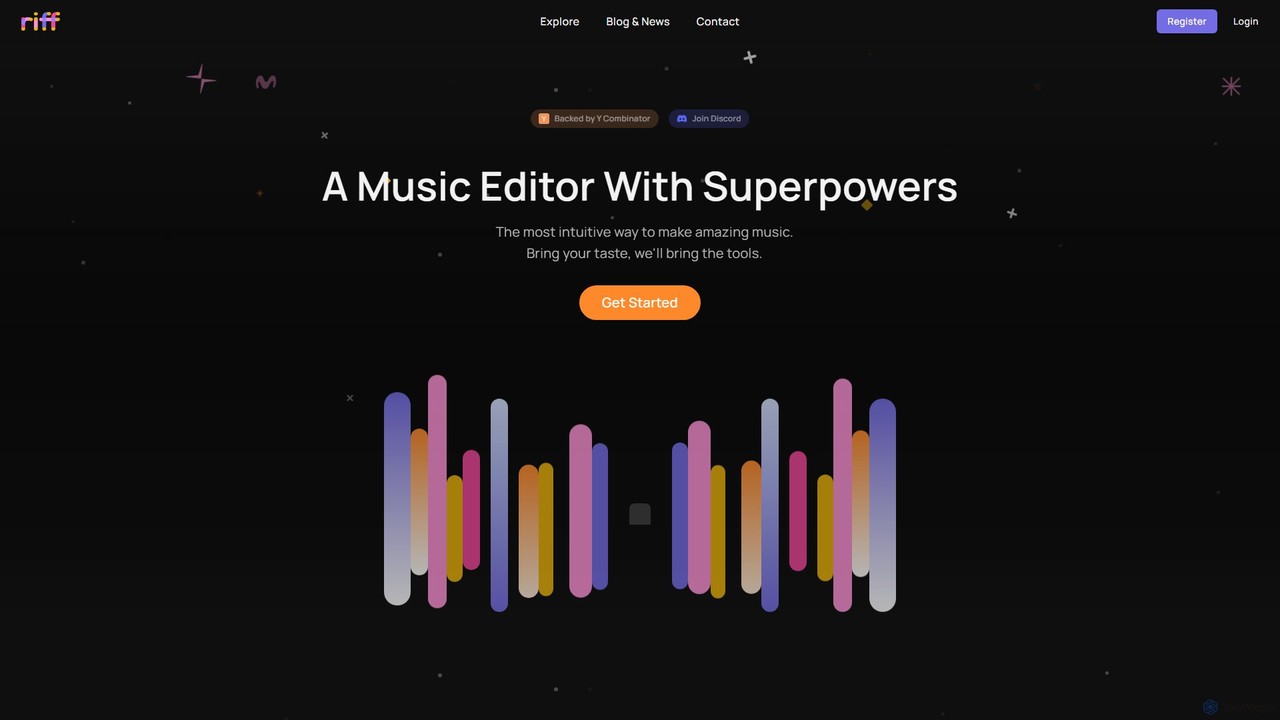
Riff is an AI-powered music editor and collaborative platform designed to make music creation intuitive and fun. Backed …

3.1K

About Collaboration

AI Collaboration tools are a class of software that uses artificial intelligence to enhance teamwork, streamline communication, and automate project management tasks. They leverage technologies like Natural Language Processing (NLP) to analyze conversations and documents, and machine learning to predict workflows and optimize resource allocation. This enables teams to reduce manual coordination, gain data-driven insights from their interactions, and focus on more strategic work. As a key part of the Social & Community ecosystem, these tools transform simple communication channels into intelligent, proactive work environments.

Core Features

  • Automated Meeting Summaries: AI analyzes meeting transcripts to generate concise summaries, identify key decisions, and extract actionable tasks.
  • Intelligent Task Management: Proactively suggests task assignments, predicts completion times, and identifies potential bottlenecks in project workflows.
  • Contextual Information Retrieval: Surfaces relevant documents, past conversations, and data from across integrated platforms when a team member needs it.
  • AI-Assisted Brainstorming: Provides a collaborative digital whiteboard where AI can help generate ideas, group concepts, and structure brainstorming sessions.
  • Predictive Workflow Automation: Automatically routes tasks, sends intelligent reminders, and triggers actions based on project progress and team communication patterns.

Use Cases

These tools are widely adopted by software development teams for agile project management, marketing agencies for coordinating cross-functional campaigns, and remote-first companies to maintain alignment. They are also valuable in corporate environments for streamlining executive reporting and improving knowledge sharing across departments.

How to Choose

When selecting an AI Collaboration tool, first evaluate its integration capabilities with your existing tech stack (e.g., Slack, Jira, Google Workspace). Assess the depth of its AI features—whether it excels at meeting assistance, project automation, or knowledge management. Consider scalability for your team's size and future growth, as well as enterprise-grade security and compliance standards.

CollaborationUse Cases

1

Automating Post-Meeting Workflows for Project Managers

A project manager overseeing multiple agile teams often spends hours after meetings manually transcribing notes, identifying action items, and creating tasks in a project board. By using an AI Collaboration tool, the entire meeting is automatically recorded and transcribed. The AI then generates a concise summary, highlights key decisions, and automatically converts discussed action items into tasks, assigning them to the correct team members with suggested due dates. This process reduces administrative overhead by up to 80%, ensuring no critical task is missed and allowing the manager to focus on strategic planning rather than clerical work.

2

Streamlining Cross-Functional Marketing Campaigns

A marketing team comprised of content, design, and performance marketing specialists plans a product launch. They use an AI collaborative workspace that centralizes all communications, documents, and assets. The AI assists by generating campaign ideas during brainstorming sessions, creating a project timeline with dependencies, and surfacing relevant market research from a connected knowledge base. As the campaign progresses, the AI monitors team conversations and flags potential risks, such as a design delay impacting the ad launch, allowing for proactive adjustments. This integrated approach improves team alignment and reduces planning cycles by over 30%.

3

Enhancing Code Review for Distributed Development Teams

For a software development team distributed across different time zones, code reviews can be a bottleneck. An AI collaboration tool integrated with their version control system (like Git) can automate initial review steps. When a developer submits a pull request, the AI automatically checks for coding style violations, identifies potential bugs, and suggests performance optimizations. It also summarizes the changes in plain language for non-technical stakeholders. This allows human reviewers to focus on complex logic and architectural decisions, speeding up the review cycle and improving overall code quality.

4

Facilitating Collaborative Research and Report Writing

A team of analysts is co-authoring a market research report. They use an AI-powered document editor that allows real-time co-editing and provides intelligent assistance. As they write, the AI can automatically fetch data from specified sources, generate charts, and check for factual consistency across the document. It also suggests alternative phrasing to improve clarity and can summarize long sections on demand. This transforms the writing process from a sequential task into a dynamic, parallel effort, significantly accelerating the creation of comprehensive and accurate reports.

5

Centralizing Client Communication for Creative Agencies

An account manager at a creative agency juggles communication across email, chat, and project management tools for multiple clients. An AI collaboration platform centralizes all these interactions into a single client-specific dashboard. The AI assistant monitors communications, automatically summarizes key client feedback from long email threads, flags urgent requests, and even drafts weekly status update reports for the manager to review. This provides a unified view of all client activity, reduces the risk of missed requests, and saves the account manager several hours per week on administrative tasks.

6

Structuring Onboarding for New Remote Employees

Onboarding a new employee in a fully remote setting can be challenging. An AI collaboration platform provides a structured onboarding workflow. It automatically assigns introductory tasks, schedules meet-and-greet sessions with key team members, and provides access to a knowledge base. A dedicated AI chatbot answers the new hire's common questions about company policies, tools, and processes, 24/7. The AI also tracks their progress and alerts the manager if they seem stuck on a particular task, ensuring a smooth and supportive integration into the company culture and workflows.

CollaborationFrequently Asked Questions