Shakespeare
Shakespeare is an open-source AI builder designed for developers to create custom AI applications. It provides a platform …
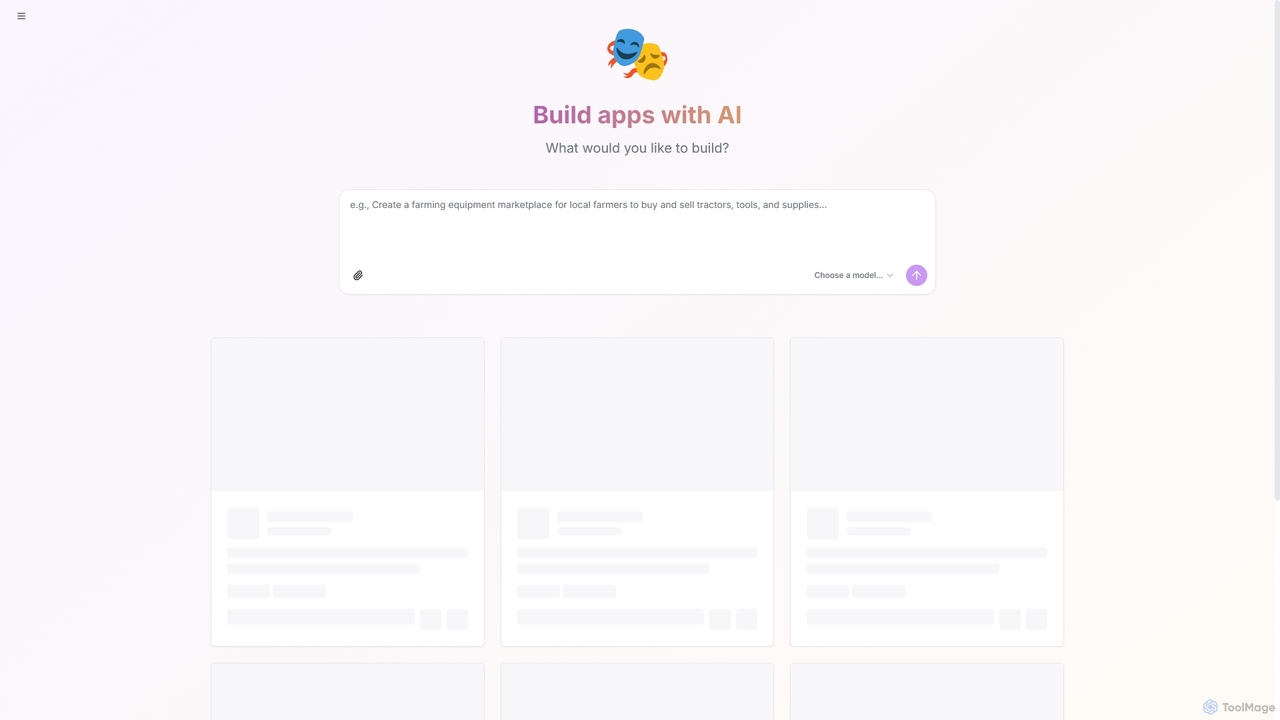
Shakespeare is an open-source AI builder designed for developers to create custom AI applications. It provides a platform to select and utilize various AI models, enabling the rapid development and deployment of intelligent solutions.
About Application Building
Application Building tools are AI-powered platforms designed to streamline and accelerate the creation of functional software applications. They leverage visual interfaces, pre-built components, and AI-driven logic generation to translate ideas into deployable products with minimal traditional coding. This approach empowers users without deep programming knowledge to build custom solutions and enables developers to rapidly prototype and deploy applications. These tools often manage the entire development lifecycle, from frontend UI design to backend database management and deployment.
Core Features
- Visual Development Interface: Build application UIs and workflows using drag-and-drop editors and visual modeling tools instead of writing code.
- AI-Powered Code Generation: Automatically generate code snippets, backend logic, or entire application structures from natural language descriptions or visual diagrams.
- Pre-built Templates and Components: Access a library of ready-to-use UI elements, data models, and business logic to speed up development.
- One-Click Deployment & Hosting: Automate the process of publishing applications to cloud servers, handling infrastructure and scaling.
- Data and API Integration: Seamlessly connect to databases, third-party services, and APIs through built-in connectors and configuration wizards.
Use Cases
These tools are widely used by startups to quickly launch a Minimum Viable Product (MVP) and test market fit. Enterprises utilize them to build custom internal tools for operations, HR, or finance, reducing reliance on IT departments. Marketing and sales teams also create interactive web apps, landing pages, or lead-capture forms without needing dedicated developers.
How to Choose
When selecting an Application Building tool, first consider the required technical skill level—choose between no-code for business users and low-code for developers seeking speed. Evaluate the platform's scalability to ensure it can support future user growth. Assess its integration capabilities with your existing software stack, such as CRMs or databases. Finally, analyze the pricing model, whether it's based on users, apps, or resource consumption, to align with your budget.

Application BuildingUse Cases
Develop a Minimum Viable Product (MVP) for a Startup
A non-technical founder of a new startup needs to validate a business idea quickly without a large initial investment in a development team. Using an AI application builder, they can visually design the user interface, define the core features through a drag-and-drop workflow, and connect to a simple database to manage user data. The AI assists by suggesting optimal layouts and generating the necessary backend logic. Within two weeks, they deploy a functional web application, allowing them to gather real user feedback and demonstrate the concept to potential investors, significantly reducing the time-to-market from months to weeks.
Create a Custom Internal Tool for Operations
An operations manager at a mid-sized company needs a custom tool to track inventory and manage work orders, but the IT department has a six-month backlog. Using a low-code application builder, the manager designs an app with forms for data entry, a dashboard for real-time inventory levels, and automated email notifications for new orders. They integrate it directly with the company's existing SQL database. The platform's AI helps optimize database queries for faster performance. The entire tool is built and deployed in three days, improving operational efficiency by 30% and eliminating the need for manual tracking in spreadsheets.
Automate a Marketing Lead Capture Workflow
A marketing team wants to create an interactive quiz as a lead magnet. Instead of relying on developers, a marketing specialist uses a no-code application builder. They create a multi-step quiz with conditional logic. Upon completion, the application automatically calculates the user's score, displays a personalized result, and presents a form to capture their email address. The tool is integrated with the company's CRM and email marketing platform, so new leads are instantly added to the correct sales funnel and receive a follow-up email. This entire interactive campaign is launched in one afternoon, increasing lead generation by 50% for the quarter.
Build a Data Visualization Dashboard
A financial analyst needs to create a real-time dashboard to monitor key performance indicators (KPIs) from multiple sources, including a PostgreSQL database and a Google Sheets document. Using an application builder with strong data integration features, they connect to these sources in minutes. They use a visual interface to drag and drop charts, graphs, and tables onto a canvas. The AI component suggests the best chart types for the data being displayed. The final dashboard is interactive, secure, and can be shared with executives via a private link, providing a consolidated view of business health without writing a single line of code.
Prototype a New Mobile App Feature
A product manager and a UX designer need to create a high-fidelity, interactive prototype for a new feature in their mobile app. They use an application builder to quickly assemble the screens and user flows. This allows them to create a clickable prototype that feels like a real app, complete with transitions and data inputs. They can share this prototype with stakeholders for immediate feedback and conduct user testing sessions to validate the design. This process avoids costly development cycles for an unproven concept and ensures the final feature is user-centric, all completed in a fraction of the time it would take with traditional development methods.
Launch a Niche Community Web Portal
An enthusiast wants to create a web portal for a specific hobby, including a forum, a resource directory, and user profiles. Using an AI application builder, they start with a community portal template. They customize the branding, set up the database structure for users and resources visually, and configure user authentication (e.g., login with Google). The AI helps generate placeholder content and suggests a logical site navigation structure. The entire portal is designed, built, and launched over a weekend, creating a dedicated online space for the community without requiring any backend development or server management skills.