OneNine
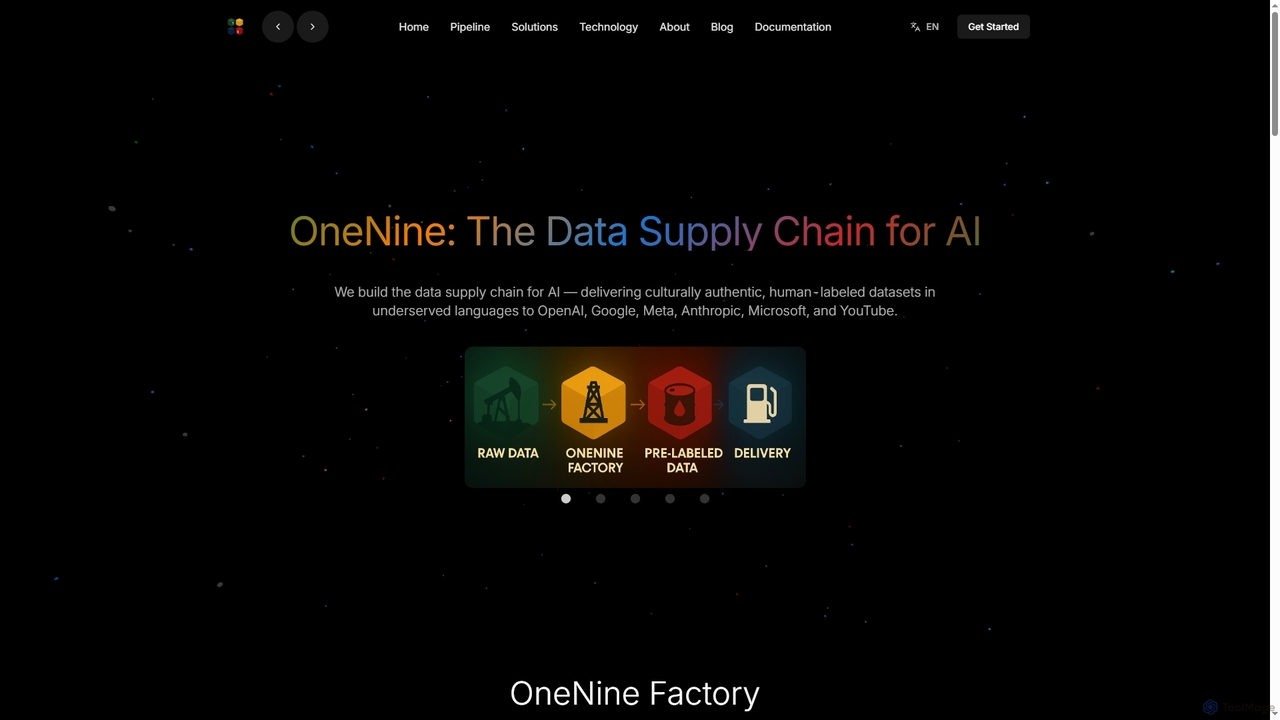
OneNine is the data supply chain for AI, specializing in delivering high-quality, culturally authentic, human-labeled datasets in underserved …
OneNine is the data supply chain for AI, specializing in delivering high-quality, culturally authentic, human-labeled datasets in underserved languages to leading AI companies. It bridges the linguistic gap, enabling more inclusive and accurate AI models globally.
Literably
Literably is an AI-powered literacy assessment tool for K-12 schools. It listens to students read aloud, automatically transcribes …
Literably is an AI-powered literacy assessment tool for K-12 schools. It listens to students read aloud, automatically transcribes their reading, and provides teachers with detailed data on fluency, accuracy, and comprehension, saving hours of manual assessment time.
About Speech Recognition
Speech Recognition tools are AI-powered applications that convert spoken language into written text. These tools utilize advanced models like Automatic Speech Recognition (ASR) to accurately transcribe audio from various sources, including live speech, pre-recorded files, and streaming media. They are essential for automating transcription, enabling voice commands, and making audio content searchable and accessible. Modern speech recognition systems can handle different accents, dialects, and noisy environments with increasing precision.
Core Features
- Real-time Transcription: Converts live speech into text as it happens, ideal for live events and meetings.
- Speaker Diarization: Identifies and labels different speakers within a single audio recording.
- Custom Vocabulary: Allows users to add specific terms, names, or industry jargon for improved accuracy.
- Multi-language Support: Transcribes audio in numerous languages, dialects, and accents.
- Punctuation & Formatting: Automatically adds punctuation, capitalization, and paragraph breaks to create readable transcripts.
Use Cases
Speech recognition tools are widely used in media for captioning videos, in healthcare for transcribing clinical notes, and in customer service for analyzing call center conversations. They also power voice assistants, dictation software for professionals like lawyers and doctors, and accessibility features for individuals with hearing impairments.
How to Choose
When selecting a speech recognition tool, evaluate its accuracy rate for your specific accent and industry jargon. Consider its real-time processing capabilities, support for various audio formats, and integration options via APIs. Also, assess the pricing model—whether it's per-minute or subscription-based—and review the provider's data privacy policies to ensure compliance.
Speech RecognitionUse Cases
Automating Meeting Minutes Transcription
For project managers and team assistants, manually transcribing long meeting recordings is time-consuming. Speech recognition tools can process the audio file, generating a full text transcript in minutes. Features like speaker diarization automatically identify who said what, creating a clear, searchable record of discussions, decisions, and action items. This significantly reduces administrative work and improves the accuracy of meeting documentation.
Generating Subtitles for Video Content
Content creators and marketing teams need to make their video content accessible and engaging. Using a speech recognition tool, they can automatically generate time-stamped subtitles for platforms like YouTube. This process is much faster than manual captioning, improves SEO by making video content indexable, and enhances viewer experience, especially for those watching without sound or with hearing impairments.
Transcribing Customer Service Calls for Analysis
Call center managers and quality assurance teams use speech recognition to convert thousands of customer support calls into text. This data can then be analyzed to identify common customer issues, monitor agent performance, and ensure compliance. The transcribed text serves as a searchable database for quickly resolving disputes or training new employees on real-world scenarios.
Voice-Controlled Dictation for Professionals
Doctors, lawyers, and researchers often need to create detailed reports and notes. Speech recognition software allows them to dictate their thoughts directly into documents or medical records, hands-free. This is significantly faster than typing and allows them to capture information while focusing on their primary task. Custom vocabularies can be added to ensure high accuracy for specialized industry terminology.
Developing Voice-Enabled Applications
Developers building applications with voice interfaces, such as smart home devices or mobile apps, rely on speech recognition APIs. These APIs provide the core functionality to interpret user voice commands and convert them into actionable data. This enables the creation of intuitive, hands-free user experiences, making technology more accessible and convenient to use across various platforms.
Transcribing Interviews for Journalism and Research
Journalists and academic researchers conduct numerous interviews that must be accurately transcribed for analysis and citation. Speech recognition tools automate this laborious process, converting hours of audio into text. This allows them to quickly search for key quotes, analyze themes, and focus on writing their articles or papers rather than on manual transcription, accelerating their workflow significantly.