
Startup Tools Best in category 1 results Mvp AI Tool

Popular AI tools in the Mvp field of Startup Tools include Creatr, etc., helping you quickly improve efficiency.

Creatr

Creatr

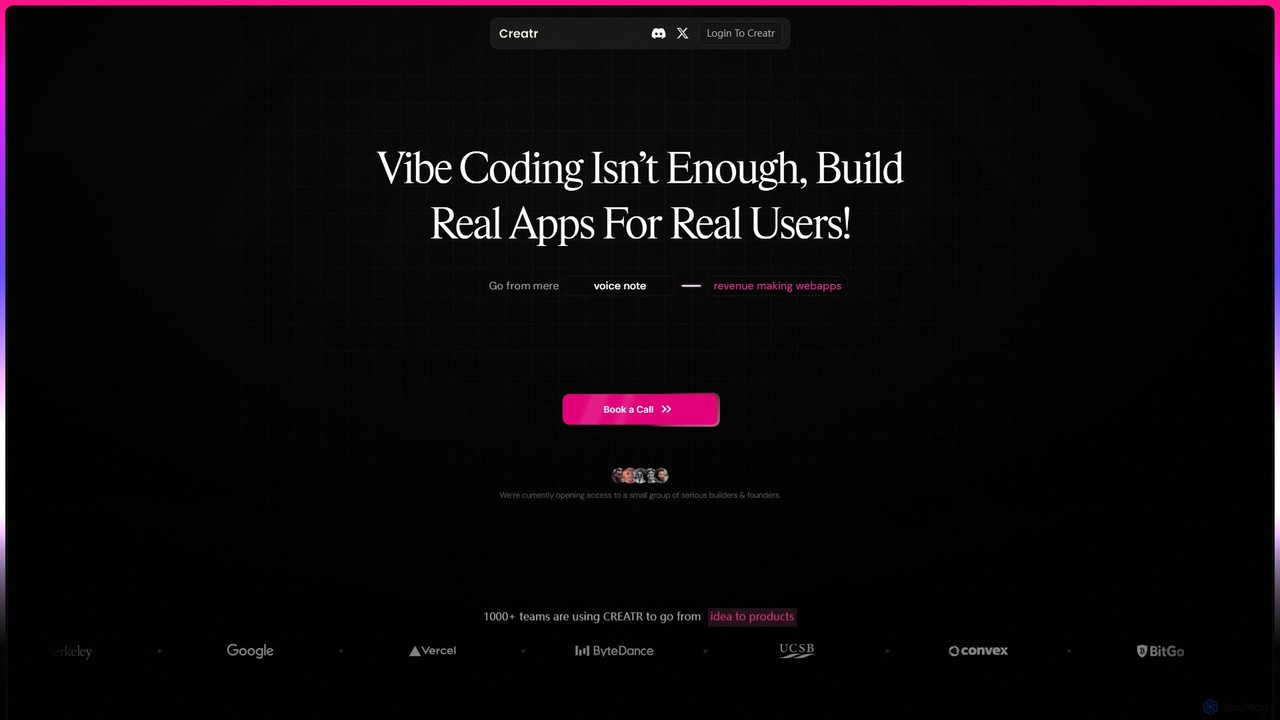
Creatr is an AI-powered platform that transforms ideas into fully-functional, production-ready web applications. It moves beyond simple prototypes …

12.8K

About Mvp

MVP (Minimum Viable Product) tools are a specialized category of startup tools designed to rapidly build and launch the first functional version of a product. These platforms often utilize no-code or low-code principles, enabling users to create applications with core features without extensive coding. Their primary value lies in accelerating the idea-to-market cycle, allowing founders to gather real-world user feedback and validate business concepts quickly and cost-effectively. This approach significantly reduces initial development risks and resource expenditure.

Core Features

  • Visual Development Interface: Drag-and-drop editors for building user interfaces and workflows without writing code.
  • Pre-built Templates & Components: Ready-to-use modules for common functionalities like user authentication, payments, and forms.
  • Backend & Database Management: Integrated solutions for handling data storage, server-side logic, and APIs.
  • One-Click Deployment: Simplified processes for launching the application on the web or mobile app stores.
  • Third-Party Integrations: Ability to connect with other essential services like analytics, marketing automation, and CRMs.

Use Cases

MVP tools are essential for early-stage startups, solo entrepreneurs, and product managers aiming to test a new product idea. They are widely used by non-technical founders to bring their vision to life and by developers to quickly prototype side projects. Corporate innovation teams also leverage these tools to build and test internal applications or new customer-facing products before committing large budgets.

How to Choose

When selecting an MVP tool, first consider your technical proficiency; choose a no-code platform if you have limited coding skills. Evaluate the tool's scalability to ensure it can handle initial user growth. Assess the range of available integrations to confirm it connects with your existing workflow. Finally, compare pricing models (e.g., subscription-based, usage-based) to find one that aligns with your startup's budget.

MvpUse Cases

1

Launch a Web App Prototype for Investor Pitches

A non-technical founder needs a functional prototype of their SaaS idea to demonstrate to potential investors. Using a no-code MVP builder, they can visually design the user interface, set up a database for user accounts and data, and implement core features like login, dashboards, and a basic workflow. The result is a clickable, interactive web application built in weeks instead of months, allowing them to present a tangible product and gather early feedback without hiring a development team.

2

Validate a New Feature with a Subset of Users

A product manager wants to test a new, complex feature before allocating full engineering resources. Using a low-code MVP tool, their team can quickly build a functional version of the feature and integrate it into their existing product for a small group of beta testers. This allows them to measure engagement, gather qualitative feedback, and identify potential issues. Based on the results, they can make an informed decision to either proceed with full development, iterate on the design, or discard the idea, saving significant time and resources.

3

Build a Marketplace Platform MVP

An entrepreneur wants to create a two-sided marketplace connecting service providers with customers. Instead of building from scratch, they use an MVP tool with pre-built marketplace templates. This allows them to quickly set up profiles for both providers and customers, a listing and search system, a booking or transaction mechanism, and a review system. By launching this core functionality quickly, they can start attracting an initial user base on both sides of the marketplace to prove the concept's viability before investing in custom features and scaling.

4

Develop a Mobile App Prototype for a Side Project

A developer has an idea for a mobile app but wants to build and launch it quickly in their spare time. They use a low-code MVP platform that supports mobile development. This allows them to leverage pre-built UI components, handle backend logic with visual workflows, and use integrations for features like push notifications and analytics. They can then deploy the app to both iOS and Android from a single codebase, significantly reducing the time and effort compared to native development, and allowing them to test their idea in the real world faster.

5

Create an Internal Tool Prototype for a Corporation

An innovation team within a large company needs to automate a manual workflow, but requires stakeholder buy-in before committing to a full-scale IT project. They use an MVP tool to build a functional prototype of the internal tool. This prototype can connect to existing company databases via APIs, provide a user-friendly interface for employees, and demonstrate the core automation logic. This tangible prototype is much more effective for presentations than mockups, allowing the team to secure budget and resources for the official project.

6

Launch a Subscription Content Platform

A content creator wants to launch a paid newsletter or a members-only video platform. They use a no-code MVP tool that integrates with payment gateways like Stripe. They can create a landing page to attract subscribers, set up different subscription tiers, manage a member database, and protect content so it's only accessible to paying users. This allows them to quickly monetize their audience and test demand for their premium content without the complexity of building a custom membership and payment system from the ground up.

MvpFrequently Asked Questions