HelpMoji
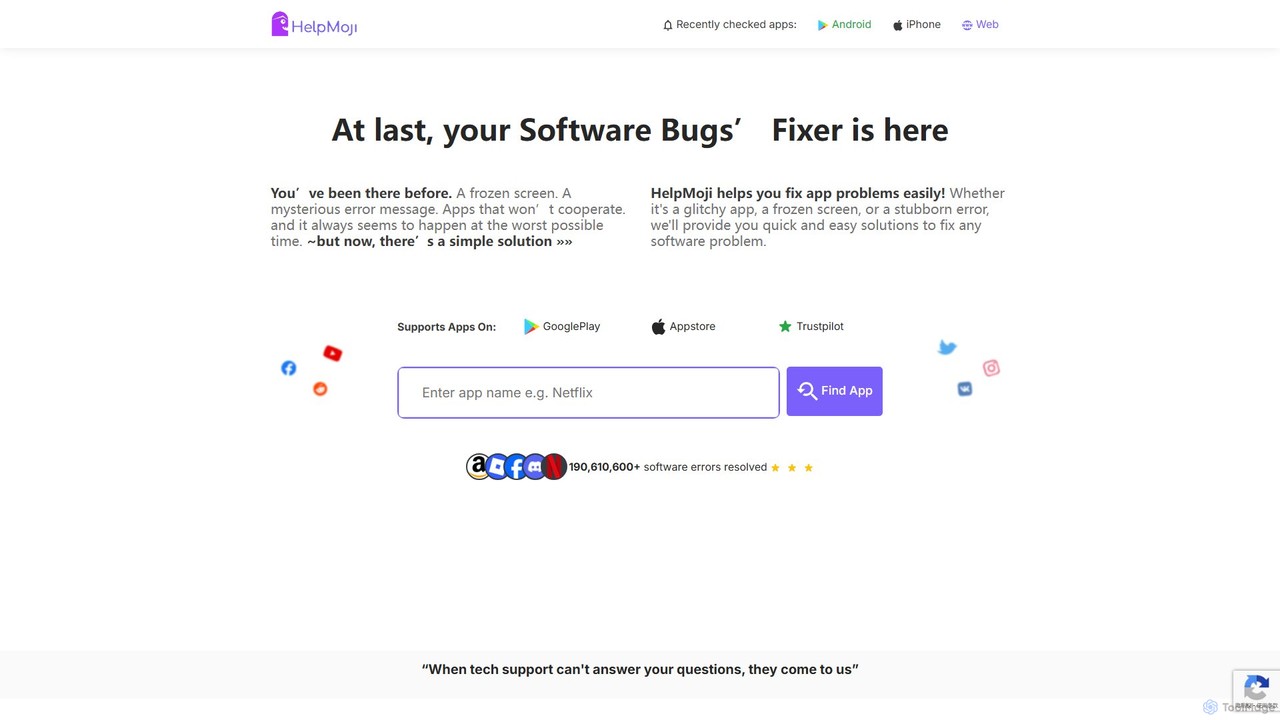
HelpMoji is an AI-powered troubleshooting platform that provides instant, step-by-step solutions for software and app errors. It helps …
HelpMoji is an AI-powered troubleshooting platform that provides instant, step-by-step solutions for software and app errors. It helps users fix issues like frozen screens, error messages, and app crashes for a vast library of Android and iOS applications, eliminating the need for lengthy tech support calls.
About Helpdesk
AI Helpdesk tools are centralized platforms for managing, tracking, and resolving customer support inquiries using artificial intelligence. These systems leverage Natural Language Processing (NLP) to automatically categorize tickets, route issues, and suggest responses. Their primary value lies in automating repetitive tasks and providing data-driven insights to enhance customer service efficiency and agent productivity. By unifying communications from various channels like email, chat, and social media, they create a single source of truth for all support interactions.
Core Features
- AI-Powered Ticketing System: Automatically categorizes, prioritizes, and assigns incoming support tickets based on content and urgency.
- Automated Workflows: Creates rules to automate responses, escalate issues, and manage ticket statuses without manual intervention.
- Integrated Knowledge Base: Builds and maintains a self-service portal where AI suggests relevant articles to both customers and agents.
- Multi-Channel Inbox: Consolidates customer conversations from email, live chat, social media, and phone into a single, unified view.
- Performance Analytics: Generates reports on key metrics like response time, resolution rate, and customer satisfaction.
Use Cases
AI Helpdesk tools are essential for customer support teams in sectors like e-commerce, SaaS, and IT services. They are used by support agents to manage daily inquiries, by managers to monitor team performance, and by IT departments to handle internal service requests. For example, a SaaS company can use it to manage user bug reports, while an e-commerce store can handle order inquiries and return requests efficiently.
How to Choose
When selecting an AI Helpdesk tool, consider the scope of its automation capabilities—can it handle your specific workflows? Evaluate its integration options with your existing CRM, e-commerce platform, or communication tools. Assess the sophistication of its reporting and analytics features for performance tracking. Finally, consider the scalability of the platform and its pricing model to ensure it aligns with your business growth and budget.

HelpdeskUse Cases
Automating E-commerce Customer Service
An e-commerce operations manager deals with a high volume of daily customer inquiries about order status, returns, and product details. By implementing an AI Helpdesk, they can set up automated workflows. The AI automatically scans incoming emails, categorizes them (e.g., 'Shipping Query', 'Return Request'), and sends instant, templated responses for common questions. This reduces first-response time by over 90% and allows human agents to focus on complex issues like damaged goods or payment disputes, significantly improving customer satisfaction.
Managing Internal IT Support Requests
An IT department in a medium-sized company uses an AI Helpdesk to manage employee tech support requests. When an employee submits a ticket via email or a portal, the AI analyzes the text to identify the issue (e.g., 'password reset', 'VPN issue') and its urgency. It automatically routes the ticket to the correct IT specialist's queue. For common problems, the system suggests relevant articles from the internal knowledge base, enabling employees to resolve some issues themselves. This structured process ensures faster resolution times and allows the IT team to track recurring problems.
Centralizing Multi-Channel SaaS Support
A growing SaaS company receives support requests via email, an in-app chat widget, and social media. A support team lead uses an AI Helpdesk to consolidate all these conversations into a single dashboard. The AI helps by automatically linking conversations from the same user across different channels into one profile. It also analyzes the sentiment of incoming messages to flag frustrated users for immediate attention. This unified view prevents duplicate responses and ensures no customer query is missed, providing a consistent support experience regardless of the channel used.
Building a Dynamic Self-Service Knowledge Base
A content manager for a software product aims to reduce the number of repetitive support tickets. They use the AI Helpdesk's knowledge base feature. The AI analyzes resolved tickets and identifies common questions that lack documentation. It then suggests new article topics for the knowledge base. When agents write new articles, the AI can help structure the content and suggest relevant keywords. This proactive approach not only builds a comprehensive self-service resource for customers but also serves as a valuable training tool for new support agents.
Analyzing Customer Feedback for Product Improvement
A product manager wants to gather data-driven insights from support interactions. They use the AI Helpdesk's analytics and tagging features. The AI can automatically tag tickets based on keywords related to 'feature requests', 'bugs', or 'usability issues'. The product manager can then run reports to see which issues are most frequently reported. This provides a direct feedback loop from customers to the product development team, helping them prioritize bug fixes and new features based on real user needs rather than assumptions.
Monitoring Support Team Performance
A customer support manager needs to track team performance and ensure service level agreements (SLAs) are met. They use the AI Helpdesk's dashboard and reporting tools. The system provides real-time data on metrics like average response time, ticket resolution time, and customer satisfaction scores (CSAT). The manager can view performance by individual agent or by channel. AI can also highlight tickets that are at risk of breaching an SLA, allowing the manager to intervene proactively. These insights are crucial for coaching agents, optimizing workflows, and demonstrating the support team's value to the wider organization.