ToolMage
Sign in

Best 4 Text To Speech AI tools

Popular Text To Speech AI tools include aiclonevoicefree, ZenMic, AIdeaFlow AI Podcast Generator, and Serendpt AI, helping you work more efficiently.

Serendpt AI
Freemium

Serendpt AI

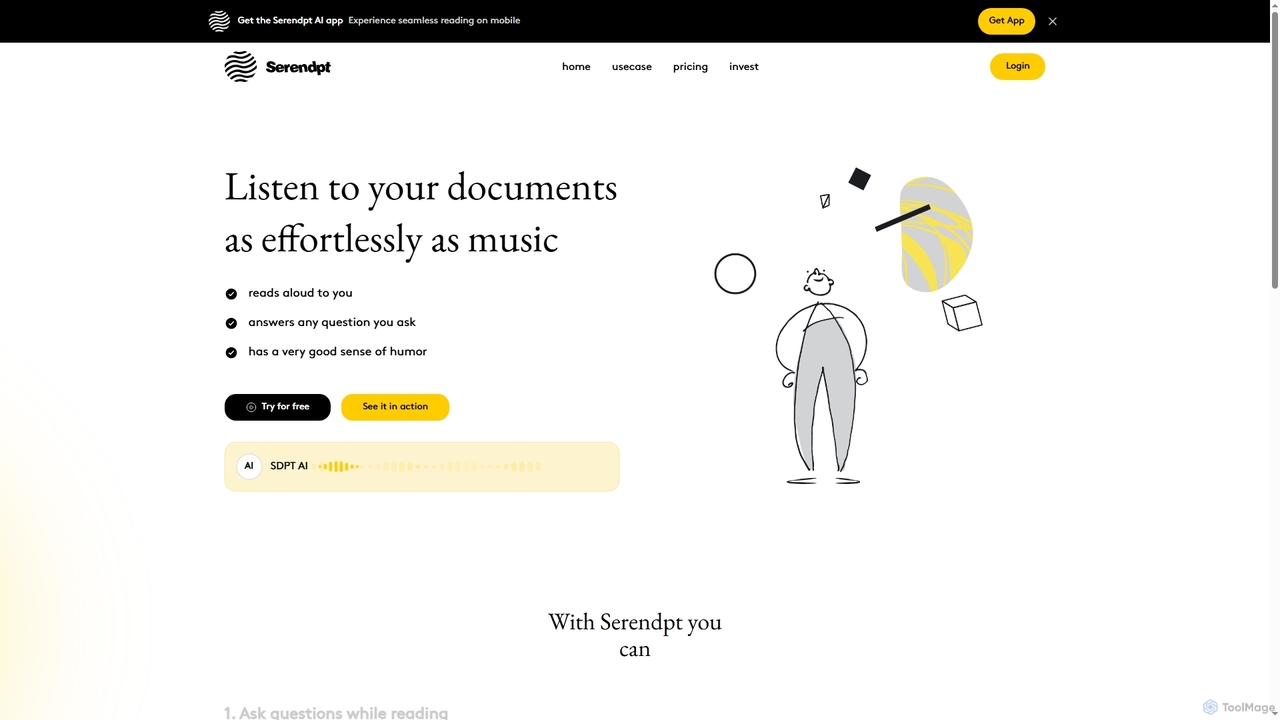
Serendpt AI is an intelligent reading companion that transforms documents and books into interactive experiences. It reads content aloud, answers questions instantly, and offers a personalized tutor mode, all accessible via a mobile app.

Conversational Ai
Visits 4.2KFavorites 119Likes 121
ZenMic
Paid

ZenMic

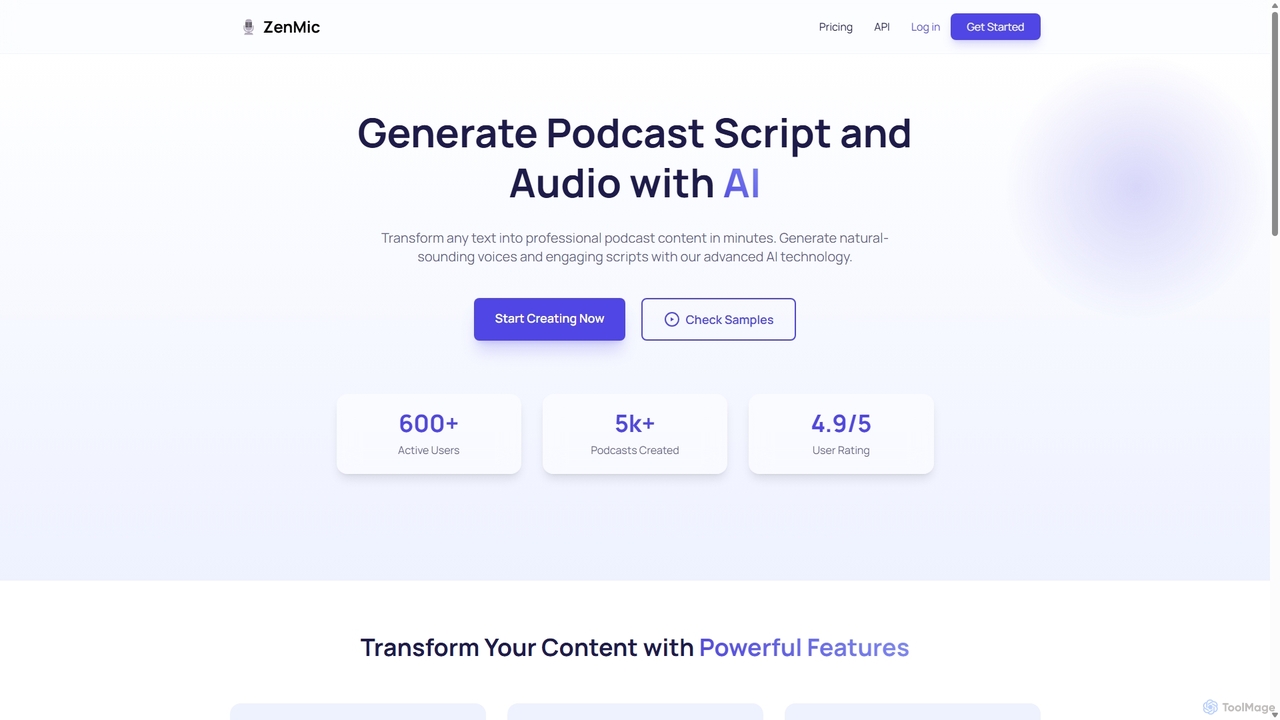
ZenMic is an AI-powered podcast generator that transforms any text into professional-quality podcast episodes in minutes. It automates the entire process, from generating engaging scripts based on your topic or content to producing natural-sounding audio with advanced AI voices. Ideal for content creators, marketers, and educators looking to repurpose written material into audio format effortlessly, ZenMic simplifies podcast production, making it accessible to everyone without needing technical skills or recording equipment.

Podcast Generation
Visits 5.9KFavorites 112Likes 122
AIdeaFlow AI Podcast Generator
Freemium

AIdeaFlow AI Podcast Generator

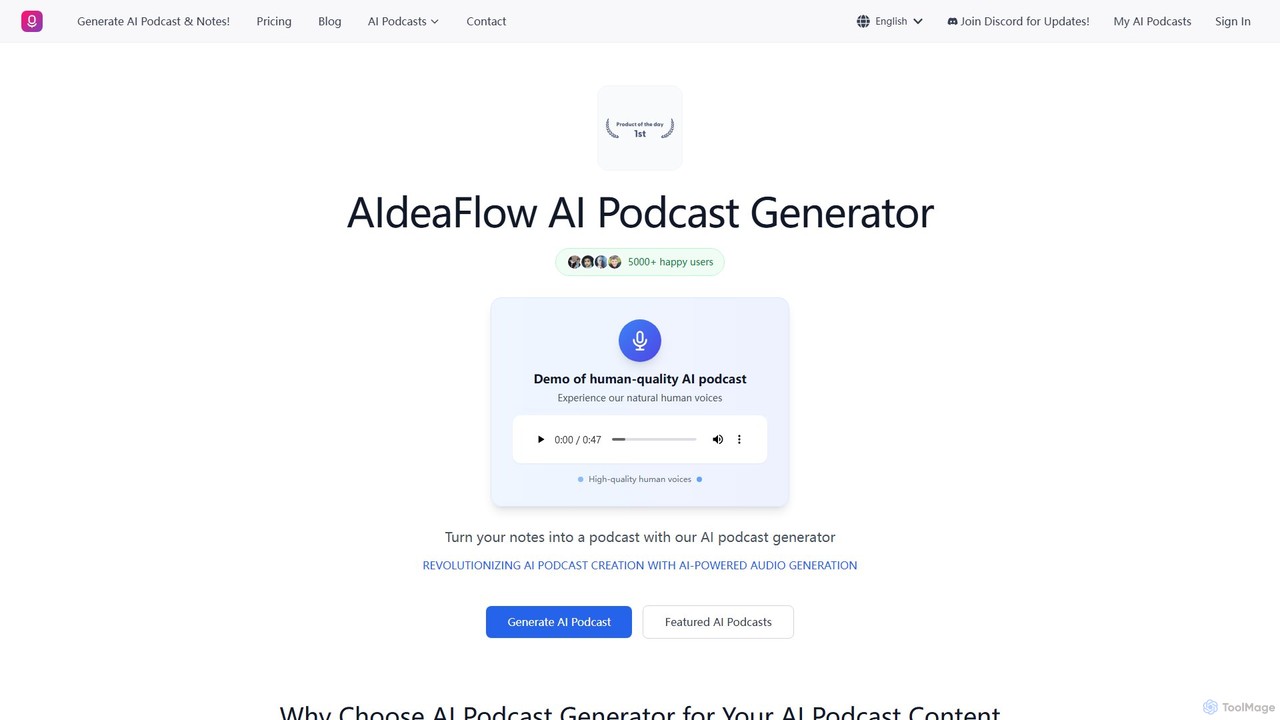
An advanced AI tool that transforms any text into engaging, multi-speaker dialogue podcasts. It features over 120 natural-sounding voices, supports 50+ languages, and offers deep customization. Ideal for content creators, educators, and marketers to effortlessly produce high-quality audio content.

Podcast Generation
Visits 5.3KFavorites 120Likes 112
aiclonevoicefree
Freemium

aiclonevoicefree

aiclonevoicefree is a freemium AI voice cloning tool that generates realistic voice replicas from short audio samples (5-30 seconds). It offers high-quality text-to-speech (TTS) synthesis, supports cross-language cloning, and provides a library of pre-made character voices. No registration is required for the free version, making advanced voice technology accessible to everyone for personal projects and content creation.

Voice Cloning
Visits 99KFavorites 85Likes 82

About Text To Speech

Text To Speech (TTS) tools are AI-powered applications that convert written text into natural-sounding spoken audio. These tools leverage advanced neural networks and deep learning models to synthesize human-like voices with realistic intonation and emotion. They are widely used to create audio content, enhance accessibility for digital materials, and generate professional voiceovers without recording equipment. Modern TTS platforms offer a vast selection of voices, languages, and accents, providing high-quality audio output for diverse needs.

Core Features

  • Extensive Voice Library: Access a wide range of pre-built male, female, and child voices across numerous languages and accents.
  • Voice Customization & Control: Adjust parameters such as speech rate, pitch, volume, and pauses to fine-tune the audio output.
  • Emotional Tones: Generate speech with specific emotions like happy, sad, or excited to match the context of the text.
  • SSML Support: Utilize Speech Synthesis Markup Language (SSML) for advanced control over pronunciation, emphasis, and speech flow.

Use Cases

These tools are valuable for content creators producing video narrations and podcasts, educators developing e-learning courses, and businesses creating automated voice prompts for IVR systems. Developers also integrate TTS APIs to add voice capabilities to applications and services.

How to Choose

When selecting a Text To Speech tool, evaluate the naturalness and quality of the voices. Consider the breadth of language and accent support, the level of customization available (including SSML), API access for integration, and the pricing structure based on character usage or subscription.

Featured tool rankings

Text To Speech use cases

1

Creating Voiceovers for Video Content

A content creator needs to produce a documentary-style YouTube video but lacks professional recording equipment or a suitable voice. Using a Text To Speech tool, they can paste their script into the editor, select a deep, authoritative voice from the library, and adjust the pacing to match the video's visuals. The tool generates a high-quality MP3 audio file that can be directly imported into their video editing software, saving hours of recording and editing time and ensuring a consistent, professional narration.

2

Developing Accessible E-Learning Materials

An instructional designer at a corporation is tasked with making training modules accessible to employees with visual impairments and catering to auditory learners. They use a TTS tool with API access to automatically convert all written course content—from slide text to quizzes—into audio format. This allows learners to listen to the material on the go, improving engagement and ensuring compliance with accessibility standards without manually recording hundreds of pages of text.

3

Automating Podcast Production

A solo podcaster who repurposes blog articles into audio episodes wants to increase their output. Instead of spending hours recording each article, they use a TTS tool with a natural, conversational voice. They can quickly convert a 2,000-word article into a 15-minute audio segment. By using SSML tags, they can add strategic pauses and emphasize key points, creating a polished listening experience that closely mimics human narration and allows them to publish new episodes daily.

4

Generating IVR Prompts for Customer Service

A telecommunications company needs to update its Interactive Voice Response (IVR) system with new menu options and promotional messages. Instead of hiring voice actors for small updates, the system administrator uses a TTS tool. They type the new prompts, such as "Press 5 for our new fiber optic plans," and generate clear, consistent audio files in a friendly, professional voice. This process reduces turnaround time from weeks to minutes and ensures all system prompts have a uniform sound.

5

Prototyping Audiobooks for Authors

An independent author wants to gauge how their new novel sounds as an audiobook before investing in a professional narrator. They upload a chapter of their manuscript to a TTS tool and select a voice that matches their protagonist's character. Listening to the AI-generated audio helps them identify awkward phrasing, repetitive sentences, and pacing issues in their dialogue. This allows them to refine the text for better auditory flow, creating a stronger manuscript for the final human-narrated production.

6

Adding Real-Time Narration to Applications

A mobile app developer is creating a language-learning app and needs to provide audio pronunciations for thousands of words and phrases. Manually recording each one is impractical. They integrate a TTS API into their app. When a user taps a word, the app sends a request to the API, which instantly returns a high-quality audio stream of the correct pronunciation in the selected language and accent. This provides a scalable and cost-effective solution for adding critical audio features.

Text To Speech FAQ

What are Text To Speech (TTS) tools?

Text To Speech (TTS) tools are applications that use artificial intelligence to convert written text into audible, human-like speech. They rely on deep learning models to analyze text and generate audio with natural intonation, rhythm, and emotion. Key features often include a variety of voices, multi-language support, and the ability to customize speed and pitch. These tools are commonly used for creating video voiceovers, producing audiobooks, enhancing accessibility, and building voice-enabled applications.

How do I choose the right Text To Speech tool?

To choose the right TTS tool, consider these factors:

  • Voice Quality: Listen to samples to assess how natural and human-like the voices sound. Check for robotic tones or awkward phrasing.
  • Language & Accent Support: Ensure the tool offers the specific languages and regional accents you need for your target audience.
  • Customization Options: Look for controls to adjust speed, pitch, volume, and pauses. Support for SSML (Speech Synthesis Markup Language) allows for more advanced fine-tuning.
  • Integration & API: If you need to automate audio generation, check for a well-documented API and easy integration with your existing software.
  • Pricing Model: Compare pricing based on character limits, subscription tiers, or pay-as-you-go models to find what best fits your usage volume.
What is the difference between traditional TTS and modern AI TTS?

The primary difference lies in the quality and naturalness of the voice. Traditional TTS systems, often called concatenative or parametric synthesis, piece together pre-recorded sound fragments, which can result in a robotic and monotonous output. Modern AI Text To Speech, powered by neural networks and deep learning, generates audio from scratch. This allows it to capture the complex nuances of human speech, including intonation, emotion, and rhythm, resulting in a significantly more fluid and realistic listening experience.

What are the key features of a good Text To Speech tool?

A good Text To Speech tool typically includes several key features. A diverse voice library with multiple languages, accents, and genders is fundamental. Advanced customization allows users to control speech rate, pitch, and volume. Many top tools also support emotional tones (e.g., cheerful, sad) and offer voice cloning capabilities. For developers and businesses, robust API access is crucial for integration. Finally, support for SSML provides granular control over pronunciation, pauses, and emphasis for creating highly polished audio.

Who benefits from using Text To Speech technology?

A wide range of users benefit from Text To Speech technology. Content creators, such as YouTubers and podcasters, use it for professional voiceovers. Educators and corporate trainers create accessible e-learning materials. Businesses use it for IVR systems and marketing content. Developers integrate it into apps to provide voice features. It is also a vital assistive technology for individuals with visual impairments or reading disabilities like dyslexia, making digital content accessible to them.