ToolMage
Sign in

Best 3 Training AI tools

Popular Training AI tools include Fluency, Kopyst, and ASPR, helping you work more efficiently.

Paid

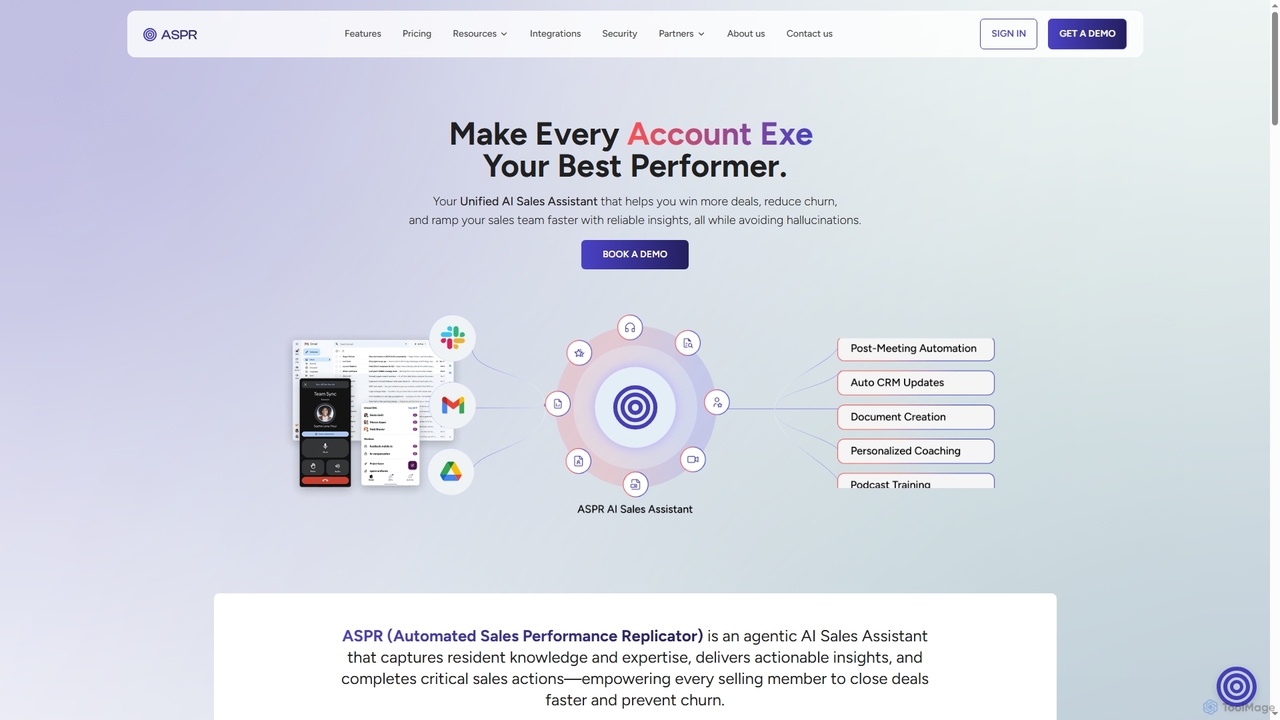
ASPR

ASPR is an agentic AI Sales Assistant designed to accelerate revenue by unifying sales operations. It captures resident knowledge, delivers actionable insights, and automates critical sales actions, helping teams win more deals, reduce churn, and ramp up faster, all while avoiding hallucinations.

Crm Automation
Visits 6.8KFavorites 43Likes 29
Freemium

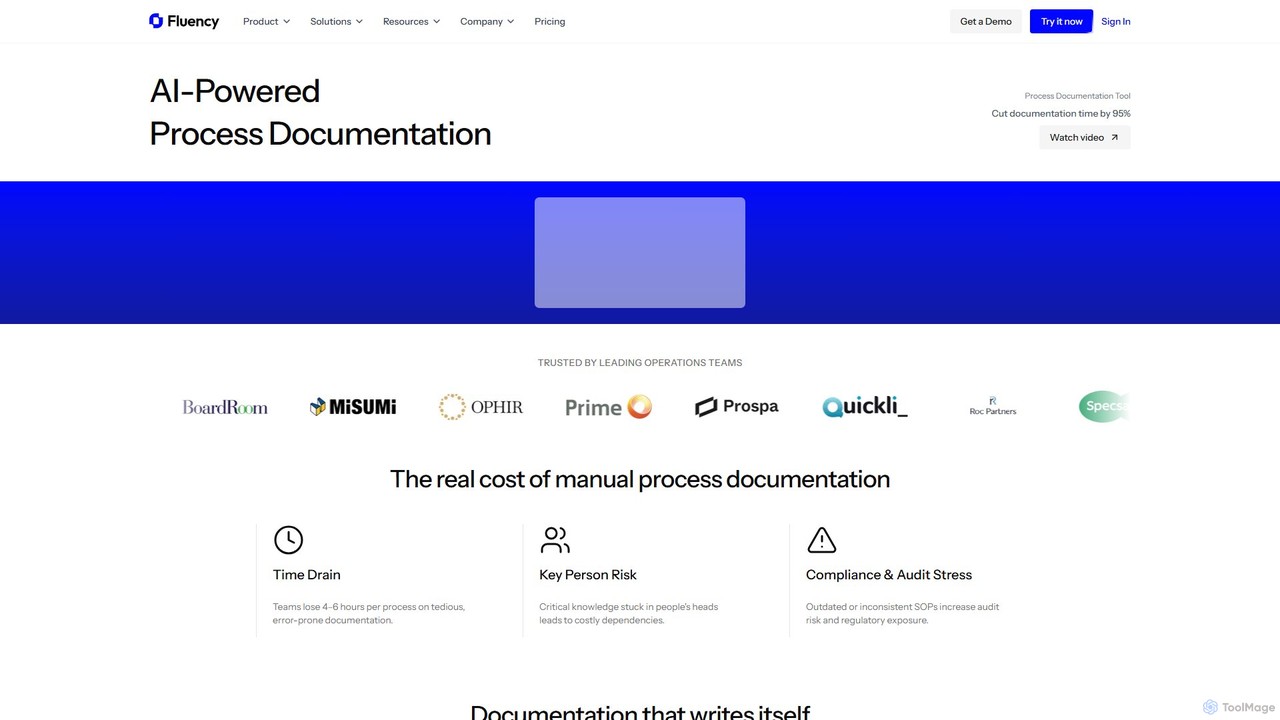
Fluency

Fluency is an AI-powered process documentation platform that automatically creates Standard Operating Procedures (SOPs), training guides, and process documents. Simply record your workflow, and Fluency's AI generates step-by-step instructions with context, cutting documentation time by up to 95%. It's designed for enterprise teams to streamline operations, enhance training, and ensure compliance.

Operations
Visits 27.1KFavorites 108Likes 94
Freemium

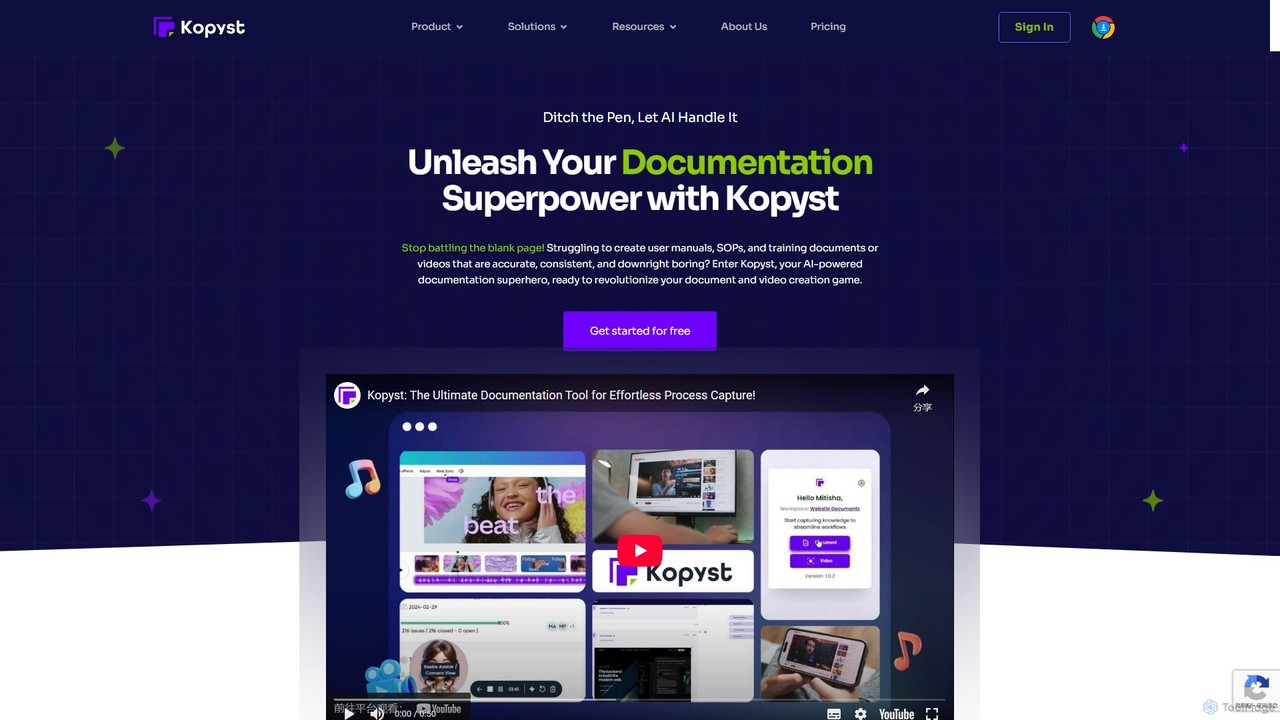
Kopyst

Kopyst is an AI-powered platform that transforms complex workflows into engaging step-by-step videos and documents. By recording your screen interactions, it automatically generates user manuals, SOPs, training materials, and product walkthroughs, saving you hours of manual work and ensuring accuracy.

Knowledge Base
Visits 25.4KFavorites 91Likes 95

About Training

AI Training tools are a class of software that leverages artificial intelligence to create, manage, and personalize educational content and learning experiences. These tools utilize technologies like natural language processing (NLP) and machine learning to analyze source materials, understand learner behavior, and adapt content in real-time. They are designed to automate the instructional design process, enhance knowledge retention, and provide scalable training solutions for various audiences. This approach moves beyond static, one-size-fits-all training to offer dynamic, individualized learning journeys.

Core Features

  • Automated Content Creation: Generates course outlines, quizzes, summaries, and video scripts from existing documents, videos, or text prompts.
  • Personalized Learning Paths: Analyzes individual performance and preferences to create customized learning curricula and recommend relevant materials.
  • Interactive Simulations: Creates realistic, AI-driven role-playing scenarios for skills practice in areas like sales, customer service, or leadership.
  • Performance Analytics: Tracks learner progress, identifies knowledge gaps, and provides data-driven insights to instructors and managers.
  • Knowledge Base Management: Organizes internal documentation into an intelligent, searchable knowledge base that can be used for just-in-time learning.

Use Cases

AI Training tools are widely used in corporate environments for employee onboarding, compliance training, and leadership development. Educational institutions use them to create supplementary course materials and offer personalized tutoring. They are also valuable for individual creators and coaches looking to build and scale online courses efficiently.

How to Choose

When selecting an AI Training tool, consider the types of content you need to create (e.g., video, text, quizzes). Evaluate its ability to integrate with your existing Learning Management System (LMS) or other platforms. Assess the depth of its analytics and reporting features to ensure you can measure learning outcomes effectively. Finally, consider the user interface's ease of use for both content creators and learners.

Featured tool rankings

Training use cases

1

Automating Corporate Employee Onboarding

A Human Resources manager is tasked with onboarding 50 new hires across different departments. Instead of manually creating separate training plans, they use an AI Training tool. They upload company policies, role descriptions, and product documentation. The AI automatically generates personalized onboarding paths for each role, including interactive modules on company culture, compliance quizzes, and role-specific software tutorials. This reduces the HR team's administrative workload by over 60% and ensures new hires receive consistent, relevant information from day one.

2

Creating Realistic Sales Training Simulations

A sales manager wants to improve their team's objection-handling skills. They use an AI Training tool to create interactive role-playing simulations. The manager inputs common customer objections and ideal responses. The AI then generates a variety of conversational scenarios where salespeople can practice their responses with an AI avatar. The system provides instant feedback on tone, word choice, and effectiveness, allowing reps to practice in a safe environment before engaging with real customers. This leads to a measurable increase in confidence and closing rates.

3

Scaling Online Course Creation for Educators

An independent educator wants to launch a new online course on digital marketing but has limited time for content creation. They use an AI Training tool by uploading their existing lecture notes, video transcripts, and relevant articles. The AI analyzes the material and generates a complete course structure, including module summaries, key learning objectives, multiple-choice quizzes for each section, and even drafts for video scripts. This automates about 80% of the initial course development, allowing the educator to focus on refining content and engaging with students.

4

Personalized Professional Skill Development

A software engineer wants to transition into a data science role. They use an AI-powered learning platform to guide their skill development. After an initial assessment, the AI identifies their knowledge gaps in statistics and specific machine learning algorithms. It then curates a personalized learning path consisting of video tutorials, technical articles, and hands-on coding projects from various online sources. The platform continuously adapts the curriculum based on their progress on quizzes and projects, ensuring they focus on the most critical areas needed for their career change.

5

Enhancing Customer Support Agent Training

A customer service manager notices recurring issues in support tickets that agents struggle to resolve. They use an AI Training platform that integrates with their helpdesk software. The AI analyzes thousands of past support conversations to identify the most common and complex customer problems. It then automatically generates micro-learning modules and simulations focused specifically on these topics. New and existing agents can complete these targeted training exercises, leading to a faster resolution time and a 20% improvement in customer satisfaction scores within three months.

6

Building an Intelligent Internal Knowledge Base

A fast-growing tech company struggles with knowledge sharing, as information is scattered across documents, chat logs, and emails. They implement an AI Training tool to create a centralized knowledge base. The tool ingests all existing documentation and uses NLP to automatically tag, categorize, and structure the information. Employees can now ask the system questions in natural language, like "What is our process for bug reporting?" and receive instant, accurate answers with links to source documents. This serves as a continuous, on-demand training resource, reducing repetitive questions and accelerating problem-solving.

Training FAQ

What are AI Training tools?

AI Training tools are software applications that use artificial intelligence to automate and enhance the creation, delivery, and management of educational content. They go beyond traditional Learning Management Systems (LMS) by actively participating in the instructional process. Key features often include generating course materials from source documents, creating personalized learning paths for individuals based on their performance, and offering interactive simulations for skills practice. These tools are used to make corporate training, online education, and professional development more efficient, scalable, and effective.

How do I choose the right AI Training tool?

Choosing the right tool depends on your specific needs. Consider the following factors:

  • Content Creation Needs: Do you need to generate courses from scratch, convert existing documents, or create interactive videos? Match the tool's capabilities to your primary content format.
  • Integration: Does the tool need to connect with your existing Learning Management System (LMS), HR software, or other platforms? Check for available integrations.
  • Target Audience: Is the tool for corporate employees, university students, or individual learners? The user interface and feature set should be appropriate for your audience.
  • Analytics and Reporting: How important is it to track learner progress and measure training effectiveness? Evaluate the depth and clarity of the analytics provided.
  • Scalability: Consider whether the tool can support your needs as your number of users or courses grows over time.
What are the main benefits of using AI for training?

Using AI in training offers several significant benefits. Firstly, it enables personalization at scale, allowing each learner to have a unique educational journey tailored to their pace and knowledge gaps. Secondly, it greatly automates content creation, reducing the time and cost associated with developing courses. Thirdly, AI provides deep, data-driven insights into learner performance, helping organizations understand training effectiveness and ROI. Finally, it facilitates engaging learning experiences through interactive elements like simulations and AI tutors, which can improve knowledge retention compared to passive learning methods.

Can AI Training tools replace human instructors?

AI Training tools are generally designed to augment, not replace, human instructors. They excel at automating repetitive tasks like creating initial content drafts, grading quizzes, and tracking progress, which frees up instructors' time. This allows educators to focus on higher-value activities such as mentoring, leading complex discussions, and providing personalized support to learners who need it most. The most effective training programs often use a blended approach, combining the efficiency and scale of AI with the empathy, expertise, and nuanced understanding of a human instructor.

Who are the primary users of AI Training tools?

AI Training tools serve a diverse range of users. The primary groups include:

  • Corporate L&D Departments: Human Resources and Learning & Development teams use these tools to create and manage employee onboarding, compliance, and skill development programs.
  • Educational Institutions: Teachers and professors use them to generate supplementary course materials, create assessments, and offer personalized learning support to students.
  • Independent Course Creators: Entrepreneurs and subject matter experts leverage these tools to rapidly build and scale their online courses without needing a large team.
  • Sales Enablement Teams: They use AI to create realistic sales simulations and training modules to improve the performance of sales representatives.