Recaply
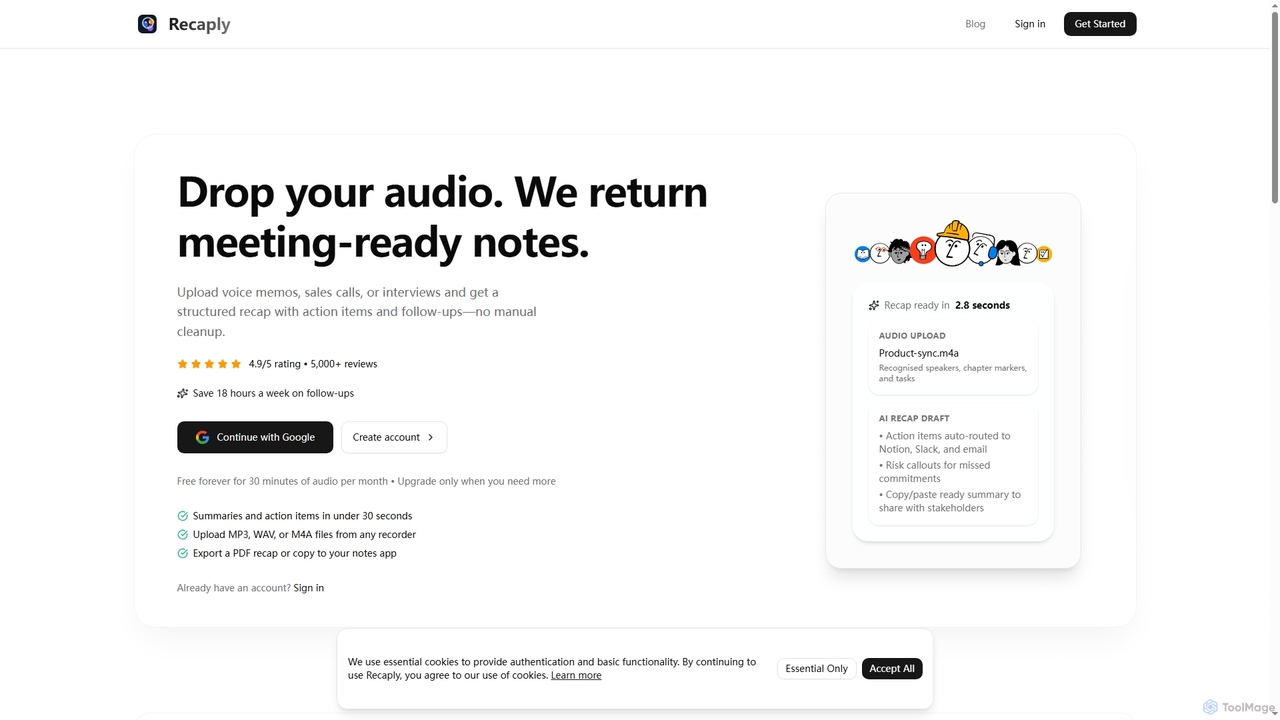
Recaply is an AI-powered tool that transforms voice memos, sales calls, and interviews into structured, actionable notes with …
Recaply is an AI-powered tool that transforms voice memos, sales calls, and interviews into structured, actionable notes with summaries, action items, and follow-ups. It streamlines post-meeting tasks, saving significant time on manual cleanup and ensuring team alignment.
StenifyAI
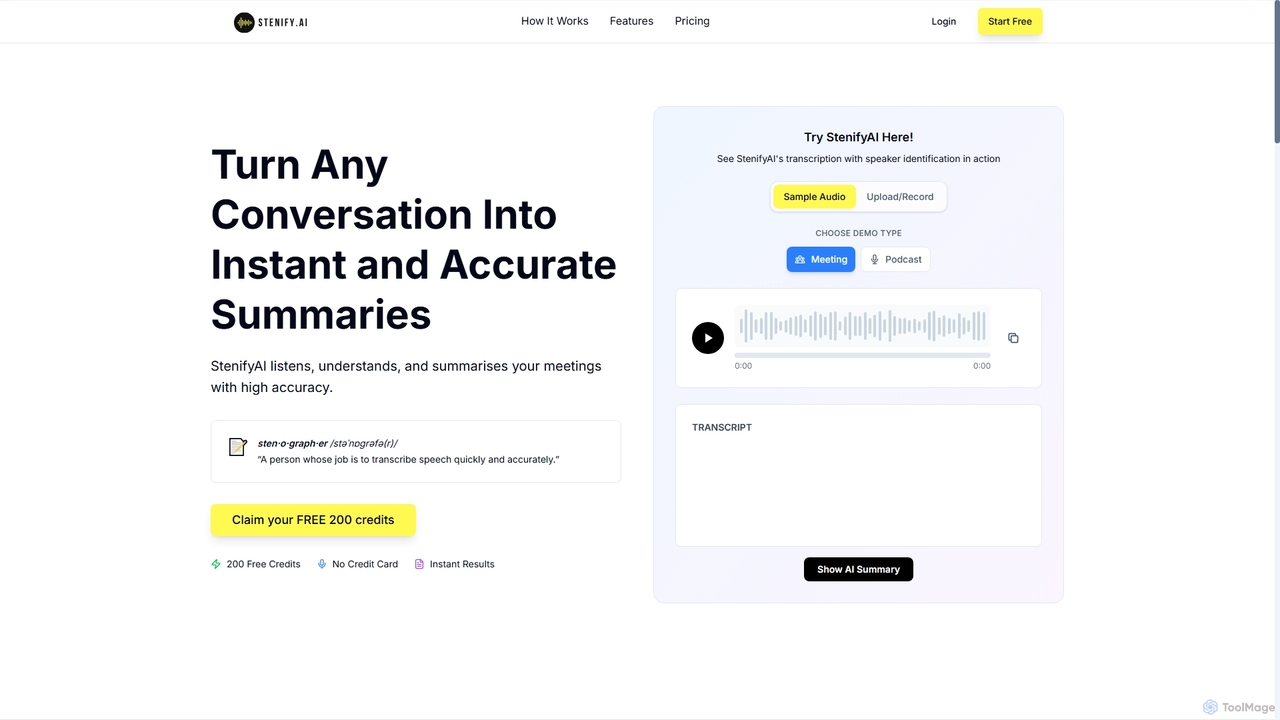
StenifyAI transforms any conversation into instant, accurate summaries and transcripts with speaker identification. It streamlines meeting documentation, saving …
StenifyAI transforms any conversation into instant, accurate summaries and transcripts with speaker identification. It streamlines meeting documentation, saving teams valuable time and ensuring consistent, searchable records across 99 languages.
Notterai
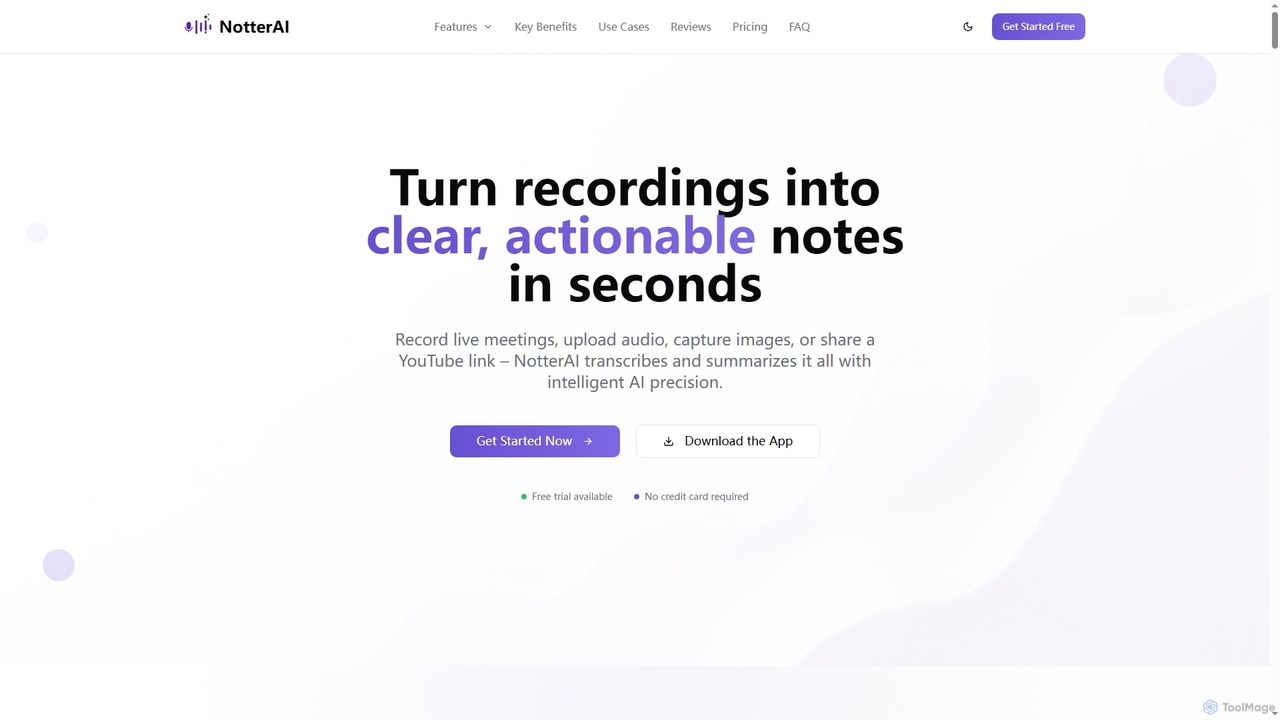
Notterai is an AI-powered note-taker that transforms recordings, audio files, images, PDFs, and even YouTube videos into clear, …
Notterai is an AI-powered note-taker that transforms recordings, audio files, images, PDFs, and even YouTube videos into clear, actionable notes. It offers real-time transcription, intelligent summaries, and multi-language support to boost productivity for students, professionals, and creators.
Audio2Text AI
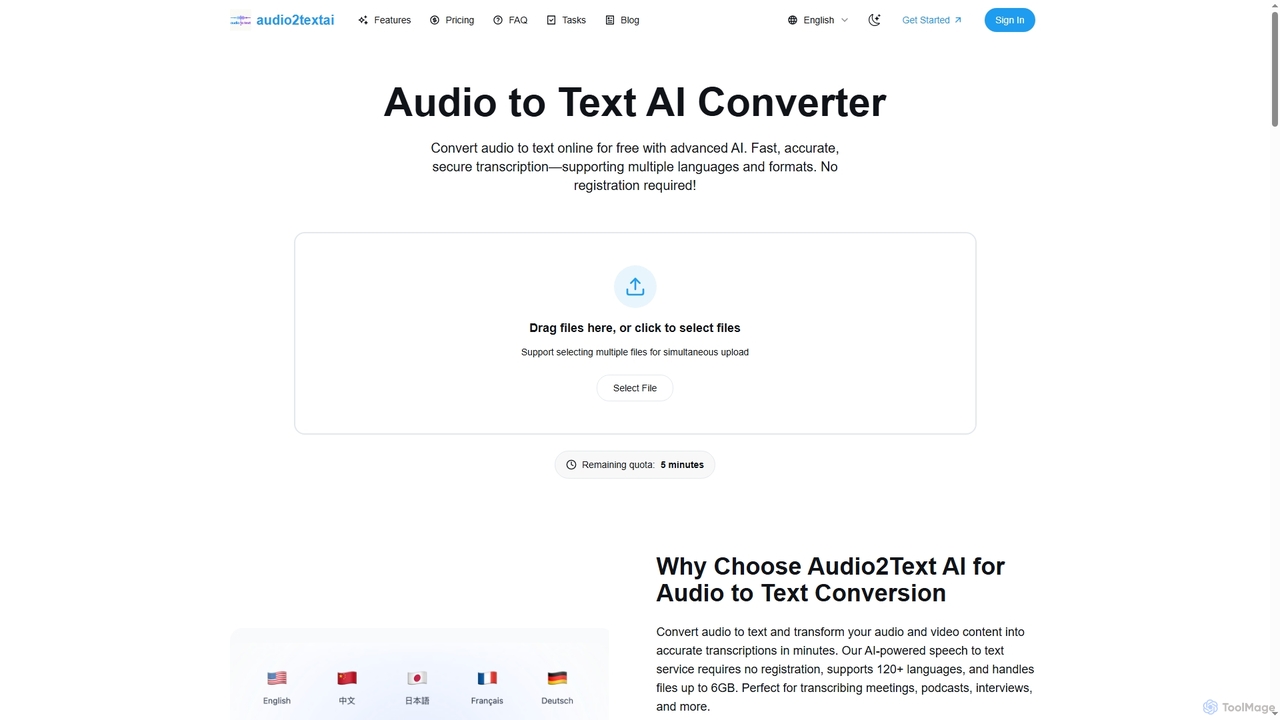
Audio2Text AI is an advanced online AI converter that transforms audio and video files into accurate text transcriptions …
Audio2Text AI is an advanced online AI converter that transforms audio and video files into accurate text transcriptions quickly and securely. Supporting over 120 languages and 21 media formats, it offers enterprise-grade accuracy with speaker identification and timestamps, all without requiring registration for a free 5-minute trial.
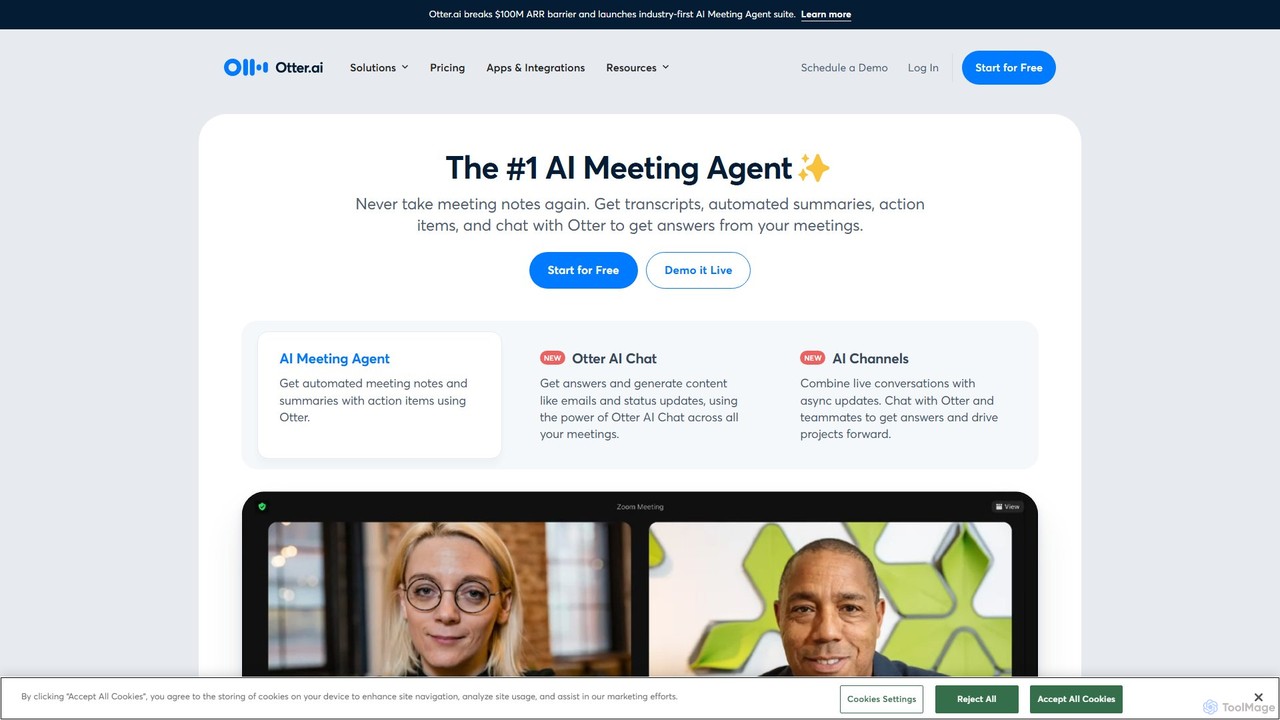
Otter.ai
Otter.ai is an AI-powered meeting assistant that automatically records, transcribes, and summarizes your conversations. It joins your meetings …
Otter.ai is an AI-powered meeting assistant that automatically records, transcribes, and summarizes your conversations. It joins your meetings on Zoom, Google Meet, and MS Teams, providing real-time notes, action items, and searchable archives. This allows teams to stay focused, collaborate effectively, and unlock insights from their spoken knowledge.
About Audio To Text
Audio To Text tools are a specialized category of transcription software that automatically convert spoken language from audio files into written text. They leverage advanced Automatic Speech Recognition (ASR) technology to analyze sound waves and identify words, phrases, and speakers. This process makes audio content searchable, editable, and accessible, transforming interviews, meetings, and lectures into valuable data assets. Key features often include high accuracy rates, multi-language support, and speaker diarization for clear attribution.
Core Features
- Speaker Diarization: Automatically identifies and labels different speakers throughout the audio recording.
- Accurate Timestamping: Aligns each word or phrase with its precise timing in the audio file for easy reference and editing.
- Custom Vocabulary: Allows users to add specific names, industry jargon, or technical terms to improve recognition accuracy.
- Multiple Export Formats: Provides transcripts in various formats like TXT, DOCX, or SRT for subtitles and other applications.
- Noise Filtering: Employs algorithms to reduce background noise and enhance the clarity of the source audio for better results.
Use Cases
These tools are widely used by journalists for transcribing interviews, podcasters for creating show notes, and academic researchers for analyzing qualitative data. In business, they are essential for creating accurate records of meetings, conference calls, and customer support interactions, improving documentation and follow-up.
How to Choose
When selecting an Audio To Text tool, prioritize its transcription accuracy, especially for specific accents or noisy environments. Evaluate the quality of its speaker identification, the range of supported languages, and its integration capabilities with your existing workflow. Also, consider the pricing model—whether it's per-minute billing or a subscription—and the platform's security protocols for sensitive data.
Audio To TextUse Cases
Transcribing Interviews for Journalism and Research
Journalists and academic researchers frequently conduct interviews that must be accurately documented. Using an Audio To Text tool, they can upload hours of recordings and receive a full transcript within minutes. Features like speaker diarization clearly separate the interviewer from the interviewee, while precise timestamps allow for quick fact-checking and locating key quotes. This significantly accelerates the research and writing process, ensuring accuracy and freeing up time for analysis rather than manual transcription.
Creating Content from Podcasts and Videos
Content creators, such as podcasters and YouTubers, use Audio To Text tools to repurpose their audio-visual content. By transcribing an episode, they can quickly generate blog posts, show notes, social media captions, and subtitles (using SRT export). This maximizes the reach of their original content across different platforms and improves SEO by making the spoken content indexable by search engines. It also enhances accessibility for audiences who are hearing-impaired or prefer to read.
Documenting Business Meetings and Conference Calls
In a corporate setting, teams use Audio To Text tools to automatically generate minutes from meetings and calls. This ensures that no critical decisions or action items are missed. The speaker diarization feature helps attribute comments and tasks to the correct individuals. The resulting text is a searchable record that can be shared with attendees or those who couldn't make it, improving team alignment and accountability without requiring someone to manually take detailed notes.
Assisting Students with Lecture and Study Notes
Students can record lectures and seminars and use an Audio To Text tool to convert them into comprehensive, searchable notes. This allows them to focus on understanding the material during class rather than frantically writing everything down. The transcript serves as a powerful study aid, enabling them to quickly search for keywords and review specific topics. It is particularly beneficial for students with learning disabilities or those studying in a non-native language.
Transcribing Legal Depositions and Client Meetings
Legal professionals handle sensitive and detail-oriented audio recordings, such as depositions, witness statements, and client consultations. An Audio To Text tool provides a fast, first-draft transcript. With features like custom vocabulary for legal terminology and clear speaker labeling, it helps paralegals and attorneys quickly review case details, identify key information, and prepare for trials. This automation reduces reliance on expensive, slow manual transcription services for initial reviews.
Improving Accessibility for Media Content
Media companies and broadcasters have a responsibility to make their content accessible. Audio To Text tools are crucial for this, as they can automatically generate closed captions and full transcripts for video and audio content. This not only serves audiences with hearing impairments but also benefits viewers in sound-sensitive environments (like public transport) or those who speak a different language and rely on translated subtitles. It's an efficient way to meet accessibility standards and broaden audience reach.