AIEnhancer
AIEnhancer is a powerful online AI tool that transforms and perfects images. It enhances resolution, restores old photos, …
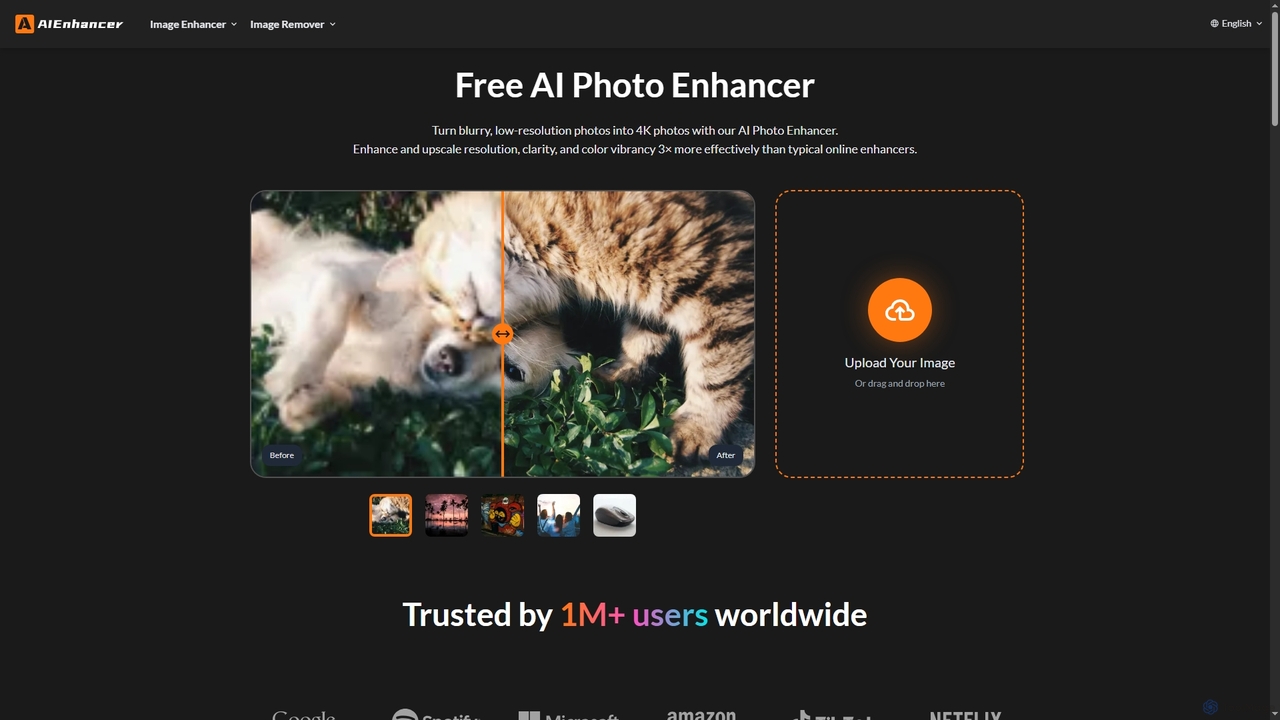
AIEnhancer is a powerful online AI tool that transforms and perfects images. It enhances resolution, restores old photos, removes blur and noise, sharpens details, converts to HD, and precisely removes backgrounds, making professional-grade photo editing accessible and effortless for everyone.
About Resolution Enhancement
Resolution Enhancement tools are AI-powered solutions designed to significantly improve the visual quality and detail of images and videos, particularly when increasing their size. These tools leverage advanced algorithms, often based on deep learning, to intelligently reconstruct missing pixels and refine existing ones. Going beyond simple upscaling, they restore clarity, reduce noise, and sharpen edges, transforming low-resolution content into high-fidelity visuals suitable for various professional and creative applications.
Core Features
- Detail Reconstruction: Intelligently adds fine details and textures that were absent in the original low-resolution input.
- Noise Reduction: Effectively removes visual noise and artifacts without blurring important image features.
- Edge Sharpening: Enhances the crispness of lines and edges, making objects appear clearer and more defined.
- Artifact Removal: Corrects compression artifacts, pixelation, and other imperfections common in low-quality media.
- Color and Tone Optimization: Optimizes color accuracy and tonal balance for a more vibrant and natural appearance.
Use Cases
Graphic designers and photographers use these tools to prepare low-resolution client assets for print or high-definition digital display. Video editors enhance archival footage or user-generated content to meet broadcast quality standards. E-commerce businesses improve product images for online catalogs, ensuring high-quality visuals that attract customers.
How to Choose
Consider the AI model's sophistication and its ability to handle different content types (photos, illustrations, video). Evaluate the output quality for detail preservation, noise handling, and artifact removal. Check for batch processing capabilities and integration with existing workflows. Assess pricing models (subscription, pay-per-use) and file size/resolution limits.
Resolution EnhancementUse Cases
Enhancing Archival Photos for Digital Display
Historians or personal users digitizing old family photos can use resolution enhancement tools to restore faded, pixelated, or low-resolution scans. The AI intelligently reconstructs details, sharpens features, and removes noise, making these precious memories suitable for high-quality prints or sharing on modern high-resolution screens.
Upscaling E-commerce Product Images
E-commerce managers often receive product images in varying or low resolutions from suppliers. Resolution enhancement tools allow them to uniformly upscale and refine these images, ensuring every product photo on their website is crisp, detailed, and professional, which directly impacts customer perception and conversion rates.
Improving Video Footage for Broadcast/Streaming
Video production teams working with older footage, user-generated content, or drone captures that are not in 4K or 8K can employ resolution enhancement. These tools upgrade the video quality, reducing blur and pixelation, making it suitable for high-definition broadcasts, cinematic presentations, or modern streaming platforms without reshooting.
Preparing Low-Res Graphics for Print Media
Graphic designers frequently encounter logos, illustrations, or design elements that are too small or low-resolution for large-format printing (e.g., posters, banners). Resolution enhancement AI can upscale these graphics while adding necessary detail and sharpness, preventing pixelation and ensuring a professional, high-quality print output.
Restoring Details in Forensic or Surveillance Imagery
Law enforcement or security analysts can utilize resolution enhancement to clarify blurry or low-resolution images and video from surveillance cameras or crime scenes. By enhancing facial features, license plates, or other critical details, these tools provide clearer evidence that can be crucial for investigations.
Upscaling Game Textures and Assets
Game developers or modders looking to modernize older games or improve asset quality can use resolution enhancement tools. These tools can take low-resolution textures and character models and upscale them with added detail and sharpness, significantly improving the visual fidelity of the game without requiring artists to manually redraw every asset.