AIEnhancer
AIEnhancer is a powerful online AI tool that transforms and perfects images. It enhances resolution, restores old photos, …
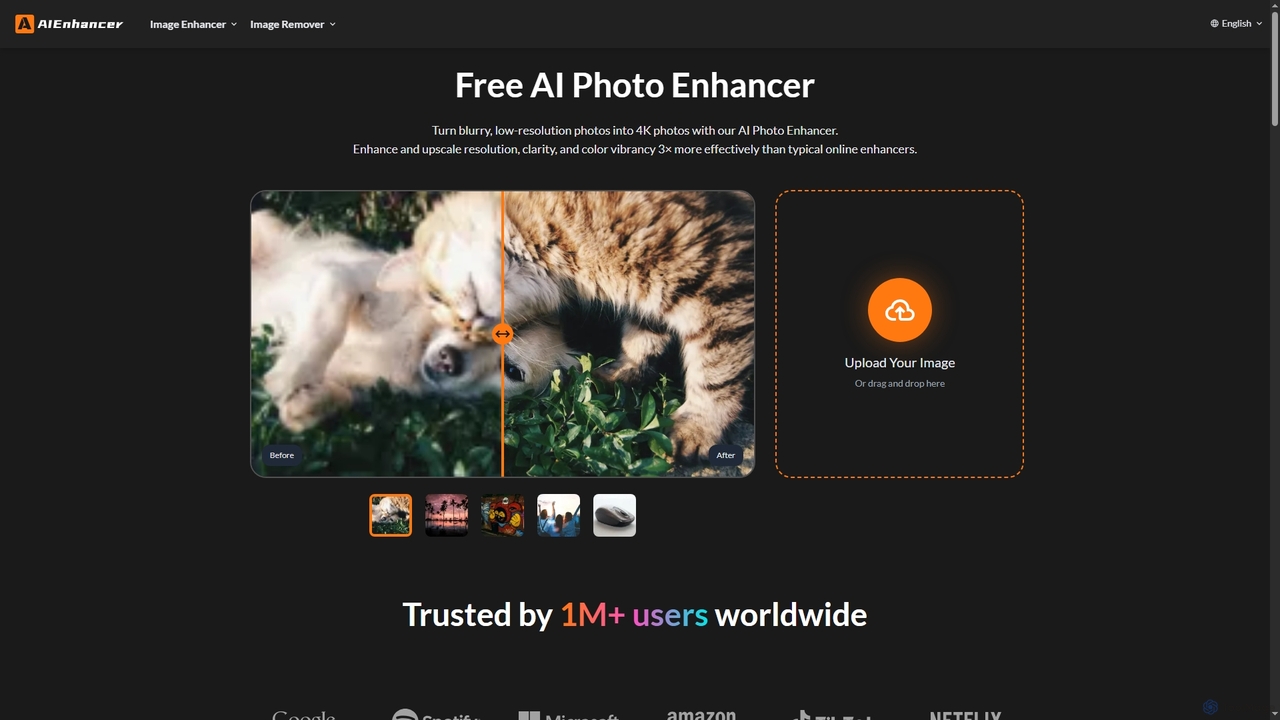
AIEnhancer is a powerful online AI tool that transforms and perfects images. It enhances resolution, restores old photos, removes blur and noise, sharpens details, converts to HD, and precisely removes backgrounds, making professional-grade photo editing accessible and effortless for everyone.
About Upscaling
Upscaling tools are AI-powered solutions designed to enhance the resolution and quality of images and videos. These tools leverage advanced machine learning algorithms, often based on deep neural networks, to intelligently add pixels and reconstruct details, transforming low-resolution media into high-definition outputs. They are invaluable for revitalizing old photos, preparing content for larger displays, or improving the visual fidelity of digital assets across various applications.
Core Features
- Resolution Enhancement: Increases pixel count, making images and videos larger without pixelation.
- Detail Reconstruction: Intelligently infers and adds missing visual information, sharpening edges and textures.
- Noise Reduction: Minimizes artifacts and graininess often present in lower quality source material.
- Color Correction: Improves color accuracy and vibrancy, leading to more visually appealing results.
Use Cases
Professionals in graphic design, video production, and e-commerce frequently utilize upscaling tools. They are essential for preparing low-resolution product photos for high-quality online catalogs, enhancing archival footage for modern broadcasts, or improving the clarity of user-generated content for marketing campaigns.
How to Choose
When selecting an upscaling tool, consider the supported media types (images, video, specific formats), the quality of the AI algorithm in handling different content, processing speed, and integration capabilities with existing workflows. Evaluate the pricing model and the availability of advanced features like batch processing or specific artistic styles.
UpscalingUse Cases
Enhancing E-commerce Product Images
E-commerce businesses often deal with product images of varying quality or lower resolutions that are unsuitable for high-definition displays or print. Upscaling tools allow e-commerce managers to automatically enhance these images, increasing their resolution and sharpness. This results in professional-looking product photos that improve customer perception, reduce bounce rates, and can lead to higher conversion rates by presenting products in the best possible light.
Restoring and Archiving Historical Photos
Historians, archivists, and individuals with old family photos can use upscaling tools to breathe new life into faded, low-resolution, or damaged images. These AI tools can not only increase the resolution but also intelligently reconstruct lost details, remove scratches, and improve color fidelity. This process helps preserve cultural heritage, makes historical records more accessible, and allows for clearer digital archiving and display.
Improving Video Content for High-Resolution Displays
Video content creators and broadcasters frequently need to adapt older footage or user-generated content for modern 4K or 8K screens. Upscaling tools enable video editors to enhance the resolution of these videos, ensuring they look crisp and professional on large, high-definition displays. This is crucial for maintaining visual quality across different platforms and delivering an immersive viewing experience without pixelation or blurriness.
Preparing Game Textures and Assets
Game developers often work with a mix of assets, some of which might be lower resolution or from older projects. Upscaling tools are used to enhance game textures, character models, and environmental assets, making them suitable for modern game engines and high-definition gaming experiences. This significantly reduces the need for manual re-creation, saving development time and resources while improving overall visual fidelity.
Creating High-Quality Print Materials
Graphic designers and marketing professionals require high-resolution images for print materials like brochures, posters, and billboards. When source images are too small, upscaling tools can enlarge them without significant loss of quality, preventing pixelation. This ensures that printed materials maintain a professional appearance, accurately represent brands, and effectively convey messages to their audience.
Enhancing Architectural Renderings and Blueprints
Architects and real estate professionals frequently use upscaling tools to improve the clarity and detail of architectural renderings, floor plans, and blueprints. This is particularly useful when presenting designs to clients or for marketing properties, where high-resolution visuals are critical. The tools help to highlight intricate details, making presentations more impactful and aiding in clearer communication of design concepts.