UserCall
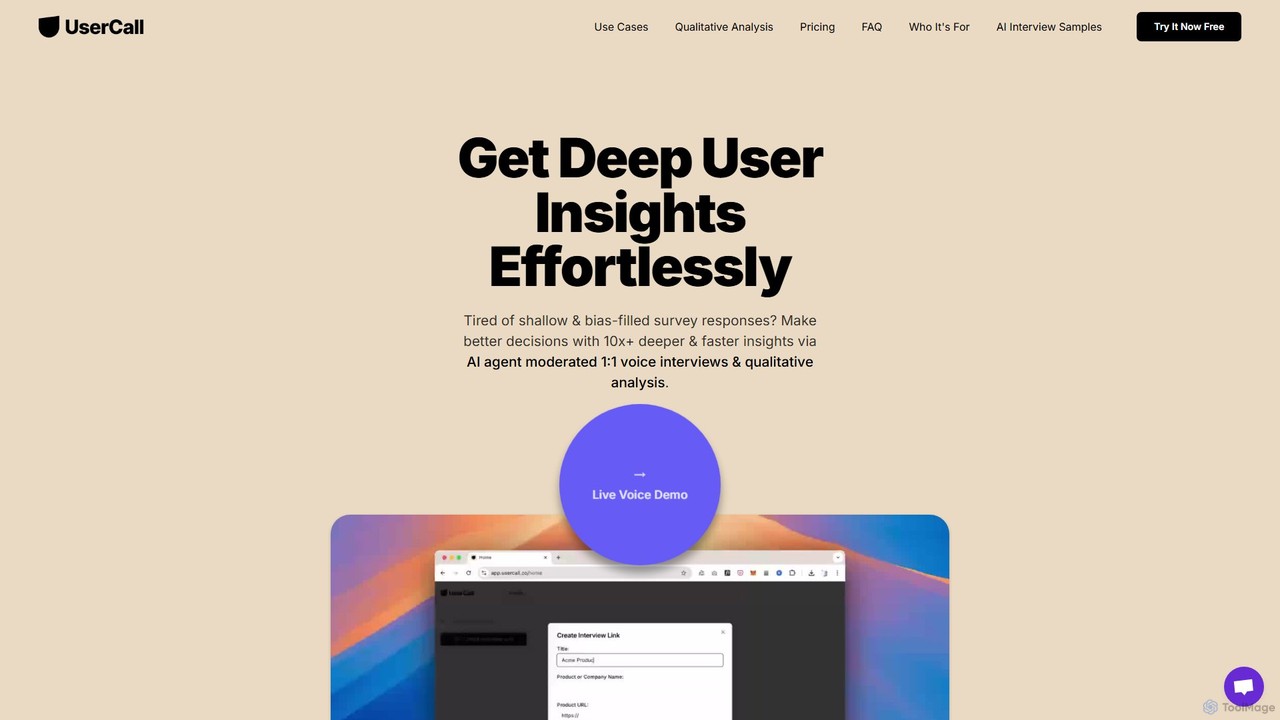
UserCall is an AI-powered qualitative research platform that scales user insights. It features AI-moderated voice interviews to capture …
UserCall is an AI-powered qualitative research platform that scales user insights. It features AI-moderated voice interviews to capture deep, nuanced feedback asynchronously, eliminating scheduling hassles. It also offers automated thematic analysis to instantly turn transcripts and qualitative data into actionable themes, summaries, and quote clusters. Ideal for product, UX, and marketing teams needing rich insights at the speed of surveys.
About Ux
AI User Experience (UX) tools are a class of software that leverages artificial intelligence to analyze user behavior, automate research, and optimize digital product interactions. These tools process vast amounts of data, such as clicks, scrolls, and session recordings, to uncover actionable insights that are often invisible to traditional analytics. By identifying user friction points, predicting behavior, and even generating design concepts, they empower teams to create more intuitive, engaging, and data-driven user experiences. This approach moves beyond simply tracking metrics to understanding the 'why' behind user actions.
Core Features
- Behavioral Analytics: AI automatically analyzes session recordings, heatmaps, and clickstreams to identify user frustration, confusion, and engagement patterns.
- Automated Usability Testing: Processes user test videos to extract insights on task success, emotional response, and verbal feedback, significantly reducing manual analysis time.
- AI-Powered Design Generation: Creates wireframes, mockups, and UI components from text prompts or user flow data, accelerating the design and prototyping phase.
- Predictive Analytics: Forecasts user churn, conversion likelihood, and feature adoption based on behavioral patterns, enabling proactive interventions.
- Feedback & Sentiment Analysis: Aggregates and analyzes user feedback from surveys, reviews, and support tickets to identify key themes and sentiment trends.
Use Cases
AI UX tools are widely used by product managers to optimize conversion funnels, UX designers to validate design hypotheses with quantitative data, and researchers to scale qualitative analysis. For instance, an e-commerce company can use these tools to discover why users abandon their shopping carts, while a SaaS provider can identify which features cause the most user confusion and prioritize improvements accordingly.
How to Choose
When selecting an AI UX tool, consider the primary goal: is it for research (behavioral analysis) or design (generation)? Evaluate its integration capabilities with your existing tech stack, such as analytics platforms and project management tools. Assess the depth of its analytical features and the clarity of its insights. Finally, review its data privacy policies and ensure compliance with regulations like GDPR or CCPA.
UxUse Cases
Optimize E-commerce Checkout Funnels
An e-commerce product manager is facing a high cart abandonment rate. By implementing an AI UX tool, they can analyze thousands of user session recordings from the checkout process. The AI automatically flags sessions where users exhibit 'rage clicks' or hesitate for long periods on specific form fields. It generates a visual heatmap showing that the 'Apply Discount Code' field is causing confusion. Based on these insights, the team redesigns the coupon section, leading to a measurable decrease in abandonment and an increase in completed purchases.
Automate Usability Test Analysis
A UX research team conducts weekly remote usability tests for a new mobile app. Analyzing hours of video footage is time-consuming. They use an AI UX tool to process the video files. The AI automatically transcribes all sessions, identifies moments of negative sentiment through facial and tonal analysis, and tags video segments where users mention specific keywords like 'confusing' or 'stuck'. This allows the team to quickly jump to critical moments in the tests, reducing analysis time by over 70% and enabling them to share actionable findings with developers faster.
Generate Design Variations from Text Prompts
A UI designer needs to create several concepts for a new dashboard screen. Instead of building each one from scratch in a design tool, they use an AI design generator. They input a prompt like, 'Create a clean, minimalist dashboard for a project management app, showing tasks, deadlines, and team progress.' The AI generates five distinct layout variations in seconds. The designer can then select the most promising concept, refine it, and export it to their primary design software, drastically shortening the initial ideation and wireframing process.
Personalize On-site User Journeys
A marketing team for a SaaS company wants to increase trial sign-ups. They use an AI personalization engine that analyzes a visitor's behavior in real-time (pages viewed, time on site, referral source). For a visitor who spends time on the 'Pricing' and 'Enterprise Features' pages, the AI automatically displays a pop-up offering a personalized demo with an enterprise specialist. For a visitor from a small business blog, it highlights the 'Startup Plan'. This dynamic content adaptation significantly improves conversion rates by showing the most relevant call-to-action to each user segment.
Mine Customer Feedback for Product Insights
A product team is overwhelmed by the volume of feedback from app store reviews, support tickets, and NPS surveys. They connect these data sources to an AI feedback analysis tool. The AI uses natural language processing (NLP) to categorize all comments by topic (e.g., 'UI bug', 'feature request', 'pricing issue') and sentiment. It generates a dashboard highlighting that 'slow loading times' is the most frequent negative comment and 'integration with Calendar' is the top feature request. This provides the team with a clear, data-backed roadmap for their next development sprint.
Predict User Churn with Behavioral Analytics
A subscription-based streaming service wants to proactively reduce customer churn. They use a predictive AI UX tool that analyzes user activity patterns. The model learns to identify behaviors correlated with churn, such as a gradual decrease in login frequency, shorter session durations, and ignoring new content recommendations. When the AI identifies a user as 'at-risk', it automatically triggers a retention campaign, like sending them a personalized email with a special offer or highlighting content they might like. This proactive approach helps retain customers before they decide to cancel.