ToolMage
Sign in

Best 1 Subtitles & Captioning AI tools for Video

Popular Subtitles & Captioning AI tools in Video include Line 21 Live Captions, helping you work more efficiently.

Line 21 Live Captions
Paid

Line 21 Live Captions

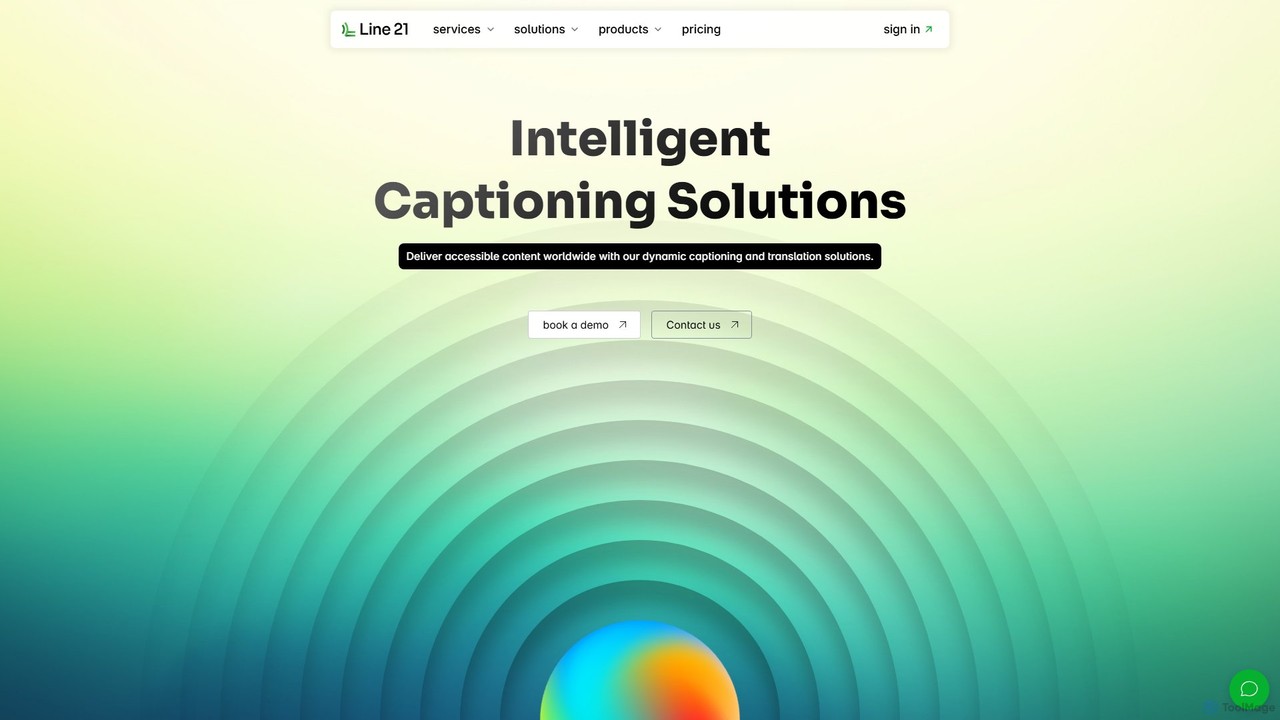
Line 21 is an intelligent captioning solution that combines professional human captioners with advanced AI technology. It offers real-time captioning, live translation in over 120 languages, AI-powered proofreading, and automatic speech recognition (ASR). Designed for live events, broadcasts, and meetings, it ensures fast, accurate, and accessible content delivery to global audiences across platforms like YouTube, Zoom, and Teams.

Live Translation
Visits 4.8KFavorites 136Likes 132

About Subtitles & Captioning

AI Subtitles & Captioning tools are a specialized category of software that automatically generates, translates, and synchronizes text for video content. Leveraging advanced Automatic Speech Recognition (ASR) technology, these tools transcribe spoken audio into text with high accuracy and create time-stamped files. This process dramatically accelerates video production workflows, enhances accessibility for viewers with hearing impairments, and improves content reach across different languages. Unlike manual transcription, AI-powered solutions can process hours of footage in minutes and often include features like speaker identification and custom vocabulary.

Core Features

  • Automatic Transcription (ASR): Accurately converts speech from video or audio files into time-coded text.
  • Multi-Language Translation: Translates generated subtitles into numerous languages to reach a global audience.
  • Speaker Identification: Automatically detects and labels different speakers within the dialogue.
  • Customizable Styles & Formats: Allows users to adjust font, color, and position, and export in formats like SRT or VTT.
  • Subtitle Burn-in (Hardcoding): Provides the option to permanently embed subtitles directly into the video frame.

Use Cases

These tools are essential for content creators, marketing teams, educational institutions, and media companies. They are used to make online courses accessible, localize social media video ads for international markets, and generate searchable transcripts for documentary interviews or podcasts. The primary goal is to improve viewer comprehension, engagement, and content accessibility efficiently.

How to Choose

When selecting an AI Subtitles & Captioning tool, evaluate its transcription accuracy for your specific language and accent. A user-friendly editing interface for making corrections is crucial. Check for integration capabilities with your existing video editing software and ensure it supports necessary export formats (e.g., SRT, VTT). Also, consider if you need advanced features like speaker diarization or custom vocabulary for technical terms.

Subtitles & Captioning use cases

1

Enhancing E-Learning Course Accessibility

An instructional designer for an online university needs to make video lectures accessible to all students, including those with hearing impairments, to comply with WCAG standards. They upload the lecture videos to an AI captioning tool, which automatically generates time-synced transcripts. After a quick review in the editor to correct any subject-specific terminology, they export the captions as SRT files. These files are then uploaded to the learning management system alongside the videos, providing accurate captions for all students. This process saves dozens of hours per course compared to manual transcription and ensures equitable access to educational content.

2

Localizing Social Media Marketing Videos

A digital marketer needs to adapt a successful English video ad for Spanish and German markets to run on Instagram and YouTube. Instead of hiring expensive translation services, they upload the video to an AI subtitling tool. The tool first generates accurate English captions. Then, using the integrated translation feature, it creates Spanish and German subtitle tracks in minutes. The marketer chooses to burn the subtitles into the video for Instagram and exports separate SRT files for YouTube. This cost-effective method allows for rapid testing of ads in new markets, increasing global reach and engagement without a large localization budget.

3

Streamlining Post-Production for Documentaries

A video editor working on a documentary has hours of interview footage with multiple speakers. To speed up the editing process, they upload all the raw footage to an AI transcription tool with speaker identification. The tool processes the audio and provides a time-coded transcript that labels each speaker (e.g., Speaker 1, Speaker 2). The editor can now search the entire transcript for keywords to quickly locate key soundbites and quotes. This eliminates the need for manual logging and transcription, reducing the pre-editing workload by over 90% and allowing the creative team to focus on storytelling.

4

Generating Transcripts for Podcasts and Interviews

A podcaster wants to improve their show's SEO and accessibility by providing full transcripts on their website. After recording an episode, they upload the final audio file to an AI captioning tool. Within minutes, a complete transcript is generated. They use the tool's editor to assign speaker names and make minor corrections. The final text is then copied and pasted into a blog post on their website, making the entire episode's content indexable by search engines. This not only boosts organic traffic but also provides a valuable resource for listeners who prefer to read or search for specific topics discussed.

5

Creating Captions for Corporate Communications

An internal communications specialist needs to distribute a recorded all-hands meeting video to a global workforce. To ensure clarity and comprehension for non-native speakers and those in noisy environments, they use an AI captioning tool. They upload the video and use a custom vocabulary feature to ensure company-specific acronyms and names are transcribed correctly. The tool generates accurate, burned-in captions directly onto the video. The final captioned video is shared on the company intranet, leading to higher employee engagement and ensuring the key messages are understood by everyone, regardless of location or language proficiency.

6

Preparing Content for International Film Festivals

An independent filmmaker needs to submit their short film to several international festivals, most of which require English subtitles. To meet this requirement affordably, they use an AI subtitling tool. They upload the final cut of the film, and the AI generates subtitles in the film's original language. After verifying the timing and text for accuracy, the filmmaker uses the AI's translation feature to create an English subtitle track. They then export the subtitles in the industry-standard SRT format required by submission platforms. This allows them to meet festival requirements quickly and without the high cost of professional subtitling services.

Subtitles & Captioning FAQ

What are AI Subtitles & Captioning tools?

AI Subtitles & Captioning tools are applications that use Automatic Speech Recognition (ASR) to automatically convert the audio in a video into time-synced text. They streamline the process of creating subtitles for accessibility, closed captions for the hearing impaired, and transcripts for content analysis. Unlike manual methods, these tools can generate a full set of captions in minutes, often with advanced features like speaker identification and multi-language translation, making video content more accessible and searchable.

How do I choose the right AI captioning tool?

To choose the right tool, consider these key factors:

  • Transcription Accuracy: Test the tool with your specific content, paying attention to accents and technical jargon. High accuracy reduces editing time.
  • Language Support: Ensure it supports all the source audio languages and target subtitle languages you need.
  • Editor Functionality: A good tool must have an intuitive editor to easily correct mistakes, adjust timing, and format text.
  • Export Options: Verify it can export in required formats like SRT, VTT, or burn captions directly into the video.
  • Advanced Features: Determine if you need features like speaker identification, custom vocabulary, or API access for automated workflows.
What's the difference between AI subtitling and manual transcription services?

The main differences are speed, cost, and initial accuracy. AI subtitling tools deliver results in minutes at a fraction of the cost of manual services. However, their accuracy can range from 90-98% and may require manual review. Manual transcription services, performed by humans, offer higher accuracy (99%+) from the start but are significantly more expensive and have a much longer turnaround time (hours or days). AI tools are ideal for projects requiring speed and scale, while manual services are better for final-delivery projects where near-perfect accuracy is non-negotiable.

Can these tools handle multiple speakers and different languages?

Yes, many advanced AI captioning tools are equipped to handle these complexities. Speaker identification (or diarization) can automatically detect and label different speakers in a conversation, which is invaluable for interviews and panel discussions. For languages, most leading tools can accurately transcribe audio in dozens of languages. Furthermore, many offer a built-in translation feature, allowing you to generate subtitles in one language and then automatically translate them into several others, making them powerful for global content distribution.

Who should use AI Subtitles & Captioning tools?

These tools are valuable for a wide range of users. Content creators on YouTube and TikTok use them to boost engagement and accessibility. Educational institutions use them to make lectures compliant and accessible for all students. Marketing teams use them to localize video ads for global campaigns. Media companies and filmmakers use them to speed up post-production workflows. Essentially, anyone who produces video content and needs to make it more understandable, searchable, and accessible to a broader audience can benefit significantly.