
Virtual & Augmented Reality Best in category 1 results Mixed Reality AI Tool

Popular AI tools in the Mixed Reality field of Virtual & Augmented Reality include CuriosityXR, etc., helping you quickly improve efficiency.

Free
CuriosityXR

CuriosityXR

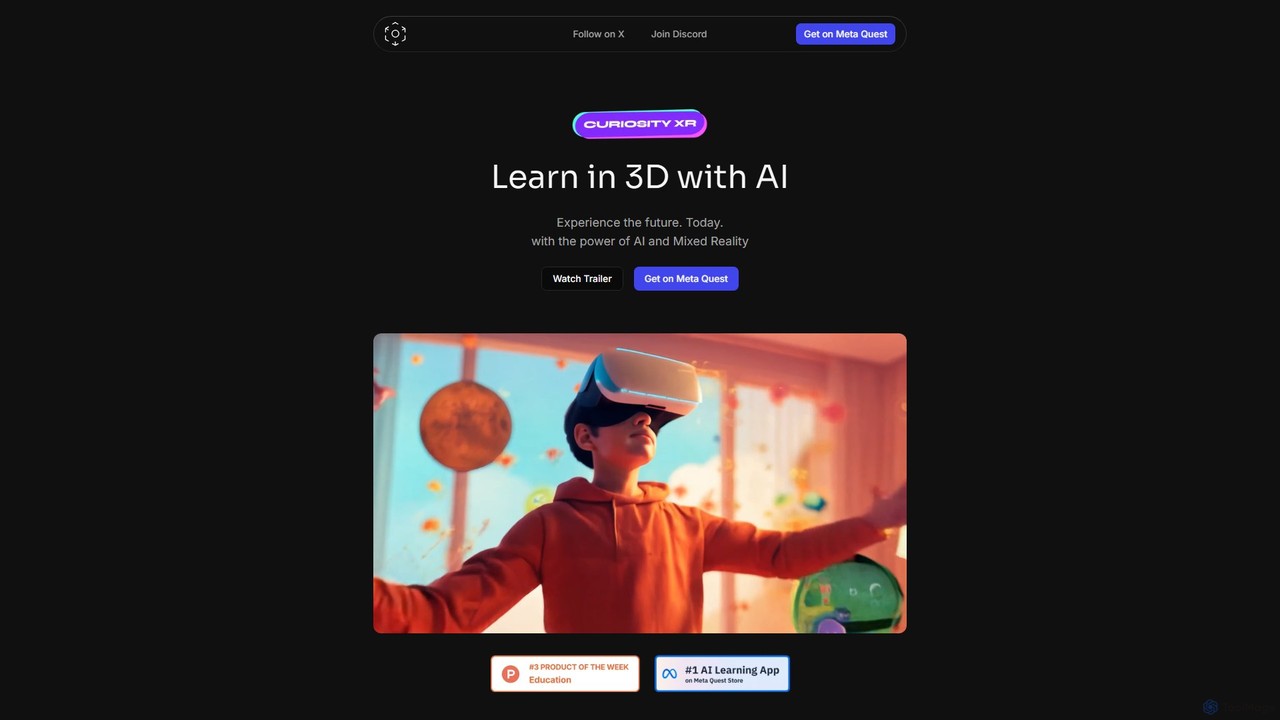
CuriosityXR is an immersive AI-powered learning platform for Meta Quest that transforms education into an interactive 3D experience. …

2.9K

About Mixed Reality

Mixed Reality (MR) tools are a class of AI-powered applications that merge the real and digital worlds, allowing virtual objects to co-exist and interact with the physical environment in real-time. Unlike Augmented Reality which simply overlays information, MR technology uses advanced sensors and spatial mapping to understand the user's surroundings, enabling digital content to be anchored to specific locations and even be occluded by real objects. This creates deeply immersive and interactive experiences where users can manipulate holograms with hand gestures or controllers. The primary value of MR lies in its ability to provide context-aware digital information and visualizations within a real-world workflow, enhancing tasks like complex assembly, surgical planning, and collaborative design.

Core Features

  • Environmental Mapping: Utilizes sensors to scan and create a 3D map of the physical space, allowing digital objects to realistically interact with surfaces and boundaries.
  • Spatial Anchoring: Enables the pinning of digital content to specific points in the real world, ensuring it remains in place as the user moves around.
  • Hand and Gaze Tracking: Allows for natural, intuitive interaction with virtual objects using hand gestures, eye movement, and voice commands.
  • Real-World Occlusion: Renders digital objects as if they are truly in the environment, meaning they can appear in front of or behind real-world objects.

Use Cases

Mixed Reality is predominantly used in professional and industrial sectors. In manufacturing, technicians use MR headsets for guided assembly and maintenance, viewing holographic instructions overlaid on actual machinery. In healthcare, surgeons plan complex operations by interacting with 3D anatomical models projected onto a patient's body. Architects and engineers use MR to visualize full-scale building models on-site before construction begins.

How to Choose

When selecting a Mixed Reality tool, first consider hardware compatibility, as platforms are often tied to specific headsets like HoloLens or Magic Leap. Evaluate the software development kit (SDK) and its integration with engines like Unity or Unreal. Assess the robustness of its tracking and mapping capabilities for your specific environment. Finally, consider the collaboration features if your use case requires multiple users to interact in a shared holographic space.

Mixed RealityUse Cases

1

Industrial Assembly and Maintenance Guidance

A manufacturing technician needs to assemble a complex piece of machinery. Instead of consulting a paper manual, they wear a Mixed Reality headset. The device scans the machine and overlays 3D holographic instructions directly onto the corresponding parts. Arrows indicate which bolt to tighten next, animations show the correct sequence of assembly, and critical data like torque specifications appear in their field of view. This reduces errors, speeds up training for new employees, and allows for hands-free operation, significantly improving efficiency and safety on the factory floor.

2

Surgical Planning and Medical Training

A surgical team is preparing for a complex tumor removal. Using an MR platform, they upload the patient's CT scans to create a precise 3D holographic model of the organ and tumor. In the operating room, this hologram is spatially anchored over the patient's body. The surgeon can walk around the model, view it from any angle, and even make practice incisions on the hologram to plan the safest approach. This enhances spatial understanding, improves surgical accuracy, and serves as a powerful training tool for medical residents without any risk to patients.

3

Architectural and Construction Visualization

An architect and their client are reviewing a new building design. Instead of looking at 2D blueprints or small physical models, they meet at the actual construction site wearing MR headsets. A full-scale, 1:1 holographic model of the building is projected onto the empty lot. They can walk through the virtual rooms, assess sightlines, and even move virtual furniture to get a true sense of the space. This allows for immediate feedback and design changes before costly construction begins, preventing expensive rework and ensuring the final result meets the client's expectations.

4

Remote Expert Assistance and Collaboration

A field technician is servicing a critical piece of infrastructure in a remote location and encounters an unexpected problem. Using an MR headset, they initiate a video call with a senior engineer at headquarters. The engineer sees exactly what the technician sees. More importantly, the engineer can draw holographic annotations, place arrows, and display diagrams directly into the technician's real-world view, anchored to the specific components being discussed. This shared spatial context allows for clear, unambiguous communication, enabling faster problem resolution and reducing the need for costly travel.

5

Interactive Retail and Product Visualization

A customer is considering buying a new sofa but is unsure how it will look in their living room. Using an MR application on their smartphone or headset, they can place a true-to-scale 3D model of the sofa directly in their physical space. They can walk around it, see how it fits with their existing decor, and even change its color and fabric in real-time. This immersive 'try before you buy' experience provides a level of confidence that static images or AR overlays cannot match, leading to higher conversion rates and fewer product returns for retailers.

6

Collaborative Data Visualization and Analysis

A team of data scientists needs to analyze a complex, multi-dimensional dataset, such as airflow over an airplane wing or a molecular structure. Instead of viewing it on a 2D screen, they enter a shared MR space. The dataset is rendered as a large, interactive 3D hologram in the middle of the room. Team members can walk around it, isolate specific data points with hand gestures, and view the model from different perspectives simultaneously. This shared spatial understanding facilitates deeper insights and more effective collaboration than traditional data analysis methods.

Mixed RealityFrequently Asked Questions