ToolMage
Sign in

Best 2 Visual Arts AI tools

Popular Visual Arts AI tools include Dabuun and Instastock, helping you work more efficiently.

Paid

Dabuun

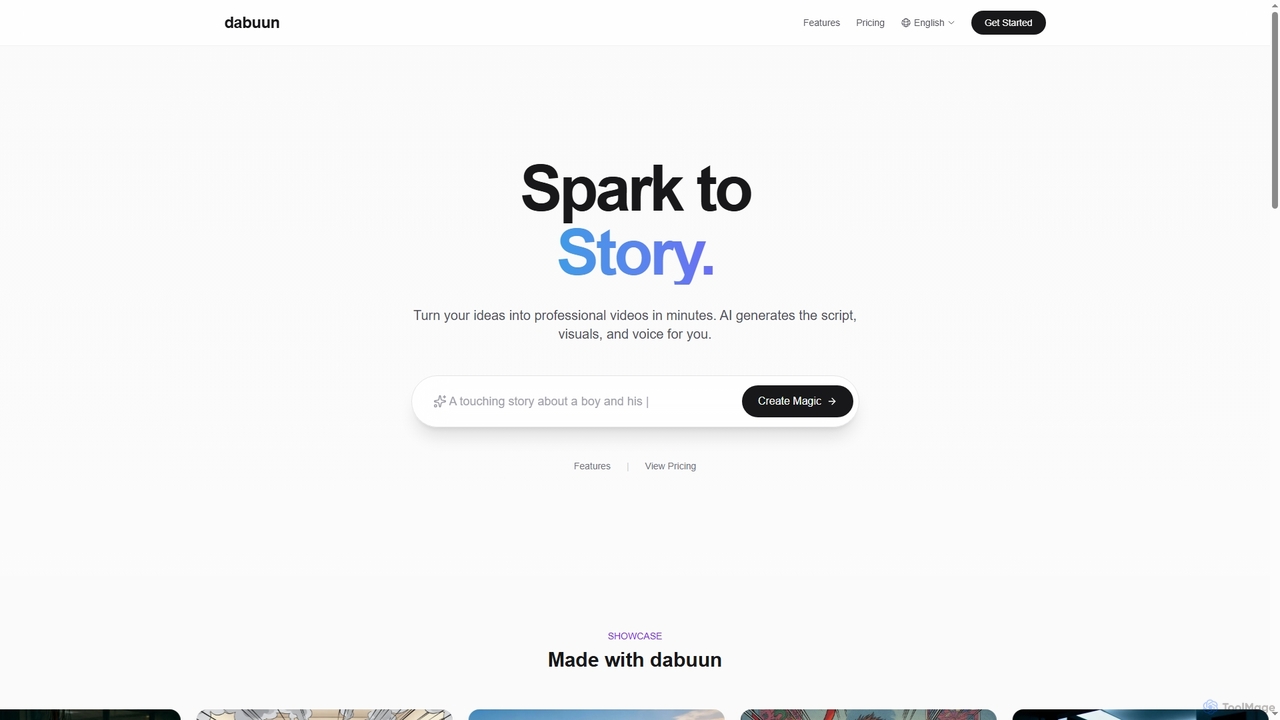
Dabuun is an AI video studio that transforms your ideas into professional videos in minutes. It leverages artificial intelligence to generate scripts, create stunning visuals in various styles, and synthesize natural character voices in multiple languages, enabling rapid video production for creators and teams.

Voice Synthesis
Visits 3.4KFavorites 69Likes 60
Freemium

Instastock

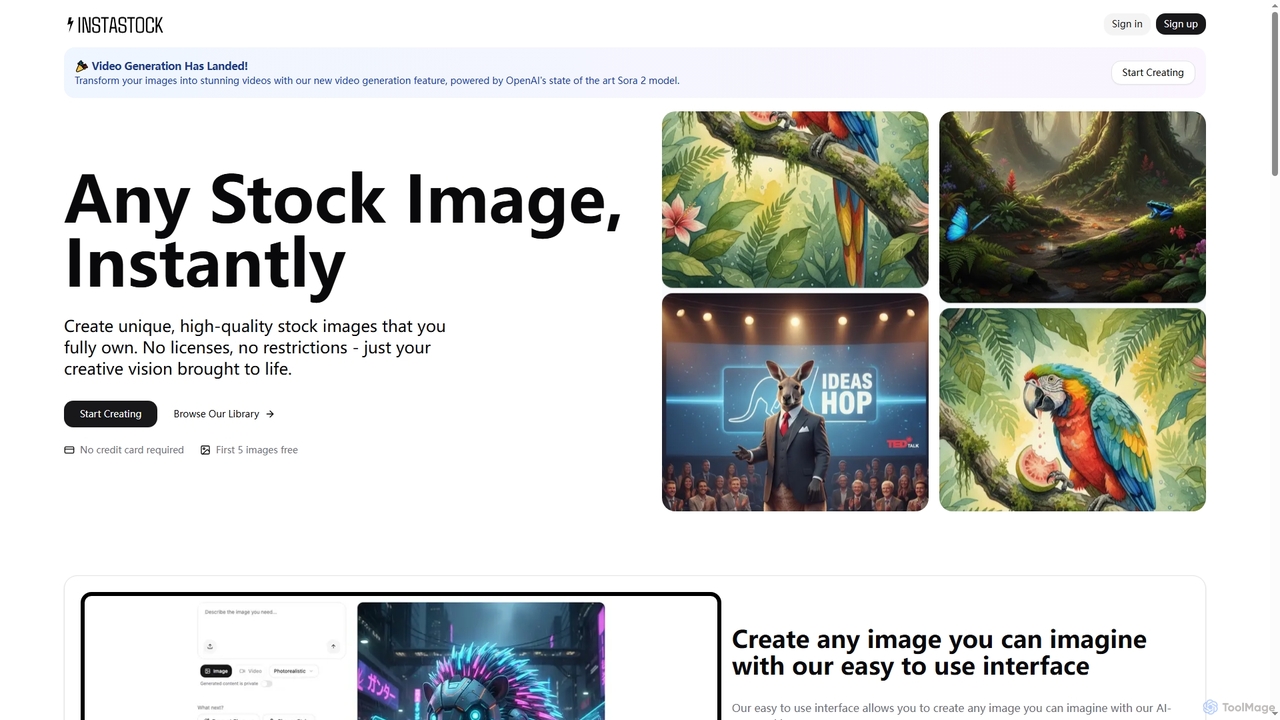
Instastock is an AI-powered platform that enables users to instantly generate unique, high-quality stock images and transform them into stunning videos. It offers advanced AI editing capabilities, allowing for natural language modifications and style changes, all without licensing restrictions.

Visuals
Visits 3.4KFavorites 118Likes 126

About Visual Arts

Visual Arts AI tools are AI-powered applications designed to assist, enhance, and automate various aspects of visual creation. These tools leverage advanced machine learning models, such as generative adversarial networks (GANs) and diffusion models, to generate, modify, and analyze images, videos, and 3D assets. They empower artists, designers, marketers, and creators to explore new creative possibilities, streamline workflows, and produce high-quality visual content more efficiently.

Core Features

  • AI Image Generation: Creating novel images from text prompts, sketches, or existing images.
  • Style Transfer: Applying artistic styles from one image to another.
  • Image Editing & Enhancement: Automating tasks like background removal, upscaling, object manipulation, and color correction.
  • Video Synthesis & Editing: Generating video clips from text, enhancing footage, or applying visual effects.
  • 3D Asset Creation: Assisting in generating textures, models, or environments.

Applicable Scenarios

Visual Arts AI tools are invaluable across various creative industries. Graphic designers use them for rapid concept iteration and generating marketing visuals. Game developers leverage AI for creating diverse concept art, textures, and environmental assets. Architects and interior designers utilize these tools for realistic visualizations and transforming sketches into detailed renderings.

How to Choose

When selecting Visual Arts AI tools, consider the output quality and artistic control offered, ensuring it aligns with your aesthetic standards. Evaluate the specific features, such as text-to-image, video generation, or 3D capabilities, based on your project needs. Assess the ease of use and integration with existing creative software, along with the pricing model and community support for learning and troubleshooting.

Featured tool rankings

Visual Arts use cases

1

Generate Concept Art for Game Development

A game concept artist needs to rapidly visualize diverse ideas for characters, environments, and props. By using Visual Arts AI tools, they can input text descriptions or rough sketches to generate multiple stylistic variations and detailed concepts in minutes. This accelerates the initial design phase, allowing for broader creative exploration and faster iteration cycles before committing to detailed production.

2

Automate Marketing Material Design

A marketing specialist frequently needs to create engaging visuals for social media campaigns, ad banners, and website content. Visual Arts AI tools allow them to generate variations of product images, apply consistent branding styles, or even create entirely new graphics from text prompts. This significantly reduces the time spent on design tasks, ensuring brand consistency and enabling rapid deployment of marketing assets across various platforms.

3

Enhance Architectural and Interior Visualizations

Architects and interior designers often start with sketches or basic 3D models. Visual Arts AI tools can transform these into highly realistic renderings, adding intricate textures, lighting effects, and environmental details that would otherwise require extensive manual work. This capability allows professionals to present more compelling and immersive visualizations to clients, speeding up approval processes and reducing the need for costly physical mock-ups.

4

Personalized Digital Art Creation and Experimentation

Digital artists and hobbyists can use Visual Arts AI tools to explore new creative avenues and generate unique artworks. By inputting specific themes, styles, or even personal photos, they can create highly personalized pieces, experiment with different artistic movements, or generate variations of their existing work. This democratizes art creation, allowing individuals to produce professional-grade art without extensive traditional art skills or software mastery.

5

Optimize E-commerce Product Images

E-commerce managers need high-quality, consistent product images to attract customers. Visual Arts AI tools can automate tasks like background removal, image upscaling, and color correction for hundreds of product photos simultaneously. Furthermore, AI can generate lifestyle images by placing products in various virtual settings, eliminating the need for expensive photoshoots. This results in professional-looking product listings, improved visual consistency, and potentially higher conversion rates.

6

Create and Enhance Video Content

Video editors and content creators can leverage Visual Arts AI tools to streamline their video production workflows. These tools can generate short video clips from text descriptions, apply consistent visual styles across different scenes, or enhance existing footage by upscaling resolution, stabilizing shaky shots, or even generating missing frames. This significantly reduces post-production time and costs, enabling creators to produce more dynamic and polished video content efficiently.

Visual Arts FAQ

What are Visual Arts AI tools?

Visual Arts AI tools are software applications that use artificial intelligence, particularly machine learning, to assist in the creation, manipulation, and enhancement of visual content. They can generate images from text, transfer artistic styles, automate complex editing tasks like background removal, and even synthesize video or 3D assets. These tools aim to democratize creative processes and boost productivity for artists, designers, and content creators.

How do I choose the best AI tool for visual arts?

To choose the best AI tool for visual arts, consider several factors. First, evaluate the specific features you need, such as text-to-image generation, advanced editing, or 3D capabilities. Second, assess the output quality and artistic control the tool provides, ensuring it meets your aesthetic standards. Third, look at its ease of use and integration with your existing creative software. Finally, compare pricing models, community support, and the availability of tutorials or resources to help you master the tool.

What are the common applications of AI in visual arts?

AI in visual arts has a wide range of common applications. These include generating concept art for games and films, automating the design of marketing materials like social media graphics and ad banners, and enhancing architectural visualizations by creating realistic renderings. Additionally, AI tools are used for personalized digital art creation, optimizing e-commerce product images through background removal and style application, and streamlining video content creation and enhancement processes.

How do Visual Arts AI tools work, and what are their limitations?

Visual Arts AI tools primarily work using advanced machine learning models like Generative Adversarial Networks (GANs) and Diffusion Models. These models are trained on vast datasets of images to learn patterns and generate new visual content or modify existing ones based on prompts. While powerful, limitations include potential biases inherited from training data, occasional generation of artifacts or illogical elements, and the ongoing debate around copyright and originality of AI-generated art. Artistic control can also be challenging, as the AI's output may not always perfectly match the creator's precise vision.

How are Visual Arts AI tools changing the creative industry?

Visual Arts AI tools are profoundly changing the creative industry by democratizing access to powerful creative capabilities, accelerating workflows, and enabling entirely new forms of art. They empower individuals without traditional art training to produce high-quality visuals, while seasoned professionals can use them for rapid prototyping and ideation. This shift is leading to increased productivity, reduced production costs, and a broader scope for creative experimentation, though it also raises important questions about authorship, intellectual property, and the future role of human creativity.