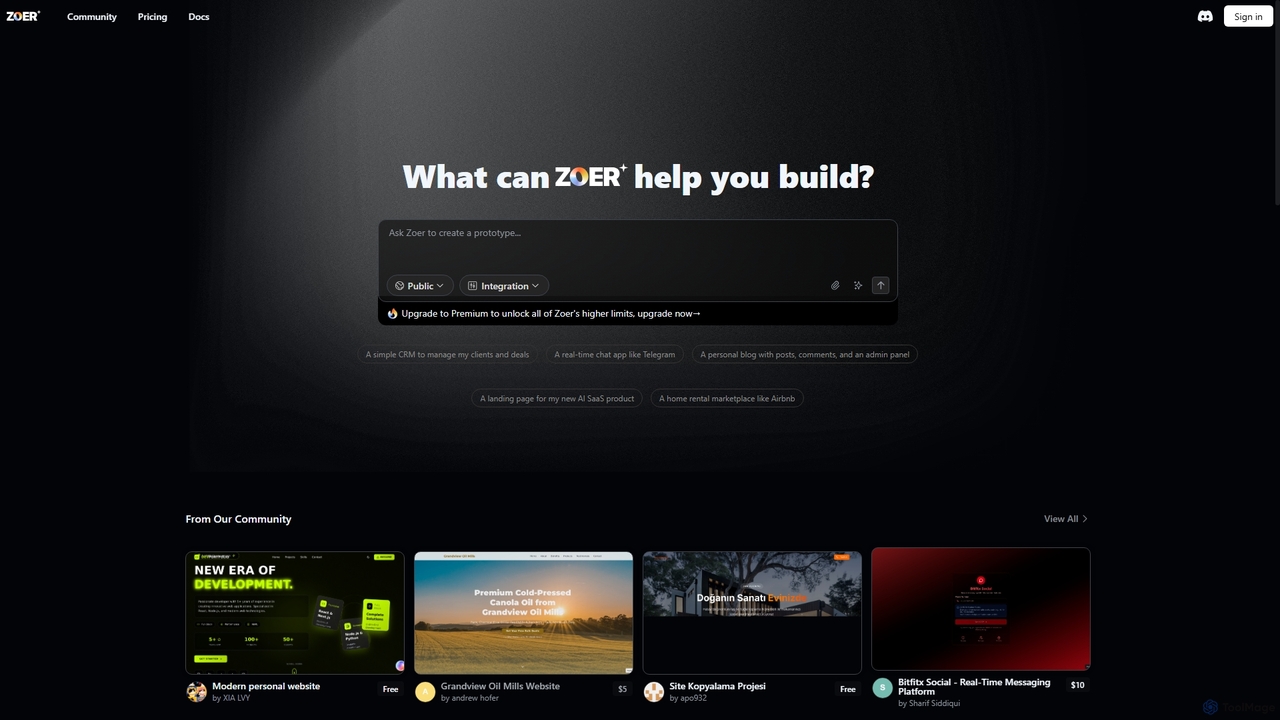
No Code tools are a category of platforms that enable users to build applications and websites without writing any traditional programming code. These platforms leverage visual development interfaces, drag-and-drop functionalities, and pre-built components to simplify the creation process. They empower individuals and businesses to rapidly prototype, develop, and deploy digital solutions, significantly reducing development time and technical barriers. This approach democratizes software creation, making web design and application development accessible to a broader audience.
Core Features
- Visual Development Interface: Offers intuitive drag-and-drop editors and graphical user interfaces for design and layout.
- Pre-built Components: Provides ready-to-use elements like forms, buttons, databases, and integrations for rapid assembly.
- Workflow Automation: Tools to define and automate business processes and data flows without requiring scripting.
- Database Management: Simplifies the creation, organization, and management of data structures and content.
- Integration Capabilities: Connectors to seamlessly link with third-party services, APIs, and existing systems.
Applicable Scenarios
No Code tools are widely adopted by entrepreneurs, small businesses, and marketing teams to quickly launch minimum viable products (MVPs), build internal tools, or create marketing landing pages. They are also invaluable for designers who want to bring their concepts to life without relying on developers, and for educators teaching basic application logic.
How to Choose
When selecting a No Code platform, consider the specific type of application you need to build (web app, mobile app, internal tool), the complexity of your data models, and the required integrations. Evaluate the platform's scalability, community support, and pricing structure, as well as its learning curve and the availability of templates that match your project's needs.