ToolMage
Sign in

Best 2 Website Builder AI tools for Web Design

Popular Website Builder AI tools in Web Design include SiteForge and Content Canvas, helping you work more efficiently.

Content Canvas
Freemium

Content Canvas

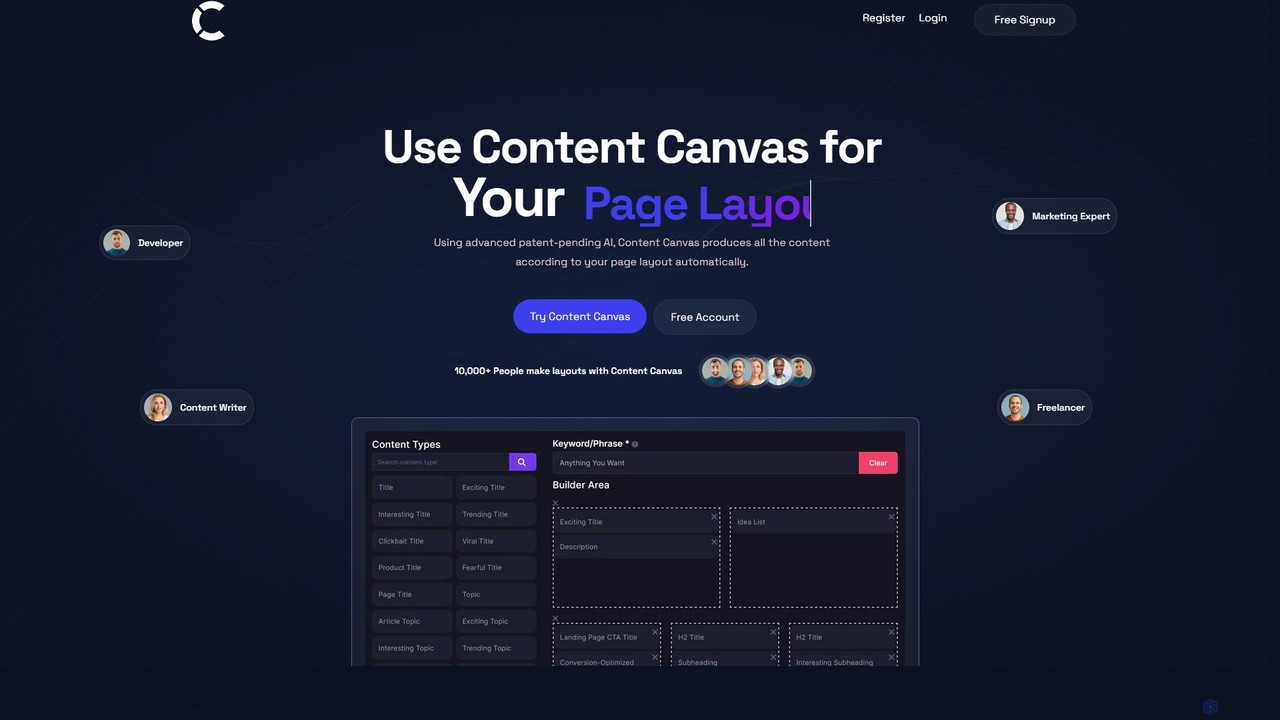
Content Canvas is a free AI-powered tool that revolutionizes web page creation. It allows users to design page layouts and automatically generates high-quality, SEO-optimized, and human-like content to fit the structure. It's designed for developers, marketers, and writers to streamline their workflow.

Landing Page Builder
Visits 10.6KFavorites 172Likes 173
SiteForge
Freemium

SiteForge

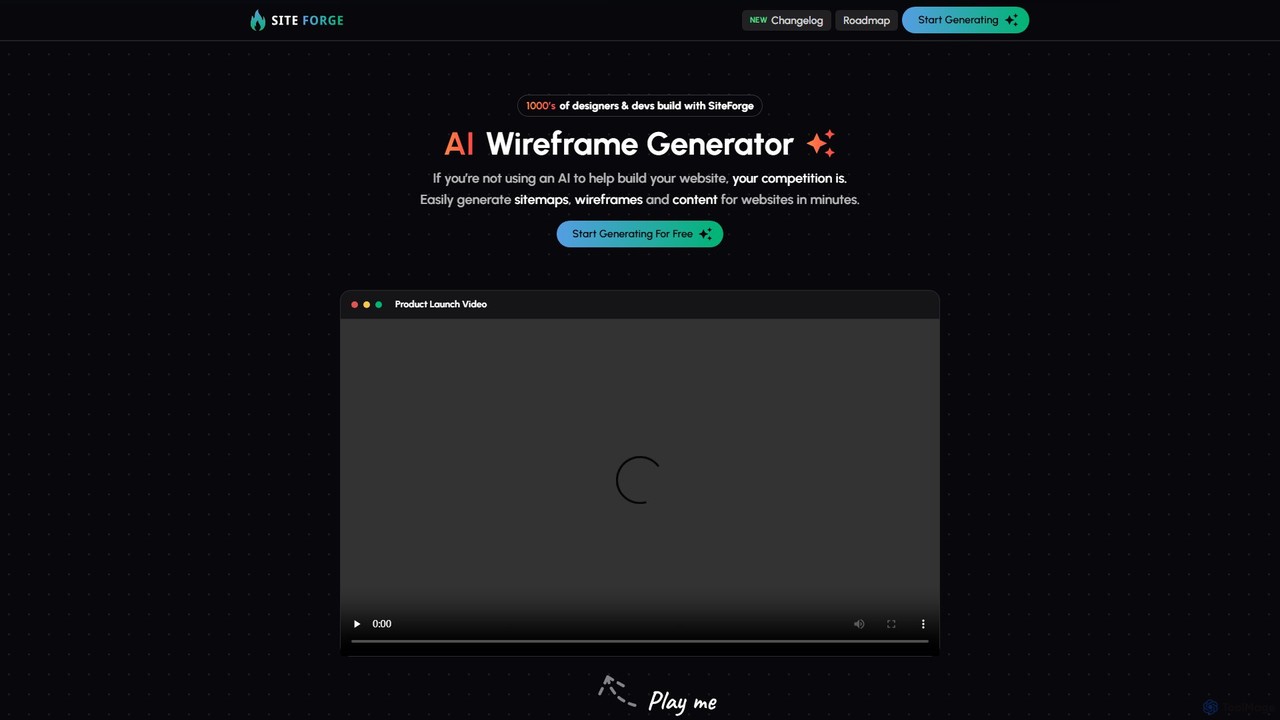
SiteForge is an AI-powered platform designed to accelerate the web development process. It enables users to generate sitemaps, interactive wireframes, and SEO-optimized content in minutes. Ideal for designers, developers, and marketing agencies, it streamlines workflow, ensures brand consistency, and transforms ideas into structured website plans with ease.

Prototyping
Visits 10.6KFavorites 164Likes 164

About Website Builder

AI Website Builders are tools that use artificial intelligence to automate and simplify the process of creating a complete website. They interpret text prompts or user inputs to generate unique layouts, color schemes, and initial content, making them a key component of modern web design. These platforms empower users without coding knowledge to build professional, responsive websites in a fraction of the usual time. Many also include AI-driven SEO and content optimization features to improve online visibility from the start.

Core Features

  • AI Design Generation: Creates entire website layouts, color palettes, and font pairings from simple text descriptions.
  • Intelligent Content Creation: Automatically generates relevant text and sources royalty-free images based on the website's purpose.
  • Automated SEO Optimization: Provides AI-powered suggestions for meta tags, keywords, and content structure to improve search engine ranking.
  • AI-Assisted Editing: Offers a visual drag-and-drop editor with smart guides and component suggestions that adapt to your content.
  • Responsive Design Automation: Automatically ensures the website looks and functions correctly on desktops, tablets, and mobile devices.

Use Cases

These tools are ideal for small business owners, freelancers, artists, and entrepreneurs who need to establish an online presence quickly and affordably. They are also frequently used by marketing teams for creating landing pages for specific campaigns without relying on development resources, and by individuals for personal portfolios or event websites.

How to Choose

When selecting an AI Website Builder, evaluate the quality and flexibility of its AI design generation. Consider the scope of its content creation capabilities, the effectiveness of its built-in SEO tools, and its integration options with other marketing or e-commerce platforms. Also, assess the platform's scalability and pricing plans to ensure it meets your long-term growth needs.

Website Builder use cases

1

Launching a Small Business Website

A new cafe owner needs a professional website to display their menu, hours, and location. Using an AI website builder, they input 'cozy cafe in downtown serving artisanal coffee and pastries.' The AI generates a complete, mobile-friendly site with a suitable design, a pre-filled menu page, a contact form, and an integrated map. The owner can then fine-tune the text and upload their own photos, launching the site in a single afternoon without hiring a designer.

2

Creating a Professional Portfolio

A freelance photographer wants to showcase their work online. They use an AI website builder to create a visually stunning portfolio. By describing their style as 'minimalist, high-contrast black and white photography,' the AI generates a gallery-focused layout with elegant typography. The platform's AI also helps write compelling project descriptions and an 'About Me' page, saving time on copywriting and allowing the photographer to focus on curating their best images.

3

Building a High-Converting Landing Page

A marketing manager needs to quickly create a landing page for a new product launch. Instead of waiting for the development team, they use an AI website builder. They provide the product description, target audience, and desired call-to-action. The AI generates several A/B testable layouts with persuasive copy and optimized forms. This allows the marketing team to launch campaigns faster and iterate on designs based on performance data.

4

Setting Up a Simple E-commerce Store

An artist wants to sell prints online but lacks the technical skills for complex e-commerce platforms. They choose an AI website builder with integrated e-commerce features. The AI helps set up product pages by generating descriptions from product titles and images. It also creates a secure checkout process and a simple inventory management system, enabling the artist to start selling their work directly to customers within a day.

5

Designing a Website for a Local Event

An event organizer is planning a community music festival and needs a website for information and ticket sales. They use an AI builder, inputting details like 'Summer Folk Music Festival, City Park, August 15-16.' The AI creates a vibrant, event-themed site with sections for the artist lineup, schedule, ticket purchasing links, and an FAQ. The responsive design ensures attendees can easily access information on their phones during the event.

6

Prototyping a Web Design Concept

A UI/UX designer needs to create a quick, functional prototype to present a concept to a client. They use an AI website builder to translate their ideas into a live website rapidly. By describing the desired user flow and aesthetic, they can generate an interactive prototype in minutes. This is much faster than traditional wireframing tools and gives the client a realistic feel for the final product, facilitating clearer feedback and faster approvals.

Website Builder FAQ

What is an AI Website Builder?

An AI Website Builder is a platform that uses artificial intelligence to automate the website creation process. Unlike traditional builders, it can generate unique designs, write content, and structure pages based on simple text prompts from the user. This significantly reduces the time and technical skill required to build a professional, functional website.

How do AI Website Builders differ from traditional builders like Wix or Squarespace?

While traditional builders provide templates and drag-and-drop tools, AI Website Builders take it a step further by generating a custom starting point for you. Instead of browsing templates, you describe your needs, and the AI creates a unique design. Many also have more advanced AI for content generation and SEO, automating tasks that are typically manual in traditional builders.

Do I need any coding or design skills to use an AI Website Builder?

No, one of the primary advantages of AI Website Builders is that they are designed for users with no coding or design experience. The AI handles the complex design and layout decisions, allowing you to focus on your content. You simply provide instructions in plain language, and the platform builds the site for you, which you can then customize easily.

Can I customize a website created by an AI Website Builder?

Yes, absolutely. The AI-generated website serves as a strong starting point, not a final, unchangeable product. After the initial generation, you can use the platform's editor—often a drag-and-drop interface—to change colors, fonts, layouts, add or remove sections, and replace all the content to perfectly match your brand and vision.

Are websites built with AI tools SEO-friendly?

Most modern AI Website Builders are designed with SEO in mind. They automatically generate clean code and responsive designs, which are crucial for search rankings. Furthermore, many include built-in AI tools that suggest keywords, write meta descriptions, optimize image alt-text, and analyze content structure to help you improve your site's visibility on search engines like Google.