WebTuyo
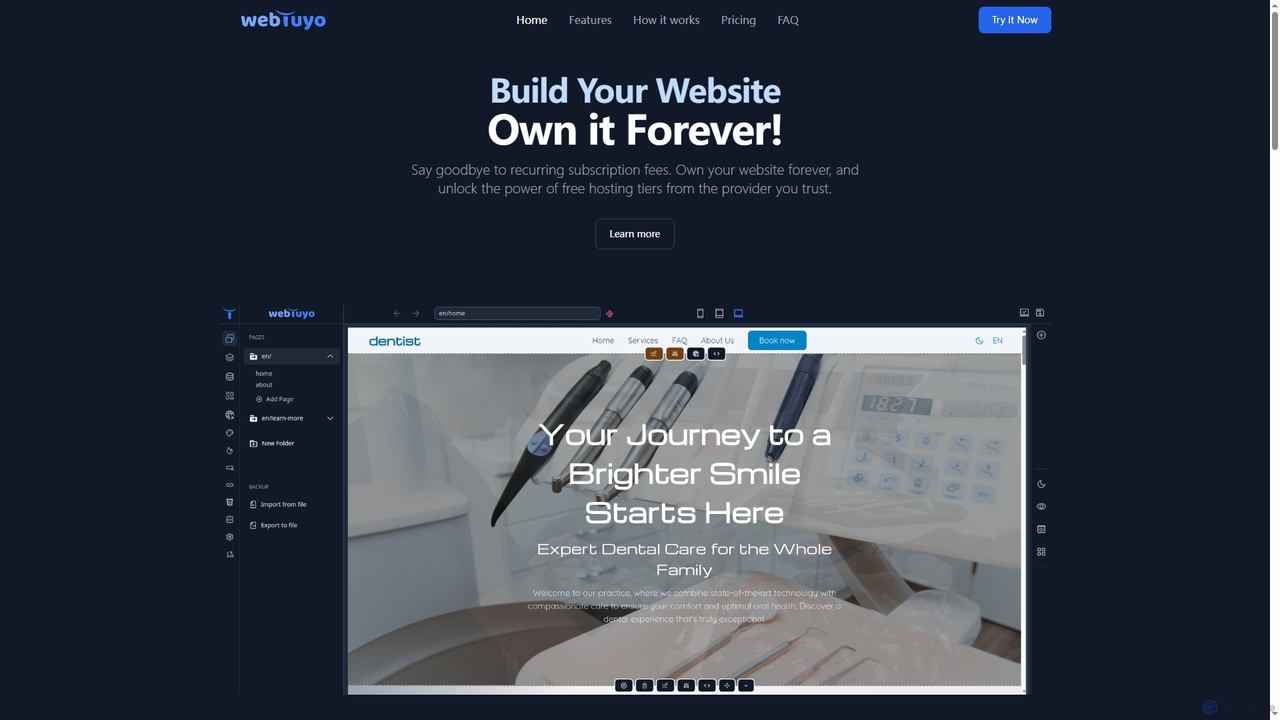
WebTuyo is an innovative website builder that empowers users to create and own their websites forever, eliminating recurring …
WebTuyo is an innovative website builder that empowers users to create and own their websites forever, eliminating recurring subscription fees. It offers unlimited pages, pre-designed blocks, custom block creation with HTML, CSS, and JavaScript, built-in multilingual support, and powerful SEO tools, all within a user-friendly interface. Start building your professional online presence with lifetime access and flexible hosting options.
Zoer
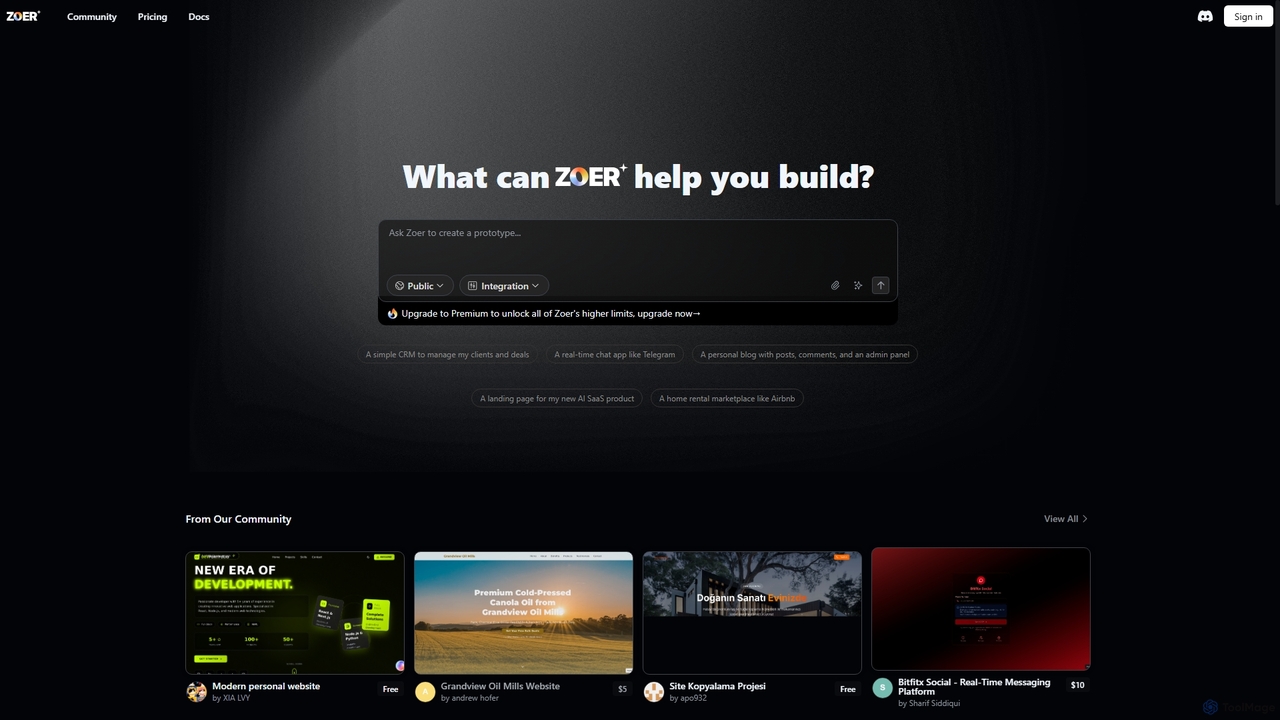
Zoer is an innovative AI App Builder designed to transform your ideas into fully functional applications. It empowers …
Zoer is an innovative AI App Builder designed to transform your ideas into fully functional applications. It empowers users to quickly create prototypes and complete web applications, ranging from CRMs and chat apps to personal blogs and e-commerce platforms, all through an intuitive, AI-driven process.
Content Canvas
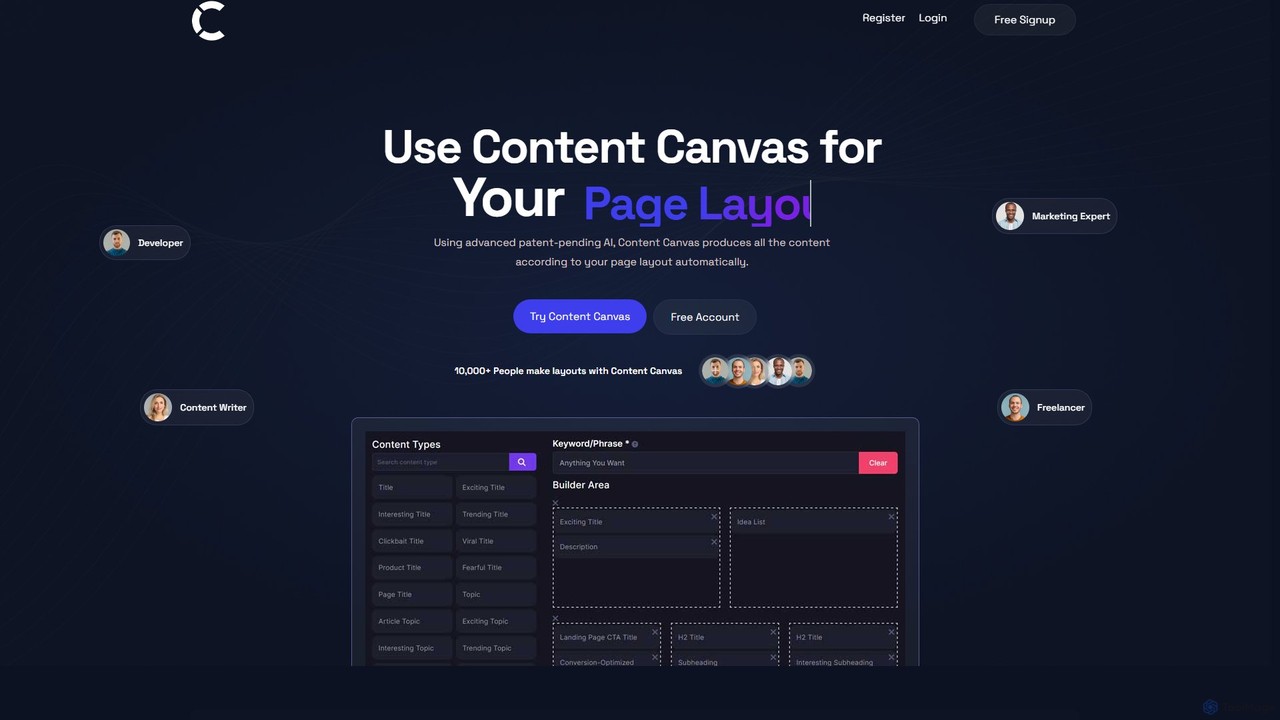
Content Canvas is a free AI-powered tool that revolutionizes web page creation. It allows users to design page …
Content Canvas is a free AI-powered tool that revolutionizes web page creation. It allows users to design page layouts and automatically generates high-quality, SEO-optimized, and human-like content to fit the structure. It's designed for developers, marketers, and writers to streamline their workflow.
SiteForge
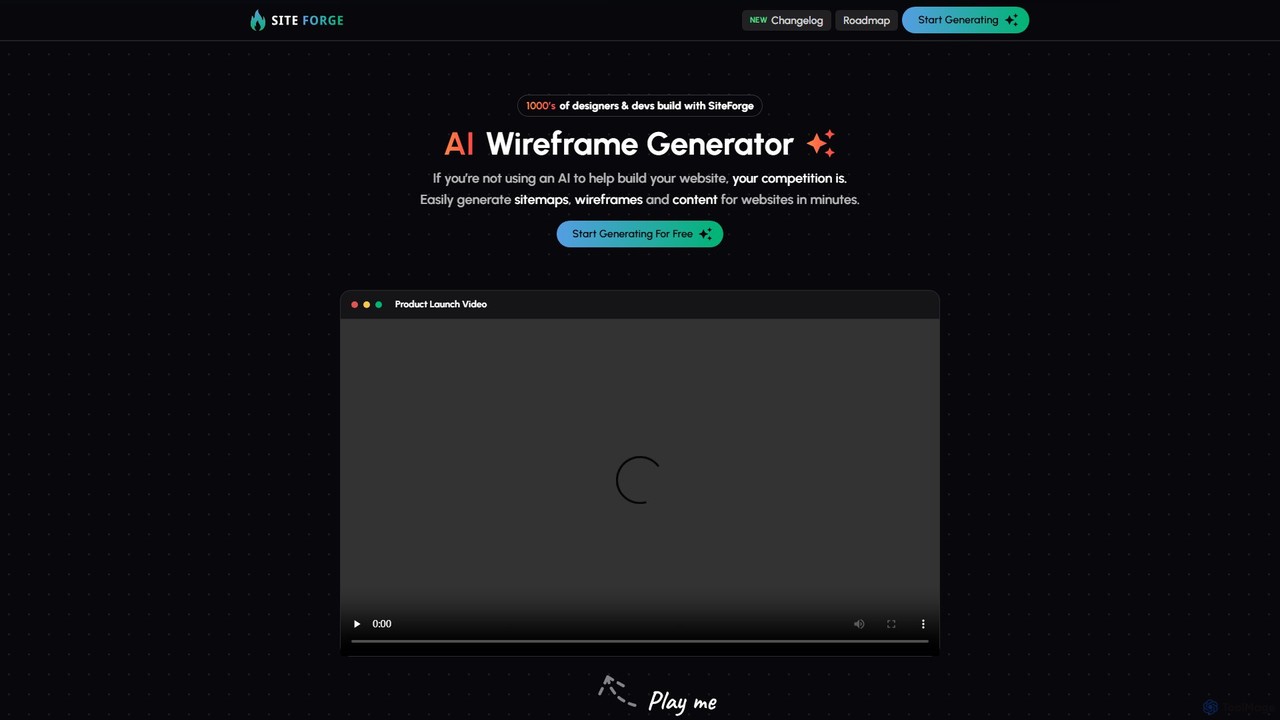
SiteForge is an AI-powered platform designed to accelerate the web development process. It enables users to generate sitemaps, …
SiteForge is an AI-powered platform designed to accelerate the web development process. It enables users to generate sitemaps, interactive wireframes, and SEO-optimized content in minutes. Ideal for designers, developers, and marketing agencies, it streamlines workflow, ensures brand consistency, and transforms ideas into structured website plans with ease.

SiteArchi AI
SiteArchi AI is an all-in-one, AI-powered platform designed for developers and planners to rapidly create sitemaps, design wireframes, …
SiteArchi AI is an all-in-one, AI-powered platform designed for developers and planners to rapidly create sitemaps, design wireframes, and generate SEO-optimized URL structures. It streamlines the entire website planning process, accelerating the transition from concept to development.
About Web Design
AI Web Design tools are applications that leverage artificial intelligence to automate and enhance the process of creating websites. These tools utilize machine learning algorithms to generate layouts, write code, create content, and optimize user experiences from simple text prompts or design inputs. They empower users of all skill levels, from beginners to professional developers, to build functional and visually appealing websites with greater speed and efficiency. This technology significantly lowers the technical barrier, enabling the rapid creation of everything from landing pages to complete online stores.
Core Features
- AI Website Generation: Creates complete website layouts, pages, and functional components from natural language descriptions or visual mockups.
- Intelligent Content Creation: Automatically generates SEO-friendly text, headlines, and calls-to-action tailored to the website's purpose and target audience.
- Automated Code Generation: Converts design files (e.g., from Figma) or user instructions into clean, standards-compliant HTML, CSS, and JavaScript.
- Design Optimization: Analyzes layouts and user behavior to suggest improvements for usability, conversion rates, and visual appeal.
- Responsive Design Automation: Automatically ensures that the generated website looks and functions correctly across all devices, including desktops, tablets, and smartphones.
Use Cases
AI Web Design tools are ideal for small business owners, marketers, and entrepreneurs who need to establish an online presence quickly without extensive technical knowledge. They are also valuable for freelance designers and development agencies looking to accelerate their prototyping and production workflows. Common applications include building marketing landing pages, professional portfolios, blogs, and simple e-commerce websites.
How to Choose
When selecting an AI Web Design tool, first consider your technical skill level—whether you need a no-code solution or a tool that assists with coding. Evaluate the level of design customization and control offered. Check for essential integrations with other platforms like content management systems (CMS), analytics, or e-commerce services. Finally, assess the quality of the output, including the cleanliness of the code and the uniqueness of the generated designs.
Web DesignUse Cases
Rapid Landing Page Creation for Marketing Campaigns
A marketing manager needs to launch a dedicated landing page for a new product promotion under a tight deadline. Instead of waiting for the development team, they use an AI website builder. By inputting key information such as the product description, target audience, brand colors, and the desired call-to-action, the tool generates several complete, on-brand design options within minutes. The manager selects the best option, makes minor text adjustments, and publishes the page. This process reduces the launch time from several days to under an hour, enabling faster campaign execution and A/B testing.
Building a Professional Portfolio for Freelancers
A freelance photographer wants to create a visually stunning online portfolio to showcase their work but lacks coding skills. They use an AI web design platform that specializes in portfolios. After uploading their best photos and providing a short biography, the AI analyzes the visual style of the images (e.g., color palettes, composition) and suggests several tailored layouts. It automatically generates galleries, an 'About Me' page, and a contact form. The result is a unique, professional-looking website that enhances their personal brand and helps attract new clients, all created without writing a single line of code.
Converting UI Designs into Functional Prototypes
A UI/UX designer has finalized a website design in Figma and needs to create a functional HTML/CSS prototype for client feedback and user testing. Instead of coding it manually, they use an AI tool that converts design files into code. They upload the Figma file, and the AI analyzes the layers, components, and auto-layout settings to generate structured, responsive code. This process reduces the time spent on manual front-end coding by over 80%, allowing the designer to focus on interaction design and iterating on the prototype based on feedback, rather than getting bogged down in implementation details.
Creating a Simple E-commerce Store for a Small Business
A small business owner wants to start selling products online but has a limited budget and no technical team. They opt for an AI-powered e-commerce website builder. The owner simply describes their business, lists their products with images and prices, and chooses a general style. The AI then generates a complete online store, including product pages, a secure shopping cart, and an integrated payment gateway. It also suggests SEO-friendly product descriptions. This allows the business to launch a professional and functional e-commerce site in a single afternoon, opening up a new sales channel with minimal upfront investment.
Generating SEO-Optimized Blog Content
A content marketer is tasked with populating a new corporate blog to improve search engine rankings. Using an AI web design tool with an integrated content generator, they input primary keywords and topics relevant to their industry. The AI generates multiple blog post ideas, outlines, and even drafts complete articles. It ensures the content includes relevant keywords, follows a logical structure, and has appropriate meta descriptions. While the marketer still reviews and refines the content for brand voice and accuracy, the AI handles the bulk of the initial research and writing, saving hours of work per article and accelerating the site's content strategy.
Personalizing Website Experience for Visitors
An e-commerce manager aims to increase conversion rates by tailoring the website experience to different user segments. They implement an AI web design platform that supports dynamic content personalization. The AI analyzes real-time visitor data, such as location, browsing history, and referral source. Based on this data, it automatically adjusts website elements. For example, a first-time visitor from a social media ad might see a welcome discount, while a returning customer sees product recommendations based on past purchases. This creates a more relevant and engaging experience, leading to higher user satisfaction and a measurable uplift in sales.