ToolMage
Sign in

Best 5 Website Building AI tools

Popular Website Building AI tools include Crocoblock, WebWave, Divi Supreme, Eventswow, and Typefolio, helping you work more efficiently.

Eventswow
Freemium

Eventswow

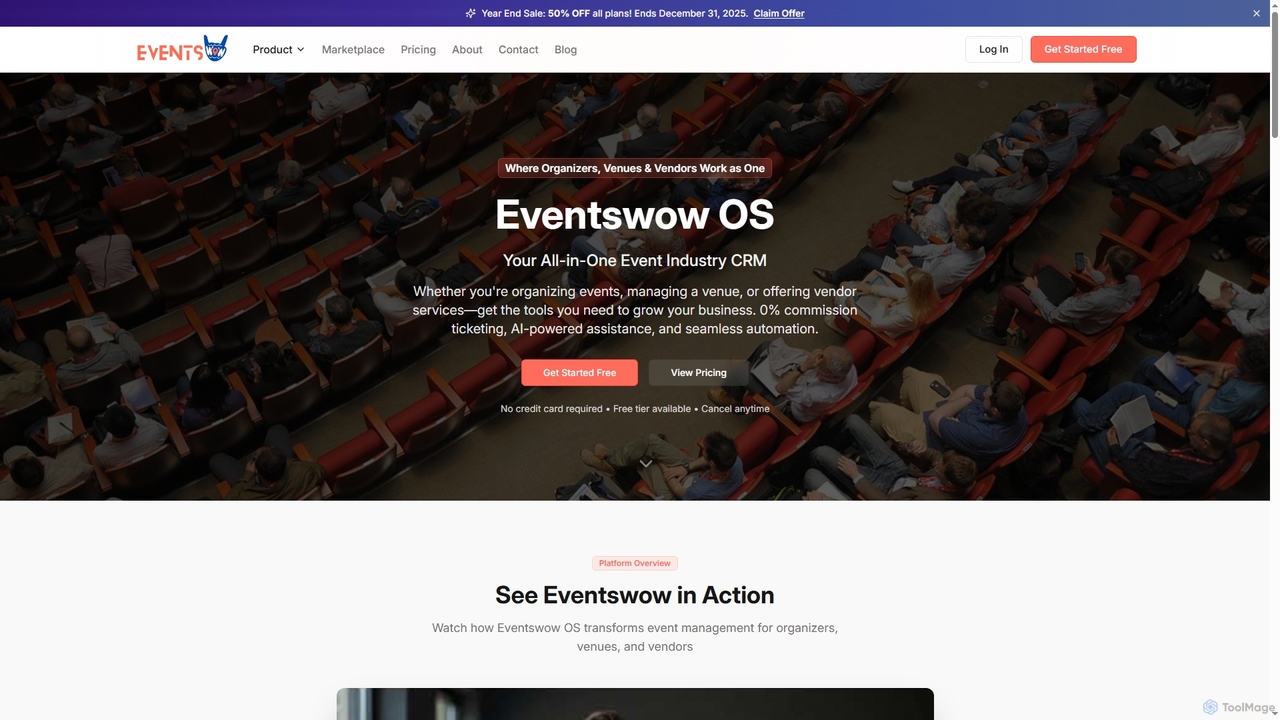
Eventswow is an all-in-one event industry CRM designed for organizers, venues, and vendors. It streamlines event management with 0% commission ticketing, AI-powered assistance for content creation and budgeting, and robust automation tools. The platform helps professionals save time, increase revenue, and enhance their professional image through integrated marketing, sales, and operational features.

Content Generation
Visits 5.5KFavorites 95Likes 90
Typefolio

Typefolio

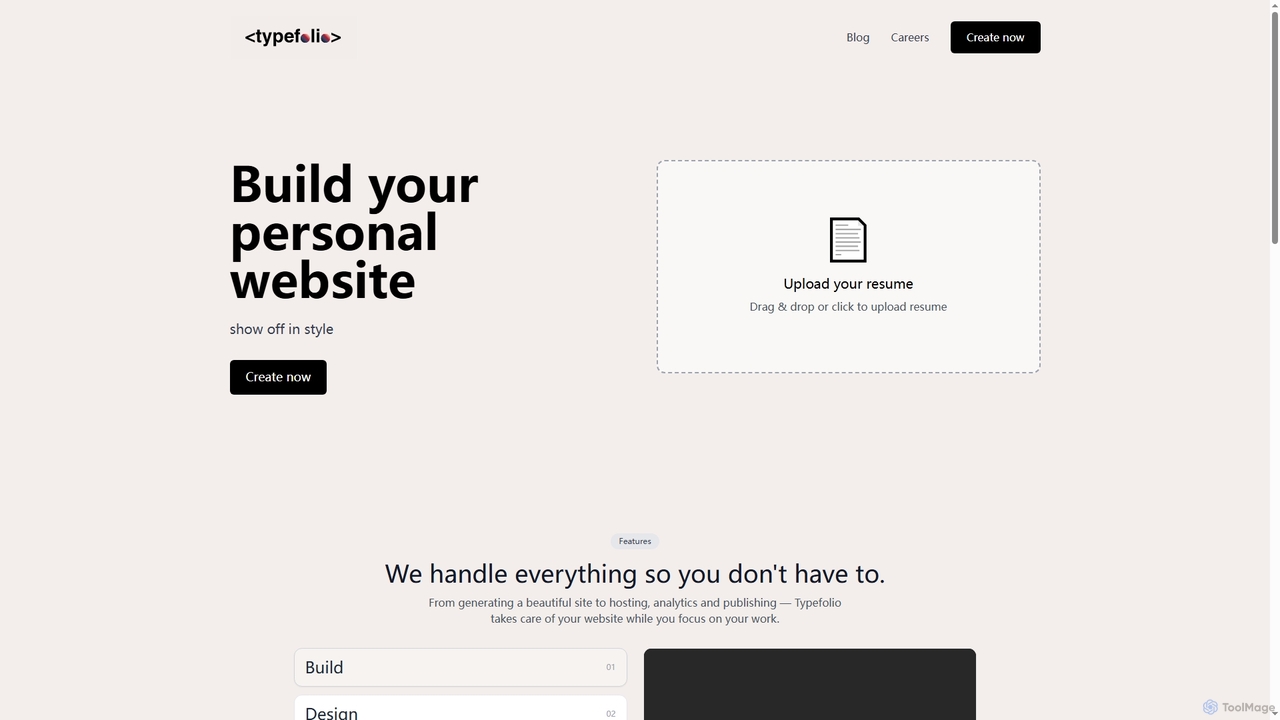
Typefolio is an AI-powered tool that transforms your resume into a professional personal website in minutes. It simplifies online presence creation by handling design, hosting, analytics, and publishing, allowing you to focus on your work while showcasing your skills and experience in style.

Personal Branding
Visits 3.7KFavorites 97Likes 102
Crocoblock
Paid

Crocoblock

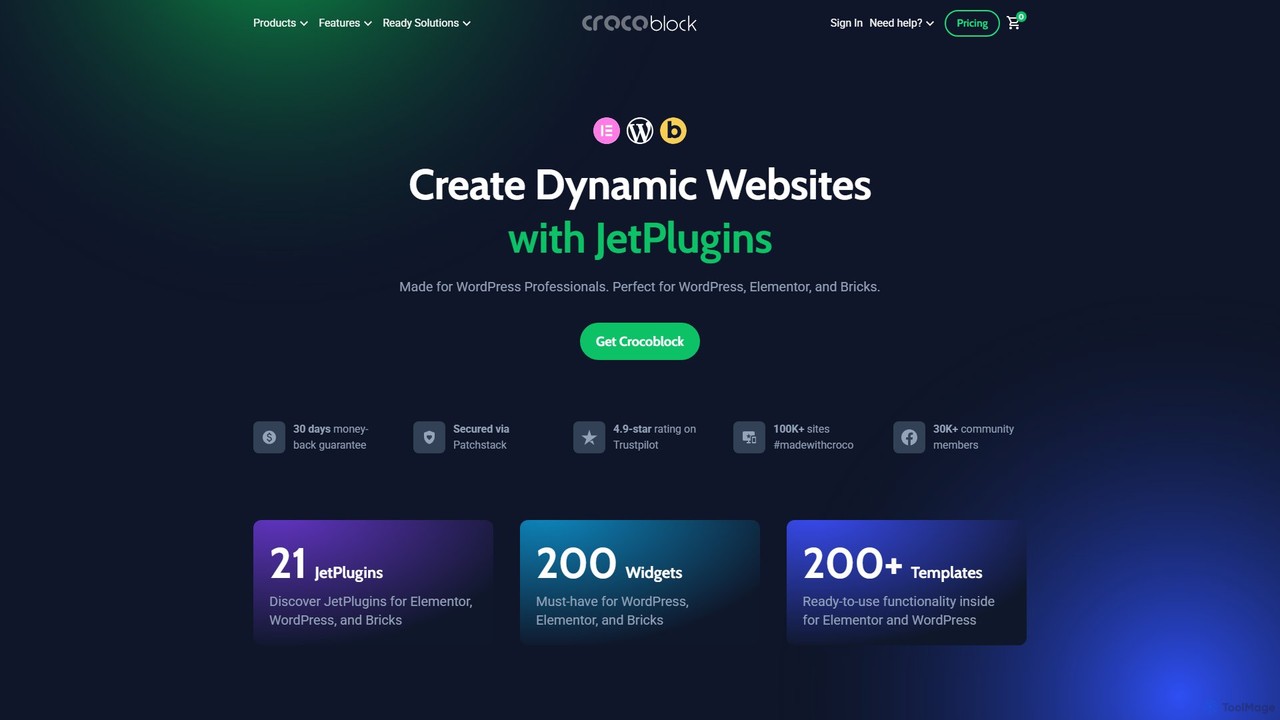
Crocoblock is a comprehensive toolkit of plugins for WordPress, Elementor, and Bricks, designed for professionals to build dynamic, feature-rich websites without coding. It specializes in dynamic content, e-commerce, booking systems, and advanced forms. Recently, it has integrated powerful AI features to accelerate development, allowing users to generate website structures, SQL queries, and forms from simple text prompts, making complex website creation faster and more efficient.

No Code
Visits 298.8KFavorites 126Likes 118
WebWave
Freemium

WebWave

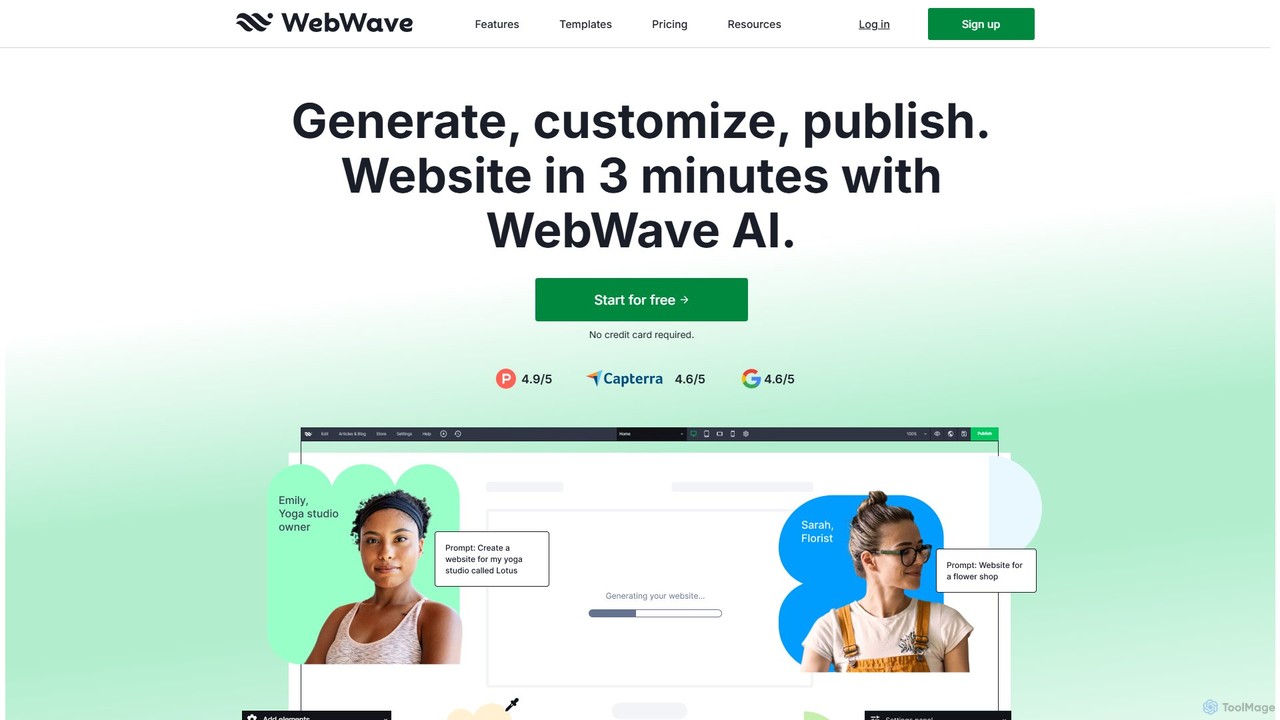
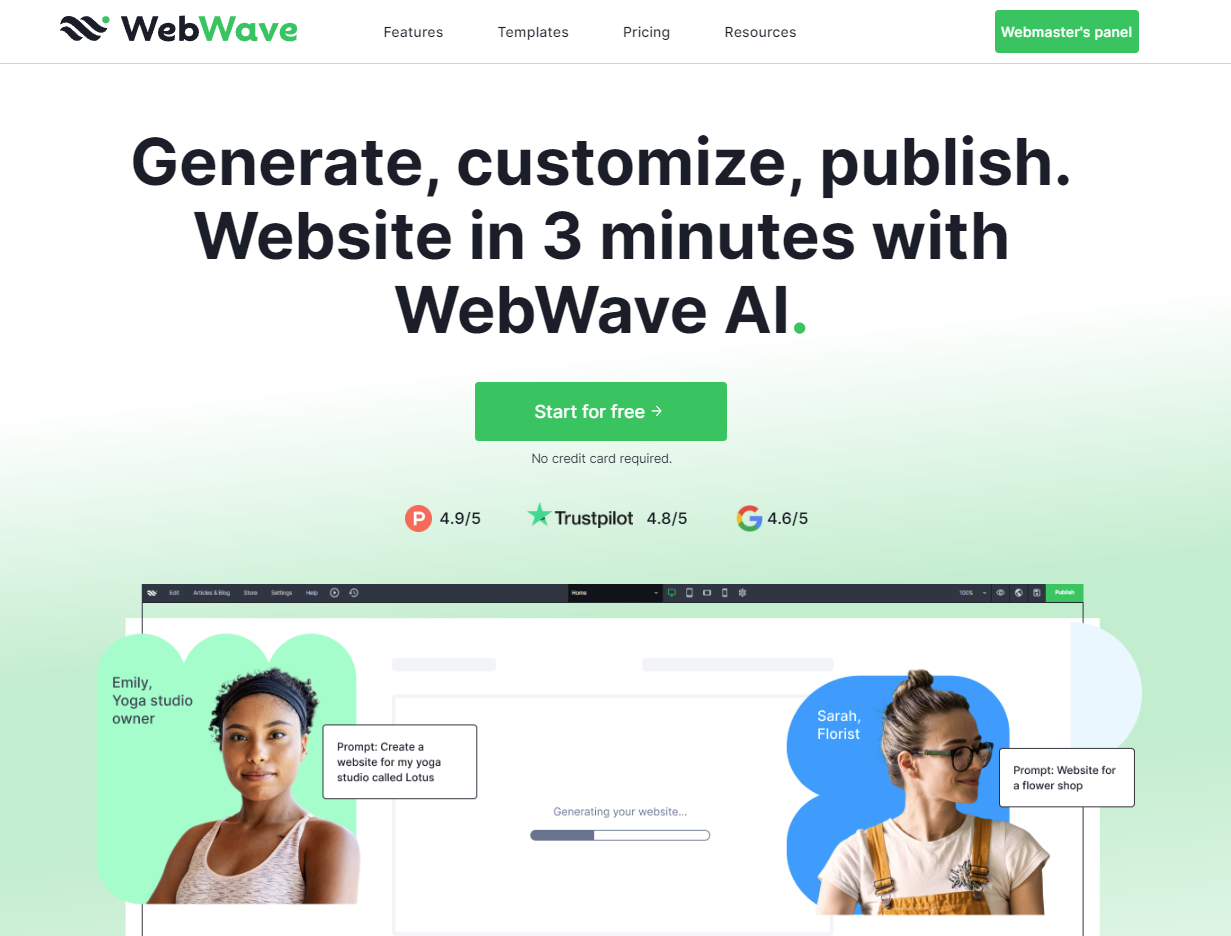
WebWave is an AI-powered, no-code website builder that allows users to create professional, responsive websites in minutes. It features a drag-and-drop editor with pixel-perfect precision, inspired by graphic design tools, offering complete creative freedom. Users can generate a site with AI, customize templates, or start from scratch. It's ideal for small businesses, freelancers, and agencies, offering e-commerce, blogging, SEO tools, and white-label solutions.

Store Builder
Visits 208.4KFavorites 128Likes 118
Divi Supreme
Freemium

Divi Supreme

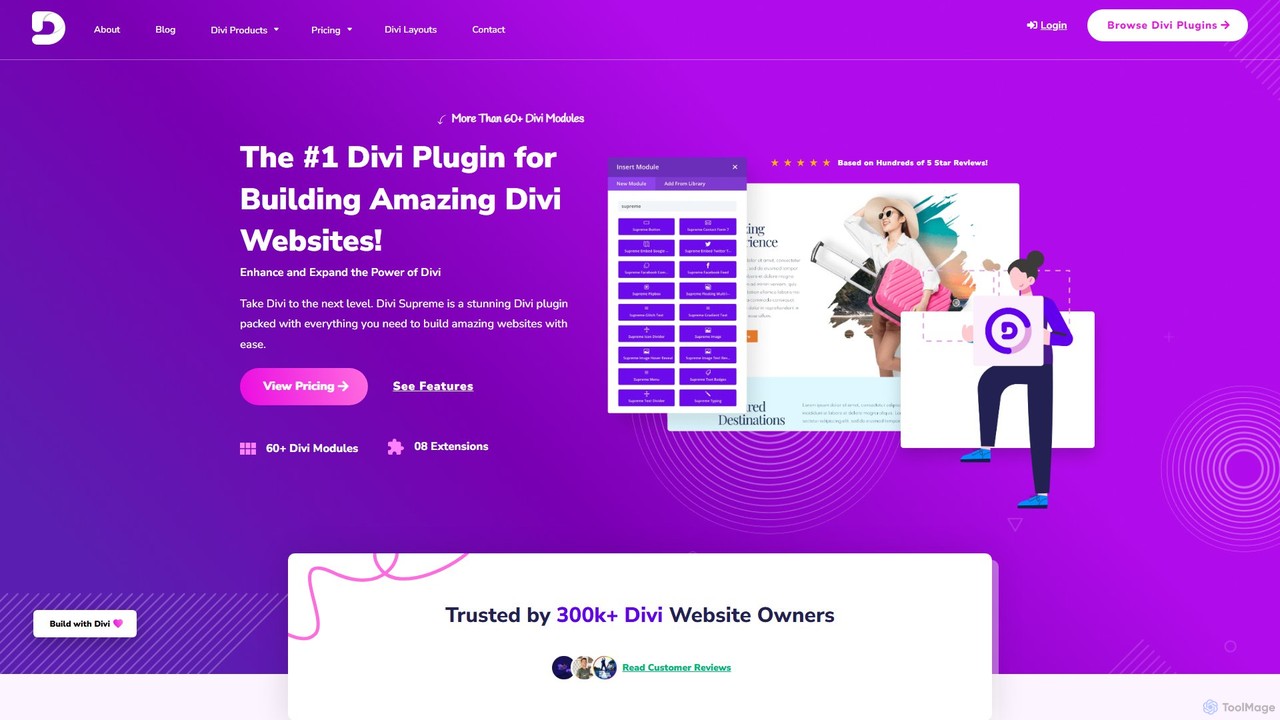
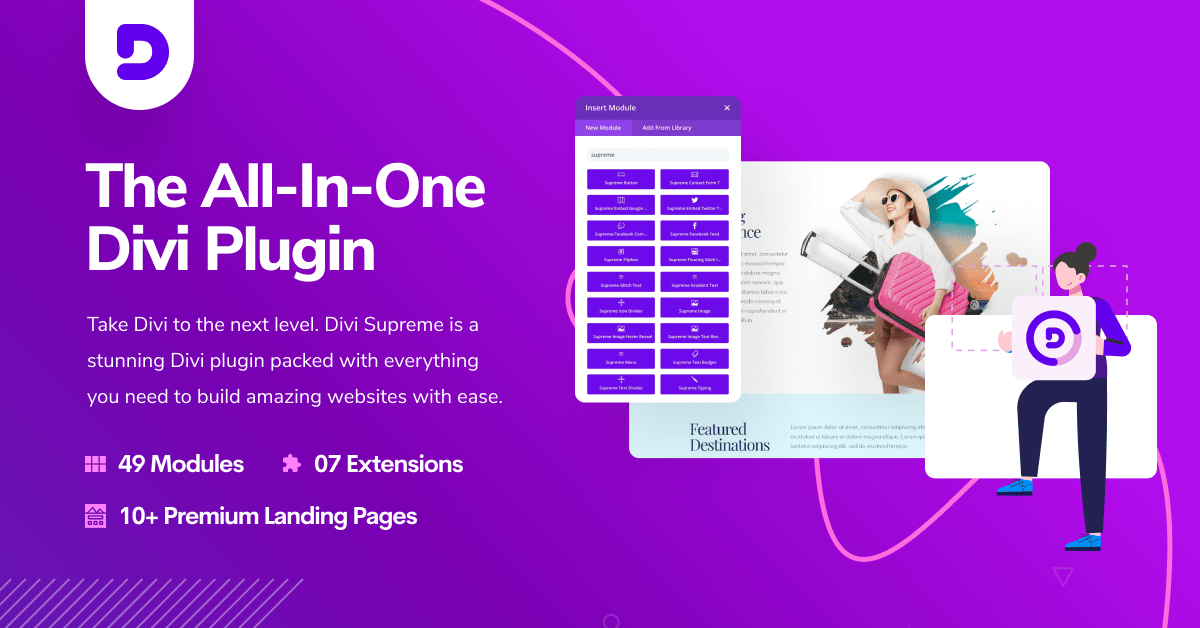
Divi Supreme is a powerful WordPress plugin that supercharges the Divi theme with over 60 creative modules and 8+ unique extensions. Trusted by 300,000+ users, it enables agencies, freelancers, and website owners to build stunning, professional websites with ease and without any coding. Features include advanced carousels, Lottie animations, popups, and an integrated AI writer, making it an essential toolkit for any Divi user.

Web Design
Visits 33.5KFavorites 128Likes 133

About Website Building

AI Website Building tools are platforms that leverage artificial intelligence to automate and simplify the creation, design, and optimization of websites. They utilize generative AI for content creation, machine learning for layout optimization, and natural language processing to interpret user commands. This enables users, from small business owners to marketing teams, to build professional, responsive websites quickly without extensive coding or design skills. Many of these tools also include features like AI-powered SEO analysis and automated A/B testing to improve site performance continuously.

Core Features

  • AI-Powered Design Generation: Automatically creates website layouts, color schemes, and font pairings based on user prompts or industry type.
  • Generative Content Creation: Produces relevant text, headlines, and even placeholder images tailored to the website's purpose.
  • Intelligent SEO Optimization: Analyzes content and structure to provide real-time suggestions for improving search engine rankings.
  • Automated Code Generation: Translates visual designs and user inputs into clean, standards-compliant HTML, CSS, and JavaScript.
  • Conversion Rate Optimization (CRO) Tools: Uses AI to suggest layout changes or conduct A/B tests to improve user engagement and conversions.

Use Cases

These tools are ideal for entrepreneurs, small businesses, marketers, and freelancers who need to establish an online presence quickly and affordably. They are also frequently used by web design agencies for rapid prototyping and creating initial mockups for clients, significantly speeding up the design iteration process.

How to Choose

When selecting an AI website builder, consider your technical skill level; choose a no-code platform for simplicity or a low-code option for more control. Evaluate the customization capabilities to ensure you can manually edit AI-generated designs. Also, check for essential features like e-commerce support and integrations with third-party tools like CRMs or analytics platforms. Finally, assess the platform's hosting performance and scalability options to support your site's growth.

Featured tool rankings

Website Building use cases

1

Launching a Small Business Website in Minutes

A small business owner, like a local baker, needs a professional website to showcase products and provide contact information but lacks coding skills and has a limited budget. By using an AI website builder, they answer a few simple questions about their business type, name, and preferred style. The AI then instantly generates a complete, mobile-responsive website, including relevant text about baked goods, high-quality stock images of pastries, and a pre-built contact form. The owner can make minor adjustments and publish the site, resulting in a fully functional online presence in under an hour, saving significant time and development costs.

2

Creating High-Converting Landing Pages for Marketing

A digital marketer needs to quickly create multiple landing pages for an upcoming ad campaign, each tailored to a different audience segment. Instead of designing each page from scratch, they use an AI website builder. They input the campaign goal, target audience profile, and key value propositions. The AI generates several layout and copy variations optimized for conversion. The marketer can then use the platform's built-in AI A/B testing feature to automatically test these variations and identify the best-performing version, reducing campaign launch time by over 70% and improving lead generation.

3

Building an Online Portfolio for a Freelance Creative

A freelance photographer needs a visually stunning online portfolio to attract clients but wants to focus on their creative work, not web development. They use an AI website builder and upload their best photographs. The AI analyzes the images' color palettes and styles to generate a unique, aesthetically pleasing layout that complements the portfolio. It also uses AI to write compelling project descriptions and an 'About Me' section based on a few keywords. This results in a professional, personalized portfolio created without writing any code, which can be easily updated with new projects.

4

Rapid Prototyping for Web Design Agencies

A web design agency needs to present multiple design concepts to a new client quickly to get initial feedback. Instead of spending days creating static mockups in design software, a designer uses an AI website builder. They input the client's brand guidelines and requirements. The AI generates several fully functional, interactive website prototypes in minutes. These live prototypes can be shared with the client for real-time feedback, dramatically shortening the design iteration cycle and ensuring the final development aligns perfectly with client expectations from the start.

5

Setting Up an E-commerce Store with AI Assistance

An entrepreneur wants to start an online store but is overwhelmed by the tasks of writing product descriptions and designing the site. Using an AI-powered e-commerce website builder, they simply upload product images and basic details. The AI then automatically generates persuasive, SEO-friendly product descriptions and titles for each item. It also suggests an optimal store layout, organizes products into logical categories, and sets up a secure checkout process. This automated approach allows the entrepreneur to launch a fully operational e-commerce site in a fraction of the time, with product pages optimized to attract and convert customers.

6

Automating Website Content Updates and Maintenance

A content manager for a news blog needs to keep the site fresh with new articles and ensure it remains optimized for SEO. They use an AI website builder that integrates with their content sources. The AI can automatically format and publish new blog posts from drafts, generate compelling social media snippets for sharing, and create internal links to relevant older content. Furthermore, the AI continuously monitors the site for technical SEO issues like broken links or slow-loading pages, providing alerts and actionable suggestions. This automates much of the routine maintenance, freeing up the manager to focus on content strategy.

Website Building FAQ

What is an AI Website Builder?

An AI Website Builder is a software tool that uses artificial intelligence to automate much of the website creation process. Instead of requiring users to manually design layouts with drag-and-drop editors or code, these builders ask for inputs like industry, purpose, and style preferences. The AI then generates a complete, unique website design, writes initial content, and selects appropriate imagery. The primary goal is to enable anyone, regardless of technical skill, to create a professional website quickly and efficiently.

How to choose the right AI Website Builder?

To choose the right AI Website Builder, consider these key factors:

  • Customization Flexibility: Evaluate how much control you have to manually edit the design after the AI generates it. Some are more rigid, while others offer full drag-and-drop customization.
  • Feature Set: Ensure the builder supports your specific needs, such as e-commerce functionality, blog creation, appointment booking, or specific third-party integrations.
  • SEO Capabilities: Check if the tool offers built-in SEO features like meta tag editing, sitemap generation, and performance analysis to help your site rank well.
  • Ease of Use: While most are user-friendly, their interfaces differ. Try a free trial if available to see if the workflow feels intuitive to you.
  • Pricing and Scalability: Compare subscription plans and understand what limitations exist on traffic, storage, or features. Choose a plan that can grow with your needs.
Can AI Website Builders create unique, professional designs?

Yes, modern AI Website Builders can create unique and professional designs. Unlike early versions that relied heavily on rigid templates, current tools use generative design principles. They combine user inputs (like industry, brand colors, and style preferences) with a vast knowledge of design best practices to generate layouts that are both aesthetically pleasing and functionally effective. While the final output may still benefit from human refinement, the AI provides a strong, unique foundation that looks far more customized than a standard template, saving significant design time.

What is the difference between an AI Website Builder and a traditional one like WordPress?

The main difference lies in the creation process. A traditional builder like WordPress is a Content Management System (CMS) that requires you to select a theme (template) and then manually build pages using plugins and editors. It offers immense flexibility but has a steeper learning curve. An AI Website Builder automates the initial setup. Instead of choosing a template, you describe your needs, and the AI generates a custom-designed site with content. It prioritizes speed and ease of use over the deep, granular control that WordPress provides, making it ideal for users without technical expertise.

Who should use an AI Website Builder?

AI Website Builders are best suited for individuals and businesses that prioritize speed, convenience, and cost-effectiveness over deep technical control. This includes:

  • Small Business Owners: For quickly establishing a professional online presence without hiring a developer.
  • Entrepreneurs & Startups: To launch landing pages or minimum viable product (MVP) sites rapidly.
  • Freelancers & Creatives: To build and maintain online portfolios with minimal effort.
  • Marketers: For creating campaign-specific landing pages without relying on development teams.
  • Users with No Coding Skills: Anyone who finds traditional website building intimidating can benefit from the simplified, prompt-based approach.