ToolMage
Sign in

Best 1 No Code Builder AI tools for Website Development

Popular No Code Builder AI tools in Website Development include Weinc, helping you work more efficiently.

Weinc
Paid

Weinc

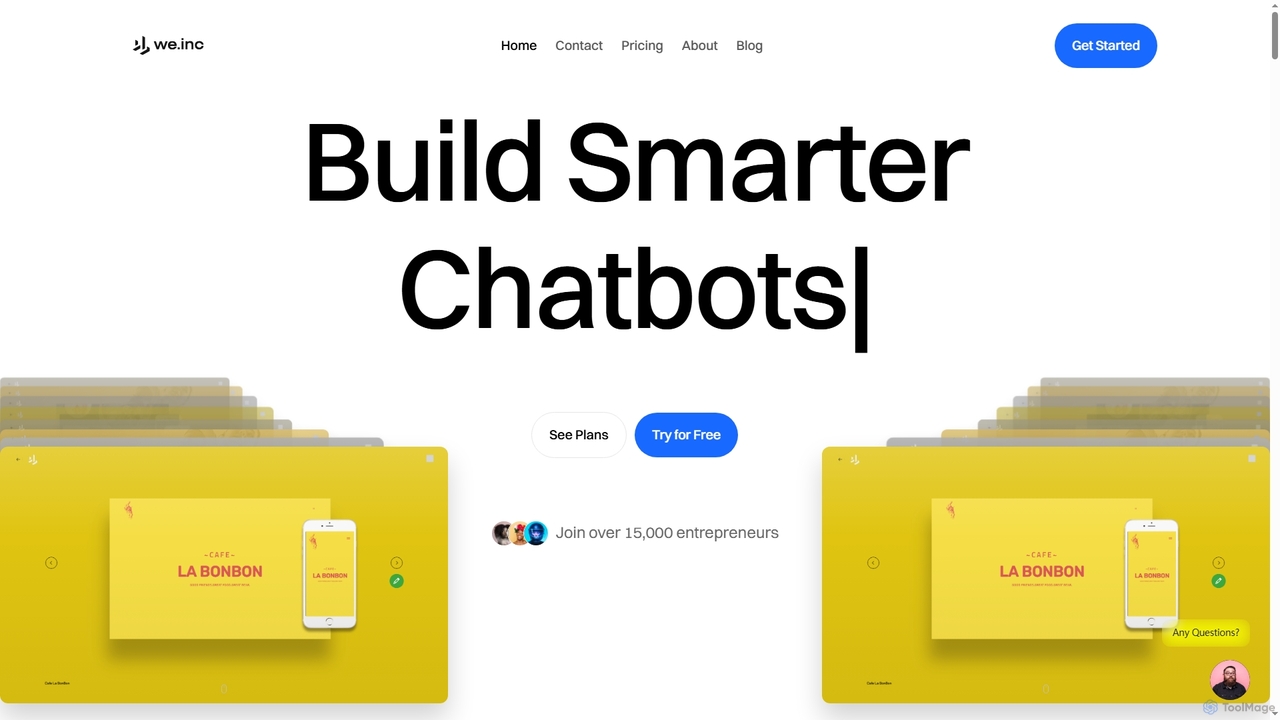
Weinc is an all-in-one 5-in-1 software suite designed to supercharge businesses by integrating no-code website building, AI chatbots, social media management, creative tools, and automation. It helps entrepreneurs and agencies streamline operations, generate leads, and manage multiple brands efficiently from a single platform.

3D
Visits 11KFavorites 114Likes 114

About No Code Builder

No Code Builders are innovative platforms that empower users to create websites, web applications, and mobile apps without writing a single line of code. These tools leverage visual interfaces and drag-and-drop functionalities, abstracting away complex programming to streamline the development process. Within the broader field of website development, No Code Builders significantly accelerate prototyping and deployment, making digital product creation accessible to entrepreneurs, marketers, and small businesses alike. They democratize technology by transforming ideas into functional products with unprecedented speed and efficiency.

Core Features

  • Visual Drag-and-Drop Editor: Intuitive interface for arranging elements and designing layouts without coding.
  • Pre-built Templates & Components: Ready-to-use designs, sections, and functional blocks to speed up development.
  • Database & Logic Integration: Define data structures, create forms, and implement workflows visually.
  • API & Third-Party Integrations: Connect with external services, payment gateways, and other tools seamlessly.
  • Responsive Design Capabilities: Automatically adapt application layouts for optimal viewing on various devices.

Use Cases

No Code Builders are ideal for entrepreneurs launching Minimum Viable Products (MVPs), marketing teams creating high-converting landing pages, and small businesses developing custom internal tools. They also enable content creators to build portfolio sites and event organizers to set up registration platforms quickly.

How to Choose

When selecting a No Code Builder, consider its ease of use, scalability for future growth, available integrations with other platforms, and the range of pre-built components. Evaluate the pricing model, community support, and whether it specifically caters to your project type (e.g., web app, mobile app, e-commerce).

Featured tool rankings

No Code Builder use cases

1

Launch a Startup MVP (Minimum Viable Product)

Entrepreneurs can rapidly build and test Minimum Viable Products (MVPs) for web or mobile applications without hiring a full development team. By using a No Code Builder, they can design user interfaces, integrate databases, and define core functionalities visually, allowing for quick market validation and iteration based on early user feedback, significantly reducing time-to-market and initial development costs.

2

Create Marketing Landing Pages and Campaigns

Marketing teams can design and deploy high-converting landing pages for various campaigns in minutes, without relying on IT or development departments. No Code Builders offer drag-and-drop editors, pre-built sections, and integration with analytics and CRM tools, enabling marketers to quickly A/B test different page layouts, content, and calls-to-action to optimize conversion rates and lead generation efforts efficiently.

3

Develop Custom Internal Business Tools

Small to medium-sized businesses can develop custom internal dashboards, CRM systems, project management tools, or inventory trackers tailored to their specific operational workflows. No Code Builders empower non-technical staff to automate repetitive tasks, manage data, and improve operational efficiency by creating bespoke applications that perfectly fit their unique business needs, without the need for extensive coding knowledge or external developers.

4

Build Fully Functional E-commerce Websites

Individuals and small businesses can establish comprehensive online stores with product listings, shopping carts, secure payment gateways, and order management functionalities. No Code Builders provide e-commerce-specific templates and integrations, allowing users to quickly set up and manage their online presence, sell products, and process transactions without needing to understand complex e-commerce platforms or custom coding.

5

Automate Workflow and Data Management

Non-technical users can create automated workflows, connect different applications, and manage data through custom forms and databases. This includes streamlining processes like lead capture, customer onboarding, inventory tracking, or project updates. No Code Builders allow for the visual definition of logic and triggers, enabling efficient data flow and task automation across various business functions without writing code.

6

Design Event Registration and Management Platforms

Event organizers can build custom registration websites with forms, payment processing, and attendee management features for various events, from webinars to conferences. No Code Builders offer flexible design options and integrations with ticketing and communication tools, providing a branded and efficient solution for managing event logistics and enhancing the attendee experience without complex development.

No Code Builder FAQ

What are No Code Builders?

No Code Builders are visual development platforms that allow users to create software applications and websites without writing any code. They utilize drag-and-drop interfaces, pre-built components, and visual logic to enable rapid application development. Their primary goal is to democratize software creation, making it accessible to non-developers like entrepreneurs, marketers, and small business owners who need to quickly bring ideas to life.

How do No Code Builders differ from traditional coding?

Traditional coding involves writing source code in programming languages, offering maximum flexibility and control but requiring specialized skills and more development time. No Code Builders, on the other hand, abstract this complexity by providing visual tools to assemble applications. While faster and more accessible for non-developers, they might offer less granular customization than hand-coded solutions, though their capabilities are rapidly expanding to support complex projects.

Who can benefit most from using No Code Builders?

Entrepreneurs, small business owners, marketers, designers, and product managers can greatly benefit from No Code Builders. They empower individuals and teams without extensive technical backgrounds to quickly validate ideas, launch products, create marketing assets, or build internal tools without relying on technical teams or large development budgets. It's ideal for those who need to move fast, iterate frequently, and maintain agility in their digital projects.

What are the key features to look for in a No Code Builder?

When choosing a No Code Builder, consider its ease of use, the range of pre-built components and templates, and its integration capabilities with other services (APIs, CRM, payment gateways). Evaluate its scalability for future growth, the flexibility to customize designs and logic, the pricing structure, and the strength of its community support and learning resources. Ensure it supports your specific project type, whether it's a web app, mobile app, or internal tool.

Can No Code Builders create complex applications?

Yes, modern No Code Builders are increasingly capable of creating complex applications. While simple websites are a common starting point, many platforms now support intricate database structures, custom workflows, third-party API integrations, and even mobile app development with advanced logic. The level of complexity achievable depends on the specific platform's features, its extensibility, and the user's ability to leverage its visual programming capabilities effectively.