ToolMage
Sign in

Best 1 Digital Assistant for Workspace

Popular Digital Assistant in Workspace include Nimo, helping you work more efficiently.

Nimo
Freemium

Nimo

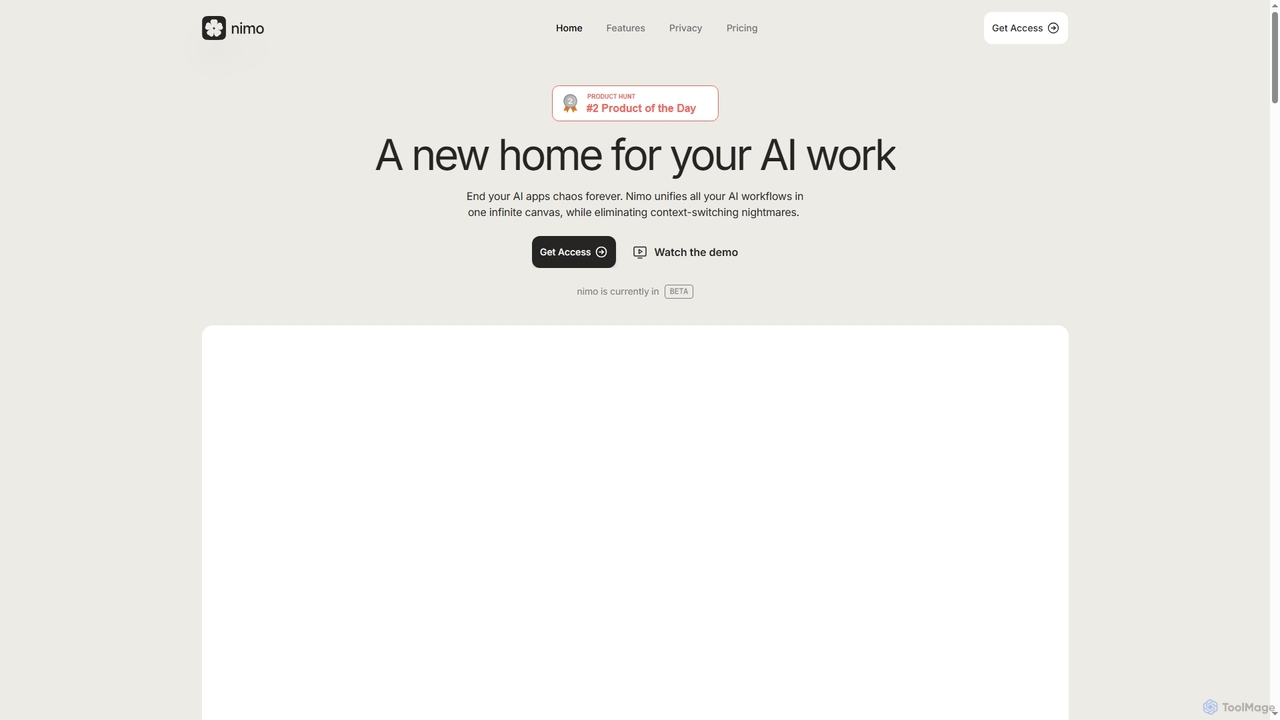
Nimo is an AI orchestrator that unifies all your AI workflows, applications, and agents onto a single, infinite canvas. It eliminates context-switching, enhances productivity, and allows users to organize AI conversations and outputs meaningfully. With over 100 integrated apps and a focus on privacy by storing data locally on Mac, Nimo transforms how you interact with AI for daily tasks and complex projects.

Strategic Planning
Visits 4.4KFavorites 113Likes 110

About Digital Assistant

Digital Assistants are AI-powered tools that act as personalized, proactive helpers to manage and automate tasks across your digital workspace. They integrate deeply with applications like email, calendars, and project management software to understand context and execute complex commands. This centralization helps streamline workflows, reduce context switching, and reclaim time from repetitive administrative work. Unlike simple automation tools, Digital Assistants often use natural language processing to provide a conversational interface for controlling your entire software stack.

Core Features

  • Contextual Automation: Triggers multi-step workflows across different applications based on events like receiving an email or a meeting ending.
  • Information Synthesis: Summarizes unread emails, meeting transcripts, and long documents to provide quick, actionable insights.
  • Proactive Assistance: Anticipates needs by preparing meeting briefings, sending follow-up reminders, and suggesting relevant tasks.
  • Unified Command Center: Allows users to manage various tools (CRM, project trackers, calendars) from a single natural language interface.
  • Deep Application Integration: Connects natively with a wide range of business software to read and write data, enabling seamless task execution.

Use Cases

Digital Assistants are ideal for busy professionals, executives, and teams who rely on multiple SaaS applications. For instance, a manager can use it to automatically schedule team meetings, prepare daily briefings by summarizing key project updates, and delegate tasks without leaving their chat interface. Sales teams can automate CRM entries and follow-up email sequences, freeing up time for client interaction.

How to Choose

When selecting a Digital Assistant, first evaluate its integration ecosystem to ensure it supports your critical tools. Assess the depth and customizability of its automation capabilities—can it handle your specific workflows? Consider the platform's security protocols and data privacy policies, especially when connecting sensitive accounts. Finally, evaluate the user interface's intuitiveness and its ability to understand natural language commands accurately.

Featured tool rankings

Digital Assistant use cases

1

Automate Meeting Lifecycle Management

For a project manager juggling multiple teams, a Digital Assistant streamlines the entire meeting process. Before a meeting, it analyzes attendees' calendars to find a suitable time and sends invitations. It can also automatically generate and attach an agenda based on recent project updates. During the meeting, it can integrate with transcription services. Afterward, the assistant drafts a summary with key decisions and action items, assigns them in the project management tool, and schedules a follow-up, saving hours of administrative work each week.

2

Create Personalized Daily Work Briefings

An executive or team lead can start their day with a personalized briefing compiled by their Digital Assistant. Instead of manually checking emails, calendars, and multiple dashboards, they receive a single, consolidated summary. This briefing can include a prioritized list of emails requiring a response, a summary of key performance metrics from a BI tool, upcoming deadlines from a project tracker, and a schedule of the day's meetings with relevant context and documents attached. This provides a focused start to the day, ensuring no critical information is missed.

3

Streamline Sales Outreach and CRM Updates

For a sales representative, a Digital Assistant can act as a powerful productivity multiplier. It can connect to their email and CRM system to automate data entry, such as logging calls and emails under the correct contact. Based on email interactions, it can suggest or automatically draft personalized follow-up messages using predefined templates. It can also manage scheduling by offering available slots to prospects and automatically booking a meeting in the calendar and CRM once a time is confirmed, eliminating back-and-forth communication.

4

Centralize Cross-Platform Information Search

Knowledge workers often waste significant time searching for information scattered across different applications like Slack, Google Drive, Notion, and email. A Digital Assistant acts as a unified search engine for their entire workspace. A user can simply ask a question in natural language, such as "Find the Q3 marketing budget presentation," and the assistant will query all connected apps simultaneously to retrieve the correct file or message. This eliminates the need to remember where information is stored and drastically reduces the time spent on information retrieval.

5

Simplify Project Status Reporting

For team leads and project managers, compiling weekly status reports is a time-consuming but essential task. A Digital Assistant can automate this process. By connecting to project management tools like Jira or Asana, it can pull data on completed tasks, current progress, and identified blockers for each team member. It can then compile this information into a structured report draft based on a predefined template. The manager simply needs to review, add their own insights, and send it, transforming a multi-hour task into a matter of minutes.

6

Manage Business Travel and Expenses Proactively

For frequent travelers like consultants or sales executives, a Digital Assistant can proactively manage travel logistics. Upon detecting a new out-of-town meeting in the calendar, it can suggest flight and hotel options that comply with company policy. Once bookings are made, it automatically adds travel details to the calendar. Furthermore, it can scan the user's inbox for receipts from flights, hotels, and meals, automatically creating and categorizing entries in an expense report, significantly reducing the administrative burden of business travel.

Digital Assistant FAQ

What is an AI Digital Assistant?

An AI Digital Assistant is a software tool designed to act as a personal productivity partner within a professional's digital workspace. Unlike simple task managers, it uses artificial intelligence to understand context, automate complex multi-step tasks across different applications, and proactively assist users. Its primary goal is to centralize control over various software tools (like email, calendar, CRM) and reduce the time spent on administrative and repetitive work, allowing users to focus on more strategic activities.

How does a Digital Assistant differ from a virtual assistant like Siri or Alexa?

The key difference lies in their focus and integration depth. Virtual assistants like Siri and Alexa are consumer-focused, designed for general tasks like setting timers, playing music, or answering trivia. Digital Assistants are work-focused and built for professional productivity. They feature deep, two-way integrations with business software (e.g., Salesforce, Jira, Slack), allowing them to not just retrieve information but also execute complex, context-aware actions within those systems, such as creating a new sales lead or updating a project ticket.

How do I choose the right Digital Assistant?

Choosing the right Digital Assistant depends on your specific needs and workflow. Consider these key factors:

  • Integration Ecosystem: Does it connect seamlessly with the critical applications you use daily (e.g., your specific CRM, project management tool, communication platform)?
  • Automation Capabilities: Evaluate the depth and flexibility of its workflow automation. Can you build custom routines that match your processes, or are you limited to pre-built templates?
  • Security and Privacy: Since the tool will access sensitive data, verify its security certifications, data encryption policies, and compliance with regulations like GDPR.
  • User Interface and Experience: Is the interface intuitive? How well does it understand your natural language commands and requests? A good assistant should reduce friction, not add it.
What are the main benefits of using a Digital Assistant?

The primary benefits of integrating a Digital Assistant into your workflow include:

  • Reduced Context Switching: By managing multiple applications from one interface, you minimize the mental load and time lost switching between tabs and programs.
  • Time Savings: It automates repetitive, low-value tasks like scheduling, data entry, and report generation, freeing up significant time for strategic work.
  • Centralized Workspace: It acts as a single source of truth and command center, making it easier to find information and manage tasks across your entire software stack.
  • Proactive Support: A good assistant doesn't just react to commands; it anticipates your needs, such as preparing you for your next meeting or reminding you of an important follow-up.
Who can benefit most from a Digital Assistant?

While many professionals can benefit, Digital Assistants are particularly valuable for:

  • Executives and Managers: Who need to synthesize information from multiple sources, manage complex schedules, and delegate tasks efficiently.
  • Sales and Account Managers: Who spend significant time on CRM data entry, scheduling meetings, and writing follow-up emails.
  • Project and Product Managers: Who need to track progress across various tools, consolidate status updates, and coordinate team activities.
  • Consultants and Freelancers: Who manage multiple clients and projects simultaneously and need to optimize their administrative overhead.

In general, anyone whose daily work involves juggling more than three different software applications can see a significant productivity boost.