

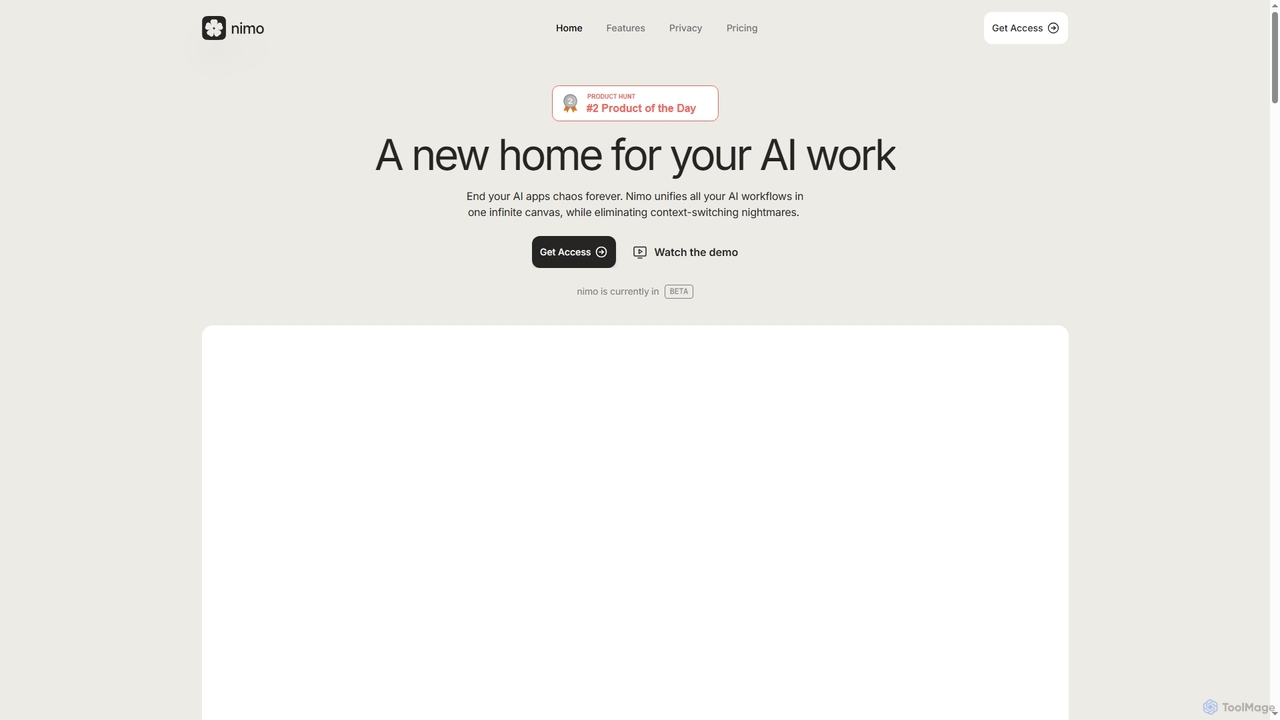
Nimo Overview
Nimo is designed to be the ultimate home for your AI work, addressing the common challenge of managing numerous AI applications and workflows. It acts as an AI orchestrator, bringing together all your AI apps, agents, conversations, and outputs onto one intuitive, infinite canvas. This innovative approach significantly reduces context-switching, allowing users to maintain focus and streamline their productivity. Nimo emphasizes a private and secure user experience, ensuring all data remains on your Mac and iCloud, never on Nimo's servers or with third-party partners.
How to use Nimo
To use Nimo, you start by accessing its infinite canvas, which serves as your central workspace. You can connect over 100 of your favorite productivity apps through Nimo's App Store. Once connected, you can interact with these apps and AI agents directly on the canvas, leveraging Nimo's AI assistant for tasks like updating documents or managing databases with real-time output. The platform also features "Dynamic Apps," allowing you to prompt the creation of custom AI applications that integrate automatically with tools like Gmail, Google Sheets, Notion, and Jira, transforming how you manage daily tasks and complex projects.
Core Features of Nimo
- Infinite Canvas: A unified workspace to organize all AI apps, agents, conversations, and outputs meaningfully.
- AI Orchestration: Seamlessly integrates and manages various AI tools and agents in one centralized platform.
- 100+ App Integrations: Connects with popular productivity tools such as Gmail, Google Sheets, Notion, and Jira.
- Agentic AI Assistant: Provides real-time output and assistance for tasks like updating large documents or modifying databases.
- Dynamic Apps Creation: Prompt to create custom AI applications that automatically integrate with connected productivity tools.
- Enhanced Privacy & Security: All user data is stored locally on your Mac and iCloud; Nimo does not collect user data.
- Memory & Context: Maintains conversational memory and context across interactions for more intelligent assistance (available in Pro and Infinite plans).
- Unlimited Web Browsing: Browse the web directly within the Nimo canvas.
Use Cases for Nimo
Nimo is highly versatile, catering to a wide range of professional and personal use cases. For daily productivity, it can integrate Gmail and Google Calendar to provide a comprehensive, real-time view for meeting preparation and summaries, eliminating app switching. Business professionals can leverage Nimo with Google Sheets and AI tools to create interactive dashboards for financial planning, gaining live insights and revolutionizing business strategy. Marketing teams can use Nimo with Google Docs and AI to generate detailed Product Hunt launch plans, complete with timelines, to-do actions, market trends, and campaign materials, streamlining coordination and execution.
Advantages of Nimo
The primary advantage of Nimo is its ability to eliminate the "AI apps chaos" by centralizing all AI workflows onto a single, intuitive canvas. This unification drastically reduces context-switching, leading to improved focus and efficiency. Its strong emphasis on privacy, with all data stored locally, offers users peace of mind. The "Agentic by default" design and "Dynamic Apps" feature empower users to create custom, integrated AI solutions tailored to their specific needs, making complex tasks simpler and more automated than traditional AI browsers. The extensive app integration further enhances its utility, making it a powerful tool for modern knowledge workers.
Pricing and Plans
Nimo offers a freemium model with several tiers:
- Free: $0/month. Includes 100 credits per month, a free canvas, unlimited web browsing, and unlimited categories.
- Pro: Priced at $20/month, or $16/month when billed annually (saving 20%). This plan includes everything in Free, plus 2000 credits per month, Dynamic Apps, chat with 3rd party apps (MCPs), and Memory & Context.
- Infinite: Priced at $200/month, or $160/month when billed annually (saving 20%). This plan includes everything in Pro, plus 50,000 credits per month, Dynamic Apps, chat with 3rd party apps (MCPs), Memory & Context, and early access to new features.
Nimo FAQ
Nimo Alternatives
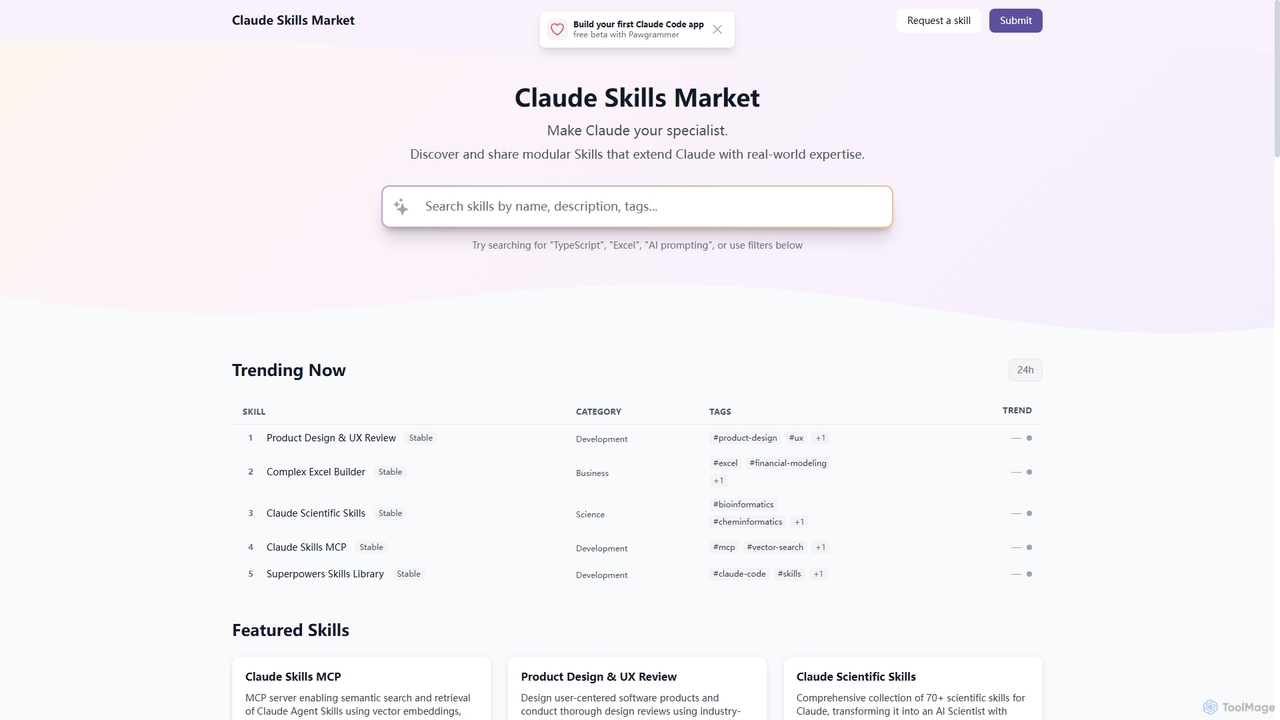
Skills
Skills is a dynamic marketplace designed to extend Claude's capabilities with specialized, real-world expertise. It offers a diverse collection of modular tools, transforming Claude into a specialist across various domains like product design, financial modeling, scientific research, and software development.
Prompt Engineering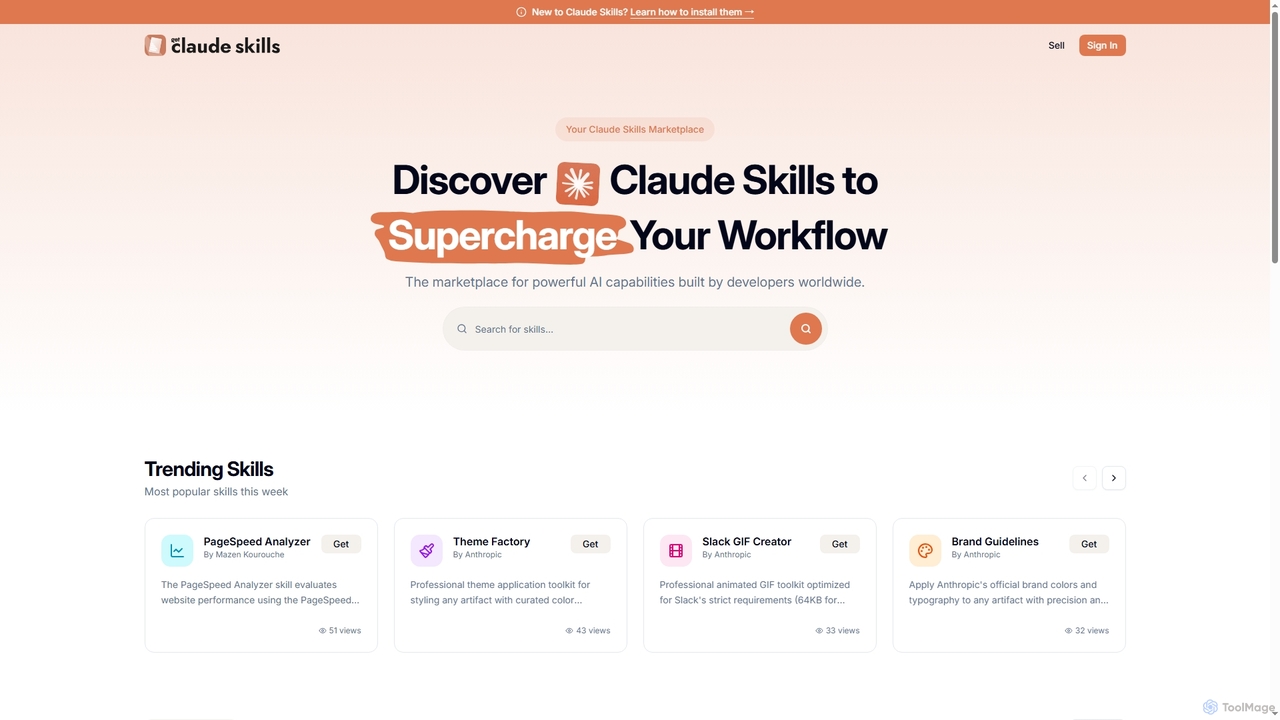
Get Claude Skills
Get Claude Skills is a dynamic marketplace for discovering and sharing powerful AI capabilities designed to enhance workflows with Claude AI. It offers a diverse range of specialized tools, from performance analysis and design systems to advanced content generation and productivity suites, all built by developers to extend Claude's functionality.
Strategy
Tingo.ai
Tingo.ai is an AI-powered productivity and workflow automation platform designed for modern teams. It integrates with your existing tools like Slack and Jira to automate meeting summaries, task management, and knowledge base creation, helping your team stay aligned and focus on what matters most.
Project Management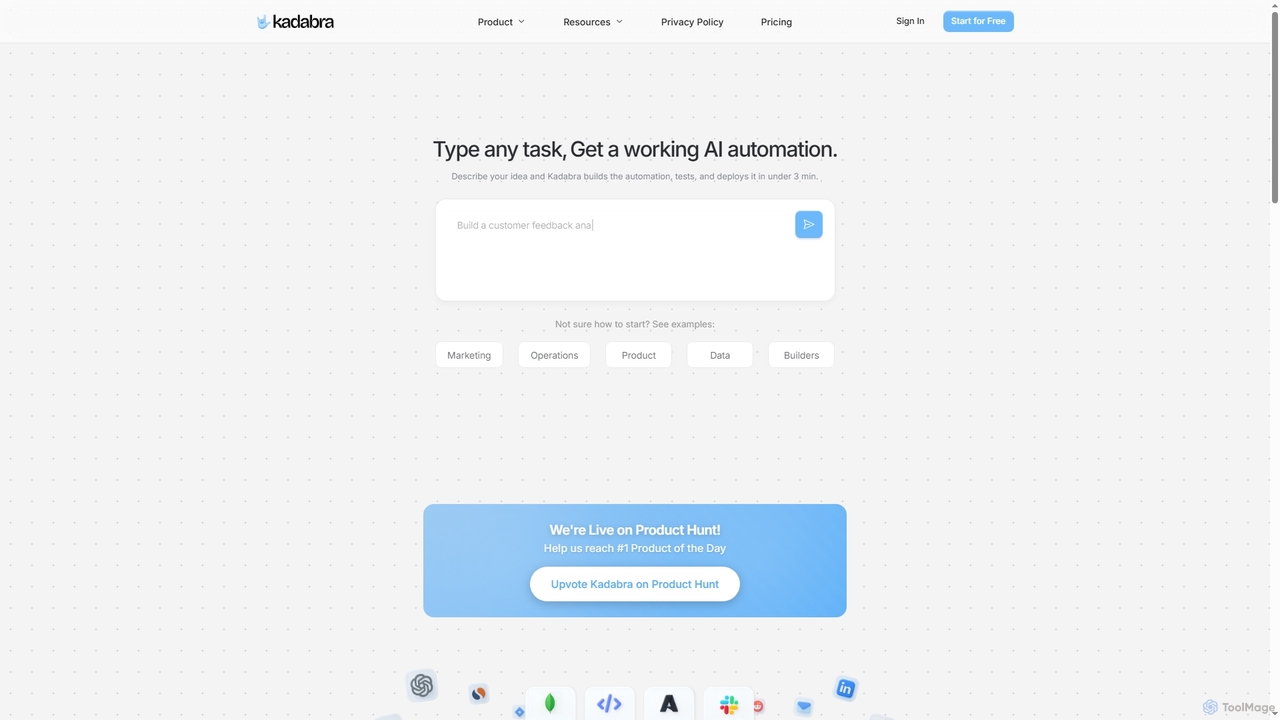
Kadabra
Kadabra is an AI-powered platform that transforms plain English descriptions into functional, deployable business and data automations. It allows users to build, test, and deploy complex workflows visually in minutes, integrating with a wide range of popular tools to streamline operations and enhance productivity.
Operations Management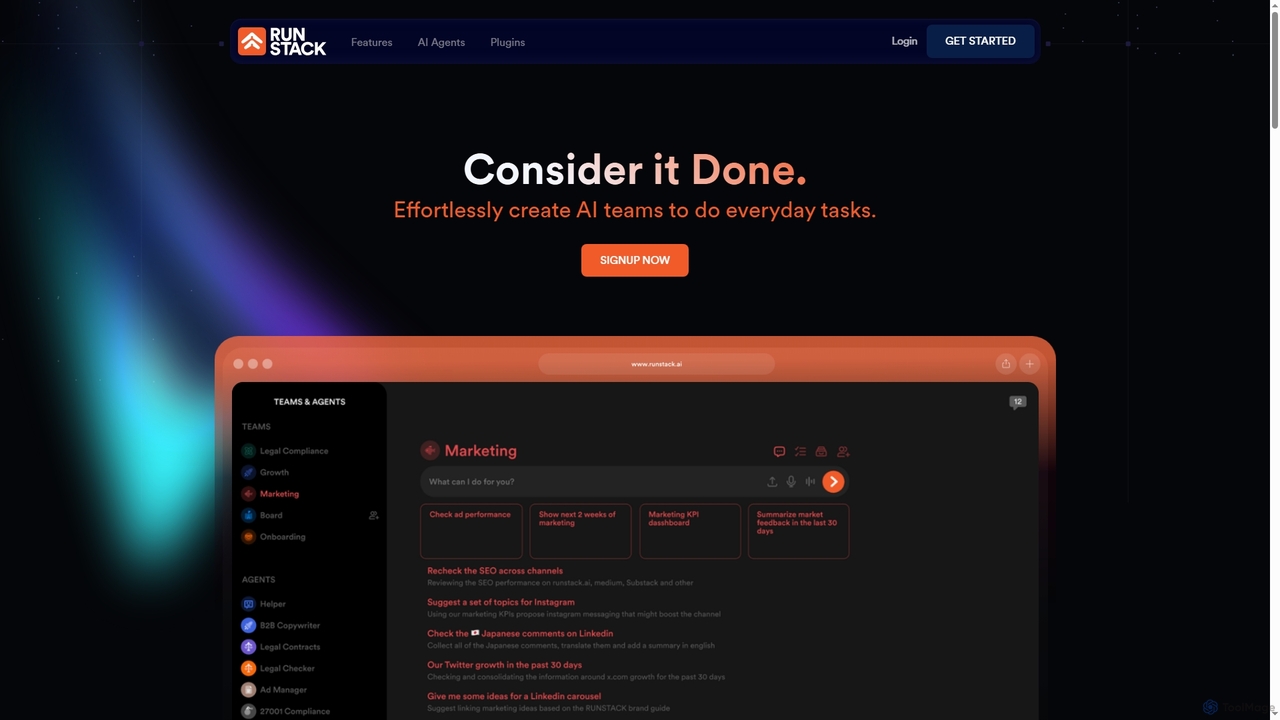
Runstack
Runstack is an innovative AI agent platform that empowers businesses to effortlessly create custom AI assistants. By simply describing tasks in plain English, users can deploy intelligent agents to automate workflows, integrate with over 50 business tools, and handle complex operations across various departments, from sales and marketing to finance and project management.
Sales AutomationNimo Categories
Nimo Jobs
Nimo Embed Widget
Copy this embed code to place the badge on your blog, article, or product site and send readers directly to this ToolMage detail page.

Related AI tools
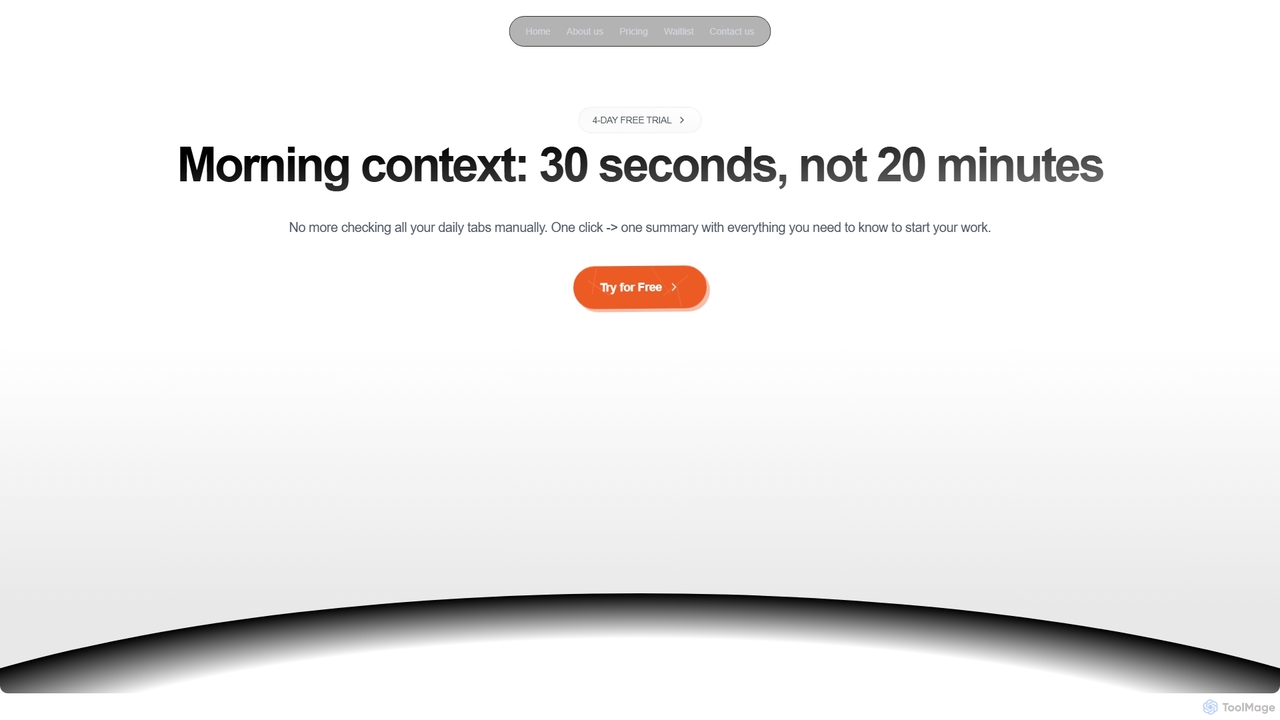
Dirac
Dirac is a Mac application that automates your morning routine, consolidating updates from GitHub, Gmail, Stripe, and other key apps into a single, privacy-focused summary view with just one click.
Daily Briefing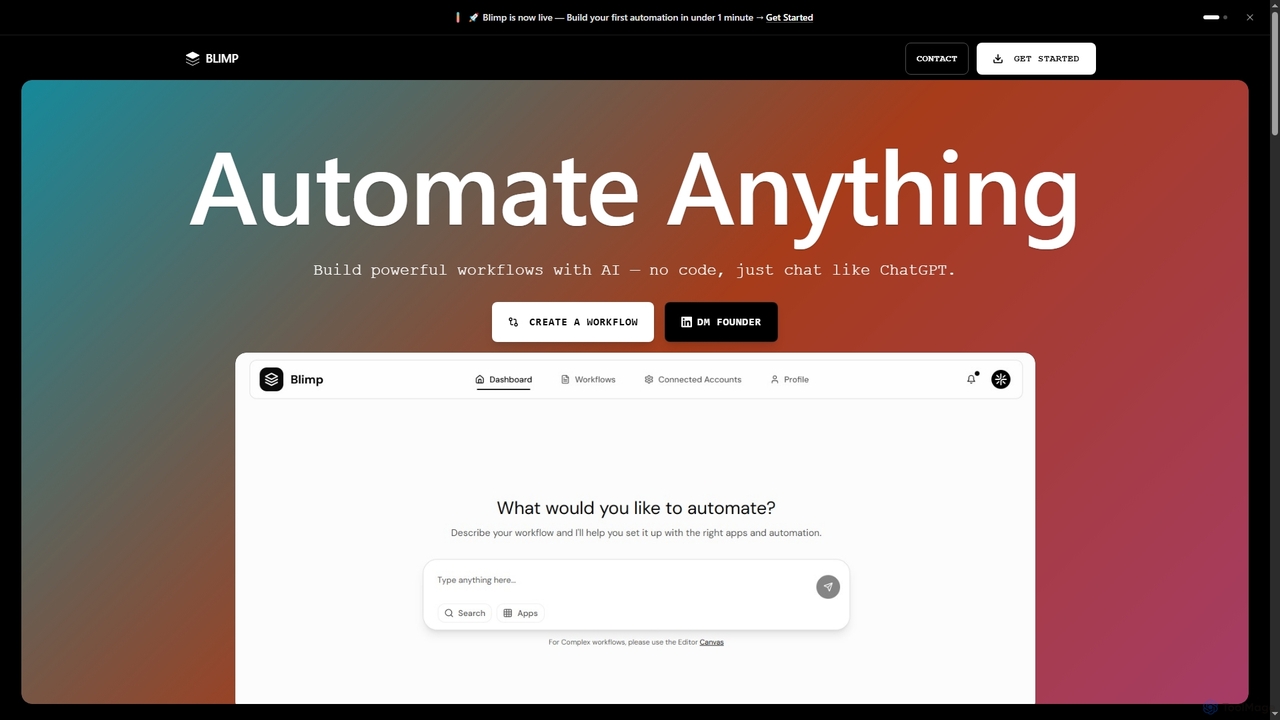
Blimp
Blimp is an AI-powered, no-code workflow automation platform designed for everyone. It allows users to build powerful automations by simply describing their desired tasks in natural language, connecting seamlessly with popular applications to streamline daily operations.
Task AutomationTingo.ai
Tingo.ai is an AI-powered productivity and workflow automation platform designed for modern teams. It integrates with your existing tools like Slack and Jira to automate meeting summaries, task management, and knowledge base creation, helping your team stay aligned and focus on what matters most.
Project ManagementRunstack
Runstack is an innovative AI agent platform that empowers businesses to effortlessly create custom AI assistants. By simply describing tasks in plain English, users can deploy intelligent agents to automate workflows, integrate with over 50 business tools, and handle complex operations across various departments, from sales and marketing to finance and project management.
Sales Automation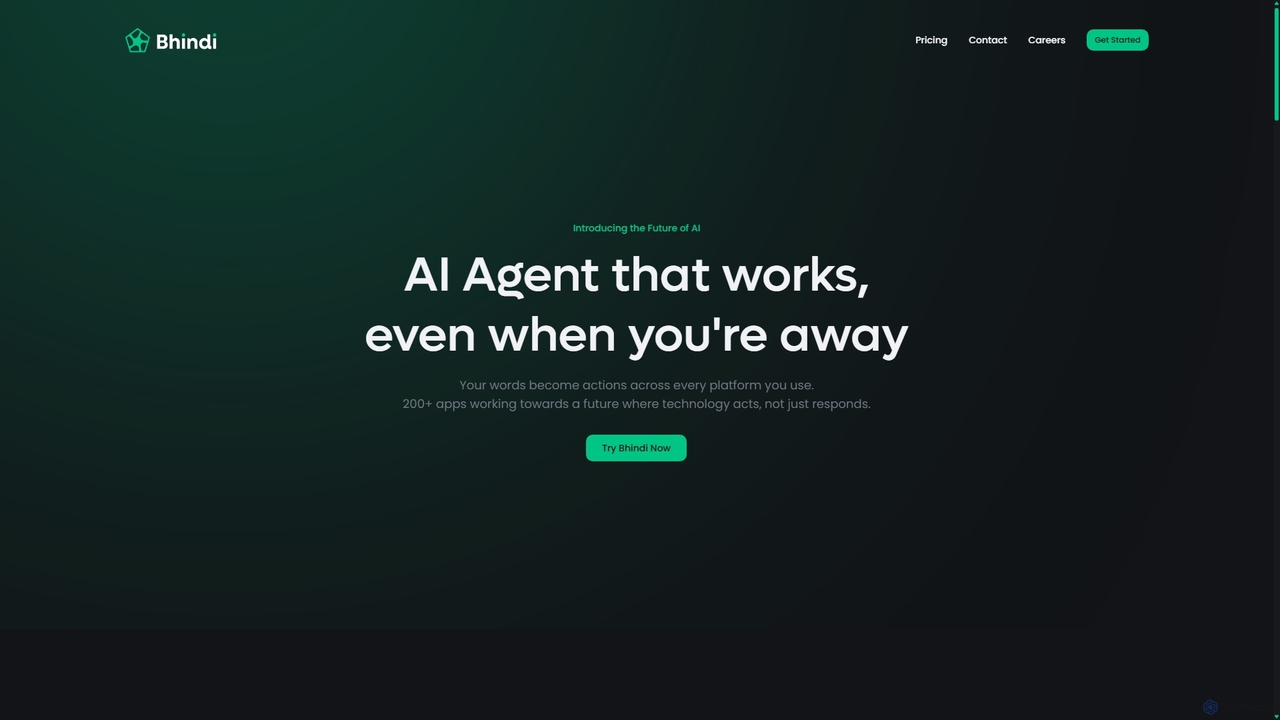
Bhindi
Bhindi is an AI agent platform that automates complex tasks and workflows across over 200 applications using simple natural language commands. It acts as an intelligent assistant that works in the background, connecting your favorite tools like Gmail, Slack, and Notion to execute multi-step actions, turning your words into a seamless, automated reality.
Personal Assistant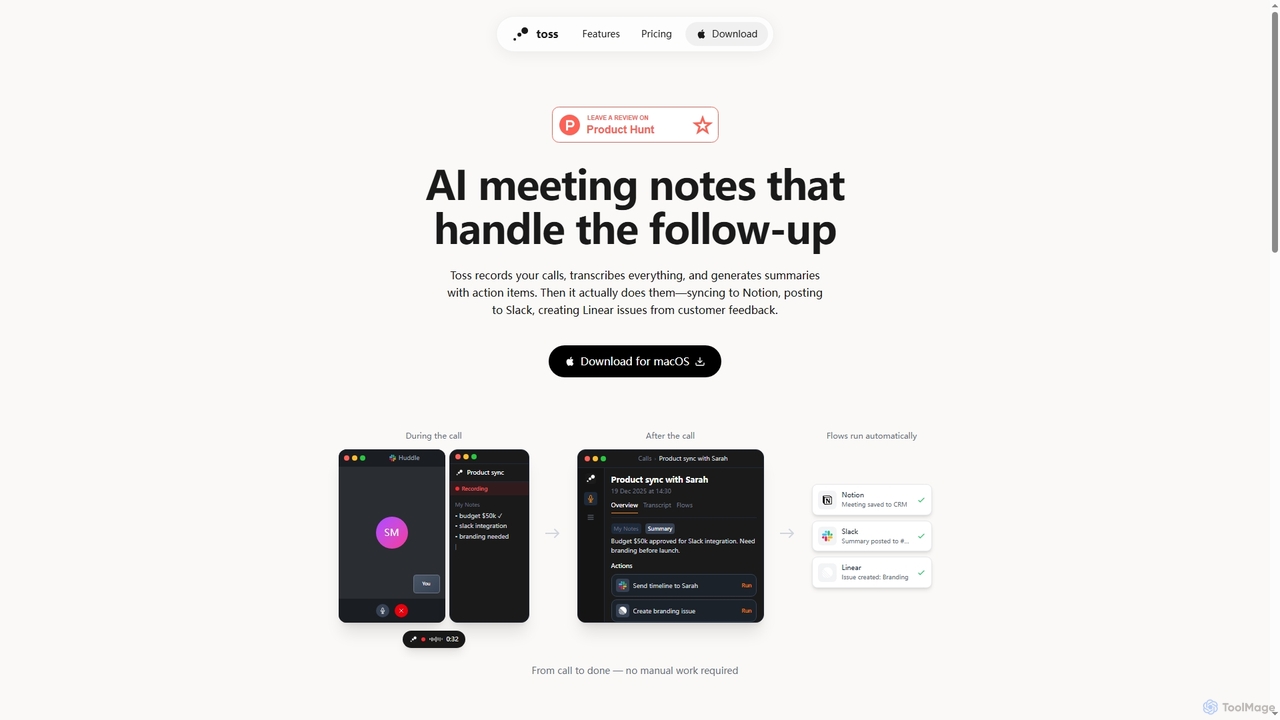
Toss
Toss is an AI-powered macOS application designed to automate meeting notes and follow-up actions. It records calls, transcribes discussions in real-time, generates summaries with actionable items, and automatically executes post-meeting tasks like syncing to Notion, posting to Slack, and creating issues in Linear, streamlining workflows and enhancing productivity for teams.
DictationSkills
Skills is a dynamic marketplace designed to extend Claude's capabilities with specialized, real-world expertise. It offers a diverse collection of modular tools, transforming Claude into a specialist across various domains like product design, financial modeling, scientific research, and software development.
Prompt EngineeringGet Claude Skills
Get Claude Skills is a dynamic marketplace for discovering and sharing powerful AI capabilities designed to enhance workflows with Claude AI. It offers a diverse range of specialized tools, from performance analysis and design systems to advanced content generation and productivity suites, all built by developers to extend Claude's functionality.
StrategyKadabra
Kadabra is an AI-powered platform that transforms plain English descriptions into functional, deployable business and data automations. It allows users to build, test, and deploy complex workflows visually in minutes, integrating with a wide range of popular tools to streamline operations and enhance productivity.
Operations Management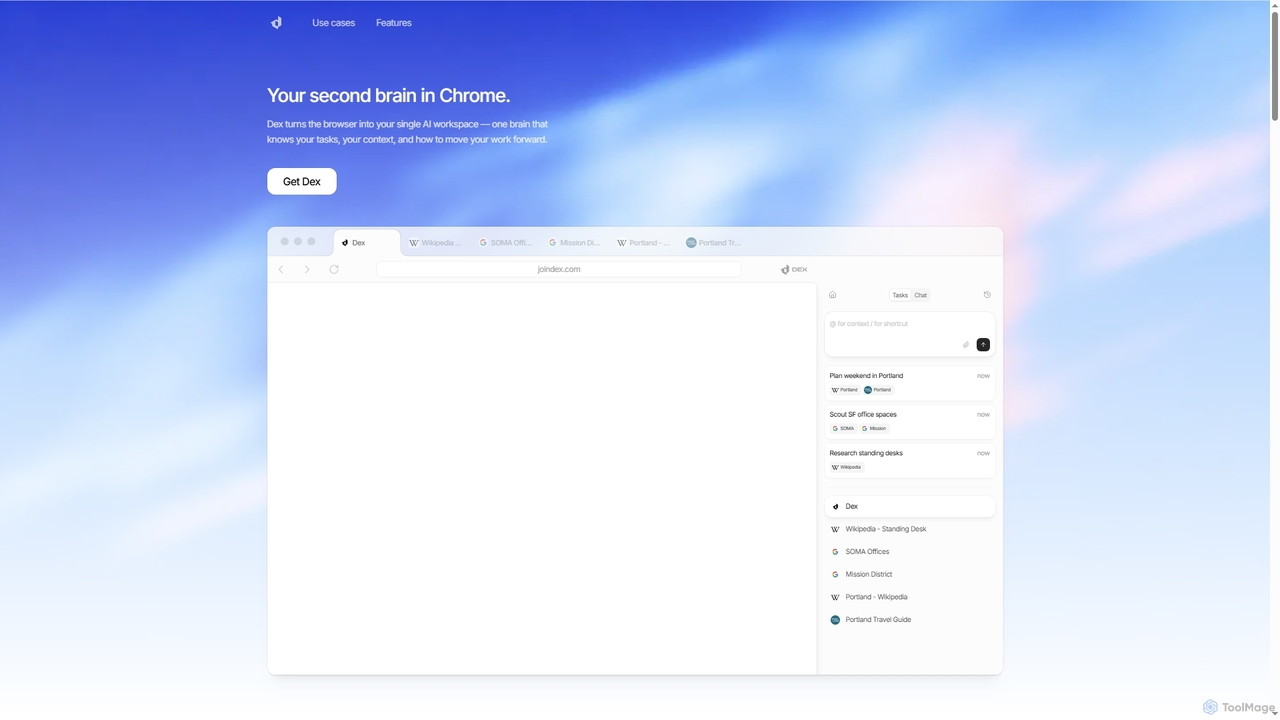
Dex
Dex is an AI-powered Chrome extension that transforms your browser into a smart, integrated workspace. It acts as your second brain, managing tasks, understanding context, and proactively moving your work forward by connecting with over 14 applications to eliminate context switching and boost productivity.
Workflow Automation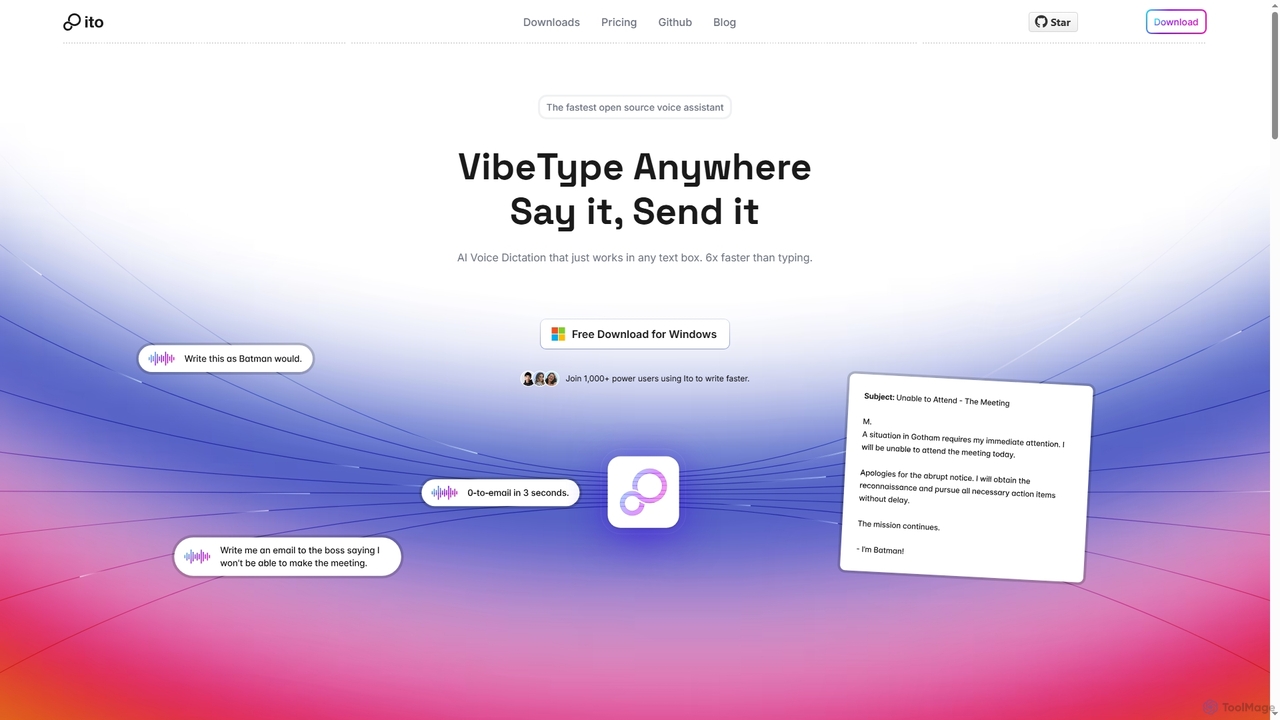
Ito
Ito is an open-source, voice-powered AI assistant for Mac and Windows that goes beyond simple dictation. Using "Vibe Typing," it understands your intent to generate polished text, smart responses, and even code, saving users significant time by allowing them to think, not type.
Email Assistant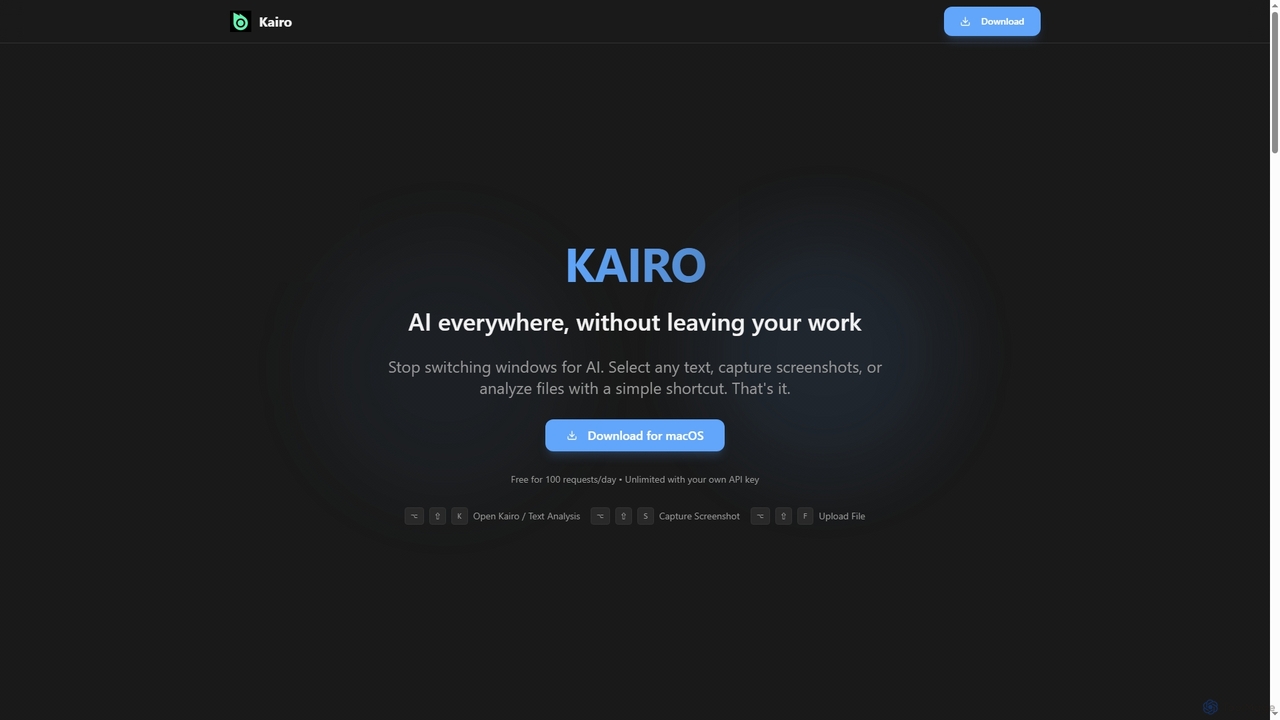
Kairo
Kairo is an AI-powered desktop assistant for macOS that integrates seamlessly into your workflow, eliminating the need to switch applications for AI tasks. It offers smart text transformation, visual analysis of screenshots, and deep analysis of files directly from any app using simple keyboard shortcuts.
Document Analysis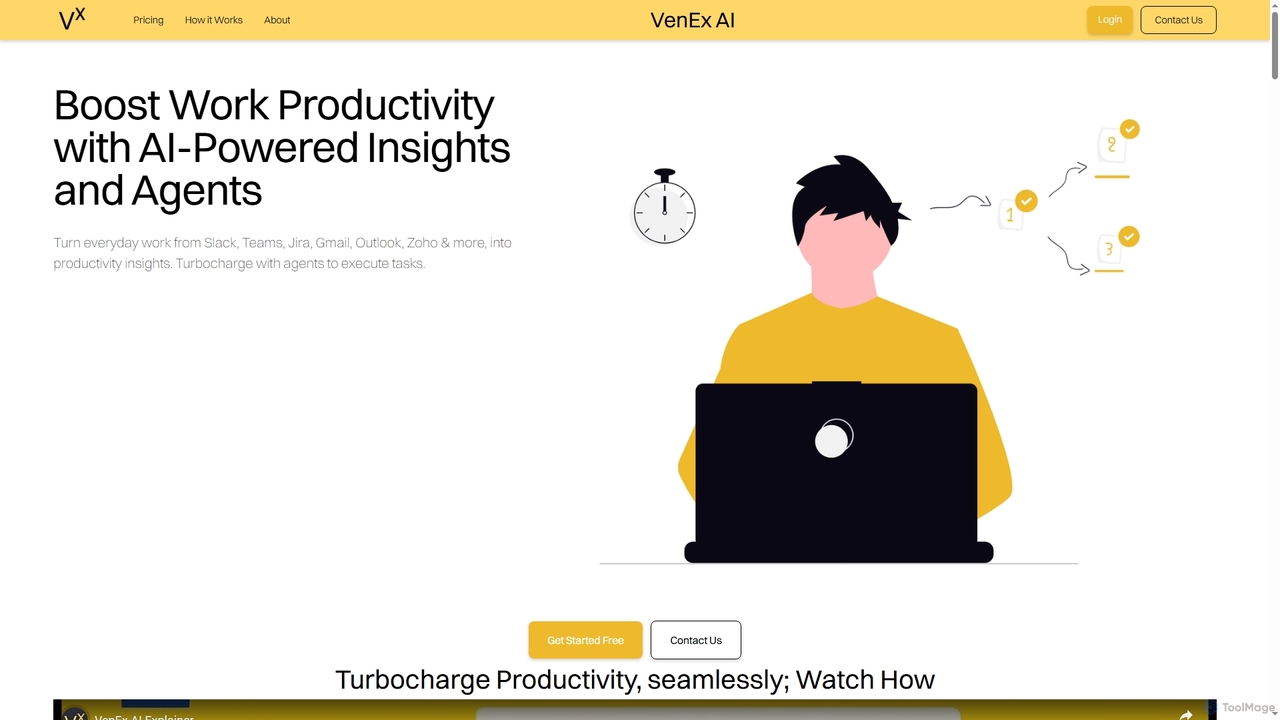
VenEx AI
VenEx AI is an advanced AI-powered platform designed to significantly boost workplace productivity and performance. It integrates seamlessly with popular work tools like Slack, Teams, Jira, and Gmail to generate real-time, data-backed insights, automate routine tasks, and provide objective performance assessments for individuals, managers, and organizations.
Performance Tracking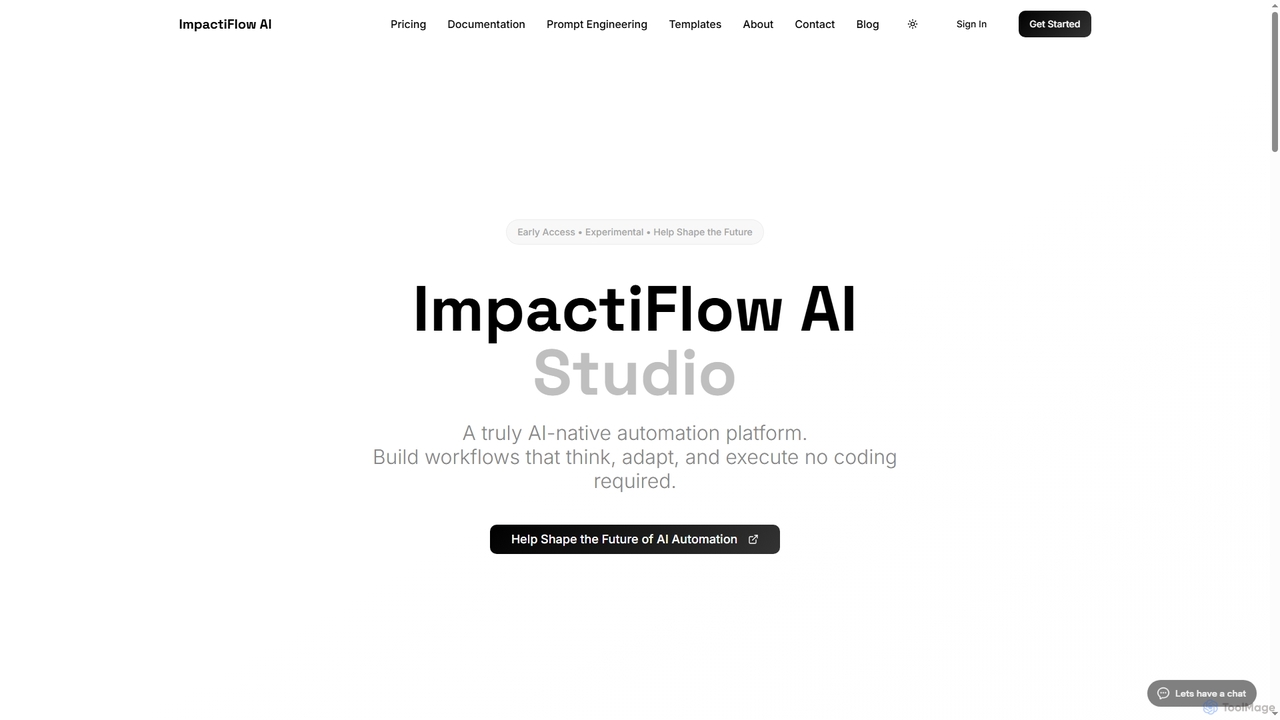
Flow
Flow is an AI-native, agentic automation platform designed to build intelligent workflows that think, adapt, and execute without requiring any coding. It empowers teams to streamline repetitive tasks and focus on strategic work.
Workflow Automation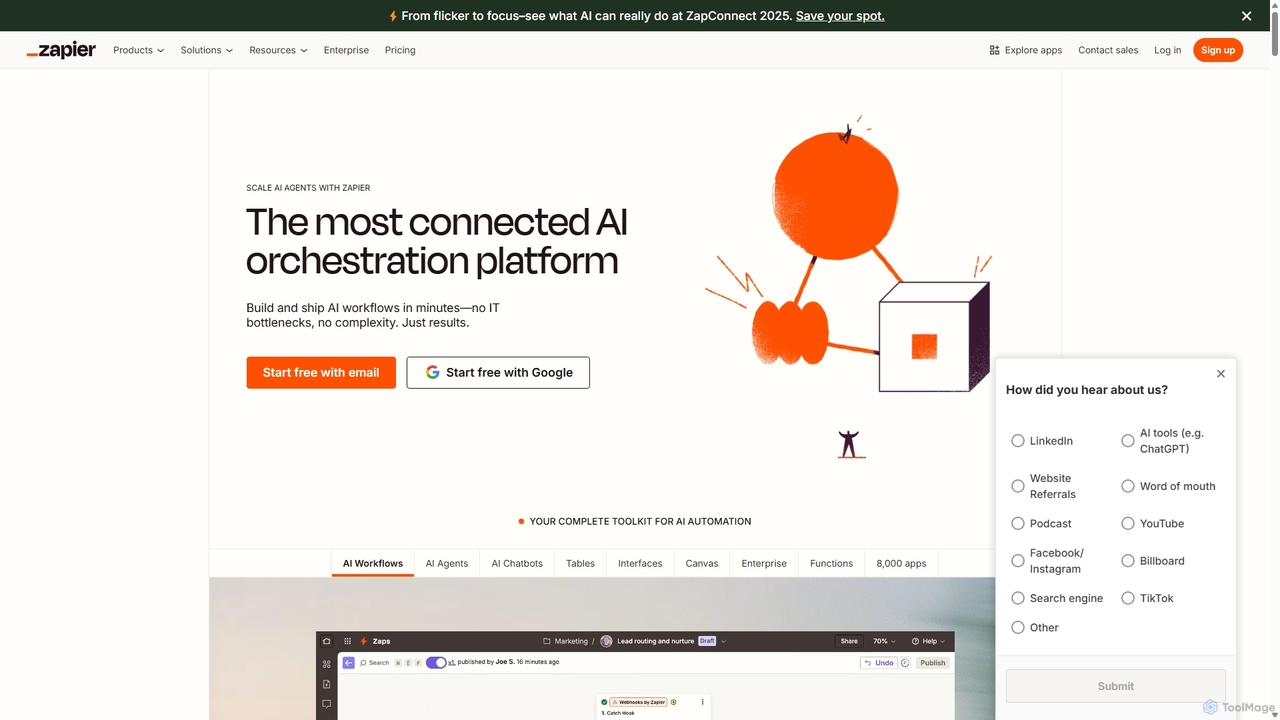
Zapier
Zapier is a leading no-code automation platform that empowers you to connect over 8,000 web apps. It now features a powerful AI toolkit, allowing you to build custom AI workflows, agents, and chatbots to automate tasks, streamline processes, and scale your business operations without writing a single line of code. From simple two-step integrations to complex, multi-step AI-powered workflows, Zapier makes automation accessible to everyone.
Ai Agent Builder
Nimo Comments (0)
Sign in to comment.
Sign inNo comments yet.