AiTerm
Code Assistant
AI TOOL COMPARISON
What is the difference, and which fits your workflow? Compare features, usage, pricing models and traffic side by side.
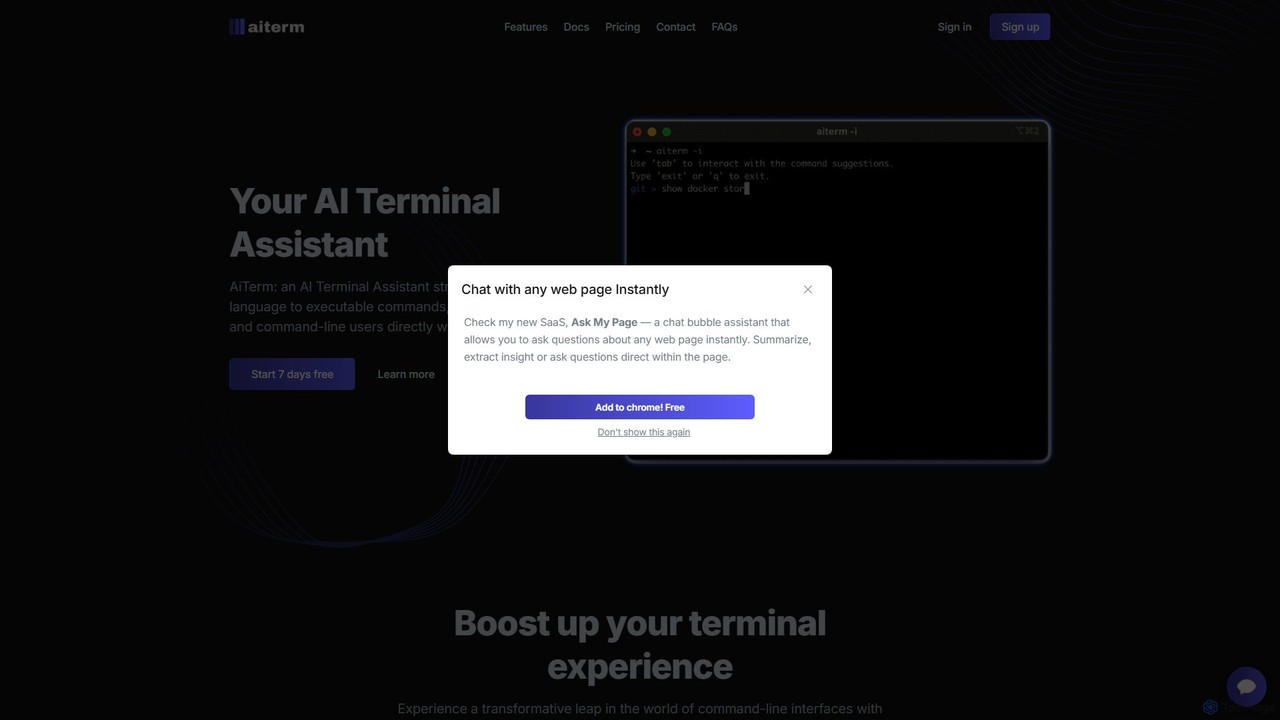
AiTerm is an AI-powered terminal assistant that translates natural language into executable shell commands. It streamlines workflows for developers and command-line users with features like IDE-style autocompletion, command suggestions, and workflow management, all directly within the terminal.
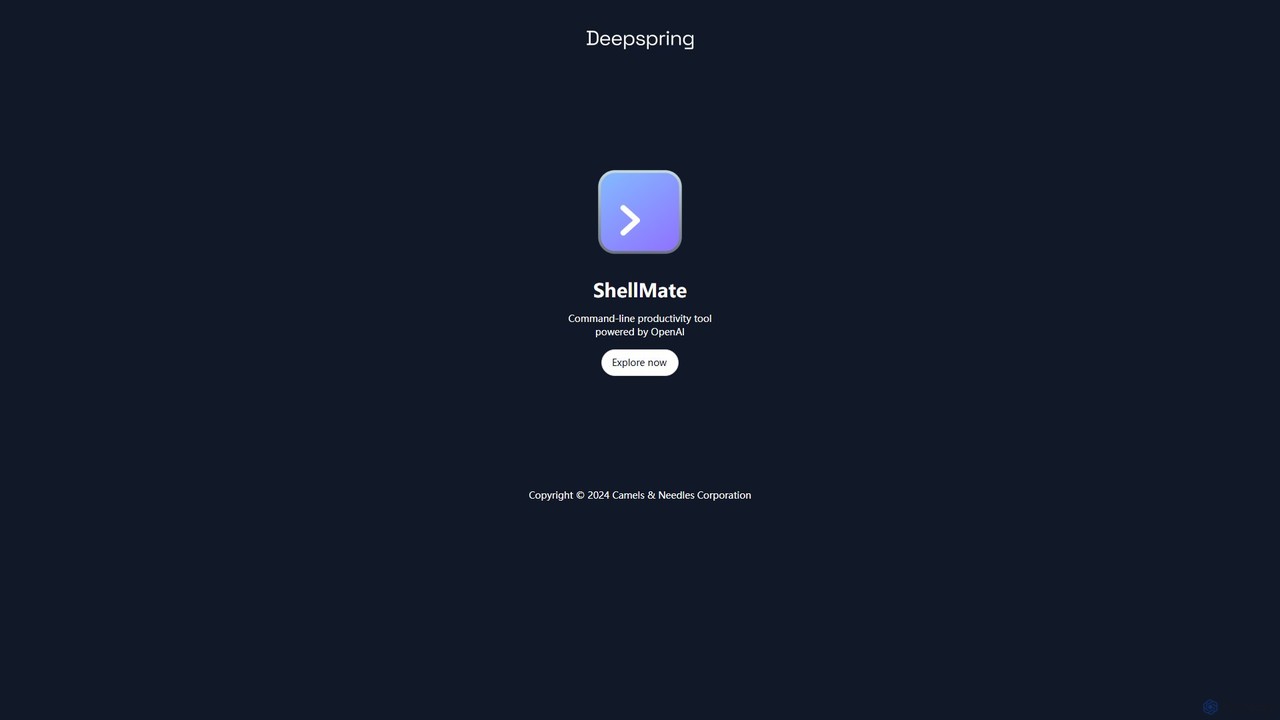
ShellMate is an open-source, AI-powered command-line productivity tool designed for developers and system administrators. Powered by OpenAI, it acts as your terminal's best friend, allowing you to use natural language to find commands, get predictive suggestions based on your history, and receive context-aware help without ever leaving your console. Simply use the `sm` shortcut to boost your command-line efficiency and reduce time spent searching for syntax.
Compare product focus, pricing models and audiences. Highlighted rows indicate different listed information; unknown pricing does not mean free.
| Quick facts | AiTerm | ShellMate |
|---|---|---|
| Pricing model | Freemium | Free |
| Product type | App | App |
| Primary focus | Code Assistant | Code Assistant |
| Audience and roles | No data available | No data available |
| Categories | Code Assistant · Terminal · Automation | Code Assistant · Command Line · Automation |
| Added | Aug 17, 2025 | Aug 7, 2025 |
| Updated | Nov 19, 2026 | Nov 19, 2026 |
Explore the listed product descriptions, features and workflows. Taxonomy labels alone are not feature evaluations.
AiTerm is a revolutionary AI Terminal Assistant designed to significantly enhance the productivity and experience of developers, system administrators, and any user who frequently interacts with the command line. It addresses the common challenge of remembering complex commands, flags, and syntax by allowing users to describe their needs in natural language. AiTerm then intelligently translates these descriptions into accurate, executable shell commands, effectively bridging the gap between human intent and machine instruction. This powerful tool integrates seamlessly into your existing terminal environment, eliminating the need to switch contexts or search for documentation online. Built with performance and privacy in mind, AiTerm is a fast, lightweight, and secure solution to supercharge your command-line efficiency.
Getting started with AiTerm is a straightforward process designed to get you up and running quickly. First, you need to install the AiTerm command-line tool on your system. It supports a wide range of popular terminals, including iTerm, VS Code's integrated terminal, Windows Command Prompt, and PowerShell. After installation, you'll need to sign up on the AiTerm website to obtain an API Token. This token is essential for the CLI tool to communicate securely with AiTerm's AI services. Once configured, you can invoke AiTerm directly from your command line. Simply type your request in plain English, prefixed by the AiTerm command (e.g., ai find all files modified in the last 24 hours). AiTerm will process your request and suggest the corresponding command. You can then review, edit if necessary, and execute it instantly. For repetitive tasks, you can use the workflow feature to save and organize sequences of commands for easy reuse.
AiTerm is versatile and benefits a wide range of users. For Software Developers, it can speed up daily tasks like managing Git repositories ('show me the git log with a graph format'), running Docker containers, or searching through codebases. DevOps Engineers can use it to manage cloud resources with AWS CLI, configure Kubernetes clusters ('list all pods in the 'production' namespace'), or automate deployment scripts. System Administrators find it invaluable for system maintenance, user management, and network troubleshooting ('find all open ports on this machine'). Even beginners learning the command line can use AiTerm as an interactive learning tool, seeing how natural language translates into real commands, thus flattening the learning curve.
The primary advantage of AiTerm is the massive boost in productivity it provides. By reducing the time spent searching for command syntax, it allows users to stay focused and in the flow. It lowers the cognitive load associated with remembering hundreds of commands and their specific options. This makes the command line more accessible to newcomers and more efficient for experts. The offline features for command suggestions and workflows ensure that your productivity is not hindered even without an internet connection. Furthermore, its commitment to privacy and security provides peace of mind, and the one-time payment model is a transparent and user-friendly alternative to recurring subscriptions.
AiTerm offers a clear and straightforward pricing structure without recurring subscriptions. It's a one-time payment for a specific period of access. All plans start with a 7-day free trial.
ShellMate is a revolutionary open-source command-line productivity tool, brought to you by Deepspring.ai, designed to be the ultimate companion for anyone who frequently works within a terminal environment. Powered by the advanced capabilities of OpenAI, ShellMate transforms your command-line interface (CLI) from a rigid, syntax-heavy environment into an intuitive, conversational workspace. It's built for developers, system administrators, data scientists, and even beginners who want to harness the full power of the shell without the steep learning curve. By integrating AI directly into your console, ShellMate minimizes context switching, boosts efficiency, and makes complex tasks more manageable.
Getting started with ShellMate is straightforward. After a simple installation process, the tool integrates seamlessly into your existing terminal workflow. You can interact with it using the convenient `sm` shortcut.
There are several ways to leverage its power:
ShellMate is versatile and benefits a wide range of users:
The primary advantage of ShellMate is the massive boost in productivity it provides. By reducing the cognitive load of remembering command syntax, it frees up mental energy for more critical problem-solving. It accelerates workflows, flattens the learning curve of the command line, and fosters a more efficient and less frustrating development environment. Being free and open-source makes it an accessible and trustworthy tool for individuals and teams alike.
ShellMate is completely free to use. As an open-source tool, it is maintained by the community. Users are encouraged to download it, use it without any cost, and contribute to the project if they find it valuable. There are no paid plans, subscriptions, or hidden fees.
Their taxonomy shows where the products overlap and where each one has a more distinct focus. Unknown fields are shown explicitly and are never filled with assumptions.
Traffic is shown on the same scale so differences in market visibility are not visually understated.
Both charts share the same months and vertical scale. Each tool identifies its latest reporting month; missing months are left blank, not counted as zero. Regional and source visit counts are estimates calculated from the reported shares.
| Country/region | Percentage | Estimated visits |
|---|---|---|
| 🇹🇼Taiwan | 100% | 225 |
| Country/region | Percentage | Estimated visits |
|---|---|---|
| 🇮🇳India | 100% | 338 |
Ratings, comments, favorites, and likes are community signals—not a substitute for product fit.
This page is assembled from ToolMage product listings, taxonomy, traffic statistics and on-site user feedback. It is not a hands-on test or an independent review.