BashSenpai
Code Assistant
AI TOOL COMPARISON
What is the difference, and which fits your workflow? Compare features, usage, pricing models and traffic side by side.
Code Assistant
Code Assistant
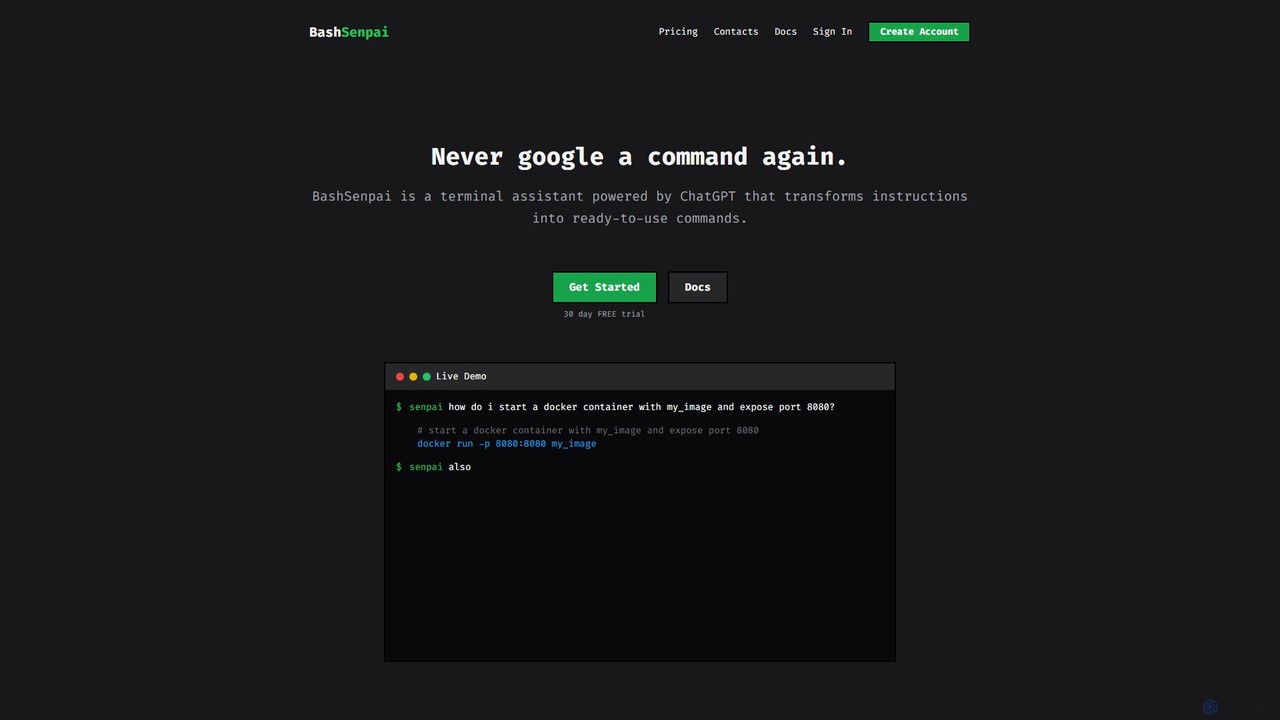
BashSenpai is a ChatGPT-powered terminal assistant that transforms natural language instructions into ready-to-use shell commands. It operates directly within your terminal, providing context-aware, accurate commands for developers and system administrators, eliminating the need to search online.
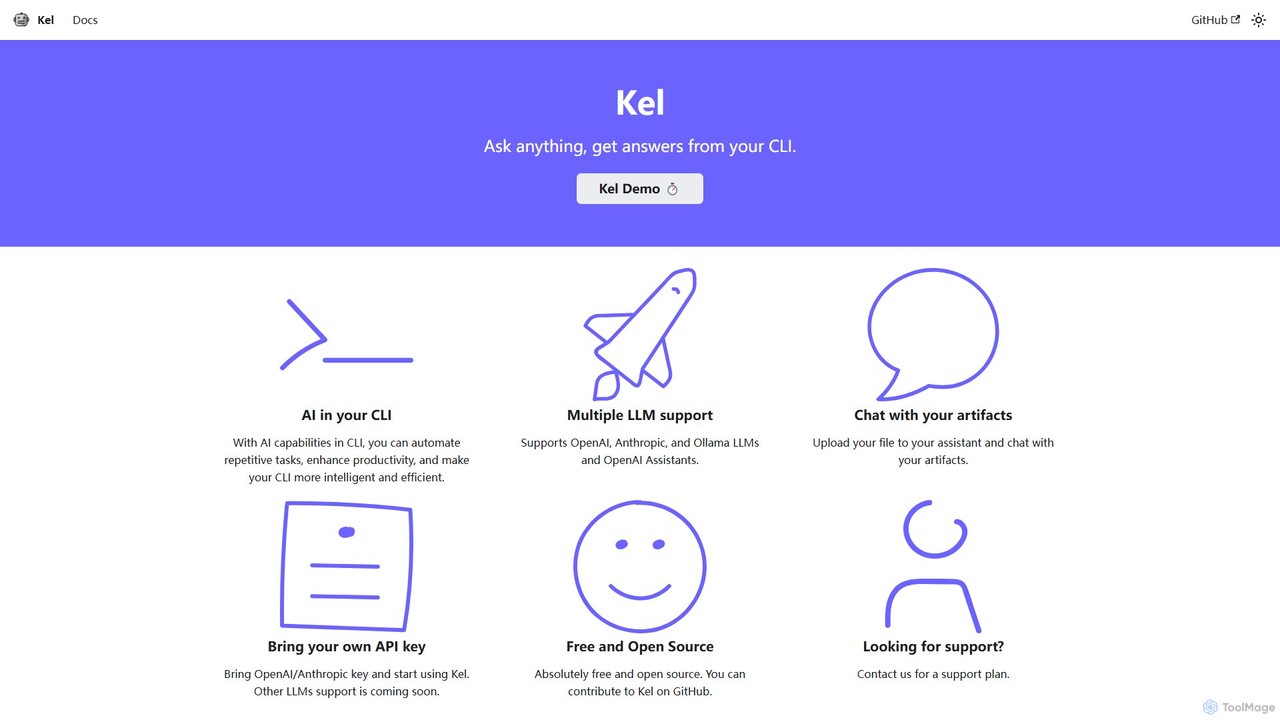
Kel is a free, open-source AI assistant for your command-line interface (CLI). It integrates with multiple LLMs like OpenAI, Anthropic, and Ollama to help developers and sysadmins automate tasks, generate commands, and even chat with documents directly from the terminal.
Compare product focus, pricing models and audiences. Highlighted rows indicate different listed information; unknown pricing does not mean free.
| Quick facts | BashSenpai | Kel |
|---|---|---|
| Pricing model | Freemium | Freemium |
| Product type | App | App |
| Primary focus | Code Assistant | Code Assistant |
| Audience and roles | No data available | No data available |
| Categories | Code Assistant · Command Line · Automation | Code Assistant · Command Line · Automation |
| Added | Aug 15, 2025 | Aug 15, 2025 |
| Updated | Nov 19, 2026 | Nov 19, 2026 |
Explore the listed product descriptions, features and workflows. Taxonomy labels alone are not feature evaluations.
BashSenpai is an innovative AI-powered command-line tool designed to act as your personal terminal assistant. Powered by ChatGPT, it revolutionizes how developers, system administrators, and even beginners interact with the shell. Instead of memorizing complex commands or constantly searching for the right syntax on Google, you can simply ask BashSenpai in plain English, and it will generate the precise command you need, complete with explanations. This tool is built for convenience and efficiency, integrating seamlessly into your existing workflow without ever needing to leave the terminal window.
The core philosophy behind BashSenpai is to combine the power of large language models with the context of your specific environment. It can consider your operating system, shell type, and even the history of your current session to provide more accurate and relevant commands. This context-awareness, coupled with a unique self-reflection mechanism where the AI reviews and improves its own suggestions, ensures a high degree of accuracy and reliability for both simple and complex tasks.
Getting started with BashSenpai is a straightforward process designed for developers. It is available for Linux, macOS, and Windows.
senpai login in your terminal. You'll be prompted to enter your token.senpai followed by your question in natural language. For example: senpai how do i start a docker container with my_image and expose port 8080?senpai also mount current folder to /app. If you want to start a fresh conversation, use the -n or --new flag.senpai --help to see all available options.BashSenpai is versatile for both novice and expert users.
senpai where is my cuda folder? or senpai how to list all files including hidden ones? to learn and execute commands safely.senpai deploy a django app inside a virtual environment using gunicorn and caddy2.The primary advantage of BashSenpai is the significant boost in productivity and efficiency. By bringing AI assistance directly into the terminal, it eliminates context switching and the time spent on web searches. Its ability to understand context leads to more accurate and useful answers than generic web results. For learners, it serves as an excellent educational tool by not only providing commands but also explaining them. For experts, it acts as a reliable co-pilot for complex, multi-step operations, reducing the chance of manual error.
BashSenpai operates on a transparent, developer-friendly pay-as-you-go pricing model. Users get a 30-day free trial without needing a credit card to get started.
Kel is a powerful and versatile AI assistant designed to live within your command-line interface (CLI). As a free and open-source tool, it empowers developers, DevOps engineers, and system administrators to supercharge their productivity by bringing the intelligence of large language models (LLMs) directly into their terminal. By integrating seamlessly with leading AI providers like OpenAI, Anthropic, and the open-source Ollama platform, Kel acts as an on-demand expert, helping you automate repetitive tasks, generate complex commands, and find solutions without ever leaving your command line.
The core philosophy of Kel is to make the CLI more intelligent and efficient. Instead of manually searching for command syntax or scripting solutions, you can simply ask Kel in natural language. It can translate your requests into precise shell commands, explain what they do, and help you debug errors. This significantly reduces context switching and streamlines development workflows.
Getting started with Kel is straightforward and designed for developers. Here is a step-by-step guide:
Kel is ideal for a wide range of command-line tasks, including:
The primary advantage of Kel is its ability to seamlessly integrate AI into the native developer environment—the terminal. This leads to enhanced productivity by minimizing distractions and context switching. Its support for multiple LLMs gives users the freedom to choose the best model for their needs, whether it's for performance, cost, or privacy (with local Ollama models). Being open-source, it is highly transparent and customizable. The BYOK model ensures users have direct control over their data and API expenses.
Kel is fundamentally a free and open-source tool. You can download, use, and modify it without any cost. The operational cost is based on your usage of the underlying LLM APIs (OpenAI, Anthropic), for which you use your own keys. For businesses or individuals who require dedicated assistance, Kel also offers paid support plans. You can contact the maintainers for more details on these plans.
Their taxonomy shows where the products overlap and where each one has a more distinct focus. Unknown fields are shown explicitly and are never filled with assumptions.
Traffic is shown on the same scale so differences in market visibility are not visually understated.
Both charts share the same months and vertical scale. Each tool identifies its latest reporting month; missing months are left blank, not counted as zero. Regional and source visit counts are estimates calculated from the reported shares.
No data available
No data available
Ratings, comments, favorites, and likes are community signals—not a substitute for product fit.
This page is assembled from ToolMage product listings, taxonomy, traffic statistics and on-site user feedback. It is not a hands-on test or an independent review.