ToolMage
Sign in

AI TOOL COMPARISON

Bitbucket vs Warestack

What is the difference, and which fits your workflow? Compare features, usage, pricing models and traffic side by side.

Jump to key differences

Product overview

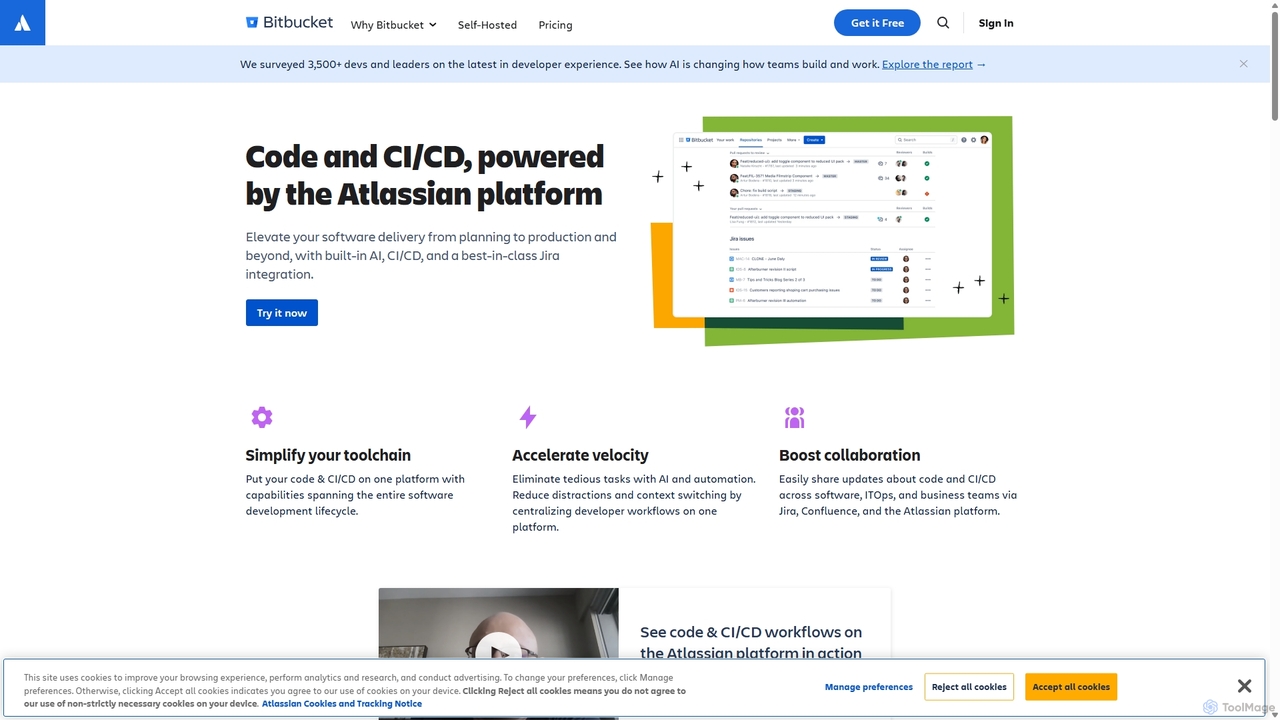
Bitbucket Product overview

Bitbucket is a Git-based code hosting and collaboration platform for professional teams. It offers best-in-class Jira integration, built-in CI/CD (Pipelines), and AI-powered features to streamline the entire software development lifecycle, from planning to deployment and beyond.

Preview

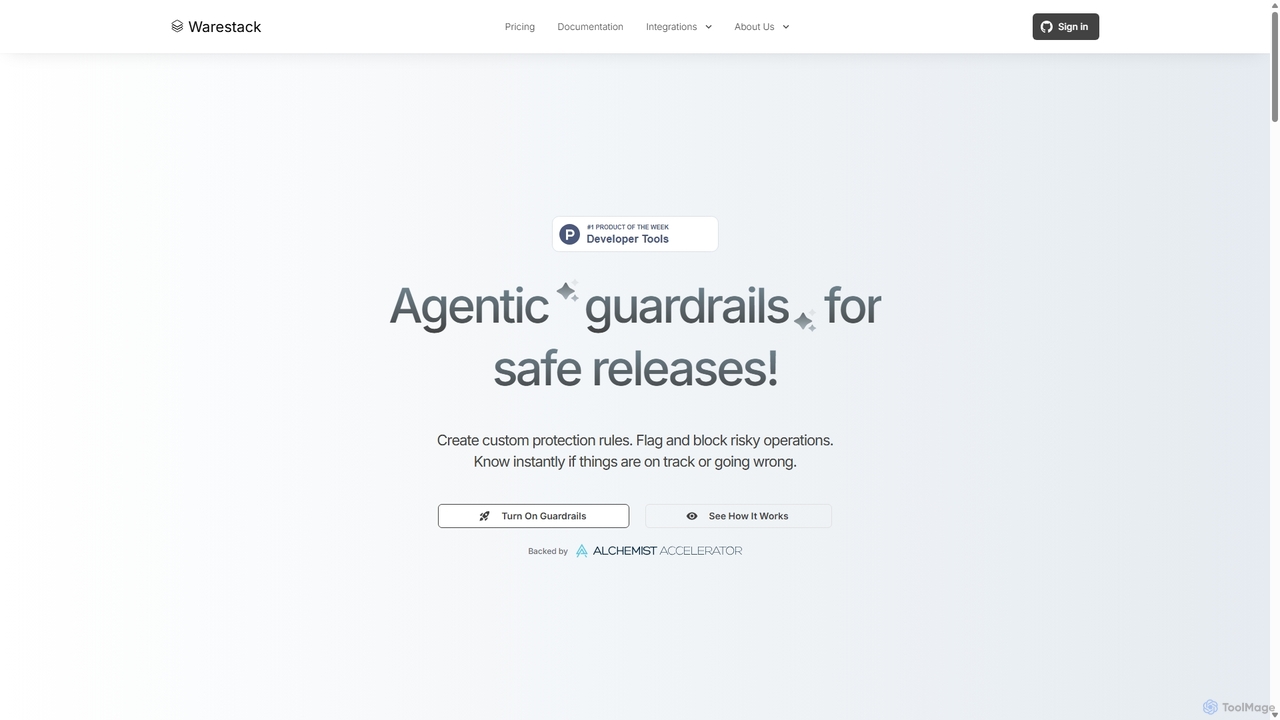
Warestack Product overview

Warestack provides agentic guardrails for software development teams, enabling safe and compliant releases. It uses context-aware, natural language rules to monitor DevOps workflows, flag risky operations, and automate protection, integrating with tools like Slack and Linear to prevent production incidents.

Preview

Quick facts

Compare product focus, pricing models and audiences. Highlighted rows indicate different listed information; unknown pricing does not mean free.

Bitbucket VS Warestack — Quick facts
Quick factsBitbucketWarestack
Pricing modelFreemiumNo data available
Product typeWebWeb
Primary focusCode ManagementCode Quality
Audience and rolesDevOps Engineer · Engineering Manager · Product Manager · Quality Assurance Engineer · Software Developer · System AdministratorCompliance Officer · DevOps Engineer · Engineering Manager · Product Manager · Security Engineer · Site Reliability Engineer · Software Developer · Tech Lead
CategoriesCode Management · Devops · CollaborationCode Quality · Devops · Workflow Automation · Compliance
AddedSep 6, 2025Sep 11, 2025
UpdatedNov 19, 2026Nov 19, 2026

Features, usage and use cases

Explore the listed product descriptions, features and workflows. Taxonomy labels alone are not feature evaluations.

Bitbucket

Bitbucket, part of the Atlassian suite, is a comprehensive Git solution designed for professional software development teams. It provides a centralized platform for code management and collaboration, tightly integrated with other Atlassian tools like Jira, Confluence, and Trello. Bitbucket empowers teams to build, test, and deploy software with greater efficiency and quality, leveraging powerful automation, built-in security, and cutting-edge AI capabilities.

At its core, Bitbucket is a Git repository hosting service, but its capabilities extend far beyond simple code storage. It is engineered to support the entire DevOps lifecycle. With its renowned Jira integration, developers can create branches directly from Jira issues, and commits, branches, and pull requests are automatically updated in the corresponding tickets, providing unparalleled traceability and context. The platform also features Bitbucket Pipelines, a built-in CI/CD service that allows teams to automate their build, test, and deployment workflows directly within the Bitbucket UI, eliminating the need for separate CI servers.

Recently, Bitbucket has been enhanced with Atlassian Intelligence, infusing AI throughout the development process. These features help accelerate velocity by automating routine tasks, such as generating detailed pull request descriptions from code changes and commit messages, and improving the clarity of comments and summaries with generative AI editing.

How to use Bitbucket

Getting started with Bitbucket involves a straightforward workflow:

  1. Create a Repository: Start by creating a new Git repository within a Bitbucket project to house your code.
  2. Code and Commit: Clone the repository to your local machine, write your code, and use standard Git commands to commit your changes.
  3. Push to Bitbucket: Push your commits to the remote repository on Bitbucket to share your work with the team.
  4. Collaborate with Pull Requests: Create a pull request to propose changes. Team members can review the code, add comments, and discuss the implementation before merging. Merge checks can be configured to enforce quality standards.
  5. Leverage Jira Integration: Include Jira issue keys in your commit messages (e.g., 'PROJ-123') to automatically link your code changes to project tasks, providing seamless traceability.
  6. Automate with Pipelines: Create a `Bitbucket-pipelines.yml` file in your repository's root directory. Define steps for building, testing, and deploying your application. Pipelines will automatically trigger on code pushes or pull requests.
  7. Utilize AI Features: When creating a pull request, use the Atlassian Intelligence feature to automatically generate a summary of your changes, saving time and improving communication.
  8. Monitor and Secure: Use built-in security scanning tools like Snyk to find and fix vulnerabilities. Monitor deployment status across different environments directly from the Bitbucket interface.

Core Features of Bitbucket

  • Git Code Hosting: Unlimited private and public Git repositories.
  • Best-in-class Jira Integration: Seamlessly connect code with project management for full traceability from backlog to deployment.
  • Bitbucket Pipelines (CI/CD): Integrated continuous integration and delivery service to automate builds, tests, and deployments without leaving Bitbucket.
  • Atlassian Intelligence: AI-powered features like automatic pull request descriptions, generative AI editing for comments, and integration with preferred AI tools.
  • Comprehensive Code Review: Powerful pull requests with inline commenting, threaded conversations, and merge checks to ensure code quality.
  • Integrated Security: Native security capabilities and integrations with partners like Snyk to scan for vulnerabilities throughout the workflow.
  • Deployment Visibility: Track and monitor deployments across multiple environments (e.g., staging, production) from a centralized dashboard.
  • Extensive Integrations (Pipes): A large marketplace of integrations and pre-configured 'Pipes' to easily connect with third-party tools for security, testing, monitoring, and more.
  • Flexible Deployment Options: Available as a multi-tenant cloud solution (Bitbucket Cloud) or a self-managed option for on-premise hosting (Bitbucket Data Center).

Use Cases for Bitbucket

Bitbucket is ideal for various development scenarios:

  • Agile Development Teams: Teams using Scrum or Kanban with Jira can leverage the deep integration to streamline their workflows and maintain a single source of truth.
  • DevOps Automation: Organizations aiming to implement or mature their DevOps practices can use Bitbucket Pipelines to build a robust, automated CI/CD toolchain.
  • Enterprise-Grade Security & Compliance: Companies with strict security and compliance requirements benefit from features like IP allowlisting, enforced merge checks, and required two-step verification.
  • Distributed Teams: As a cloud-based platform, Bitbucket facilitates seamless collaboration among developers located anywhere in the world.

Advantages of Bitbucket

The primary advantages of using Bitbucket include:

  • Unified Workflow: The tight integration with Jira and other Atlassian products reduces context switching and creates a cohesive development environment.
  • Accelerated Velocity: AI features and built-in CI/CD automate manual tasks, allowing developers to focus on writing code and shipping features faster.
  • Enhanced Collaboration: Advanced code review tools foster better communication and lead to higher-quality code.
  • Scalability and Control: The platform scales from small teams to large enterprises, offering granular permissions and governance controls to manage access and enforce policies.

Pricing and Plans

Bitbucket offers a flexible pricing structure to suit teams of all sizes:

  • Free Plan: Ideal for small teams of up to 5 users. Includes unlimited private repositories, 50 build minutes/month for Pipelines, and 1 GB of Git LFS storage.
  • Standard Plan: Priced at $3.30 per user/month. Designed for growing teams, it includes everything in the Free plan plus 2,500 build minutes/month and 5 GB of LFS storage.
  • Premium Plan: Priced at $6.60 per user/month. This plan includes all Standard features plus advanced capabilities like Atlassian Intelligence, enforced merge checks, IP allowlisting, deployment permissions, and 3,500 build minutes/month with 10 GB of LFS storage.

Additional build minutes and Git LFS storage can be purchased for all plans. Bitbucket also offers a self-managed Data Center option for enterprises with specific hosting requirements.

Warestack

Warestack is an advanced platform designed to revolutionize software release management by implementing 'agentic guardrails'. It moves beyond traditional, rigid binary checks (true/false) to a more intelligent, context-aware system. This allows development teams to create highly specific, nuanced protection rules using plain English, eliminating the need for complex YAML or scripts. The core mission of Warestack is to ensure every release is safe, compliant, and efficient, allowing developers to focus on coding while the platform handles the complexities of release safety.

By monitoring the entire DevOps lifecycle from commit to deployment, Warestack provides complete visibility and flags any operations that violate the custom-defined 'rulebook'. This proactive approach helps prevent production incidents, enforce compliance standards like SOC-2, and streamline team collaboration. It's built for modern development teams that require both speed and stability in their CI/CD pipelines.

How to use Warestack

Getting started with Warestack is a straightforward process designed for rapid integration and immediate impact:

  1. Connect Your Tools: Begin by integrating your existing development and communication stack. Warestack seamlessly connects with essential tools like GitHub, Slack, Linear, Google Calendar, and more to create a unified workflow.
  2. Define Rules in English: Create your custom 'rulebook'. Instead of writing code, you describe the rules in natural language. For example, "Require 2 approvals in main, unless it's a hotfix by a senior engineer on call" or "Block all PR merges on Fridays after 5 PM".
  3. Monitor in Real-Time: Once set up, Warestack actively monitors all your team's operations. A centralized dashboard provides a real-time view of all DevOps events, tracking pull requests, merges, workflow runs, and deployments.
  4. Automate Protection: The system automatically enforces your rules. It can flag risky patterns, block non-compliant actions (like a merge or deployment), and send targeted alerts to the right people via Slack or other channels, ensuring zero noise.
  5. Generate Reports: Utilize the powerful Text-to-SQL feature to ask questions about your team's activity in plain English. For instance, "Extract merged PRs that violated SOC-2 policies in the past month" to generate instant audit reports.

Core Features of Warestack

  • Context-Aware Rules: Go beyond simple binary logic. Create rules that consider context, such as the type of change (e.g., hotfix), the engineer's role, or the time of day.
  • Natural Language Rule Creation: Define complex protection policies using plain English. This makes rule management accessible to more team members and reduces the learning curve.
  • Real-Time DevOps Monitoring: Gain full visibility into your entire release pipeline, from code commit to production deployment, eliminating blind spots.
  • Automated Flagging & Blocking: Proactively identify and prevent risky operations before they can cause incidents.
  • Seamless Tool Integration: Connects with your favorite tools like Slack, Linear, and Google Calendar to automate workflows and send alerts where your team already works.
  • Text-to-SQL Reporting: Generate powerful audit and activity reports by simply asking questions in natural language.
  • Team-Based Policy Management: Assign specific teams to repositories and enforce rules that are relevant to them, reducing alert fatigue and improving focus.
  • Open-Source Rule Engine: Powered by Watchflow, its open-source engine, offering transparency and community collaboration.

Use Cases for Warestack

Warestack is versatile and can be applied to various scenarios within a development team:

  • Enforcing Compliance: Automatically enforce SOC-2 or other regulatory policies by creating rules that check for required documentation, approvals, or ticket associations.
  • Preventing Risky Deployments: Set up guardrails to block deployments during off-hours, on weekends, or if critical tests have been skipped.
  • Improving Code Quality: Mandate that pull requests require a certain number of reviews from senior engineers before being merged into the main branch.
  • Streamlining Team Collaboration: Automate reminders by pinging a Slack channel for overdue PR reviews or automatically commenting on a Linear ticket when a related workflow fails.

Advantages of Warestack

Warestack offers significant advantages over traditional CI/CD checks:

  • Personalized Protection: Create a rulebook that perfectly matches your team's unique workflow and risk tolerance.
  • Faster, Safer Releases: By automating manual checks and providing intelligent guardrails, teams can release code more frequently and with greater confidence.
  • Reduced Operational Noise: Alerts are intelligent and targeted, ensuring the right people are notified at the right time without overwhelming channels.
  • Actionable, Real-Time Insights: The dashboard and reporting features provide a clear understanding of team activities and potential risk patterns.

Pricing and Plans

Warestack's pricing information is not publicly listed on the website. To get details on pricing and plans, prospective users are encouraged to schedule a demo and speak directly with the founders. This approach suggests a focus on custom enterprise plans tailored to the specific needs and scale of each team.

Positioning

Their taxonomy shows where the products overlap and where each one has a more distinct focus. Unknown fields are shown explicitly and are never filled with assumptions.

Categories

Shared
Devops
Only Bitbucket
Code ManagementCollaboration
Only Warestack
Code QualityWorkflow AutomationCompliance

Tags

Shared
CI/CDdevopssoftware development
Only Bitbucket
AI code assistantatlassiancode hostingcode reviewGitJira integrationpull requestversion control
Only Warestack
agentic AIcode qualitycompliancegithubguardrailsrelease managementsecuritySOC 2sreworkflow automation

Audience and roles

Shared
DevOps EngineerEngineering ManagerProduct ManagerSoftware Developer
Only Bitbucket
Quality Assurance EngineerSystem Administrator
Only Warestack
Compliance OfficerSecurity EngineerSite Reliability EngineerTech Lead

Traffic comparison

Traffic is shown on the same scale so differences in market visibility are not visually understated.

How to interpret the traffic data

Both charts share the same months and vertical scale. Each tool identifies its latest reporting month; missing months are left blank, not counted as zero. Regional and source visit counts are estimates calculated from the reported shares.

Bitbucket monthly traffic:

Latest traffic · 2026-05

Monthly visits
13.4M
Avg. visit duration
10:23
Pages per visit
9.61
Bounce rate
21.49%
Data updated 2026-06-11

Monthly traffic trend

  • 2025-08: No data available
  • 2025-09: 12.5M
  • 2026-01: 12.5M
  • 2026-02: 12.6M
  • 2026-03: 14.3M
  • 2026-04: 13.9M
  • 2026-05: 13.4M

Top regions

Top 5 countries/regions
Country/regionPercentageEstimated visits
🇮🇳India47.53%6.4M
🇺🇸United States33.29%4.5M
🇩🇪Germany6.76%907.4K
🇬🇧United Kingdom6.23%836.2K
🇪🇸Spain6.19%830.9K

Traffic sources

Source typePercentageEstimated visits
Direct84.38%11.3M
Referral11.93%1.6M
Email3.69%495.3K

Search keywords

bit bucketbitbucketbitbucket logingitbucket司机社

Warestack monthly traffic:

Latest traffic · 2026-05

Monthly visits
420
Avg. visit duration
0:00
Pages per visit
1.01
Bounce rate
62.95%
Data updated 2026-06-15

Monthly traffic trend

  • 2025-08: 338
  • 2025-09: 811
  • 2026-01: No data available
  • 2026-02: 0
  • 2026-03: 0
  • 2026-04: 141
  • 2026-05: 420

Top regions

Top 5 countries/regions
Country/regionPercentageEstimated visits
🇮🇳India100%420

Search keywords

1devtoolstack.com

Community signals

Ratings, comments, favorites, and likes are community signals—not a substitute for product fit.

Bitbucket

Rating
No data available
Comments
0
Favorites
153
Likes
135

Warestack

Rating
No data available
Comments
0
Favorites
200
Likes
207

Bitbucket vs Warestack · Comparison FAQ

What do Bitbucket and Warestack have in common?
Both tools are listed under Devops. These categories indicate overlapping use cases; compare their detailed descriptions for workflows, capabilities and limitations.
Are Bitbucket and Warestack free?
Listed pricing models: Bitbucket — Freemium; Warestack — No data available. Missing pricing is not proof of a free plan, and freemium does not mean every feature is free. Check official sites for current plans, limits and trials.
How should I choose between Bitbucket and Warestack?
The primary listed category is Code Management for Bitbucket, and Code Quality for Warestack. Compare features, steps and use cases, then verify pricing, data permissions and deployment needs. This page does not include hands-on testing and does not declare a winner from traffic or tags.

Sources and comparison methodology

This page is assembled from ToolMage product listings, taxonomy, traffic statistics and on-site user feedback. It is not a hands-on test or an independent review.

  • Feature and plan descriptions reflect information in the listings, not real-time guarantees. Verify pricing, quotas, availability and privacy terms on the official sites.
  • Traffic uses the reporting months shown. Missing statistics do not mean zero visits, and different periods do not establish growth or superiority. Regional and source visit counts are estimates based on shares.
  • Different tags indicate differences in the listings, not proof that the other product lacks a capability. Ratings, favorites and visits are not used to declare a winner.

Related comparisons