CodeMaker AI
Code Assistant
AI TOOL COMPARISON
What is the difference, and which fits your workflow? Compare features, usage, pricing models and traffic side by side.
Code Assistant
Code Assistant
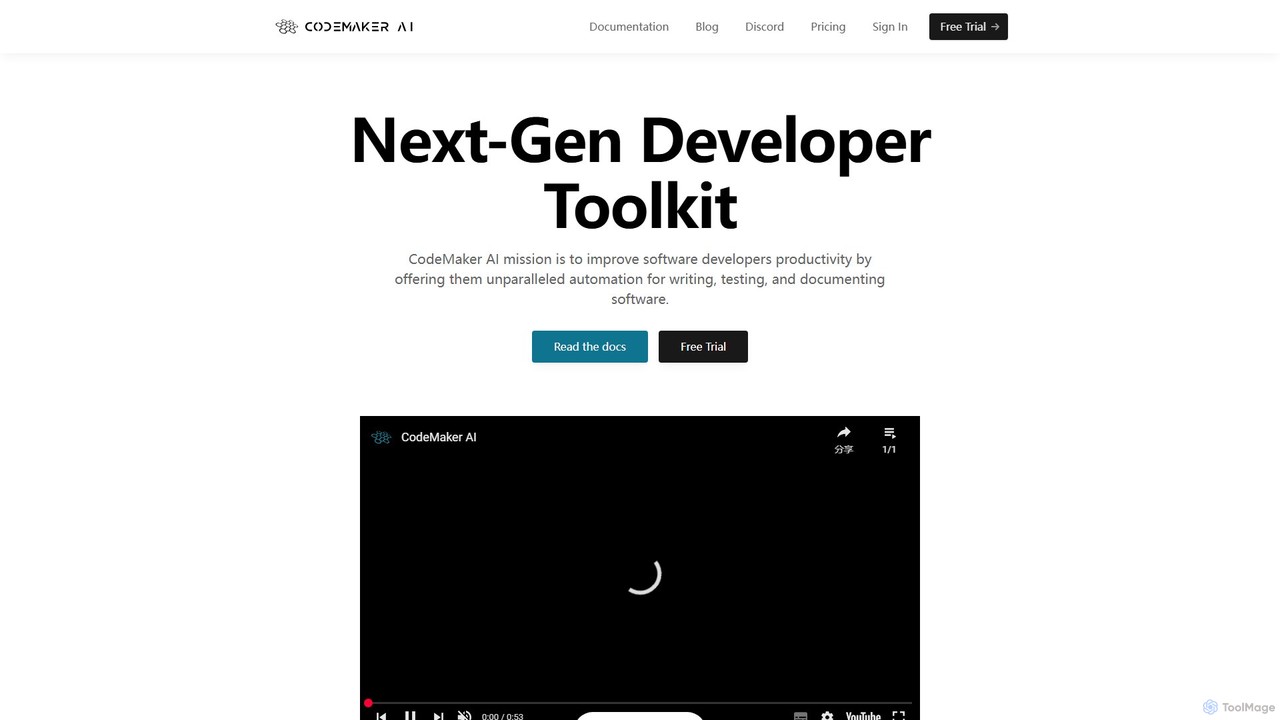
CodeMaker AI is a next-generation developer toolkit designed to boost productivity by automating software writing, testing, and documentation. It integrates seamlessly into your workflow via IDEs, GitHub, and CLI, offering context-aware code generation and a powerful AI assistant.
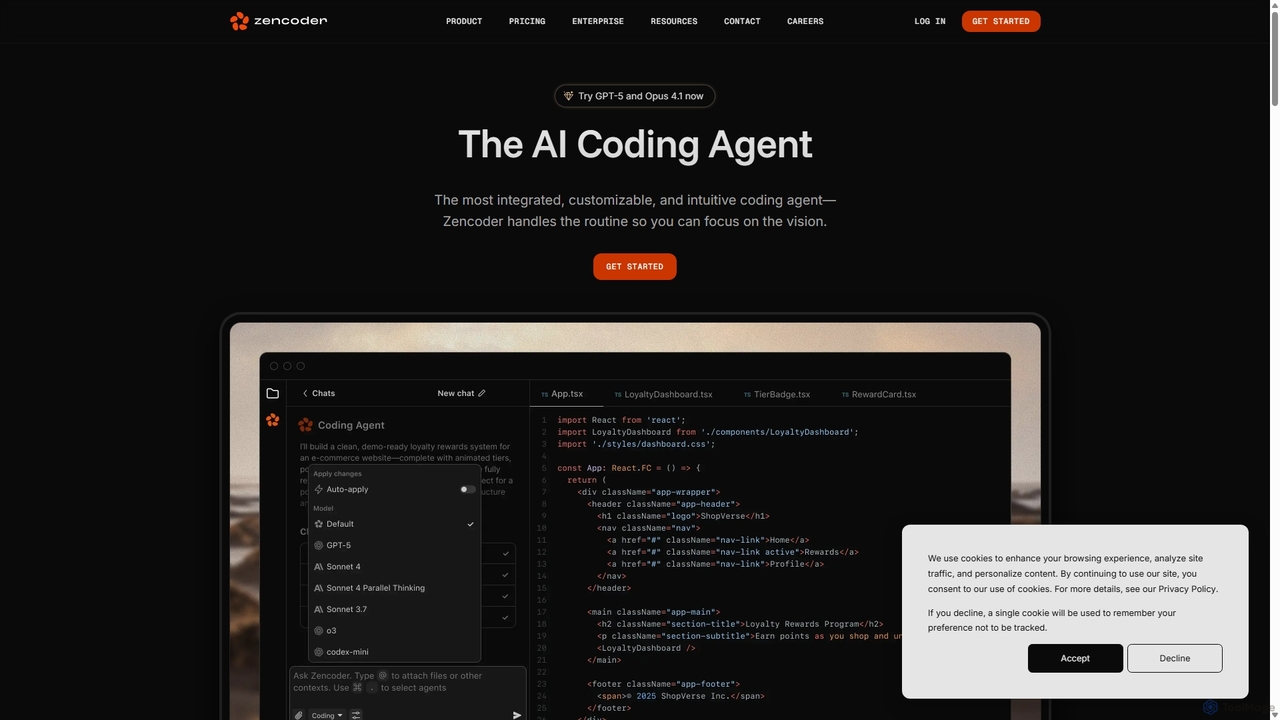
Zencoder is an advanced AI coding agent designed to automate routine development tasks. It deeply integrates into your workflow, understanding your entire codebase to implement features, write tests, fix bugs, and refactor code autonomously. With customizable 'Zen Agents' and seamless integration with VS Code, JetBrains, and over 100 developer tools, Zencoder empowers engineering teams to focus on innovation and ship products faster.
Compare product focus, pricing models and audiences. Highlighted rows indicate different listed information; unknown pricing does not mean free.
| Quick facts | CodeMaker AI | Zencoder |
|---|---|---|
| Pricing model | Freemium | Freemium |
| Product type | Web | Web |
| Primary focus | Code Assistant | Code Assistant |
| Audience and roles | No data available | DevOps Engineer · Engineering Manager · Machine Learning Engineer · Product Manager · Quality Assurance Engineer · Software Developer |
| Categories | Code Assistant · Testing · Automation | Code Assistant · Debugging · Testing · Automation |
| Added | Aug 15, 2025 | Sep 9, 2025 |
| Updated | Nov 19, 2026 | Nov 19, 2026 |
Explore the listed product descriptions, features and workflows. Taxonomy labels alone are not feature evaluations.
CodeMaker AI is a comprehensive developer toolkit engineered to enhance the productivity of software developers through advanced automation. Founded in 2023, its mission is to streamline the entire software development lifecycle, from initial coding to testing and documentation. The platform provides a unified experience across multiple environments, ensuring developers have access to powerful AI-driven tools wherever they work.
At its core, CodeMaker AI leverages context-aware intelligence. Unlike basic code completion tools, it analyzes the entire source file—including imports, existing functions, and comments—to generate highly accurate and relevant code. This deep understanding allows it to perform complex tasks such as implementing entire functions, generating class structures, and even recreating large codebases with high similarity, as demonstrated in its experiments with Spring Boot and Mockito.
Getting started with CodeMaker AI is straightforward. First, sign up on the official website to create an account and start a free trial. Then, integrate the tool into your preferred development environment:
Once set up, you can use natural language prompts (e.g., in a comment) to generate code, ask the AI assistant to explain or refactor a block of code, or trigger batch operations to document your entire project.
Rapid Prototyping and Development: Generate boilerplate code, entire functions, and class implementations from simple descriptions, drastically speeding up the initial development phase.
Legacy Code Modernization: Use batch processing to automatically migrate an entire legacy codebase to a modern version of a language (e.g., older Java to a newer syntax).
Improving Code Quality and Consistency: Employ the AI assistant to refactor complex methods, fix syntax errors across the project, and ensure consistent coding styles.
Automating Code Reviews: Integrate the GitHub App to automatically review pull requests, explain changes, and apply feedback from comments, reducing the manual workload on the development team.
Enhancing Test Coverage: Automatically generate unit tests for existing methods and functions, helping to quickly increase test coverage and ensure code reliability before refactoring or shipping new features.
Holistic Lifecycle Support: It's not just a code completion tool; it's a toolkit that assists across the entire development lifecycle, including writing, documenting, testing, and reviewing code.
Deep Contextual Understanding: Its ability to analyze the full context of a file and even an entire project (with source graph generation) leads to superior code quality compared to tools with limited context windows.
Scalability for Enterprise: Designed to handle large, complex, enterprise-grade projects with features like batch processing and the ability to process large files.
Customization and Precision: The option to fine-tune models on a private codebase provides a level of customization and accuracy that generic models cannot match.
Unified Developer Experience: Provides a consistent and powerful set of features across different platforms (IDE, SCM, CLI), allowing developers to work efficiently in their preferred environment.
CodeMaker AI offers a freemium model with a free trial and several paid tiers.
An Enterprise offer is also available for teams with specific needs, which can be arranged by contacting sales directly.
Zencoder is a sophisticated AI Coding Agent built to revolutionize the software development lifecycle. It goes beyond simple code completion by acting as an autonomous partner for engineering teams. By deeply understanding the entire codebase, including complex architectures and cross-repository dependencies, Zencoder handles the mundane and repetitive tasks, allowing developers to concentrate on high-level design and innovation. It is trusted by engineers from startups to Fortune 500 companies and is designed for enterprise-scale development, prioritizing security, compliance, and scalability.
The core of Zencoder's power lies in its 'Zen Agents'—customizable AI agents that can be tailored to your team's specific workflows and best practices. These agents can be created, configured, and deployed to automate everything from generating unit tests to fixing production bugs overnight. This transforms team knowledge into scalable, automated processes, ensuring consistency and quality across all projects.
Getting started with Zencoder is designed to be seamless and intuitive, integrating directly into existing developer environments. First, install the Zencoder extension for your preferred IDE, such as VS Code or any JetBrains IDE (like IntelliJ IDEA, PyCharm). Once installed, connect Zencoder to your development stack. It offers native integrations with over 100 tools including GitHub, GitLab, Jira, Linear, Sentry, and Datadog. You can authorize access to your repositories to give the agent full context of your codebase. For specific tasks, you can interact with Zencoder through its 'Agentic Chat' interface, where you can issue commands in natural language, ask technical questions, or request code generation. For example, you can ask it to 'implement the feature described in JIRA-123' or 'write unit tests for the new checkout service'. To automate workflows, you can configure Zen Agents to trigger on specific events, such as a new Jira ticket or a failing CI/CD build, enabling a 24/7 autonomous engineering workforce.
Zencoder is versatile and can be applied across the development process. Teams use it for automated feature implementation, where an agent takes a Jira ticket description and generates the necessary code across multiple files. For quality assurance, it's used for autonomous testing, with Zentester creating complete test suites for new features. Another key use case is 24/7 bug fixing; an agent can be triggered by a Sentry alert, identify the root cause, write a fix, and open a pull request for review by the time the team starts their day. It also excels at large-scale code refactoring, a task that can take a human developer hours or days. Furthermore, by creating custom Zen Agents, teams can codify and enforce best practices, ensuring standardized code quality and architectural consistency across the organization.
The primary advantage of Zencoder is its ability to act as a force multiplier for engineering teams, significantly boosting productivity and accelerating development cycles. It automates tedious, time-consuming tasks, freeing developers to focus on creative problem-solving. Its deep codebase understanding leads to higher quality, contextually-aware code suggestions compared to simple autocomplete tools. The platform's customizability through Zen Agents allows teams to build a bespoke AI workforce tailored to their unique needs. Finally, its strong emphasis on enterprise-grade security, compliance, and privacy ensures that it can be safely adopted in organizations of any size, protecting sensitive code and data.
Zencoder offers a tiered pricing model to suit individuals, teams, and large enterprises. All plans include core features like the Coding Agent, 100+ integrations, and Zen Agents.
After daily limits are reached on paid plans, service continues in a 'slow mode'. Users can also use their own API keys (BYOK) to bypass daily limits. A 'Premium LLM Call' is counted each time the agent interacts with a large language model to complete a task.
Their taxonomy shows where the products overlap and where each one has a more distinct focus. Unknown fields are shown explicitly and are never filled with assumptions.
Traffic is shown on the same scale so differences in market visibility are not visually understated.
Both charts share the same months and vertical scale. Each tool identifies its latest reporting month; missing months are left blank, not counted as zero. Regional and source visit counts are estimates calculated from the reported shares.
No data available
| Country/region | Percentage | Estimated visits |
|---|---|---|
| 🇺🇸United States | 41.97% | 91.5K |
| 🇮🇳India | 25% | 54.5K |
| 🇮🇹Italy | 16.16% | 35.2K |
| 🇨🇱Chile | 9.94% | 21.7K |
| 🇩🇪Germany | 6.93% | 15.1K |
| Source type | Percentage | Estimated visits |
|---|---|---|
| Direct | 83.12% | 181.1K |
| Referral | 13.94% | 30.4K |
| 2.94% | 6.4K |
Ratings, comments, favorites, and likes are community signals—not a substitute for product fit.
This page is assembled from ToolMage product listings, taxonomy, traffic statistics and on-site user feedback. It is not a hands-on test or an independent review.