Colab
Data Science
AI TOOL COMPARISON
What is the difference, and which fits your workflow? Compare features, usage, pricing models and traffic side by side.
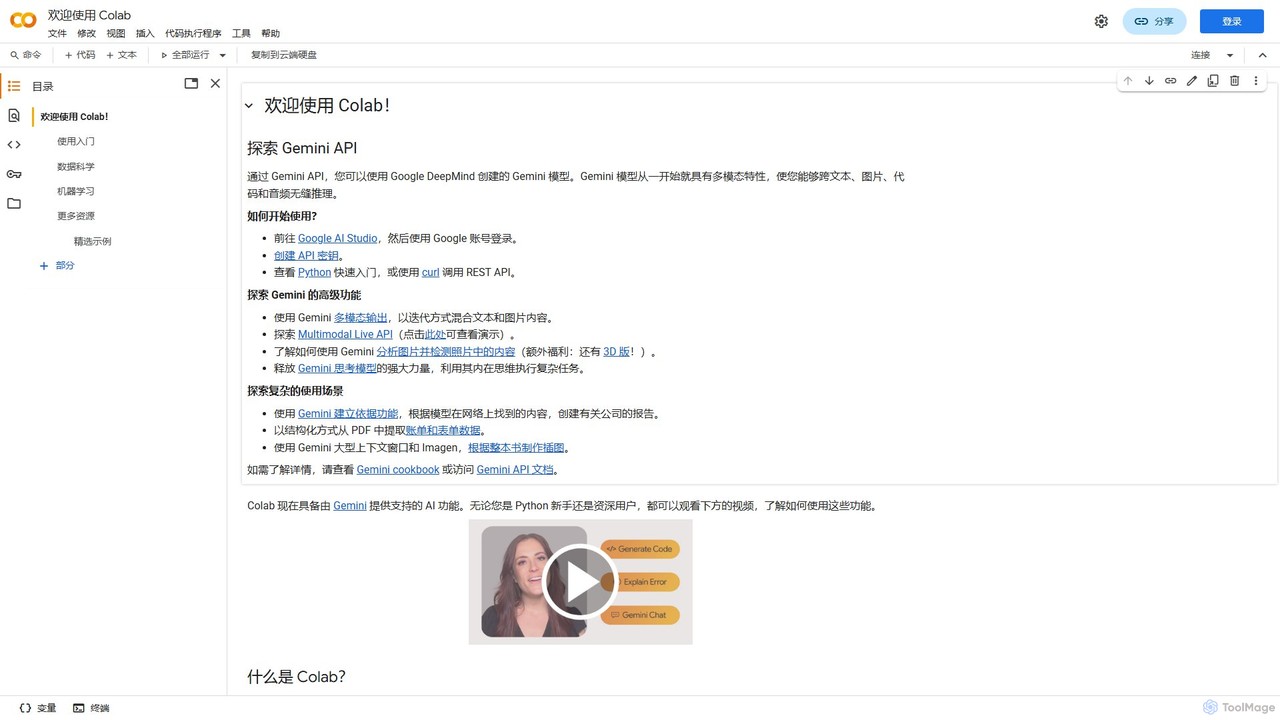
Colab (Google Colaboratory) is a free, browser-based interactive environment that allows you to write and execute Python code. It requires no setup and provides free access to powerful computing resources like GPUs and TPUs. Ideal for students, data scientists, and AI researchers, Colab facilitates machine learning, data analysis, and education, with seamless collaboration and Google Drive integration.
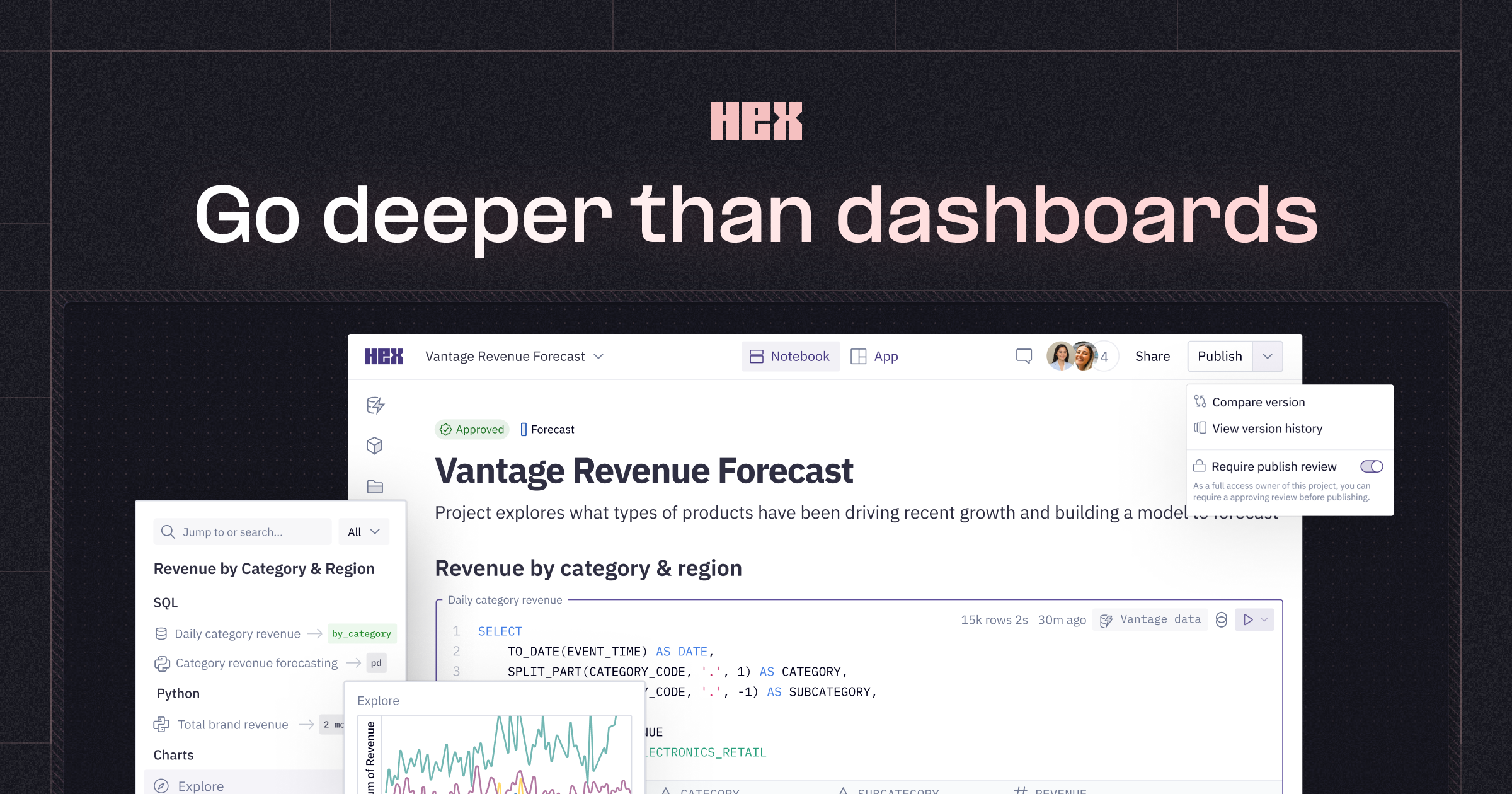
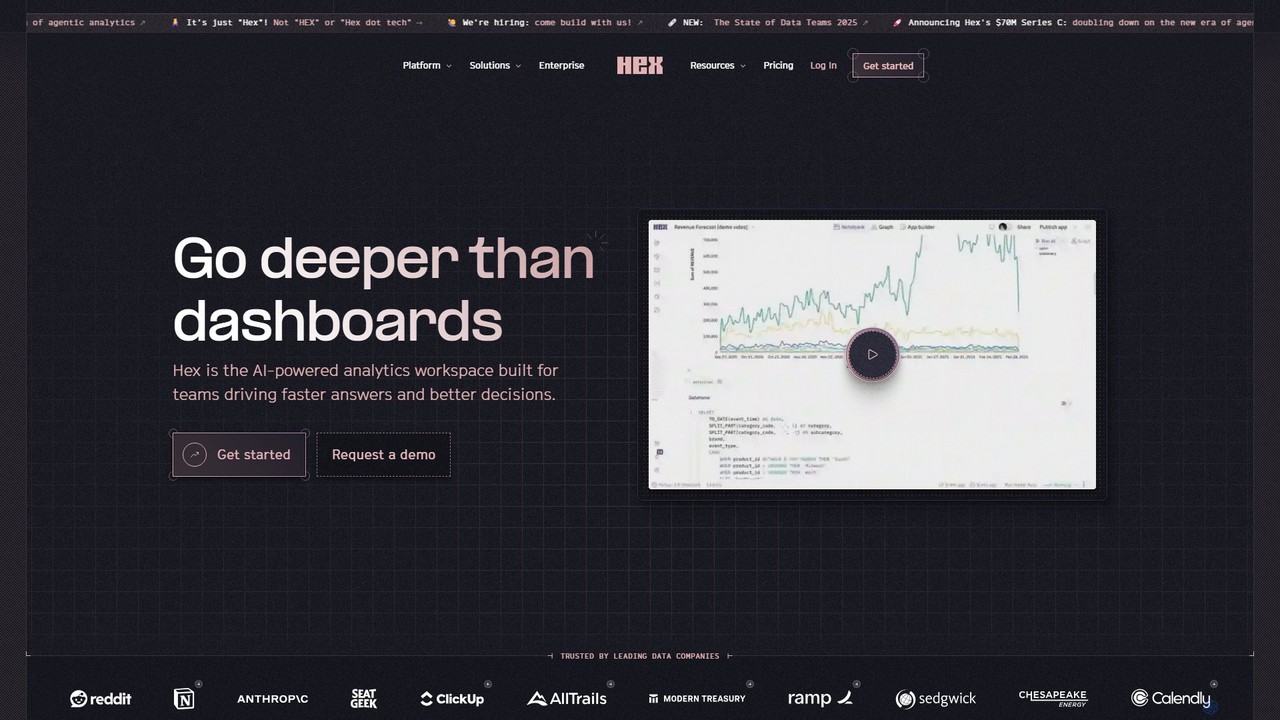
Hex is an AI-powered analytics workspace designed for teams. It integrates notebooks for Python and SQL, interactive data apps, and self-serve exploration into a single collaborative platform, enabling faster, data-driven decision-making.
Compare product focus, pricing models and audiences. Highlighted rows indicate different listed information; unknown pricing does not mean free.
| Quick facts | Colab | Hex |
|---|---|---|
| Pricing model | Freemium | Freemium |
| Product type | Web | Web |
| Primary focus | Data Science | Data Science |
| Audience and roles | No data available | No data available |
| Categories | Data Science · Notebook · Collaboration | Data Science · Low Code No Code · Collaboration |
| Added | Aug 15, 2025 | Aug 11, 2025 |
| Updated | Nov 19, 2026 | Nov 19, 2026 |
Explore the listed product descriptions, features and workflows. Taxonomy labels alone are not feature evaluations.
Colab, short for Google Colaboratory, is a powerful and versatile tool provided by Google that allows users to write and execute Python code through their browser. It is essentially a hosted Jupyter Notebook service that requires zero configuration while providing free access to high-performance computing resources, including Graphics Processing Units (GPUs) and Tensor Processing Units (TPUs). This makes it an invaluable asset for a wide range of users, from students learning to code to professional data scientists and AI researchers working on complex computational tasks. The platform is designed for ease of use and collaboration, integrating seamlessly with Google Drive for easy storage, sharing, and version control of notebooks.
Recently, Colab has been enhanced with AI features powered by Gemini, Google's advanced multimodal AI model. This integration allows users to leverage generative AI for tasks like code generation, code completion, and even complex reasoning across text, images, and audio, directly within the notebook environment. This transforms the notebook from a simple coding environment into an intelligent assistant for development and research.
Getting started with Colab is incredibly straightforward. First, you need a Google account. Simply navigate to the Colab website and you can start creating new notebooks. A notebook is composed of cells, which can either be text cells for explanations and documentation (using Markdown and LaTeX for formatting) or code cells for executable Python code. To run a code cell, you can click the 'Play' icon or use keyboard shortcuts like Ctrl+Enter. Variables and functions defined in one cell can be used in subsequent cells, creating a logical workflow. You can easily import data from your Google Drive, upload files from your local machine, or connect to external sources like GitHub and Google Cloud Storage. For computationally intensive tasks, you can switch your runtime environment to use a GPU or TPU via the 'Runtime' menu, accelerating your data processing and model training significantly.
Colab is widely used across various domains. In Data Science, it's used for data cleaning, analysis, and visualization with libraries like Pandas and Matplotlib. For Machine Learning, it's a go-to platform for prototyping, training, and evaluating models, from simple linear regressions to complex deep neural networks for image classification, natural language processing, and style transfer. AI Researchers leverage Colab to experiment with cutting-edge models and share reproducible research. It is also an exceptional tool for Education, allowing instructors to create interactive tutorials and students to learn Python and data science without worrying about hardware limitations.
The primary advantage of Colab is its accessibility and power. It removes the financial and technical barriers to entry for machine learning and data-intensive computing. The collaborative features foster teamwork and knowledge sharing. Its integration with the Google ecosystem (Drive, BigQuery, Cloud Storage) creates a streamlined and efficient workflow. Furthermore, the ability to create rich, interactive documents makes it an excellent medium for creating tutorials, demonstrations, and research papers that are both readable and executable.
Colab operates on a freemium model. The free tier is remarkably generous, offering access to standard GPUs and TPUs with reasonable usage limits, making it perfect for most learning and small-to-medium scale projects. For users requiring more power and longer, uninterrupted runtimes, Google offers paid plans such as Colab Pro and Colab Pro+. These subscriptions provide priority access to faster GPUs (like V100s or A100s), more memory, more disk space, and extended runtime durations, catering to the needs of professional developers and researchers with demanding workloads.
Hex is a comprehensive, AI-powered analytics workspace built for teams to drive faster answers and better decisions. It provides a unified platform that goes beyond traditional dashboards, integrating deep-dive analysis, interactive data applications, and self-service exploration. Hex is trusted by leading data companies like Notion, ClickUp, and StubHub to foster a data-driven culture where anyone, regardless of technical proficiency, can comfortably use data to answer their own questions.
The platform's core is a collaborative notebook environment where Python, SQL, and no-code elements coexist harmoniously. This eliminates the need to switch between different tools for querying, transforming, predicting, and visualizing data. With its integrated AI assistant, users can get intelligent help anywhere in their workflow, from generating code with a simple prompt to creating charts and explaining complex logic.
Using Hex involves a streamlined workflow designed for both data professionals and business users. First, you connect Hex to your data sources, with built-in connections for popular data warehouses like Snowflake, BigQuery, and databases. Once connected, you can begin your analysis in a Hex notebook. You can write SQL queries to fetch data, use Python for advanced analysis and machine learning, or leverage no-code cells with point-and-click tools to filter and pivot data. The platform's AI assistant can be prompted in natural language to generate queries, write code, or build visualizations. As you work, you can collaborate with teammates in real-time through multiplayer editing and comments. Once your analysis is complete, you can transform it into a polished, interactive data app using a drag-and-drop builder. These apps can be shared with stakeholders, who can then explore the data, adjust parameters, and even write data back to your database, turning insights directly into action.
Hex is versatile and supports a wide range of analytics needs. For example, ClickUp used Hex to operationalize a data science churn model, turning it into a cross-functional program that saved millions in customer churn. Notion leverages Hex to empower everyone in the company, from data science to sales, to make decisions with data. Other common use cases include:
The primary advantage of Hex is its ability to unify the entire analytics workflow in one place. This eliminates tool-hopping and increases efficiency. Its AI-powered features significantly accelerate productivity for data teams. By providing both code-based and no-code interfaces, Hex democratizes data access, enabling both technical and non-technical users to collaborate effectively. This breaks down silos and fosters a stronger data culture. Finally, by allowing users to build interactive apps instead of static reports, Hex makes insights more actionable and shortens the feedback loop between analysis and decision-making.
Hex offers several plans to fit different needs:
Their taxonomy shows where the products overlap and where each one has a more distinct focus. Unknown fields are shown explicitly and are never filled with assumptions.
Traffic is shown on the same scale so differences in market visibility are not visually understated.
Both charts share the same months and vertical scale. Each tool identifies its latest reporting month; missing months are left blank, not counted as zero. Regional and source visit counts are estimates calculated from the reported shares.
No data available
| Country/region | Percentage | Estimated visits |
|---|---|---|
| 🇺🇸United States | 77.44% | 465.1K |
| 🇨🇦Canada | 8.61% | 51.7K |
| 🇬🇧United Kingdom | 6.11% | 36.7K |
| 🇪🇸Spain | 4.14% | 24.9K |
| 🇲🇽Mexico | 3.7% | 22.2K |
| Source type | Percentage | Estimated visits |
|---|---|---|
| Direct | 88.79% | 533.3K |
| Referral | 8.56% | 51.4K |
| 2.65% | 15.9K |
Ratings, comments, favorites, and likes are community signals—not a substitute for product fit.
This page is assembled from ToolMage product listings, taxonomy, traffic statistics and on-site user feedback. It is not a hands-on test or an independent review.