

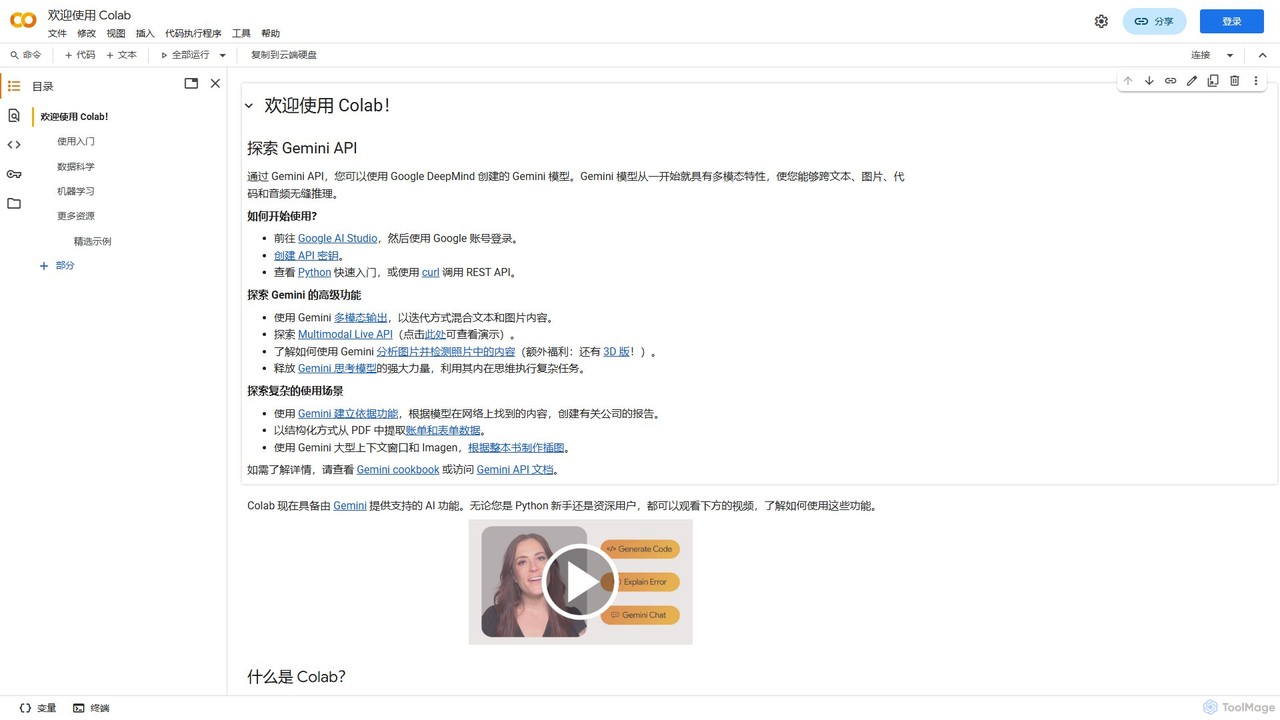
Colab Overview
Colab, short for Google Colaboratory, is a powerful and versatile tool provided by Google that allows users to write and execute Python code through their browser. It is essentially a hosted Jupyter Notebook service that requires zero configuration while providing free access to high-performance computing resources, including Graphics Processing Units (GPUs) and Tensor Processing Units (TPUs). This makes it an invaluable asset for a wide range of users, from students learning to code to professional data scientists and AI researchers working on complex computational tasks. The platform is designed for ease of use and collaboration, integrating seamlessly with Google Drive for easy storage, sharing, and version control of notebooks.
Recently, Colab has been enhanced with AI features powered by Gemini, Google's advanced multimodal AI model. This integration allows users to leverage generative AI for tasks like code generation, code completion, and even complex reasoning across text, images, and audio, directly within the notebook environment. This transforms the notebook from a simple coding environment into an intelligent assistant for development and research.
How to use Colab
Getting started with Colab is incredibly straightforward. First, you need a Google account. Simply navigate to the Colab website and you can start creating new notebooks. A notebook is composed of cells, which can either be text cells for explanations and documentation (using Markdown and LaTeX for formatting) or code cells for executable Python code. To run a code cell, you can click the 'Play' icon or use keyboard shortcuts like Ctrl+Enter. Variables and functions defined in one cell can be used in subsequent cells, creating a logical workflow. You can easily import data from your Google Drive, upload files from your local machine, or connect to external sources like GitHub and Google Cloud Storage. For computationally intensive tasks, you can switch your runtime environment to use a GPU or TPU via the 'Runtime' menu, accelerating your data processing and model training significantly.
Core Features of Colab
- Zero-Configuration Environment: Runs entirely in the browser with no setup required. All necessary libraries like TensorFlow, PyTorch, Pandas, and NumPy are pre-installed.
- Free GPU and TPU Access: Provides free access to powerful hardware accelerators, democratizing access to high-performance computing for machine learning and data science.
- Interactive Notebooks: Combines live code, equations, visualizations, and narrative text in a single, shareable document (based on Jupyter).
- Gemini AI Integration: Features AI-powered coding assistance, including code generation, completion, and multimodal analysis capabilities.
- Seamless Collaboration: Allows multiple users to work on the same notebook simultaneously, with sharing and commenting features similar to Google Docs.
- Google Drive Integration: Notebooks are saved directly to your Google Drive, enabling easy access, organization, and version history.
- Extensive Library Support: Supports a vast ecosystem of Python libraries for data science, machine learning, data visualization, and more.
Use Cases for Colab
Colab is widely used across various domains. In Data Science, it's used for data cleaning, analysis, and visualization with libraries like Pandas and Matplotlib. For Machine Learning, it's a go-to platform for prototyping, training, and evaluating models, from simple linear regressions to complex deep neural networks for image classification, natural language processing, and style transfer. AI Researchers leverage Colab to experiment with cutting-edge models and share reproducible research. It is also an exceptional tool for Education, allowing instructors to create interactive tutorials and students to learn Python and data science without worrying about hardware limitations.
Advantages of Colab
The primary advantage of Colab is its accessibility and power. It removes the financial and technical barriers to entry for machine learning and data-intensive computing. The collaborative features foster teamwork and knowledge sharing. Its integration with the Google ecosystem (Drive, BigQuery, Cloud Storage) creates a streamlined and efficient workflow. Furthermore, the ability to create rich, interactive documents makes it an excellent medium for creating tutorials, demonstrations, and research papers that are both readable and executable.
Pricing and Plans
Colab operates on a freemium model. The free tier is remarkably generous, offering access to standard GPUs and TPUs with reasonable usage limits, making it perfect for most learning and small-to-medium scale projects. For users requiring more power and longer, uninterrupted runtimes, Google offers paid plans such as Colab Pro and Colab Pro+. These subscriptions provide priority access to faster GPUs (like V100s or A100s), more memory, more disk space, and extended runtime durations, catering to the needs of professional developers and researchers with demanding workloads.
Colab Alternatives

cometcore
CometCore is an end-to-end MLOps platform designed for AI developers and data science teams. It streamlines the entire machine learning lifecycle, from experiment tracking and hyperparameter optimization to model versioning and production monitoring. By providing a centralized hub for collaboration and reproducibility, CometCore accelerates the development and deployment of robust, high-performance AI models.
Data Science
Lightning AI
Lightning AI is a cloud platform designed to build, train, and deploy AI models at scale. It combines the popular open-source PyTorch Lightning framework with Lightning AI Studio, a collaborative, browser-based environment with zero setup. Access powerful GPUs, scale from a laptop to the cloud seamlessly, and accelerate your entire AI development workflow.
Platform As A Service (Paas)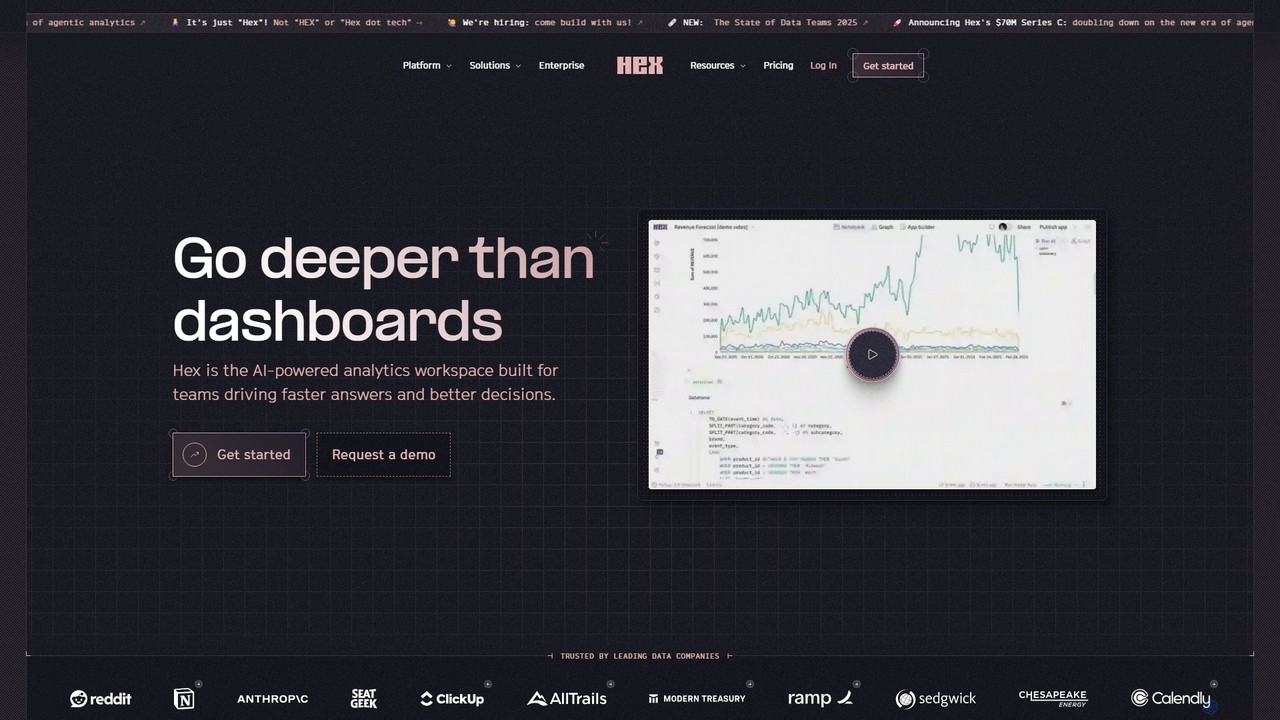
Hex
Hex is an AI-powered analytics workspace designed for teams. It integrates notebooks for Python and SQL, interactive data apps, and self-serve exploration into a single collaborative platform, enabling faster, data-driven decision-making.
Data Science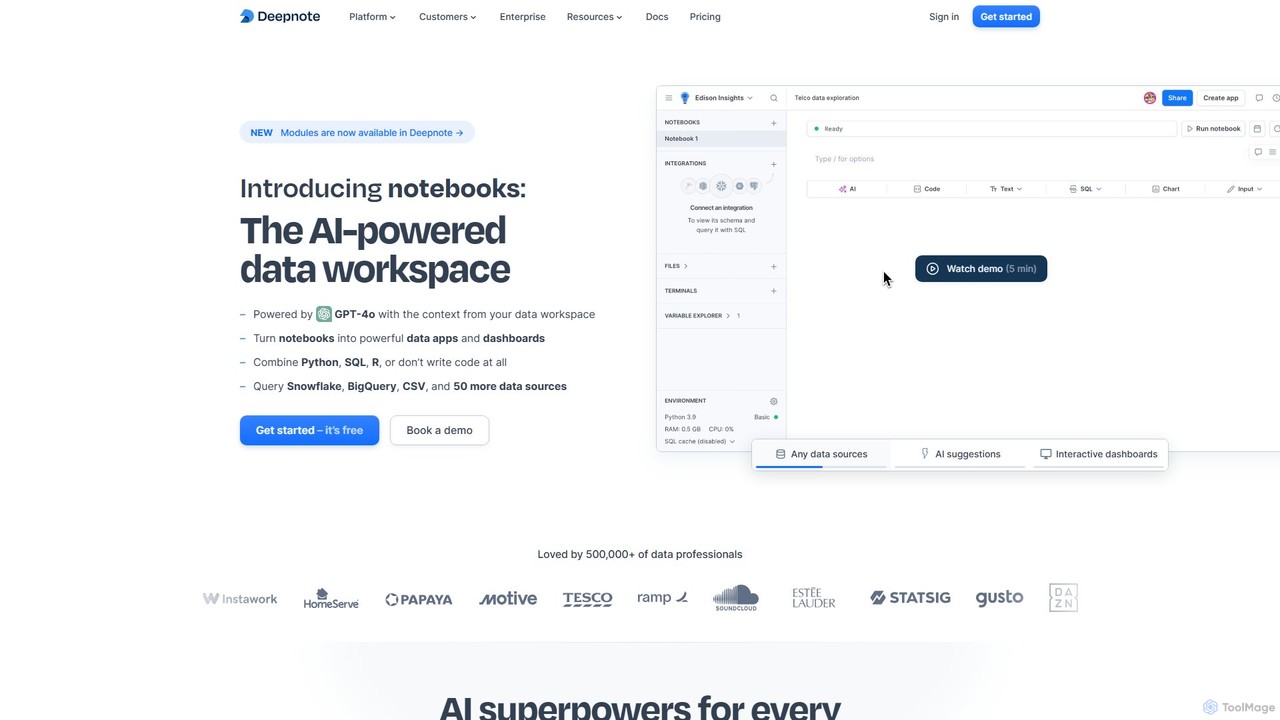
Deepnote
Deepnote is an AI-powered, collaborative data science notebook for teams. It unifies Python, SQL, and R in a single cloud-based workspace, enabling users to explore data, build machine learning models, and create interactive dashboards and apps with ease. Powered by GPT-4o, it automates analysis and code generation, making data science accessible to all skill levels.
Business Intelligence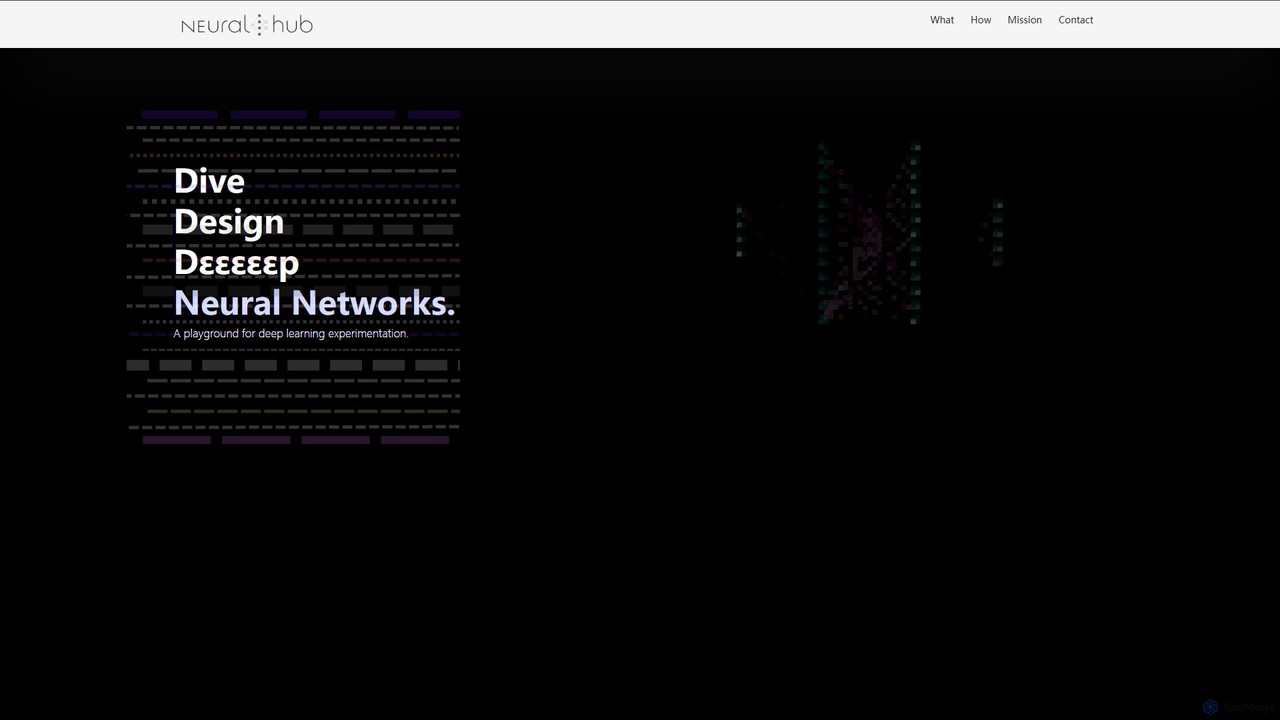
Neuralhub
Neuralhub is a collaborative platform designed to simplify neural network development. It provides an integrated environment for AI enthusiasts, researchers, and engineers to build, experiment, and share deep learning models, featuring a visual builder and an extensive library of pre-built components.
Machine LearningColab Categories
Colab Embed Widget
Copy this embed code to place the badge on your blog, article, or product site and send readers directly to this ToolMage detail page.

Related AI tools
Lightning AI
Lightning AI is a cloud platform designed to build, train, and deploy AI models at scale. It combines the popular open-source PyTorch Lightning framework with Lightning AI Studio, a collaborative, browser-based environment with zero setup. Access powerful GPUs, scale from a laptop to the cloud seamlessly, and accelerate your entire AI development workflow.
Platform As A Service (Paas)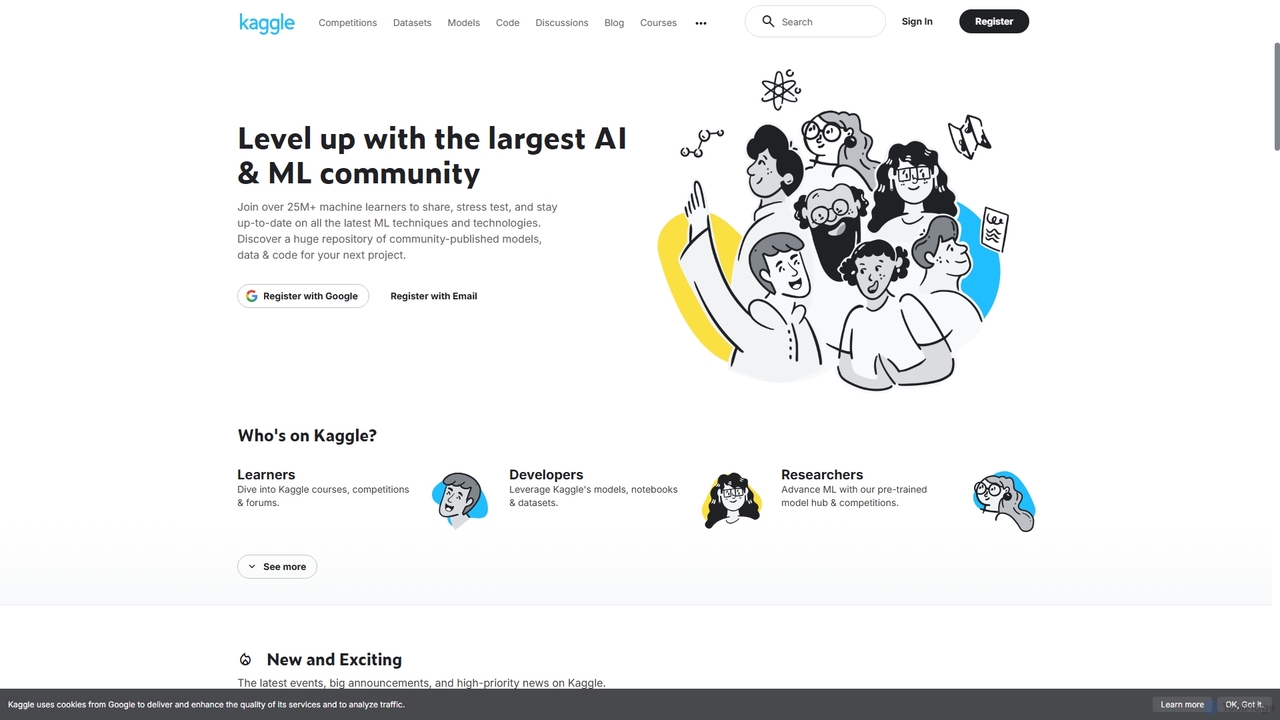
Kaggle
Kaggle is the world's largest online community for data scientists and machine learning practitioners. Owned by Google, it provides a platform to explore datasets, build models in a web-based environment, compete in machine learning challenges, and access educational resources. It offers free access to powerful computational resources, including GPUs and TPUs, making it an essential tool for anyone from beginners to seasoned experts in the AI and data science fields.
Datasetscometcore
CometCore is an end-to-end MLOps platform designed for AI developers and data science teams. It streamlines the entire machine learning lifecycle, from experiment tracking and hyperparameter optimization to model versioning and production monitoring. By providing a centralized hub for collaboration and reproducibility, CometCore accelerates the development and deployment of robust, high-performance AI models.
Data Science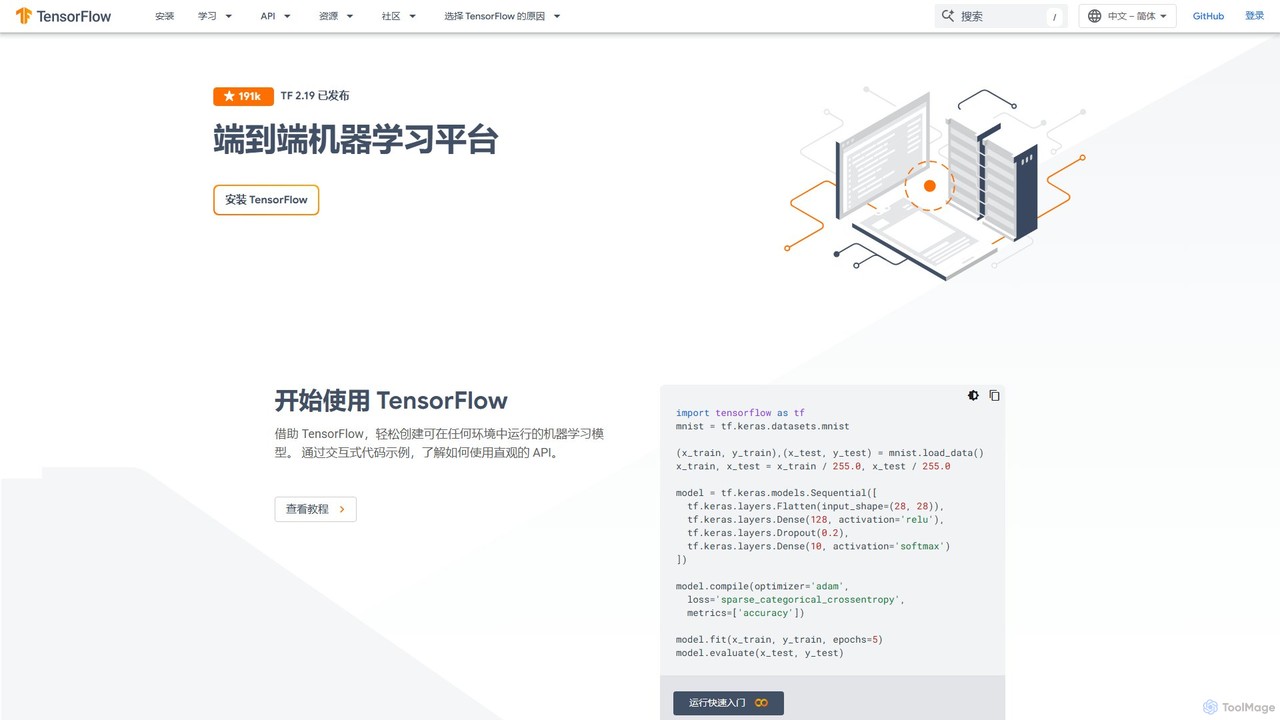
TensorFlow
TensorFlow is an end-to-end open-source platform for machine learning developed by Google. It provides a comprehensive, flexible ecosystem of tools, libraries, and community resources that lets researchers and developers build and deploy ML-powered applications. From beginners to experts, TensorFlow offers intuitive high-level APIs for easy model building and powerful low-level APIs for advanced research, enabling deployment across servers, edge devices, and browsers.
Frameworks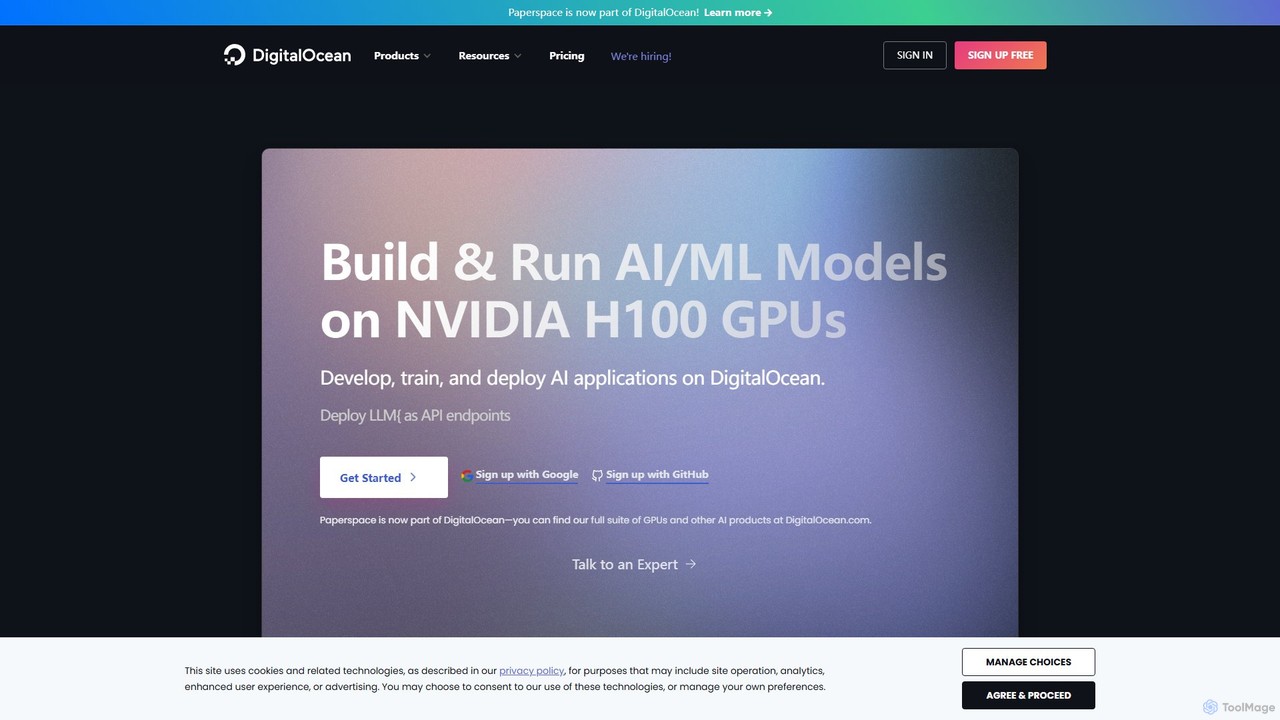
Paperspace
Paperspace is a high-performance cloud computing platform designed for AI and Machine Learning. It provides effortless access to powerful cloud GPUs, managed Jupyter notebooks, and a complete MLOps platform (Gradient) to build, train, and deploy models. Ideal for developers, data scientists, and enterprises looking to accelerate their AI workflows without the complexity of managing infrastructure.
Machine Learning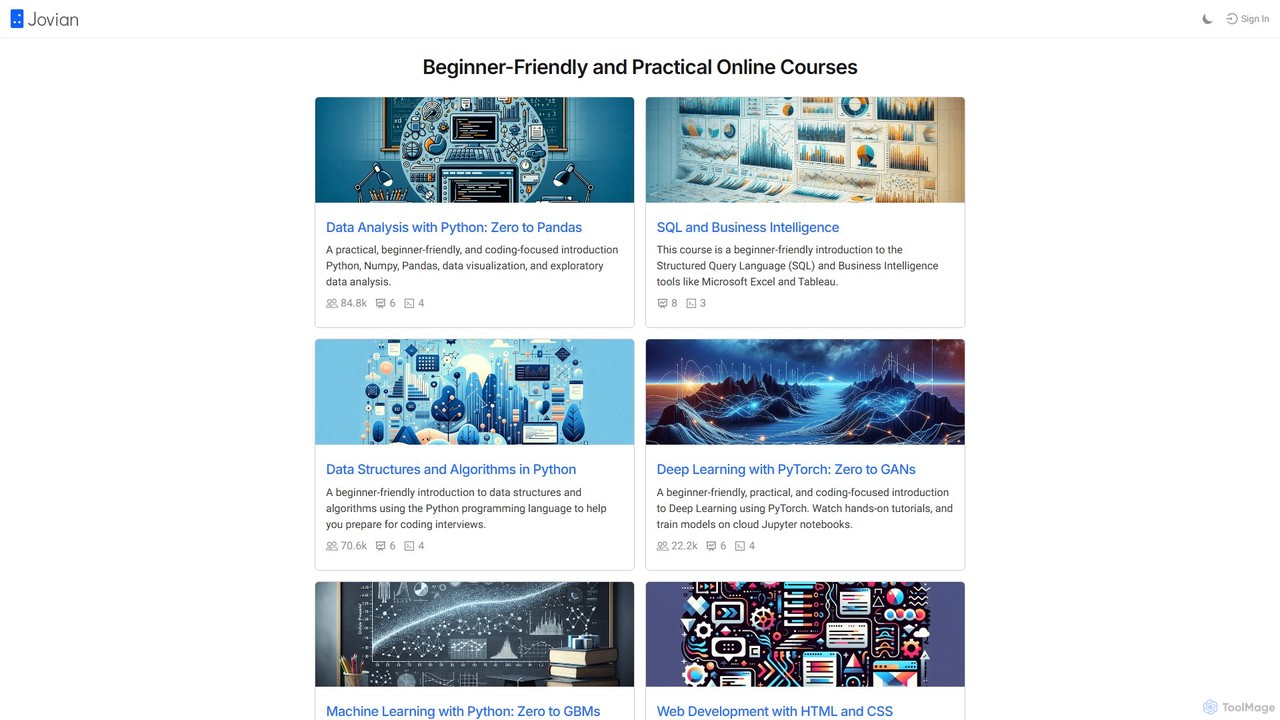
Jovian
Jovian is an online learning platform offering practical, beginner-friendly courses in data science, machine learning, and web development. It focuses on hands-on learning using Python, PyTorch, and other modern technologies, featuring cloud-based Jupyter notebooks and real-world projects to build job-ready skills.
CodingHex
Hex is an AI-powered analytics workspace designed for teams. It integrates notebooks for Python and SQL, interactive data apps, and self-serve exploration into a single collaborative platform, enabling faster, data-driven decision-making.
Data Science
Jyek
Jyek is an AI agent platform that understands objectives, creates execution plans, uses tools, and delivers verifiable results for complex, multi-step tasks.
AutomationDeepnote
Deepnote is an AI-powered, collaborative data science notebook for teams. It unifies Python, SQL, and R in a single cloud-based workspace, enabling users to explore data, build machine learning models, and create interactive dashboards and apps with ease. Powered by GPT-4o, it automates analysis and code generation, making data science accessible to all skill levels.
Business IntelligenceNeuralhub
Neuralhub is a collaborative platform designed to simplify neural network development. It provides an integrated environment for AI enthusiasts, researchers, and engineers to build, experiment, and share deep learning models, featuring a visual builder and an extensive library of pre-built components.
Machine Learning
ai-rnd.com
An integrated platform for AI research and development, providing a unified workspace, pre-trained models, and one-click deployment to accelerate the entire AI lifecycle. Ideal for developers, researchers, and enterprises.
Data Management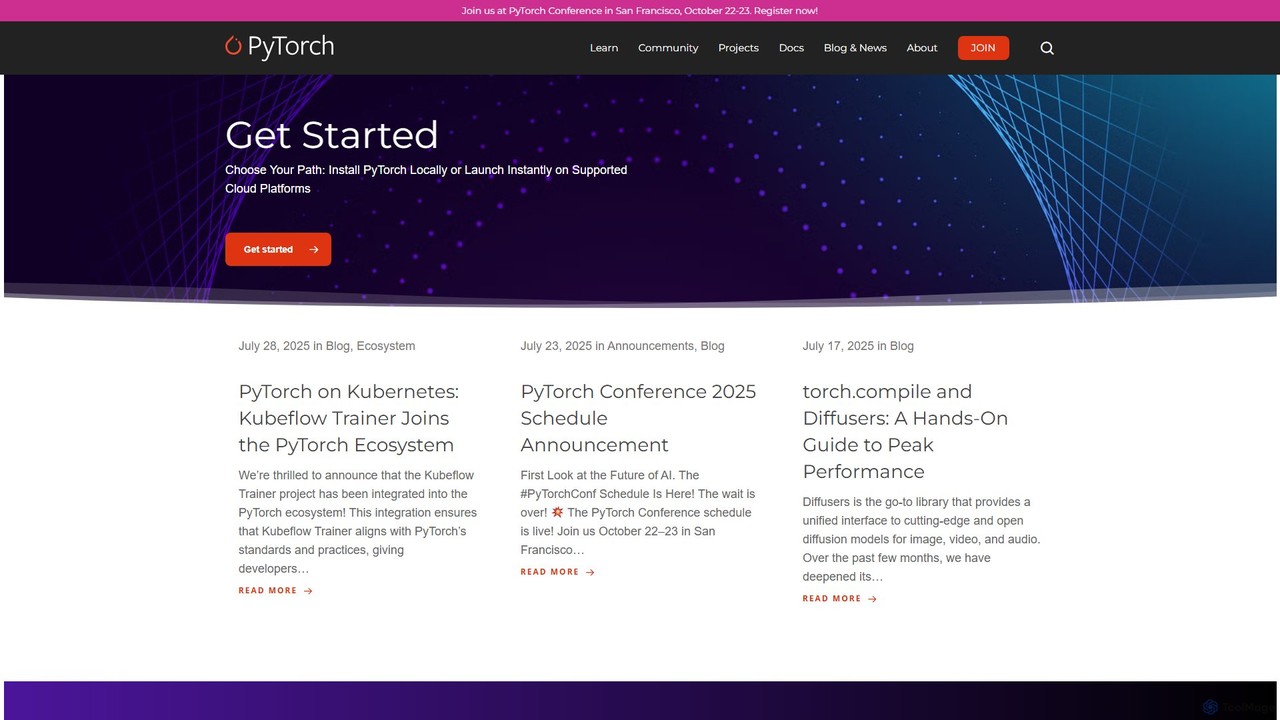
PyTorch
PyTorch is an open-source machine learning framework based on the Torch library, used for applications such as computer vision and natural language processing. It offers a flexible, Python-first environment that accelerates the path from research prototyping to production deployment.
Deep Learning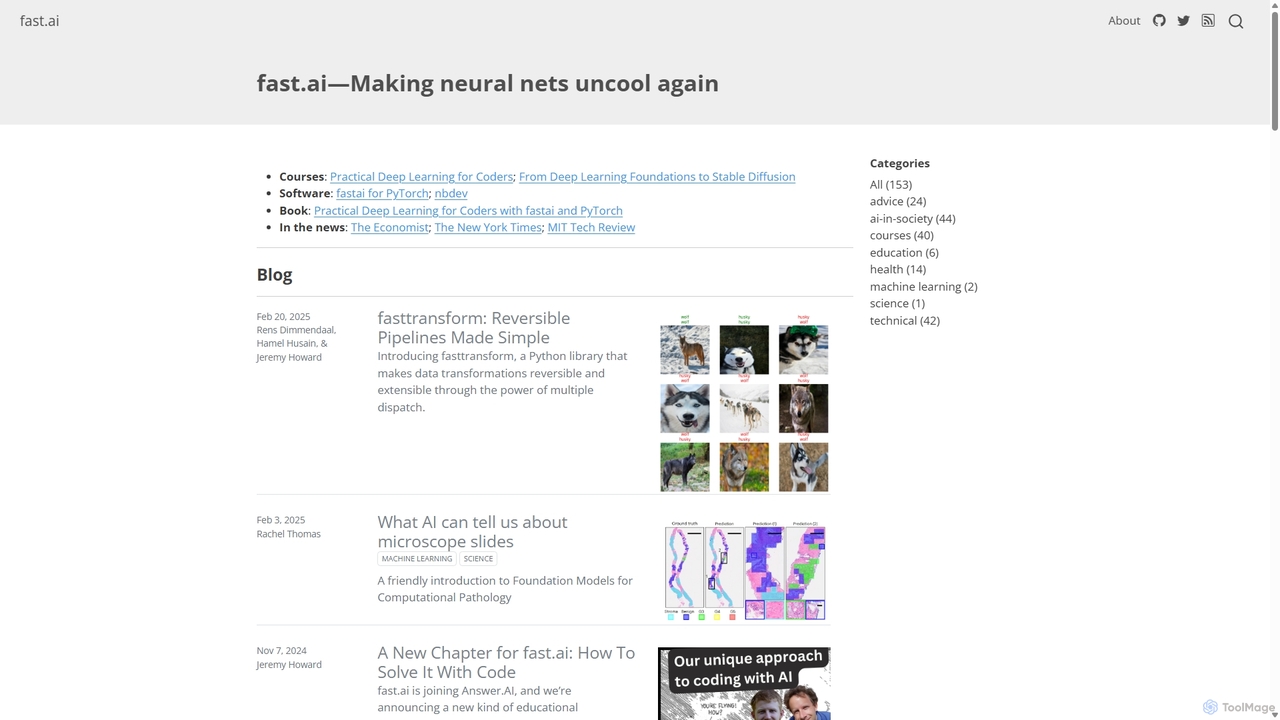
Fast.ai
Fast.ai is a research institute dedicated to making deep learning accessible to everyone. It offers free courses, an open-source software library (fastai), cutting-edge research, and a vibrant community, empowering coders of all backgrounds to become deep learning practitioners.
Machine Learning
aistudio
AI Studio is an all-in-one AI learning and development community by Baidu, powered by the PaddlePaddle deep learning platform. It provides developers with a free online programming environment, GPU computing power, extensive open-source models, and datasets to build, train, and deploy AI applications seamlessly.
Notebooks
ApX Machine Learning
ApX Machine Learning is an educational platform for AI engineers and students, providing practical courses, in-depth guides, and tools like a VRAM calculator. It focuses on bridging the gap between AI theory and real-world application, covering everything from LLM construction to hardware requirements.
Resource
Colab Comments (0)
Sign in to comment.
Sign inNo comments yet.