Datun
Automation
AI TOOL COMPARISON
What is the difference, and which fits your workflow? Compare features, usage, pricing models and traffic side by side.
Automation
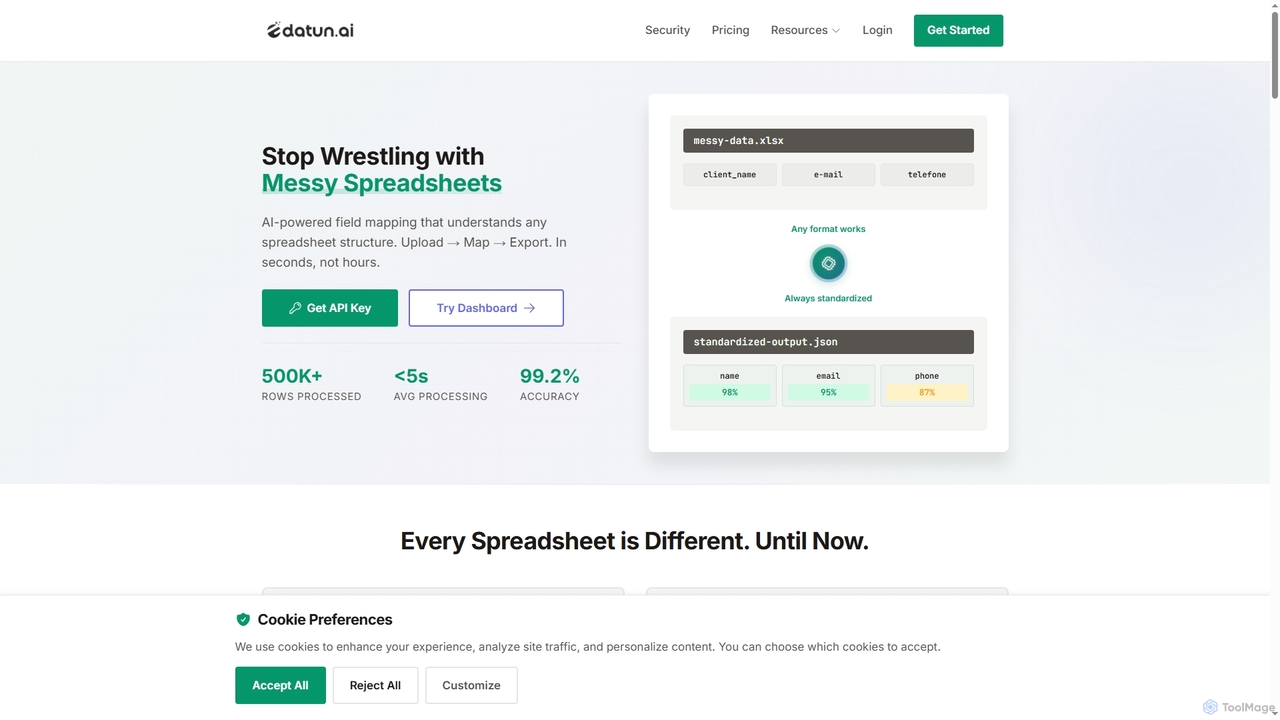
Datun is an AI-powered platform that automates the processing of messy spreadsheets. It intelligently maps fields from any spreadsheet structure, format, or language, standardizing data in seconds for developers and data teams.
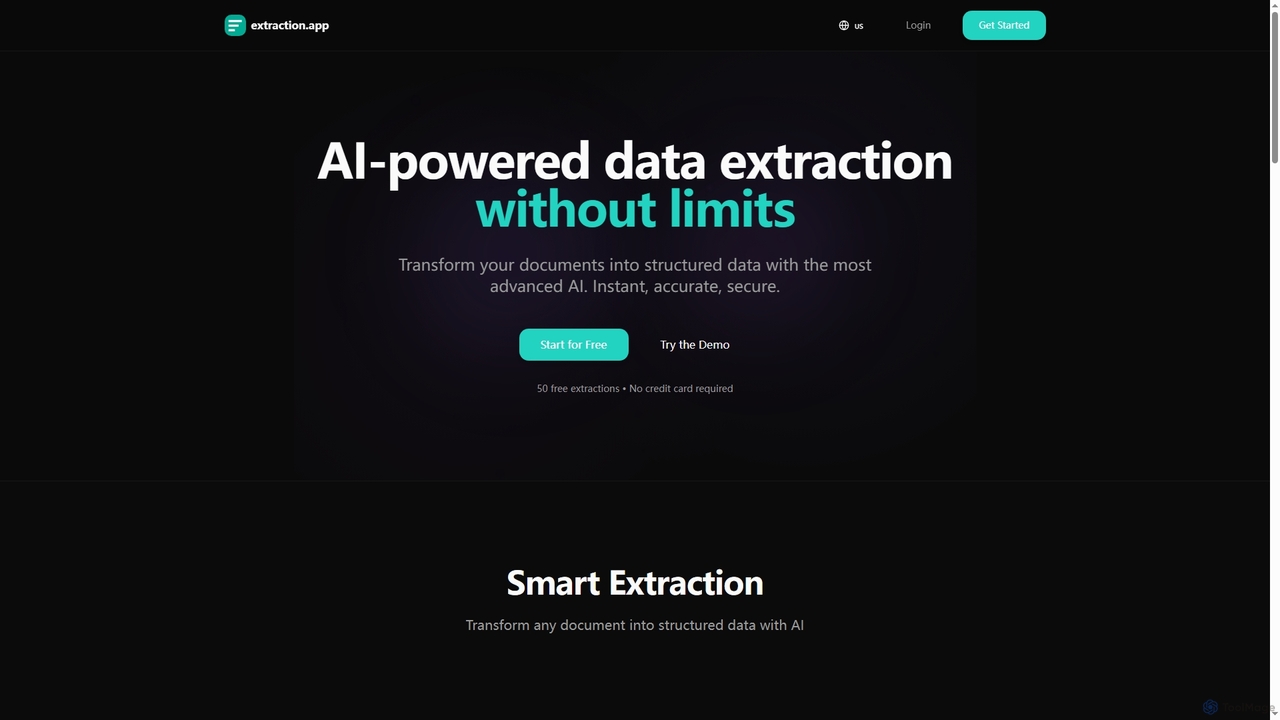
Extraction is an AI-powered data extraction tool that transforms any document into structured data instantly, accurately, and securely. It supports all major file formats and complex documents, offering flexible export options.
Compare product focus, pricing models and audiences. Highlighted rows indicate different listed information; unknown pricing does not mean free.
| Quick facts | Datun | Extraction |
|---|---|---|
| Pricing model | Freemium | Freemium |
| Product type | Web | Web |
| Primary focus | Automation | 3D |
| Audience and roles | Data Analyst · Data Scientist · E-commerce Manager · Finance Manager · HR Manager · Logistics Manager · Product Manager · Software Developer | Accountant · Administrative Assistant · Business Owner · Data Analyst · E-commerce Manager · Financial Analyst · HR Manager · Legal Professional · Logistics Manager · Operations Manager · Procurement Specialist |
| Categories | Automation · Data Cleaning · Api · Data Management | 3D · Data Management |
| Added | Nov 9, 2025 | Dec 9, 2025 |
| Updated | Nov 19, 2026 | Nov 19, 2026 |
Explore the listed product descriptions, features and workflows. Taxonomy labels alone are not feature evaluations.
Datun is an advanced AI-powered tool designed to eliminate the manual and time-consuming task of processing and standardizing spreadsheet data. It can understand any spreadsheet structure, regardless of inconsistent headers, multiple file formats (XLSX, CSV, etc.), or different languages. By leveraging AI, Datun automatically maps data fields to a standardized template, achieving over 99% accuracy and transforming a process that takes hours into one that takes seconds.
Using Datun is a straightforward, three-step process: 1. Upload File: Upload your spreadsheet in any format, structure, or language. 2. AI Identifies Template: The AI automatically detects the most suitable template for your data and maps all fields, providing a confidence score for each mapping. 3. Get Clean Data: Download the standardized, clean data as a CSV, JSON, or Excel file, or integrate it directly into your workflows using the RESTful API.
Datun is ideal for teams that handle large volumes of spreadsheet data from various sources. Key applications include: E-commerce: Standardizing product catalogs from hundreds of different suppliers. HR & Recruiting: Consolidating employee data from various ATS and HRIS systems into a unified format. Finance: Normalizing invoices, expense reports, and P&L statements from multiple subsidiaries or systems. Logistics: Processing and standardizing shipping manifests and tracking information from different carriers.
Compared to traditional rules-based methods, Datun offers superior flexibility and intelligence. Its AI-powered approach automatically adapts to variations, typos, and different languages without needing constant manual rule updates. This results in significant time savings (up to 95%), higher accuracy, reduced manual errors, and a highly scalable solution for modern data teams.
Datun offers a free plan to get started, which includes 10 free analyses per month. No credit card is required to sign up.
Extraction is a cutting-edge AI tool designed to revolutionize data extraction by converting unstructured documents into clean, usable structured data. Leveraging advanced AI models, it promises instant, accurate, and secure processing, eliminating the traditional limitations associated with manual data entry or less sophisticated tools. From invoices and contracts to financial reports, Extraction can handle a wide array of complex documents across various formats including PDF, Word, Excel, and images, thanks to its advanced multilingual OCR capabilities.
Using Extraction is straightforward and efficient. Simply upload your document file to the platform. Next, enter your specific prompt, describing the data you wish to extract from the document. Once the AI processes your request, you can download the extracted structured data in your preferred format, such as JSON, CSV, or Excel.
Extraction is versatile and beneficial across numerous industries and departments. It's ideal for automating invoice data extraction, capturing vendor details, amounts, line items, and tax information with high accuracy. Other applications include extracting data from receipts, contracts, and HR documents. Industries such as Accounting, Finance, Procurement, E-commerce, Manufacturing, Logistics, Healthcare, and Legal can leverage Extraction to streamline operations, reduce manual data entry, and enhance data analysis. It's perfect for anyone looking to transform unstructured PDFs, images, or other documents into actionable structured data.
Extraction stands out due to its AI-first approach, which eliminates the need for complex template setup, unlike many traditional solutions. Its true AI understanding allows it to comprehend document context and handle variations automatically, leading to superior accuracy (99%+) and significantly faster processing times (under 5 seconds). Users benefit from lower operational costs, flexible output options, and the ability to process unlimited documents per extraction (within plan limits), making workflows automated and repeatable. The tool is cloud-native and requires no training, offering immediate value.
Extraction offers a flexible pricing structure designed to scale with user needs, including a free tier to get started.
Users can save 20% by opting for an annual subscription. Plans can be upgraded or downgraded at any time, with changes taking effect immediately.
Their taxonomy shows where the products overlap and where each one has a more distinct focus. Unknown fields are shown explicitly and are never filled with assumptions.
Traffic is shown on the same scale so differences in market visibility are not visually understated.
Both charts share the same months and vertical scale. Each tool identifies its latest reporting month; missing months are left blank, not counted as zero. Regional and source visit counts are estimates calculated from the reported shares.
| Country/region | Percentage | Estimated visits |
|---|---|---|
| 🇩🇪Germany | 32.42% | 759 |
| 🇹🇷Turkey | 31.42% | 736 |
| 🇮🇳India | 23.45% | 549 |
| 🇺🇸United States | 12.71% | 298 |
| Country/region | Percentage | Estimated visits |
|---|---|---|
| 🇺🇸United States | 65.66% | 444 |
| 🇮🇩Indonesia | 34.34% | 232 |
Ratings, comments, favorites, and likes are community signals—not a substitute for product fit.
Datun is an AI-powered platform that automates spreadsheet processing. It works in three steps: 1. You upload a spreadsheet file. 2. The AI automatically identifies a matching template and maps the data fields with confidence scores. 3. You can then download the clean, standardized data or access it via the API.
Datun supports a variety of spreadsheet formats, including XLSX, CSV, Google Sheets, and legacy XLS files, allowing you to process data from multiple sources without format conversion issues.
Every field mapping comes with a confidence score. You can set custom thresholds to control quality, for example: automatically accepting mappings with over 95% confidence, flagging those between 80-94% for review, and requiring manual verification for anything below 80%.
Yes, Datun provides a complete RESTful API for automation. It supports template management, secure file uploads with pre-signed URLs, paginated data access, and webhooks for asynchronous notifications about processing completion.
Datun is built with enterprise-grade security. All data is encrypted in transit (TLS 1.3) and at rest (AES-256). The platform is compliant with GDPR and LGPD, and all uploaded files are automatically deleted after 30 days to protect sensitive information.
Extraction uses advanced AI models to process your documents and extract structured data based on your prompts. Simply upload your file, enter your prompt, and download the results in your preferred format (JSON, CSV or Excel).
Unlike other tools, Extraction supports all major file formats, has no document limits per extraction, and offers prompt templates and history for automated and repeatable workflows. It also boasts 99%+ accuracy and faster processing times (under 5 seconds) without requiring template setup.
Extraction supports PDF, Word documents (DOC, DOCX), Excel (XLS, XLSX), images (JPG, PNG), JSON, TXT, CSV and more. All major document formats are supported by its AI.
Extraction has no hidden extraction limits per document. However, you can process as many documents as needed according to your pricing plan's monthly extraction quota. For example, the Free plan includes 50 extractions per month, Starter 150, Basic 1500, and Pro 5000. If you exceed your plan's limit, you will receive a notification and need to upgrade.
Yes, you can upgrade or downgrade your plan at any time. The changes take effect immediately.
This page is assembled from ToolMage product listings, taxonomy, traffic statistics and on-site user feedback. It is not a hands-on test or an independent review.