ToolMage
Sign in

AI TOOL COMPARISON

Dropbase vs Refine

What is the difference, and which fits your workflow? Compare features, usage, pricing models and traffic side by side.

Jump to key differences

Product overview

Dropbase Product overview

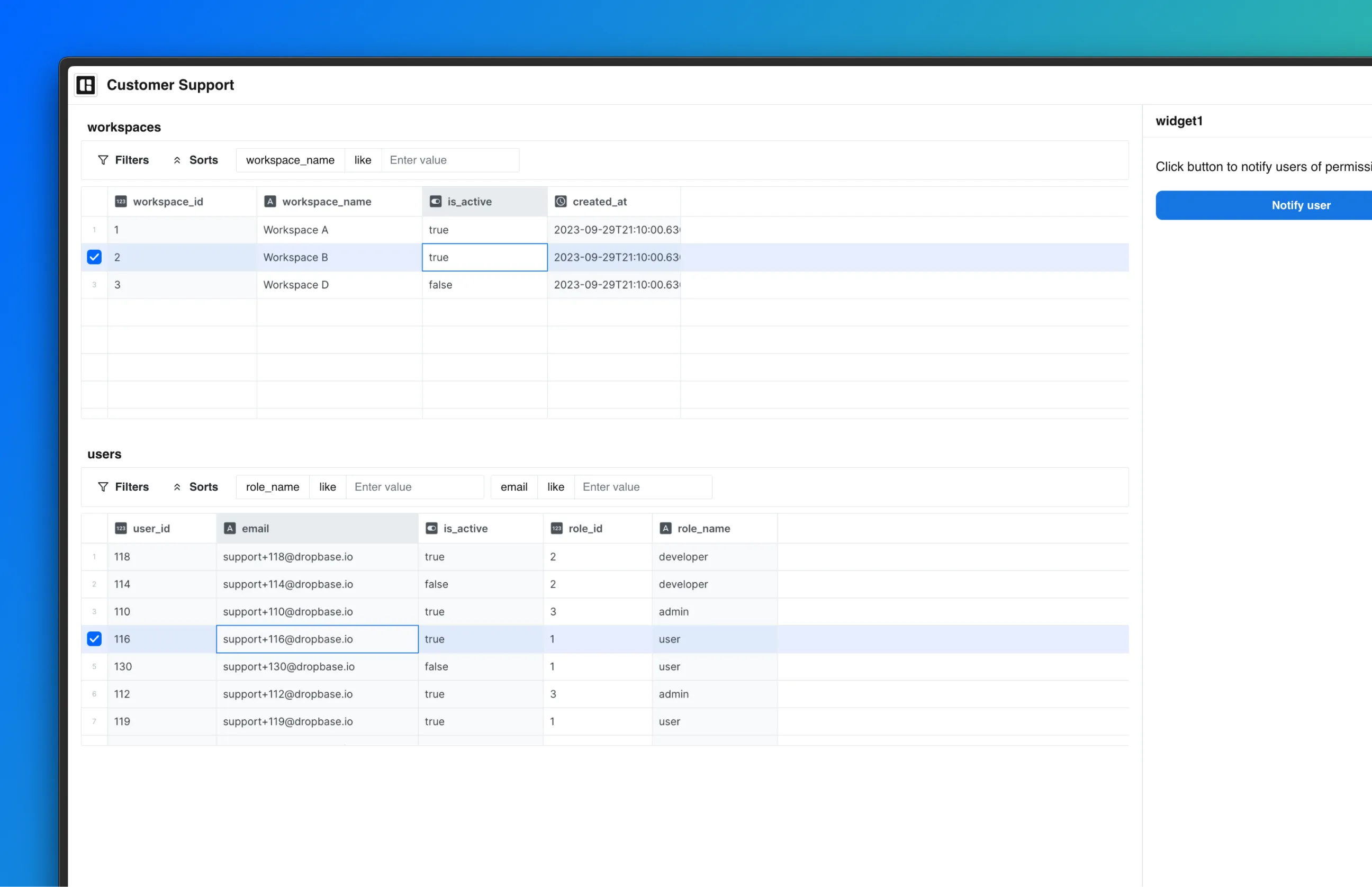
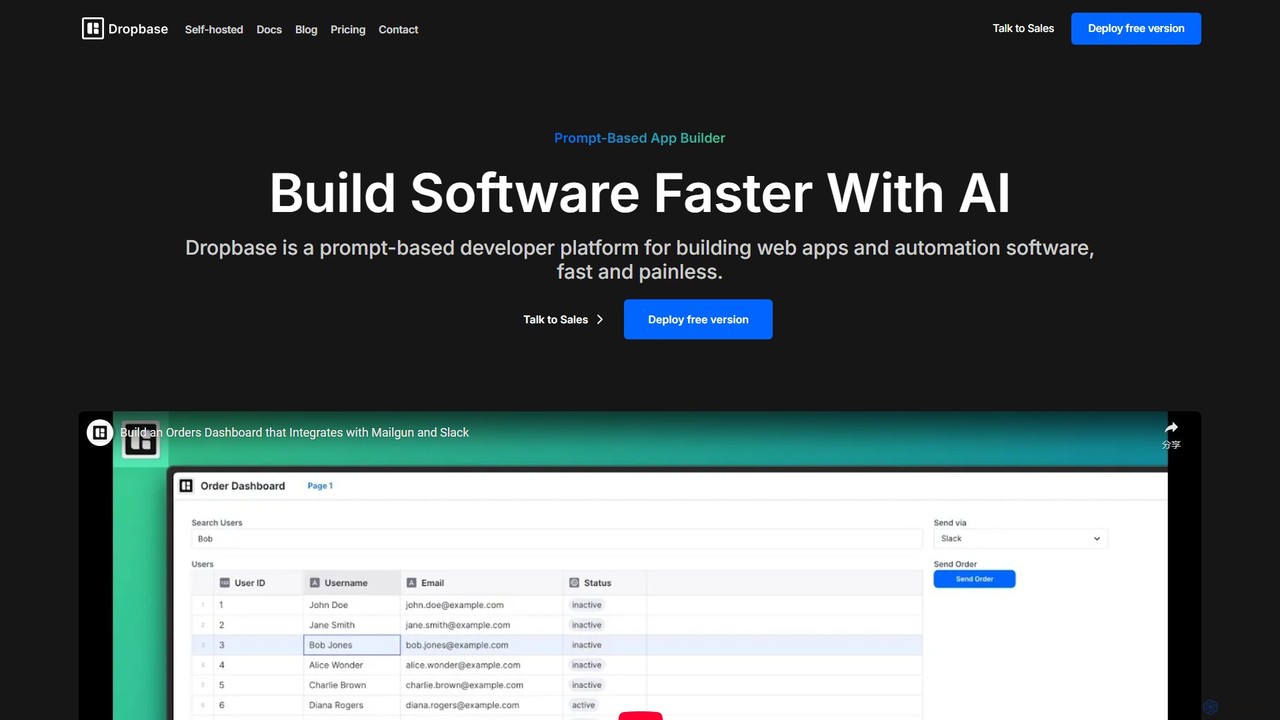
Dropbase is an AI-powered, prompt-based application builder designed for Python developers. It enables the rapid creation of internal tools, admin panels, and database editors directly within your existing codebase. By leveraging AI for code generation and providing essential UI components, Dropbase accelerates development, offers full Python flexibility, and ensures security with self-hosting options.

Preview

Refine Product overview

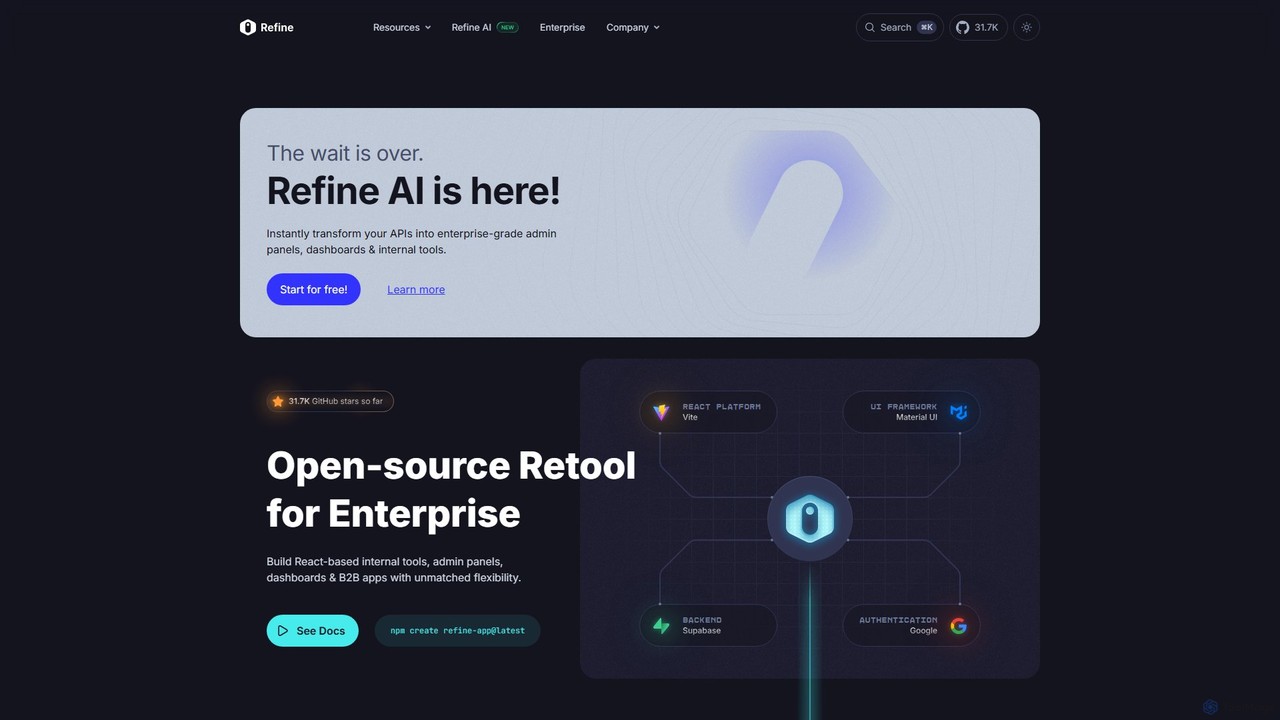
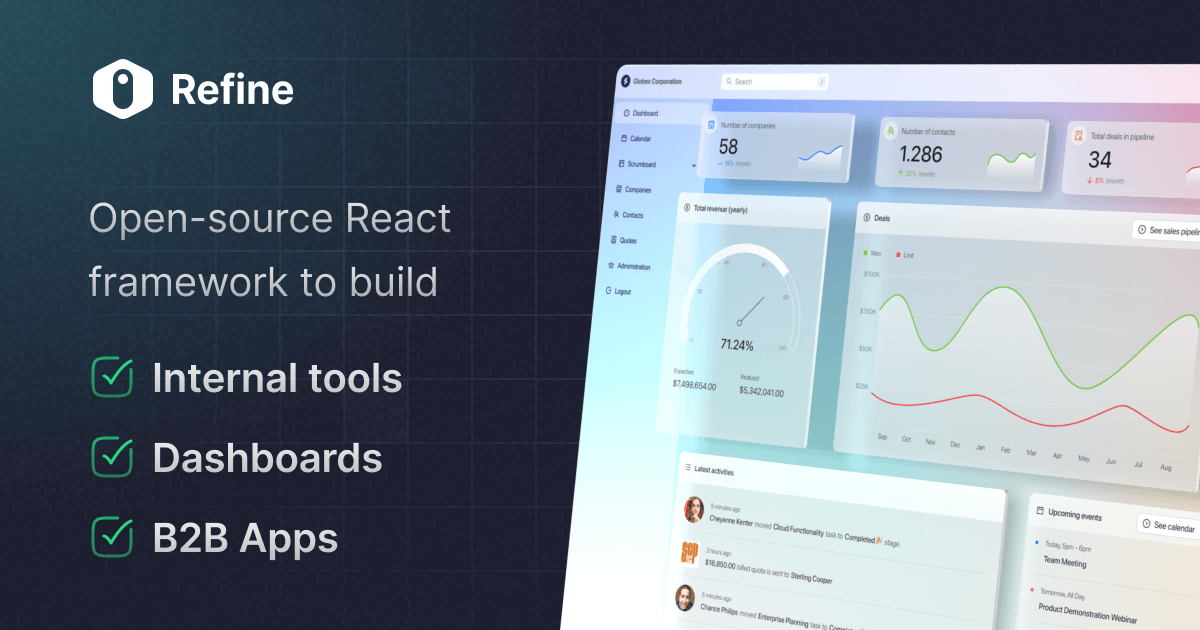
Refine is an open-source, React-based framework for rapidly building enterprise-grade internal tools, admin panels, dashboards, and B2B applications. It combines the speed of low-code solutions with the flexibility of full-code development, featuring an AI-powered generator to instantly create applications from APIs.

Preview

Quick facts

Compare product focus, pricing models and audiences. Highlighted rows indicate different listed information; unknown pricing does not mean free.

Dropbase VS Refine — Quick facts
Quick factsDropbaseRefine
Pricing modelFreemiumFreemium
Product typeWebWeb
Primary focusDatabaseInternal Tools
Audience and rolesNo data availableNo data available
CategoriesDatabase · Low Code No Code · Web App · Internal ToolsInternal Tools · Low Code No Code · Developer Tools
AddedAug 14, 2025Aug 13, 2025
UpdatedNov 19, 2026Nov 19, 2026

Features, usage and use cases

Explore the listed product descriptions, features and workflows. Taxonomy labels alone are not feature evaluations.

Dropbase

Dropbase is a revolutionary platform designed to accelerate software development, particularly for internal tools, by leveraging the power of Artificial Intelligence. It positions itself as a prompt-based app builder specifically tailored for Python developers. The core philosophy of Dropbase is to integrate seamlessly into a developer's existing workflow and codebase, allowing them to build, debug, and deploy applications faster than ever before. It eliminates the traditional complexities of frontend development and state management, enabling developers to focus solely on backend logic using Python.

The platform operates on the principle of AI-driven code generation. Developers can use natural language prompts to describe the functionality they need, and Dropbase's AI Studio generates the corresponding code. This code can then be previewed, edited, and refined, giving developers full control while significantly speeding up the initial development process. By living directly within your Python codebase, Dropbase allows for the reuse of existing functions, APIs, and ORM models, promoting code consistency and reducing redundant work.

How to use Dropbase

Using Dropbase is a developer-centric experience designed for efficiency. The process typically follows these steps:

  1. Setup and Integration: Start by integrating Dropbase into your existing Python project. As a self-hostable solution, you can deploy it within your own infrastructure (VPC) for maximum security and control.
  2. Connect Data Sources: Connect to your databases, such as PostgreSQL, or any internal or external REST API. This allows your applications to interact with your existing data and services.
  3. Use the AI Studio: Open the AI Studio, the central hub for development. Here, you can write prompts to generate application logic and UI. For example, you could prompt: "Create a table to display users from the Postgres DB and add a button to deactivate a user."
  4. Write and Debug Python Code: While the AI generates code, you have full flexibility to write custom Python functions. You can leverage popular libraries like numpy and pandas for complex data manipulation. The integrated environment allows for writing, debugging, and previewing the application in one place.
  5. Build the UI: Dropbase provides a comprehensive set of pre-built UI components (tables, buttons, forms, charts, etc.). The platform handles the client-server state synchronization, so you don't need to write any React or other frontend framework code.
  6. Deploy: Once your application is ready, you can deploy it. Dropbase is designed to work with existing CI/CD pipelines, making the deployment process smooth and familiar for development teams.

Core Features of Dropbase

  • AI Studio: An integrated development environment where you can write, debug, and preview your applications using AI-powered, prompt-based code generation.
  • All Python Backend: Build your entire application, including complex logic, using only Python. This provides full code flexibility and access to the rich Python ecosystem, including libraries like numpy and pandas.
  • Lives in Your Codebase: Seamlessly integrates with your existing codebase, allowing you to reuse functions, APIs, and ORM models, ensuring consistency and saving time.
  • Self-Hosted & Dev-Friendly: Can be self-hosted in your own VPC for maximum security. It works with your existing CI/CD and development workflows.
  • Synced State Management: Automatically handles the state synchronization between the client and server, removing the need for frontend state management libraries like React.
  • Rich UI Component Library: Offers all the essential UI components needed to build professional-grade internal software, such as admin panels and data editors.
  • Database and API Integrations: Natively connects to PostgreSQL and any REST API, whether internal or external.

Use Cases for Dropbase

Dropbase is ideal for a variety of internal application development scenarios:

  • Admin Panels: Quickly build powerful admin panels for managing users, orders, content, and other application data.
  • Database Editors: Create custom, user-friendly SQL data editors for databases like PostgreSQL, empowering operations teams to interact with data safely and efficiently without direct database access.
  • Internal Tools: Develop custom tools for operations, support, and marketing teams to automate manual workflows, manage data, and visualize metrics.
  • Rapid Prototyping: Build and test functional prototypes of applications in a fraction of the time it would take with traditional methods.
  • Migration from Other Platforms: Serve as a powerful alternative for teams migrating from other internal tool builders like Retool or Airplane.dev, especially for those who prefer a Python-native environment.

Advantages of Dropbase

Dropbase offers significant advantages for development teams:

  • Speed: The AI-powered, prompt-based approach dramatically reduces development time from weeks to hours.
  • Developer-Centric: Built by developers, for developers. It respects existing workflows and provides the flexibility of writing pure Python code.
  • Security and Control: The self-hosting option ensures that your data and applications remain within your secure infrastructure. Enterprise features include audit logs, granular permissions, and SAML/SSO.
  • Cost-Effective: By simplifying the development stack and reducing development time, Dropbase lowers the overall cost of building and maintaining internal applications.
  • No Frontend Expertise Required: Developers can build full-stack applications without needing to be experts in frontend technologies like JavaScript or React.

Pricing and Plans

Dropbase offers a freemium pricing model with two main tiers:

  • Free Plan: This plan is ideal for individual developers and founders getting started. It is self-hosted and costs $0 per user/month. It includes the AI Studio and the ability to build unlimited apps.
  • Enterprise Plan: Designed for larger organizations that require advanced security, control, and support. This plan is also self-hosted and includes all features of the Free plan, plus unlimited users, audit logs, granular permissions, self-hosting in your VPC, SAML/SSO integration, source control, a dedicated Customer Success Manager (CSM), and an SLA. Pricing for the Enterprise plan is available upon request by contacting the sales team.

Refine

Refine is a comprehensive, open-source, React-based framework designed to streamline and accelerate the development of data-intensive web applications. It serves as an ideal solution for building admin panels, internal tools, dashboards, and B2B applications with unparalleled flexibility. Positioned as the 'sweet spot between low-code and full-code,' Refine offers the rapid development speed of drag-and-drop tools at the project's outset, while providing the infinite scalability and control of traditional coding for long-term complexity.

The core philosophy of Refine is to eliminate repetitive coding for common tasks such as CRUD (Create, Read, Update, Delete) operations, state management, authentication, and authorization. It achieves this through a headless architecture, meaning it is unopinionated about UI libraries, backend services, or routing, giving developers complete freedom to choose their preferred technology stack. Recently, Refine introduced 'Refine AI,' a powerful feature that can instantly transform your existing APIs into fully functional, enterprise-grade admin panels and dashboards, significantly reducing development time.

How to use Refine

Getting started with Refine is designed to be quick and intuitive. Developers can bootstrap a new project in seconds using either a CLI command or a browser-based scaffolder.

  1. Scaffolding a Project: Run the command npm create refine-app@latest in your terminal. This will launch an interactive wizard that guides you through selecting your project configuration, including your preferred React platform (like Next.js or Vite), UI framework (Ant Design, Material UI, Chakra UI, etc.), backend data provider (Supabase, Strapi, REST API, GraphQL), and authentication method.
  2. Connecting to Data: Once the project is set up, you connect it to your data source. Refine provides out-of-the-box data providers for over 15 services, as well as generic providers for any REST or GraphQL API.
  3. Building the UI: Utilize Refine's powerful hooks (e.g., useList, useForm, useTable) to fetch data and build your user interface. These hooks are designed to work seamlessly with your chosen UI library, automatically handling loading states, errors, and data management.
  4. Implementing Features: Add core functionalities like authentication, authorization, and routing using Refine's dedicated providers and components. This abstracts away complex logic, allowing you to focus on your application's unique features.
  5. Using Refine AI: For maximum speed, you can use Refine AI to automatically generate views and components by simply pointing it to your API endpoint.

Core Features of Refine

  • Refine AI: Instantly generates enterprise-grade admin panels and dashboards from your APIs, automating the initial development process.
  • Headless Architecture: Complete freedom to choose your UI framework, data source, and other tools without vendor lock-in. You always have 100% control over your code.
  • Extensive Integrations: Native support for 15+ backend services including Supabase, Airtable, Strapi, NestJS, and Hasura, as well as popular UI libraries like Ant Design, Material UI, Mantine, and Chakra UI.
  • Automated CRUD Operations: A rich set of hooks and components that simplify data fetching, state management, and mutations for CRUD functionalities.
  • Enterprise-Grade Security: Built-in support for authentication (Okta, Azure AD, Google Cloud Identity), authorization models (ACL, RBAC, ABAC), and audit logging.
  • Self-Hosting Capability: Deploy your application on your own infrastructure to maintain full control over compliance, security, and performance.
  • Developer-Friendly Tooling: Includes a powerful CLI, browser-based project scaffolder, and comprehensive documentation to enhance productivity.
  • Strong Community & Open Source: Backed by a vibrant community, Y Combinator, and thousands of stars on GitHub, ensuring continuous improvement and support.

Use Cases for Refine

Refine is versatile and can be used to build a wide range of applications:

  • Internal Tools: Create custom applications for internal teams like customer support portals, inventory management systems, and operational dashboards.
  • Admin Panels: Build powerful and intuitive admin panels for managing users, content, and application settings for any web or mobile app.
  • B2B SaaS Applications: Develop complex, multi-tenant B2B applications with robust authentication and fine-grained access control.
  • Data Dashboards: Construct real-time monitoring and analytics dashboards to visualize key business metrics.
  • Specific Applications: The framework is well-suited for building CRM applications, e-commerce backends, HR management platforms, and DevOps dashboards.

Advantages of Refine

Refine offers a distinct advantage over both pure low-code platforms and traditional from-scratch development. It accelerates development without sacrificing flexibility or control. Developers can start quickly with pre-built components and automated logic, but can also dive into the 100% pure React code at any time to implement custom logic or complex features. This approach avoids the 'black box' problem of many platforms and prevents developers from hitting a complexity wall. Its open-source nature and strong enterprise focus on security and self-hosting make it a reliable choice for organizations of all sizes.

Pricing and Plans

Refine operates on a freemium model. The core framework is completely free and open-source, available to everyone. For larger organizations and enterprises with more advanced needs, Refine offers a paid Enterprise Edition. This edition includes priority support, training, consulting, and advanced features such as a dedicated Okta Auth Provider, Devtools, and multitenancy solutions.

Positioning

Their taxonomy shows where the products overlap and where each one has a more distinct focus. Unknown fields are shown explicitly and are never filled with assumptions.

Categories

Shared
Low Code No Code
Only Dropbase
DatabaseWeb AppInternal Tools
Only Refine
Internal ToolsDeveloper Tools

Tags

Shared
admin paneldeveloper toolsinternal toolslow-code
Only Dropbase
AI code generationapp builderdatabase editorpostgrespythonself-hosted
Only Refine
APIB2B appsCRUDdashboardframeworkfull-codejavascriptopen sourcereact

Audience and roles

Shared
No listed items
Only Dropbase
No listed items
Only Refine
No listed items

Traffic comparison

Traffic is shown on the same scale so differences in market visibility are not visually understated.

How to interpret the traffic data

Both charts share the same months and vertical scale. Each tool identifies its latest reporting month; missing months are left blank, not counted as zero. Regional and source visit counts are estimates calculated from the reported shares.

Dropbase

No data available

Refine monthly traffic:

Latest traffic · 2026-05

Monthly visits
269.4K
Avg. visit duration
0:48
Pages per visit
2.48
Bounce rate
41.25%
Data updated 2026-06-15

Monthly traffic trend

  • 2025-09: 385.8K
  • 2026-01: 385.5K
  • 2026-02: 299.1K
  • 2026-03: 301.9K
  • 2026-04: 275.7K
  • 2026-05: 269.4K

Top regions

Top 5 countries/regions
Country/regionPercentageEstimated visits
🇺🇸United States25.94%69.9K
🇮🇳India25.16%67.8K
🇻🇳Vietnam16.66%44.9K
🇬🇧United Kingdom16.61%44.8K
🇧🇷Brazil15.63%42.1K

Traffic sources

Source typePercentageEstimated visits
Direct81.53%219.7K
Referral16.72%45K
Email1.75%4.7K

Search keywords

framer motiongithub alternativeslovable airefinerefine framework

Community signals

Ratings, comments, favorites, and likes are community signals—not a substitute for product fit.

Dropbase

Rating
No data available
Comments
0
Favorites
196
Likes
197

Refine

Rating
No data available
Comments
0
Favorites
170
Likes
190

Dropbase vs Refine · Comparison FAQ

What do Dropbase and Refine have in common?
Both tools are listed under Low Code No Code. These categories indicate overlapping use cases; compare their detailed descriptions for workflows, capabilities and limitations.
Are Dropbase and Refine free?
Listed pricing models: Dropbase — Freemium; Refine — Freemium. Missing pricing is not proof of a free plan, and freemium does not mean every feature is free. Check official sites for current plans, limits and trials.
How should I choose between Dropbase and Refine?
The primary listed category is Database for Dropbase, and Internal Tools for Refine. Compare features, steps and use cases, then verify pricing, data permissions and deployment needs. This page does not include hands-on testing and does not declare a winner from traffic or tags.

Sources and comparison methodology

This page is assembled from ToolMage product listings, taxonomy, traffic statistics and on-site user feedback. It is not a hands-on test or an independent review.
  • Feature and plan descriptions reflect information in the listings, not real-time guarantees. Verify pricing, quotas, availability and privacy terms on the official sites.
  • Traffic uses the reporting months shown. Missing statistics do not mean zero visits, and different periods do not establish growth or superiority. Regional and source visit counts are estimates based on shares.
  • Different tags indicate differences in the listings, not proof that the other product lacks a capability. Ratings, favorites and visits are not used to declare a winner.

Related comparisons