ToolMage
Sign in

AI TOOL COMPARISON

Dropbase vs UI Bakery

What is the difference, and which fits your workflow? Compare features, usage, pricing models and traffic side by side.

Jump to key differences

Product overview

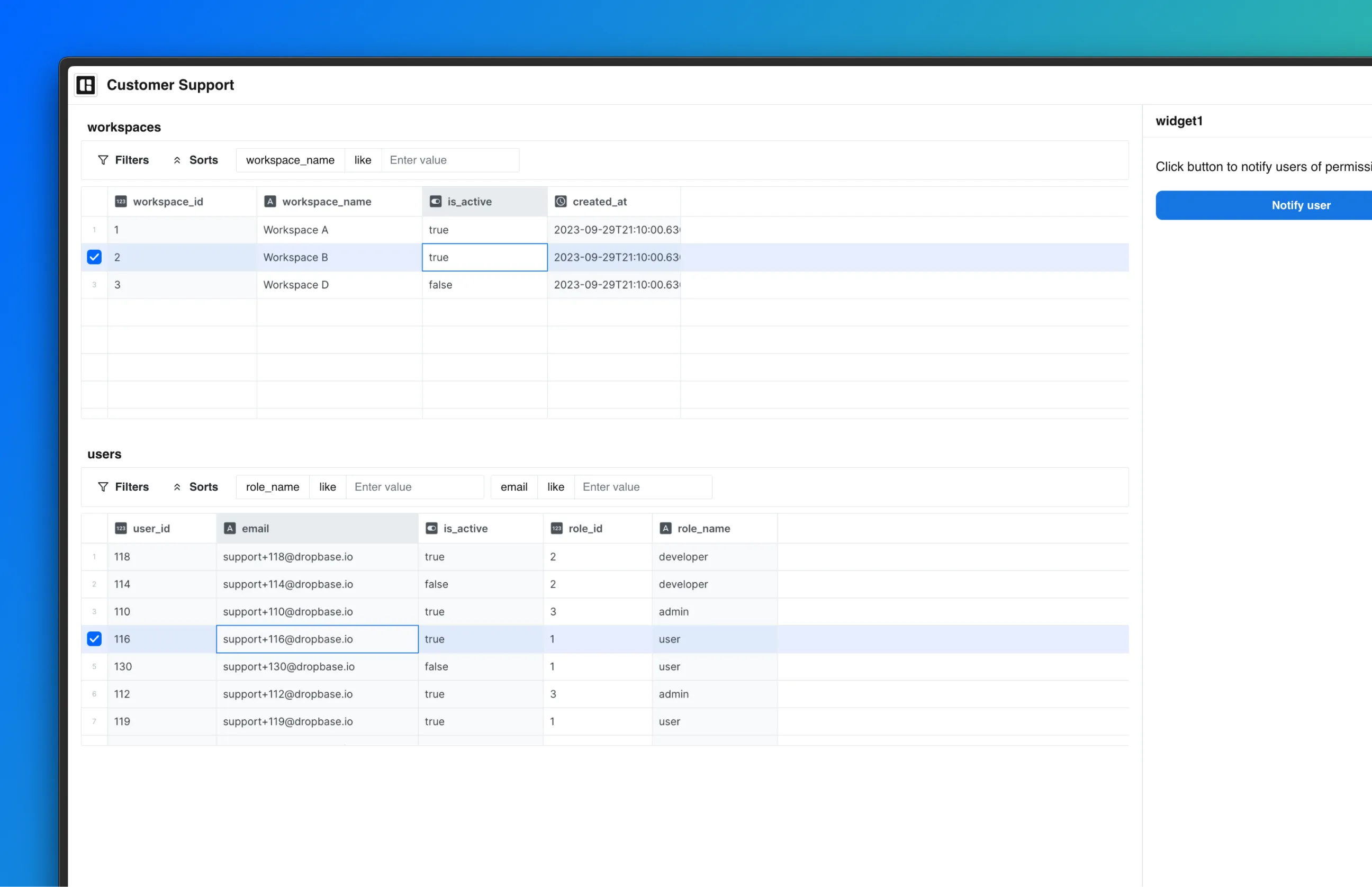
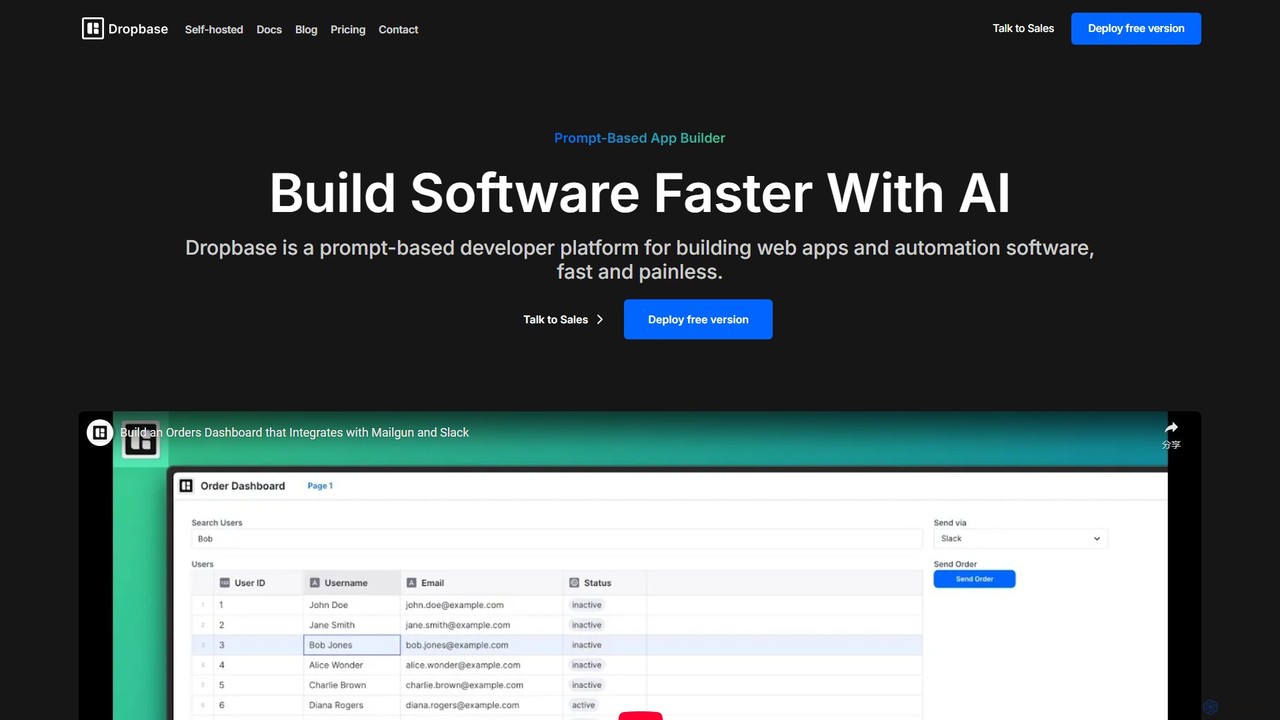
Dropbase Product overview

Dropbase is an AI-powered, prompt-based application builder designed for Python developers. It enables the rapid creation of internal tools, admin panels, and database editors directly within your existing codebase. By leveraging AI for code generation and providing essential UI components, Dropbase accelerates development, offers full Python flexibility, and ensures security with self-hosting options.

Preview

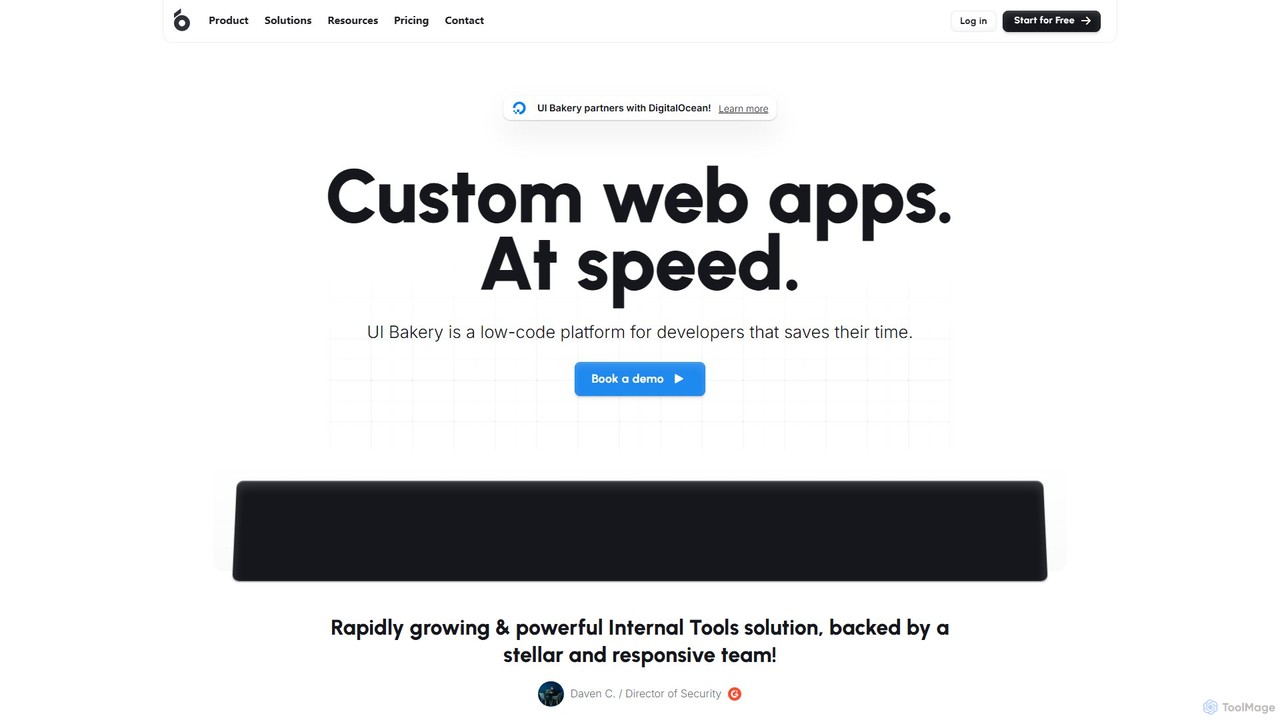
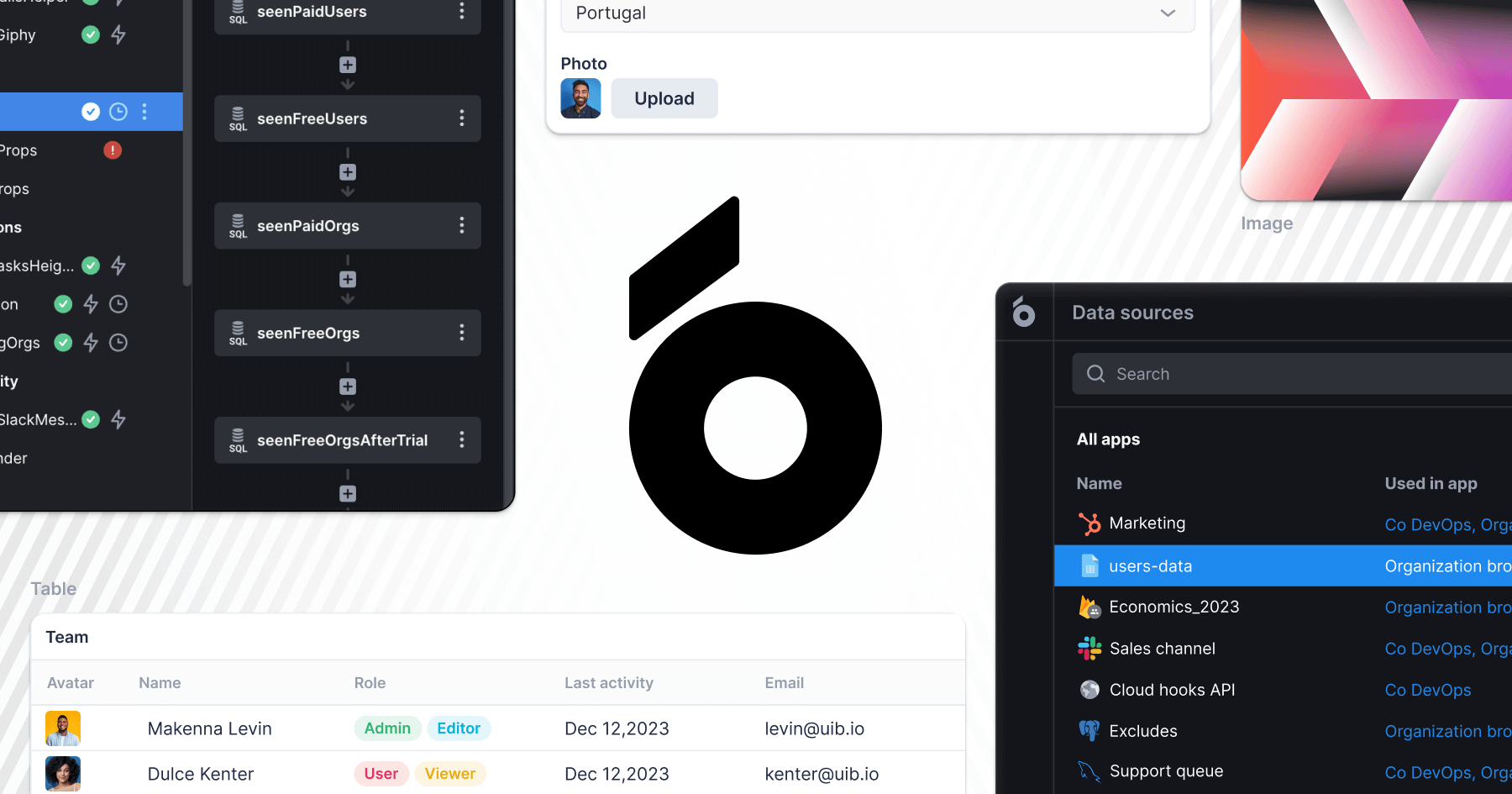
UI Bakery Product overview

UI Bakery is a developer-focused low-code platform for rapidly building internal tools, admin panels, and customer portals. It features a drag-and-drop UI builder, extensive data integrations, AI-powered app generation, and robust Git version control to accelerate the entire development lifecycle.

Preview

Quick facts

Compare product focus, pricing models and audiences. Highlighted rows indicate different listed information; unknown pricing does not mean free.

Dropbase VS UI Bakery — Quick facts
Quick factsDropbaseUI Bakery
Pricing modelFreemiumFreemium
Product typeWebWeb
Primary focusDatabaseCrm
Audience and rolesNo data availableNo data available
CategoriesDatabase · Low Code No Code · Web App · Internal ToolsCrm · Low Code No Code · Web App · Internal Tools
AddedAug 14, 2025Aug 7, 2025
UpdatedNov 19, 2026Nov 19, 2026

Features, usage and use cases

Explore the listed product descriptions, features and workflows. Taxonomy labels alone are not feature evaluations.

Dropbase

Dropbase is a revolutionary platform designed to accelerate software development, particularly for internal tools, by leveraging the power of Artificial Intelligence. It positions itself as a prompt-based app builder specifically tailored for Python developers. The core philosophy of Dropbase is to integrate seamlessly into a developer's existing workflow and codebase, allowing them to build, debug, and deploy applications faster than ever before. It eliminates the traditional complexities of frontend development and state management, enabling developers to focus solely on backend logic using Python.

The platform operates on the principle of AI-driven code generation. Developers can use natural language prompts to describe the functionality they need, and Dropbase's AI Studio generates the corresponding code. This code can then be previewed, edited, and refined, giving developers full control while significantly speeding up the initial development process. By living directly within your Python codebase, Dropbase allows for the reuse of existing functions, APIs, and ORM models, promoting code consistency and reducing redundant work.

How to use Dropbase

Using Dropbase is a developer-centric experience designed for efficiency. The process typically follows these steps:

  1. Setup and Integration: Start by integrating Dropbase into your existing Python project. As a self-hostable solution, you can deploy it within your own infrastructure (VPC) for maximum security and control.
  2. Connect Data Sources: Connect to your databases, such as PostgreSQL, or any internal or external REST API. This allows your applications to interact with your existing data and services.
  3. Use the AI Studio: Open the AI Studio, the central hub for development. Here, you can write prompts to generate application logic and UI. For example, you could prompt: "Create a table to display users from the Postgres DB and add a button to deactivate a user."
  4. Write and Debug Python Code: While the AI generates code, you have full flexibility to write custom Python functions. You can leverage popular libraries like numpy and pandas for complex data manipulation. The integrated environment allows for writing, debugging, and previewing the application in one place.
  5. Build the UI: Dropbase provides a comprehensive set of pre-built UI components (tables, buttons, forms, charts, etc.). The platform handles the client-server state synchronization, so you don't need to write any React or other frontend framework code.
  6. Deploy: Once your application is ready, you can deploy it. Dropbase is designed to work with existing CI/CD pipelines, making the deployment process smooth and familiar for development teams.

Core Features of Dropbase

  • AI Studio: An integrated development environment where you can write, debug, and preview your applications using AI-powered, prompt-based code generation.
  • All Python Backend: Build your entire application, including complex logic, using only Python. This provides full code flexibility and access to the rich Python ecosystem, including libraries like numpy and pandas.
  • Lives in Your Codebase: Seamlessly integrates with your existing codebase, allowing you to reuse functions, APIs, and ORM models, ensuring consistency and saving time.
  • Self-Hosted & Dev-Friendly: Can be self-hosted in your own VPC for maximum security. It works with your existing CI/CD and development workflows.
  • Synced State Management: Automatically handles the state synchronization between the client and server, removing the need for frontend state management libraries like React.
  • Rich UI Component Library: Offers all the essential UI components needed to build professional-grade internal software, such as admin panels and data editors.
  • Database and API Integrations: Natively connects to PostgreSQL and any REST API, whether internal or external.

Use Cases for Dropbase

Dropbase is ideal for a variety of internal application development scenarios:

  • Admin Panels: Quickly build powerful admin panels for managing users, orders, content, and other application data.
  • Database Editors: Create custom, user-friendly SQL data editors for databases like PostgreSQL, empowering operations teams to interact with data safely and efficiently without direct database access.
  • Internal Tools: Develop custom tools for operations, support, and marketing teams to automate manual workflows, manage data, and visualize metrics.
  • Rapid Prototyping: Build and test functional prototypes of applications in a fraction of the time it would take with traditional methods.
  • Migration from Other Platforms: Serve as a powerful alternative for teams migrating from other internal tool builders like Retool or Airplane.dev, especially for those who prefer a Python-native environment.

Advantages of Dropbase

Dropbase offers significant advantages for development teams:

  • Speed: The AI-powered, prompt-based approach dramatically reduces development time from weeks to hours.
  • Developer-Centric: Built by developers, for developers. It respects existing workflows and provides the flexibility of writing pure Python code.
  • Security and Control: The self-hosting option ensures that your data and applications remain within your secure infrastructure. Enterprise features include audit logs, granular permissions, and SAML/SSO.
  • Cost-Effective: By simplifying the development stack and reducing development time, Dropbase lowers the overall cost of building and maintaining internal applications.
  • No Frontend Expertise Required: Developers can build full-stack applications without needing to be experts in frontend technologies like JavaScript or React.

Pricing and Plans

Dropbase offers a freemium pricing model with two main tiers:

  • Free Plan: This plan is ideal for individual developers and founders getting started. It is self-hosted and costs $0 per user/month. It includes the AI Studio and the ability to build unlimited apps.
  • Enterprise Plan: Designed for larger organizations that require advanced security, control, and support. This plan is also self-hosted and includes all features of the Free plan, plus unlimited users, audit logs, granular permissions, self-hosting in your VPC, SAML/SSO integration, source control, a dedicated Customer Success Manager (CSM), and an SLA. Pricing for the Enterprise plan is available upon request by contacting the sales team.

UI Bakery

UI Bakery is a powerful and flexible low-code platform designed by developers, for developers. It significantly accelerates the process of building custom web applications such as internal tools, admin panels, customer portals, and dashboards. The platform's core philosophy is to combine the speed of low-code development with the power and flexibility that professional developers require, eliminating repetitive tasks and allowing teams to focus on business logic.

Originating from a team with a strong background in open-source projects like ngx-admin and Nebular, UI Bakery has evolved into a comprehensive solution that caters to a wide range of business needs, from startups to large enterprises. It offers both cloud-hosted and self-hosted (on-premise) deployment options, ensuring data security and compliance with specific organizational requirements. Recently, the platform has integrated powerful AI capabilities, including an AI App Generator, to further streamline the development process.

How to use UI Bakery

Developing an application with UI Bakery follows a straightforward, multi-stage process:

  1. Connect Your Data: Start by connecting to your data sources. UI Bakery provides over 30 native integrations, including SQL databases (PostgreSQL, MySQL, etc.), NoSQL databases, any REST or GraphQL API, and various third-party services.
  2. Build the User Interface: Utilize the intuitive drag-and-drop UI builder. Choose from a library of over 75 pre-built, responsive components like tables, forms, charts, and containers to design complex interfaces without writing CSS or JavaScript frameworks from scratch.
  3. Define Business Logic: Implement application logic using a hybrid approach. Use UI Bakery's visual action builder for common CRUD operations, conditional logic, and data iteration. For more complex requirements, write custom JavaScript or Python code directly within the platform.
  4. Leverage AI Features: Accelerate development with the AI App Generator, which creates functional applications from text prompts based on your data structure. Use built-in AI actions for tasks like text summarization, classification, and data extraction.
  5. Version Control and Collaborate: Integrate your project with a Git repository (like GitHub or GitLab). This enables Gitflow-style branching, parallel development, version history tracking, and seamless synchronization between different instances.
  6. Deploy and Manage: Deploy your application to end-users with a single click. Manage user access with granular roles and permissions, and publish updates to different environments (e.g., development, staging, production) effortlessly.

Core Features of UI Bakery

  • Drag-and-Drop UI Builder: A library of 75+ responsive components to build interfaces for desktop and mobile.
  • Extensive Data Integrations: Natively connect to 30+ databases, APIs (REST, OpenAPI, GraphQL), and third-party services.
  • AI-Powered Development: Includes an AI App Generator, AI-driven actions, AI UI components (like chat), and an AI Assistant for debugging and code generation.
  • Code & No-Code Logic: Visually build business logic and extend it with custom JavaScript or Python code for maximum flexibility.
  • Git Version Control: Full Git integration for branching, collaboration, and maintaining a version history.
  • One-Click Deployment: Instantly ship applications and updates to users across different environments.
  • Flexible Deployment: Choose between a fully managed Cloud version or a Self-hosted (on-premise) option for full data control.
  • Security and Permissions: Advanced security features including custom user roles, audit logs, and SSO integration (SAML, OpenID).

Use Cases for UI Bakery

UI Bakery is ideal for a variety of applications, including:

  • Internal Tools: Build custom tools for operations, support, and marketing teams to manage workflows and internal processes.
  • Admin Panels: Create powerful and intuitive admin interfaces for managing application data, users, and settings.
  • Customer Portals: Develop secure portals for customers to access their data, manage their accounts, and interact with your services.
  • Dashboards: Aggregate data from multiple sources to build real-time dashboards for monitoring KPIs and business performance.
  • Rapid Prototyping: Quickly build and iterate on functional prototypes to validate ideas with stakeholders before committing to full-scale development.

Advantages of UI Bakery

UI Bakery offers a significant competitive edge by providing a solution that is both fast and powerful. It boosts development velocity at every stage, from UI design to deployment. The platform is highly flexible, allowing developers to drop down to code whenever necessary, avoiding the limitations of typical no-code tools. Its predictable pricing model, robust security features (including SOC 2 compliance and on-premise deployment), and highly-rated customer support make it a reliable choice for businesses of all sizes.

Pricing and Plans

UI Bakery offers a freemium model with both Cloud and Self-hosted options, designed to scale with your business.

  • Free Plan: Ideal for individuals and small projects, offering unlimited apps, up to 5 users, and access to core features including AI capabilities.
  • Standard Plan: For growing teams, this plan adds support for more than 5 users, user roles, release history, and online support. Priced per user and per developer.
  • Business Plan: Adds advanced features like public apps, custom themes, custom user roles, and audit logs. Includes a 'Business UNLIM' option for a fixed monthly price for unlimited end-users.
  • Enterprise Plan: A custom plan for large organizations with specific needs, offering Git version control, embedded apps, a dedicated VM, custom SSO, and dedicated support.

Both monthly and annual billing options are available, with a 20% discount for annual subscriptions.

Positioning

Their taxonomy shows where the products overlap and where each one has a more distinct focus. Unknown fields are shown explicitly and are never filled with assumptions.

Categories

Shared
Low Code No CodeWeb AppInternal Tools
Only Dropbase
Database
Only UI Bakery
Crm

Tags

Shared
admin panelapp builderdeveloper toolsinternal toolslow-code
Only Dropbase
AI code generationdatabase editorpostgrespythonself-hosted
Only UI Bakery
ai app generatorcustomer portaldashboarddatabase GUIno-codeweb application

Audience and roles

Shared
No listed items
Only Dropbase
No listed items
Only UI Bakery
No listed items

Traffic comparison

Traffic is shown on the same scale so differences in market visibility are not visually understated.

How to interpret the traffic data

Both charts share the same months and vertical scale. Each tool identifies its latest reporting month; missing months are left blank, not counted as zero. Regional and source visit counts are estimates calculated from the reported shares.

Dropbase

No data available

UI Bakery monthly traffic:

Latest traffic · 2026-05

Monthly visits
321.4K
Avg. visit duration
0:40
Pages per visit
1.88
Bounce rate
43.6%
Data updated 2026-06-15

Monthly traffic trend

  • 2025-09: 365.6K
  • 2026-01: 432.3K
  • 2026-02: 375.5K
  • 2026-03: 368.2K
  • 2026-04: 313.8K
  • 2026-05: 321.4K

Top regions

Top 5 countries/regions
Country/regionPercentageEstimated visits
🇻🇳Vietnam32.99%106K
🇺🇸United States28.12%90.4K
🇹🇭Thailand13.94%44.8K
🇮🇳India13.04%41.9K
🇮🇩Indonesia11.91%38.3K

Traffic sources

Source typePercentageEstimated visits
Direct74.49%239.4K
Referral17.15%55.1K
Email8.36%26.9K

Search keywords

codex pricingcodex usagecursor ailovable aisupabase pricing

Community signals

Ratings, comments, favorites, and likes are community signals—not a substitute for product fit.

Dropbase

Rating
No data available
Comments
0
Favorites
196
Likes
197

UI Bakery

Rating
No data available
Comments
0
Favorites
207
Likes
182

Dropbase vs UI Bakery · Comparison FAQ

What do Dropbase and UI Bakery have in common?
Both tools are listed under Low Code No Code、Web App、Internal Tools. These categories indicate overlapping use cases; compare their detailed descriptions for workflows, capabilities and limitations.
Are Dropbase and UI Bakery free?
Listed pricing models: Dropbase — Freemium; UI Bakery — Freemium. Missing pricing is not proof of a free plan, and freemium does not mean every feature is free. Check official sites for current plans, limits and trials.
How should I choose between Dropbase and UI Bakery?
The primary listed category is Database for Dropbase, and Crm for UI Bakery. Compare features, steps and use cases, then verify pricing, data permissions and deployment needs. This page does not include hands-on testing and does not declare a winner from traffic or tags.

Sources and comparison methodology

This page is assembled from ToolMage product listings, taxonomy, traffic statistics and on-site user feedback. It is not a hands-on test or an independent review.
  • Feature and plan descriptions reflect information in the listings, not real-time guarantees. Verify pricing, quotas, availability and privacy terms on the official sites.
  • Traffic uses the reporting months shown. Missing statistics do not mean zero visits, and different periods do not establish growth or superiority. Regional and source visit counts are estimates based on shares.
  • Different tags indicate differences in the listings, not proof that the other product lacks a capability. Ratings, favorites and visits are not used to declare a winner.

Related comparisons