Excel Bot
Finance
AI TOOL COMPARISON
What is the difference, and which fits your workflow? Compare features, usage, pricing models and traffic side by side.
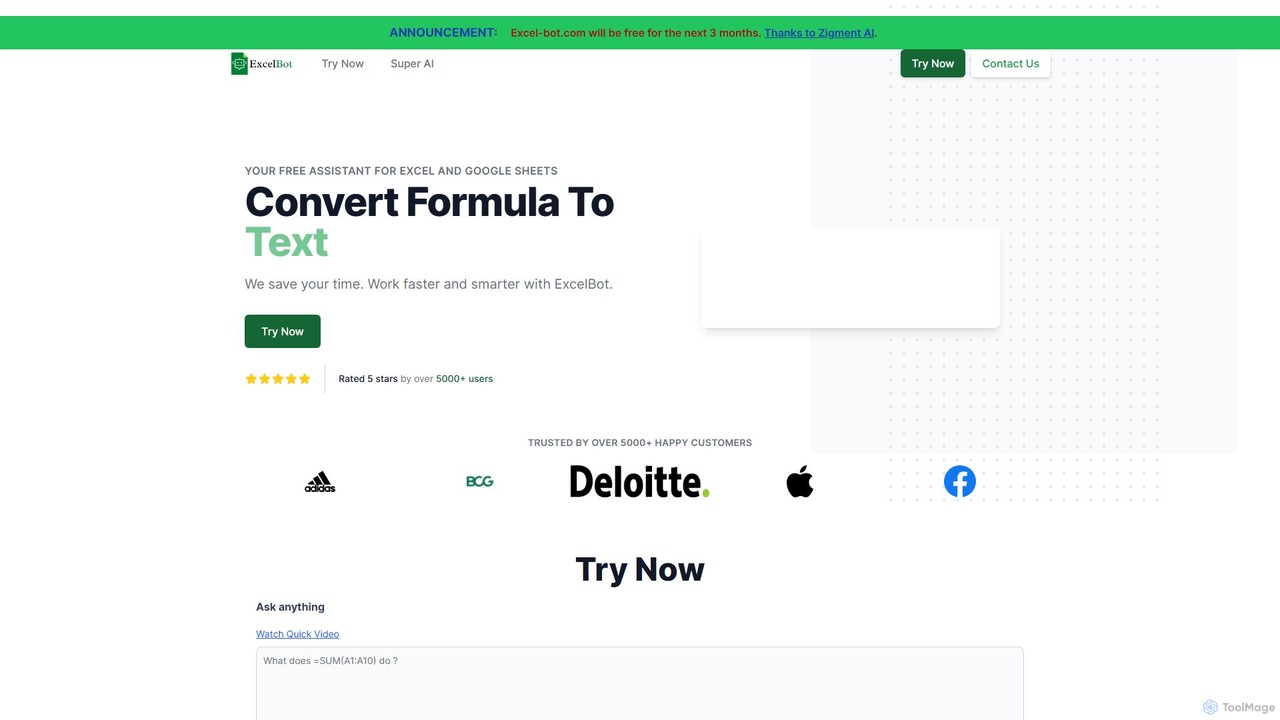
Excel Bot is an AI-powered assistant for Microsoft Excel and Google Sheets. It converts your plain text instructions into complex formulas instantly, saving you time and reducing errors. Simply describe what you need, and the AI generates the correct formula for you.
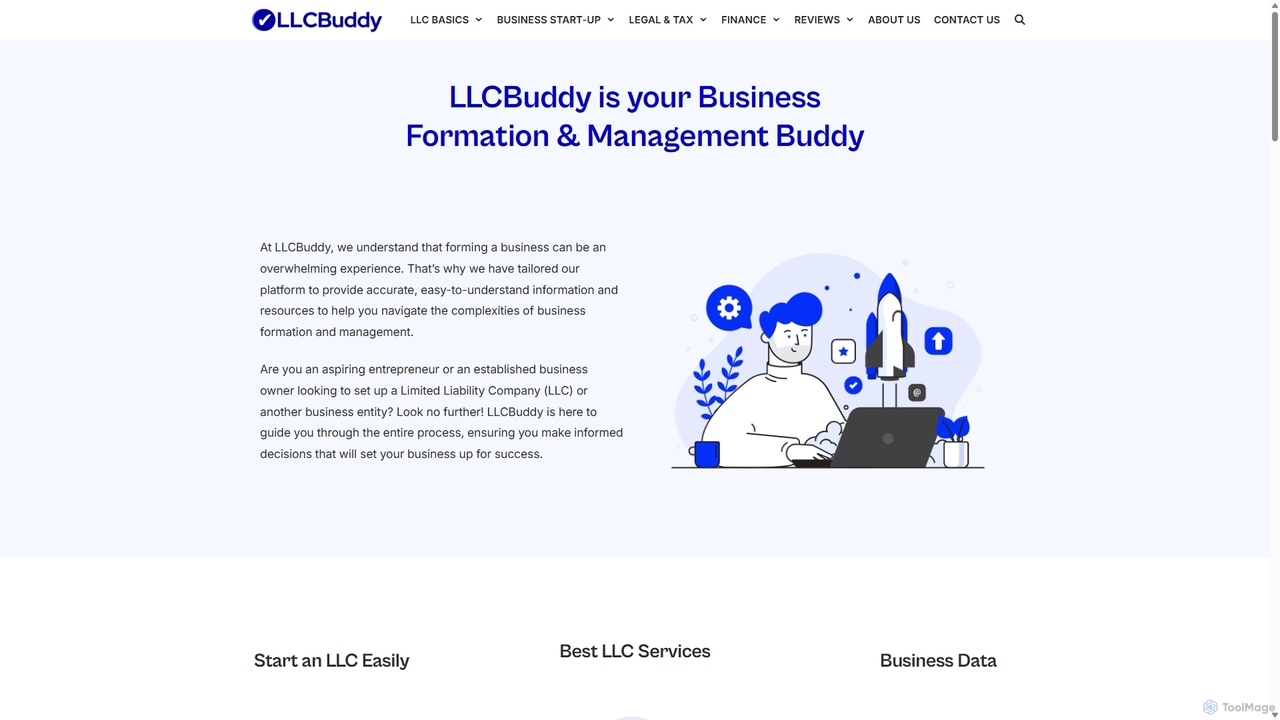
Sheetplus is an AI-powered toolkit designed to supercharge your spreadsheet experience in Google Sheets and Excel. By leveraging natural language, it allows users to generate complex formulas, clean and analyze data, automate tasks, and extract insights without writing code. It acts as an intelligent assistant, making data management faster, more intuitive, and accessible to everyone, regardless of their technical expertise.
Compare product focus, pricing models and audiences. Highlighted rows indicate different listed information; unknown pricing does not mean free.
| Quick facts | Excel Bot | Sheetplus |
|---|---|---|
| Pricing model | Freemium | Freemium |
| Product type | Web | Web |
| Primary focus | Finance | Automation |
| Audience and roles | No data available | Accountant · Business Owner · Data Analyst · Financial Analyst · Marketing Manager · Operations Manager · Project Manager · Researcher · Sales Representative · Student |
| Categories | Finance · No Code · Spreadsheets | Automation · No Code · Spreadsheets |
| Added | Aug 11, 2025 | Sep 12, 2025 |
| Updated | Nov 19, 2026 | Nov 19, 2026 |
Explore the listed product descriptions, features and workflows. Taxonomy labels alone are not feature evaluations.
Excel Bot is a powerful AI assistant designed to streamline your workflow in both Microsoft Excel and Google Sheets. It acts as your personal spreadsheet expert, capable of understanding natural language and converting your text-based requests into accurate, ready-to-use formulas. This eliminates the tedious process of searching for the right function syntax or debugging complex formulas, allowing users of all skill levels to work faster and smarter. Whether you're a financial analyst, a marketer, a student, or a small business owner, Excel Bot empowers you to harness the full potential of your spreadsheets without needing to be a formula guru.
The tool is built by Zigment AI and trusted by thousands of users, aiming to enhance productivity by making spreadsheet operations more intuitive. It's not just about generating formulas; it's about breaking down the barriers between your ideas and their execution in a spreadsheet environment. The platform also offers custom AI solutions for businesses, providing tailored automation for sales, marketing, and other operations.
Using Excel Bot is designed to be incredibly simple and intuitive. Follow these steps to get started:
Excel Bot is versatile and can be applied across various professional and personal scenarios:
The main advantage of Excel Bot is its ability to democratize data analysis. It saves a significant amount of time that would otherwise be spent on searching for functions and debugging. It reduces the likelihood of human error in formula creation, leading to more accurate data. Furthermore, it serves as an excellent learning tool, helping users understand the structure of various formulas by seeing them generated from a simple description. Its support for both Excel and Google Sheets makes it a flexible tool for any environment.
Excel Bot offers a straightforward pricing structure:
This model allows individual users and small teams to leverage the power of the formula generator at no cost, while larger organizations can opt for comprehensive, paid automation solutions.
Sheetplus is a revolutionary AI-powered assistant designed to transform the way you work with spreadsheets like Google Sheets and Excel. It eliminates the steep learning curve and tedious manual processes associated with complex data tasks. By integrating directly into your spreadsheet environment, Sheetplus allows you to communicate your needs in plain English and watch as it executes them instantly. Whether you're a data analyst, a marketing manager, or a small business owner, Sheetplus empowers you to unlock the full potential of your data with unprecedented ease and efficiency.
Using Sheetplus is designed to be simple and intuitive, seamlessly integrating into your existing workflow. Here’s a typical step-by-step guide:
Sheetplus is versatile and can be applied across numerous professional domains:
Integrating Sheetplus into your workflow provides significant benefits:
Sheetplus typically offers a freemium model to allow users to experience its power:
Their taxonomy shows where the products overlap and where each one has a more distinct focus. Unknown fields are shown explicitly and are never filled with assumptions.
Traffic is shown on the same scale so differences in market visibility are not visually understated.
Both charts share the same months and vertical scale. Each tool identifies its latest reporting month; missing months are left blank, not counted as zero. Regional and source visit counts are estimates calculated from the reported shares.
| Country/region | Percentage | Estimated visits |
|---|---|---|
| 🇹🇷Turkey | 100% | 82 |
Ratings, comments, favorites, and likes are community signals—not a substitute for product fit.
This page is assembled from ToolMage product listings, taxonomy, traffic statistics and on-site user feedback. It is not a hands-on test or an independent review.