Frontender
Design To Code
AI TOOL COMPARISON
What is the difference, and which fits your workflow? Compare features, usage, pricing models and traffic side by side.
Design To Code
Design To Code
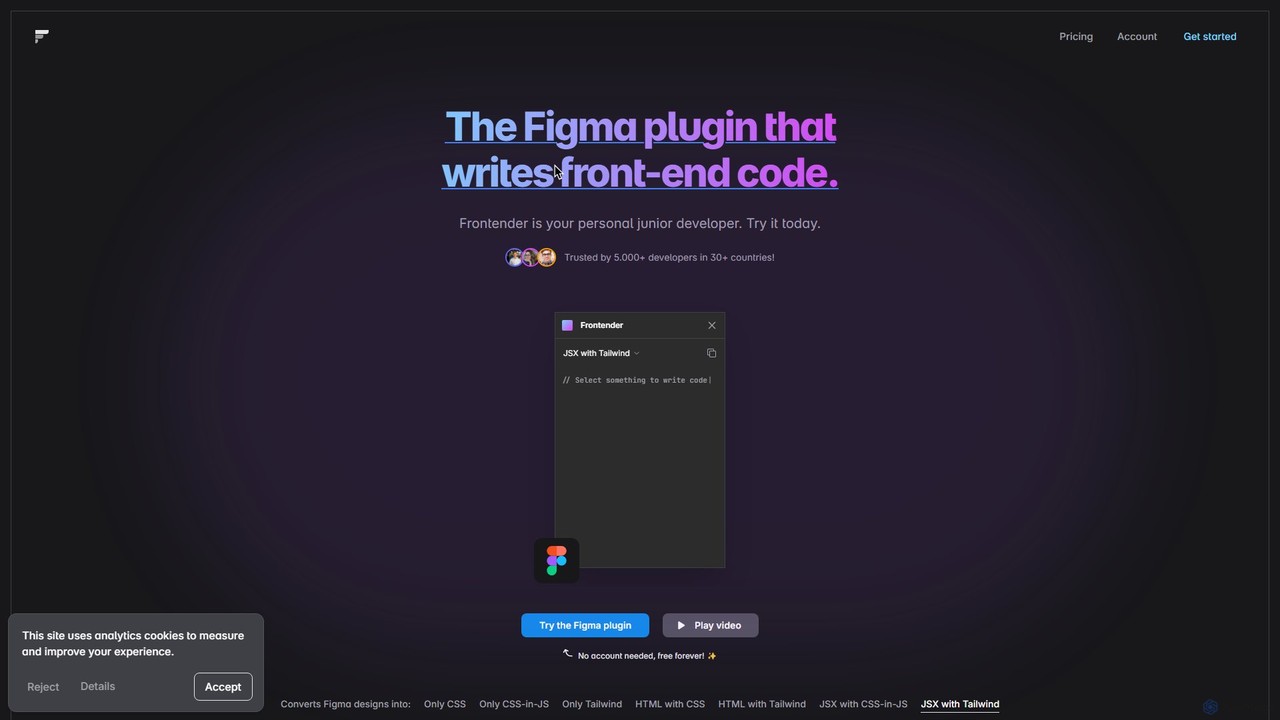
A powerful Figma plugin that acts as your personal junior developer, instantly converting Figma designs into clean, production-ready front-end code. It supports HTML, JSX, CSS, CSS-in-JS, and Tailwind CSS, and works seamlessly with frameworks like React, Vue, and Svelte, even with messy design files.
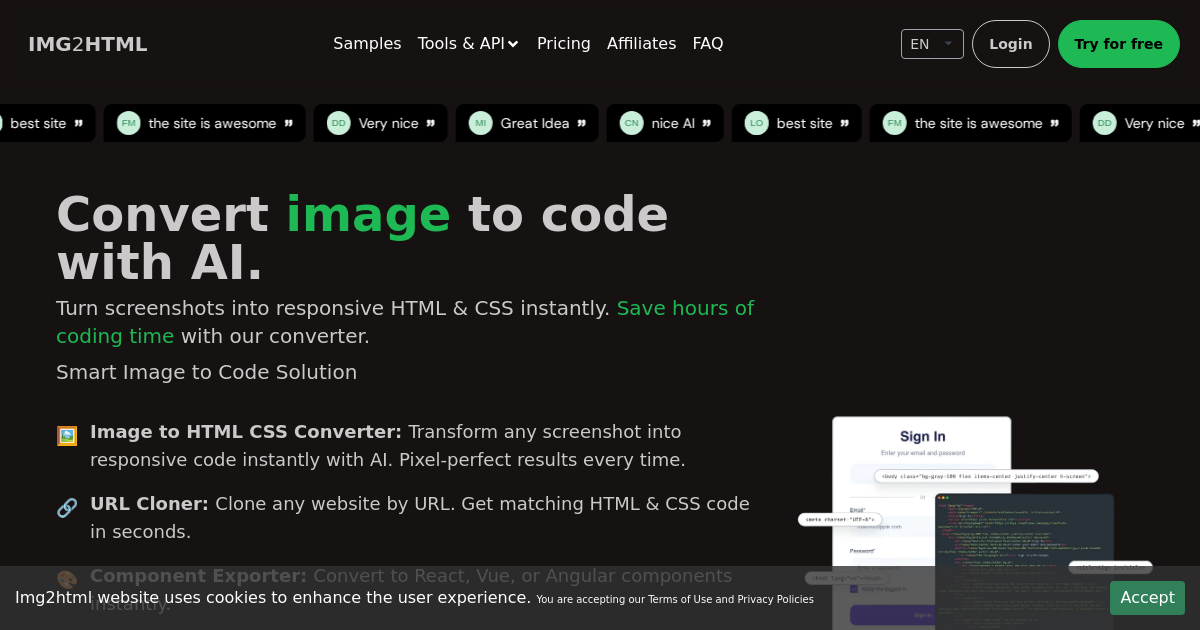
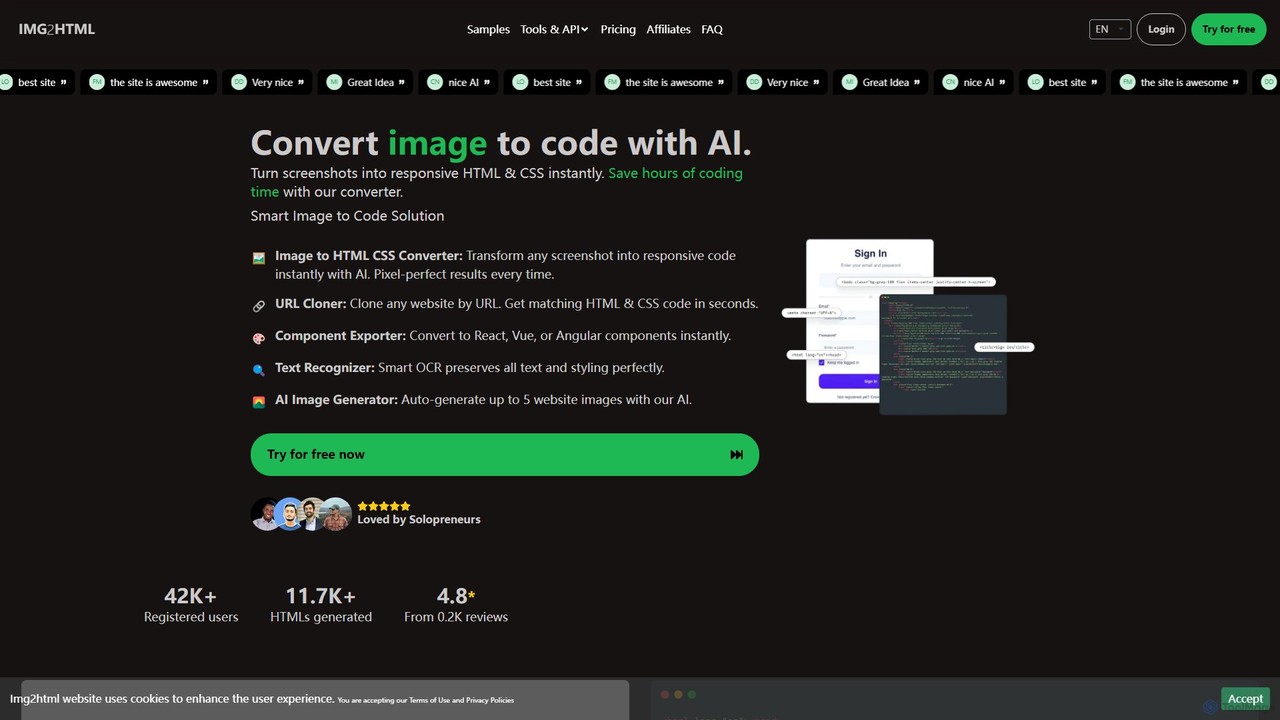
img2html is an AI-powered tool that instantly converts images, screenshots, and design mockups into clean, responsive HTML, CSS, and modern framework code like React, Vue, and Angular. It streamlines the front-end development workflow, saving developers hours of manual coding.
Compare product focus, pricing models and audiences. Highlighted rows indicate different listed information; unknown pricing does not mean free.
| Quick facts | Frontender | img2html |
|---|---|---|
| Pricing model | Freemium | Freemium |
| Product type | Extensions | Web |
| Primary focus | Design To Code | Design To Code |
| Audience and roles | No data available | No data available |
| Categories | Design To Code · Code Assistant · Workflow Automation | Design To Code · Code Assistant · Automation |
| Added | Aug 9, 2025 | Aug 12, 2025 |
| Updated | Nov 19, 2026 | Nov 19, 2026 |
Explore the listed product descriptions, features and workflows. Taxonomy labels alone are not feature evaluations.
Frontender is a revolutionary Figma plugin designed to dramatically accelerate the front-end development workflow. It functions as an intelligent assistant, or a 'personal junior developer', that translates your Figma designs directly into high-quality, usable code. Trusted by thousands of developers worldwide, Frontender bridges the gap between design and implementation, allowing for a more streamlined and efficient development process.
The core capability of Frontender is its ability to analyze any selected layer or group of layers within a Figma file and generate corresponding front-end code in various formats. This eliminates the tedious and time-consuming task of manually writing code from a design mockup, freeing up developers to focus on more complex logic and functionality. The tool is engineered to be highly intelligent, capable of understanding design hierarchy, element order, and visual meaning even from disorganized or 'messy' Figma files that don't rely on strict autolayout or perfectly structured layers.
Using Frontender is designed to be incredibly straightforward and intuitive, integrating directly into your existing Figma workflow. There's no need for an external application or complex setup. The process is as follows:
Frontender is a versatile tool for various professionals and scenarios:
The primary advantage of Frontender is its massive boost to productivity. It automates a significant portion of the front-end coding process, allowing developers to be more efficient. The code it generates is praised for its accuracy, closely matching the Figma design. Its flexibility in handling messy files and supporting custom configurations makes it a practical tool for real-world projects, not just idealized design files. Furthermore, its generous free tier makes it accessible to individual developers, students, and hobbyists, while the professional plan offers unlimited power for serious development work.
Frontender operates on a freemium model, providing options for both casual users and professionals.
img2html is a revolutionary AI-powered platform designed to dramatically accelerate the web development process. It serves as a bridge between visual design and functional code, allowing developers, designers, and solopreneurs to transform any image, screenshot, or design mockup into high-quality, production-ready code in seconds. By leveraging advanced AI algorithms, img2html analyzes the visual structure, elements, text, and styles of an image and generates clean, semantic, and responsive HTML and CSS. It also offers robust support for modern front-end frameworks, making it an indispensable tool for contemporary web projects.
Beyond simple image-to-code conversion, img2html provides a comprehensive suite of tools to enhance productivity. Its URL Cloner can replicate the front-end of any existing website, providing a solid foundation for redesigns or analysis. The platform's AI HTML Editor allows for real-time code adjustments, while the integrated AI Image Generator can create placeholder or final images for a website design, further streamlining the creative process.
Using img2html is designed to be an intuitive and straightforward process: 1. **Upload or Input:** Start by dragging and dropping your design image (e.g., a JPEG, PNG) or screenshot onto the platform. Alternatively, you can paste a URL to clone an existing website's design. 2. **AI Conversion:** The AI engine automatically processes the input. It identifies different sections, text (using OCR), images, and styling to generate the corresponding code structure. 3. **Review and Edit:** The generated HTML and CSS code is displayed in an interactive editor. You can preview the result, make live edits to the code, and see the changes reflected instantly. 4. **Export:** Once satisfied, you can export the code. Options include plain HTML with CSS, integration with Tailwind CSS, or as components for popular JavaScript frameworks like React, Vue, and AngularJS. The Chrome Extension also allows you to capture and convert parts of any website directly from your browser.
img2html is a versatile tool suitable for a wide range of professionals and tasks: Front-End Developers can automate the tedious process of writing boilerplate code from design mockups, freeing up time to focus on logic and functionality. Web Designers can quickly turn their static designs from tools like Figma or Adobe XD into live, interactive web prototypes to present to clients. Marketing Teams can rapidly create landing pages and promotional sites without deep coding knowledge. Solopreneurs and Startups can build their web presence faster and more affordably. E-commerce businesses can quickly generate code for product pages or marketing banners from a simple design image.
img2html stands out in the market with several key advantages. Its primary benefit is the immense time savings, converting designs to code up to 5x faster than manual methods. The platform boasts a 99.9% code accuracy rate, producing clean, semantic, and responsive code that requires minimal refactoring. Unlike basic converters, it offers comprehensive support for modern technologies like React, Vue, Angular, and Tailwind CSS, making it a truly professional-grade tool. The all-in-one ecosystem, including the URL cloner, AI editor, and API, provides a complete solution for the entire front-end development lifecycle, not just a single conversion task.
img2html operates on a flexible freemium and credit-based system, allowing users to pay only for what they use. New users can start with a 3-day free trial to test the platform's capabilities. The core of the pricing is the credit system, where 1 image-to-HTML conversion costs 1 credit. Credit packages are available in various sizes, such as 40, 200, and 500 credits. The recommended 'PLUS' plan, for example, offers 200 credits for $29.99. Purchasing credits unlocks all premium features, including API access, the Chrome Extension, URL cloning, AI image generation, and exporting to frameworks. For continuous users, unused credits roll over as long as the subscription is active. The platform offers both monthly and yearly payment options, with a 20% discount on annual plans.
Their taxonomy shows where the products overlap and where each one has a more distinct focus. Unknown fields are shown explicitly and are never filled with assumptions.
Traffic is shown on the same scale so differences in market visibility are not visually understated.
Both charts share the same months and vertical scale. Each tool identifies its latest reporting month; missing months are left blank, not counted as zero. Regional and source visit counts are estimates calculated from the reported shares.
| Country/region | Percentage | Estimated visits |
|---|---|---|
| 🇷🇺Russia | 100% | 939 |
| Country/region | Percentage | Estimated visits |
|---|---|---|
| 🇺🇸United States | 49.74% | 11.9K |
| 🇮🇳India | 20.55% | 4.9K |
| 🇷🇺Russia | 10.32% | 2.5K |
| 🇨🇴Colombia | 10.02% | 2.4K |
| 🇧🇷Brazil | 9.37% | 2.2K |
Ratings, comments, favorites, and likes are community signals—not a substitute for product fit.
This page is assembled from ToolMage product listings, taxonomy, traffic statistics and on-site user feedback. It is not a hands-on test or an independent review.