ToolMage
Sign in

AI TOOL COMPARISON

GitBrain vs how2terminal

What is the difference, and which fits your workflow? Compare features, usage, pricing models and traffic side by side.

Jump to key differences

Product overview

GitBrain Product overview

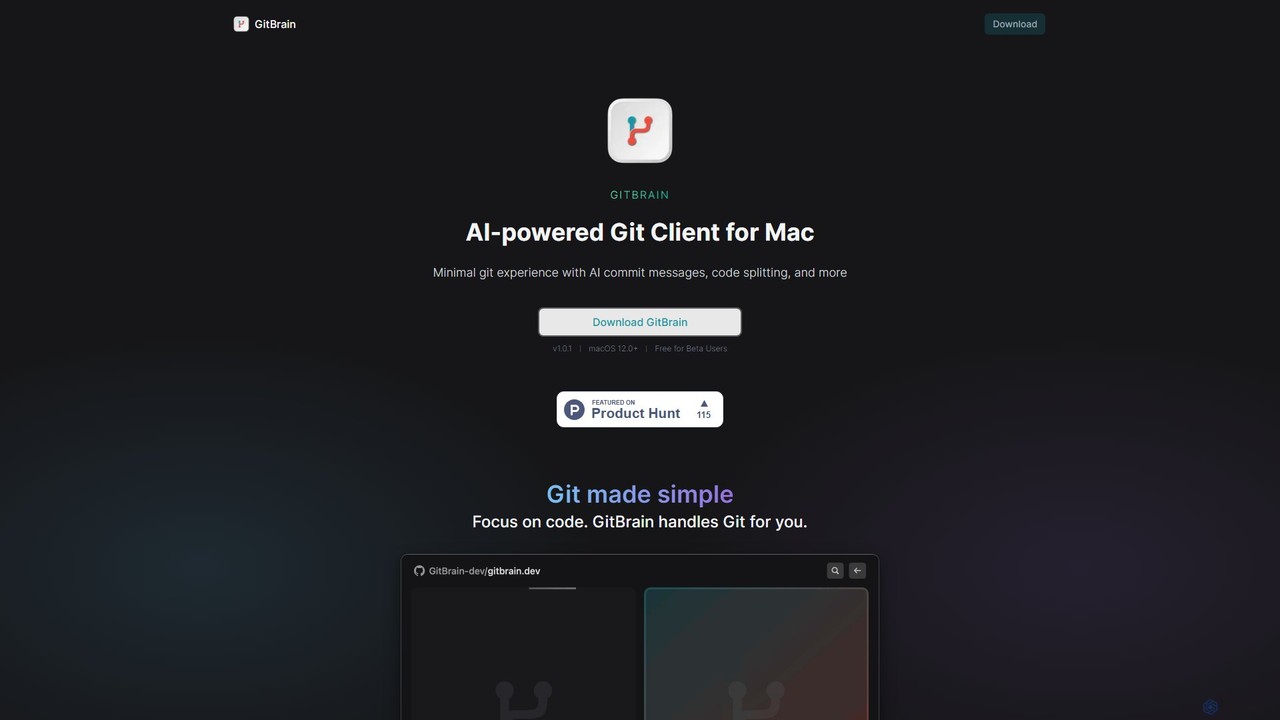
GitBrain is an AI-powered Git client for Mac designed to streamline your workflow. It automatically splits code changes into logical commits, generates clear commit messages, and provides AI-powered code summaries for self-review. With a native macOS interface, IDE integration, and a keyboard-first design, GitBrain simplifies Git management, allowing developers to focus on coding.

Preview

how2terminal Product overview

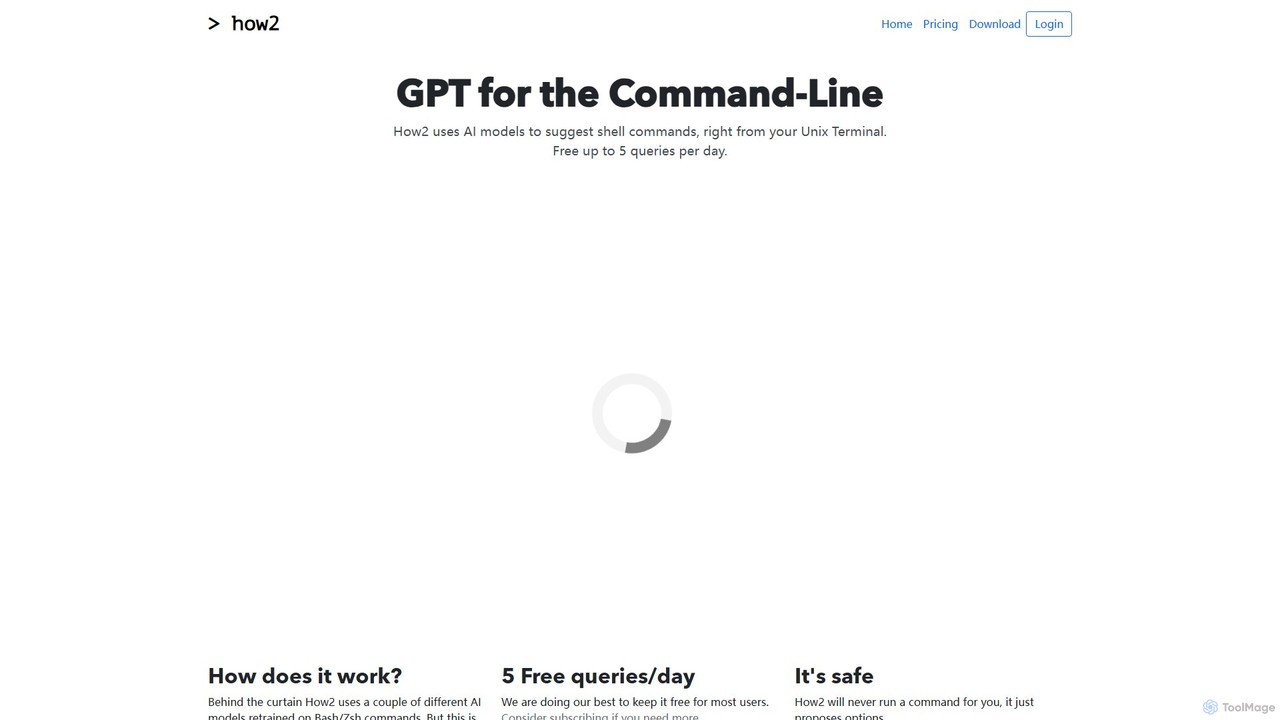
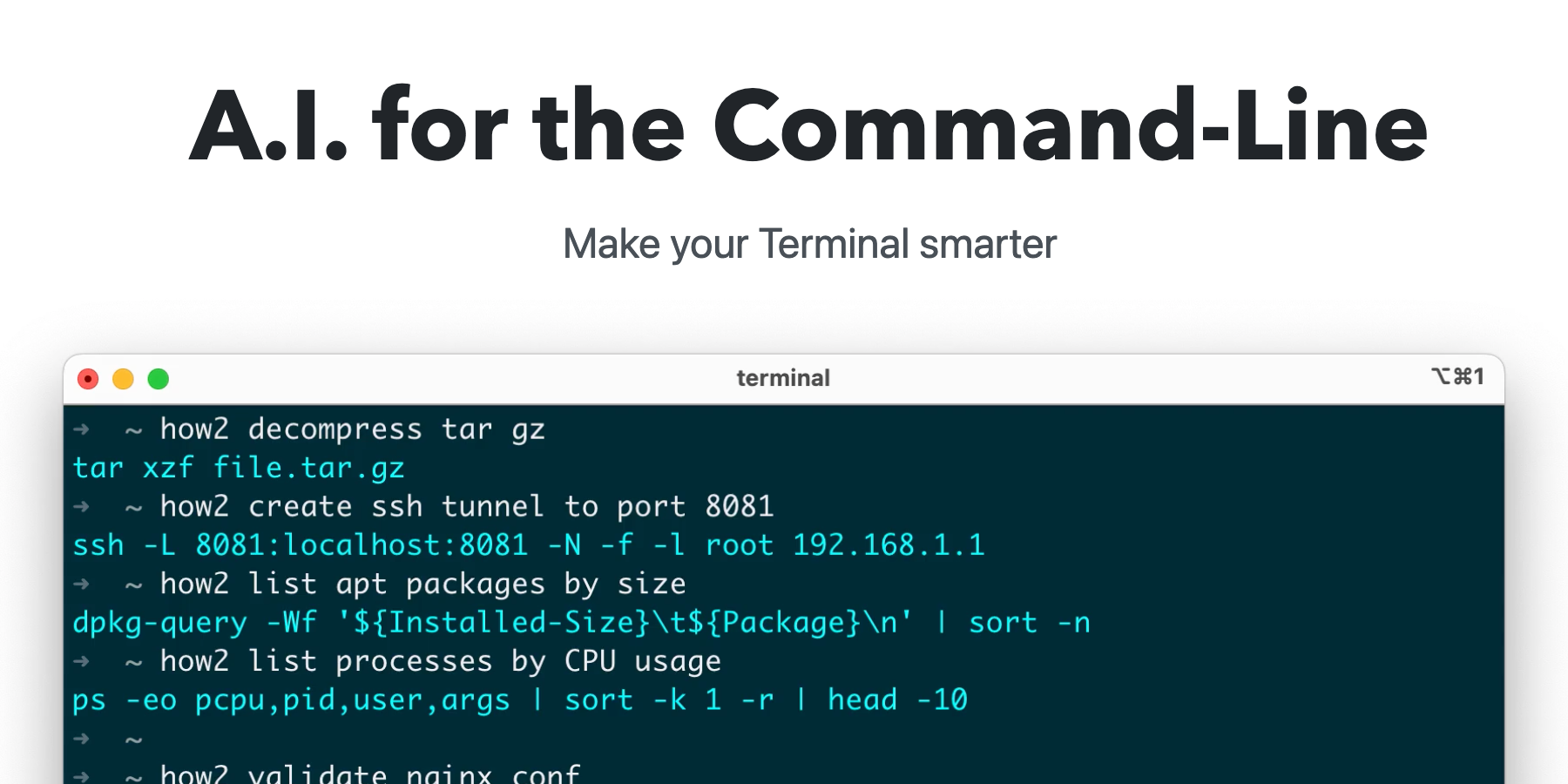
how2terminal is an AI-powered command-line tool that translates natural language queries into shell commands. It works directly in your Unix or PowerShell terminal, suggesting commands for Bash, Zsh, and more, helping developers and sysadmins boost productivity and learn new commands without leaving their workflow.

Preview

Quick facts

Compare product focus, pricing models and audiences. Highlighted rows indicate different listed information; unknown pricing does not mean free.

GitBrain VS how2terminal — Quick facts
Quick factsGitBrainhow2terminal
Pricing modelFreemiumFreemium
Product typeAppApp
Primary focusCode AssistantCode Assistant
Audience and rolesNo data availableNo data available
CategoriesCode Assistant · Version Control · AutomationCode Assistant · Command Line · Automation
AddedAug 5, 2025Aug 5, 2025
UpdatedNov 19, 2026Nov 19, 2026

Features, usage and use cases

Explore the listed product descriptions, features and workflows. Taxonomy labels alone are not feature evaluations.

GitBrain

GitBrain is a revolutionary AI-powered Git client built exclusively for macOS. It aims to simplify the entire Git workflow, making developers more productive by automating tedious version control tasks. Instead of manually staging files, writing commit messages, and structuring your commit history, GitBrain handles it for you. It intelligently analyzes your code changes, groups them into logical units, and suggests clean, descriptive commits, allowing you to focus purely on writing great code.

Designed from the ground up as a native Mac application, GitBrain offers a lightweight, fast, and seamless experience. It integrates perfectly with the macOS environment, featuring a menu bar icon, a floating panel, and beautiful light and dark mode themes that match your system's appearance. This focus on native performance ensures that the app is responsive and feels right at home on your Mac.

How to use GitBrain

Using GitBrain is designed to be an intuitive and seamless process that integrates directly into your existing development workflow:

  1. Download and Install: Get the latest version of GitBrain from the official website and install it on your Mac (requires macOS 12.0+).
  2. Automatic Project Detection: Once installed, GitBrain intelligently detects the project you are currently working on from your favorite IDEs (like VS Code, Xcode, etc.). When you open the GitBrain panel, your active project will be pre-selected.
  3. Code as Usual: Write your code and make changes in your editor without worrying about frequent commits.
  4. Engage the AI: When you're ready to commit, open the GitBrain panel using a custom hotkey. The AI will instantly analyze all your unstaged changes.
  5. AI-Powered Committing: GitBrain presents your changes as a series of automatically split, logical commits, each with a pre-written, descriptive commit message. You can review these suggestions, edit the messages, reorder the commits, or even merge several suggestions into a single commit.
  6. Self-Review: Before finalizing, use the AI-generated summary of your changes to perform a quick self-review. This helps you catch unintended changes and ensures your commit is clean.
  7. Commit with Keystrokes: Thanks to its keyboard-friendly design, you can navigate, approve, and push your commits using simple keyboard shortcuts, making the process incredibly fast.

Core Features of GitBrain

  • AI-Powered Code Splitting: Automatically analyzes large sets of changes and intelligently splits them into multiple, atomic commits. This is perfect for when you forget to commit frequently and end up with one massive, hard-to-review change.
  • AI-Generated Commit Messages: Generates clear, concise, and conventional commit messages for each suggested commit, saving you time and improving the quality of your Git history.
  • Interactive Commit Editing: Provides full control over the AI's suggestions. You can select, reorder, edit, and merge commits interactively before finalizing them.
  • AI Code Change Summary: Offers an automatic summary of your code changes for a final review, helping you understand the impact of your work and prevent errors.
  • Seamless IDE Integration: Auto-detects your current project from popular IDEs, eliminating the need to manually switch contexts.
  • Keyboard-First Design: Optimized for power users with comprehensive keyboard shortcuts for nearly every action, from opening the panel to managing commits.
  • Native Mac Experience: Built as a true native app for macOS, ensuring optimal performance, low resource usage, and a familiar UI with features like a menu bar utility and light/dark modes.

Use Cases for GitBrain

GitBrain is ideal for individual developers and teams looking to improve their version control practices:

  • Large Feature Development: When working on a complex feature over several hours or days, GitBrain can take the final, large set of changes and structure it into a clean, logical history.
  • Maintaining Clean Git History: For teams that enforce strict commit message conventions and atomic commits, GitBrain automates the process, ensuring consistency and readability.
  • Rapid Prototyping: During fast-paced development cycles, developers can focus on innovation while GitBrain handles the background task of versioning.
  • Pre-Code Review Cleanup: Developers can use GitBrain to organize their work and perform a self-review with the AI summary before submitting a pull request, leading to faster and more effective peer reviews.

Advantages of GitBrain

The primary advantage of GitBrain is its ability to boost developer productivity by abstracting away the complexities of Git. It transforms a command-line-heavy process into an intuitive, AI-assisted experience. This leads to better-organized and more meaningful Git histories, which improves team collaboration and long-term project maintainability. Its native Mac design ensures it's not just powerful but also a pleasure to use.

Pricing and Plans

GitBrain is currently available for free during its Beta period for all users on macOS 12.0 and newer. The developers have indicated this is a promotional offer for early adopters, and pricing plans may be introduced after the official release. Users are encouraged to download and use the tool for free while it's in beta.

how2terminal

how2terminal is an innovative AI assistant designed to live directly within your command-line interface. It acts as a 'GPT for the Terminal,' empowering developers, system administrators, and command-line enthusiasts to find the correct shell commands using simple, natural language. Instead of breaking your workflow to search Google or StackOverflow, you can ask how2terminal directly for the command you need, whether it's for file manipulation, process management, or complex scripting tasks. The tool is built with a focus on the command-line experience, utilizing AI models specifically retrained on Bash and Zsh commands to provide accurate and relevant suggestions.

How to use how2terminal

Getting started with how2terminal is straightforward. It can be installed on various operating systems using their native package managers or a simple download.

Installation:

  • macOS: Use Homebrew with brew install how2terminal/how2/how2.
  • Ubuntu/Debian: Download the .deb package from the official website and install it using sudo dpkg -i how2.deb.
  • Other Linux: A downloadable binary is available for other distributions.
  • Windows/Cross-Platform: It can be installed globally via npm with sudo npm install -g how2.

Basic Usage:

Once installed, simply type how2 followed by your query in plain English. For example: how2 "find all files larger than 100MB in the current directory".

Advanced Usage:

  • To get more specific results, you can refine your prompt. For instance, adding terms like "for loop," "bash script," or "one liner" helps the AI understand the desired output format.
  • To search StackOverflow directly from your terminal, use the -s flag: how2 -s "how to revert a git commit".

Core Features of how2terminal

  • Natural Language to Command: Translates plain English descriptions into executable shell commands.
  • Multi-Shell Support: Provides suggestions for Bash, Zsh, and works seamlessly with PowerShell.
  • AI-Powered Suggestions: Uses fine-tuned AI models trained on a vast corpus of shell commands for high accuracy.
  • StackOverflow Integration: Allows users to search StackOverflow for answers using the -s flag without leaving the terminal.
  • Script Generation: Capable of generating quick Bash scripts for simple automation tasks.
  • Safety First: The tool only suggests commands and never executes them automatically, preventing accidental system changes or security risks.
  • Cross-Platform: Available for macOS, Linux, and Windows, ensuring a consistent experience across different environments.

Use Cases for how2terminal

how2terminal is valuable for a wide range of scenarios:

  • Developers: Quickly find complex commands for Git, Docker, Kubernetes, or other developer tools.
  • System Administrators: Look up syntax for network configuration (iptables), user management, or file system tasks (find, grep, sed).
  • Data Scientists: Construct intricate curl or wget commands for data retrieval.
  • Beginners: A powerful learning tool to understand how to perform tasks on the command line and discover the right commands interactively.
  • Scripting and Automation: Generate boilerplate for simple shell scripts to automate repetitive tasks.

Advantages of how2terminal

The primary advantage of how2terminal is its ability to significantly boost productivity by reducing context switching. Users no longer need to open a web browser to find a command, saving valuable time and maintaining focus. It also serves as an excellent educational resource, helping users learn and remember complex commands through practical application. Its safety-first design provides peace of mind, and its cross-platform nature makes it a versatile tool for any developer or sysadmin's toolkit.

Pricing and Plans

how2terminal operates on a freemium model to make it accessible to most users.

  • Free Plan: $0/month. Includes up to 5 AI queries per day. All other features, like StackOverflow search, are free forever.
  • Hacker Plan: $9/month. Designed for power users, this plan includes up to 100 AI queries per day.
  • Enterprise Plan: Coming Soon. This plan will offer bundled accounts for teams and organizations.

Positioning

Their taxonomy shows where the products overlap and where each one has a more distinct focus. Unknown fields are shown explicitly and are never filled with assumptions.

Categories

Shared
Code AssistantAutomation
Only GitBrain
Version Control
Only how2terminal
Command Line

Tags

Shared
automationcode assistantdeveloper
Only GitBrain
AIcode reviewcommit messageGitmacosproductivityversion control
Only how2terminal
bashcommand linepowershellshell scriptsysadminterminalzsh

Audience and roles

Shared
No listed items
Only GitBrain
No listed items
Only how2terminal
No listed items

Traffic comparison

Traffic is shown on the same scale so differences in market visibility are not visually understated.

How to interpret the traffic data

Both charts share the same months and vertical scale. Each tool identifies its latest reporting month; missing months are left blank, not counted as zero. Regional and source visit counts are estimates calculated from the reported shares.

GitBrain

No data available

how2terminal monthly traffic:

Latest traffic · 2026-05

Monthly visits
1.3K
Avg. visit duration
0:00
Pages per visit
1.05
Bounce rate
40.39%
Data updated 2026-06-15

Monthly traffic trend

  • 2025-09: 379
  • 2026-01: 2K
  • 2026-02: 26
  • 2026-03: 1.9K
  • 2026-04: 861
  • 2026-05: 1.3K

Top regions

Top 5 countries/regions
Country/regionPercentageEstimated visits
🇺🇸United States63.21%822
🇲🇽Mexico36.79%478

Search keywords

how2

Community signals

Ratings, comments, favorites, and likes are community signals—not a substitute for product fit.

GitBrain

Rating
No data available
Comments
0
Favorites
204
Likes
201

how2terminal

Rating
No data available
Comments
0
Favorites
176
Likes
173

GitBrain vs how2terminal · Comparison FAQ

What do GitBrain and how2terminal have in common?
Both tools are listed under Code Assistant、Automation. These categories indicate overlapping use cases; compare their detailed descriptions for workflows, capabilities and limitations.
Are GitBrain and how2terminal free?
Listed pricing models: GitBrain — Freemium; how2terminal — Freemium. Missing pricing is not proof of a free plan, and freemium does not mean every feature is free. Check official sites for current plans, limits and trials.
How should I choose between GitBrain and how2terminal?
The primary listed category is Code Assistant for GitBrain, and Code Assistant for how2terminal. Compare features, steps and use cases, then verify pricing, data permissions and deployment needs. This page does not include hands-on testing and does not declare a winner from traffic or tags.

Sources and comparison methodology

This page is assembled from ToolMage product listings, taxonomy, traffic statistics and on-site user feedback. It is not a hands-on test or an independent review.
  • Feature and plan descriptions reflect information in the listings, not real-time guarantees. Verify pricing, quotas, availability and privacy terms on the official sites.
  • Traffic uses the reporting months shown. Missing statistics do not mean zero visits, and different periods do not establish growth or superiority. Regional and source visit counts are estimates based on shares.
  • Different tags indicate differences in the listings, not proof that the other product lacks a capability. Ratings, favorites and visits are not used to declare a winner.

Related comparisons