ToolMage
Sign in

AI TOOL COMPARISON

Helly vs Notis

What is the difference, and which fits your workflow? Compare features, usage, pricing models and traffic side by side.

Jump to key differences

Product overview

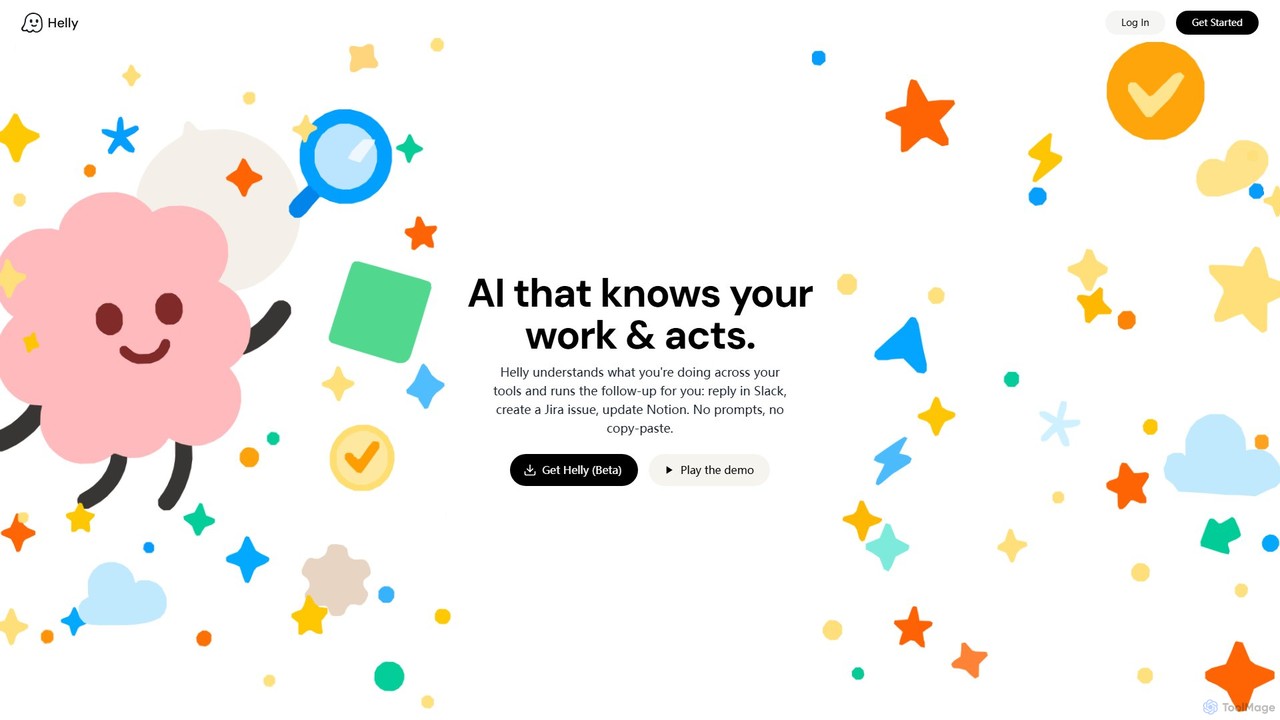
Helly Product overview

Helly is a proactive AI assistant that acts as your second brain across all your applications. It understands your work context and automates follow-up tasks like replying in Slack, creating Jira issues, or updating Notion, all without prompts or copy-pasting.

Preview

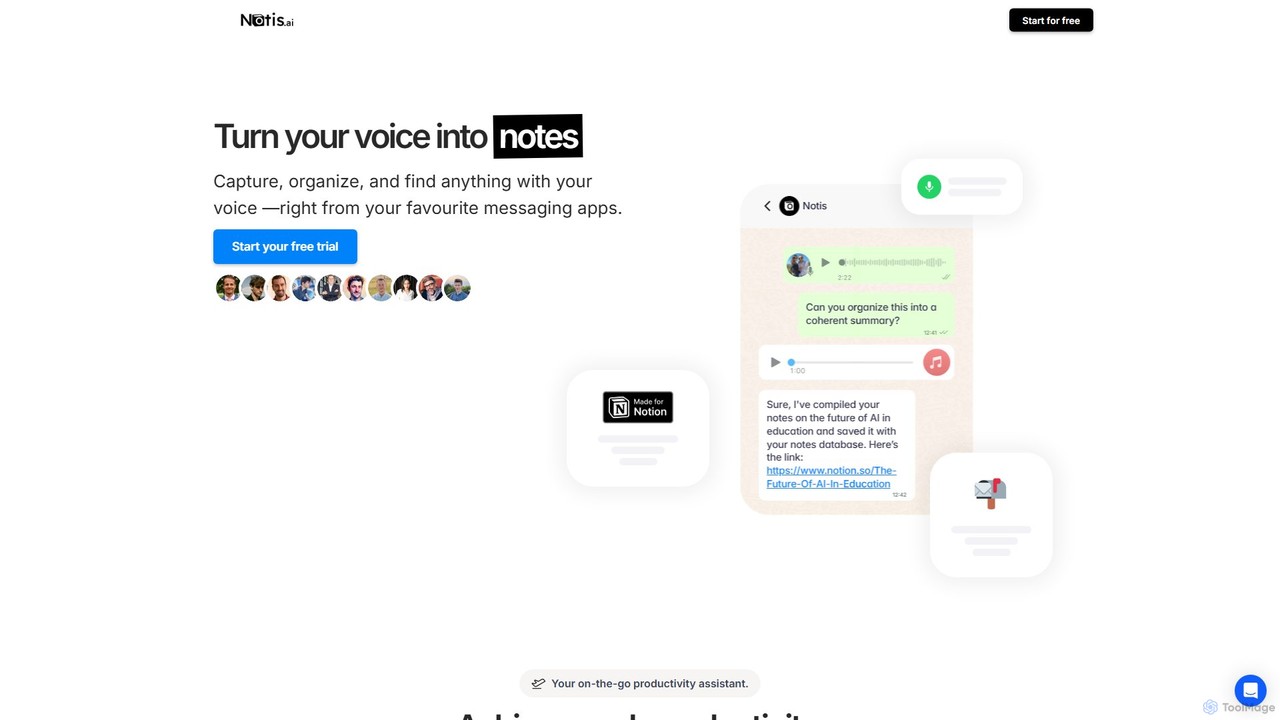
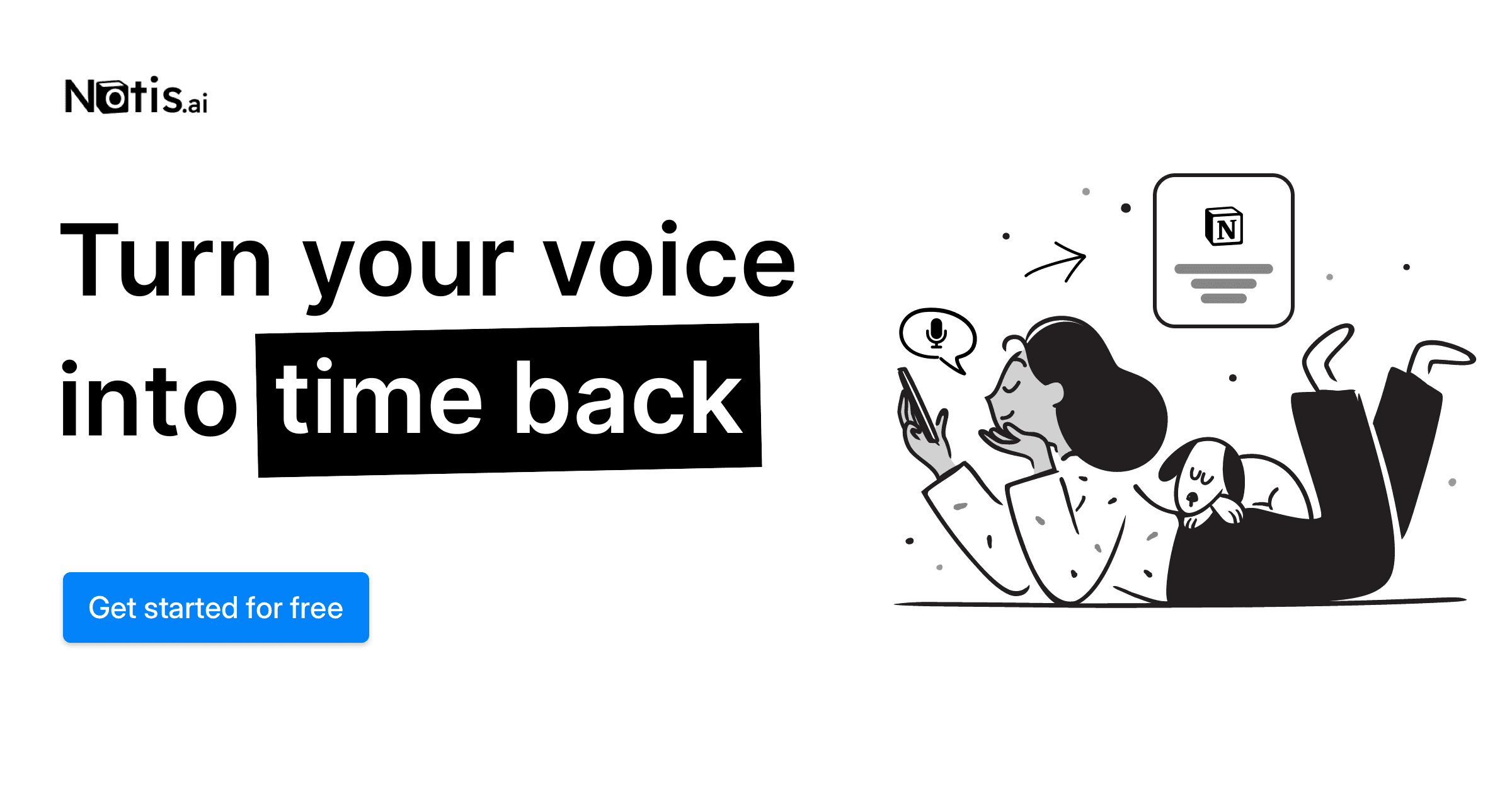
Notis Product overview

Notis is an AI-powered productivity assistant that turns your voice, text, and images into structured entries in Notion. Operating directly from messaging apps like WhatsApp and Telegram, it helps you capture ideas, manage tasks, draft content, and organize your life without ever opening the Notion app.

Preview

Quick facts

Compare product focus, pricing models and audiences. Highlighted rows indicate different listed information; unknown pricing does not mean free.

Helly VS Notis — Quick facts
Quick factsHellyNotis
Pricing modelFreemiumFreemium
Product typeWebWeb
Primary focusAi AssistantContent Creation
Audience and rolesNo data availableNo data available
CategoriesAi Assistant · Automation · Task ManagementContent Creation · Automation · Note Taking · Task Management
AddedAug 3, 2025Aug 8, 2025
UpdatedNov 19, 2026Nov 19, 2026

Features, usage and use cases

Explore the listed product descriptions, features and workflows. Taxonomy labels alone are not feature evaluations.

Helly

Helly is a revolutionary AI tool designed to function as a 'second brain' that seamlessly integrates with your existing digital workspace. It operates on a proactive principle, observing your activities across various applications to understand the context of your work. Unlike traditional automation tools that require manual setup of triggers and actions, Helly intelligently anticipates your needs and suggests follow-up tasks automatically. Imagine discussing a bug with your team on Slack, and Helly instantly pops up with a pre-filled Jira ticket, ready for creation with a single click. This is the core promise of Helly: to eliminate the tedious, manual, and error-prone process of context-switching and data transfer between apps, allowing you to stay focused and in your flow.

By connecting your essential work tools like Slack, Jira, Notion, and more, Helly builds a comprehensive understanding of your projects, conversations, and workflows. It acts as an intelligent layer on top of your software stack, bridging the gaps between communication, project management, and documentation. The 'no prompts, no copy-paste' philosophy means you interact with the AI in the most natural way possible—by simply doing your work.

How to use Helly

Getting started with Helly is designed to be intuitive and straightforward. As the tool is currently in beta, the process typically involves these steps:

  1. Sign Up for Beta Access: Visit the official Helly website and sign up for the beta program to get early access.
  2. Install Helly: Once you receive your invitation, you'll likely download and install the Helly desktop application or browser extension. This component runs securely in the background to observe your work.
  3. Connect Your Apps: Authorize Helly to connect to your most-used applications. This will include communication platforms (e.g., Slack), project management tools (e.g., Jira, Asana), and knowledge bases (e.g., Notion, Confluence). The more apps you connect, the more context Helly has to work with.
  4. Work as Usual: There are no new habits to learn. Simply continue with your daily tasks. Helly's AI will begin to analyze your workflows and identify patterns and potential follow-up actions.
  5. Act on Suggestions: When Helly identifies an opportunity to help, it will present a non-intrusive suggestion. For example, it might suggest creating a calendar event from an email conversation or updating a Notion page with details from a Slack thread.
  6. One-Click Execution: Review the suggestion and, if it's correct, approve it with a single click. Helly will then execute the task in the background, saving you time and effort.

Core Features of Helly

  • Context-Aware Workflow Automation: Helly doesn't just follow pre-set rules; it understands the *context* of your conversations and documents to suggest relevant actions.
  • Proactive Task Suggestions: Instead of waiting for a command, Helly anticipates your needs and proactively offers to perform follow-up tasks.
  • Cross-Application Integration: Seamlessly connects and transfers information between popular tools like Slack, Jira, Notion, Google Workspace, and more.
  • Zero-Prompt Interaction: Eliminates the need to write prompts or manually copy and paste information, allowing you to maintain your workflow.
  • Natural Language Understanding (NLU): Employs advanced AI to parse human language in chats and documents to extract key information, tasks, and intent.
  • One-Click Action Confirmation: Simplifies complex, multi-step workflows into a single click, dramatically increasing efficiency.

Use Cases for Helly

Helly is versatile and can be applied across various roles and industries:

  • Project Managers: Automatically convert action items discussed in Slack meetings into tasks in Jira or Asana. Keep project documentation in Notion perfectly synchronized with the latest developments from team chats.
  • Software Developers: When a bug report is discussed in a Slack channel, Helly can automatically draft a detailed Jira ticket, including conversation logs and user details.
  • Sales Teams: After a client call documented in Notion, Helly can suggest creating follow-up tasks in a CRM, scheduling a follow-up meeting, or drafting a summary email.
  • Marketing Professionals: Collate feedback from various channels (Slack, email) about a campaign and have Helly organize it into a central Notion document for review.

Advantages of Helly

The primary advantage of Helly is its ability to significantly reduce cognitive load and save time. By automating the mundane 'glue work' between applications, it allows professionals to focus on high-value tasks. It minimizes context switching, which is a major drain on productivity, and reduces the chance of human error associated with manual data transfer. Its proactive nature means you don't have to remember every little follow-up item; Helly acts as your personal assistant, ensuring nothing falls through the cracks.

Pricing and Plans

Helly is currently in a private beta phase, and access is available for free to early users who sign up. This allows the team to gather feedback and refine the product. Official pricing and plans have not yet been announced. It is anticipated that after the beta period, Helly may adopt a freemium or tiered subscription model based on usage and features. For now, users can join the waitlist to experience the tool at no cost.

Notis

Notis is a revolutionary AI assistant designed to function as your digital second brain, seamlessly integrating with Notion to supercharge your productivity. It operates as an autonomous agent directly within your favorite messaging apps (WhatsApp, Telegram, Email) and through a Raycast extension, eliminating the need to constantly switch contexts or grapple with Notion's interface. The core philosophy of Notis is to allow you to 'fire and forget'—simply capture your thoughts, tasks, or data on the go, and trust Notis to intelligently process, categorize, and save everything in the right place within your Notion workspace.

Powered by advanced AI models like OpenAI's GPT-4.1, Notis goes beyond simple transcription. It understands context, drafts documents in your unique style, manages complex projects, and can even perform research. It's like having a personal assistant who is always available, ready to turn a fleeting voice memo into a structured project plan, a photo of a receipt into an expense entry, or a forwarded email into a new CRM contact.

How to use Notis

Using Notis is designed to be intuitive and fit into your existing workflows. The process is simple:

  1. Connect to Notion: Start by linking your Notion account to Notis, giving it access to your databases. Notis comes with pre-configured templates for tasks, notes, expenses, and more, but it can also intelligently adapt to your existing Notion setup.
  2. Capture Anything, Anywhere: Use your preferred platform to send information to Notis. You can record a voice note on WhatsApp, send a text message on Telegram, forward an email, or snap a picture of a business card or receipt. For desktop users, the Raycast extension provides a quick keyboard shortcut to delegate tasks.
  3. Let Notis Work: Once you send the input, Notis's multi-agent system gets to work. It transcribes audio, understands the intent of your message, extracts relevant information, and determines the appropriate Notion database to save it to. For example, saying "Remind me to follow up with John tomorrow" creates a task with a reminder, while sending a picture of a lunch bill logs an expense.
  4. Retrieve and Interact: You can also query your Notion workspace through Notis. Ask "What are my priority tasks for this week?" or "Find the notes from the Q3 strategy meeting," and Notis will retrieve the information and send it to you directly in the chat.

Core Features of Notis

  • Voice-to-Notion Transcription: Accurately transcribes voice notes in 56 languages and organizes them as structured notes, tasks, or documents in Notion.
  • Autonomous Task Management: Create tasks with priorities, assign them to people, and set reminders. Notis can send notifications directly to your WhatsApp or Telegram.
  • AI-Powered Content Creation: Draft blog posts, newsletters, social media content, and emails in your personal writing style by learning from your existing Notion documents.
  • Meeting Summarization: Record or upload meeting audio, and Notis will generate concise summaries, extract key decisions, and list action items.
  • CRM and Contact Management: Effortlessly manage your contacts by forwarding emails or taking pictures of business cards. Notis creates and updates contact entries in your CRM database.
  • Expense and Budget Tracking: Snap photos of receipts on the go. Notis automatically categorizes expenses and compiles them into reports, helping you manage your budgets.
  • Knowledge Base Management: Build and maintain knowledge bases by sharing articles, notes, or customer feedback. Notis can turn this information into an interactive AI chatbot.
  • Advanced Tools: Includes a web scraper powered by Perplexity AI for research, an image generator for creating visuals, and a scheduler for running recurring prompts and tasks.

Use Cases for Notis

Notis is versatile and can be adapted to numerous personal and professional workflows:

  • For Busy Professionals: Capture meeting action items, draft follow-up emails, and manage project tasks while commuting or away from the desk.
  • For Content Creators: Brainstorm ideas via voice notes, have Notis draft articles or social media posts, and even generate hero images for your content.
  • For Consultants and Freelancers: Manage multiple client projects, track billable hours, log expenses, and maintain a simple CRM of your client interactions.
  • For Personal Productivity: Organize your life by managing grocery lists, personal journals, bookmarks, and household budgets, all linked to your central Notion system.
  • For Sales Teams: Log client calls, update deal statuses in a sales funnel, and quickly retrieve contact information without needing to open a complex CRM software.

Advantages of Notis

Compared to other tools like Notion AI, Notis acts as an autonomous 'butler' rather than a simple 'toaster'. Its key advantages include:

  • True Delegation: Offload entire workflows, not just single tasks. Notis works autonomously in the background.
  • Seamless Integration: Lives in the apps you use daily, reducing friction and eliminating the need to learn a new interface.
  • Context-Aware Intelligence: Understands your unique Notion structure and personal style to provide highly relevant and personalized assistance.
  • Multi-Modal Functionality: Accepts voice, text, images, and files, making it a comprehensive capture tool for any situation.
  • Simplifies Notion: Unlocks the power of Notion without its steep learning curve, providing pre-built systems that work out of the box.

Pricing and Plans

Notis offers a 30-day free trial to experience all its features. After the trial, you can choose from several plans:

  • Pro: $20 per month. Includes all features, powered by OpenAI GPT-4.1, and daily live office hours with the creator.
  • Pro+: $60 per month. Includes everything in Pro with 3x the usage limits.
  • Ultra: $200 per month. Includes everything in Pro with 20x the usage limits.

An annual subscription offers a 20% discount on all plans.

Positioning

Their taxonomy shows where the products overlap and where each one has a more distinct focus. Unknown fields are shown explicitly and are never filled with assumptions.

Categories

Shared
AutomationTask Management
Only Helly
Ai Assistant
Only Notis
Content CreationNote Taking

Tags

Shared
AI assistantNotionproductivitytask management
Only Helly
contextual AIjirano-code automationproactive AIsecond brainSlackworkflow automation
Only Notis
automationcontent creationCRMexpense trackingnote-takingTelegramvoice to textWhatsApp

Audience and roles

Shared
No listed items
Only Helly
No listed items
Only Notis
No listed items

Traffic comparison

Traffic is shown on the same scale so differences in market visibility are not visually understated.

How to interpret the traffic data

Both charts share the same months and vertical scale. Each tool identifies its latest reporting month; missing months are left blank, not counted as zero. Regional and source visit counts are estimates calculated from the reported shares.

Helly monthly traffic:

Latest traffic · 2026-05

Monthly visits
10
Avg. visit duration
0:00
Pages per visit
1.01
Bounce rate
45.25%
Data updated 2026-06-15

Monthly traffic trend

  • 2025-07: 1K
  • 2025-08: 378
  • 2025-09: 403
  • 2026-01: No data available
  • 2026-02: No data available
  • 2026-03: 0
  • 2026-04: 0
  • 2026-05: 10

Top regions

Top 5 countries/regions
Country/regionPercentageEstimated visits
🇰🇷Korea, Republic of100%10

Search keywords

hellyhellyai

Notis monthly traffic:

Latest traffic · 2026-05

Monthly visits
88.8K
Avg. visit duration
0:26
Pages per visit
2.12
Bounce rate
38.15%
Data updated 2026-06-15

Monthly traffic trend

  • 2025-07: No data available
  • 2025-08: No data available
  • 2025-09: 46.1K
  • 2026-01: 89.8K
  • 2026-02: 88.6K
  • 2026-03: 103.5K
  • 2026-04: 123.5K
  • 2026-05: 88.8K

Top regions

Top 5 countries/regions
Country/regionPercentageEstimated visits
🇺🇸United States23.77%21.1K
🇮🇳India22.82%20.3K
🇧🇷Brazil22.08%19.6K
🇳🇬Nigeria18.86%16.7K
🇺🇿Uzbekistan12.47%11.1K

Traffic sources

Source typePercentageEstimated visits
Direct53.38%47.4K
Referral46.62%41.4K

Search keywords

notionnotion ainotisnotis aiopenclaw alternative

Community signals

Ratings, comments, favorites, and likes are community signals—not a substitute for product fit.

Helly

Rating
No data available
Comments
0
Favorites
183
Likes
198

Notis

Rating
No data available
Comments
0
Favorites
155
Likes
145

Helly vs Notis · Comparison FAQ

What do Helly and Notis have in common?
Both tools are listed under Automation、Task Management. These categories indicate overlapping use cases; compare their detailed descriptions for workflows, capabilities and limitations.
Are Helly and Notis free?
Listed pricing models: Helly — Freemium; Notis — Freemium. Missing pricing is not proof of a free plan, and freemium does not mean every feature is free. Check official sites for current plans, limits and trials.
How should I choose between Helly and Notis?
The primary listed category is Ai Assistant for Helly, and Content Creation for Notis. Compare features, steps and use cases, then verify pricing, data permissions and deployment needs. This page does not include hands-on testing and does not declare a winner from traffic or tags.

Sources and comparison methodology

This page is assembled from ToolMage product listings, taxonomy, traffic statistics and on-site user feedback. It is not a hands-on test or an independent review.
  • Feature and plan descriptions reflect information in the listings, not real-time guarantees. Verify pricing, quotas, availability and privacy terms on the official sites.
  • Traffic uses the reporting months shown. Missing statistics do not mean zero visits, and different periods do not establish growth or superiority. Regional and source visit counts are estimates based on shares.
  • Different tags indicate differences in the listings, not proof that the other product lacks a capability. Ratings, favorites and visits are not used to declare a winner.

Related comparisons