ToolMage
Sign in

AI TOOL COMPARISON

Retool vs ToolJet

What is the difference, and which fits your workflow? Compare features, usage, pricing models and traffic side by side.

Jump to key differences

Product overview

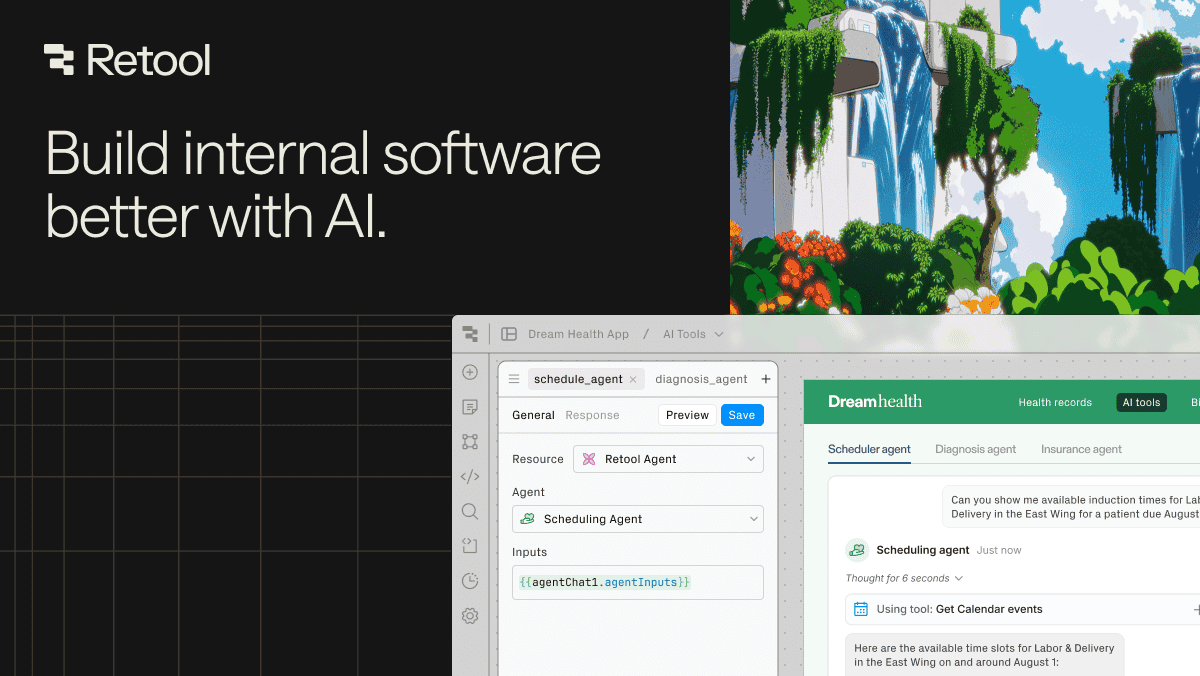
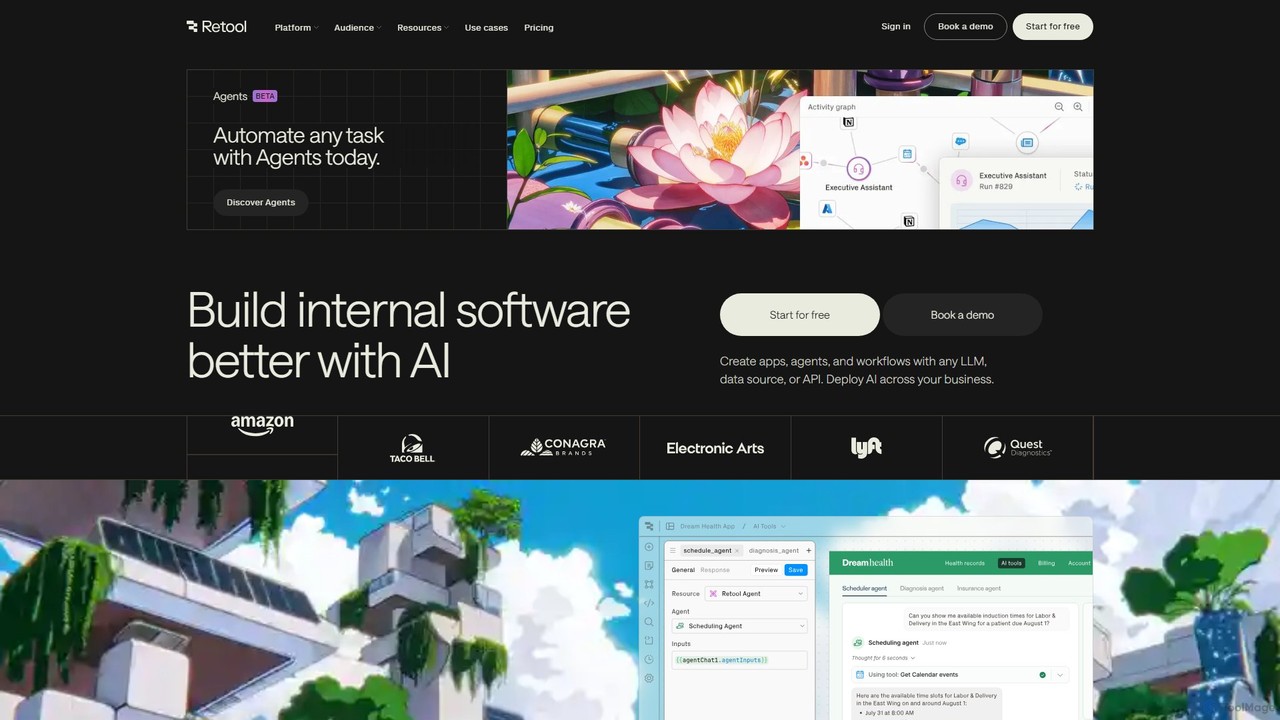
Retool Product overview

Retool is an AI-powered development platform for building internal software, applications, and automated workflows with exceptional speed. It enables developers and teams to create custom tools like admin panels, dashboards, and CRMs by connecting to any database or API, using a combination of visual building, code, and AI agents.

Preview

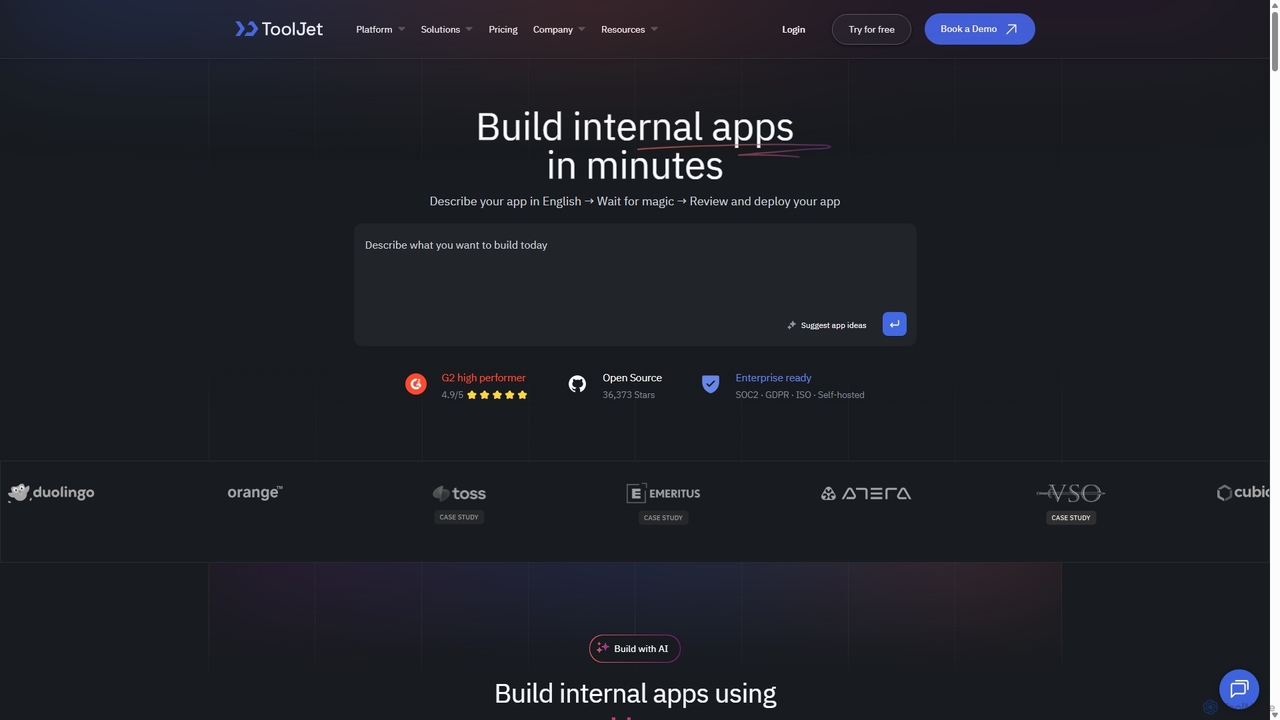
ToolJet Product overview

ToolJet is an AI-native, open-source low-code platform for developers to build and deploy internal tools rapidly. It integrates with numerous datasources, APIs, and AI models, allowing users to create complex applications using natural language prompts, a visual builder, and custom code.

Preview

Quick facts

Compare product focus, pricing models and audiences. Highlighted rows indicate different listed information; unknown pricing does not mean free.

Retool VS ToolJet — Quick facts
Quick factsRetoolToolJet
Pricing modelFreemiumFreemium
Product typeWebWeb
Primary focusInternal ToolsInternal Tools
Audience and rolesNo data availableBusiness Analyst · Data Analyst · DevOps Engineer · Engineering Manager · IT Manager · Product Manager · Software Developer
CategoriesInternal Tools · Low Code No Code · Workflow AutomationInternal Tools · Low Code No Code · Workflow Automation
AddedAug 8, 2025Sep 24, 2025
UpdatedNov 19, 2026Nov 19, 2026

Features, usage and use cases

Explore the listed product descriptions, features and workflows. Taxonomy labels alone are not feature evaluations.

Retool

Retool is a comprehensive development platform designed to accelerate the creation of internal software. It provides a powerful environment where businesses can build custom applications, automate complex workflows, and deploy AI-powered agents to handle repetitive tasks. By connecting to any database, API, or large language model (LLM), Retool serves as a versatile application layer for various business functions, including data teams, operations, and customer support. The platform is trusted by over 10,000 companies, from startups to Fortune 500 enterprises, to streamline processes, enhance productivity, and drive business impact.

The core philosophy of Retool is to eliminate boilerplate code and abstract away the complexities of software development, allowing builders to focus on the unique logic that differentiates their business. It offers a flexible and composable approach, combining a drag-and-drop canvas, a full-featured code editor, and natural language inputs to translate ideas into functional software. This hybrid model caters to both speed and power, enabling rapid prototyping and sophisticated customization.

How to use Retool

Using Retool involves a straightforward, multi-faceted process that adapts to the user's preferred building style:

  1. Connect to Data Sources: The first step is to connect Retool to your existing data and tools. This can be any SQL or NoSQL database, a REST or GraphQL API, or any custom data source. Retool provides seamless integration to ensure your apps have access to the data they need.
  2. Build the Interface: You can build the user interface in three primary ways. Use the Visual Builder with its drag-and-drop canvas to quickly assemble pre-built components like tables, forms, and charts. For more complex needs, use the Code Editor to write custom JavaScript, CSS, or React components. Alternatively, leverage the Natural Language feature (in early access) to describe the desired app, and Retool will generate the components and logic.
  3. Create Logic and Automation: Define the application's behavior by writing queries (e.g., SQL, JavaScript) to read and write data. For automation, use Retool Workflows to orchestrate multi-step processes triggered by schedules or webhooks.
  4. Integrate AI: Deploy Retool Agents, which are AI-powered digital workers, to automate critical processes like customer support ticket triage, data analysis, or sales outreach. You can integrate with any LLM to add intelligent features to your applications.
  5. Deploy and Secure: Share your applications with internal or external users with granular permissions and enterprise-grade security. Retool integrates with standard developer workflows like Git for version control and CI/CD, and can be deployed in Retool's secure cloud or self-hosted in your own VPC for maximum control.

Core Features of Retool

  • AI Agents: Deploy autonomous AI workers to automate complex, multi-step tasks and workflows, priced transparently by the hour.
  • Visual App Builder: A drag-and-drop canvas with over 100 pre-built components to quickly build web and mobile application UIs.
  • Code-First Environment: A powerful IDE to write custom JavaScript, connect to APIs, and insert custom code anywhere, offering unlimited flexibility.
  • Retool Workflows: A tool for building, scheduling, and monitoring backend automations and cron jobs that connect to your data sources.
  • Retool Database: A built-in PostgreSQL database to store, edit, and manage data directly within the platform, perfect for getting started quickly.
  • Broad Connectivity: Native integrations with dozens of databases and APIs, plus the ability to connect to any REST, GraphQL, or gRPC API.
  • Enterprise-Grade Security: Features like granular access controls, audit logs, SAML/OpenID SSO, and on-premise deployment options to meet strict compliance requirements.
  • Mobile App Development: Build native iOS and Android applications that can work offline and utilize device-specific features.

Use Cases for Retool

Retool is versatile enough to support a wide range of internal tool needs across different departments:

  • Operations Teams: Build inventory management systems, HR onboarding workflows, order fulfillment dashboards, and other custom tools to streamline core business processes.
  • Data & Analytics Teams: Create interactive dashboards for business intelligence, admin panels for database management, data quality monitoring systems, and tools for tracking experiments.
  • Customer Support Teams: Develop applications for triaging support tickets, managing customer information (a custom CRM), processing refunds, and tracking common issues to reduce engineering bottlenecks.
  • AI & LLM Applications: Build content moderation tools, document processing workflows, custom AI agents for research, and monitors for LLM performance. For example, ClickUp automated hundreds of weekly hours with custom AI tools, and Descript built over 50 AI apps to automate manual work.

Advantages of Retool

Retool offers significant advantages over building internal tools from scratch or using limited off-the-shelf software:

  • Development Speed: Companies report building tools up to 10-20x faster, saving thousands of engineering hours and millions of dollars.
  • Flexibility and Power: The platform uniquely combines low-code ease-of-use with the full power of programming, ensuring no limitations on what can be built.
  • Cost-Effective AI: The hourly pricing for AI Agents provides a transparent and predictable cost structure that aligns with business value, making AI automation more accessible.
  • Centralized and Secure: All internal tools can be built, managed, and secured within a single platform, with robust permissioning and compliance features.
  • Empowers Non-Engineers: While built for developers, its accessibility allows technical business users (e.g., those who know SQL) to build or modify tools, freeing up engineering resources.

Pricing and Plans

Retool offers a flexible, freemium pricing model that scales with business needs, available in both cloud-hosted and self-hosted versions.

  • Free Plan: Ideal for individuals and small teams starting out. Includes unlimited web & mobile apps for up to 5 users, 500 workflow runs/month, and 20 free Agent hours/month.
  • Team Plan ($10/standard user/month): For growing teams. Increases workflow runs to 5,000/month and allows for more than 5 users.
  • Business Plan ($50/standard user/month): For teams needing more control. Adds audit logging, rich permission controls, portals for external users, and unlimited environments.
  • Enterprise Plan (Custom Pricing): For large organizations with advanced security and compliance needs. Includes SAML/OpenID SSO, source control, dedicated support, and volume discounts.

Pricing is differentiated between Standard Users (who can build/edit) and End Users (who only use apps), making it cost-effective to roll out tools to the entire organization. Retool Agents are priced separately by the hour, with rates varying by the capability of the chosen AI model.

ToolJet

ToolJet is a revolutionary AI-native, open-source platform designed to accelerate the development of internal tools for enterprises. It empowers developers to build and deploy custom applications, such as admin panels, dashboards, and customer support tools, at a fraction of the time and effort traditionally required. By combining the power of natural language processing with a flexible low-code framework, ToolJet allows teams to transform ideas into functional applications in minutes, bridging the gap between speed and control.

The platform is built with developers in mind, offering a robust environment that supports both visual, drag-and-drop component building and the ability to write custom JavaScript or Python code for complex logic. This hybrid approach ensures that while simple tasks are automated and streamlined, developers never hit a wall and can always extend functionality to meet specific, complex requirements. With its open-core model, ToolJet provides transparency, community support, and the flexibility of self-hosting for maximum data control and security.

How to use ToolJet

Using ToolJet involves a straightforward, multi-step process designed for efficiency:

  1. Connect to Data Sources: Start by securely connecting to your data. ToolJet offers over 60 pre-built connectors for databases (like PostgreSQL, MongoDB), data warehouses (like Snowflake), APIs (REST, GraphQL), cloud storage, and various SaaS applications.
  2. Build the UI with AI or Visually: Use the AI-powered app builder to describe the interface you want in natural language, and ToolJet will generate the components. Alternatively, use the intuitive drag-and-drop editor to arrange pre-built widgets like tables, charts, forms, and buttons to create a responsive user interface.
  3. Write Queries and Logic: Interact with your data by writing queries directly within the platform. You can run queries across different datasources and use JavaScript or Python to transform data, handle events, and implement custom business logic.
  4. Create AI Agents: Automate complex business processes by building AI agents. These agents can integrate business logic, run queries, and make your teams more productive by handling routine tasks.
  5. Deploy and Secure: Deploy your applications with a single click. ToolJet offers robust, enterprise-grade security features, including role-based access control (RBAC), audit logs, and the option for air-gapped deployments in isolated environments for maximum security.

Core Features of ToolJet

  • AI-Native App Builder: Build applications using natural language prompts, significantly reducing development time.
  • Visual Drag-and-Drop Editor: A rich library of pre-built UI components to design interfaces quickly.
  • Extensive Integrations: Connect to over 60 datasources, including databases, APIs, and AI models like OpenAI, Anthropic, and Gemini.
  • Custom Code Support: Write custom JavaScript and Python code anywhere in the application to handle complex logic. Supports importing React components.
  • ToolJet Database: A built-in, no-code database built on PostgreSQL for easy data management.
  • AI Agent Builder: Create intelligent agents to automate workflows and business processes.
  • Enterprise-Grade Security: Features like SOC2, GDPR, and ISO compliance, encrypted credential management, audit logs, and air-gapped deployment options.
  • Open-Source and Self-Hostable: Provides flexibility, transparency, and full control over your data and infrastructure.
  • Version Control: Git-powered backups for reliable versioning and restoration of applications.

Use Cases for ToolJet

ToolJet is versatile and can be used by various teams for numerous purposes:

  • Engineering Teams: Building internal dashboards for monitoring system health, admin panels for database management, and CI/CD control panels.
  • Product Managers: Creating tools for user feedback management, feature flag controls, and A/B testing dashboards.
  • IT & Operations: Developing asset management trackers, user provisioning forms, and IT support ticket systems.
  • Sales and Marketing: Building custom CRMs, lead management dashboards, and marketing campaign performance trackers.
  • Customer Support: Creating unified customer data views, refund processing tools, and ticket management interfaces.

Advantages of ToolJet

ToolJet offers a competitive edge by focusing on developer experience and enterprise needs. Its key advantages include radical performance improvements, allowing teams to build at 10x speed. The platform's flexibility ensures developers are not limited by typical low-code constraints. Its AI-native capabilities streamline the entire development lifecycle. Furthermore, being open-source with an enterprise-ready feature set provides a cost-effective, secure, and scalable solution that grows with your business. The pricing model, based on the number of builders rather than end-users, makes it highly economical for large teams.

Pricing and Plans

ToolJet operates on a freemium model, making it accessible for individuals and teams of all sizes.

  • Open-Source Edition (Free): A self-hosted, free-forever plan that includes core features, perfect for individuals and small teams getting started.
  • Business Edition: A paid plan designed for growing teams and enterprises, offering advanced features. Pricing is per builder, not per end-user. The typical cost is around $249 per builder/month when billed monthly, with a discount for annual billing (e.g., $199 per builder/month). This plan includes premium features, dedicated support, and enhanced security options.
  • Enterprise Edition: A custom plan for large organizations with specific needs for security, compliance, and support, including options for air-gapped deployments and professional services. Contact sales for custom pricing.

Positioning

Their taxonomy shows where the products overlap and where each one has a more distinct focus. Unknown fields are shown explicitly and are never filled with assumptions.

Categories

Shared
Internal ToolsLow Code No CodeWorkflow Automation
Only Retool
No listed items
Only ToolJet
No listed items

Tags

Shared
developer toolsinternal toolslow-codeno-codeworkflow automation
Only Retool
admin panelai agentsapplication builderbusiness intelligenceCRMdashboarddatabase UI
Only ToolJet
AI-poweredapp buildercustom applicationsdatabase managemententerprise softwareopen source

Audience and roles

Shared
No listed items
Only Retool
No listed items
Only ToolJet
Business AnalystData AnalystDevOps EngineerEngineering ManagerIT ManagerProduct ManagerSoftware Developer

Traffic comparison

Traffic is shown on the same scale so differences in market visibility are not visually understated.

How to interpret the traffic data

Both charts share the same months and vertical scale. Each tool identifies its latest reporting month; missing months are left blank, not counted as zero. Regional and source visit counts are estimates calculated from the reported shares.

Retool monthly traffic:

Latest traffic · 2026-05

Monthly visits
1.6M
Avg. visit duration
5:00
Pages per visit
4.41
Bounce rate
43.91%
Data updated 2026-06-15

Monthly traffic trend

  • 2025-09: 1.9M
  • 2026-01: 1.9M
  • 2026-02: 1.7M
  • 2026-03: 2.1M
  • 2026-04: 1.8M
  • 2026-05: 1.6M

Top regions

Top 5 countries/regions
Country/regionPercentageEstimated visits
🇺🇸United States58.95%929K
🇮🇳India16.3%256.9K
🇬🇧United Kingdom8.6%135.5K
🇫🇷France8.5%133.9K
🇦🇺Australia7.65%120.6K

Traffic sources

Source typePercentageEstimated visits
Direct90.79%1.4M
Referral5.51%86.8K
Email3.7%58.3K

Search keywords

framerreplitretoolretool careerstavily

ToolJet monthly traffic:

Latest traffic · 2026-05

Monthly visits
2.4K
Avg. visit duration
0:56
Pages per visit
1.86
Bounce rate
37.85%
Data updated 2026-06-15

Monthly traffic trend

  • 2025-09: 117.4K
  • 2026-01: 22.3K
  • 2026-02: 9.9K
  • 2026-03: 4.4K
  • 2026-04: 2.3K
  • 2026-05: 2.4K

Top regions

Top 5 countries/regions
Country/regionPercentageEstimated visits
🇺🇸United States61.06%1.5K
🇮🇳India38.94%933

Search keywords

tooljettooljet ai

Community signals

Ratings, comments, favorites, and likes are community signals—not a substitute for product fit.

Retool

Rating
No data available
Comments
0
Favorites
187
Likes
189

ToolJet

Rating
No data available
Comments
0
Favorites
164
Likes
160

Retool vs ToolJet · Comparison FAQ

What do Retool and ToolJet have in common?
Both tools are listed under Internal Tools、Low Code No Code、Workflow Automation. These categories indicate overlapping use cases; compare their detailed descriptions for workflows, capabilities and limitations.
Are Retool and ToolJet free?
Listed pricing models: Retool — Freemium; ToolJet — Freemium. Missing pricing is not proof of a free plan, and freemium does not mean every feature is free. Check official sites for current plans, limits and trials.
How should I choose between Retool and ToolJet?
The primary listed category is Internal Tools for Retool, and Internal Tools for ToolJet. Compare features, steps and use cases, then verify pricing, data permissions and deployment needs. This page does not include hands-on testing and does not declare a winner from traffic or tags.

Sources and comparison methodology

This page is assembled from ToolMage product listings, taxonomy, traffic statistics and on-site user feedback. It is not a hands-on test or an independent review.

  • Feature and plan descriptions reflect information in the listings, not real-time guarantees. Verify pricing, quotas, availability and privacy terms on the official sites.
  • Traffic uses the reporting months shown. Missing statistics do not mean zero visits, and different periods do not establish growth or superiority. Regional and source visit counts are estimates based on shares.
  • Different tags indicate differences in the listings, not proof that the other product lacks a capability. Ratings, favorites and visits are not used to declare a winner.

Related comparisons