Transcriptly
Market Research
AI TOOL COMPARISON
What is the difference, and which fits your workflow? Compare features, usage, pricing models and traffic side by side.
Market Research
Transcription
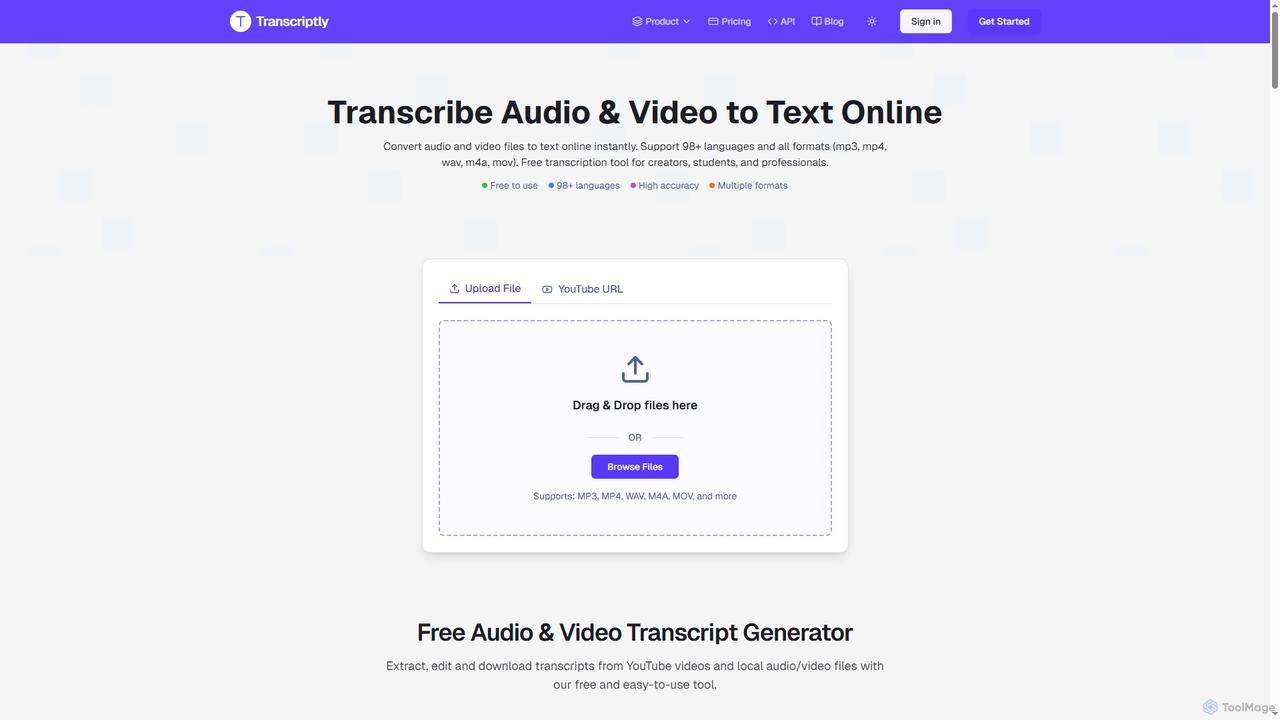
Transcriptly is an AI-powered online platform that converts audio and video files into accurate text transcripts. Supporting over 98 languages and various formats, it offers fast processing, AI insights, and multiple export options for students, creators, professionals, and businesses.
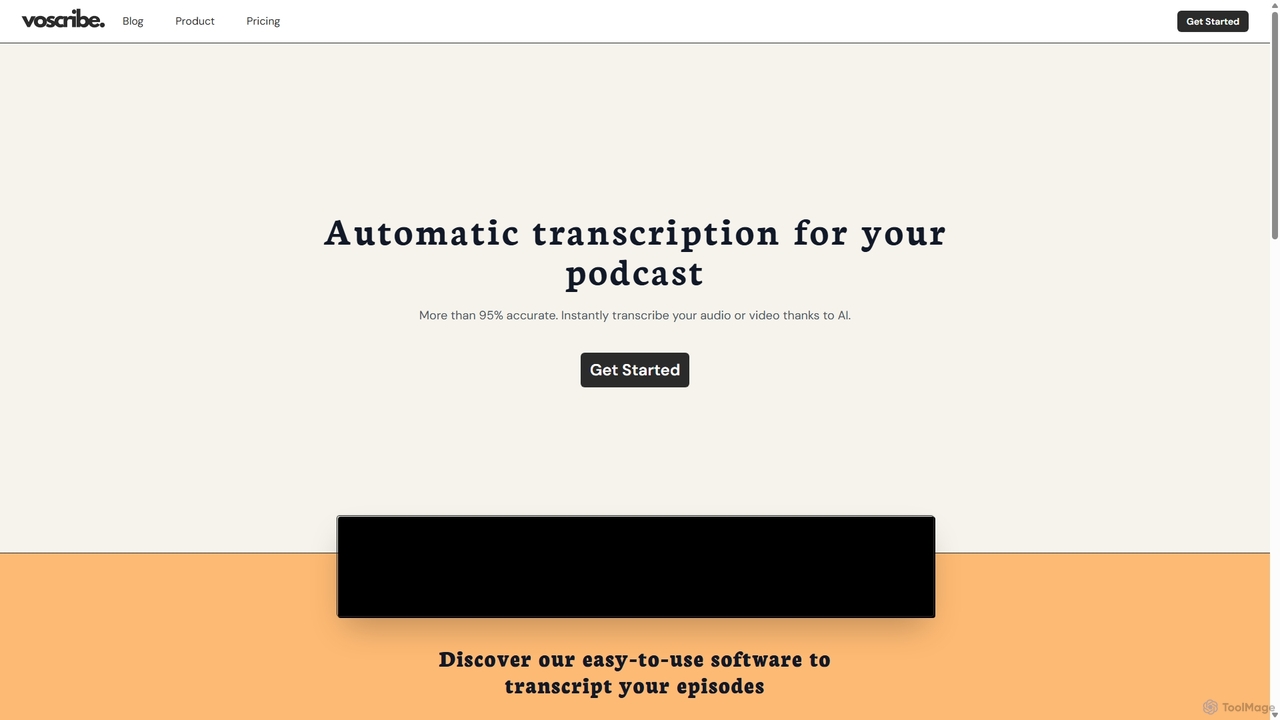
Voscribe is an AI-powered suite for podcasters and video creators, offering highly accurate, fast, and automatic transcription services. It converts audio and video to text in minutes, provides an intuitive editor to sync and edit transcripts, and generates subtitles (SRT) effortlessly. Ideal for content repurposing, enhancing accessibility, and saving valuable production time.
Compare product focus, pricing models and audiences. Highlighted rows indicate different listed information; unknown pricing does not mean free.
| Quick facts | Transcriptly | Voscribe |
|---|---|---|
| Pricing model | Freemium | Freemium |
| Product type | Web | Web |
| Primary focus | Market Research | Transcription |
| Audience and roles | Business Professional · Content Creator · Developer · Journalist · Language Learner · Marketing Director · Podcaster · Researcher · Student · Writer | Content Creator · Educator · Journalist · Marketing Manager · Podcaster · Researcher · Social Media Manager · Student · Video Editor |
| Categories | Market Research · Learning Tools · Transcription | Transcription · Subtitles |
| Added | Oct 25, 2025 | Sep 18, 2025 |
| Updated | Nov 19, 2026 | Nov 19, 2026 |
Explore the listed product descriptions, features and workflows. Taxonomy labels alone are not feature evaluations.
Transcriptly is a cutting-edge online transcription platform designed to convert audio and video content into highly accurate text. Leveraging advanced AI, including OpenAI's Whisper, it supports over 98 languages and a wide array of file formats, making it an indispensable tool for anyone needing to transform spoken words into written text quickly and efficiently. From academic lectures and research interviews to podcasts and business meetings, Transcriptly streamlines the process of extracting, analyzing, and repurposing valuable information from multimedia content.
1. Upload or Paste URL: Users can either drag and drop local audio/video files (MP3, MP4, WAV, M4A, MOV, etc.) or paste a YouTube video URL directly onto the platform.
2. Select Language: Choose the desired transcription language from over 98 supported options, or let the AI automatically detect it.
3. Generate Transcript: The AI-powered engine processes the file or YouTube captions rapidly, generating a text transcript with timestamps and punctuation.
4. Review and Edit: The transcript can be reviewed and edited directly within the built-in editor to ensure perfect accuracy.
5. Export and Analyze: Download the transcript in various formats (SRT, VTT, TXT, CSV, PDF, DOCX) or use AI features to summarize content, extract key points, and generate insights.
Transcriptly offers flexible pricing plans, including a free tier and premium options for more extensive use.
Note: Subscriptions are non-refundable due to the availability of a free trial.
Voscribe is a comprehensive AI-driven platform designed to streamline the workflow for podcasters, video creators, journalists, and marketers. It specializes in converting audio and video content into accurate text with remarkable speed and efficiency. Leveraging advanced artificial intelligence, Voscribe achieves over 95% accuracy in its transcriptions, providing a reliable foundation for various content-related tasks. The platform is built to handle the tedious process of manual transcription, allowing creators to focus on what they do best: creating compelling content.
The service is incredibly fast, capable of transcribing 15 minutes of audio or video in just about one minute. This rapid turnaround time is a significant advantage for creators working on tight deadlines. Once a transcript is generated, it's not just a static block of text. Voscribe offers a powerful, user-friendly editor where the text is synchronized with the audio/video playback. This makes reviewing and correcting any potential inaccuracies a seamless and intuitive process. Users can click on any word in the transcript and instantly jump to that point in the media file.
Using Voscribe is designed to be a straightforward, three-step process: 1. **Upload Your File:** Simply upload your audio (e.g., MP3, WAV) or video (e.g., MP4) file to the Voscribe platform. 2. **Automatic Transcription:** The AI engine gets to work immediately, processing your file and generating a highly accurate transcript within minutes. 3. **Edit and Export:** Review the generated transcript in the synchronized editor. Make any necessary edits, and then export it in your desired format, such as TXT, DOCX, or SRT for subtitles. The platform also offers a free tool for files up to 10 minutes, allowing new users to test the service's quality and speed.
Voscribe is a versatile tool for various professionals. Podcasters use it to create full transcripts for their show notes, generate blog posts from episodes, and improve their content's SEO. Video Creators and YouTubers rely on it to quickly generate accurate subtitles and captions, making their videos accessible to a wider audience and boosting watch time. Journalists and Researchers can transcribe interviews and recordings in minutes, allowing them to quickly find key quotes and analyze data. Marketers leverage Voscribe to repurpose webinars and video content into articles, social media updates, and email newsletters, maximizing their content's reach. Students and Educators can transcribe lectures and study materials for easier review and learning.
The primary advantage of Voscribe is its combination of speed, accuracy, and ease of use. It eliminates the time-consuming and costly process of manual transcription. By providing an intuitive editor, it empowers users to achieve near-perfect transcripts without hassle. The ability to generate subtitles effortlessly enhances video content's value, making it more engaging and accessible. Furthermore, its freemium model allows anyone to test the core functionality before committing, ensuring it fits their needs. The platform's focus on a specific creator niche (podcasters and video producers) ensures its features are well-tailored to their unique workflows.
Voscribe operates on a freemium model, providing flexibility for different levels of usage. While specific pricing details should be checked on the official website, the structure typically includes:
Their taxonomy shows where the products overlap and where each one has a more distinct focus. Unknown fields are shown explicitly and are never filled with assumptions.
Traffic is shown on the same scale so differences in market visibility are not visually understated.
Both charts share the same months and vertical scale. Each tool identifies its latest reporting month; missing months are left blank, not counted as zero. Regional and source visit counts are estimates calculated from the reported shares.
| Country/region | Percentage | Estimated visits |
|---|---|---|
| 🇺🇸United States | 28.03% | 20.9K |
| 🇦🇿Azerbaijan | 21.2% | 15.8K |
| 🇻🇳Vietnam | 20.88% | 15.6K |
| 🇳🇬Nigeria | 17.22% | 12.8K |
| 🇮🇳India | 12.67% | 9.4K |
| Source type | Percentage | Estimated visits |
|---|---|---|
| Direct | 70.65% | 52.6K |
| Referral | 29.35% | 21.9K |
| Country/region | Percentage | Estimated visits |
|---|---|---|
| 🇳🇬Nigeria | 96.71% | 3K |
| 🇫🇷France | 1.71% | 54 |
| 🇪🇸Spain | 1.58% | 49 |
Ratings, comments, favorites, and likes are community signals—not a substitute for product fit.
Our service uses YouTube's public API to extract and process video subtitles. Simply paste the YouTube video URL, select your preferred language, and get accurate transcriptions within seconds. We support both auto-generated captions and manual subtitles. If a video has auto-generated captions enabled by the creator, we can extract those. If no captions are available at all, we unfortunately cannot provide transcription for that video. In such cases, you can download the video and upload it as a local file for transcription.
We support all languages available through YouTube's caption system. This includes major languages like English, Spanish, Chinese, Japanese, and many more. The availability of languages depends on the video's original captions or auto-generated subtitles.
No, there is no limit on video length for YouTube videos. You can transcribe videos of any duration. However, for very long videos, the processing time might be slightly longer.
For local files, you can upload audio or video files directly to our platform. We support formats like MP3, MP4, WAV, M4A, MOV, and more. Our AI-powered transcription engine processes your files and generates accurate text with timestamps. Files are automatically converted and processed securely.
We support a wide range of audio and video formats including MP3, MP4, WAV, M4A, MOV, AAC, FLAC, AVI, MKV, WMV, FLV, WebM Video, MPEG, 3GP, AIFF, OGG, OPUS, WebM Audio. We recommend using high-quality audio files for best transcription accuracy.
This page is assembled from ToolMage product listings, taxonomy, traffic statistics and on-site user feedback. It is not a hands-on test or an independent review.