

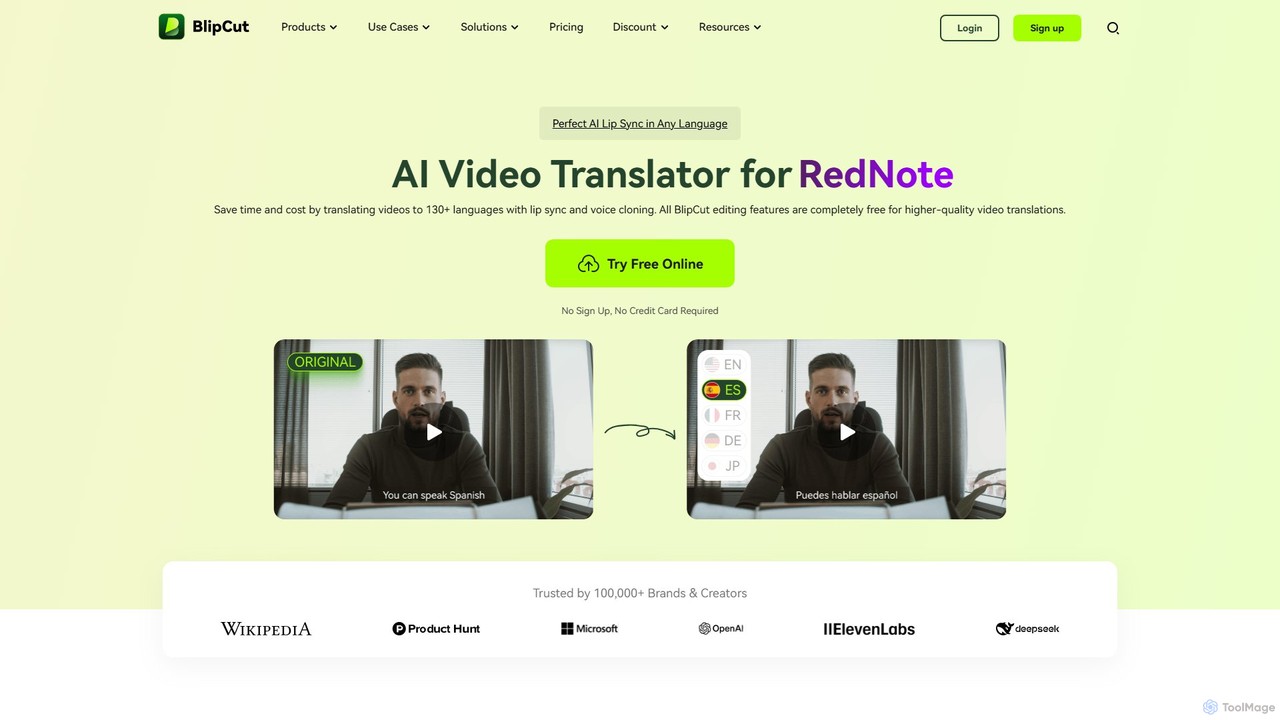
BlipCut Overview
BlipCut is a comprehensive, AI-driven platform designed to break down language barriers in video content. It serves as an all-in-one solution for video localization, offering a suite of powerful tools that automate and simplify the process of translating and adapting videos for a global audience. By leveraging cutting-edge technologies like AI-powered translation, voice cloning, and lip-syncing, BlipCut enables content creators, marketers, educators, and businesses to expand their reach effortlessly and cost-effectively. The platform supports over 130 languages, ensuring that your message can resonate with diverse audiences worldwide.
Beyond simple translation, BlipCut focuses on creating a natural and authentic viewing experience. Its technology understands context for more accurate translations, recognizes multiple speakers in a single video for precise voice cloning, and perfectly synchronizes lip movements to the translated audio. This attention to detail sets it apart from traditional translation services, delivering professional-grade results without the high costs or long turnaround times.
How to use BlipCut
BlipCut offers a user-friendly, three-step process to translate your videos:
- Upload Video: Begin by uploading a video or audio file directly from your device. Alternatively, you can simply paste a URL from platforms like YouTube, and BlipCut will fetch the video for you.
- Select Language and Voice: Choose your desired target language(s) from a list of over 130 options. You can then select a voice from the extensive library of over 300 voices, or use the AI voice cloning feature to maintain the original speaker's voice in the new language.
- Preview & Download: The AI will process your video, generating the translation, dubbing, and lip-sync. You can preview the result in real-time, make edits to the transcript or translation, adjust subtitle styles, and once you are satisfied, download your professionally localized video.
Core Features of BlipCut
- AI Video Translation: Translate video and audio content into over 130 languages with high accuracy, powered by advanced AI models like ChatGPT and DeepSeek.
- Perfect AI Lip Sync: Automatically synchronizes the speaker's lip movements with the translated audio, creating a seamless and natural viewing experience.
- AI Voice Cloning: Clones the original speaker's voice to maintain vocal identity across different languages. It supports multi-speaker recognition, cloning each unique voice in a video.
- Batch Translation: Save time by translating multiple videos into one or several languages simultaneously.
- AI Subtitle Generator & Translator: Automatically transcribes audio to generate subtitles, and can translate these subtitles into multiple languages. Users can download both original and translated SRT files.
- Comprehensive Video Editor: Fine-tune your translated videos by editing transcripts, modifying translations, adjusting speech speed, and customizing subtitle styles (font, color, position).
- AI Clip Maker: Automatically converts long-form videos into engaging, viral short clips, perfect for social media platforms.
- Extensive Voice Library: Access a library of over 300 free AI voices for your dubbing needs, eliminating the cost of hiring voice actors.
Use Cases for BlipCut
BlipCut is a versatile tool suitable for a wide range of industries and professionals:
- Content Creators & YouTubers: Translate channels to reach a global audience, increasing views and subscribers from different regions.
- Marketing & Advertising: Localize promotional videos and product demos to connect with international markets and boost global sales.
- Education & E-Learning: Translate online courses, training materials, and educational documentaries to make knowledge accessible to students worldwide.
- Corporate Training: Create multilingual onboarding and training videos for a global workforce, ensuring consistent messaging across all locations.
- Filmmaking & Media: Dub documentaries, interviews, and news reports quickly and affordably for international distribution.
- Podcast Producers: Translate podcast episodes to expand the listener base to new language demographics.
Advantages of BlipCut
BlipCut offers significant advantages over traditional methods. It drastically reduces the time and cost associated with professional translation and dubbing services. The platform's automation and efficiency minimize manual labor, while the AI-powered features ensure high-quality, accurate, and natural-sounding results. The ability to clone voices and sync lip movements provides a level of authenticity that automated tools previously lacked. Its scalability allows for mass processing, making it an ideal solution for localizing large volumes of content.
Pricing and Plans
BlipCut operates on a freemium model. It offers a robust free trial that allows users to test its core features, including video translation and editing, without requiring a credit card or sign-up. For users with more extensive needs, such as batch processing, longer video durations, or access to premium features, BlipCut provides various paid plans. These plans are designed to offer a cost-effective solution compared to traditional localization services, maximizing your return on investment.
Traffic
Latest traffic
Status
Monthly traffic trend
- 2025-9: 344.6K
- 2026-1: 229.9K
- 2026-2: 103.9K
- 2026-3: 66.0K
- 2026-4: 85.4K
- 2026-5: 145.0K
Geography
Top 5 countries / regions
- 🇺🇸United States37.4%
- 🇮🇳India20.2%
- 🇲🇦Morocco19.0%
- 🇪🇸Spain13.0%
- 🇬🇧United Kingdom10.4%
Traffic sources
| Source type | Percentage |
|---|---|
Direct | 59.2% |
Referral | 39.4% |
Email | 1.4% |
Top keywords
| Keyword | Cost per click |
|---|---|
| blipcut | $0.21 |
| blipcut ai video translator | $0.00 |
| braflix | $1.02 |
| himovies alternative | $0.00 |
| movies2watch | $1.23 |
BlipCut Videos on YouTube


Gameplay With Gaurav


Asad Ali TV
BlipCut Alternatives
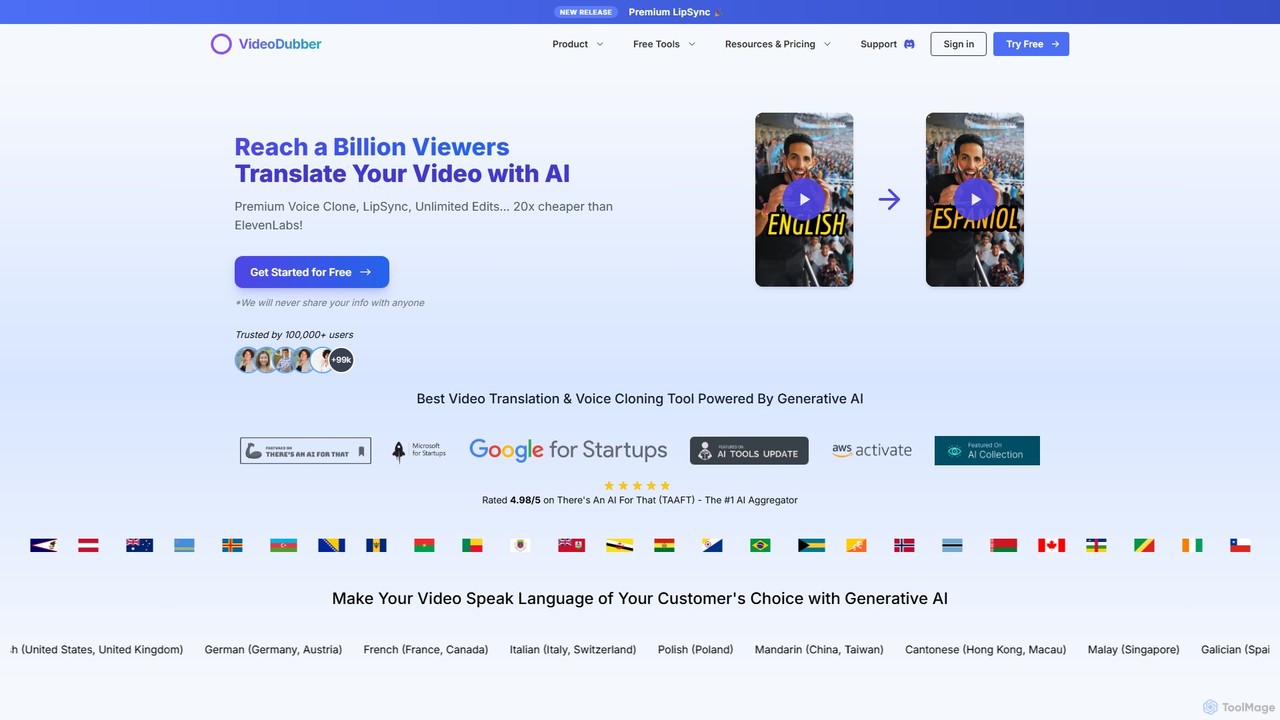
VideoDubber
VideoDubber is an AI-powered platform for seamless video translation, voice cloning, and dubbing. It supports over 129 languages, offering features like premium voice cloning, automatic lip-sync, and multi-speaker detection. Ideal for content creators, marketers, and businesses aiming to reach a global audience by localizing their video content effortlessly and affordably.
Dubbing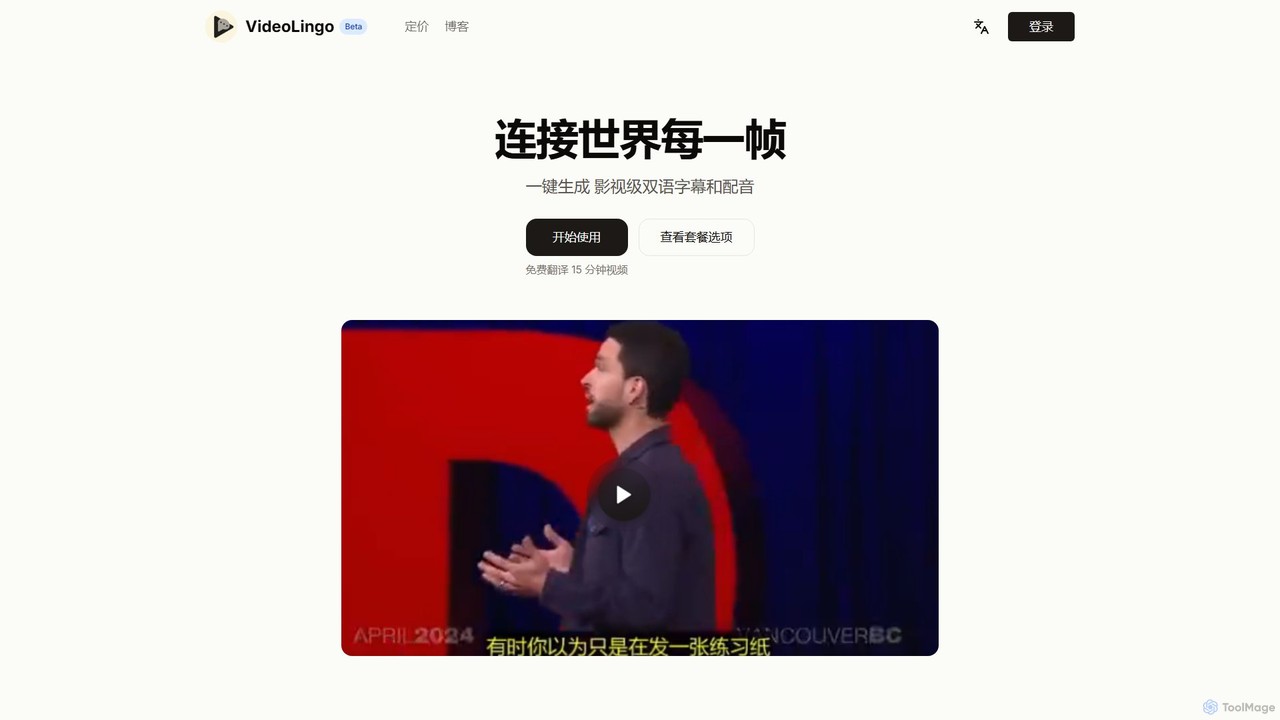
VideoLingo
VideoLingo is an AI-powered platform that effortlessly translates videos, generating film-grade bilingual subtitles and natural-sounding dubbing. It's designed for content creators, educators, and businesses to break language barriers and reach a global audience. With support for professional terminology and a simple one-click process, VideoLingo makes video localization fast, accurate, and accessible.
Dubbing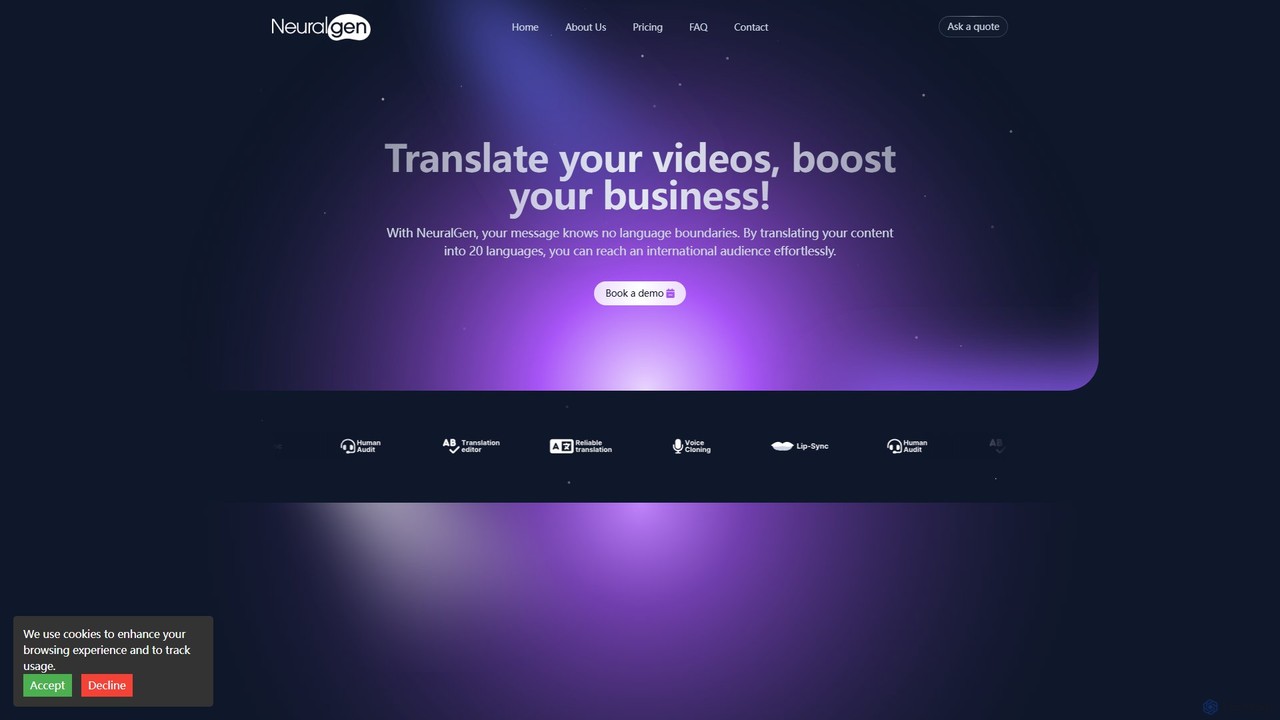
NeuralGen.ai
NeuralGen.ai is an advanced AI-powered platform for video translation and dubbing. It automatically translates video content into over 20 languages, featuring realistic voice cloning to preserve the original speaker's voice and precise lip-sync technology for a natural viewing experience. Designed for businesses and creators, it helps break language barriers and expand global reach by making content accessible to an international audience with high-quality, synchronized translations and subtitles.
Dubbing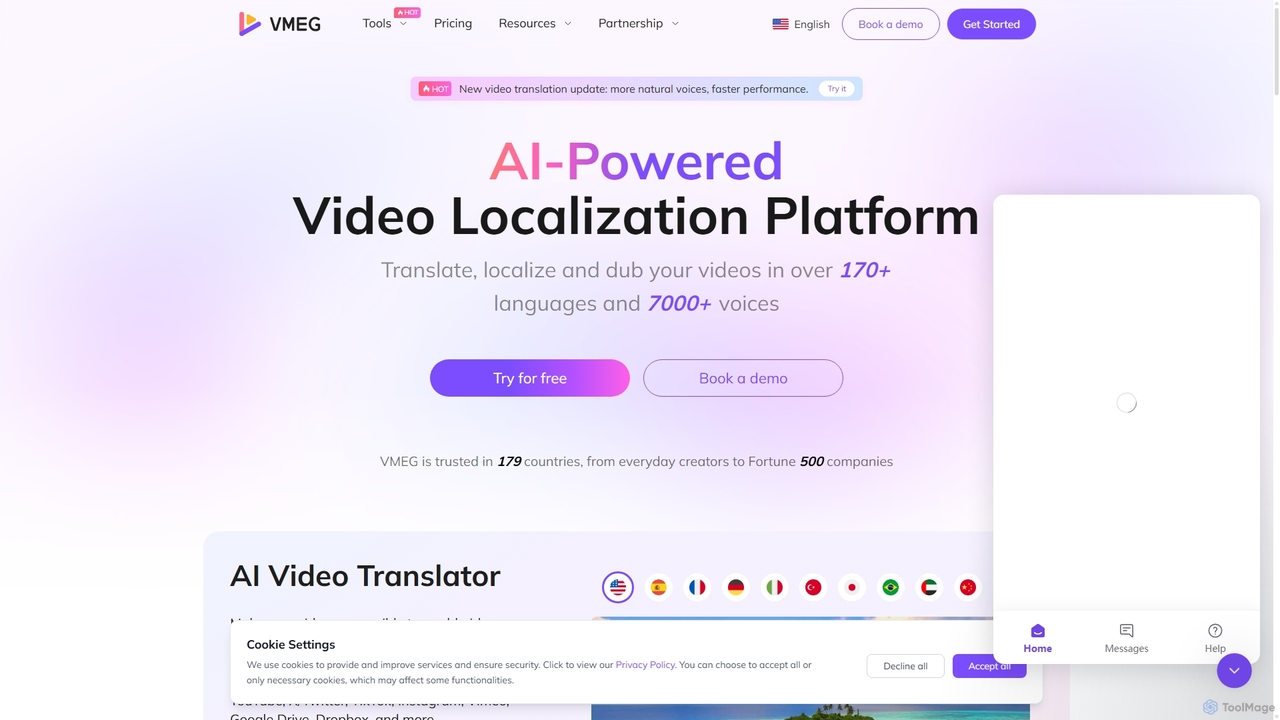
VMEG
VMEG is an AI-powered video localization platform that enables users to translate, dub, and add subtitles to videos in over 170 languages. It features advanced voice cloning, natural-sounding text-to-speech with over 7000 voices, and precise lip-sync technology. Ideal for content creators, marketers, and businesses aiming to reach a global audience, VMEG automates the localization process, saving significant time and cost while enhancing viewer engagement.
Dubbing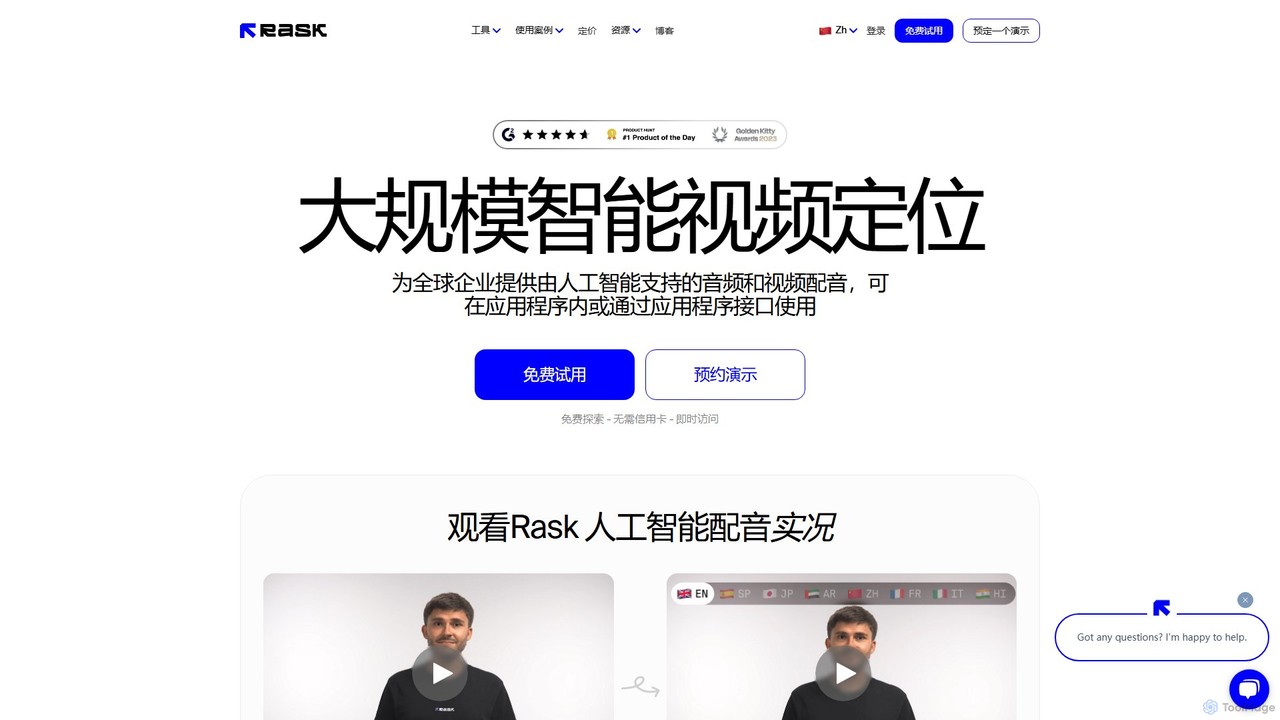
Rask AI
Rask AI is a leading AI-powered video localization and dubbing tool. It enables creators and businesses to translate video and audio content into over 130 languages, featuring advanced capabilities like VoiceClone, multi-speaker dubbing, and pixel-perfect lip-syncing to effortlessly expand their global reach.
DubbingBlipCut Categories
BlipCut Embed Widget
Copy this embed code to place the badge on your blog, article, or product site and send readers directly to this ToolMage detail page.

Related AI tools
VMEG
VMEG is an AI-powered video localization platform that enables users to translate, dub, and add subtitles to videos in over 170 languages. It features advanced voice cloning, natural-sounding text-to-speech with over 7000 voices, and precise lip-sync technology. Ideal for content creators, marketers, and businesses aiming to reach a global audience, VMEG automates the localization process, saving significant time and cost while enhancing viewer engagement.
DubbingRask AI
Rask AI is a leading AI-powered video localization and dubbing tool. It enables creators and businesses to translate video and audio content into over 130 languages, featuring advanced capabilities like VoiceClone, multi-speaker dubbing, and pixel-perfect lip-syncing to effortlessly expand their global reach.
Dubbing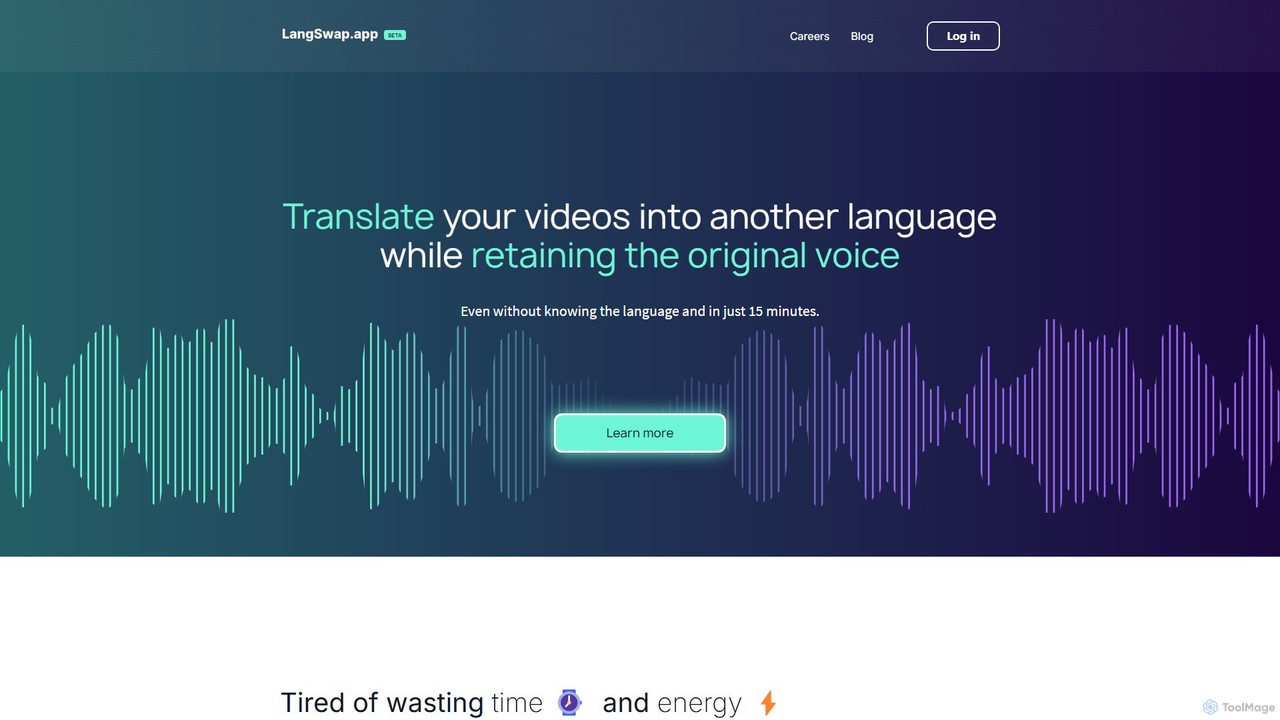
langswap
langswap is an AI-powered platform that translates your videos into multiple languages while preserving your own voice. It uses advanced voice cloning technology to maintain the original speaker's tone, intonation, and style, making video localization fast, affordable, and authentic.
Voice CloningVideoLingo
VideoLingo is an AI-powered platform that effortlessly translates videos, generating film-grade bilingual subtitles and natural-sounding dubbing. It's designed for content creators, educators, and businesses to break language barriers and reach a global audience. With support for professional terminology and a simple one-click process, VideoLingo makes video localization fast, accurate, and accessible.
DubbingNeuralGen.ai
NeuralGen.ai is an advanced AI-powered platform for video translation and dubbing. It automatically translates video content into over 20 languages, featuring realistic voice cloning to preserve the original speaker's voice and precise lip-sync technology for a natural viewing experience. Designed for businesses and creators, it helps break language barriers and expand global reach by making content accessible to an international audience with high-quality, synchronized translations and subtitles.
DubbingVideoDubber
VideoDubber is an AI-powered platform for seamless video translation, voice cloning, and dubbing. It supports over 129 languages, offering features like premium voice cloning, automatic lip-sync, and multi-speaker detection. Ideal for content creators, marketers, and businesses aiming to reach a global audience by localizing their video content effortlessly and affordably.
Dubbing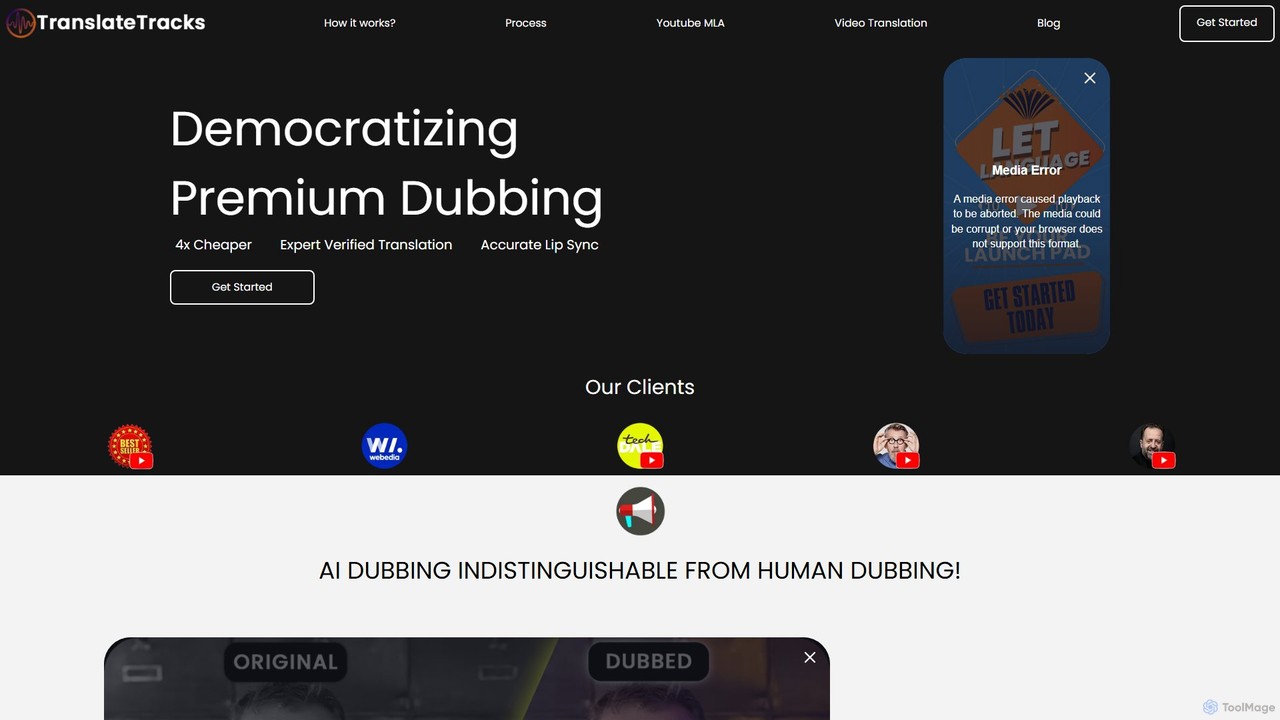
translatetracks
translatetracks offers premium AI-powered video dubbing and translation services, enhanced by human experts. It provides accurate lip-sync, on-screen text translation, and subtitles in over 50 languages, enabling content creators to globalize their content affordably and quickly, with results nearly indistinguishable from human dubbing.
Dubbing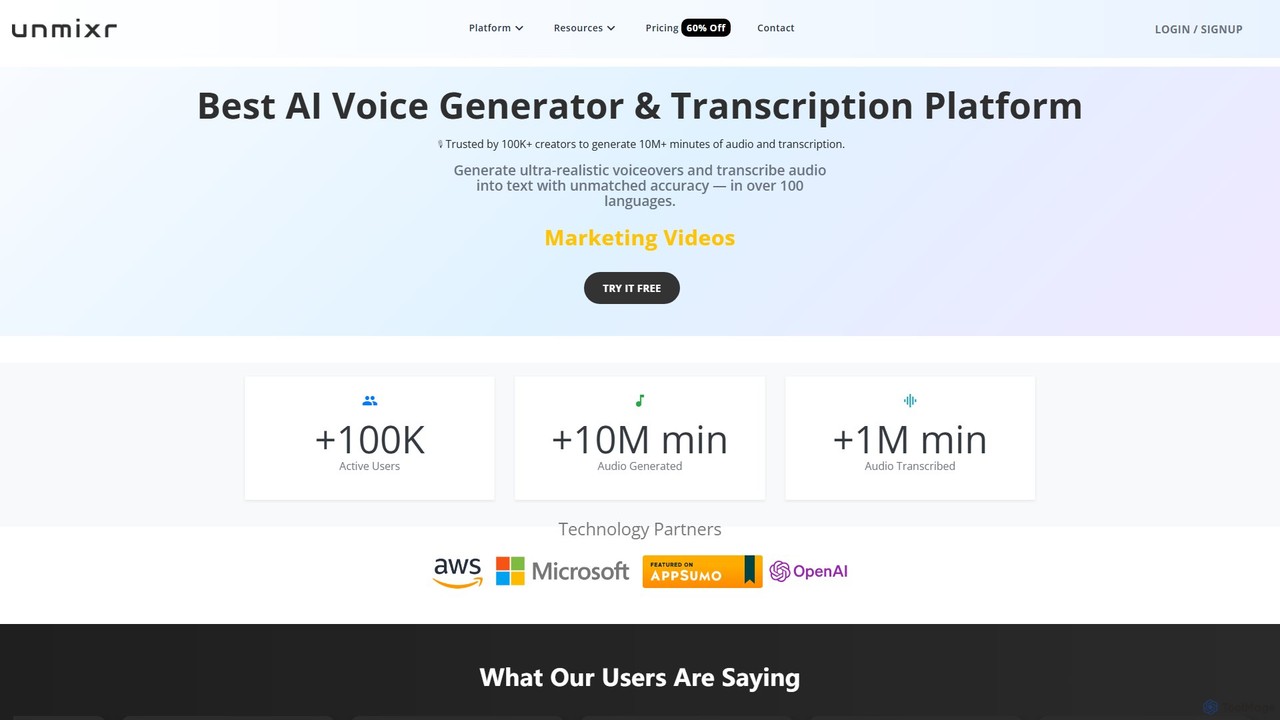
unmixr
unmixr is an all-in-one AI platform for content creation, offering ultra-realistic text-to-speech, highly accurate audio/video transcription, and seamless video dubbing in over 100 languages. It also includes voice cloning, an AI chatbot, and copywriting tools, making it a comprehensive solution for creators, marketers, and filmmakers.
Text To Speech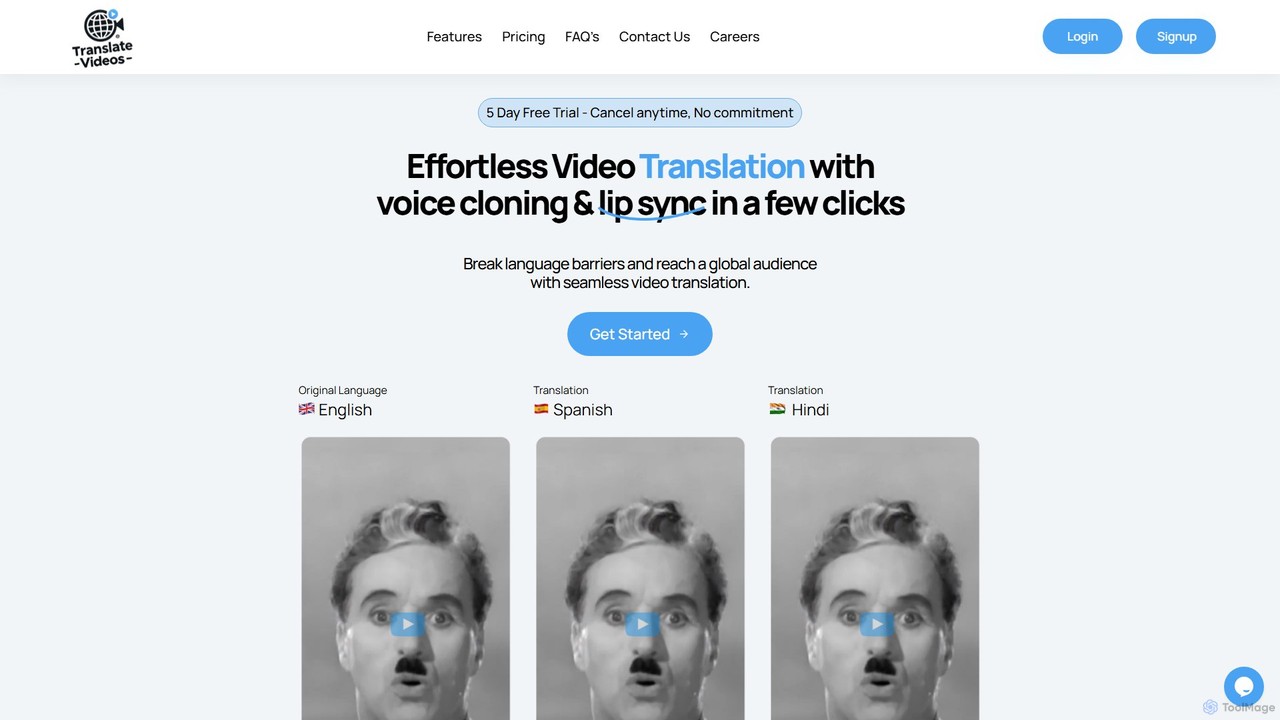
translatevideos
An AI-powered platform for effortlessly translating videos into multiple languages. It features realistic voice cloning and precise lip-syncing, enabling content creators and businesses to break language barriers and reach a global audience with authentic, localized content.
Voice Cloning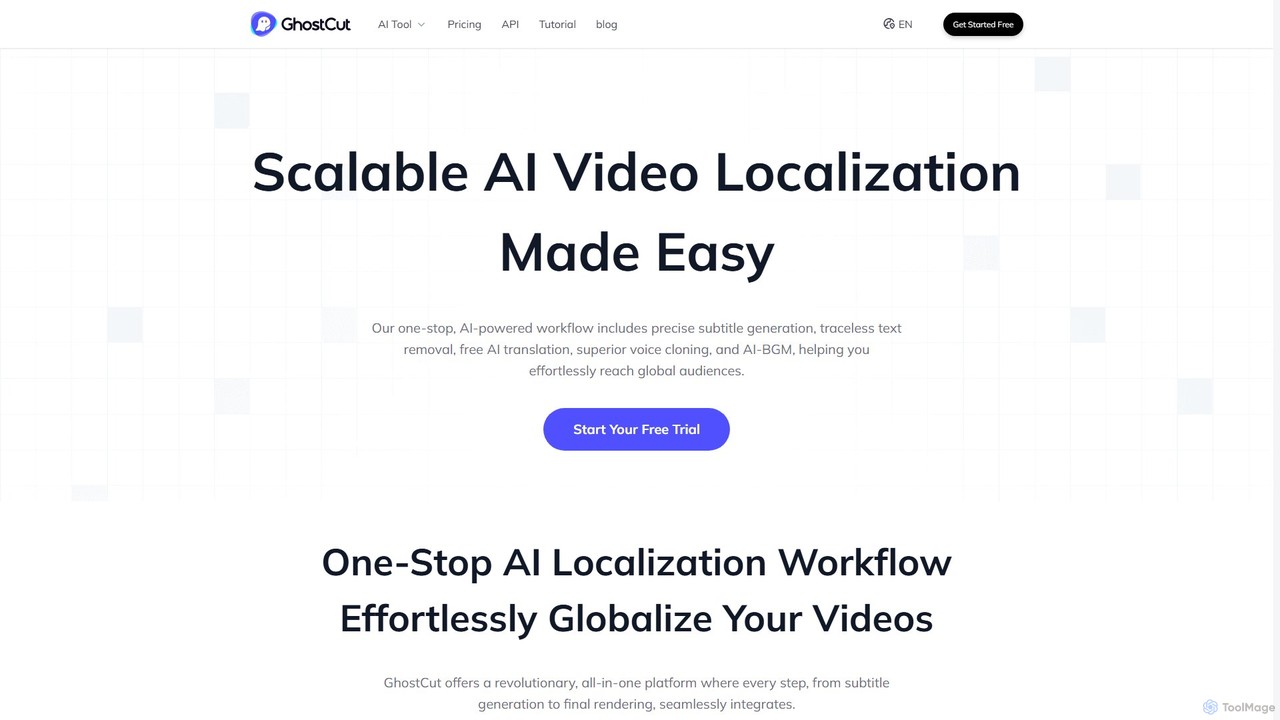
GhostCut
GhostCut is a one-stop AI video localization platform. It offers automated subtitle generation, translation, text removal, and voice dubbing to help creators and businesses effortlessly reach a global audience. Ideal for e-commerce, short dramas, education, and social media content.
Dubbing
Blipcut
Blipcut is an AI-powered video translation and localization platform that enables creators to translate videos into over 130 languages. It features advanced AI voice cloning, lip-syncing, and automatic subtitle generation, making it easy to reach a global audience while maintaining the original speaker's voice and natural delivery.
Dubbing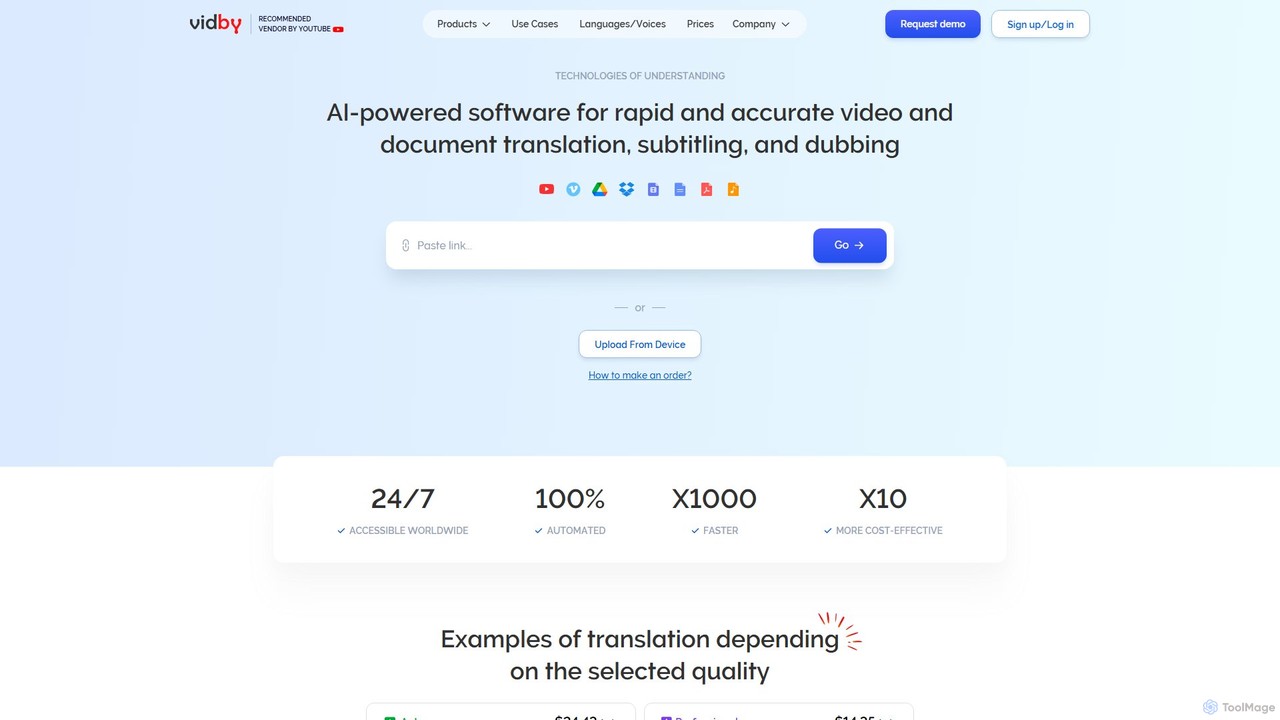
vidby
vidby is an advanced AI-powered platform for fast and accurate video translation, dubbing, subtitling, and voice cloning. It supports over 150 languages, offering features like lip-sync, real-time meeting translation, and document translation to help creators and businesses reach a global audience effortlessly.
Dubbing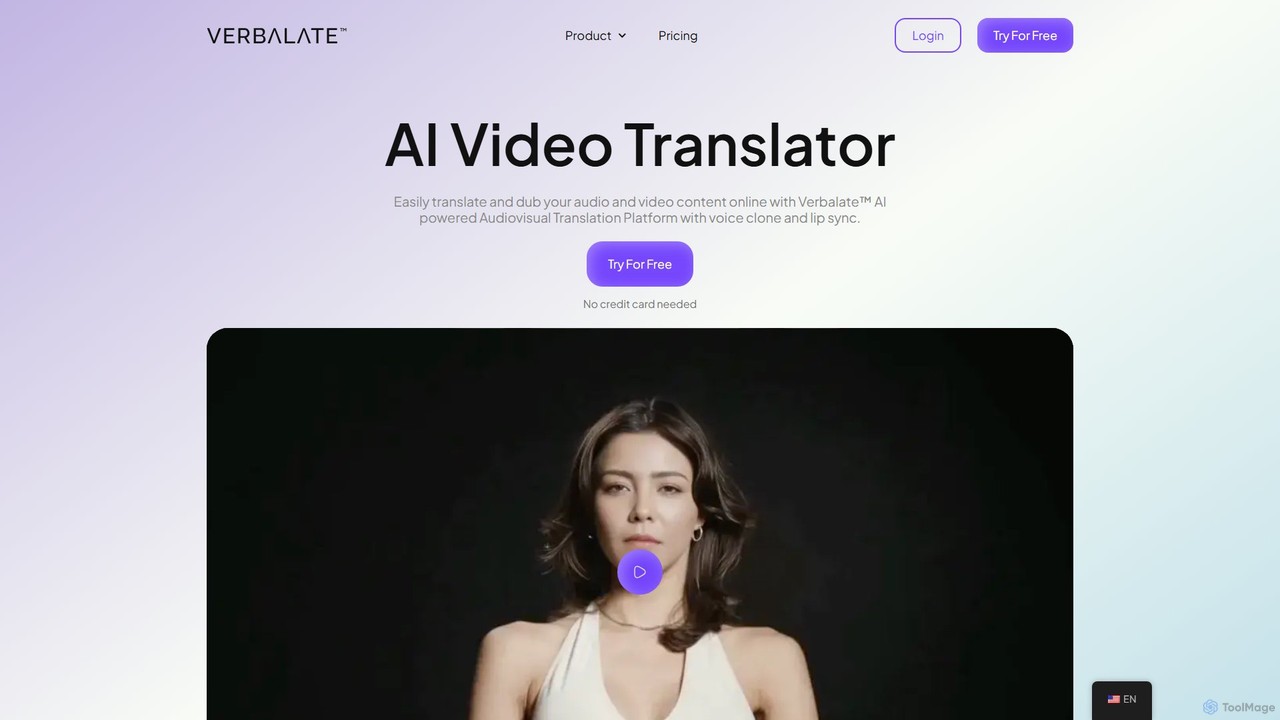
Verbalate
Verbalate is an AI-powered audiovisual translation platform that enables users to translate and dub video and audio content into over 230 languages. It features advanced voice cloning, optional lip-sync, and subtitle generation to help creators, educators, and businesses reach a global audience effortlessly. The platform is designed to maintain the original tone and nuance, creating a natural viewing experience for international audiences.
Dubbing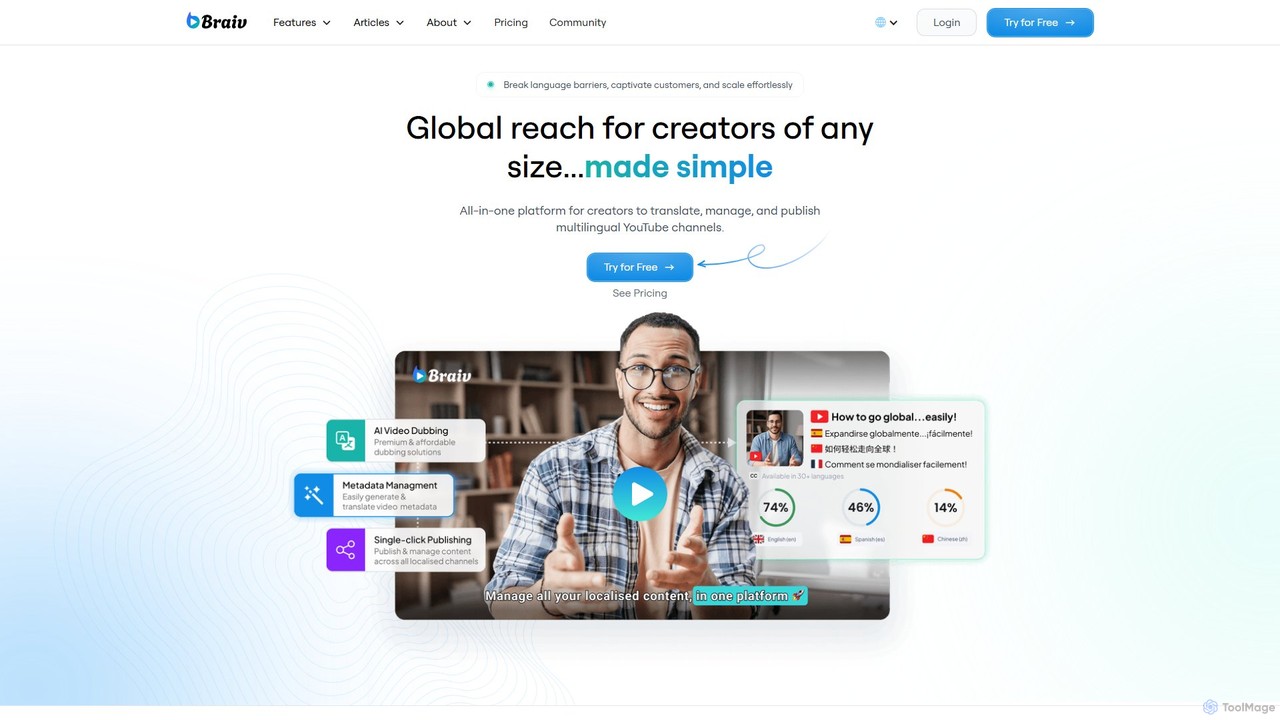
Braiv
Braiv is an all-in-one AI platform for media translation, designed to help creators, educators, and marketers reach a global audience. It offers AI-powered video dubbing with voice cloning, animated captions, and document translation in over 29 languages. With its intuitive multi-language video player and automated workflows, Braiv simplifies the process of localizing content, making it easy to scale videos, courses, and marketing materials for international markets.
Dubbing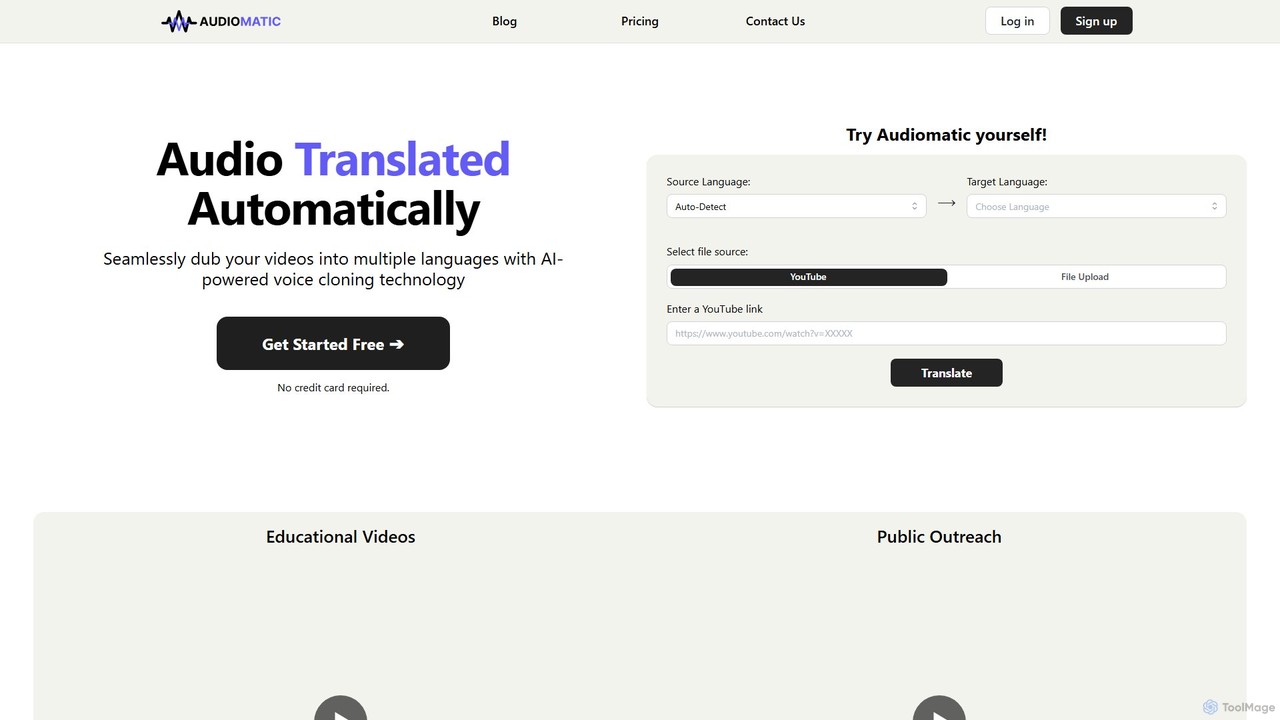
Audiomatic
Audiomatic is an AI-powered platform that automatically translates and dubs videos into multiple languages. It uses advanced voice cloning technology to preserve the original speaker's voice and style, enabling creators and businesses to seamlessly reach a global audience.
Dubbing
BlipCut Comments (0)
Sign in to comment.
Sign inNo comments yet.