

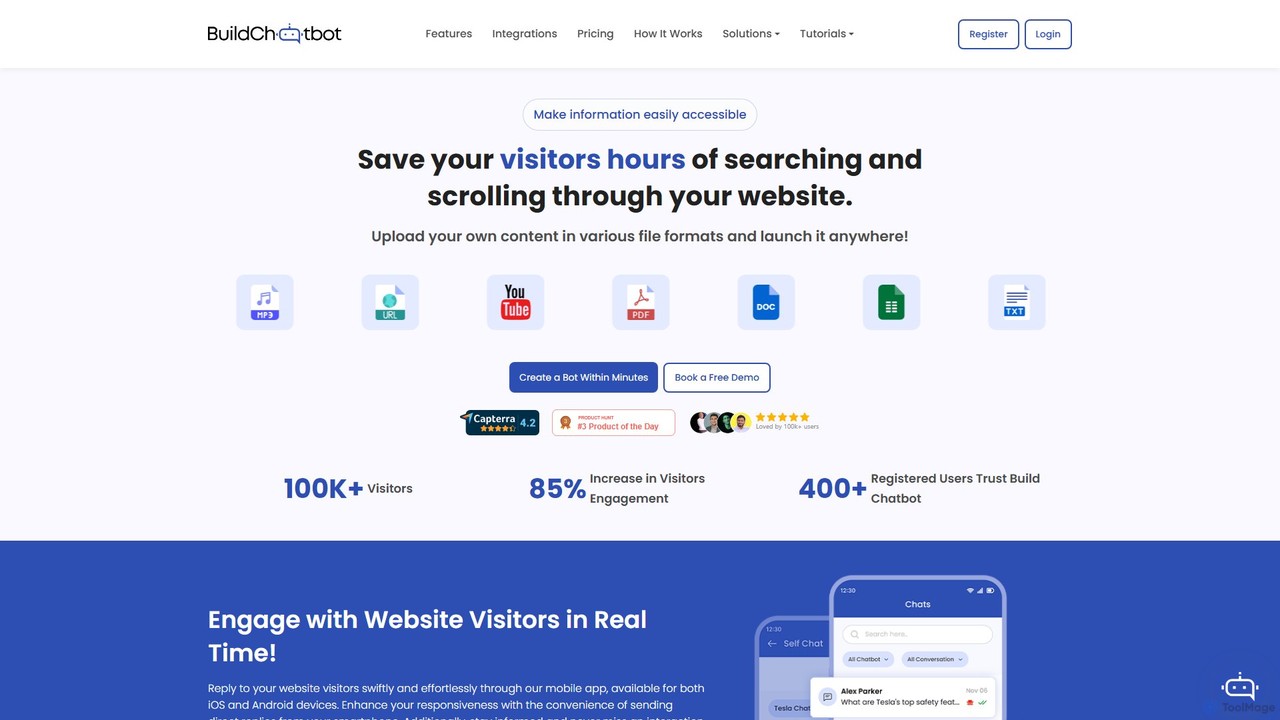
Build Chatbot Overview
Build Chatbot is an innovative, no-code AI chatbot builder designed to transform how businesses interact with their website visitors. It empowers users to create and deploy a personalized AI assistant in minutes, without any programming knowledge. The core mission of Build Chatbot is to make information on your website instantly accessible, saving visitors valuable time and significantly boosting user engagement. By training the chatbot on your own content, you can ensure it provides accurate, context-aware responses that align perfectly with your brand's voice and knowledge base.
This platform stands out with its unique ability to process a wide array of data formats. You can feed it PDFs, text documents, website URLs, and even multimedia content like YouTube links, audio files, and video files. This versatility allows the AI to build a comprehensive understanding of your offerings, policies, and information, turning static content into dynamic, interactive conversations. The result is a powerful tool that can resolve up to 90% of customer queries automatically, freeing up your support team to handle more complex issues.
How to use Build Chatbot
Getting started with Build Chatbot is designed to be a simple and intuitive three-step process:
- Set up your personalized chatbot: Begin by providing your email address on the Build Chatbot website. You'll receive a magic link that takes you directly to the setup interface. This eliminates complex registration forms and gets you started in moments.
- Train your own Chatbot: This is where you customize the chatbot's knowledge. Upload your content in various supported formats. You can add website URLs for it to crawl, upload PDF manuals, DOCX files, text files, and uniquely, provide links to YouTube videos or upload audio/video files directly. The AI will automatically process all this information and train itself to become an expert on your data.
- Launch and Embed: Once the training is complete, your chatbot is ready for action. Navigate to the settings, customize its appearance (logo, colors) to match your brand, and then copy the provided embed code. Paste this code into your website's HTML, and your AI chatbot will be live, ready to engage with visitors and answer their questions.
Core Features of Build Chatbot
- No-Code Platform: Build and manage your chatbot through an intuitive, user-friendly interface without writing a single line of code.
- Multi-Format Data Training: Train your AI on a wide variety of sources, including PDF, Docs, Text, Website URLs, and YouTube URLs.
- Audio & Video Support: A standout feature that allows the chatbot to extract and learn from audio and video content, offering a richer knowledge base.
- Brand Personalization: Fully customize the chatbot's appearance, including logo, colors, and background, to ensure it seamlessly integrates with your website's branding.
- Live Chat & Multi-Platform Integration: Engage with customers in real-time when human intervention is needed. Manage conversations through the web interface, mobile apps (iOS & Android), Slack, and WhatsApp.
- Mobile App Management: Receive instant notifications and reply to visitor conversations directly from your smartphone, ensuring you never miss an interaction.
- Customer Insights: Gain valuable insights by analyzing conversation logs to understand customer needs, common questions, and pain points.
- Multi-language Support: Cater to a global audience by deploying the chatbot in multiple languages.
Use Cases for Build Chatbot
Build Chatbot is a versatile tool suitable for various industries and purposes:
- Customer Support Automation: Deploy on e-commerce or SaaS websites to provide 24/7 support, answer FAQs, and guide users, resolving a high percentage of routine queries instantly.
- Lead Generation: Engage website visitors proactively, qualify leads by asking relevant questions, and schedule demos or appointments.
- E-learning and Education: Create an interactive learning assistant for online courses, trained on course materials, videos, and lectures to help students find information and answer questions.
- Healthcare Information Portals: Provide patients with a secure and easy way to find information about services, procedures, and administrative processes.
- Real Estate: Assist potential buyers by providing instant details on property listings, scheduling viewings, and answering financing questions.
- Internal Knowledge Base: Use it internally for employees to quickly find information from company documents, training videos, and internal policies.
Advantages of Build Chatbot
Build Chatbot offers a competitive edge through its powerful and user-centric features. Its primary advantage is the simplicity of its no-code setup, allowing anyone to launch a sophisticated AI chatbot in minutes. The unique ability to train the bot on audio and video content sets it apart from many competitors, enabling a more comprehensive and nuanced understanding of your business. Furthermore, the multi-platform live chat functionality ensures a seamless transition from bot to human support, enhancing the overall customer experience. By providing valuable insights from user interactions, it helps businesses continuously refine their content and strategy.
Pricing and Plans
Build Chatbot operates on a freemium model, making it accessible for businesses of all sizes.
- Free Plan: A great starting point that is free forever and requires no credit card. It includes 1 chatbot, an allowance of 6 chats per month, and a 10,000-character limit for training data.
- Paid Plans: For more advanced needs, Build Chatbot offers several tiered plans: Essential, Prime, Power pack, and Enterprise. These plans provide higher limits on chats, characters, number of chatbots, and unlock advanced features. For detailed and up-to-date information on the features and pricing of each plan, it is recommended to visit the official pricing page on their website.
Traffic
Latest traffic
Status
Monthly traffic trend
- 2025-9: 2.4K
- 2026-1: 4.8K
- 2026-2: 2.2K
- 2026-3: 2.0K
- 2026-4: 2.0K
- 2026-5: 2.7K
Geography
Top 5 countries / regions
- 🇻🇳Vietnam37.4%
- 🇺🇸United States34.4%
- 🇮🇳India28.2%
Top keywords
| Keyword | Cost per click |
|---|---|
| build chatbot | $0.00 |
| chat and build | $0.00 |
| chatbot making | $0.91 |
| creating a chatbot | $11.58 |
| how to make an ai chatbot | $0.00 |
Build Chatbot Alternatives
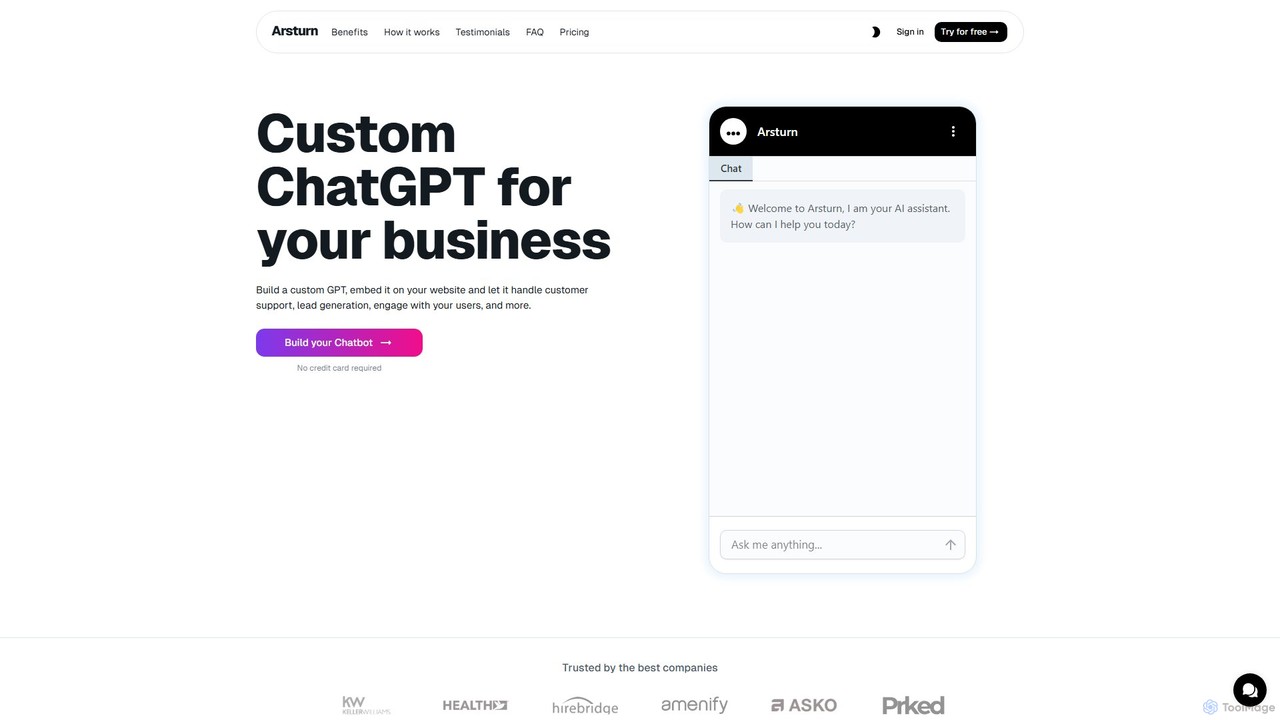
Arsturn
Arsturn is a no-code AI chatbot builder that allows you to create custom ChatGPT-powered chatbots for your website. Train the AI on your own data, including files, website content, and text, to provide instant, accurate answers to user questions, boost engagement, and increase conversions.
Chatbot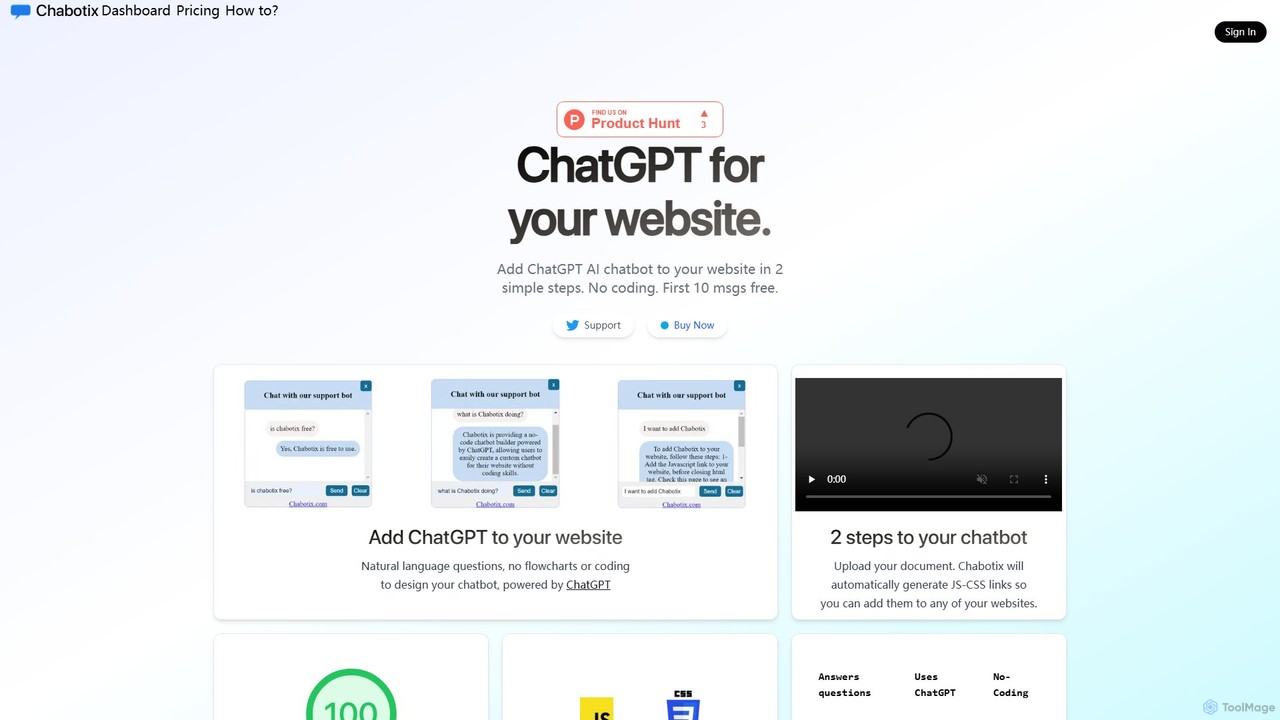
Chabotix
Chabotix is a no-code platform that allows you to create a custom ChatGPT-powered AI chatbot for your website in minutes. Simply upload your documents, and Chabotix generates a chatbot trained on your data. It provides instant, accurate answers to user questions, enhances customer support, and can even recommend products, all through a simple copy-paste integration.
Chatbot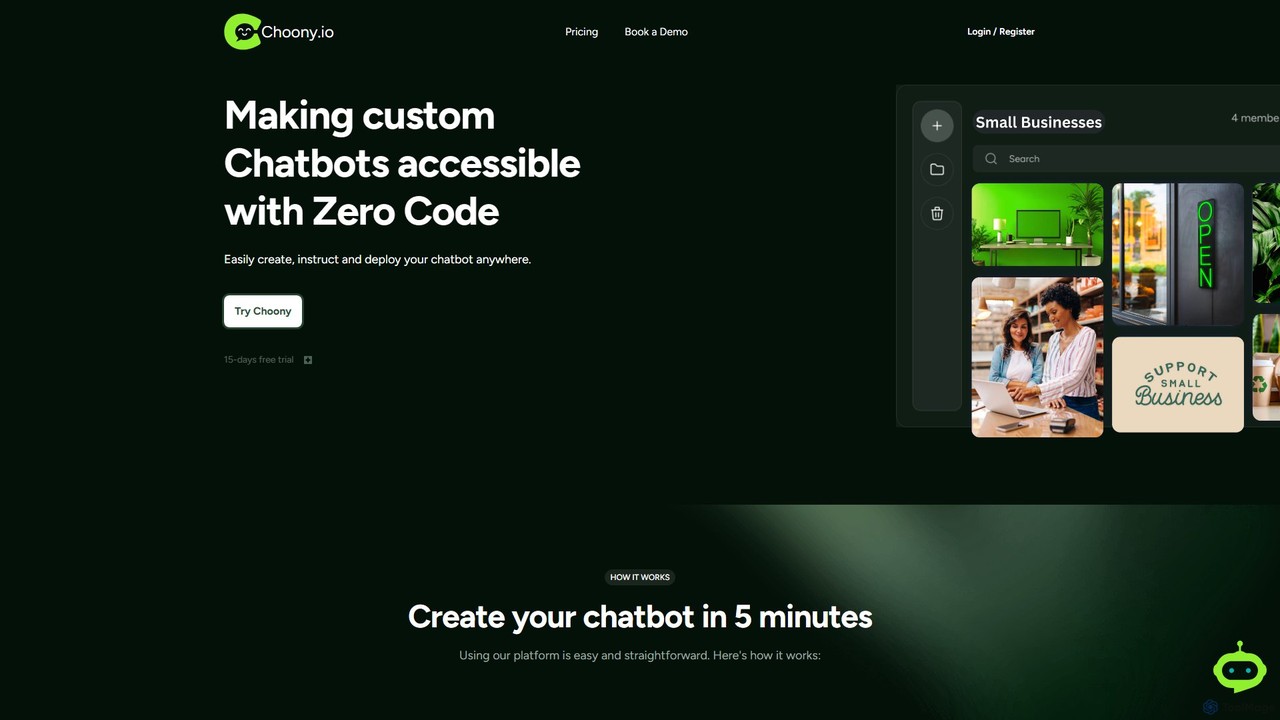
Choony
Choony is a no-code platform that allows users to easily create, train, and deploy custom AI chatbots powered by OpenAI's GPT-4. Design, instruct, and embed a branded chatbot on your website in minutes to enhance customer support, generate leads, and automate responses without any programming knowledge.
Chatbot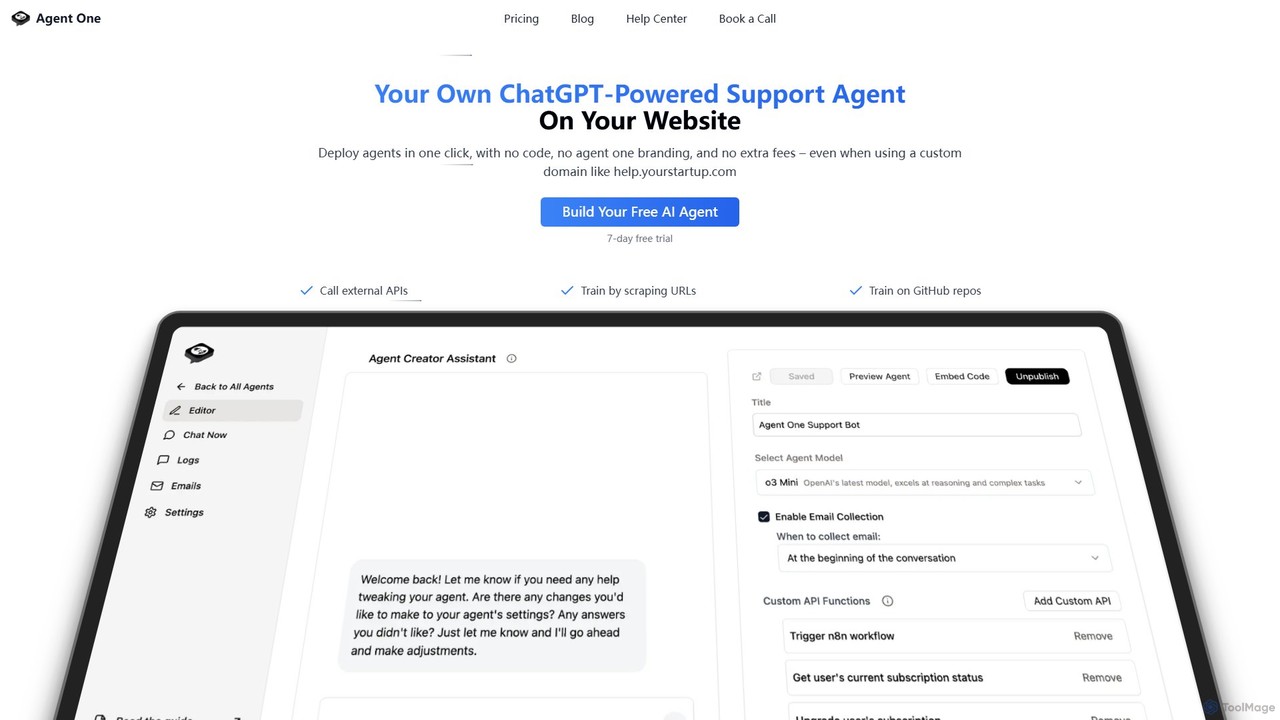
Agent One
Agent One is a no-code platform for building and deploying custom AI agents. Train agents on your website content, documents, or APIs to automate customer support, generate leads, and create interactive SEO pages. Deploy with one click as an embeddable widget or on a custom domain, with full control over branding and agent personality.
Chatbot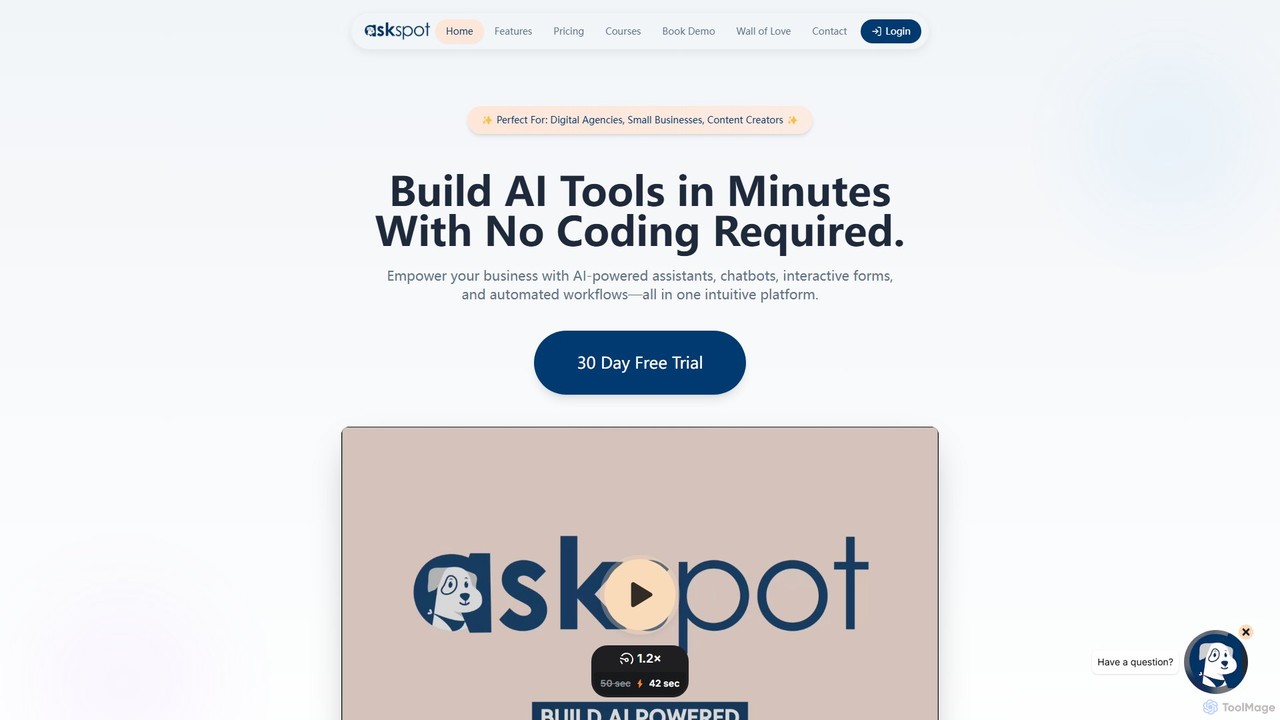
AskSpot
AskSpot is a no-code platform for building custom AI assistants, interactive forms, and automated workflows. Designed for digital agencies, small businesses, and content creators, it allows you to deploy AI-powered tools in minutes to enhance customer engagement, automate lead generation, and streamline operations without any coding required.
ChatbotBuild Chatbot Categories
Build Chatbot Embed Widget
Copy this embed code to place the badge on your blog, article, or product site and send readers directly to this ToolMage detail page.

Related AI tools
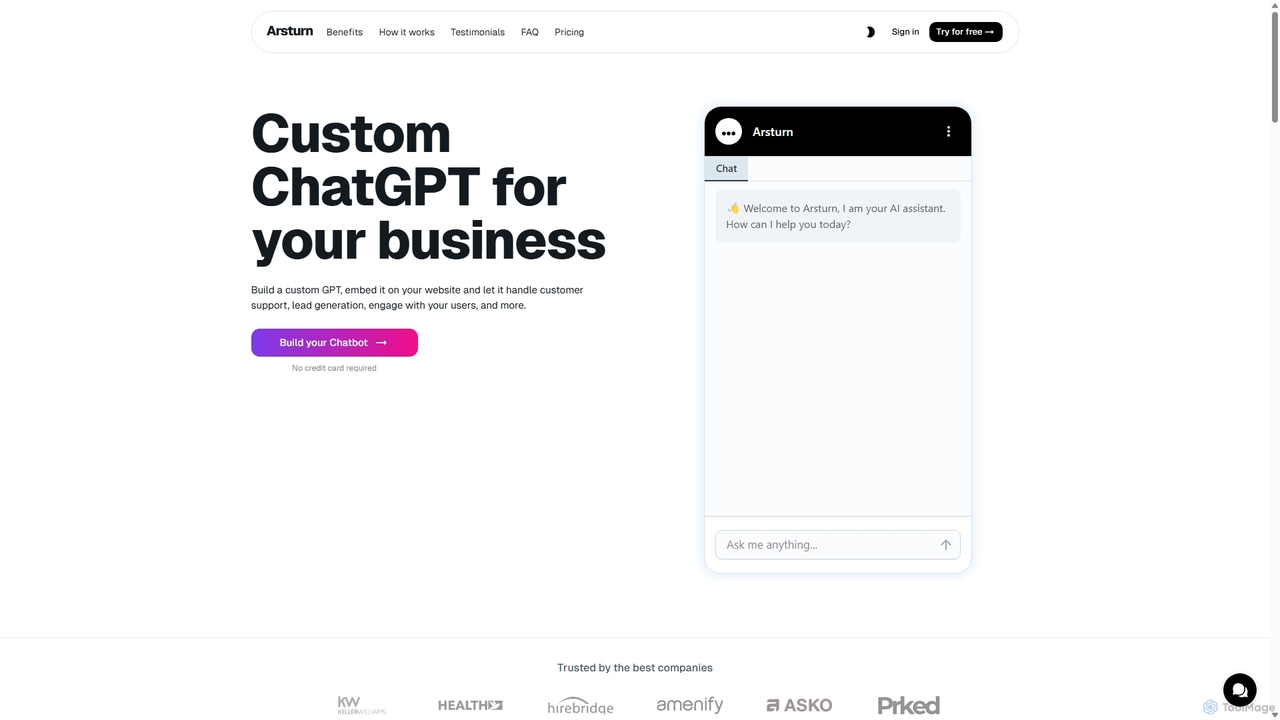
Arsturn
Arsturn is a no-code AI chatbot builder that allows you to create custom ChatGPT-powered chatbots for your website. Train the chatbot on your own data—files, URLs, or text—to provide instant, accurate answers, boost user engagement, and increase conversions. It offers full customization, insightful analytics, and seamless integration.
Chatbots
Jyek
Jyek is an AI agent platform that understands objectives, creates execution plans, uses tools, and delivers verifiable results for complex, multi-step tasks.
AutomationArsturn
Arsturn is a no-code AI chatbot builder that allows you to create custom ChatGPT-powered chatbots for your website. Train the AI on your own data, including files, website content, and text, to provide instant, accurate answers to user questions, boost engagement, and increase conversions.
ChatbotChoony
Choony is a no-code platform that allows users to easily create, train, and deploy custom AI chatbots powered by OpenAI's GPT-4. Design, instruct, and embed a branded chatbot on your website in minutes to enhance customer support, generate leads, and automate responses without any programming knowledge.
Chatbot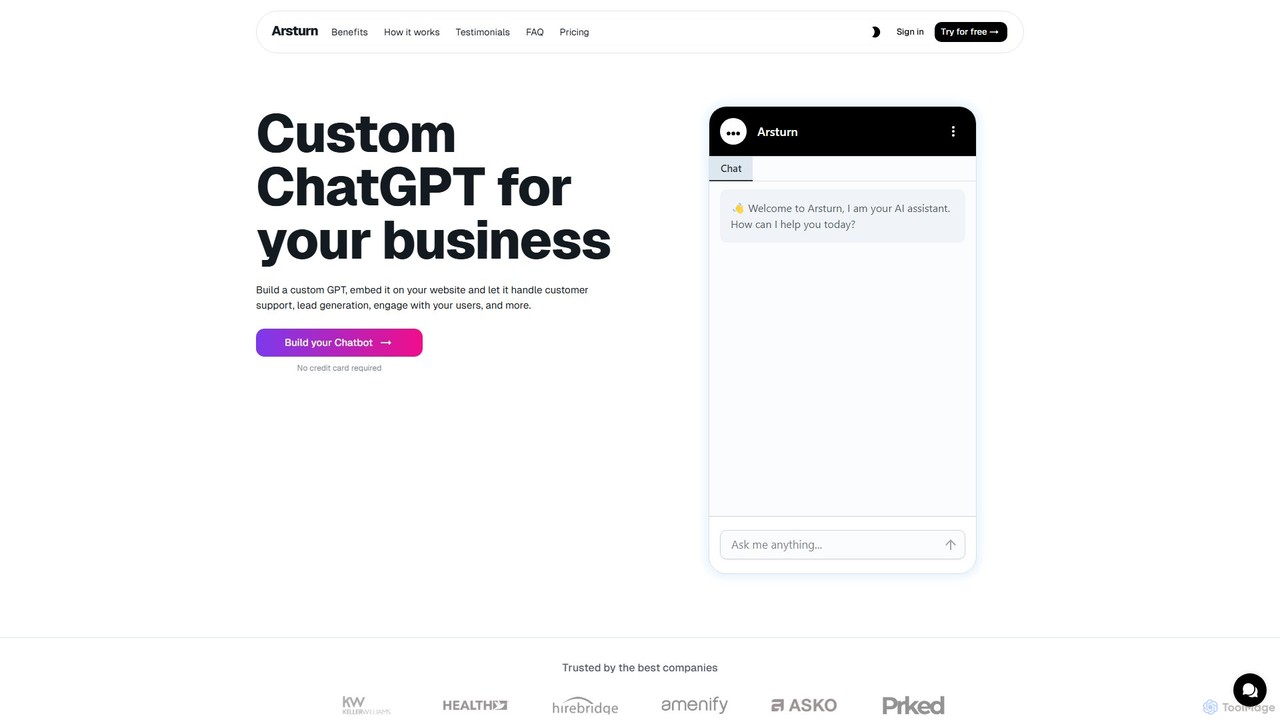
Arsturn
Arsturn is a no-code AI chatbot builder that lets you create custom ChatGPT-powered assistants for your website. Train the chatbot on your own data—files, text, or URLs—to provide instant, accurate answers to visitors. It's designed to boost audience engagement, automate customer support, and increase conversions without any coding skills required.
Chatbots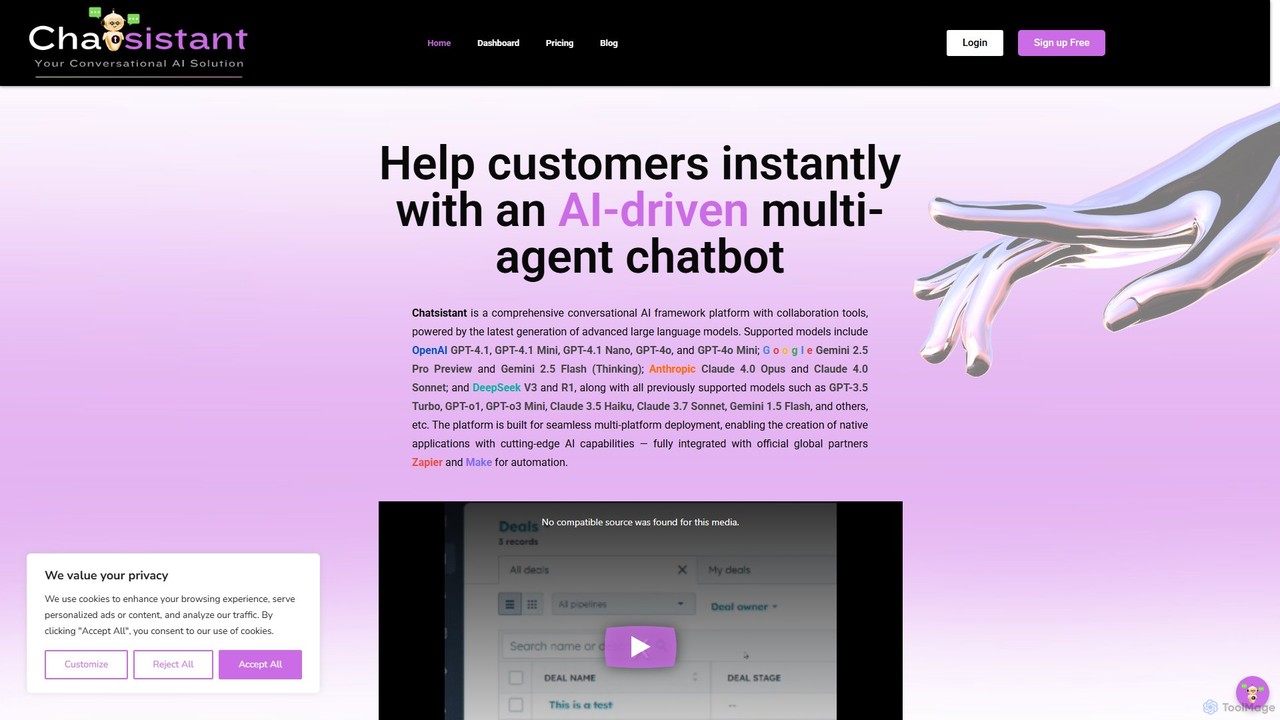
Chatsistant
Chatsistant is a no-code AI chatbot builder powered by Retrieval-Augmented Generation (RAG) technology. It allows businesses to create custom, data-driven conversational AI assistants that provide accurate answers from a specific knowledge base. Easily deploy chatbots on websites and other platforms to enhance customer support, generate leads, and automate communication without writing a single line of code.
Chatbot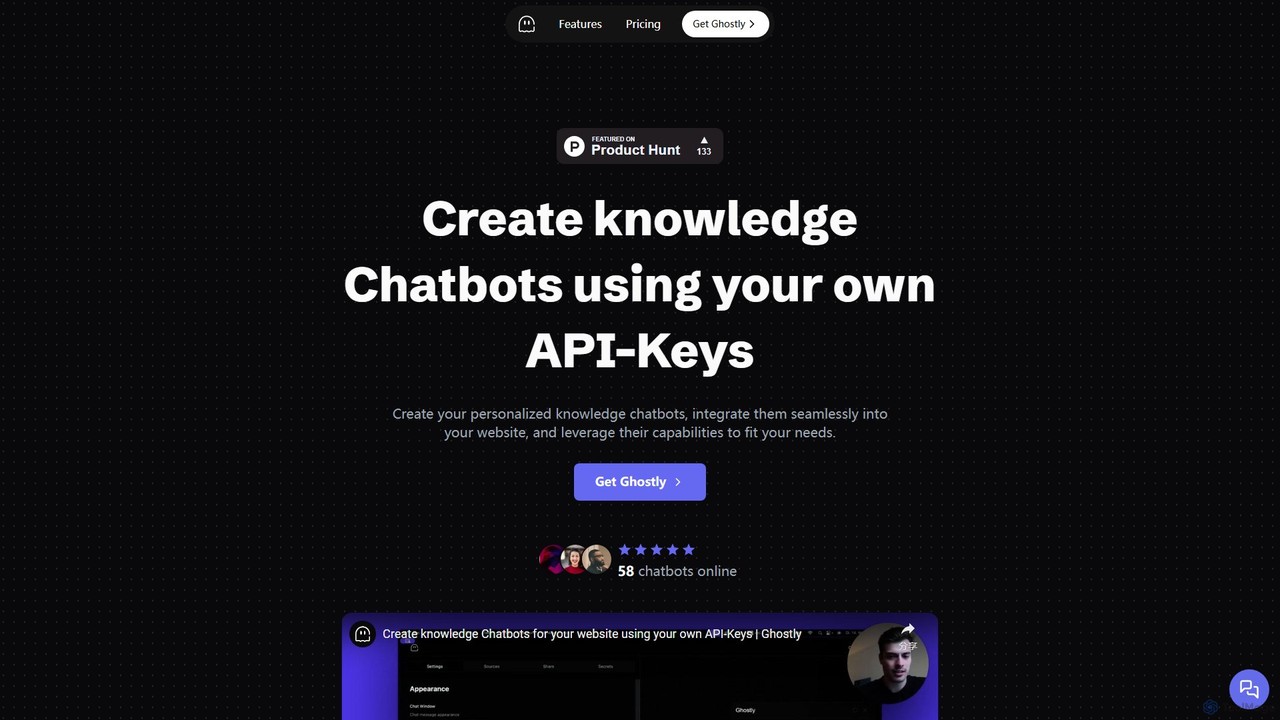
Ghostly
Ghostly is a platform for creating custom AI chatbots trained on your own data. It features a unique 'Bring Your Own API Key' model, allowing you to control AI usage costs directly. Easily build, customize, and embed a chatbot on your website in minutes by uploading files or adding URLs. It supports GPT-3.5, GPT-4, and GPT-4o, offering deep customization of behavior and appearance to match your brand.
Chatbot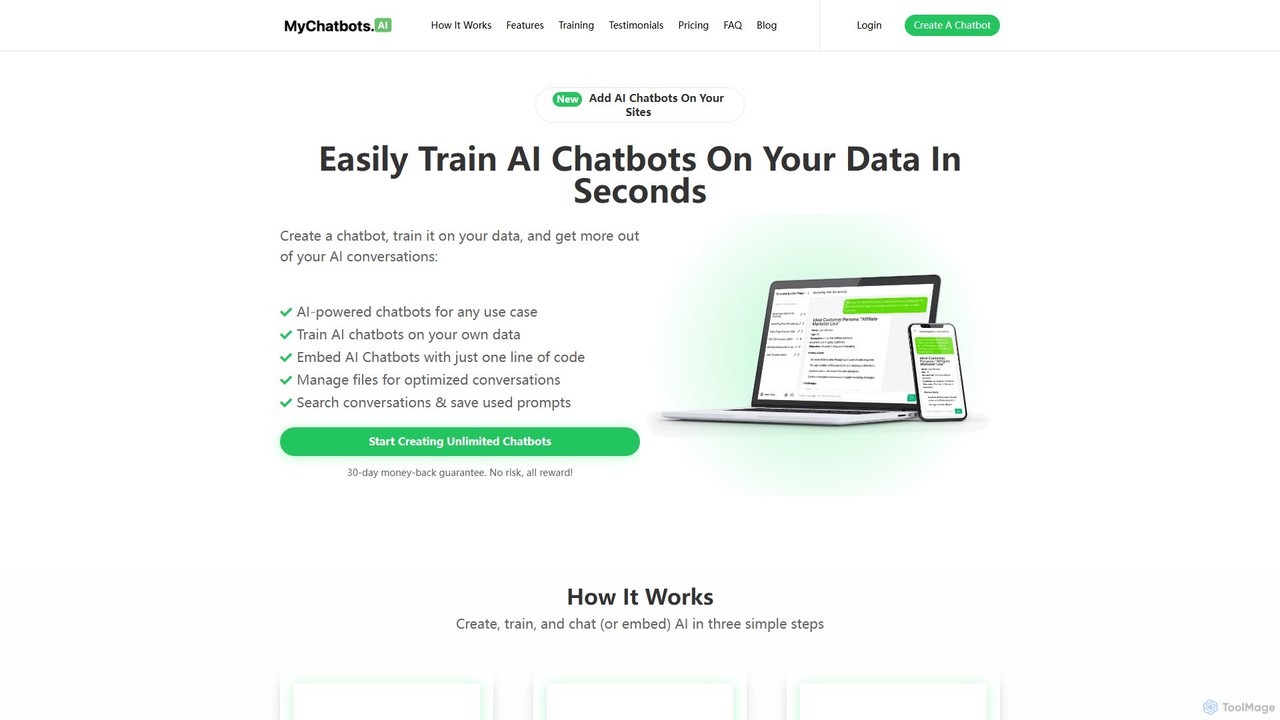
MyChatbots.AI
MyChatbots.AI is a no-code platform that allows you to create, train, and embed custom AI chatbots on your websites. Train your chatbot using your own data, such as PDFs and text files, to provide personalized, context-aware responses for customer support, lead generation, or internal knowledge management. It features a simple three-step setup and a 'Bring Your Own Key' model for flexible API usage.
ChatbotAgent One
Agent One is a no-code platform for building and deploying custom AI agents. Train agents on your website content, documents, or APIs to automate customer support, generate leads, and create interactive SEO pages. Deploy with one click as an embeddable widget or on a custom domain, with full control over branding and agent personality.
ChatbotAskSpot
AskSpot is a no-code platform for building custom AI assistants, interactive forms, and automated workflows. Designed for digital agencies, small businesses, and content creators, it allows you to deploy AI-powered tools in minutes to enhance customer engagement, automate lead generation, and streamline operations without any coding required.
Chatbot
Botme
Botme empowers website owners to create custom AI chatbots in minutes. By training on your website content, it provides 24/7 support, answers visitor questions accurately, and captures leads. This no-code solution is designed to be simple and affordable, boosting engagement and conversions with a fully customizable, multilingual chatbot.
Chatbot
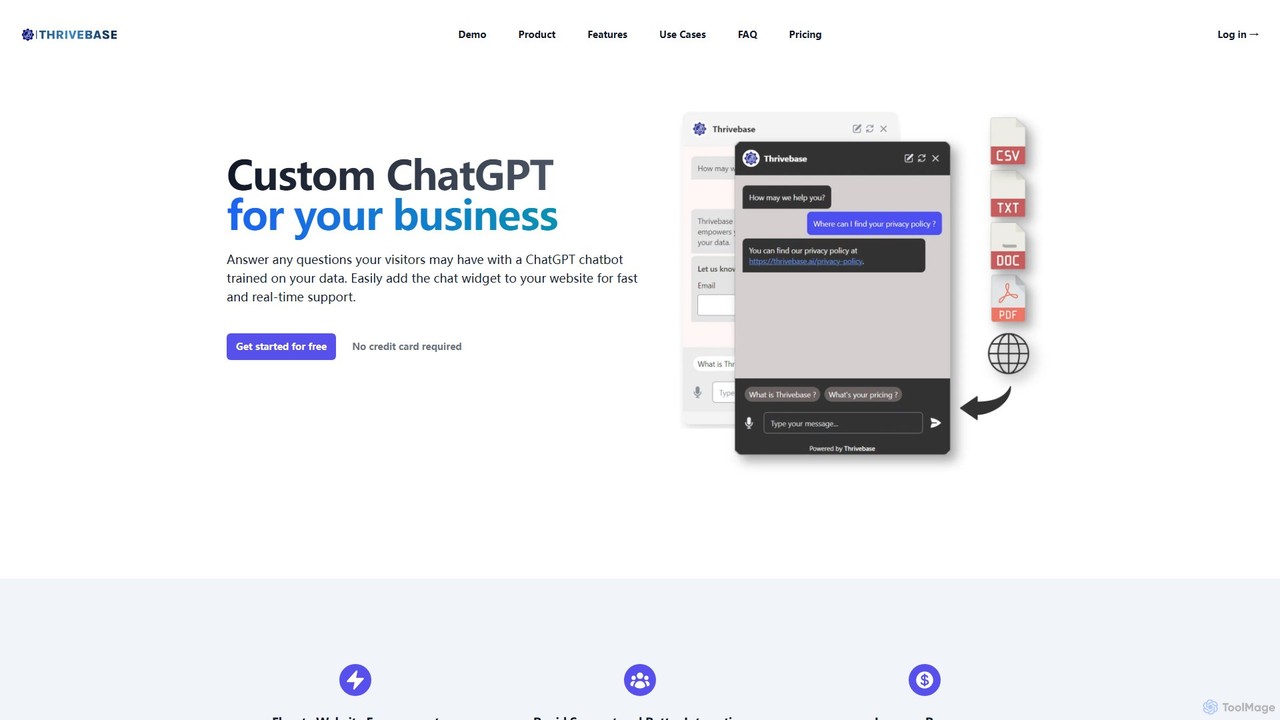
thrivebase
Thrivebase is a no-code platform that allows businesses to create custom AI chatbots trained on their own data. It automates customer support, enhances website engagement, captures leads, and provides instant, accurate responses 24/7, powered by models like GPT-4.
Chatbot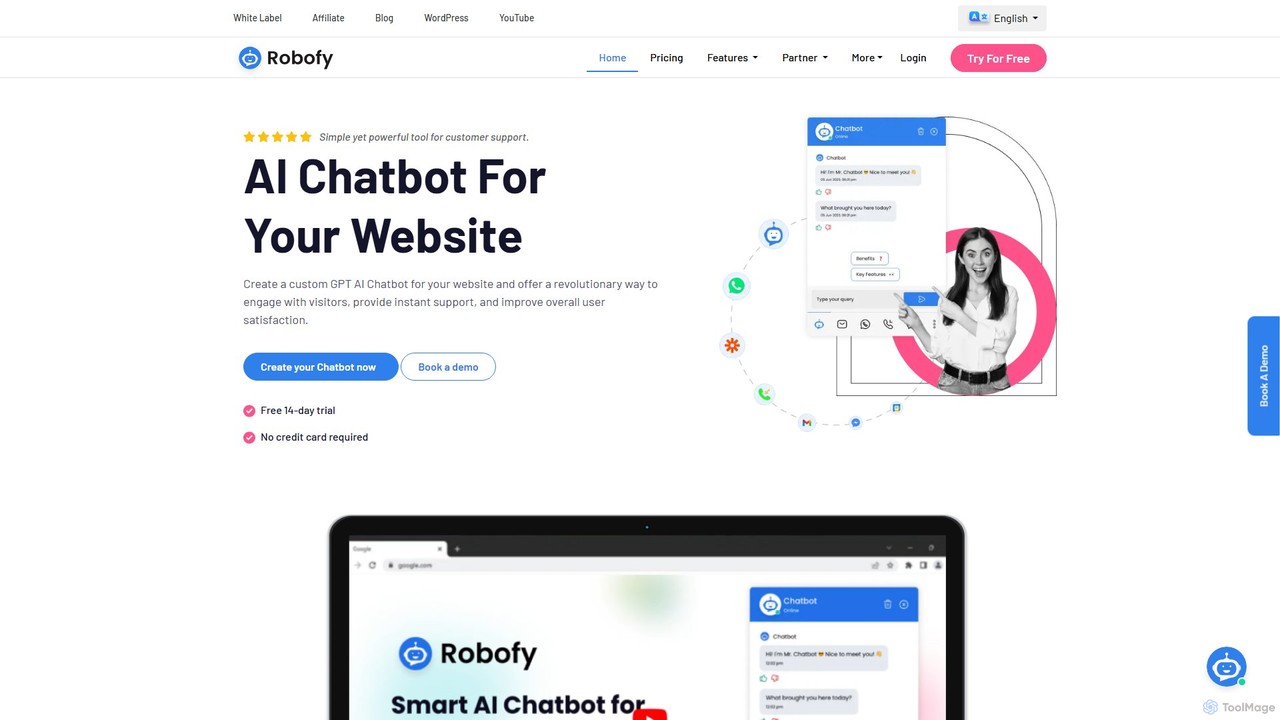
Robofy
Robofy is a custom AI chatbot builder powered by OpenAI's GPT-3.5 and GPT-4. It helps businesses enhance user engagement, provide instant support, and generate leads directly from their website. Key features include multilingual support, automated content updates, customizable tones, seamless human handover, and detailed analytics. Easily train your chatbot with documents, links, or chat history to create a personalized, intelligent assistant for your visitors.
Chatbot
BotGPT
BotGPT is a powerful AI platform that allows you to create a custom ChatGPT-style chatbot trained on your own data. Easily upload files or crawl your website to build a virtual assistant in minutes. Embed the customizable widget on your site to enhance customer engagement, automate support, and capture leads 24/7. It offers multi-platform support and prioritizes data privacy, making it an ideal solution for businesses of all sizes.
Chatbot
Build Chatbot Comments (0)
Sign in to comment.
Sign inNo comments yet.