

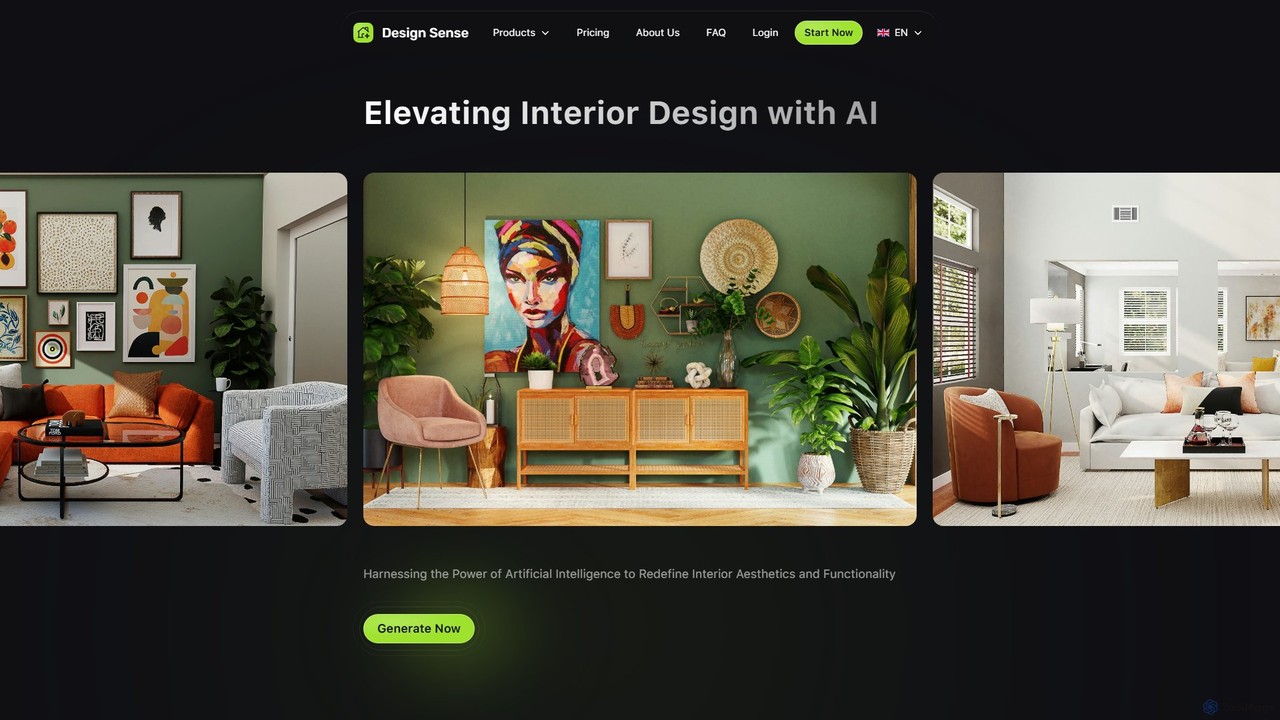
designsense Overview
designsense is a state-of-the-art AI tool designed to elevate and simplify the process of interior design. By harnessing the power of artificial intelligence, it provides users with a suite of powerful features to transform their creative visions into tangible, high-quality visuals. Whether you are a professional interior designer seeking to streamline your workflow, a homeowner planning a renovation, or a real estate agent looking to stage a property virtually, designsense offers the tools to redefine interior aesthetics and functionality with ease and precision.
The platform's core capability lies in its AI interior generator, which can produce unique and creative design concepts tailored to specific preferences. Users can select from a wide variety of styles and room types to generate the perfect interior for their needs. Beyond creating new designs, designsense excels at restyling existing spaces. By simply uploading a photo of a room, the AI can intelligently analyze its features and apply a new design style, allowing for rapid visualization of potential changes.
How to use designsense
Using designsense is a straightforward and intuitive process, designed for users of all skill levels. The workflow generally follows these simple steps:
- Upload or Select an Image: You can start by dragging and dropping a photo of the room you wish to redesign. Alternatively, you can work with an image previously rendered by the platform. For best results, it is recommended to use a photo with good lighting, taken from a straight angle.
- Define Your Changes: Depending on your goal, you can choose a new style for a complete room makeover. For more detailed edits, use the AI Inpaint feature. Simply use the brush tool to highlight the parts of the image you want to alter or replace.
- Describe with Text: After highlighting an area, enter a simple text prompt to describe the changes you want. For example, you could highlight a sofa and type "a modern blue velvet sofa" to replace it.
- Generate and Download: Click the "Generate" button. The AI will process your request and provide several design alternatives. You can then choose the result that best matches your vision and download it in high quality, without a watermark on paid plans.
Core Features of designsense
- AI Interior Generator: Creates novel interior design concepts from scratch based on user-selected styles, room types, and other settings.
- Room Restyler: Upload an image of any room and have the AI reimagine it in a wide range of different design aesthetics, from minimalist to bohemian.
- AI Image Upscaler: Enhances the resolution and quality of your images with a single click. It effectively fixes pixelation, sharpens blurry details, and refines colors and lighting for a crisp, professional finish.
- AI Inpainting and Object Replacement: Effortlessly repair imperfections or replace objects within an image. Simply brush over an area and use a text prompt to describe what you want to see in its place. The AI seamlessly reconstructs the area while maintaining natural textures and lighting.
- Video Rendering: The Premium plan allows users to add motion to their static design images, creating dynamic and engaging video presentations of their interiors.
- Team Access: Paid plans offer features to create and manage a team, making it a collaborative tool for design agencies and firms.
Use Cases for designsense
designsense is a versatile tool with applications across various fields:
- Homeowners: Visualize redecoration ideas, test different furniture layouts, and experiment with color schemes before making any physical or financial commitments.
- Interior Designers: Rapidly generate multiple design concepts for clients, saving valuable time and resources. Use inpainting to make quick revisions based on client feedback.
- Real Estate Professionals: Virtually stage empty properties to make listings more appealing to potential buyers. Showcase a property's potential by presenting it in various styles.
- Furniture Retailers: Integrate with partner catalogs to allow customers to visualize how real furniture and decor items would look in their own homes.
- DIY Enthusiasts: Find inspiration and experiment with bold design ideas in a risk-free digital environment.
Advantages of designsense
The primary advantage of designsense is its ability to democratize interior design. It combines speed, high-quality output, and user-friendliness. Generating design concepts takes only a few minutes, a fraction of the time required by traditional methods. The platform offers a wide range of styles, ensuring plenty of variety. Furthermore, its advanced features like the AI upscaler and inpainting provide a level of control and refinement typically found only in professional-grade software, but with a much lower barrier to entry.
Pricing and Plans
designsense operates on a freemium model, offering plans for different user needs:
- Basic Plan: Free. Allows users to generate 1 free image. Renders will have a watermark and are of good quality.
- Pro Plan: $9.99 per month per user. This plan is perfect for starters and includes unlimited renders, no watermarks, the best render quality (HQ Export), and team access.
- Premium Plan: $39.99 per month per user. Includes all features of the Pro plan, plus the ability to render videos and use the advanced AI Inpaint feature to change anything on a photo.
Yearly billing options are also available, typically offering a discount over the monthly price.
Traffic
Latest traffic
Status
Monthly traffic trend
- 2025-9: 34.4K
- 2026-1: 37.0K
- 2026-2: 23.0K
- 2026-3: 7.4K
- 2026-4: 7.2K
- 2026-5: 1.2K
Geography
Top 5 countries / regions
- 🇮🇳India72.8%
- 🇨🇿Czechia27.2%
Top keywords
| Keyword | Cost per click |
|---|---|
| ai room design free without login | $1.19 |
| best ai tool for interior design | $0.00 |
| paint my room app | $0.00 |
| planner 5d | $0.47 |
| roomgpt | $0.83 |
designsense Alternatives
newroom
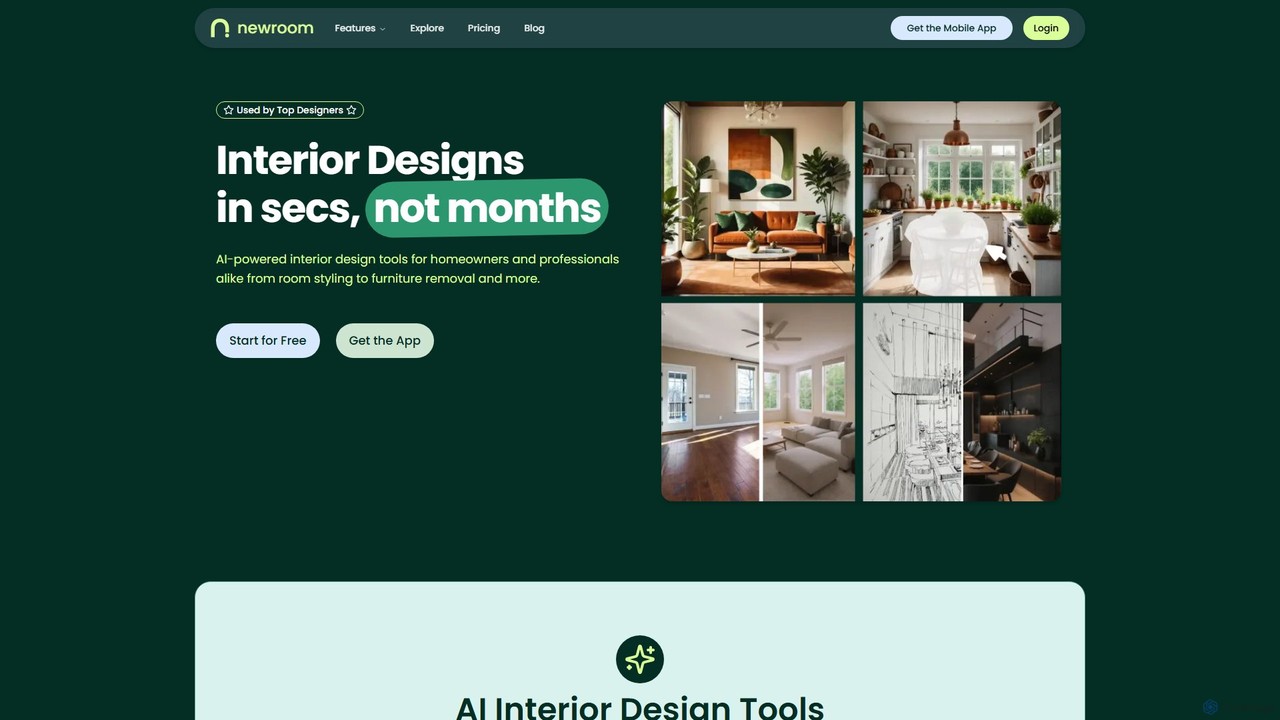
NewRoom is an AI-powered interior design platform for homeowners and professionals. It generates stunning interior designs in seconds, offering features like room styling, virtual staging, furniture replacement, and AI-powered image editing. Transform empty rooms or redesign existing spaces effortlessly.
Interior Design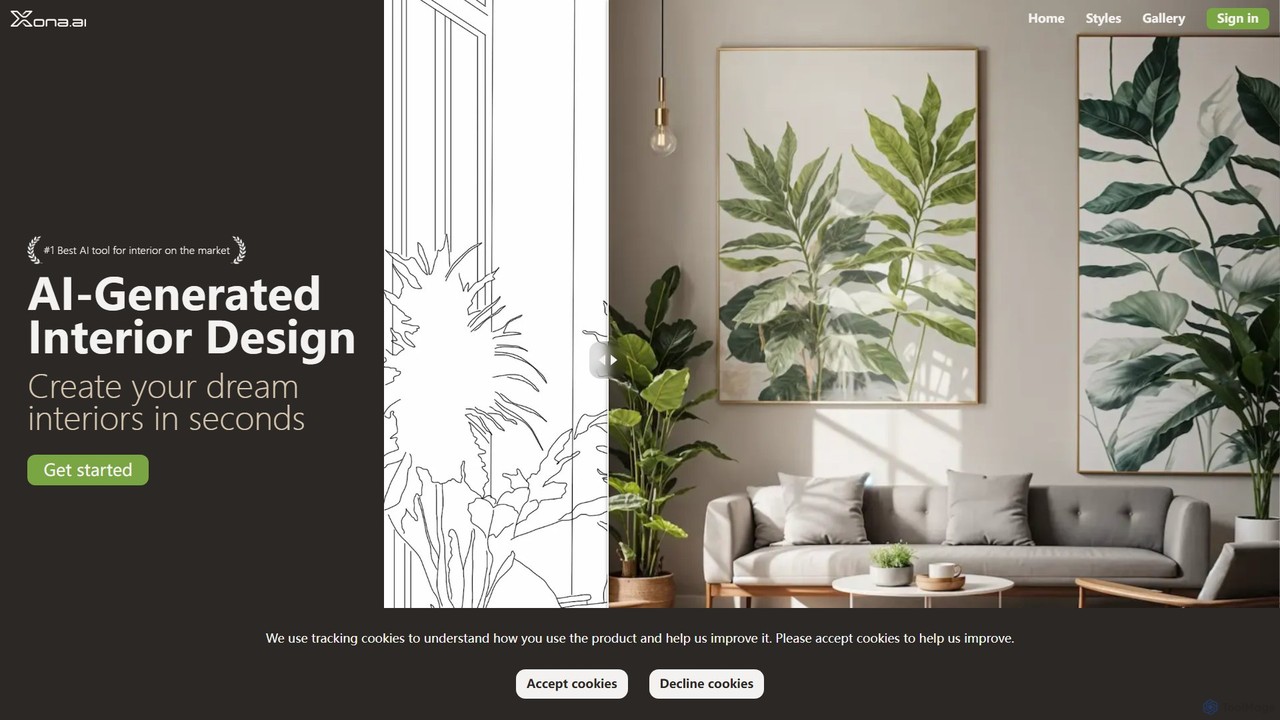
xona.ai
xona.ai is an AI-powered interior design tool that transforms your space in seconds. Simply upload a photo of your room, choose from a variety of professional styles, and generate beautiful, high-quality interior designs. Advanced features like object removal, furniture replacement, and creative upscaling give you complete control to perfect your vision.
Interior Design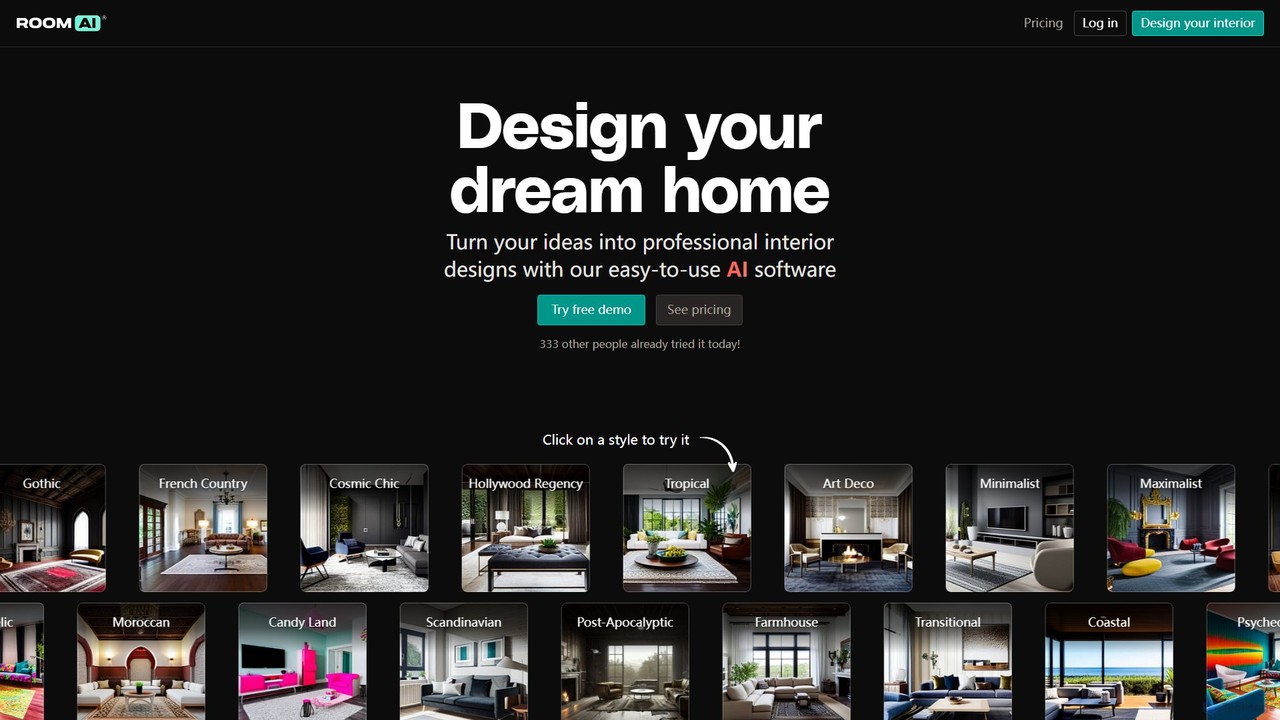
Room AI
Room AI is an AI-powered interior design tool that transforms your ideas into professional, photo-realistic designs. Upload a photo of your room to restyle it in various themes, or generate entirely new room concepts from scratch. It's designed for homeowners, interior designers, real estate agents, and architects to visualize spaces quickly and affordably.
Interior Design
decoratly
Decoratly is an AI-powered interior design tool that transforms any room in seconds. Simply upload a photo of your space, and the advanced AI generates professional design concepts in over 50 styles. It offers features like text-based design prompts, a custom style builder, and two distinct modes—Makeover and Enhance—to help homeowners, real estate agents, and designers visualize and create their dream interiors effortlessly.
Interior Design
RoomGPT
RoomGPT is an AI-powered interior designer that transforms your room with just one photo. Upload an image of your space, select a design theme, and instantly receive stunning, photorealistic redesign concepts. It's the perfect tool for homeowners, real estate agents, and anyone seeking design inspiration.
Interior Designdesignsense Categories
designsense Embed Widget
Copy this embed code to place the badge on your blog, article, or product site and send readers directly to this ToolMage detail page.

Related AI tools
Room AI
Room AI is an AI-powered interior design tool that transforms your ideas into professional, photo-realistic designs. Upload a photo of your room to restyle it in various themes, or generate entirely new room concepts from scratch. It's designed for homeowners, interior designers, real estate agents, and architects to visualize spaces quickly and affordably.
Interior Design
Jyek
Jyek is an AI agent platform that understands objectives, creates execution plans, uses tools, and delivers verifiable results for complex, multi-step tasks.
Automationdecoratly
Decoratly is an AI-powered interior design tool that transforms any room in seconds. Simply upload a photo of your space, and the advanced AI generates professional design concepts in over 50 styles. It offers features like text-based design prompts, a custom style builder, and two distinct modes—Makeover and Enhance—to help homeowners, real estate agents, and designers visualize and create their dream interiors effortlessly.
Interior Design
roomdesigner.ai
An AI-powered tool for interior design, virtual staging, and architectural visualization. Upload a photo or sketch to redesign interiors, exteriors, and gardens in over 50 styles. Ideal for homeowners, real estate agents, and designers to create photorealistic renders and stage properties in seconds, boosting sales and streamlining design workflows.
Interior Design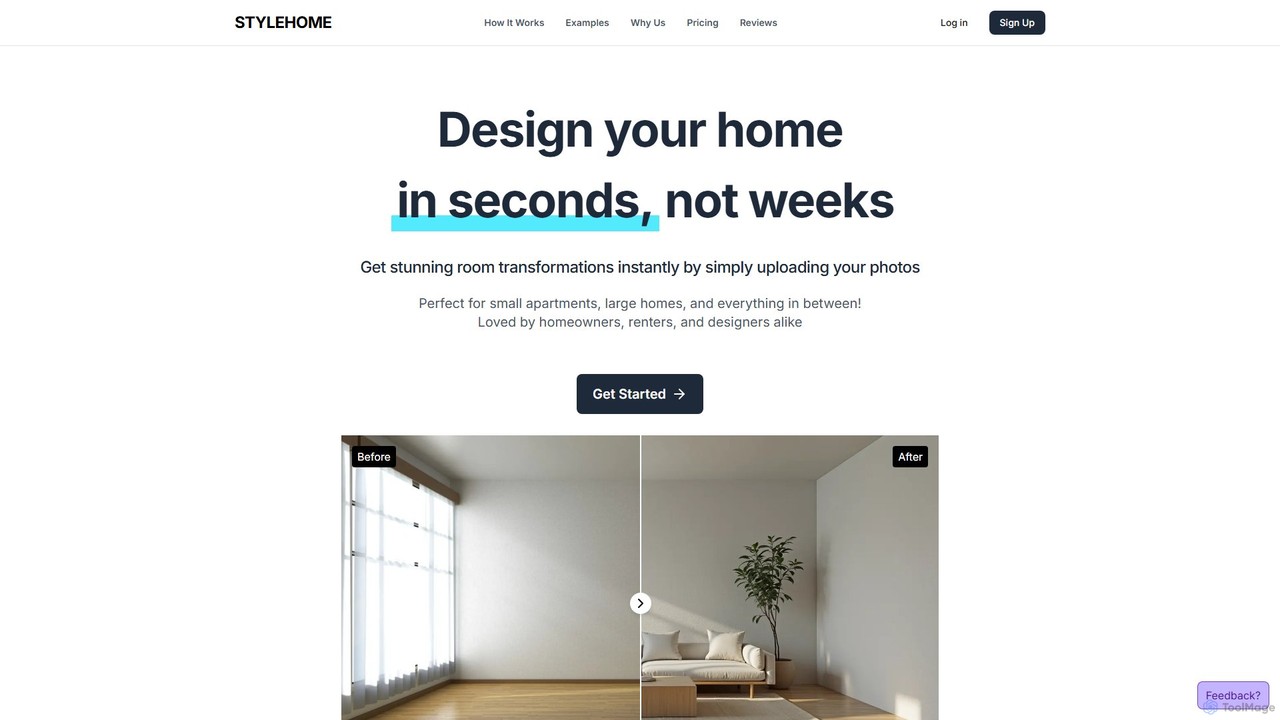
stylehome
stylehome is an AI-powered interior design tool that transforms your room photos into stunning designs in seconds. Simply upload an image of your space, choose from dozens of styles like Modern, Scandinavian, or Cyberpunk, and instantly receive realistic visualizations. It's perfect for homeowners, renters, and professional designers looking for quick inspiration, client mockups, and endless creative possibilities without the high cost and long waits of traditional design.
Interior Designnewroom
NewRoom is an AI-powered interior design platform for homeowners and professionals. It generates stunning interior designs in seconds, offering features like room styling, virtual staging, furniture replacement, and AI-powered image editing. Transform empty rooms or redesign existing spaces effortlessly.
Interior DesignRoomGPT
RoomGPT is an AI-powered interior designer that transforms your room with just one photo. Upload an image of your space, select a design theme, and instantly receive stunning, photorealistic redesign concepts. It's the perfect tool for homeowners, real estate agents, and anyone seeking design inspiration.
Interior Design
DecorAI
DecorAI is an AI-powered interior design tool that generates stunning design ideas in seconds. Simply upload a photo of your space, a floor plan, or a sketch, and let the AI create countless high-quality design options across various styles. It's perfect for homeowners, interior designers, and furniture retailers looking to visualize and transform any space effortlessly.
Interior Design
InteriorDecorator.ai
InteriorDecorator.ai is an AI-powered tool that generates stunning interior and exterior design ideas. Simply upload a photo of your space, and the AI will produce a variety of high-quality design concepts in numerous styles, from Modern to Rustic. It's perfect for homeowners, designers, and real estate agents.
Interior Design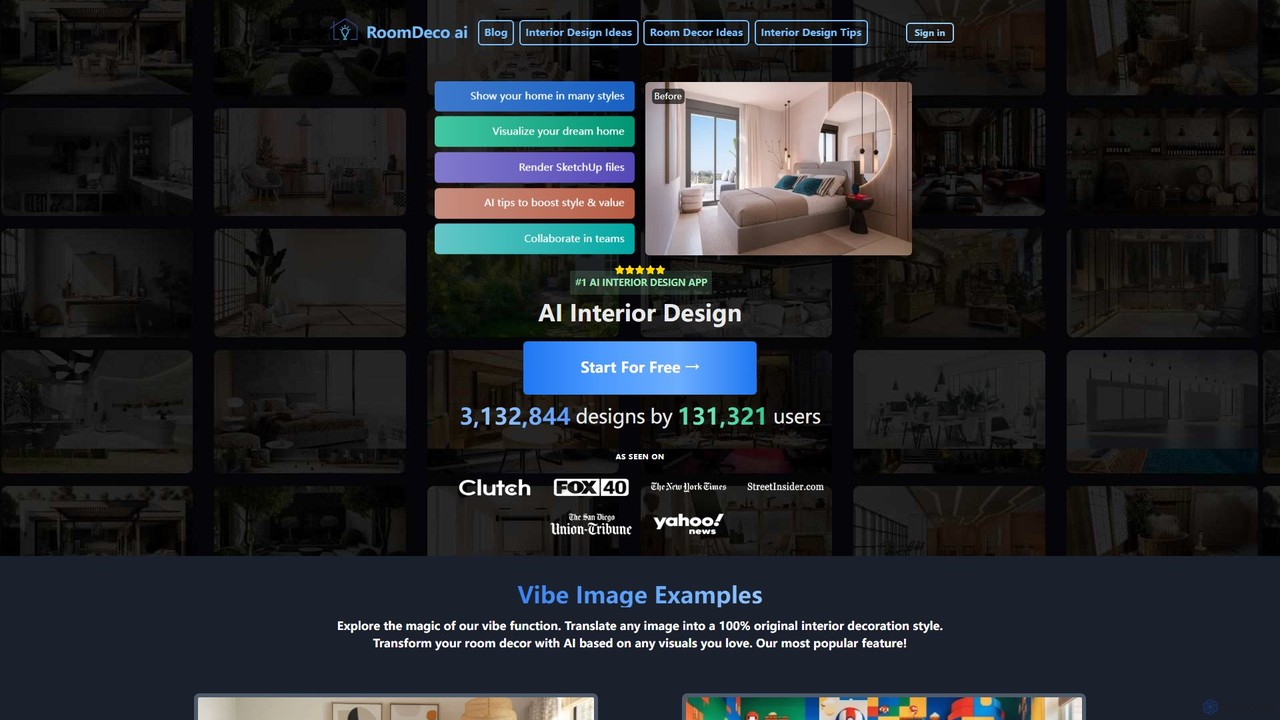
roomdeco
roomdeco is an AI-powered interior design tool that transforms room photos, sketches, or even text prompts into stunning, photorealistic designs in seconds. It offers virtual staging, style generation, cost analysis, and collaboration features for homeowners, real estate agents, and designers.
Interior Design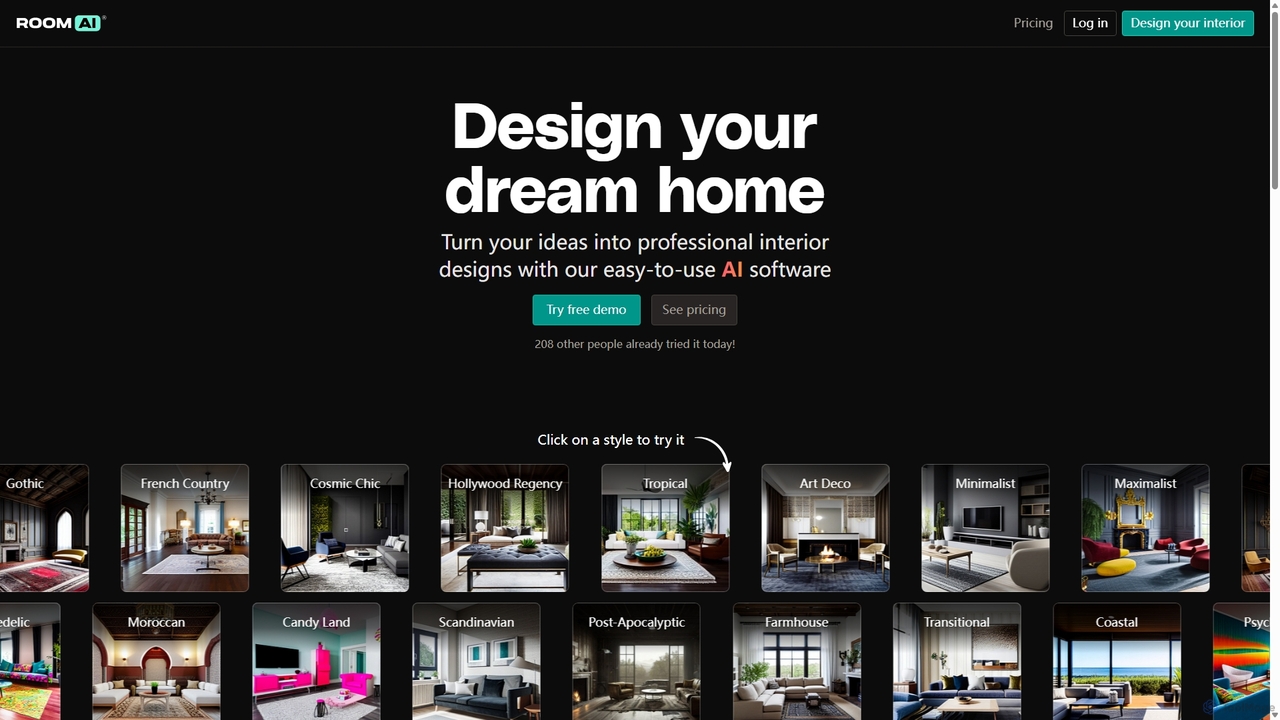
Room AI
Room AI is an intuitive AI-powered interior designer that transforms your ideas into professional, photorealistic designs. Whether you're restyling an existing room by uploading a photo or generating a brand-new space from scratch, Room AI offers a vast library of styles, materials, and colors. It's the perfect tool for homeowners seeking inspiration, interior designers streamlining their workflow, and real estate agents creating stunning property visualizations to attract buyers.
Interior Design
roomxai
roomxai is an AI-powered interior design tool that transforms your room photos into stunning design concepts. Simply upload an image of your space, choose from over 30 design styles, and let the AI generate realistic, high-quality visualizations in seconds. It's perfect for homeowners, real estate agents, and designers seeking quick inspiration and professional-grade virtual staging.
Image Generation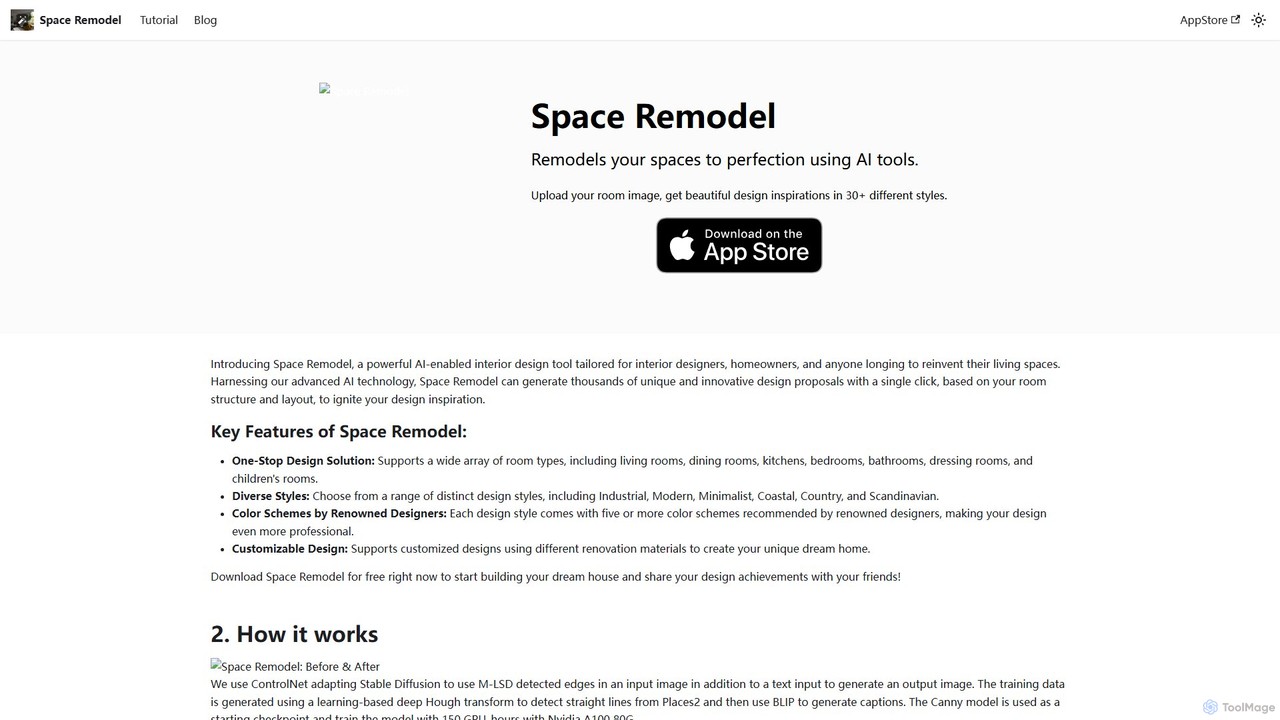
Space Remodel
Space Remodel is an AI-powered interior design tool for homeowners and professionals. Simply upload a photo of your room to generate thousands of unique design concepts in over 30 styles. It offers a dedicated iOS app, flexible pricing, and advanced customization options to help you visualize and create your dream space effortlessly.
Interior Designxona.ai
xona.ai is an AI-powered interior design tool that transforms your space in seconds. Simply upload a photo of your room, choose from a variety of professional styles, and generate beautiful, high-quality interior designs. Advanced features like object removal, furniture replacement, and creative upscaling give you complete control to perfect your vision.
Interior Design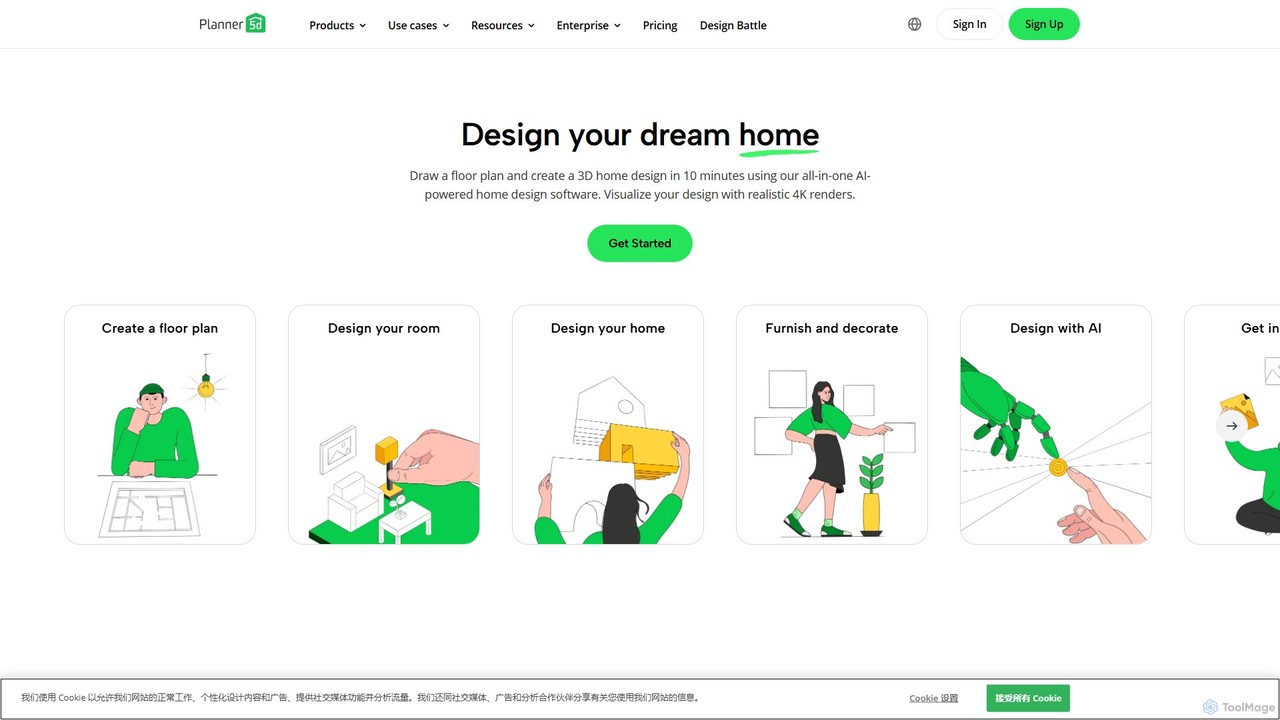
Planner 5D
Planner 5D is an AI-powered home and interior design platform that allows users to easily create detailed 2D and 3D floor plans, furnish and decorate spaces, and visualize designs with stunning 4K renders. It's designed for homeowners, professionals, and students alike.
Interior Design
designsense Comments (0)
Sign in to comment.
Sign inNo comments yet.