
GetButton Overview
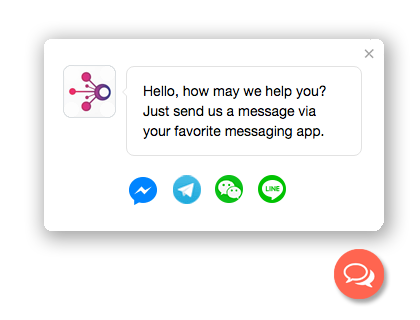
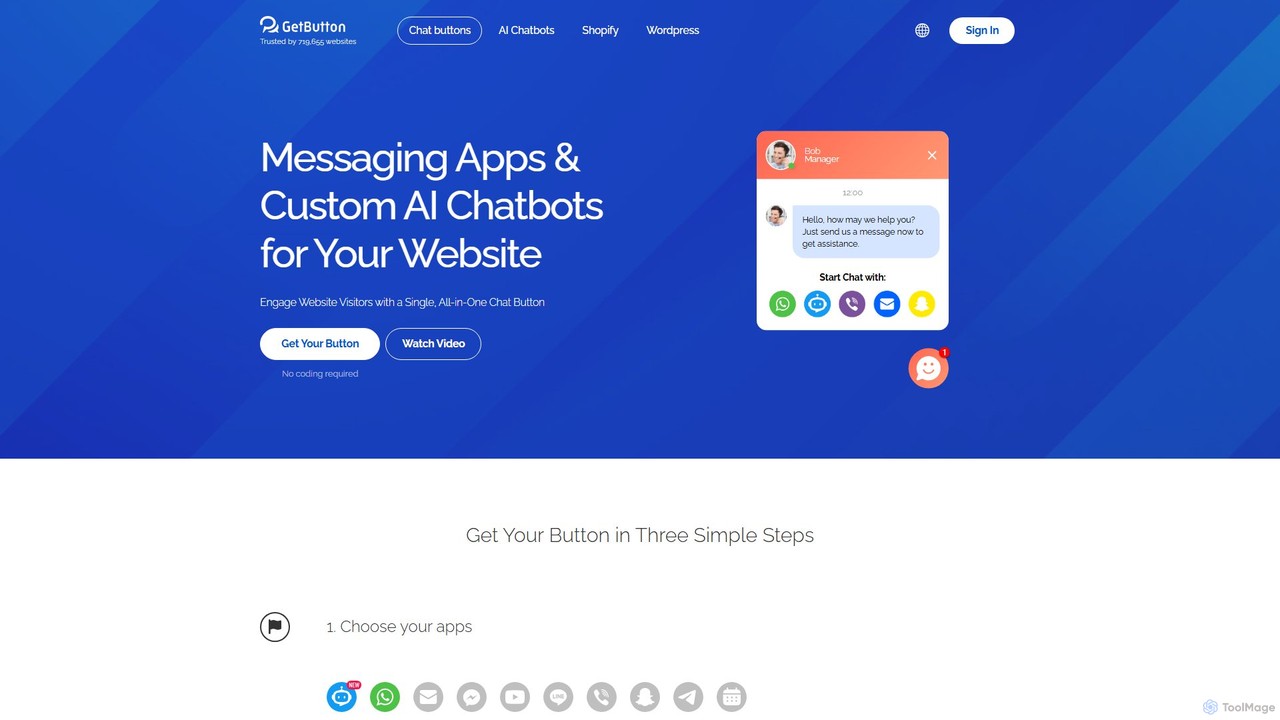
GetButton is a comprehensive communication solution designed to enhance customer interaction on your website. It provides a sleek, floating chat button that consolidates multiple messaging channels, including WhatsApp, Facebook Messenger, Telegram, Line, and more, into a single, convenient widget. This allows visitors to contact you through their preferred platform, significantly improving accessibility and user experience.
At its core, GetButton is powered by an advanced AI chatbot built on ChatGPT technology. This bot can be trained with your specific data to provide instant, accurate, and human-like responses to customer inquiries 24/7. It effectively handles frequently asked questions, offers product recommendations, and guides users through your site, freeing up your human support team to focus on more complex issues. The AI is not just a support agent; it's also a powerful tool for lead generation, capable of proactively engaging visitors and capturing their contact information through integrated forms.
How to use GetButton
Setting up GetButton is designed to be simple and requires no coding expertise. The process is straightforward:
- Sign Up: Create an account on the GetButton website.
- Configure Your Channels: Select the messaging apps you want to offer (e.g., WhatsApp, Messenger, etc.) and enter your contact details for each.
- Customize the Widget: Personalize the appearance of the chat button, including its color, position, and icon. Craft a proactive greeting message to encourage visitors to engage.
- Set Up the AI Chatbot: Activate the AI chatbot and provide it with custom instructions, FAQs, and information about your business. This trains the bot to answer questions accurately.
- Install on Your Website: Copy the generated code snippet and paste it into your website's HTML before the closing `` tag. Alternatively, use dedicated plugins for platforms like WordPress and Shopify for even easier installation.
- Analyze and Optimize: Use the analytics dashboard to track interactions and optimize the bot's performance and greeting messages for better results.
Core Features of GetButton
- Multi-Channel Support: Integrates with a wide range of popular messaging apps, including WhatsApp, Facebook Messenger, Telegram, Line, Viber, and more.
- AI-Powered Chatbot: Utilizes ChatGPT to provide 24/7 automated support, answer complex questions, and offer a human-like conversational experience.
- Lead Generation: Proactively engages website visitors with targeted messages and captures leads through customizable forms within the chat widget.
- Easy Installation: Simple setup via a single line of code or through dedicated plugins for major CMS platforms like WordPress and Shopify.
- Full Customization: Offers extensive options to customize the button's appearance, color, position, and greeting messages to match your brand identity.
- Event Tracking: Integrates with Google Analytics and Google Tag Manager to track button clicks and chat events, providing valuable insights into user engagement.
- Proactive Greetings: Set up automated, time-based, or scroll-based greeting messages to initiate conversations with visitors.
Use Cases for GetButton
GetButton is a versatile tool suitable for a wide range of businesses:
- E-commerce Stores: Answer product questions, assist with checkout, reduce cart abandonment, and provide post-purchase support, ultimately boosting sales.
- SaaS and Technology Companies: Offer instant technical support, onboard new users, and capture leads for product demos.
- Service-Based Businesses (e.g., Hotels, Agencies, Consultants): Allow potential clients to easily inquire about services, get quotes, or book appointments.
- Marketing and Lead Generation: Use the AI chatbot as a primary tool to engage every website visitor, qualify leads, and schedule meetings.
Advantages of GetButton
Implementing GetButton offers numerous benefits. It centralizes all your customer communication channels, making support management more efficient. The 24/7 AI chatbot ensures no customer query goes unanswered, improving satisfaction and loyalty. By providing instant support and proactively engaging users, it helps build trust and can significantly increase conversion rates and sales. Its ease of use and affordability make it an accessible solution for businesses of all sizes, from small startups to large enterprises.
Pricing and Plans
GetButton operates on a freemium model, offering both a free plan and paid subscriptions. The free plan typically includes basic button functionality with a limited number of channels. Paid plans unlock advanced features such as the AI chatbot, unlimited channels, full customization options, lead capture forms, and detailed analytics. The pricing is designed to be affordable and scalable based on your needs. For the most current and detailed pricing information, please visit the official GetButton website.
Traffic
Latest traffic
Status
Monthly traffic trend
- 2025-9: 104.1K
- 2026-1: 116.8K
- 2026-2: 47.4K
- 2026-3: 52.6K
- 2026-4: 83.8K
- 2026-5: 121.1K
Geography
Top 5 countries / regions
- 🇳🇬Nigeria25.5%
- 🇮🇳India23.0%
- 🇹🇭Thailand19.3%
- 🇵🇭Philippines18.3%
- 🇺🇸United States13.9%
Traffic sources
| Source type | Percentage |
|---|---|
Direct | 89.0% |
Referral | 11.0% |
Top keywords
| Keyword | Cost per click |
|---|---|
| getbutton | $0.00 |
| getbutton.io | $0.00 |
| getbuttton | $0.00 |
| getbuyyon | $0.00 |
| whatsapp get button | $0.00 |
GetButton Videos on YouTube

GetButton Alternatives
Presbot
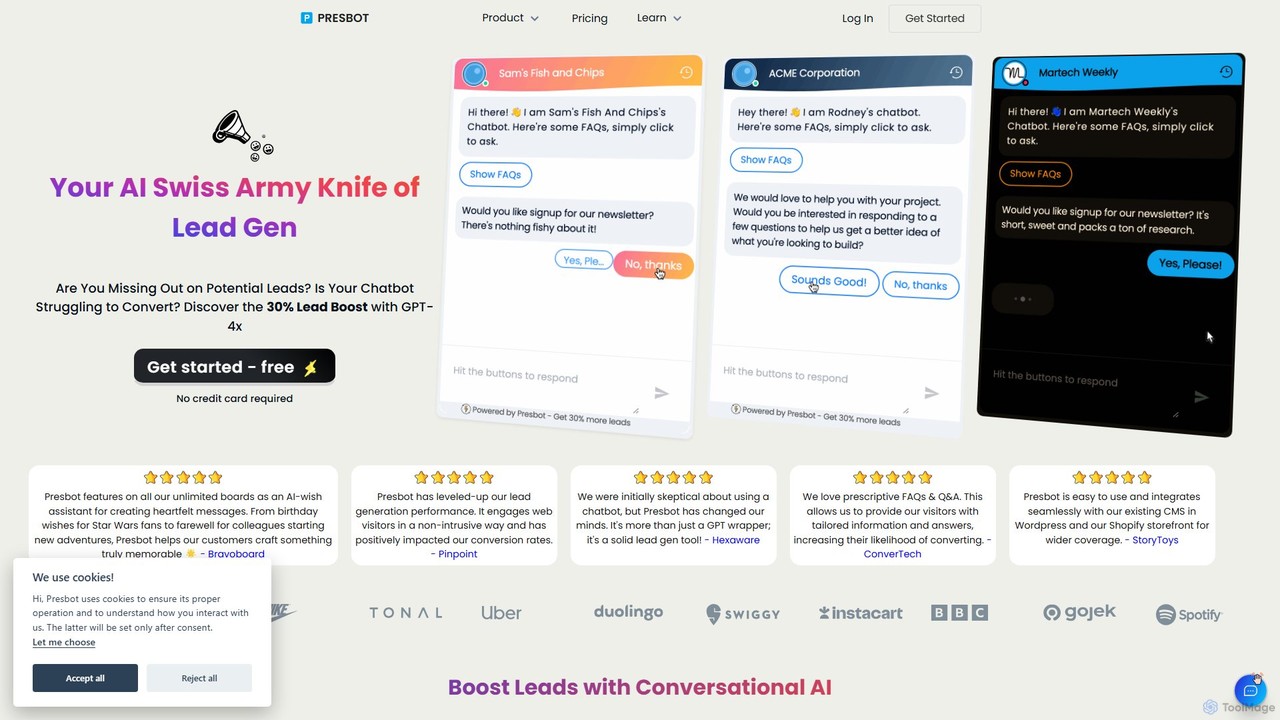
Presbot is a user-friendly, ChatGPT-powered chatbot designed to boost website lead generation. It engages visitors with conversational AI, automates answers to common questions, and captures leads 24/7. With a simple setup process and seamless integrations with platforms like Shopify and WordPress, Presbot helps businesses increase conversions and customer satisfaction without needing technical expertise.
Chatbot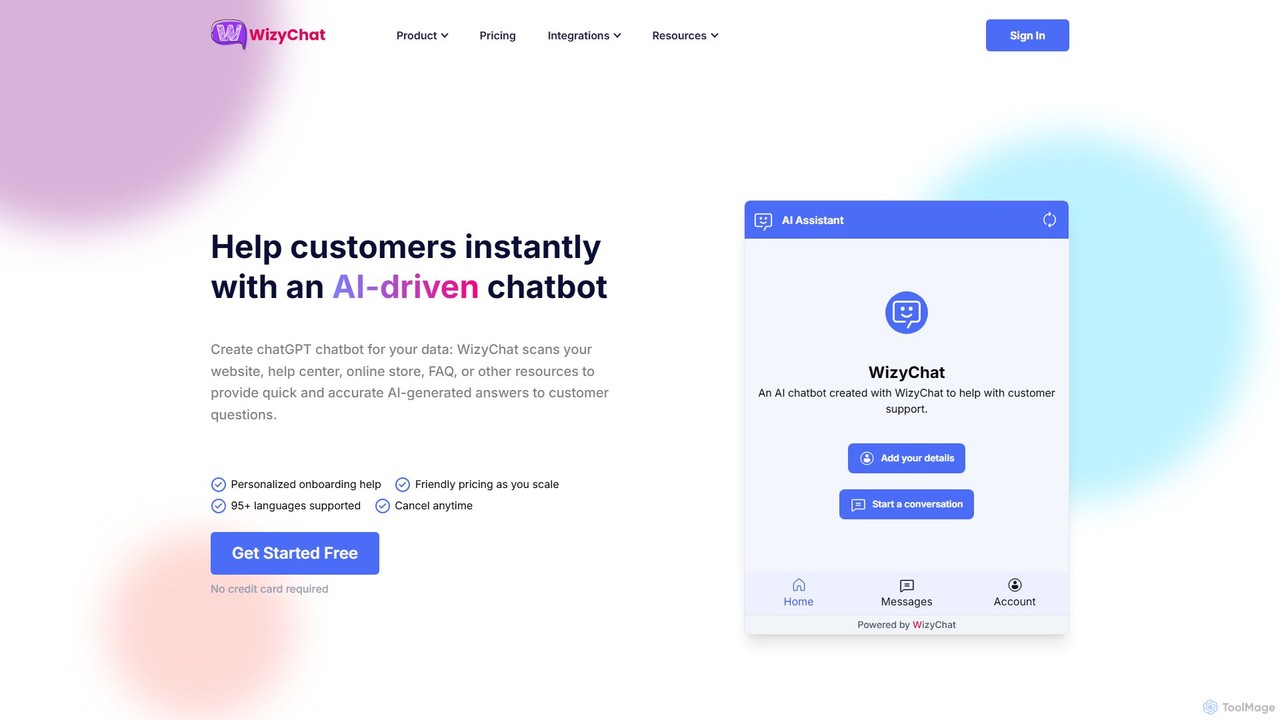
WizyChat
WizyChat is an AI platform that allows businesses to create custom GPT-powered chatbots trained on their own data. It automates customer interactions across the entire journey, from marketing and sales to support. Deploy intelligent bots on your website to boost conversions, qualify leads, and provide instant 24/7 support, enhancing customer experience and operational efficiency.
Chatbot
MagicBlocks
MagicBlocks creates AI-powered sales agents for your website in minutes. By analyzing your site's content, it builds a charismatic, 24/7 chatbot that engages visitors, qualifies leads, and drives conversions. Developed by conversion experts, it offers emotionally intelligent, multilingual conversations to boost sales and free up your team.
Chatbot
LeadSQL
LeadSQL is an advanced AI-powered chatbot designed for efficient lead generation. It helps businesses capture, qualify, and convert leads in real-time, offering seamless no-code integration with websites and CRMs, deep customization, and advanced analytics to boost sales and customer engagement across various industries.
Chatbot
Chat Data
Chat Data is an AI platform to create custom 24/7 AI agents and live chatbots from your own data. Connect websites, documents, or e-commerce stores to build an intelligent assistant. It features real-time voice chat, multi-modal inputs, deep integrations (WhatsApp, Slack), and advanced capabilities like AI actions, full white-labeling with SSO, and HIPAA-compliant models for comprehensive business automation.
ChatbotGetButton Categories
GetButton Embed Widget
Copy this embed code to place the badge on your blog, article, or product site and send readers directly to this ToolMage detail page.

Related AI tools
Chat Data
Chat Data is an AI platform to create custom 24/7 AI agents and live chatbots from your own data. Connect websites, documents, or e-commerce stores to build an intelligent assistant. It features real-time voice chat, multi-modal inputs, deep integrations (WhatsApp, Slack), and advanced capabilities like AI actions, full white-labeling with SSO, and HIPAA-compliant models for comprehensive business automation.
Chatbot
hachidori
hachidori is a no-code chatbot development platform from Japan, specializing in LINE, Web Chat, and LINE WORKS. It helps businesses maximize customer LTV and reduce costs by creating interactive and personalized chat experiences. Hachidori offers extensive features like API integration, user scoring, dynamic menus, and in-chat payments, all supported by dedicated expert assistance.
Chatbot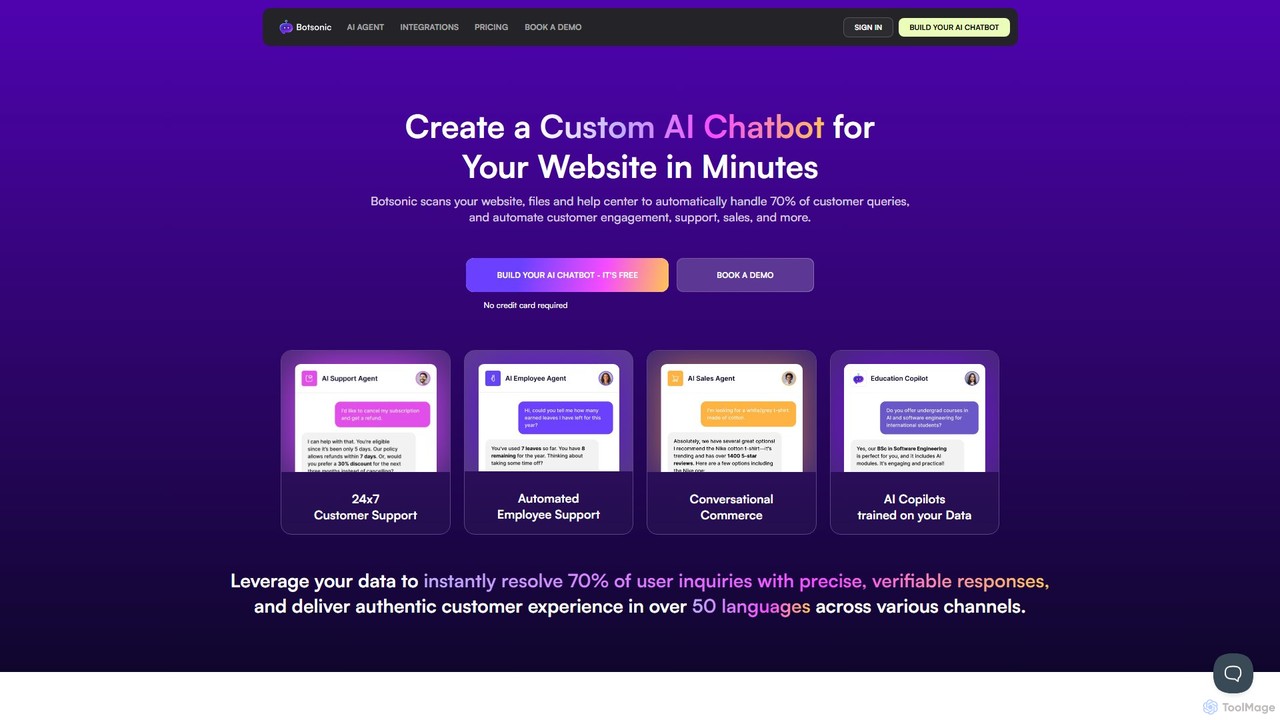
Botsonic
Botsonic is an AI chatbot builder that creates custom ChatGPT-like agents trained on your own data. It scans your website, documents, and help center to automatically resolve over 70% of customer queries, automate sales engagement, and provide internal employee support, all in over 50 languages.
Chatbot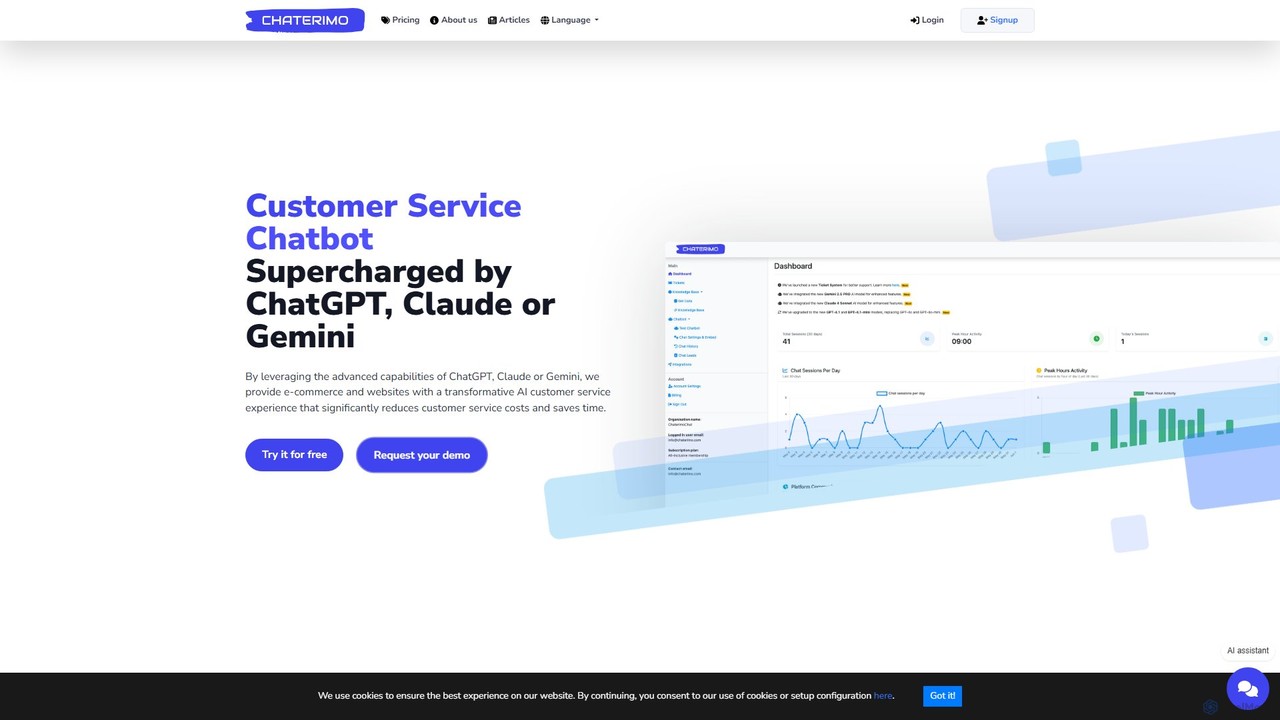
Chaterimo
Chaterimo is an AI-powered customer service chatbot for e-commerce and websites, utilizing advanced models like ChatGPT, Claude, and Gemini. It offers a fast, 5-minute setup and a unique 'Bring Your Own API Key' model, significantly reducing support costs. The platform provides 24/7 automated assistance, seamless human handoff, and deep integrations with e-commerce platforms like Shopify.
Chatbot
Certainly
Certainly is an all-in-one conversational AI platform that builds custom AI agents and chatbots for customer support, e-commerce, and marketing. It automates responses, personalizes customer journeys, and integrates with existing software to boost efficiency, increase sales, and improve customer satisfaction.
Chatbot
CX Genie
CX Genie is an all-in-one AI customer engagement platform designed to provide 24/7 support. It leverages AI agents, automated workflows, and seamless human collaboration to enhance customer service, automate lead generation, and increase operational efficiency by up to 500%. The platform integrates a helpdesk, live chat, and multi-channel support, replacing multiple software solutions with a single, easy-to-use interface.
Chatbot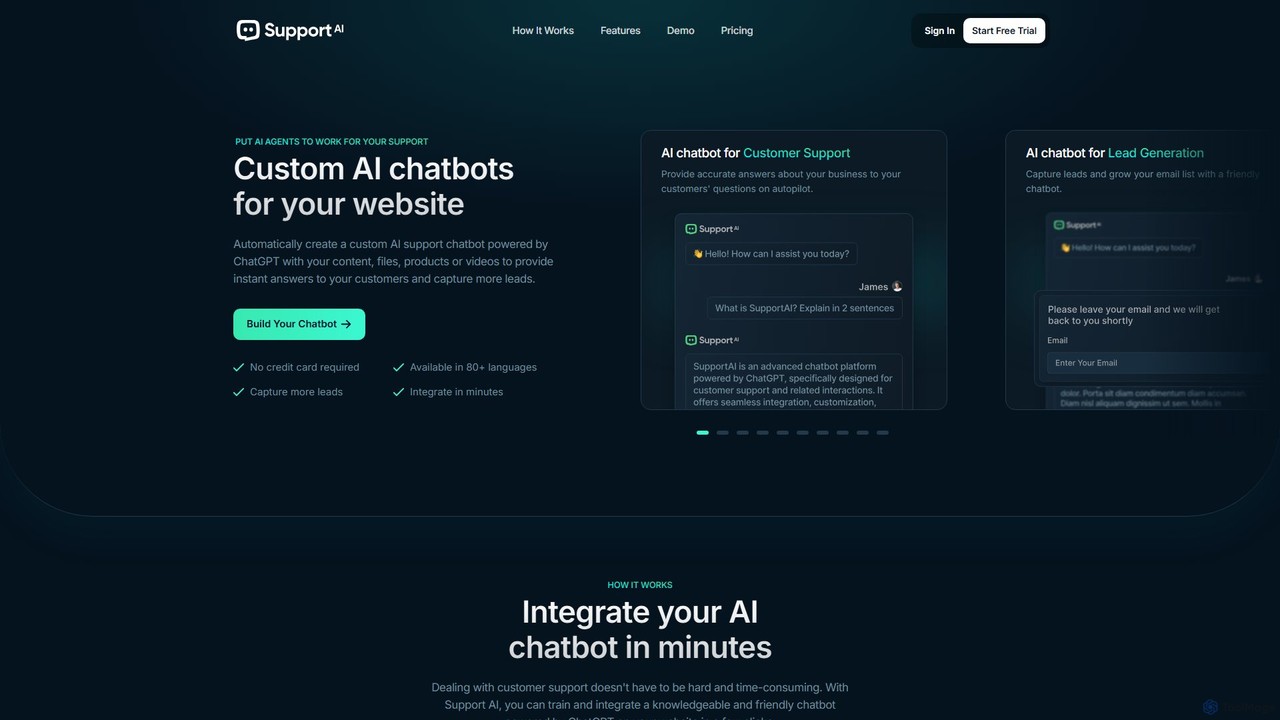
Support AI
Support AI is a no-code platform that allows you to build custom AI chatbots for your website. Train the chatbot on your own content, such as website pages, documents, or FAQs, to provide instant, 24/7 customer support, automate lead generation, and enhance user engagement. It's easy to integrate and customize to match your brand.
Chatbot
Jyek
Jyek is an AI agent platform that understands objectives, creates execution plans, uses tools, and delivers verifiable results for complex, multi-step tasks.
Automation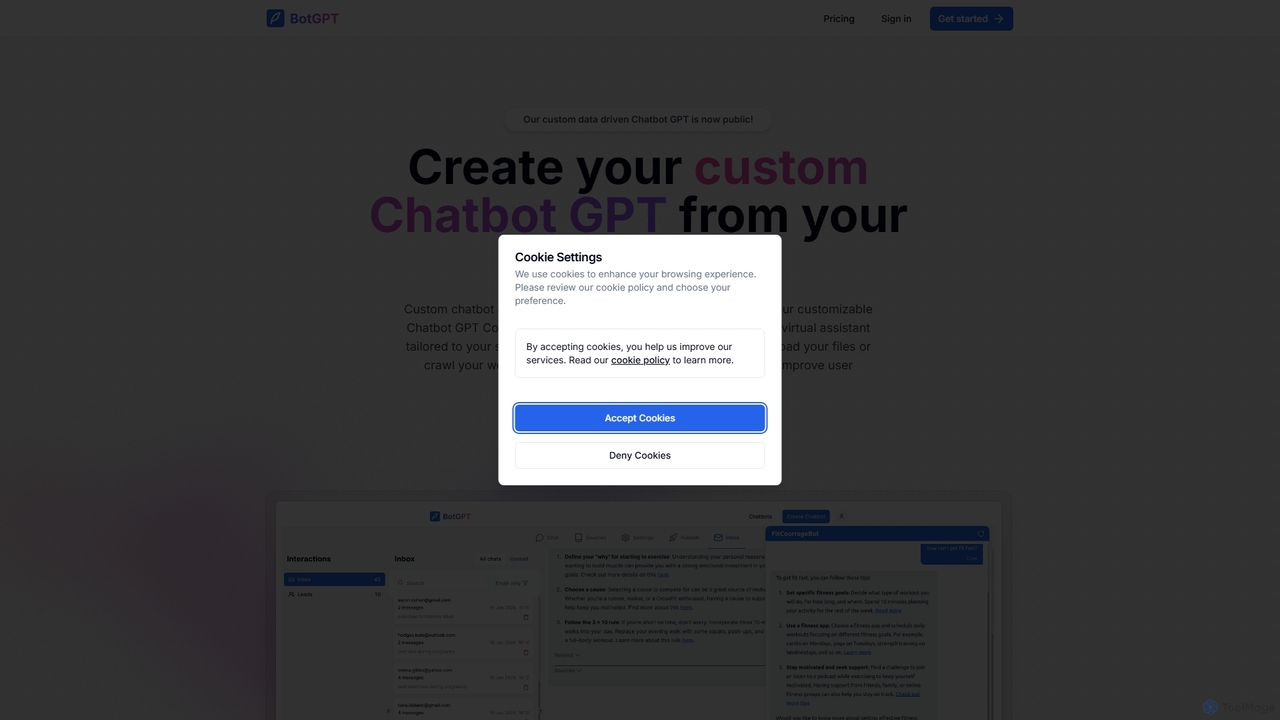
BotGPT
BotGPT is a powerful AI platform that allows you to create a custom ChatGPT-style chatbot trained on your own data. Easily upload files or crawl your website to build a virtual assistant in minutes. Embed the customizable widget on your site to enhance customer engagement, automate support, and capture leads 24/7. It offers multi-platform support and prioritizes data privacy, making it an ideal solution for businesses of all sizes.
Chatbot
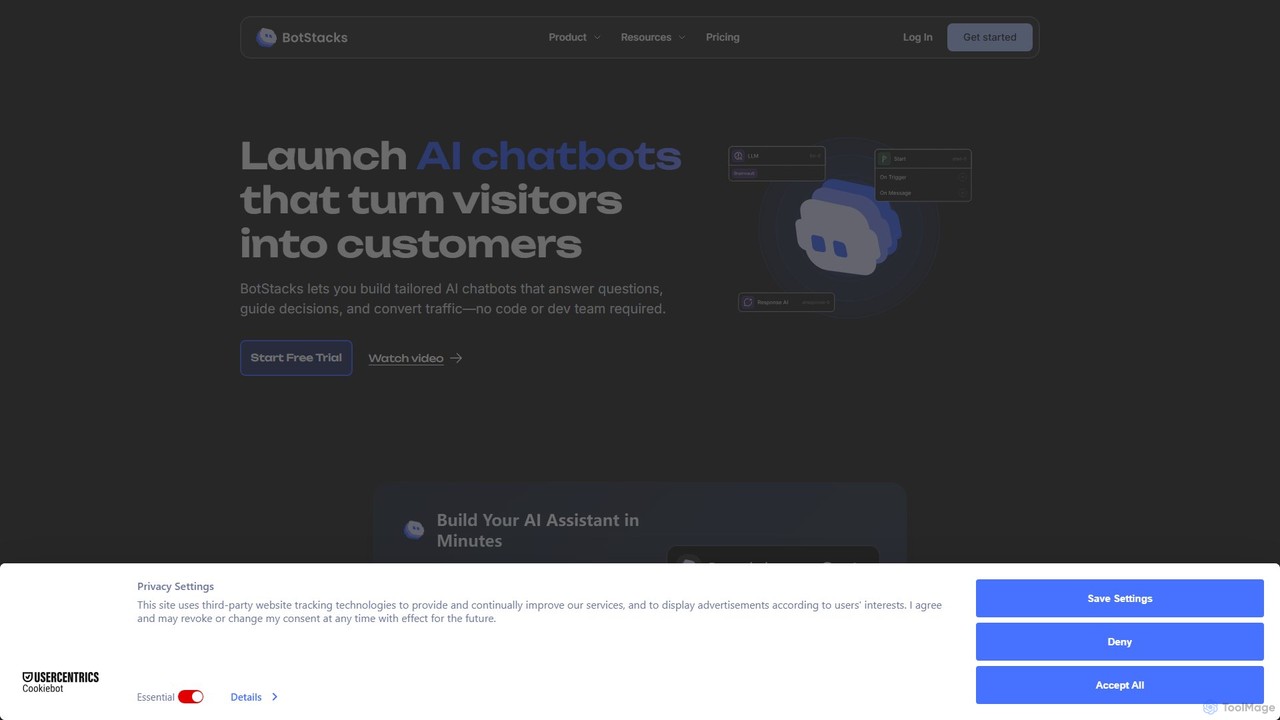
BotStacks
BotStacks is a no-code platform for building agentic AI chatbots to automate business processes. Instantly create a chatbot from your website, design complex workflows with a drag-and-drop interface, and integrate with your favorite apps. It's designed to turn visitors into customers, streamline support, and boost engagement without requiring a dev team.
Chatbot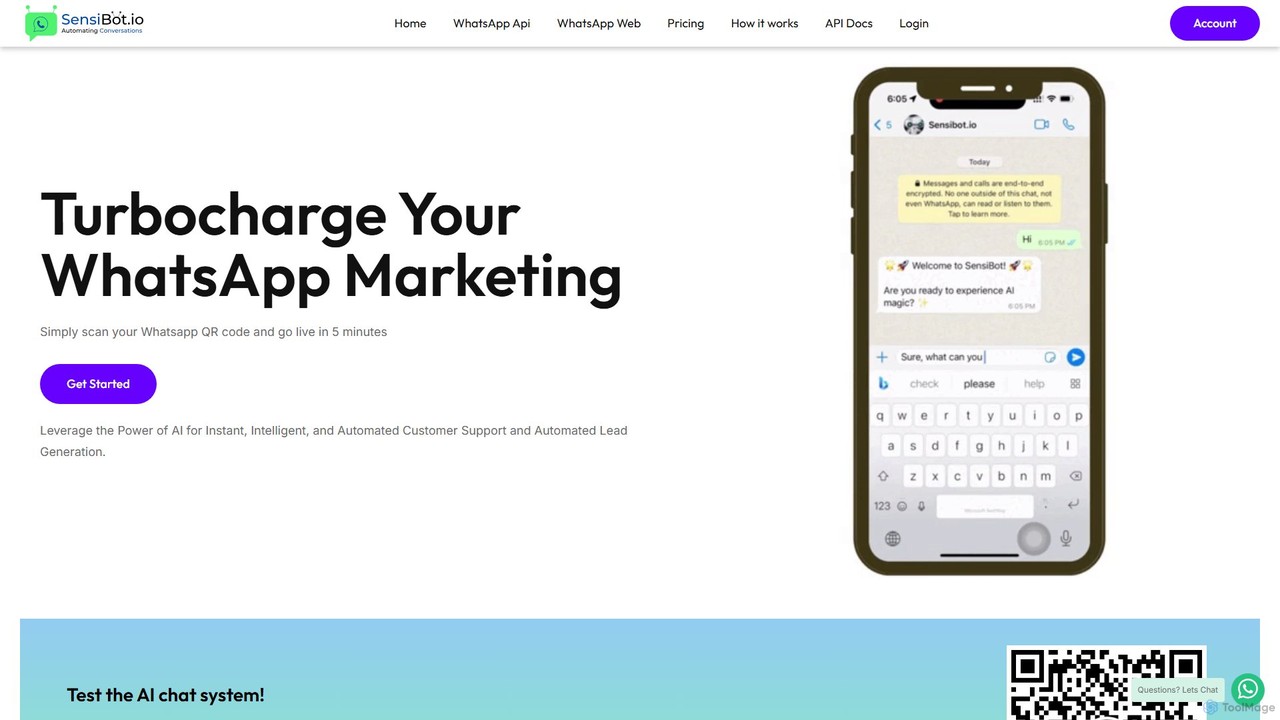
SensiBot
SensiBot is an AI-powered chatbot for WhatsApp that automates customer support, lead generation, and marketing. Powered by ChatGPT, it offers intelligent, 24/7 conversations with a no-code setup that gets you live in just 5 minutes. It integrates with your CRM for seamless workflows.
Chatbot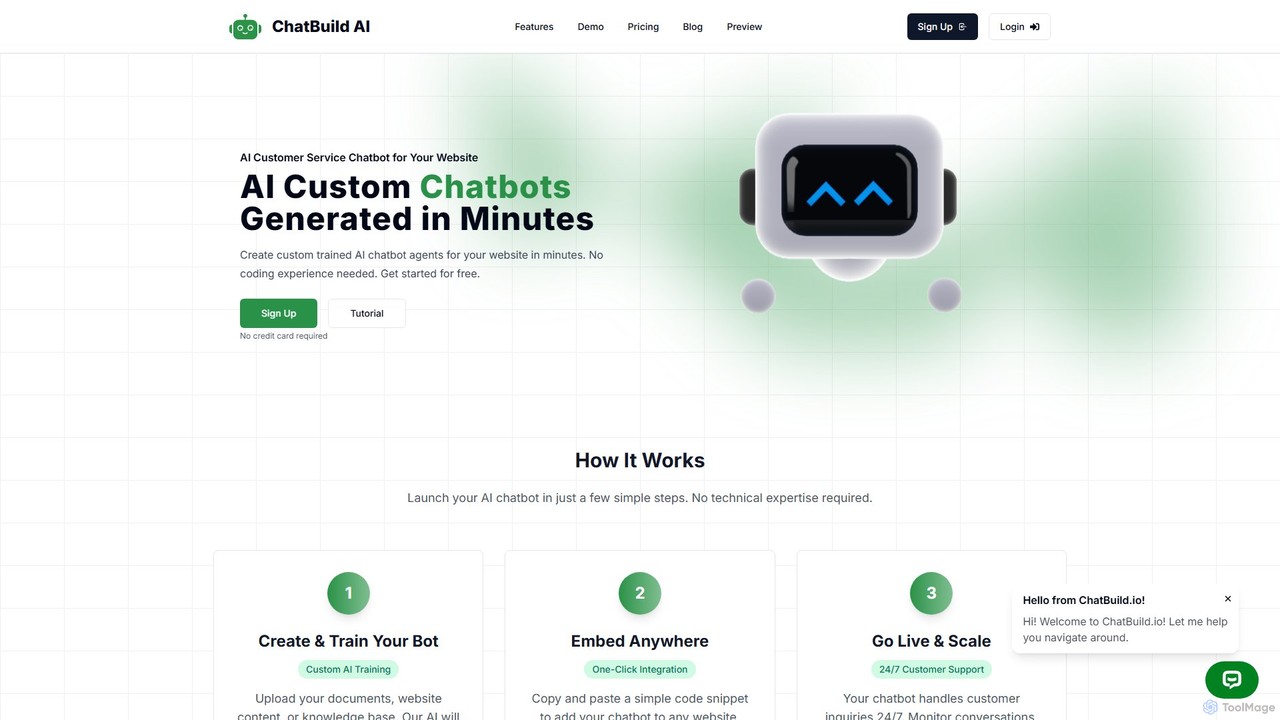
ChatBuild
ChatBuild is a no-code platform that allows you to create and train custom AI chatbot widgets for your website in minutes. By using your own documents, website content, or knowledge base, ChatBuild creates a personalized chatbot that can handle customer inquiries 24/7, automate support, qualify leads, and increase conversions.
Chatbot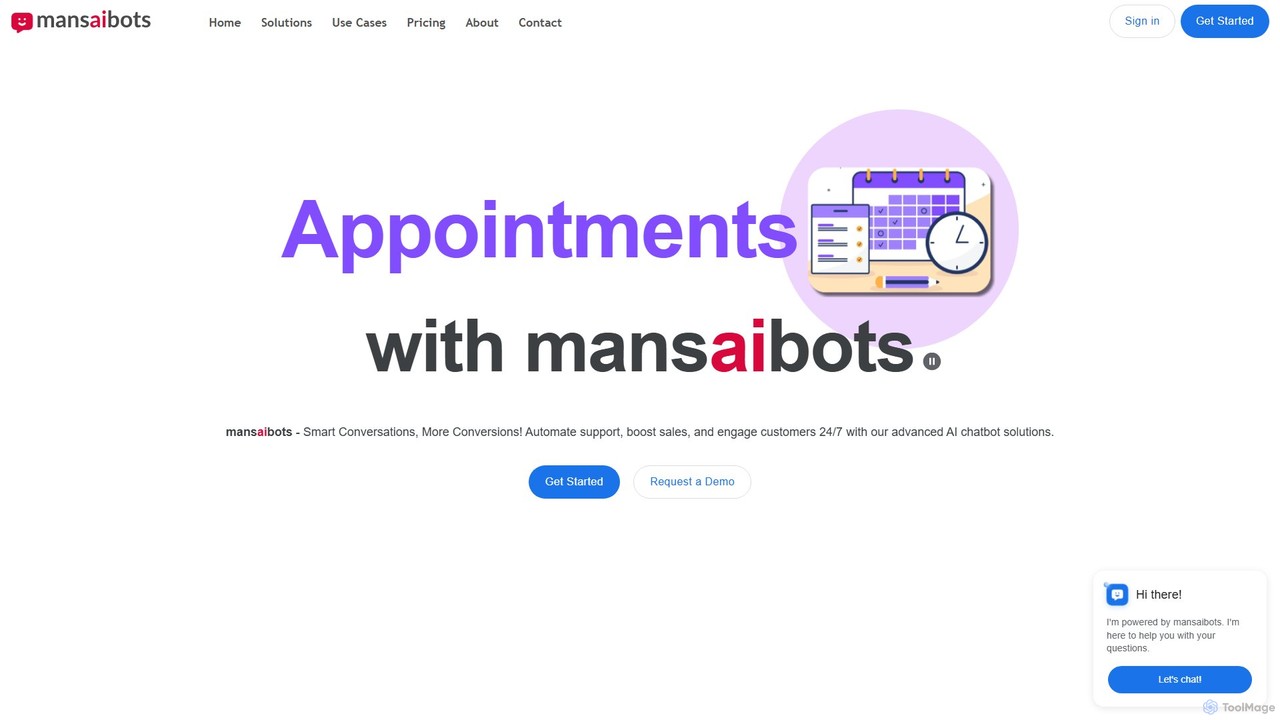
Mansaibots
Mansaibots offers advanced AI chatbot solutions for businesses to automate customer support, boost sales, and enhance user engagement 24/7. Easily build, train with your own data (files, URLs, databases), and deploy chatbots on your website via a simple code snippet or WordPress plugin. Key features include appointment scheduling, e-commerce integration, live chat handoff, and data analysis. It's designed to reduce costs, improve customer satisfaction, and drive conversions.
Chatbot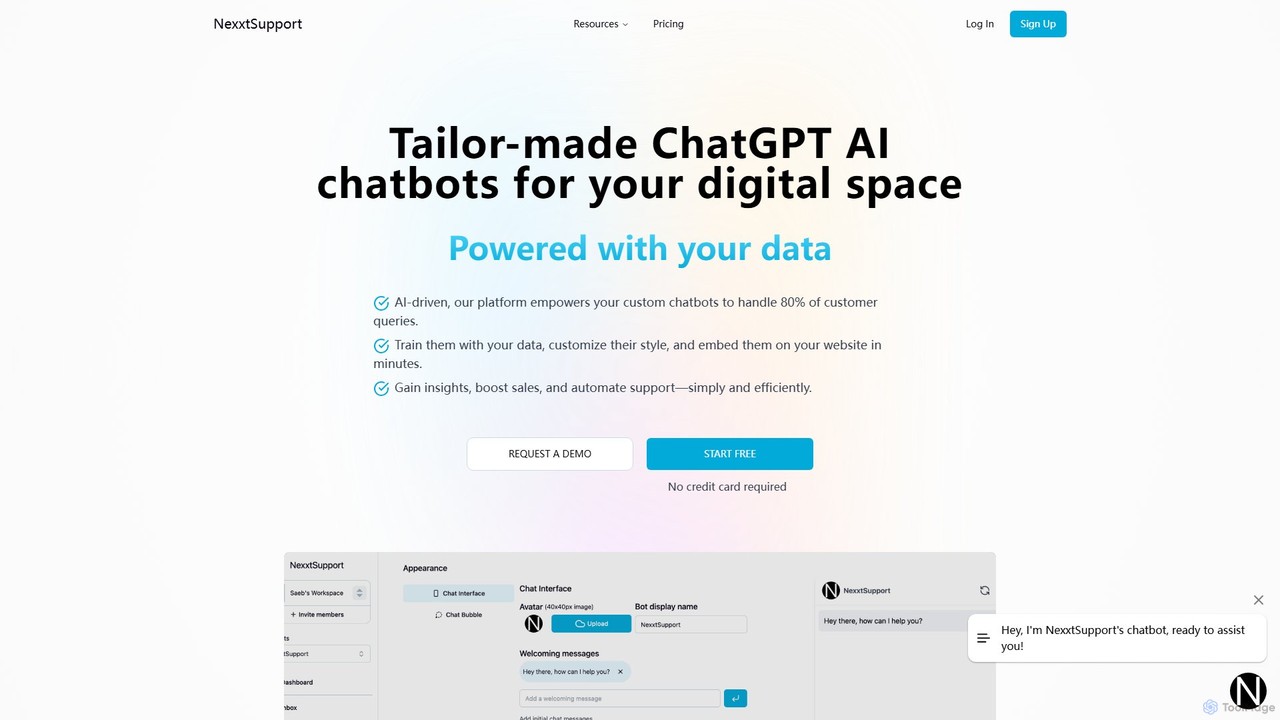
nexxtsupport
nexxtsupport is an AI-first, all-in-one platform for creating custom ChatGPT-powered chatbots. Train them on your own data to automate up to 80% of customer queries, provide internal employee support, and generate leads. The platform allows for deep customization, seamless integration, and provides advanced analytics to enhance your digital engagement and operational efficiency.
Chatbot
GetButton Comments (0)
Sign in to comment.
Sign inNo comments yet.