
LearnKraft Overview
LearnKraft is a revolutionary AI-powered platform designed to transform the educational landscape by simplifying the creation and administration of quizzes, polls, and assessments. It serves as a bridge between educators and learners, offering powerful tools to enhance engagement and streamline the learning journey. By simply uploading existing content such as lecture notes, textbook chapters, or research papers in formats like .pdf, .docx, or .txt, users can instantly generate a variety of questions. The platform is built to handle descriptive, factual, and structured content, making it an ideal assistant for a wide range of academic and professional subjects. LearnKraft's mission is to make learning more interactive, feedback more immediate, and assessments more efficient and fair for everyone involved.
How to use LearnKraft
Getting started with LearnKraft is designed to be simple and intuitive, allowing you to create assessments in just a few clicks. Here is a step-by-step guide:
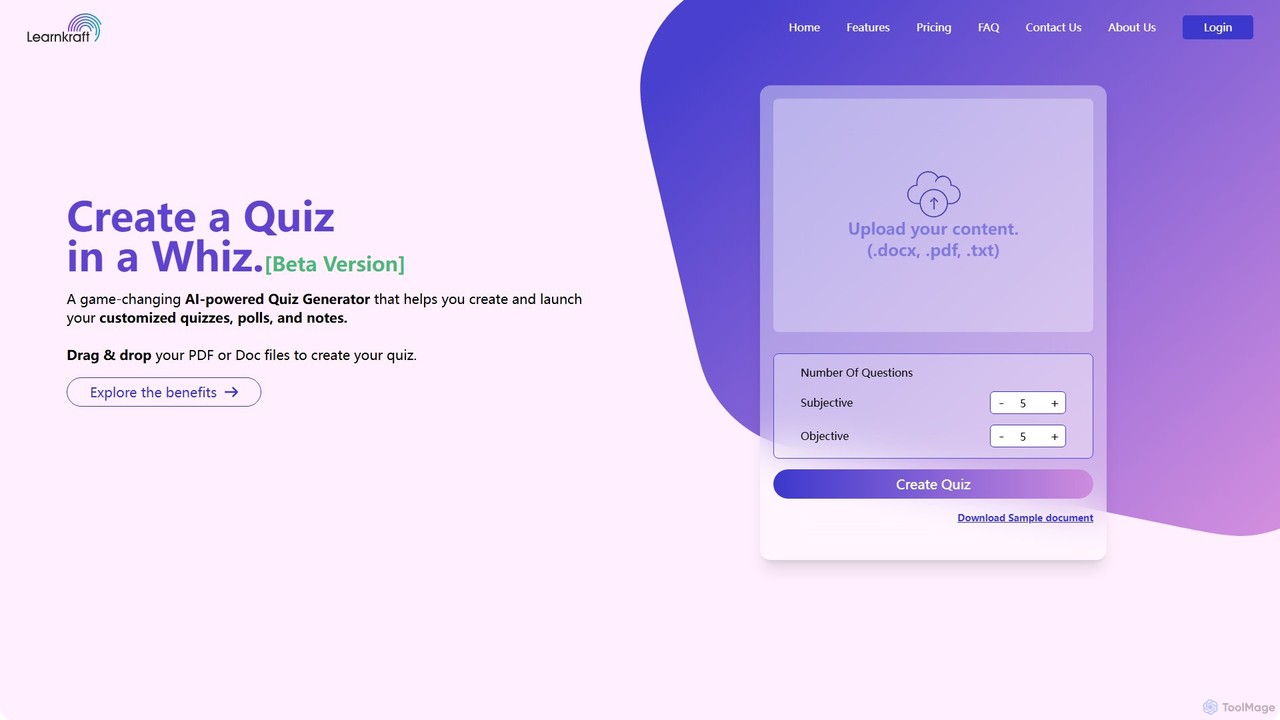
- Upload Your Content: Begin by dragging and dropping your document files (.docx, .pdf, .txt) onto the platform. You can also use the standard upload button. For best results, ensure your documents are text-based and avoid files with a high percentage of images, charts, or diagrams.
- Set Your Parameters: As a registered user, you can specify the number of subjective (open-ended) and objective (multiple-choice) questions you want the AI to generate. The quality and length of your source material will influence the number of high-quality questions that can be created.
- Generate the Quiz: With your content uploaded and preferences set, click the "Create Quiz" button. LearnKraft's AI will analyze the text and generate a draft of your quiz within moments.
- Customize and Refine: Review the generated questions and answers. The platform provides full editing capabilities, allowing you to modify, add, or delete questions to perfectly match your assessment goals.
- Publish and Share: Once you are satisfied with the quiz, you can publish it with a single click. The quiz is automatically optimized for all devices, including desktops, tablets, and smartphones, ensuring a seamless experience for all takers.
- Analyze and Grade: Leverage the automated grading feature for instant results. For paid users, you can track student progress in real-time, view detailed analytics, and generate performance reports to identify learning gaps and strengths.
Core Features of LearnKraft
- AI Question Generator: The core of the platform, this feature intelligently analyzes your documents to create relevant multiple-choice and subjective questions, saving educators countless hours.
- Full Customization: Users have complete control to edit, add, or remove generated questions and answers, ensuring the final assessment aligns perfectly with learning objectives.
- Automated Grading: Eliminates the manual and often tedious process of grading. The system provides instant, unbiased scoring based on pre-determined answer keys, allowing for immediate feedback.
- Real-time Analytics: Track quiz performance as it happens. Educators can monitor individual and group results, completion rates, and question-specific data to gain valuable insights into student comprehension.
- Seamless Integration: Designed to fit into your existing workflow, LearnKraft can be integrated with various Learning Management Systems (LMS) and other platforms through APIs and webhooks.
- Secure Online Exams: For more formal assessments, the platform offers proctor-based features to ensure a secure and reliable testing environment, promoting academic integrity.
- One-Click Publishing: Share your quizzes effortlessly. Published quizzes are instantly accessible on any device, making learning and assessment possible anytime, anywhere.
Use Cases for LearnKraft
LearnKraft is a versatile tool with applications for both sides of the educational equation.
For Instructors and Educators:
- Effortless Assessment Creation: Quickly convert lecture notes, syllabi, and reading materials into engaging quizzes for formative or summative assessments.
- Enhanced Student Engagement: Use interactive quizzes and polls to make learning more dynamic and hold students' attention.
- Personalized Learning Paths: Use analytics to identify topics where students are struggling and create targeted follow-up materials or quizzes.
- Fair and Timely Feedback: Provide students with instant results and feedback through automated grading, helping them learn from their mistakes immediately.
For Students:
- Active Study Tool: Transform your own study notes and textbook chapters into practice tests to check your understanding and prepare for exams.
- Identify Strengths and Weaknesses: Use the detailed feedback and analytics to see where you excel and which areas need more focus.
- Flexible Learning: Access quizzes and study materials on any device, allowing you to study effectively whether you're at home or on the go.
Advantages of LearnKraft
LearnKraft offers a significant competitive edge by focusing on efficiency, engagement, and data-driven education. Key advantages include a massive reduction in the time and effort required to create high-quality assessments. The platform fosters a more interactive and dynamic learning environment compared to traditional methods. By providing instant, automated, and unbiased grading, it accelerates the feedback loop, which is crucial for effective learning. Furthermore, its powerful analytics empower educators to make informed decisions to improve teaching strategies and student outcomes.
Pricing and Plans
LearnKraft offers a flexible pricing structure to suit different needs, from individual users to educational institutions.
- Free Plan ($0/month): Ideal for trying out the platform. Includes up to 2 document uploads (max 5 MB), 5 quiz creations, question and answer modifications, and the ability to download question papers.
- Pro Plan ($9.99/month): Designed for regular users like freelancers and individual educators. Includes up to 3 document uploads (max 15 MB), 20 quizzes per month, all free features, plus student registration, one-click publishing, auto-grading, grade modification, and access to analytics and feedback reports.
- Business Plan ($125/month, billed annually): Suited for small teams or departments. Offers up to 3 document uploads (max 15 MB), 25 quizzes per month, and includes all features of the Pro plan. This plan is likely geared towards collaborative use and higher volume needs.
- Custom Plan: For larger institutions or users with specific requirements, LearnKraft offers custom plans. Interested parties can contact their sales team for a tailored solution.
Traffic
Latest traffic
Status
Monthly traffic trend
- 2025-9: 355
- 2026-1: 67
- 2026-2: 194
- 2026-3: 262
- 2026-4: 1.1K
- 2026-5: 146
Geography
Top 5 countries / regions
- 🇮🇳India100.0%
Top keywords
| Keyword | Cost per click |
|---|---|
| create a word with krfth | $0.00 |
LearnKraft Alternatives
Quizzler
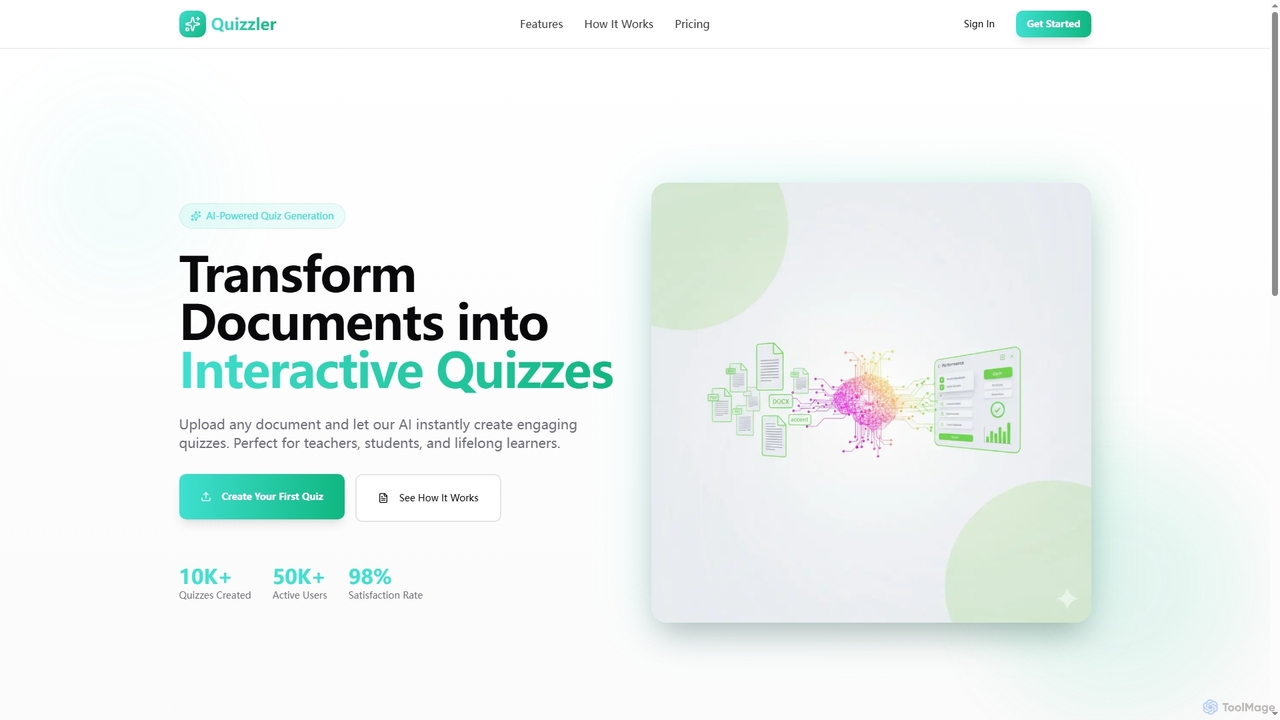
Quizzler is an AI-powered platform that instantly converts documents such as PDFs, Word, and PowerPoint files into interactive quizzes. Designed for teachers, students, and professionals, it automates question generation, offers performance analytics, and enables easy sharing to streamline learning and assessment.
Quiz Generator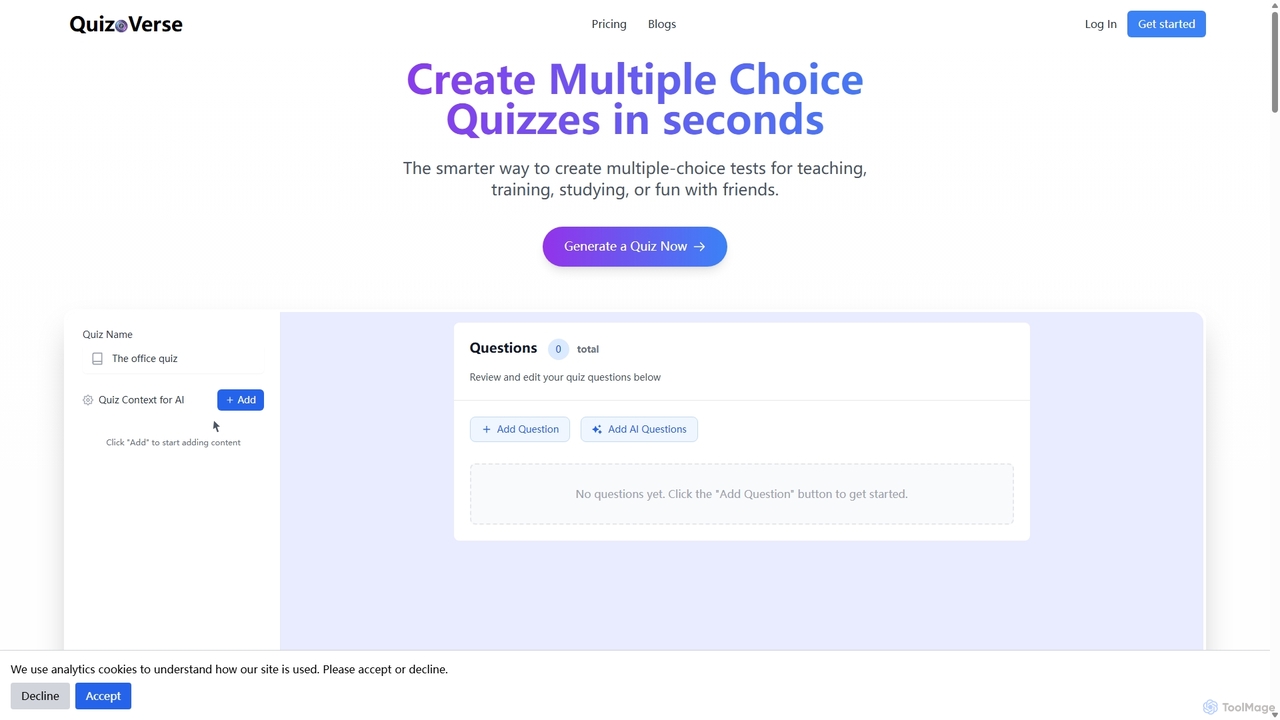
QuizCanvasAI
QuizCanvasAI is an AI-powered quiz maker that instantly generates high-quality multiple-choice questions from your content. Designed for teachers, trainers, and students, it saves hours of manual work, offers live and self-paced quiz modes, provides detailed analytics, and supports advanced features like multiple correct answers. Streamline your assessment creation process and create engaging learning experiences in minutes.
Assessment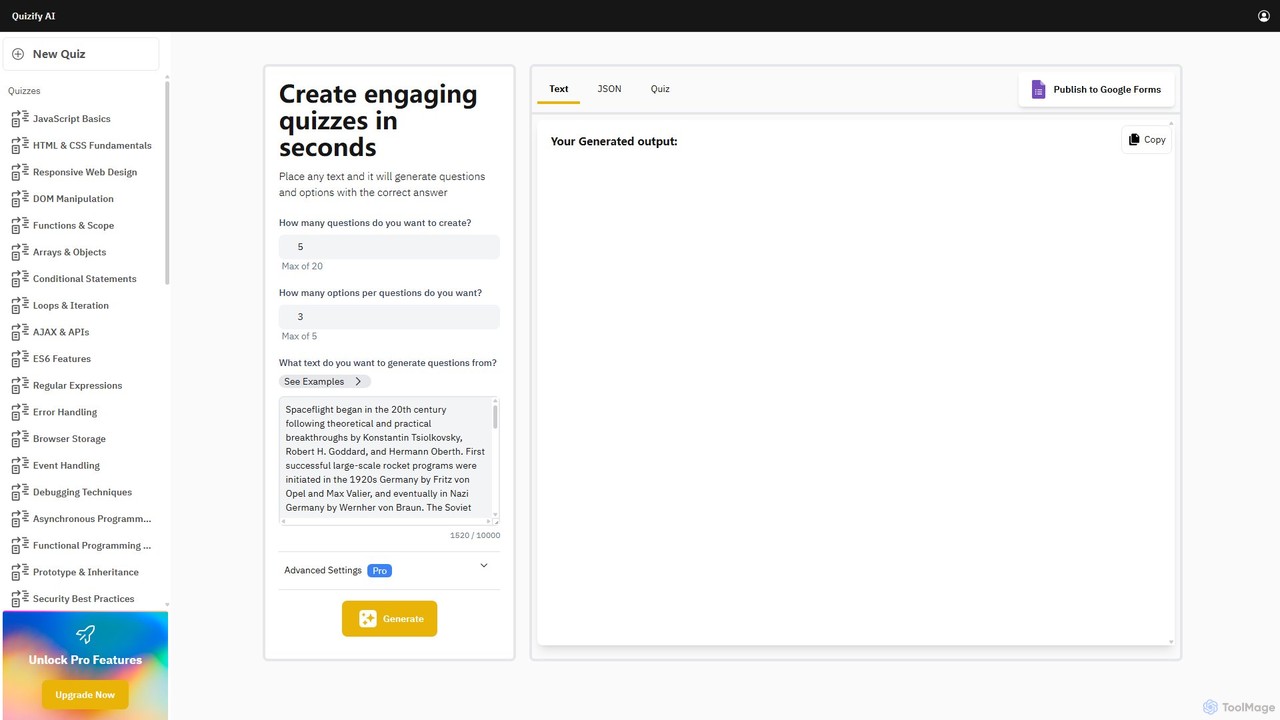
Quizify
Quizify is an AI-powered tool that instantly transforms any text into engaging quizzes. Simply paste your content, customize the number of questions and options, and generate multiple-choice questions in seconds. Ideal for educators, students, and trainers, it streamlines the creation of learning materials and assessments, with advanced options to export as JSON or publish directly to Google Forms.
Api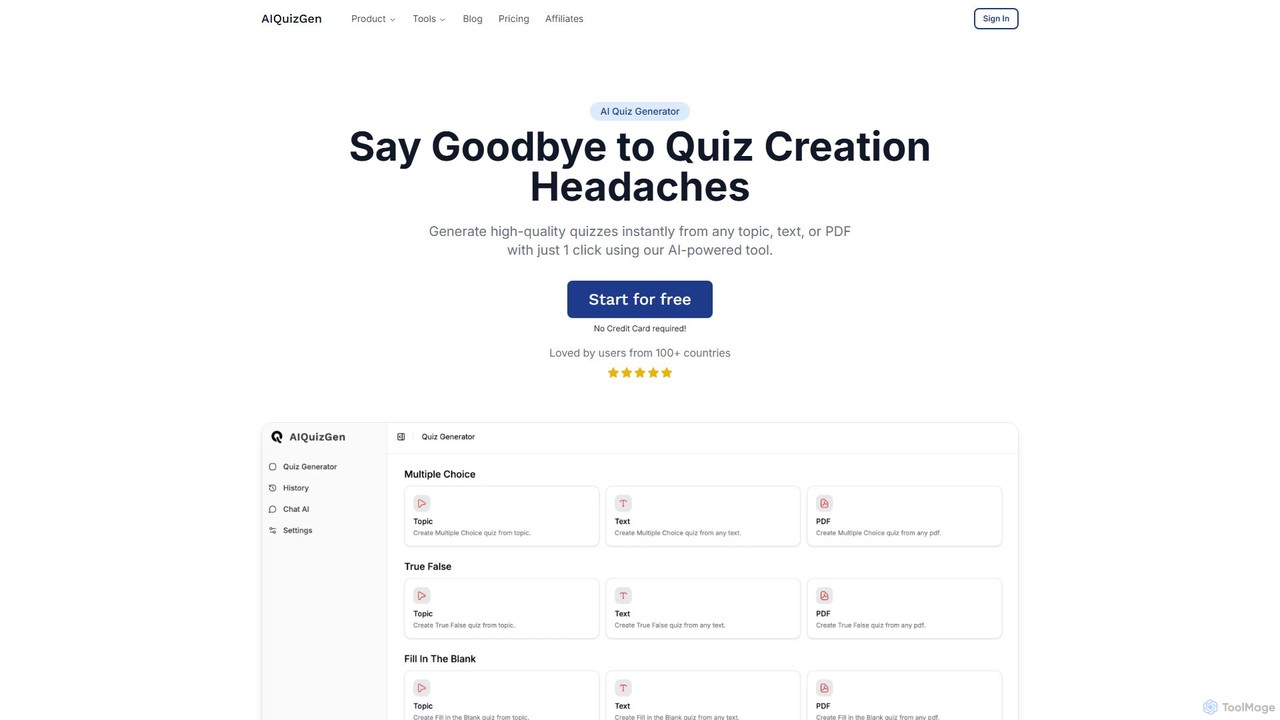
AIQuizGen
A powerful AI quiz generator that instantly creates high-quality quizzes from any topic, text, or PDF. It supports various question types like multiple-choice, true/false, and fill-in-the-blank. Ideal for teachers, students, and businesses to save time, enhance learning, and create engaging assessments.
Training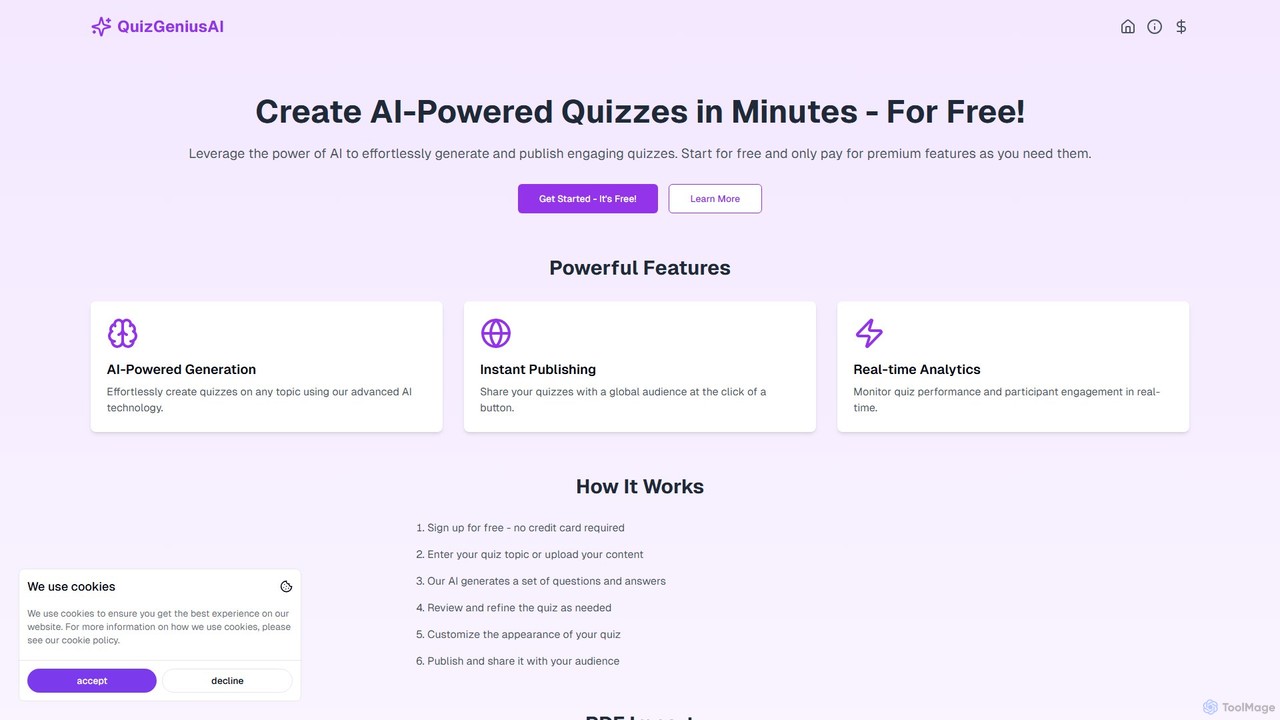
QuizGeniusAI
QuizGeniusAI is an AI-powered platform that enables users to effortlessly create engaging quizzes from any topic, text, or PDF document in minutes. It's designed for educators, trainers, and marketers to automate quiz creation, publish instantly, and track performance with real-time analytics. Start for free and scale as needed.
AssessmentLearnKraft Categories
LearnKraft Embed Widget
Copy this embed code to place the badge on your blog, article, or product site and send readers directly to this ToolMage detail page.

Related AI tools
Quizzler
Quizzler is an AI-powered platform that instantly converts documents such as PDFs, Word, and PowerPoint files into interactive quizzes. Designed for teachers, students, and professionals, it automates question generation, offers performance analytics, and enables easy sharing to streamline learning and assessment.
Quiz GeneratorQuizCanvasAI
QuizCanvasAI is an AI-powered quiz maker that instantly generates high-quality multiple-choice questions from your content. Designed for teachers, trainers, and students, it saves hours of manual work, offers live and self-paced quiz modes, provides detailed analytics, and supports advanced features like multiple correct answers. Streamline your assessment creation process and create engaging learning experiences in minutes.
Assessment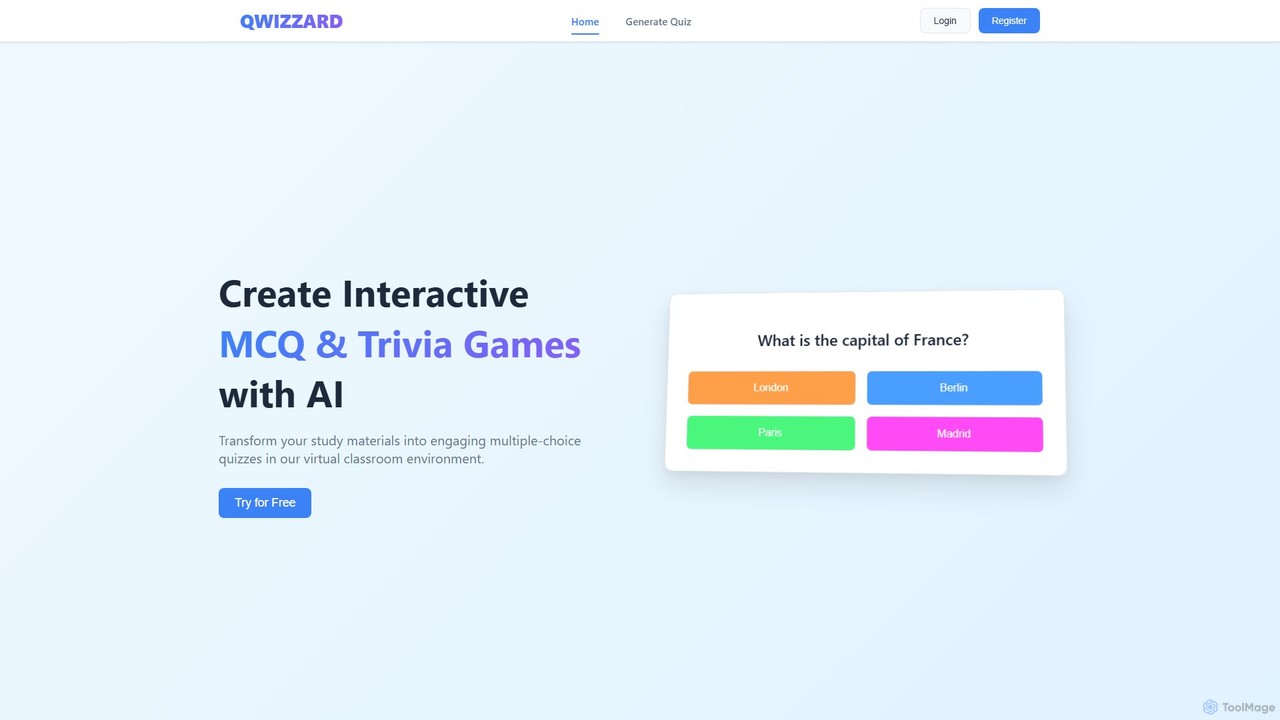
Qwizzard
Qwizzard is an AI-powered question generator that transforms your documents, presentations, and study materials into interactive multiple-choice quizzes and trivia games. Ideal for educators, students, and trainers, it saves hours of preparation time and makes learning more engaging and effective through a virtual classroom experience with instant feedback.
AssessmentQuizify
Quizify is an AI-powered tool that instantly transforms any text into engaging quizzes. Simply paste your content, customize the number of questions and options, and generate multiple-choice questions in seconds. Ideal for educators, students, and trainers, it streamlines the creation of learning materials and assessments, with advanced options to export as JSON or publish directly to Google Forms.
ApiAIQuizGen
A powerful AI quiz generator that instantly creates high-quality quizzes from any topic, text, or PDF. It supports various question types like multiple-choice, true/false, and fill-in-the-blank. Ideal for teachers, students, and businesses to save time, enhance learning, and create engaging assessments.
TrainingQuizGeniusAI
QuizGeniusAI is an AI-powered platform that enables users to effortlessly create engaging quizzes from any topic, text, or PDF document in minutes. It's designed for educators, trainers, and marketers to automate quiz creation, publish instantly, and track performance with real-time analytics. Start for free and scale as needed.
Assessment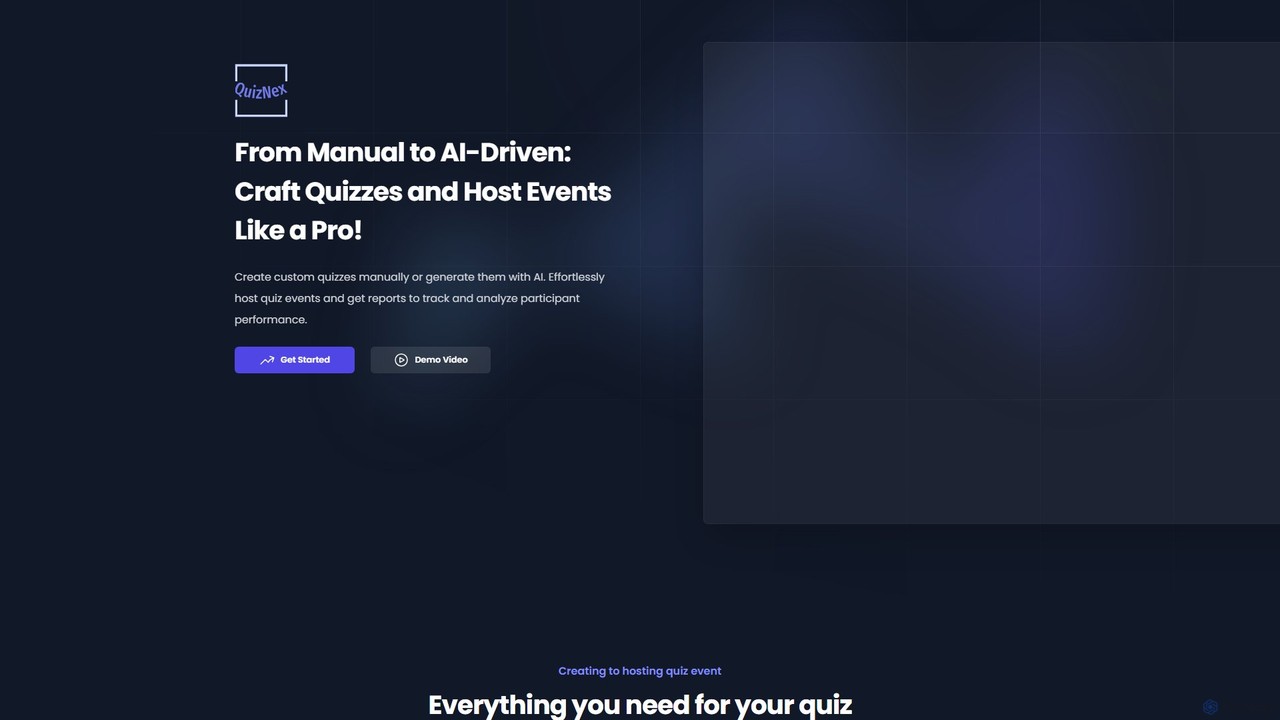
QuizNex
QuizNex is an AI-powered platform that transforms quiz creation and event hosting. Effortlessly generate engaging quizzes on any topic with a single click, or manually craft them for full control. Host live quiz events, share them easily, and receive detailed performance reports to analyze participant engagement and knowledge.
Assessment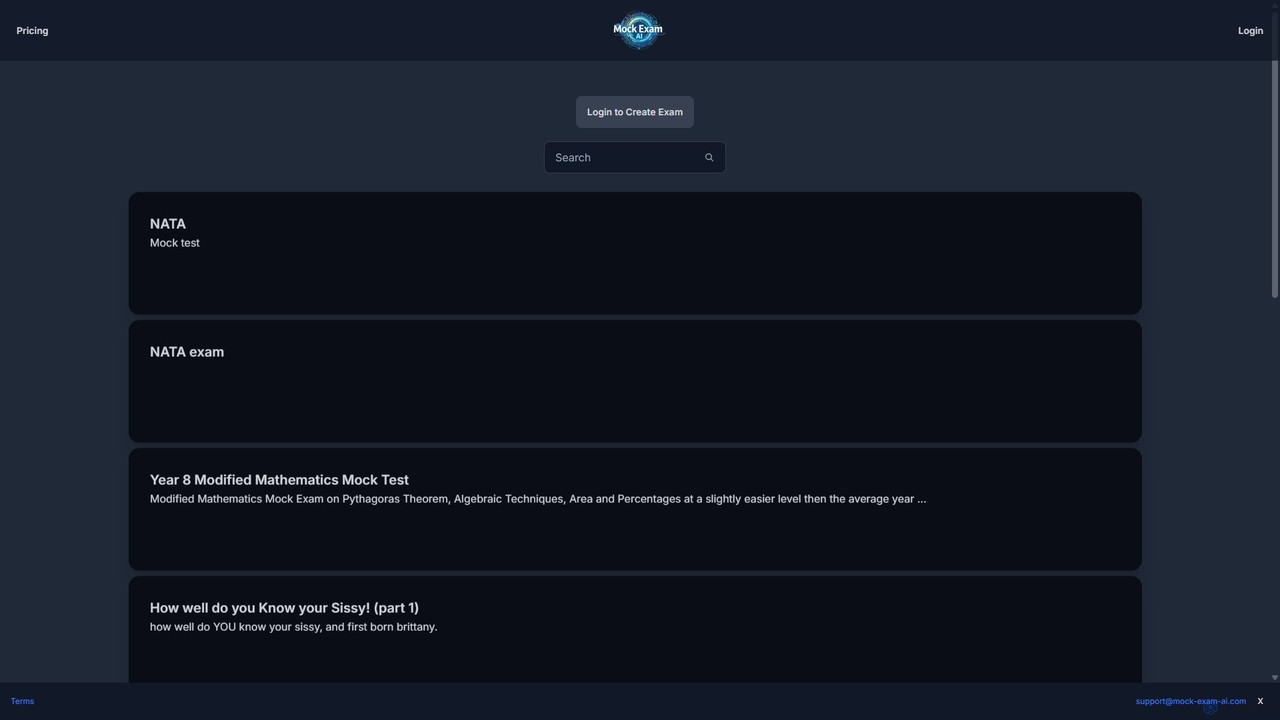
Mock Exam AI
Mock Exam AI is an intelligent tool that automatically generates mock exams, quizzes, and tests from your study materials. Simply upload a document or provide a topic, and the AI creates relevant questions, saving valuable time for students, teachers, and professionals preparing for assessments.
Test Preparation
quizmixer
quizmixer is an AI-powered quiz generator that transforms any content—such as text, PDFs, or YouTube videos—into engaging quizzes and assessments. Ideal for educators, students, and corporate trainers, it automates the creation of diverse question types, saving significant time and effort while enhancing learning and engagement.
Assessment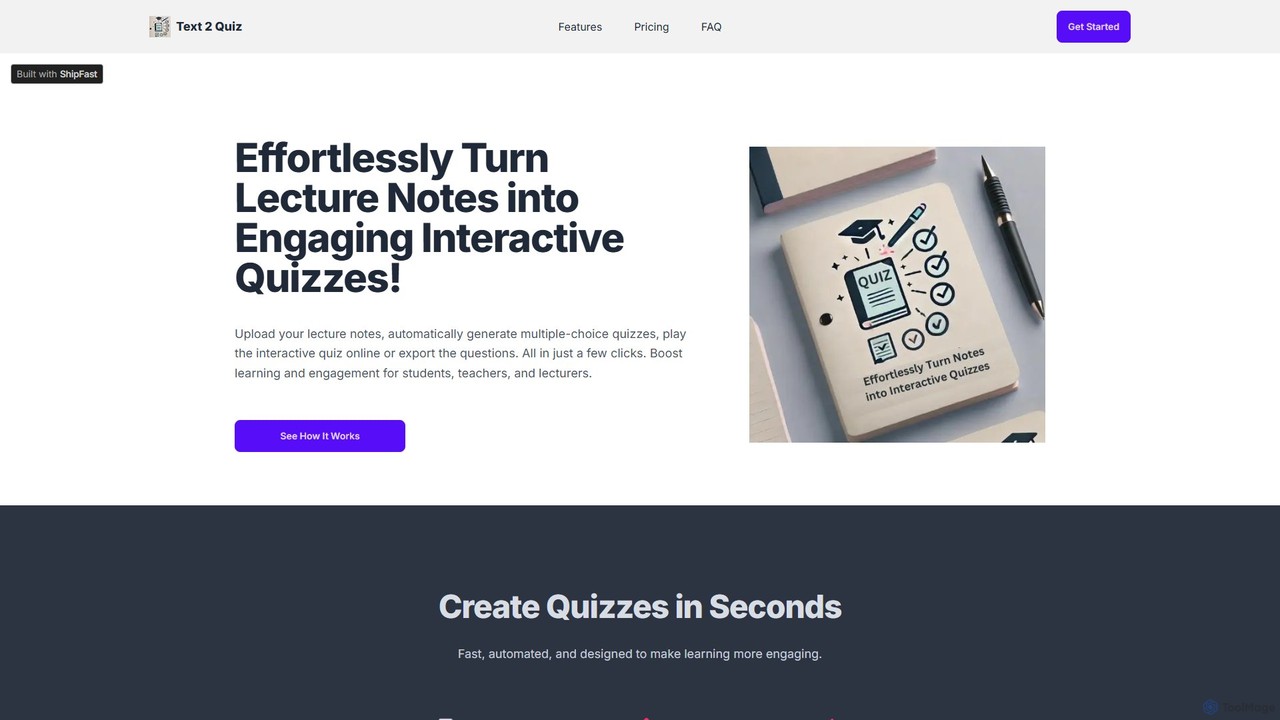
Text 2 Quiz
Text 2 Quiz is an AI-powered tool that transforms lecture notes, PDFs, and PowerPoint presentations into interactive multiple-choice quizzes. Designed for students, teachers, and lecturers, it automates question creation, supports Bloom's Taxonomy for varied cognitive levels, and allows for easy sharing and exporting of quizzes to enhance learning and engagement.
Assessment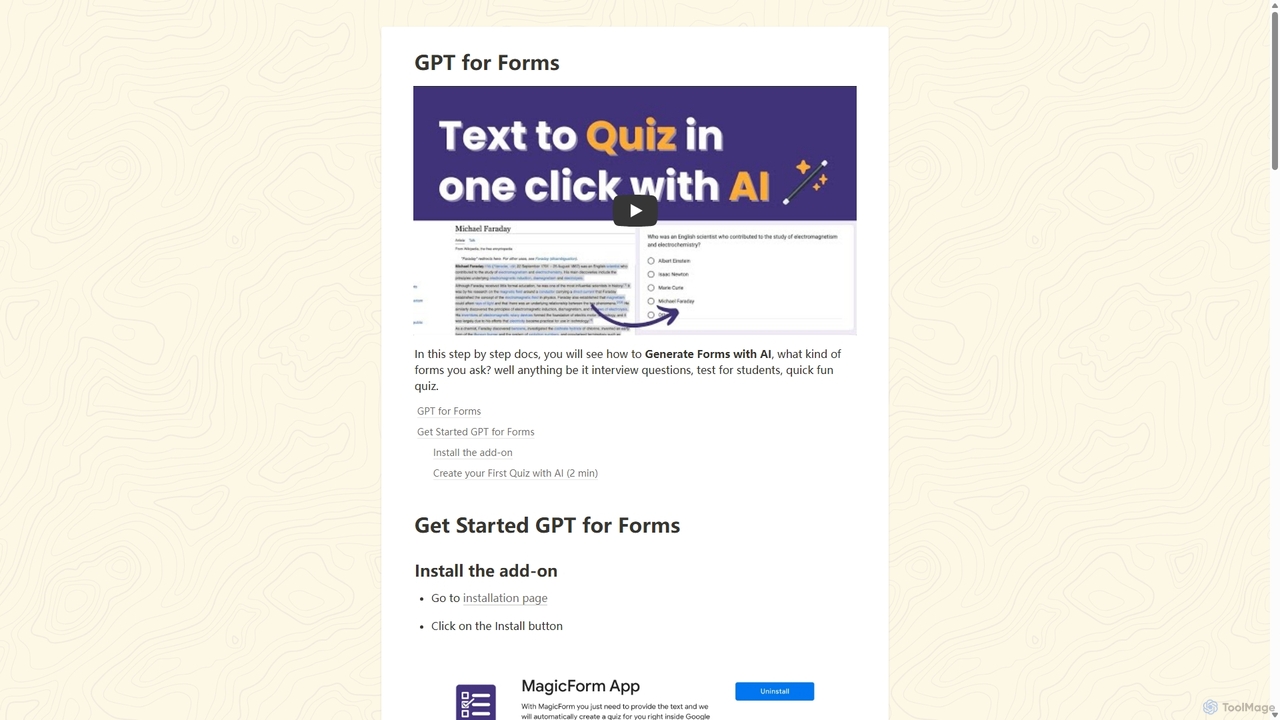
GPT for Forms
An AI-powered Google Forms add-on that instantly generates quizzes, tests, and surveys from any text. Simply paste your content, and GPT for Forms creates relevant questions and answers in seconds, streamlining the assessment creation process for educators, trainers, and HR professionals.
Assessment
Coursebox
Coursebox is an AI-powered e-learning platform that enables users to rapidly convert documents, videos, and websites into engaging online courses. It features an AI course creator, AI tutor, automated quiz generation, and white-labeling to streamline corporate training and educational content creation.
Training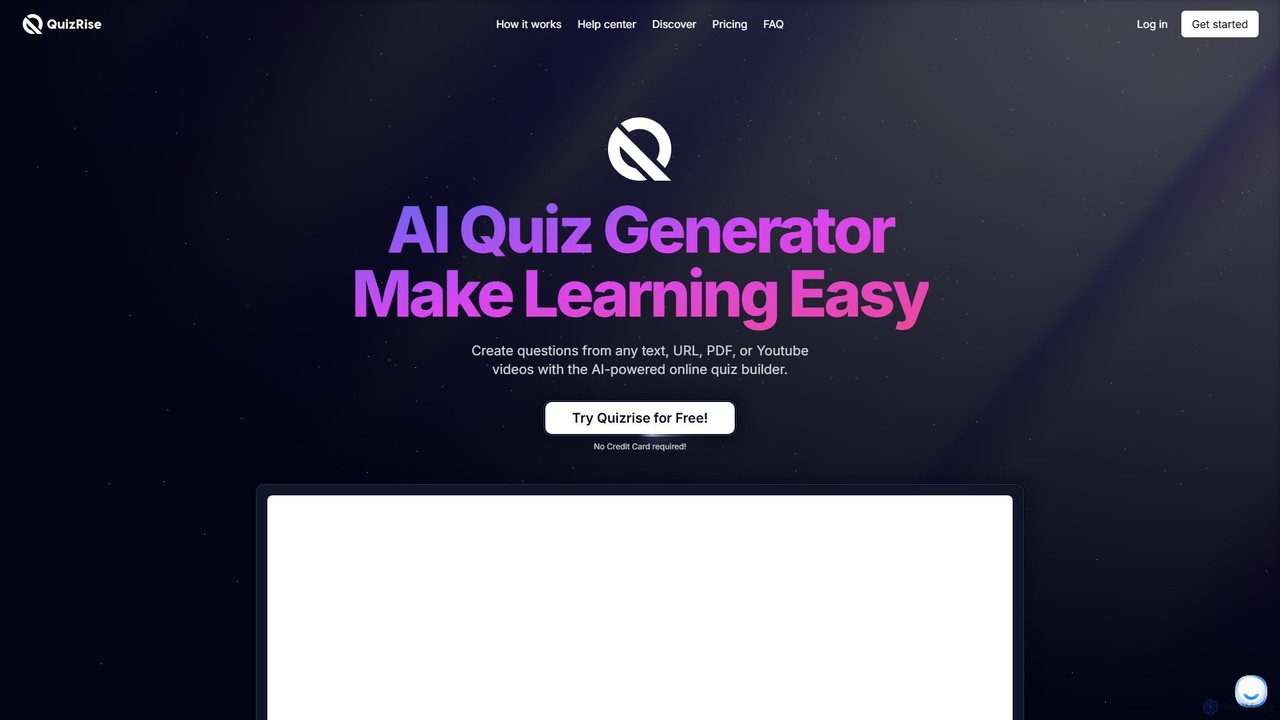
QuizRise
QuizRise is an AI-powered quiz generator that transforms any content—text, URLs, PDFs, or YouTube videos—into engaging quizzes and flashcards in seconds. Designed for students, teachers, and businesses, it supports multiple question types, spaced repetition for effective learning, and detailed analytics. Easily create, customize, share, and analyze educational materials to make learning more efficient and interactive.
Assessment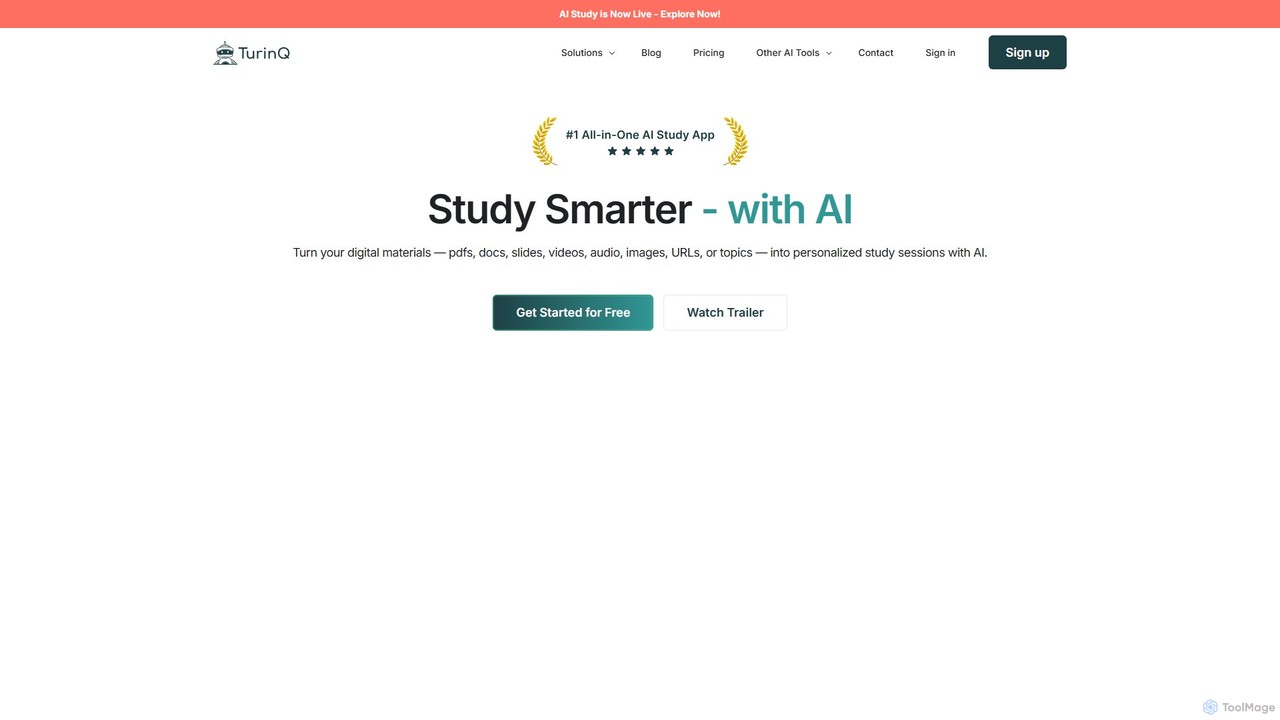
TurinQ
TurinQ is an AI-powered study platform that transforms any content into interactive learning materials. It automatically generates questions, quizzes, and flashcards from text, videos, audio, websites, and images. Designed for students, educators, and corporate trainers, it streamlines content creation, facilitates self-assessment, and enhances learning efficiency through personalized study tools.
Learning
VQstar.ai
VQstar.ai is an AI-powered platform that transforms any YouTube video into an interactive quiz. It's designed for educators, trainers, and content creators to enhance learning, boost engagement, and assess comprehension by turning passive video consumption into an active, gamified experience.
Assessment
LearnKraft Comments (0)
Sign in to comment.
Sign inNo comments yet.