

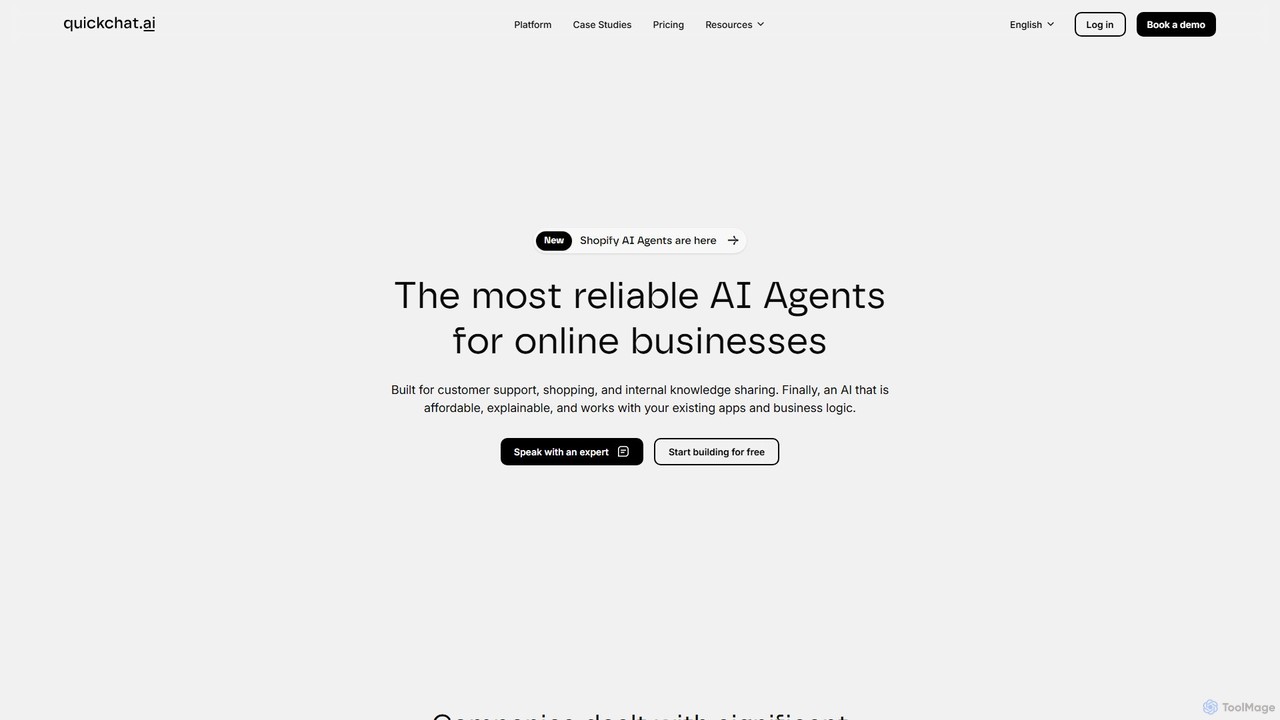
Quickchat AI Overview
Quickchat AI provides a comprehensive suite of tools for businesses to create and deploy their own AI Agent workforce. This platform is designed to ensure that every interaction is on-brand, on-point, and secure. By leveraging your existing company knowledge, Quickchat AI enables you to build intelligent chatbots that can handle a wide range of tasks, from answering customer queries to qualifying leads, all while maintaining your unique brand voice and adhering to predefined safety guardrails.
The platform's core philosophy revolves around three principles: being 'On-Brand' by reflecting your company's personality, 'On-Point' by providing accurate answers from your knowledge base, and 'On-Guard' by using built-in safeguards to prevent off-topic or inappropriate conversations. This makes it a reliable solution for businesses looking to automate interactions without sacrificing quality or control.
How to use Quickchat AI
Using Quickchat AI is a straightforward process designed for users of all technical levels:
- Create a Knowledge Base: Start by feeding the AI your company's data. You can import your website content with a single click, or upload various documents such as FAQs, product manuals, and policy documents. The system processes this information to become the single source of truth for your AI Agent.
- Customize Your AI Agent: Define the agent's personality, name, and goals. With over 10 customization features, you can fine-tune its tone of voice (e.g., friendly, professional, witty) and set specific objectives, such as lead capture or support ticket deflection.
- Set Up Guardrails: Implement built-in system safeguards to ensure the AI Agent stays on-topic, avoids sensitive subjects, and remains true to your brand's messaging guidelines.
- Deploy the Web Widget: Customize the look and feel of the chat widget to match your website's design. Once ready, simply embed the provided code snippet onto your site to go live.
- Monitor and Optimize: Use the Conversation Analytics dashboard to track performance. Monitor key metrics like user sentiment, popular conversation topics, and agent resolution rates to continuously improve your AI's effectiveness and gain valuable insights into your customers' needs.
Core Features of Quickchat AI
- Knowledge Base Manager: Easily import data from websites, PDFs, DOCX, and other file formats to create a centralized knowledge source for your AI.
- Advanced Agent Customization: Extensive options to control the AI's personality, conversational style, and operational goals.
- Built-in Guardrails: System safeguards that keep conversations on-topic, brand-aligned, and secure, preventing the AI from going rogue.
- Automated Human Handoff: The AI intelligently detects when a conversation requires human intervention and smoothly transfers the chat to your support or sales team.
- Customizable Web Widget: A fully brandable chat widget that can be seamlessly integrated into any website.
- Conversation Analytics: A powerful dashboard providing insights through sentiment analysis, topic tracking, and agent performance metrics.
- API Access: For developers who need deeper integration and custom workflows, Quickchat AI provides a robust API.
- Multilingual Support: Engage with a global audience by deploying AI Agents that can communicate in multiple languages.
Use Cases for Quickchat AI
Quickchat AI is versatile and can be applied across various business functions:
- 24/7 Customer Support: Provide instant, accurate answers to frequently asked questions around the clock, reducing support ticket volume and improving customer satisfaction.
- Lead Generation & Qualification: Engage website visitors proactively, ask qualifying questions, collect contact information, and even schedule demos or appointments.
- E-commerce Sales Assistant: Help online shoppers find products, provide personalized recommendations, and answer questions about shipping, returns, and product specifications.
- User Onboarding: Guide new users through your software or service, explaining features and helping them get started, which improves activation and retention rates.
- Internal Helpdesk: Deploy an internal AI agent to assist employees with common HR, IT, or policy-related questions, freeing up internal support teams.
Advantages of Quickchat AI
Implementing Quickchat AI offers significant benefits:
- Enhanced Efficiency: Automate repetitive inquiries, allowing your human agents to focus on high-value, complex interactions.
- Improved Customer Experience: Offer immediate, 24/7 support, eliminating wait times and providing a consistent service experience.
- Cost Savings: Reduce operational costs associated with staffing a large customer support team.
- Brand Consistency: Ensure every customer interaction is perfectly aligned with your brand's voice and guidelines.
- Actionable Insights: Gain a deeper understanding of your customers through detailed conversation analytics, helping you make data-driven business decisions.
Pricing and Plans
Quickchat AI offers a tiered pricing structure to suit businesses of different sizes and needs, including a free plan to get started. The plans typically vary based on the number of monthly conversations, the number of AI agents you can build, and access to advanced features like in-depth analytics and API access. For the most current and detailed pricing information, it is recommended to visit the official Quickchat AI website.
Traffic
Latest traffic
Status
Monthly traffic trend
- 2025-9: 43.3K
- 2026-1: 54.5K
- 2026-2: 51.5K
- 2026-3: 52.6K
- 2026-4: 78.8K
- 2026-5: 71.5K
Geography
Top 5 countries / regions
- 🇺🇸United States24.0%
- 🇳🇬Nigeria20.8%
- 🇰🇭Cambodia20.1%
- 🇮🇳India17.6%
- 🇬🇧United Kingdom17.5%
Traffic sources
| Source type | Percentage |
|---|---|
Direct | 86.6% |
Referral | 10.1% |
Email | 3.3% |
Top keywords
| Keyword | Cost per click |
|---|---|
| cht | $0.00 |
| genspark ai | $1.49 |
| quick chat | $0.29 |
| quickchat | $0.19 |
| quickchat ai discord | $0.00 |
Quickchat AI Videos on YouTube


Escuela Musk
Quickchat AI Alternatives
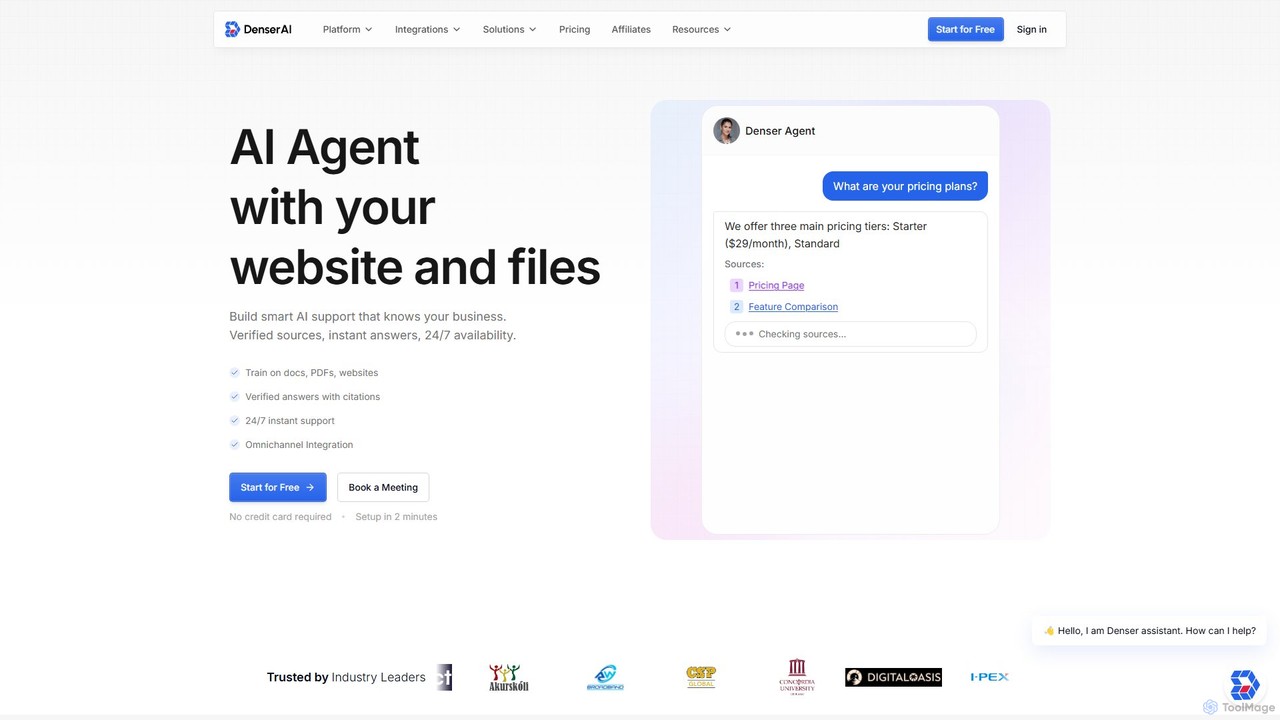
Denser
Denser is a no-code AI platform for building enterprise-grade AI agents and chatbots. Train AI on your website content, documents, and files to provide instant, verified answers for customer support, lead generation, and internal automation, complete with source citations.
Chatbot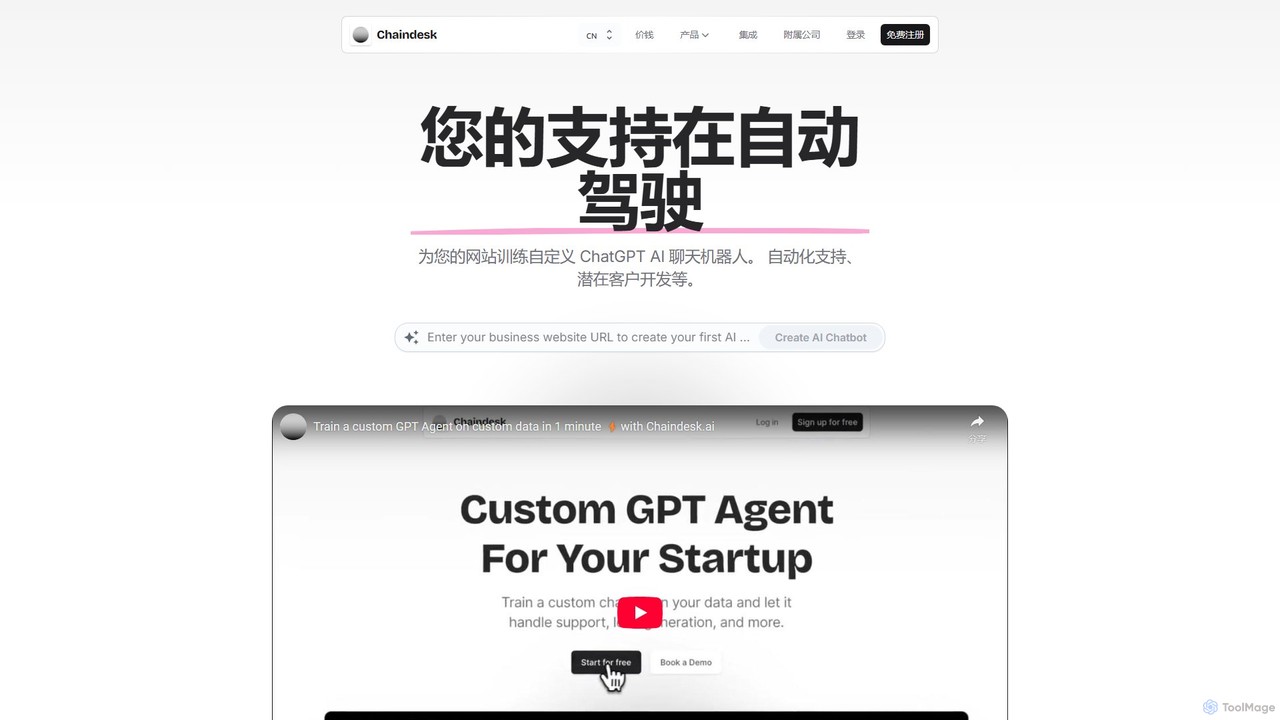
Chaindesk
Chaindesk is a no-code platform that allows you to build custom AI chatbots, powered by models like GPT-4, trained on your own data. Automate customer support, generate leads, and provide instant, 24/7 answers across multiple channels. It integrates with various data sources like Notion, Google Drive, and websites, offering a comprehensive AI support ecosystem with features like a shared inbox, human handover, and AI-powered email assistance.
Chatbot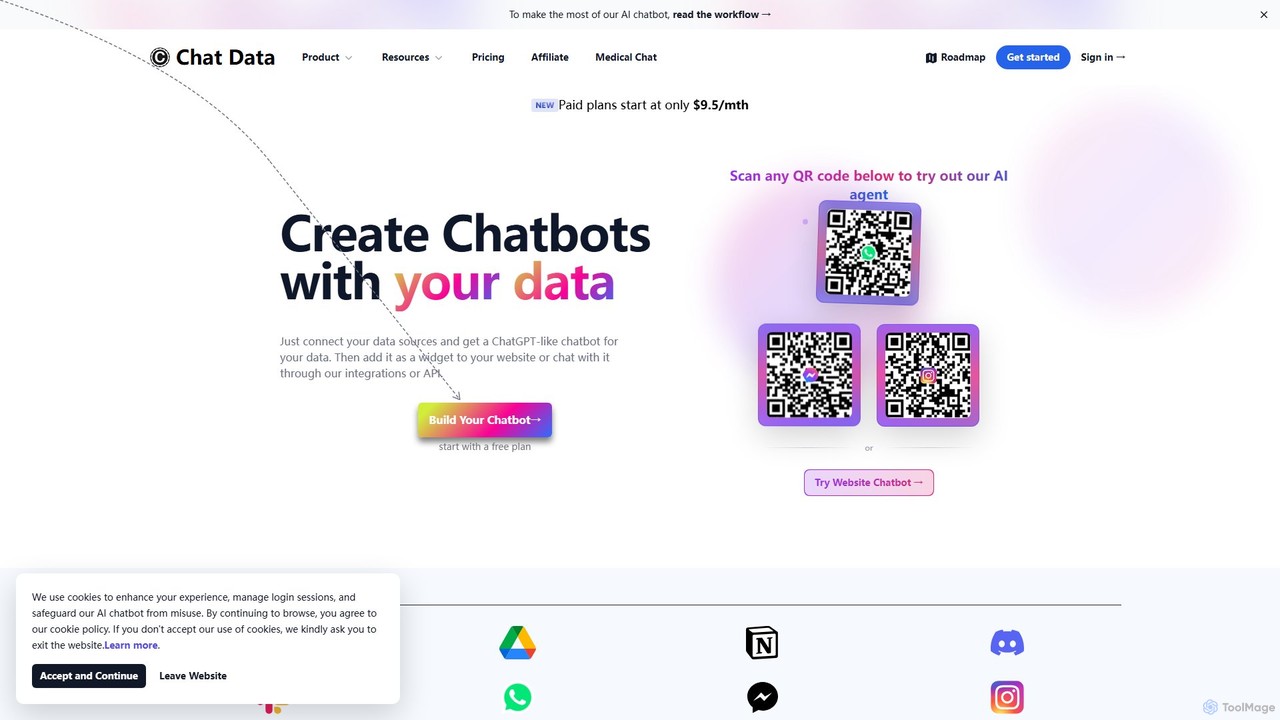
Chat Data
Chat Data is an AI platform to create custom 24/7 AI agents and live chatbots from your own data. Connect websites, documents, or e-commerce stores to build an intelligent assistant. It features real-time voice chat, multi-modal inputs, deep integrations (WhatsApp, Slack), and advanced capabilities like AI actions, full white-labeling with SSO, and HIPAA-compliant models for comprehensive business automation.
Chatbot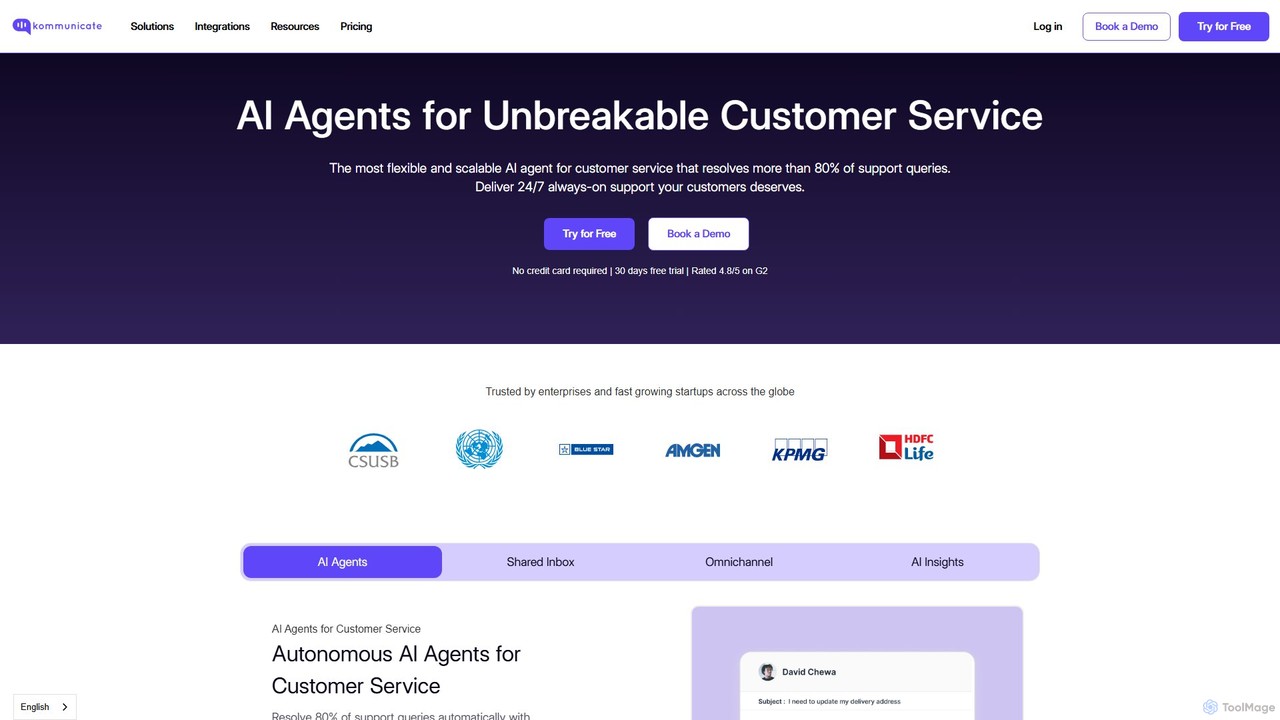
Kommunicate
Kommunicate is an AI-powered customer support automation platform. It enables businesses to build and deploy intelligent chatbots and live chat solutions across websites, mobile apps, and messaging platforms. Featuring a no-code chatbot builder, generative AI capabilities, and extensive integrations, Kommunicate helps automate responses, manage support tickets, and enhance customer engagement to improve service efficiency.
Chatbot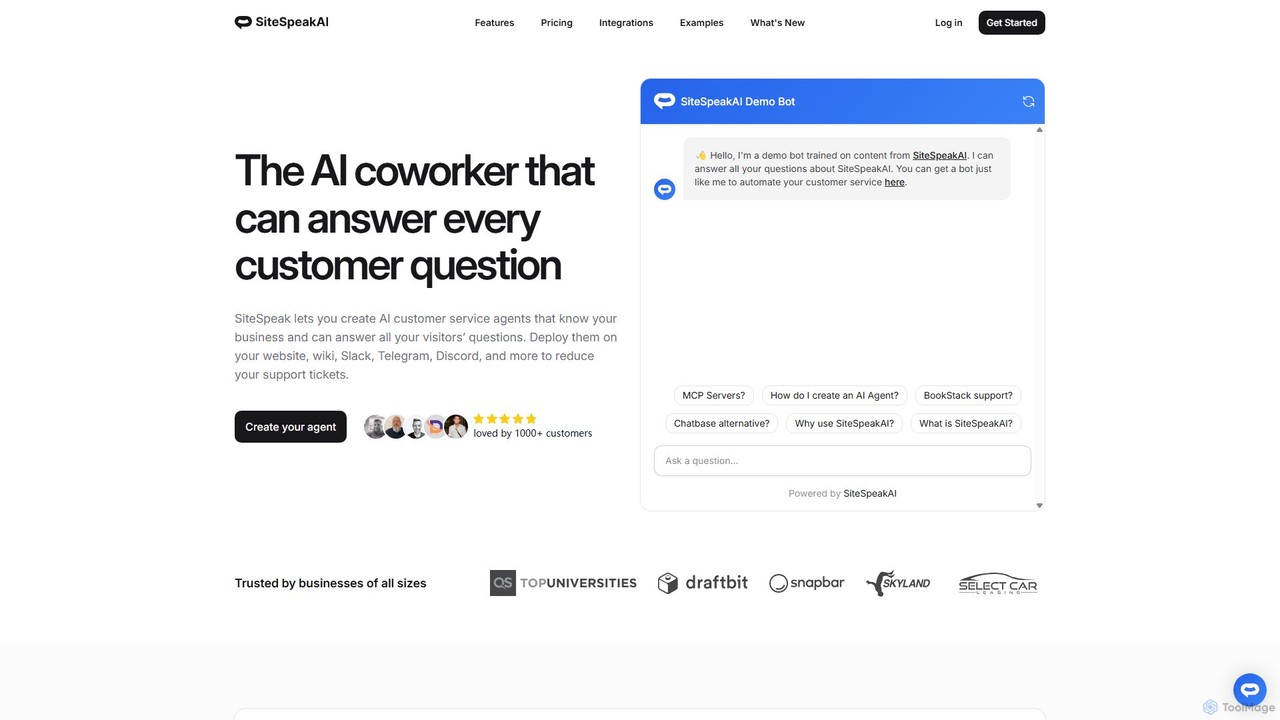
SiteSpeakAI
SiteSpeakAI allows you to create custom AI customer service agents trained on your business data. Deploy them on your website, Slack, Discord, and more to automate support, reduce tickets, and answer customer questions 24/7.
ChatbotQuickchat AI Categories
Quickchat AI Embed Widget
Copy this embed code to place the badge on your blog, article, or product site and send readers directly to this ToolMage detail page.

Related AI tools

Chatwith
Chatwith is a no-code platform for creating custom AI chatbots trained on your own data, such as websites, documents, and videos. It instantly answers customer queries 24/7, integrates with over 5000 apps to perform actions, and supports 95+ languages. Fully customizable and easy to embed, it helps businesses boost sales, improve support, and generate leads without any coding required.
Chatbot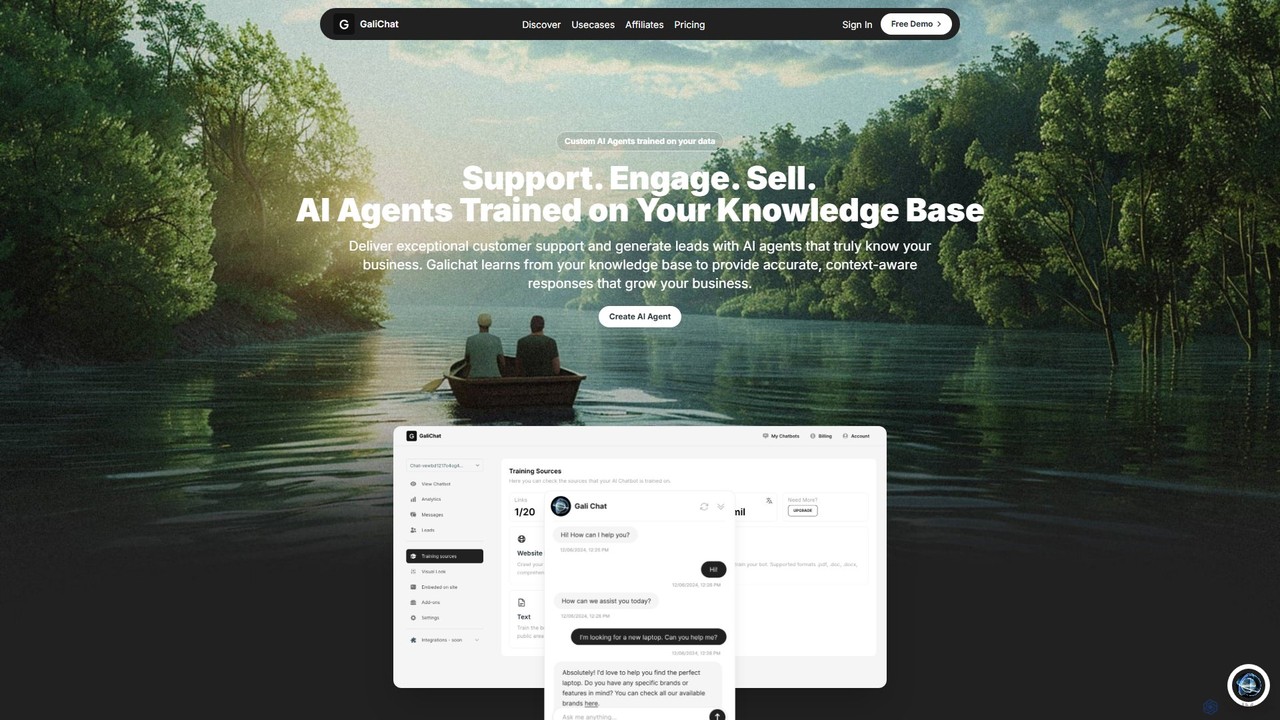
GaliChat
GaliChat is a no-code AI platform that allows businesses to create custom AI agents trained on their own data. These chatbots provide 24/7 customer support, generate leads, and engage website visitors in over 50 languages. Set up is completed in minutes by adding your website link or files, enabling you to reduce support costs and improve response times significantly.
Chatbot BuilderDenser
Denser is a no-code AI platform for building enterprise-grade AI agents and chatbots. Train AI on your website content, documents, and files to provide instant, verified answers for customer support, lead generation, and internal automation, complete with source citations.
ChatbotChaindesk
Chaindesk is a no-code platform that allows you to build custom AI chatbots, powered by models like GPT-4, trained on your own data. Automate customer support, generate leads, and provide instant, 24/7 answers across multiple channels. It integrates with various data sources like Notion, Google Drive, and websites, offering a comprehensive AI support ecosystem with features like a shared inbox, human handover, and AI-powered email assistance.
Chatbot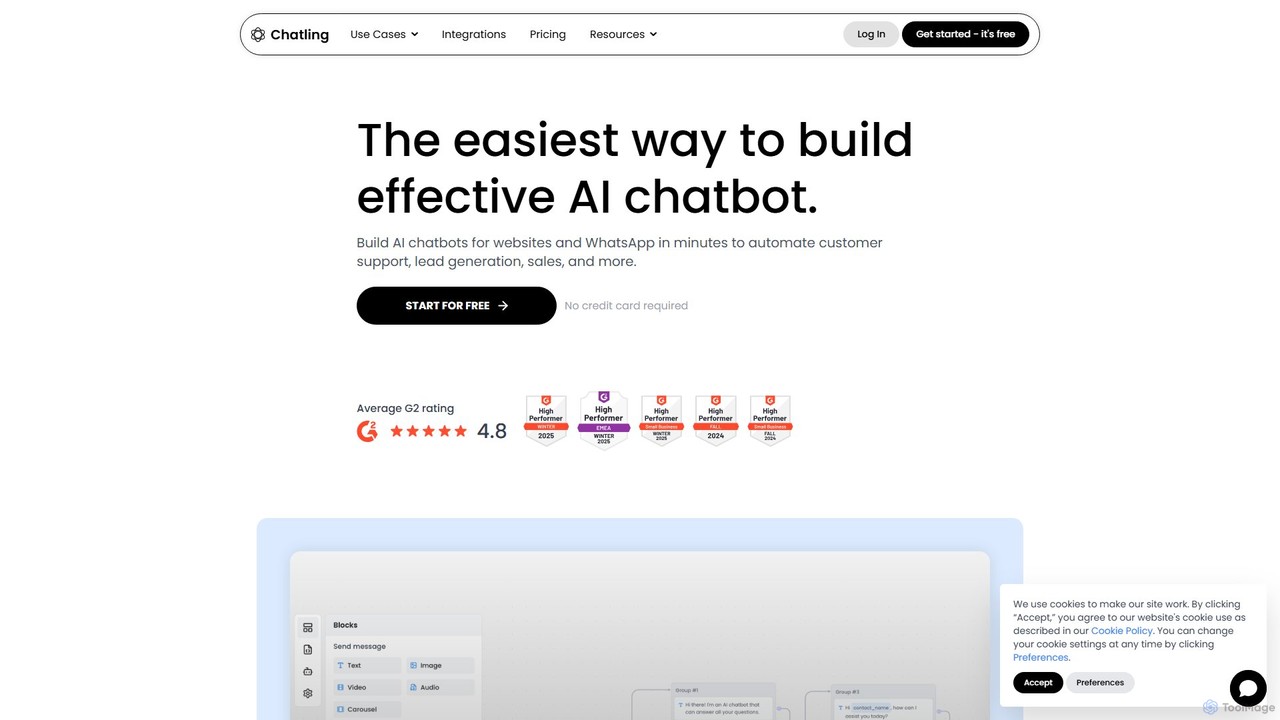
Chatling
Chatling is a no-code platform that allows you to build a custom AI chatbot trained on your own data. Instantly answer visitor questions, generate leads, and improve customer support 24/7. Simply provide a link to your website or upload files, and Chatling will create a ChatGPT-like chatbot that can be embedded on your site in minutes.
Chatbots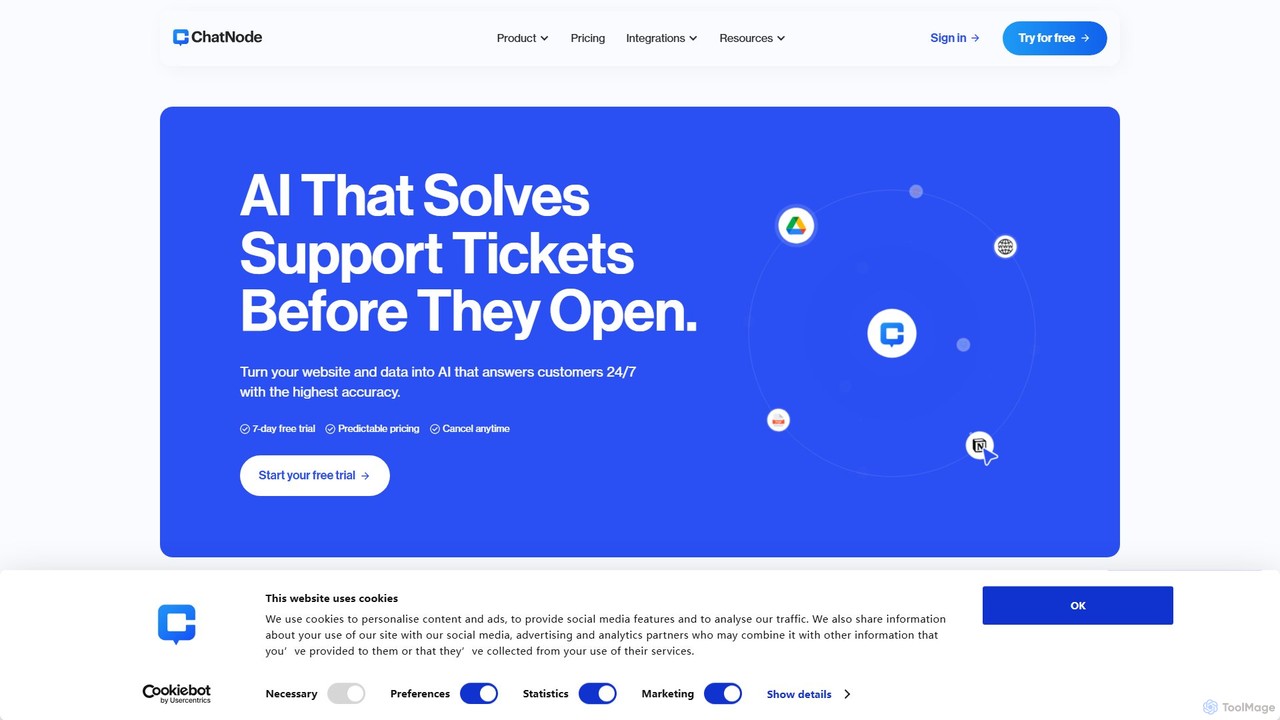
ChatNode
ChatNode is a no-code AI chatbot builder that allows you to create custom chatbots trained on your own data. Easily add a ChatGPT-like assistant to your website to automate customer support, answer questions 24/7, and generate leads, significantly reducing response times and improving user engagement.
Chatbot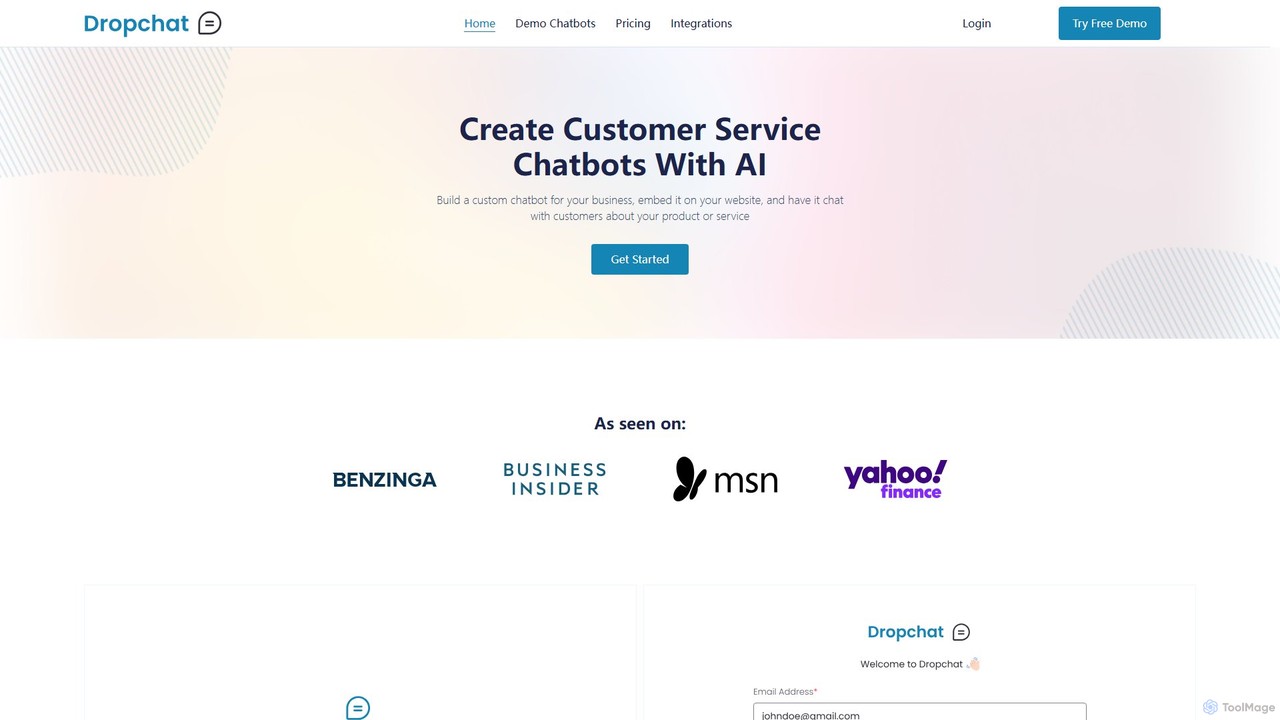
Dropchat
Dropchat is a no-code AI platform that allows businesses to build custom chatbots from their own data. Easily create and embed intelligent chatbots on your website to automate customer service, answer questions 24/7, and engage visitors using content from PDFs, websites, and YouTube videos.
Chatbot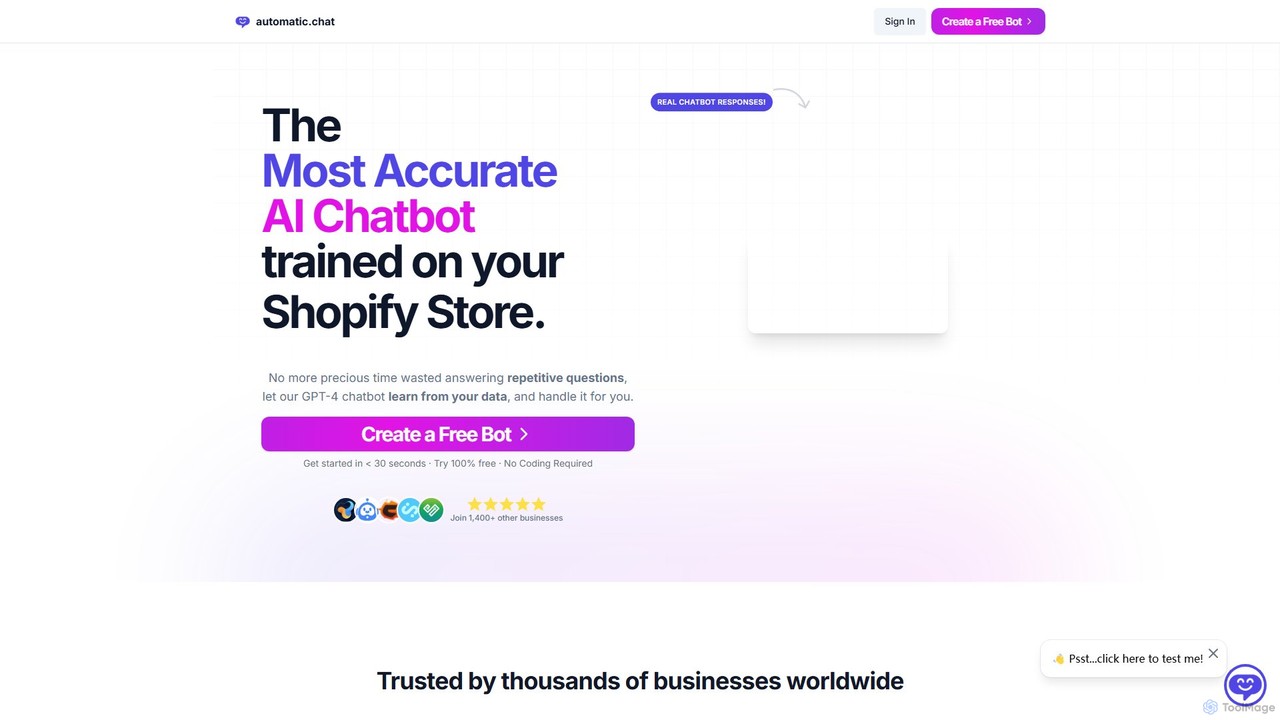
Automatic.chat
Automatic.chat is a no-code AI chatbot builder powered by GPT-4. It allows businesses to create a custom chatbot trained on their own data, such as websites, PDFs, and documents. This automates customer support, answers repetitive questions 24/7, and enhances user engagement. Features include full customization, detailed analytics, chat history, and multilingual support, all designed to save time and improve customer satisfaction.
Chatbot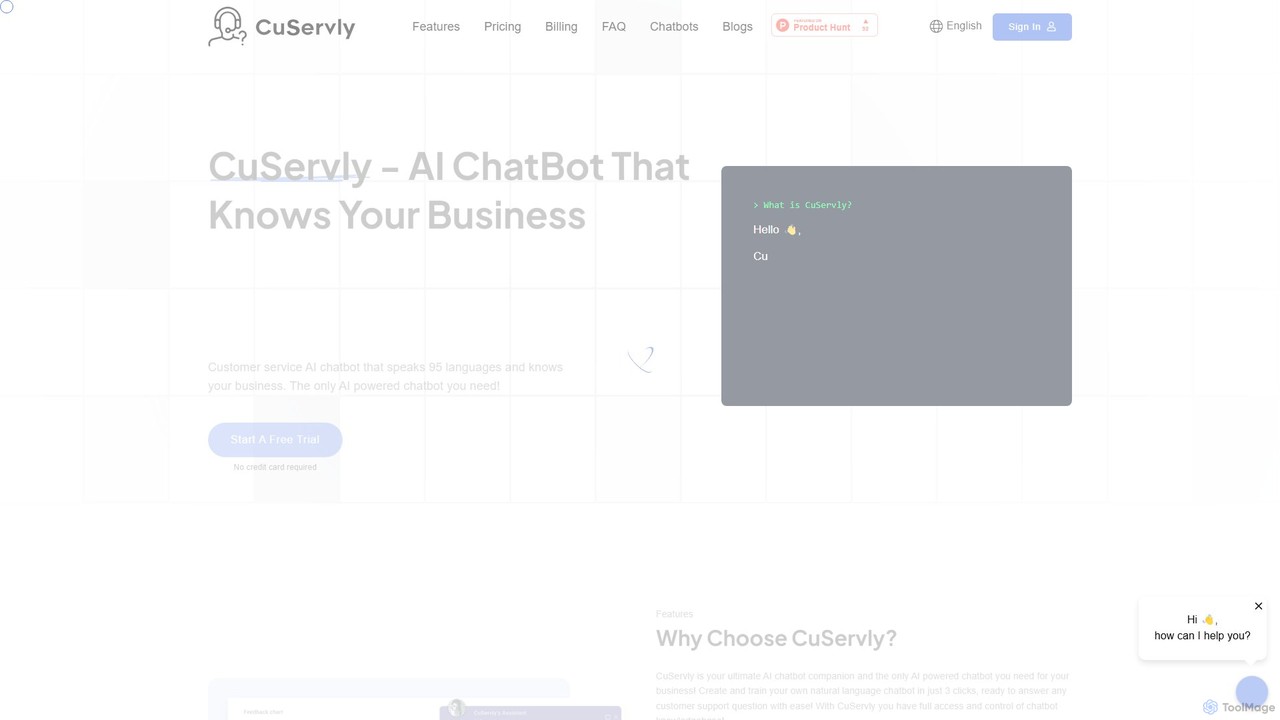
Cuservly
Cuservly is an AI chatbot platform that enables businesses to create and train custom chatbots using their own data. Deploy intelligent assistants on your website to automate customer support, generate leads, and provide 24/7 instant answers based on your web pages and documents.
Chatbot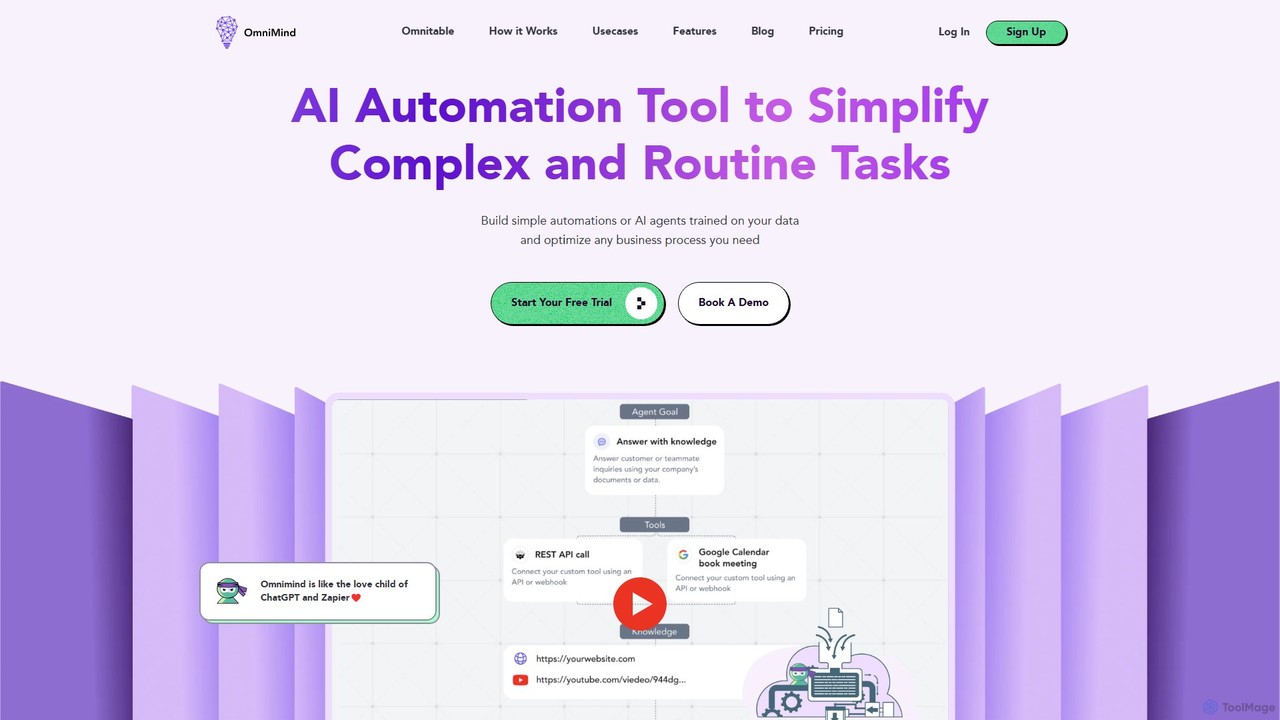
Omnimind
Omnimind is a no-code AI automation platform that lets you build custom AI agents trained on your own data. Connect to sources like Notion, PDFs, and websites to automate complex tasks in customer support, sales, and education. It combines the power of large language models with workflow automation, similar to a blend of ChatGPT and Zapier.
Custom Chatbot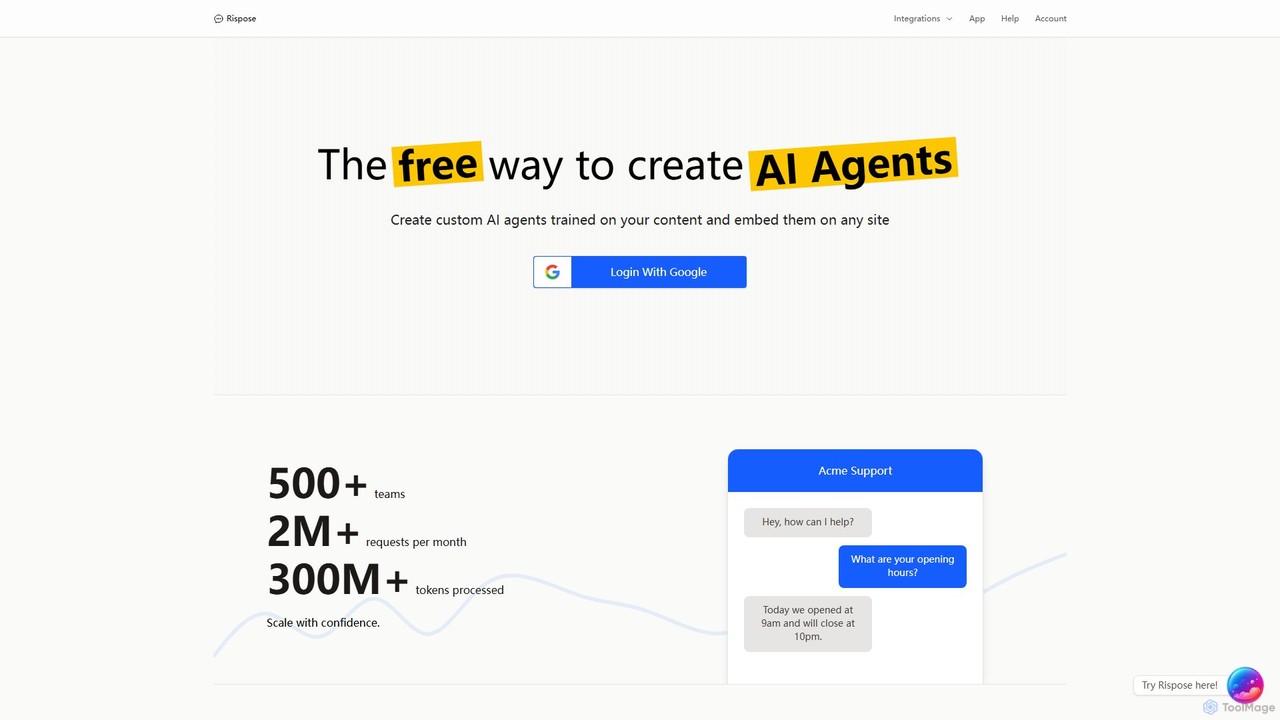
Rispose
Rispose is a platform that allows you to create and embed custom AI agents on any website for free. Train your chatbot on your own documents, files, and data to provide instant, accurate support, answer questions, or act as a 24/7 sales assistant. It's easy to set up and integrates with platforms like Shopify, Notion, and more.
Chatbot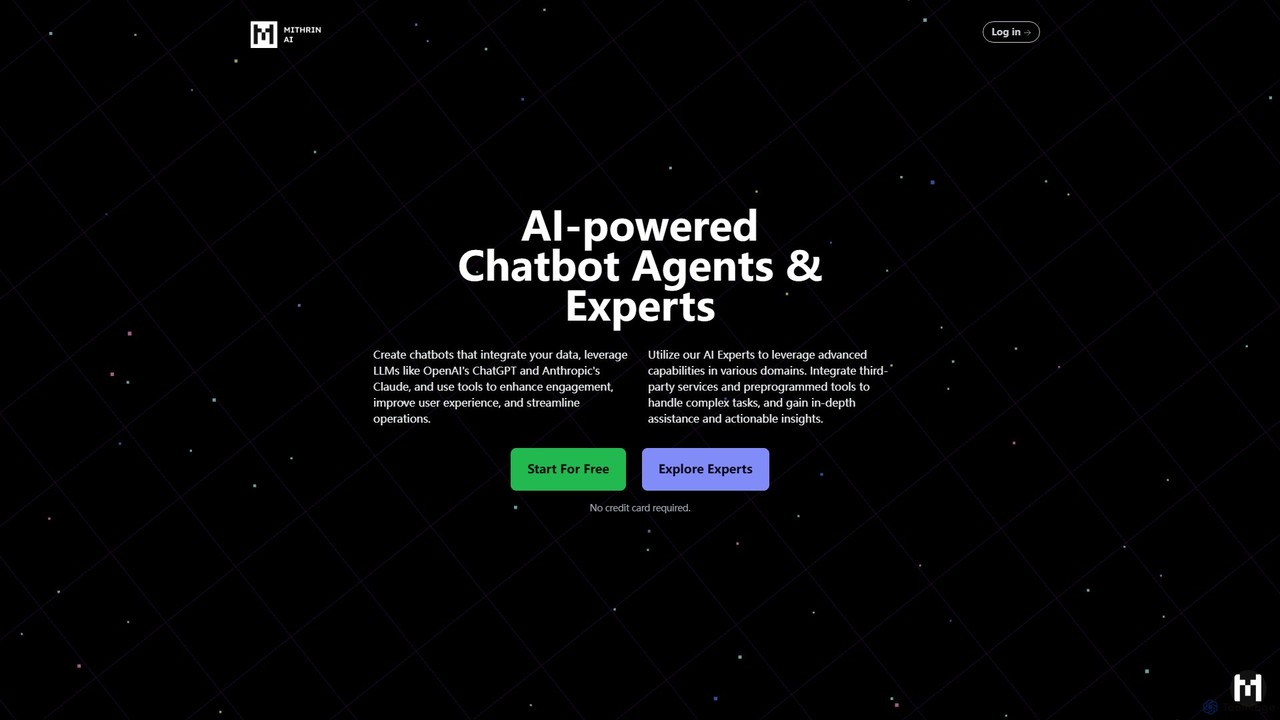
Mithrin
Mithrin is a no-code platform for creating advanced AI chatbot agents for your website. It integrates your custom data using RAG, leverages top LLMs like GPT-4o and Claude, and automates tasks such as lead collection, appointment scheduling, and customer support to enhance user engagement and streamline operations.
Chatbot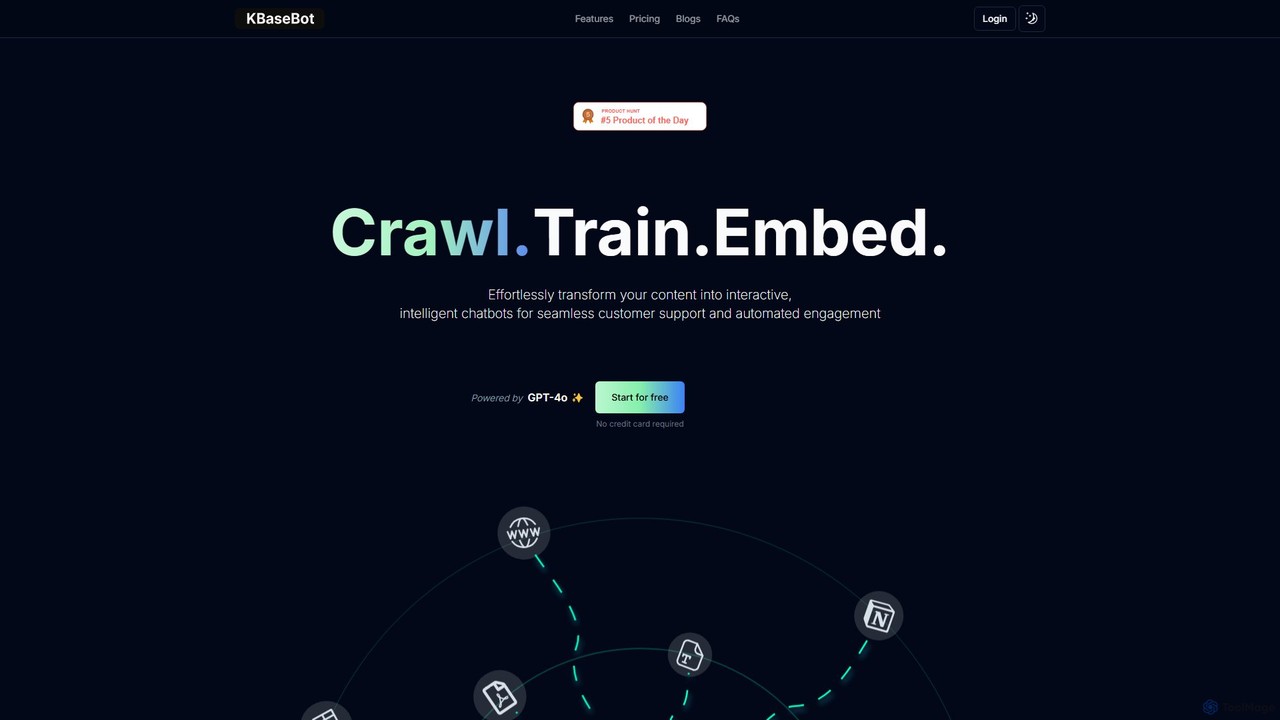
KBaseBot
KBaseBot is an AI-powered platform that effortlessly transforms your existing content—such as websites, documents, and text—into intelligent, interactive chatbots. Powered by GPT-4o, it automates customer support, generates leads, and streamlines internal documentation without any coding required. Easily embeddable and customizable, it helps businesses enhance user engagement and save valuable time.
ChatbotChat Data
Chat Data is an AI platform to create custom 24/7 AI agents and live chatbots from your own data. Connect websites, documents, or e-commerce stores to build an intelligent assistant. It features real-time voice chat, multi-modal inputs, deep integrations (WhatsApp, Slack), and advanced capabilities like AI actions, full white-labeling with SSO, and HIPAA-compliant models for comprehensive business automation.
ChatbotKommunicate
Kommunicate is an AI-powered customer support automation platform. It enables businesses to build and deploy intelligent chatbots and live chat solutions across websites, mobile apps, and messaging platforms. Featuring a no-code chatbot builder, generative AI capabilities, and extensive integrations, Kommunicate helps automate responses, manage support tickets, and enhance customer engagement to improve service efficiency.
Chatbot
Quickchat AI Comments (0)
Sign in to comment.
Sign inNo comments yet.